Rental Arbitrage & Vacation Rental Deal Analyzer: Short-Term Rental Arbitrage Calculator
Full description
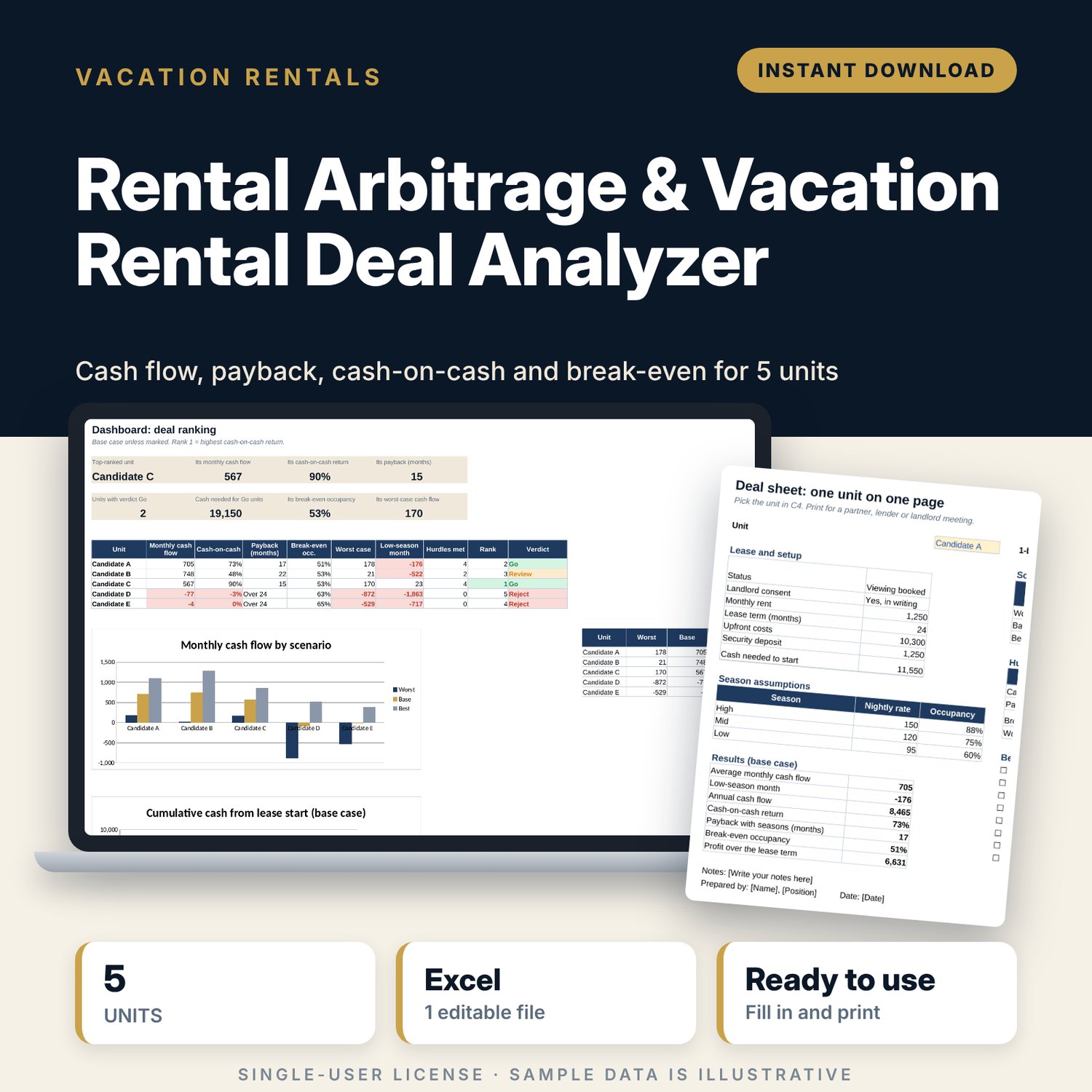
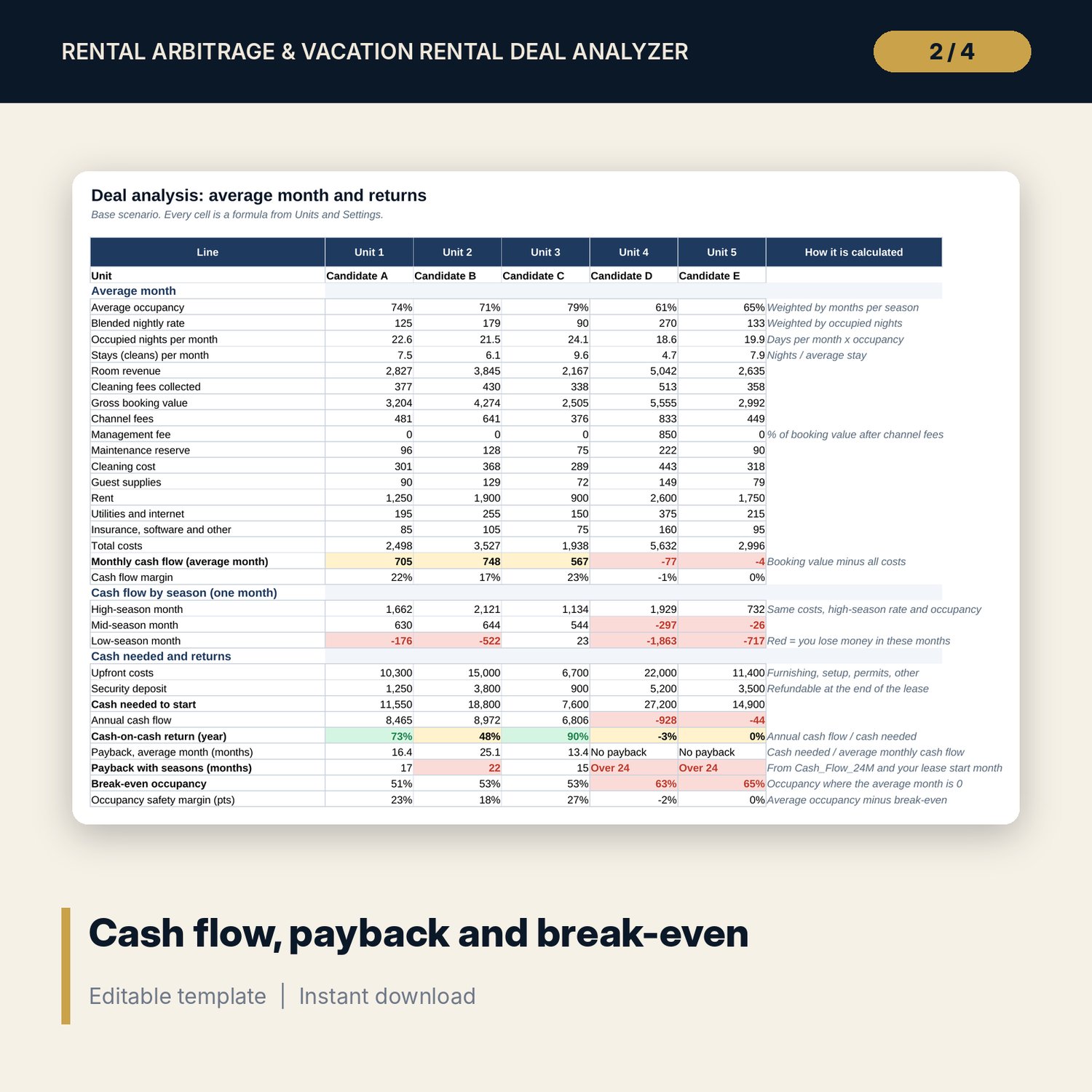
For hosts who rent units long term and sublet them as short-term rentals, and for anyone checking whether a unit can pay its rent from guest bookings. You enter the rent, upfront costs, nightly rate and occupancy by season, fees and running costs for up to 5 candidate units. The workbook builds an average month and a month in each season, then shows cash needed to start, cash-on-cash return, payback, break-even occupancy, a worst, base and best case, 24 months of cumulative cash and a ranking against your own hurdles.
Save with a bundle: this template is also in the Vacation Rental Business Bundle, 10 templates for $29 instead of $69. All 141 templates are in the All-Access Hospitality Template Library for $79.
What is inside
- Rental_Arbitrage_Deal_Analyzer.xlsx: 8 tabs, 668 formulas, 2 native charts, 7 drop-down or number rules.
- Settings: lease start month, days per month, 4 investment hurdles, 3 scenarios (worst, base, best) and the season of each of the 12 calendar months.
- Units: 5 unit columns with 30 assumption lines each: rent, lease term, deposit, landlord consent, 4 upfront cost lines, nightly rate and occupancy for 3 seasons, average stay, cleaning fee, channel and management fees and 8 running cost lines.
- Analysis: 36 result lines per unit: average-month profit and loss, cash flow in a high, mid and low-season month, cash needed to start, cash-on-cash return, 2 payback measures, break-even occupancy, safety margin, profit over the lease, hurdles met, verdict and rank.
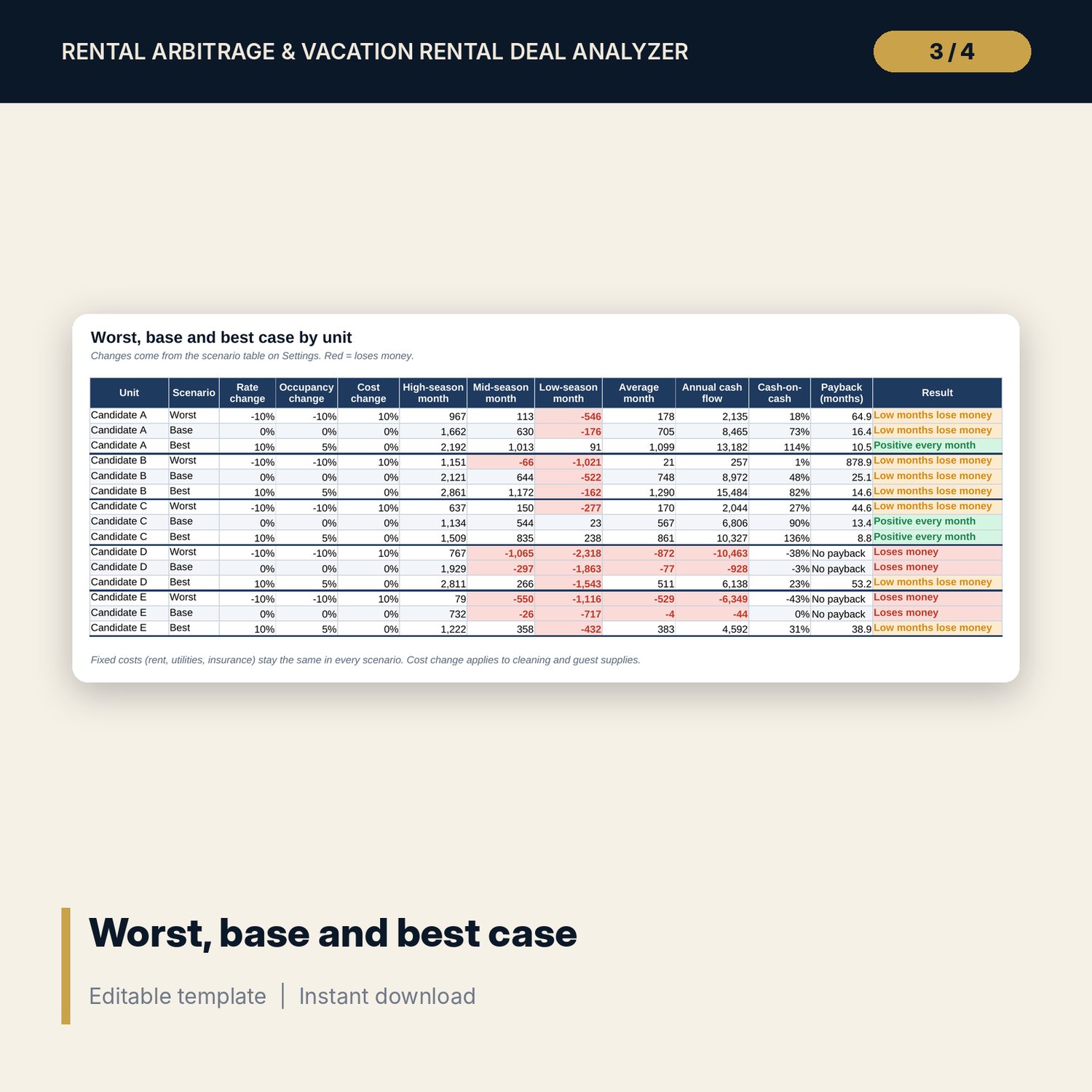
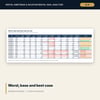
- Scenarios: 15 rows (5 units x 3 cases) with season cash flow, average month, annual cash flow, cash-on-cash return, payback and a result flag.
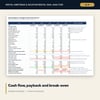
- Cash_Flow_24M: cumulative cash for 24 months from your lease start for each unit, with the payback month.
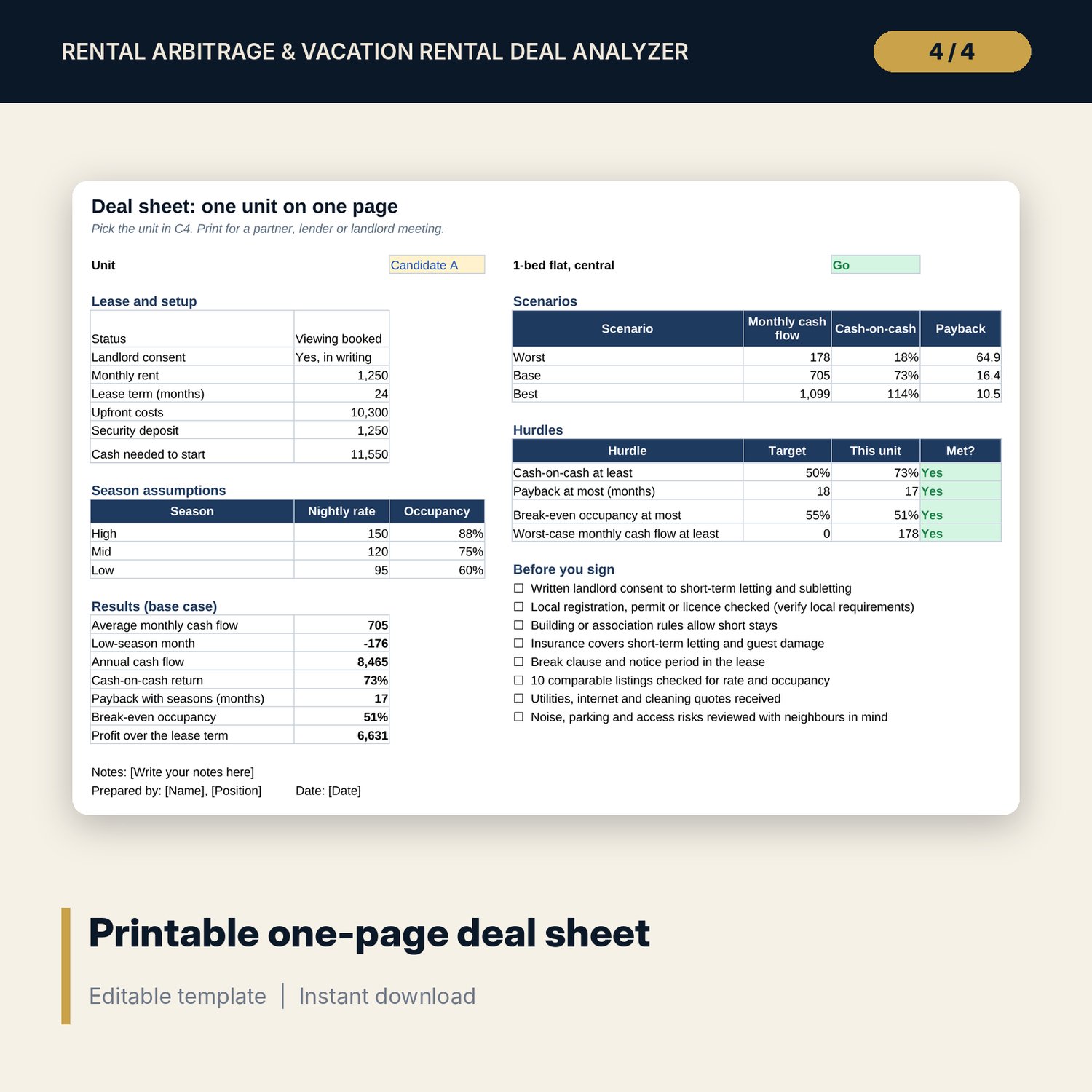
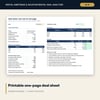
- Deal_Sheet: one printable page for the unit you pick, with scenarios, hurdles and an 8-point checklist before signing.
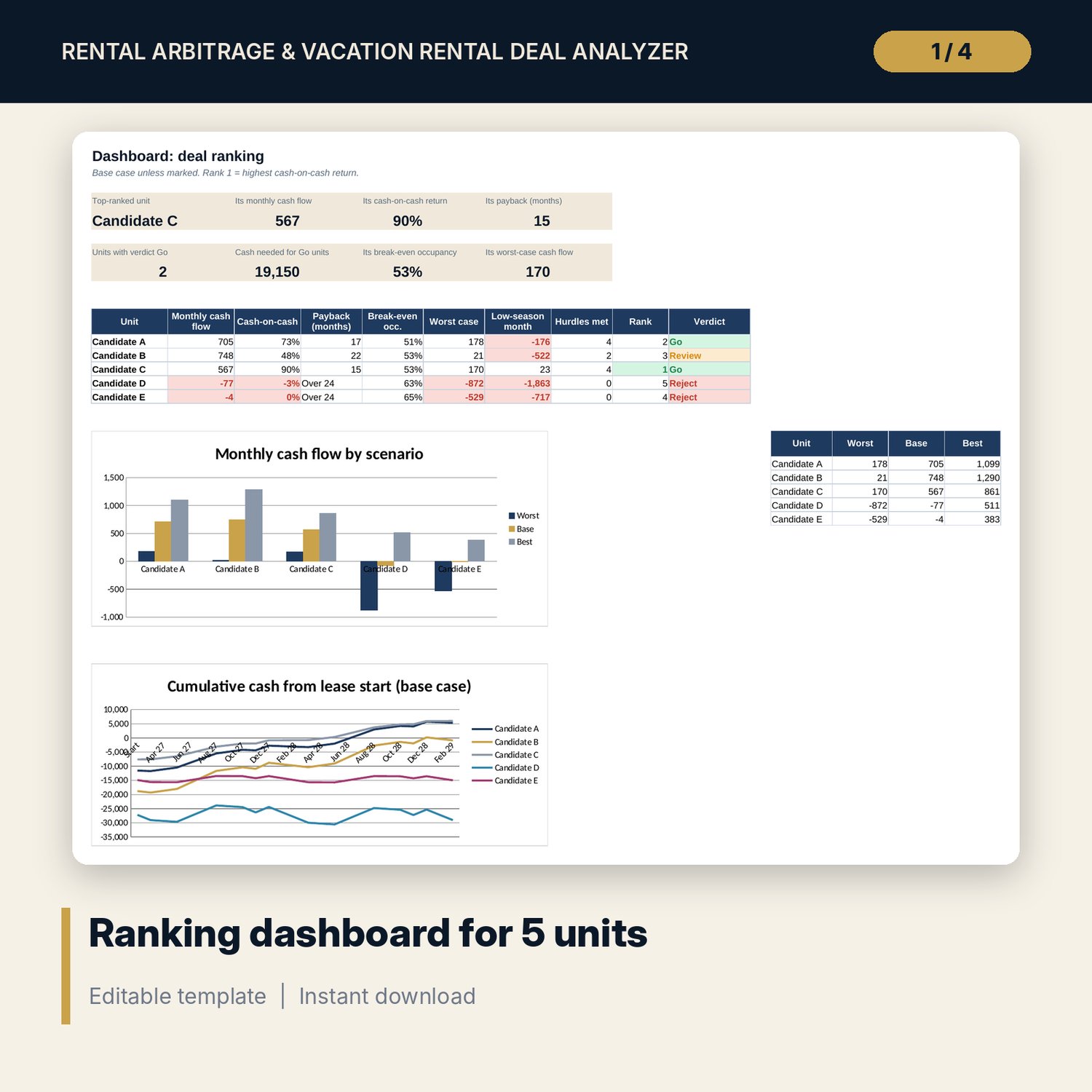
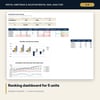
- Dashboard: 8 KPI tiles, a ranking table and 2 charts.
- README.txt and LICENSE-and-Terms.txt.
How it works
- Set your lease start month, hurdles and high, mid and low months on Settings.
- Enter up to 5 candidate units on Units, using comparable listings for rates and occupancy.
- Read Analysis and Scenarios. Check the low-season month and the worst case.
- Compare the units on Dashboard and see which ones meet all 4 hurdles.
- Print Deal_Sheet for the unit you want to take to a partner or landlord.
Details
- Format: Excel workbook (.xlsx). No macros.
- Language: English. Currency is a label you choose.
- Software: Excel 2016 or later, or Google Sheets.
- Delivery: instant digital download. Nothing is shipped.
Good to know
- All five sample units and their figures are illustrative. Replace them with your own research.
- Results depend on your rate and occupancy estimates. Use conservative figures.
- Subletting and short-term letting rules, permits and taxes differ by location and lease. Get written landlord consent and verify local requirements. This is a decision aid, not financial or legal advice.
- Single-user license. Do not share or resell the files.
FAQ
What does the verdict mean?
Go means the unit meets all 4 of your hurdles. Review means 2 or 3. Reject means 0 or 1, or the landlord has said no to short-term letting.
Why is cash-on-cash lower than I expected?
Cash needed to start includes the refundable deposit, so the return and payback are on the conservative side.
Can I change the seasons?
Yes. On Settings, set each calendar month to high, mid or low. The 24-month cash flow follows your lease start month.
Can I analyse more than 5 units?
The workbook compares 5 units at a time. Save a copy for the next group.
Is this a physical product?
No. It is a digital download. Refund terms follow the store policy at the time of purchase.