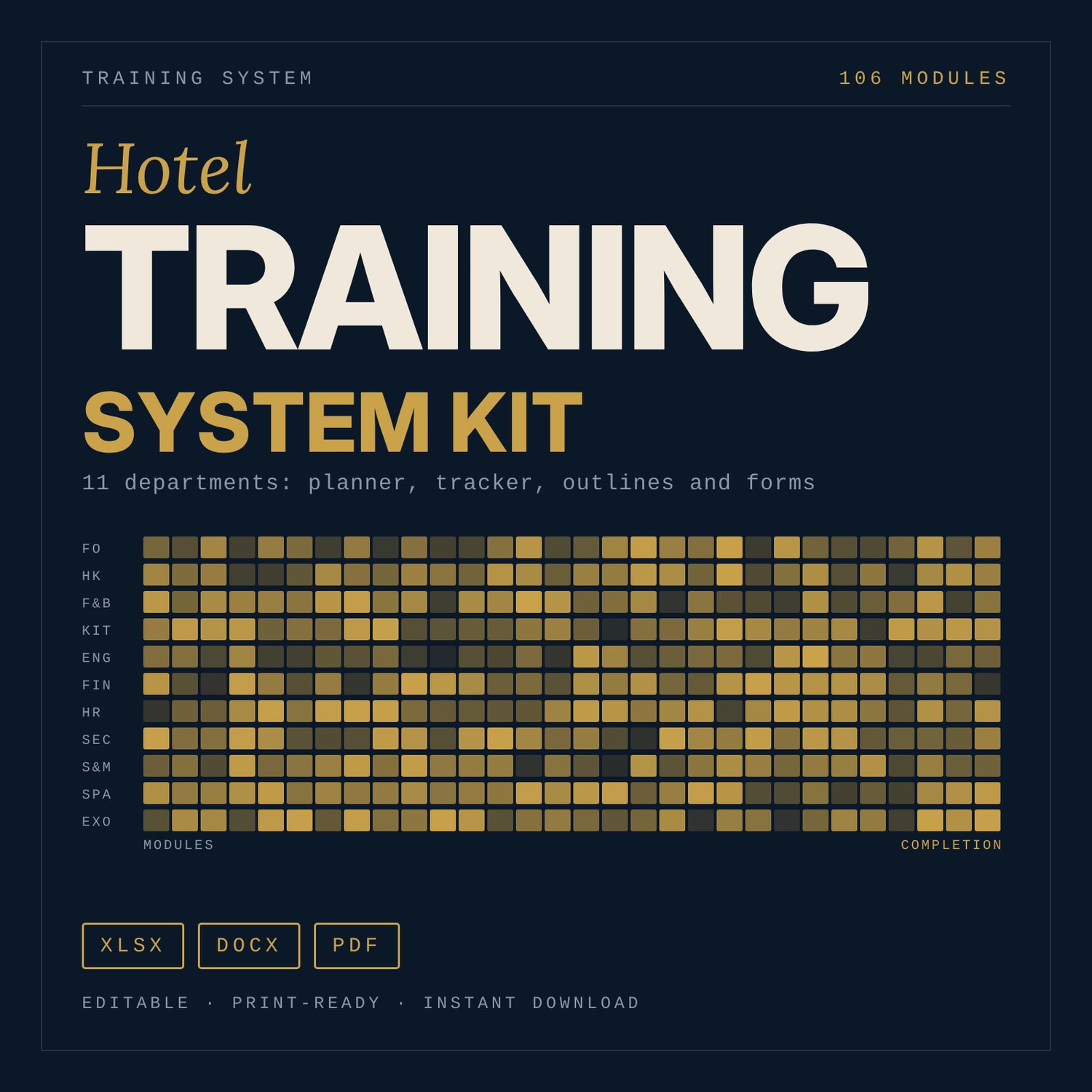
Hotel Training System Kit: Department Training Programme Planner & Forms
This kit is for hotel general managers, training managers, HR teams and heads of department who need a training programme that covers every department and can be tracked. You get a planning workbook, written induction outlines for 11 departments, print-ready forms and a roadmap that shows how to run the programme over 12 months. The content comes from general hospitality training practice. It is a working structure to adapt to your own standards.
Save with a bundle: this template is also in the Hotel People & Leadership Bundle, 10 templates for $29 instead of $69. All 141 templates are in the All-Access Hospitality Template Library for $79.
What is inside
- Training_Programme_Planner.xlsx (9 tabs, about 3,330 formulas, 6 charts)
- Start Here: tab guide, 5-step how-to, colour legend, live counts.
- Module_Catalog: 106 modules. 101 department modules (Front Office 10, Housekeeping 9, Food & Beverage Service 10, Kitchen 10, Engineering 9, Finance 8, Human Resources 9, Security 9, Sales & Reservations 9, Spa & Wellness 9, Executive Office / Management 9) plus 5 all-staff compliance modules. Each has level, objective, hours, method, assessment, trainer role and prerequisite. The catalog totals 422.5 hours.
- Annual_Calendar: a 12-month grid built from your start date. Pick modules from a drop-down, set month, sessions, trainer and status. Monthly hours, participant-hours and cost estimates calculate.
- Training_Tracker: 50 sample employees by 15 module slots with status drop-downs. Completion % per employee and per department, individual due dates and overdue flags.
- Dashboard: completion by department, hours delivered vs planned, compliance status and 4 charts.
- TNA_Form: training needs analysis with skill gap, priority score, rank and a suggested module for each skill.
- Competency_Matrix: 110 competencies (10 per department) on a 4-level scale, with gaps, a department summary and 2 radar charts.
- ROI_Calc: cost per employee, hours per employee, turnover assumptions, payback and a sensitivity table.
- Lists: drop-down sources and the tracker slot key.
- Department_Training_Outlines.docx (23 pages): 11 department sections. Each has purpose, who attends, a 5-day induction outline, 30/60/90 day targets, core SOP topics, assessment methods, common errors, trainer notes and a sign-off record.
- Training_Forms_Pack.docx and Training_Forms_Pack.pdf (8 forms, 10 printed pages including an index page): attendance sheet, evaluation form (reaction level), on-the-job sign-off, trainer lesson plan, train-the-trainer checklist, 10-question quiz with answer key, training record card, certificate of completion.
- Master_Training_Roadmap.docx (8 pages): the 12-month roadmap, governance and responsibilities, trainer development, measuring effectiveness, quarterly review rhythm, budget and a 30-day start checklist.
How it works
- Open the Module_Catalog and keep, edit or delete modules to match your standards.
- Enter your programme start date and cost inputs in the Annual_Calendar, then pick modules and months.
- Replace the sample employees in the Training_Tracker and update status codes as people progress.
- Use the TNA form and Competency_Matrix to find gaps, and the outlines and forms to deliver and record training.
- Read the Dashboard monthly and review the programme each quarter using the roadmap.
Details
- Formats: 1 Excel workbook (.xlsx), 3 Word documents (.docx), 1 PDF. English.
- Software: Excel 2010 or later, and Word or a program that opens .docx. LibreOffice also opens the files.
- Paper size: A4 for documents and forms. The workbook prints landscape.
- Delivery: digital download. Nothing is shipped.
Good to know
All names, dates, ratings, hours, costs and turnover figures are illustrative samples, not benchmarks. Replace them with your own.
The files are working tools, not legal, safety, employment or accounting advice. Anything that depends on local rules is marked "Verify local requirements".
Single-user license: use it for your own property or team, and do not resell or share it.
FAQ
Do I need special software? Excel 2010 or later for the workbook, and Word for the documents. LibreOffice also opens them.
Does it work in Google Sheets? The workbook can be imported. Drop-downs that use named ranges and some charts may not carry over, so Excel is the recommended program.
Can I edit everything? Yes. Modules, hours, statuses, thresholds, names and costs are editable. Blue cells are inputs, black cells are formulas.
Are the modules my own standards? No. They are a starting structure based on general hospitality practice. Edit them to match your procedures.
Is this a physical product? Can I get a refund? It is a digital download. Nothing is shipped. Refunds follow the store's policy for digital products.
Who is it for? General managers, training managers, HR and heads of department in hotels, resorts and serviced apartments. It can also be adapted for restaurants.