Seasonal Staffing Ramp & Agency vs Permanent Labour Cost Model: Seasonal Labour Planning and Agency Break-Even Calculator
Full description
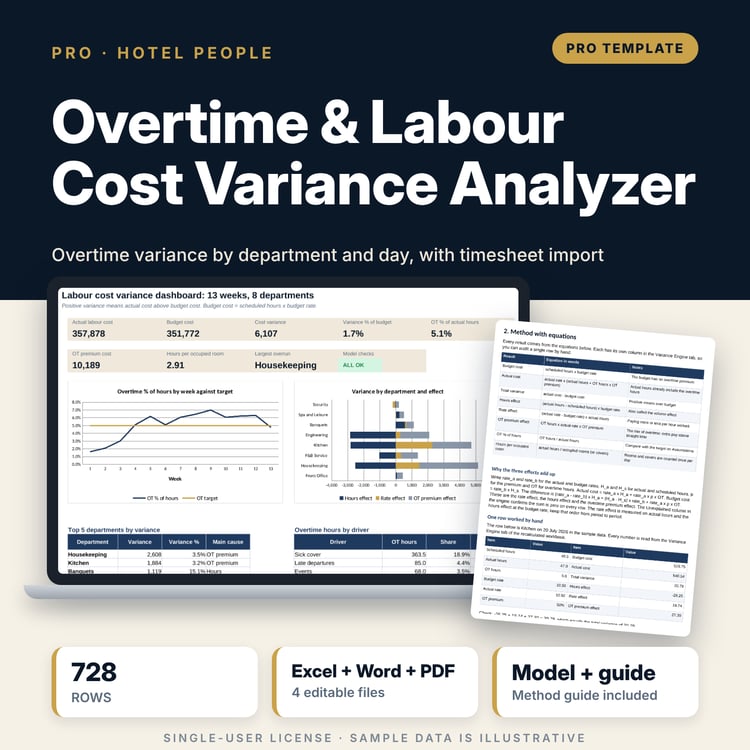
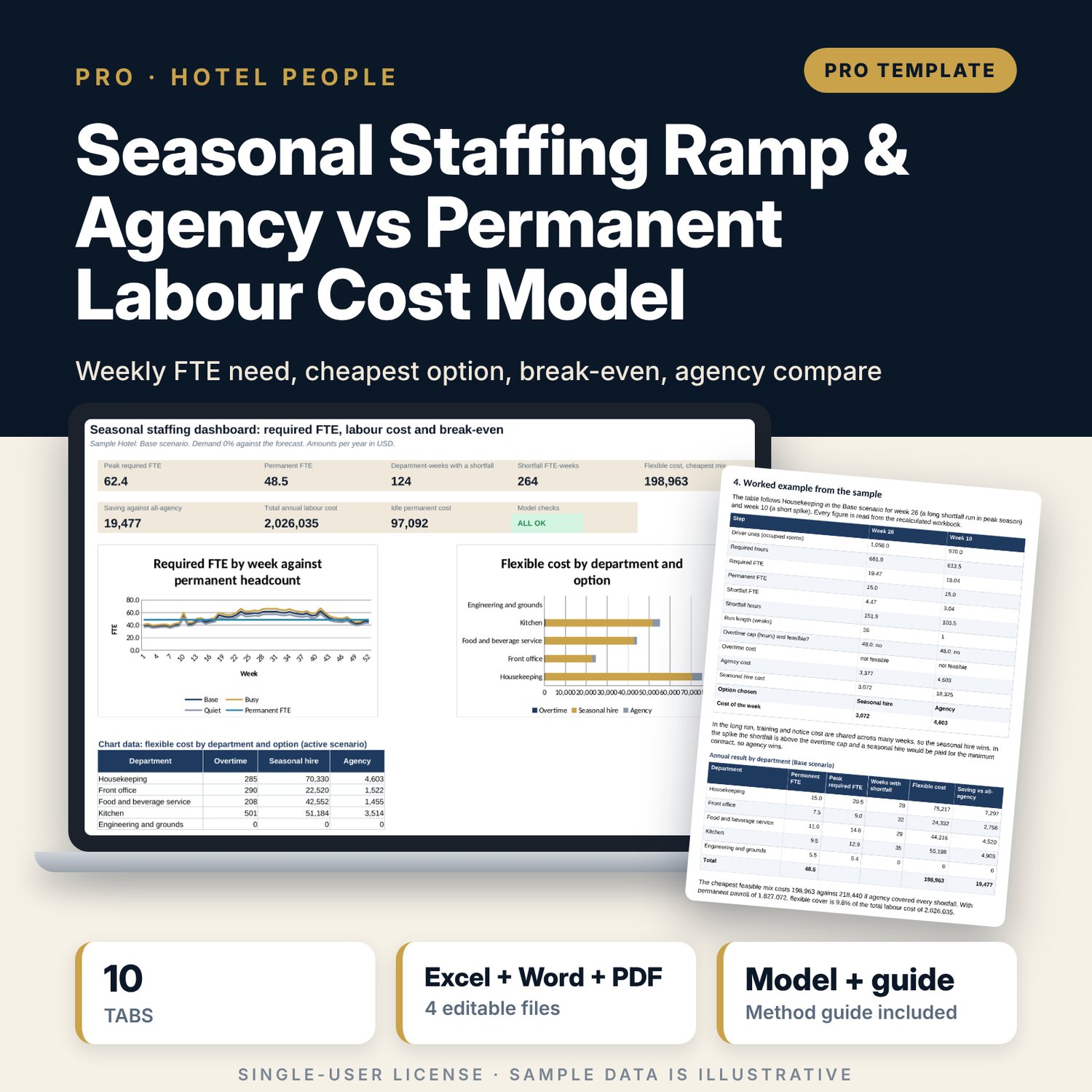
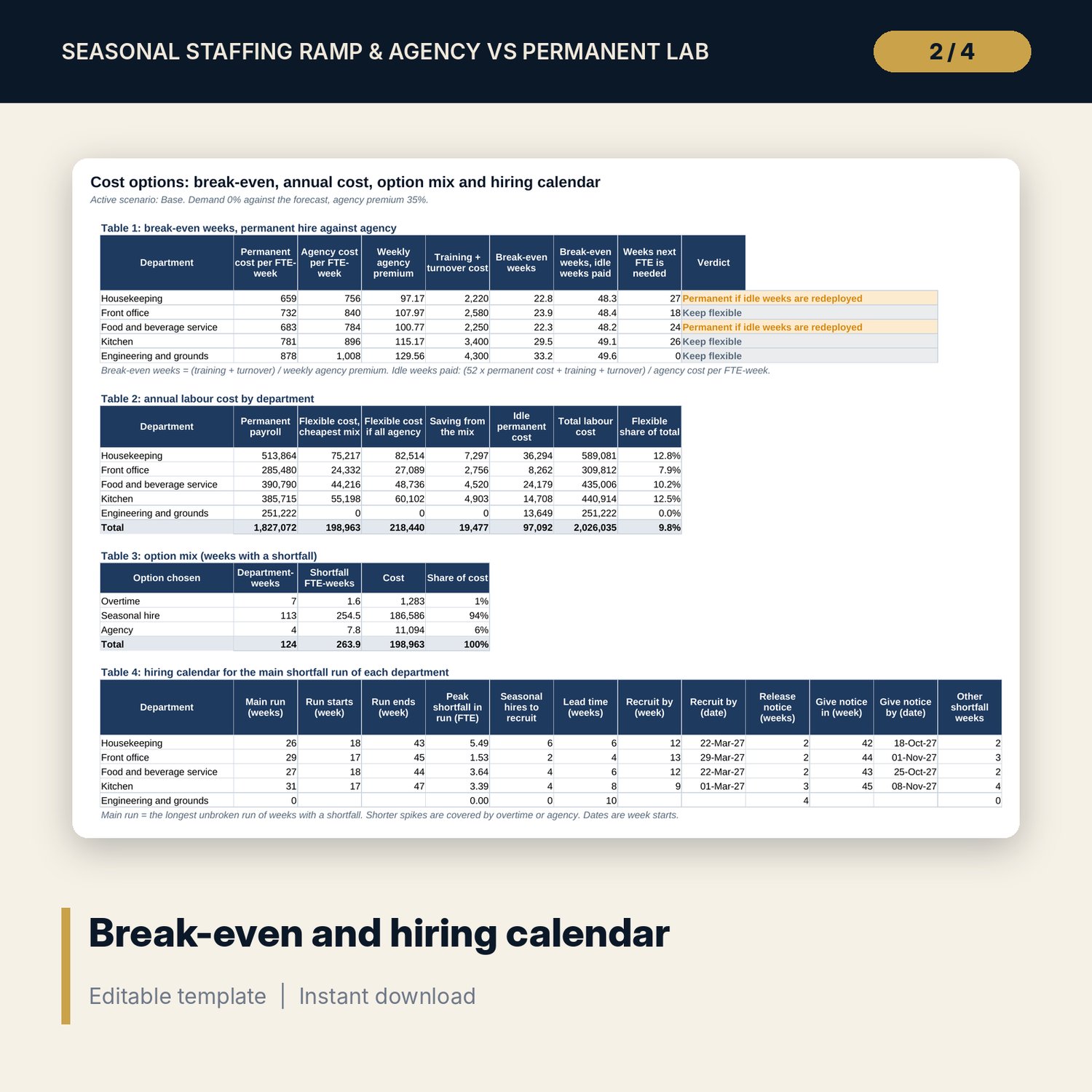
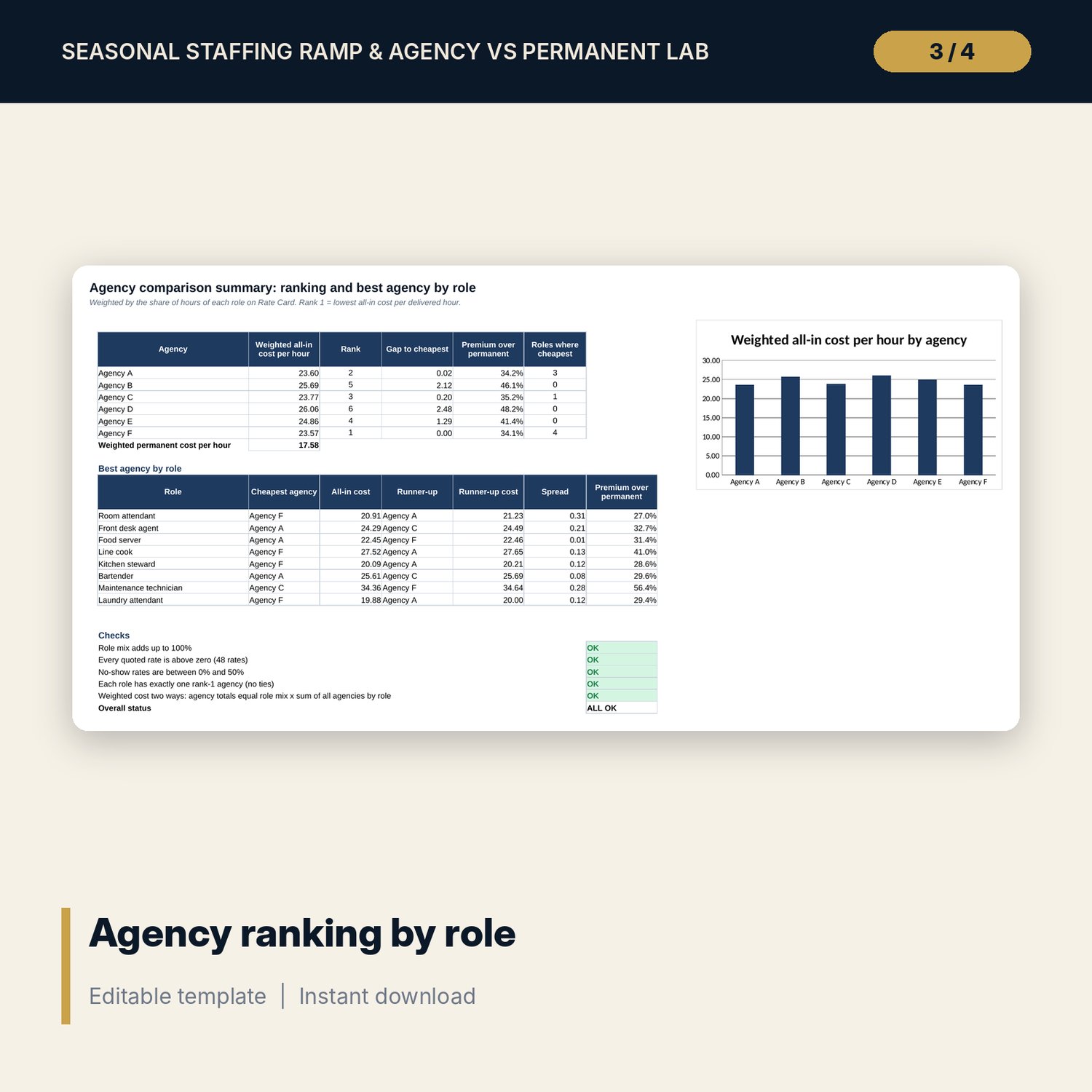
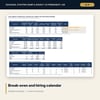
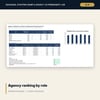
For hotel general managers, HR managers, department heads and finance controllers who staff a seasonal property and must decide between overtime, agency cover, seasonal hires and permanent positions. The main workbook turns a 52-week forecast of occupied rooms and covers into the required FTE of 5 departments each week, compares it with permanent headcount, and costs each shortfall three ways. It applies one rule, the cheapest feasible option, and shows the break-even weeks for a permanent hire as (training + turnover) / weekly agency premium, a second break-even that pays the idle weeks, the annual cost comparison and a hiring calendar with recruit-by and notice dates. Three scenarios (demand +10% and -10%, agency premium) run side by side, with two sensitivity grids. The companion workbook ranks 6 agencies for 8 roles by all-in cost per delivered hour. The guide shows the method and a worked example read from the workbook.
What is inside
- Seasonal_Staffing_Cost_Model.xlsx: 10 tabs, 23,505 formulas, 2 native charts, 13 drop-down and input rules, 8 checks
- Demand tab: 52 weeks of occupancy, occupied rooms and covers with a season band
- Requirement Engine: 780 rows (3 scenarios x 5 departments x 52 weeks) with required hours, required FTE, gap, shortfall and surplus
- Cost Options: 780 weekly rows with overtime, agency and seasonal hire cost, run length and the option chosen, plus four summary tables (break-even, annual cost, option mix, hiring calendar)
- Scenarios tab: scenario selector, three scenarios side by side, two sensitivity grids and a weekly FTE curve
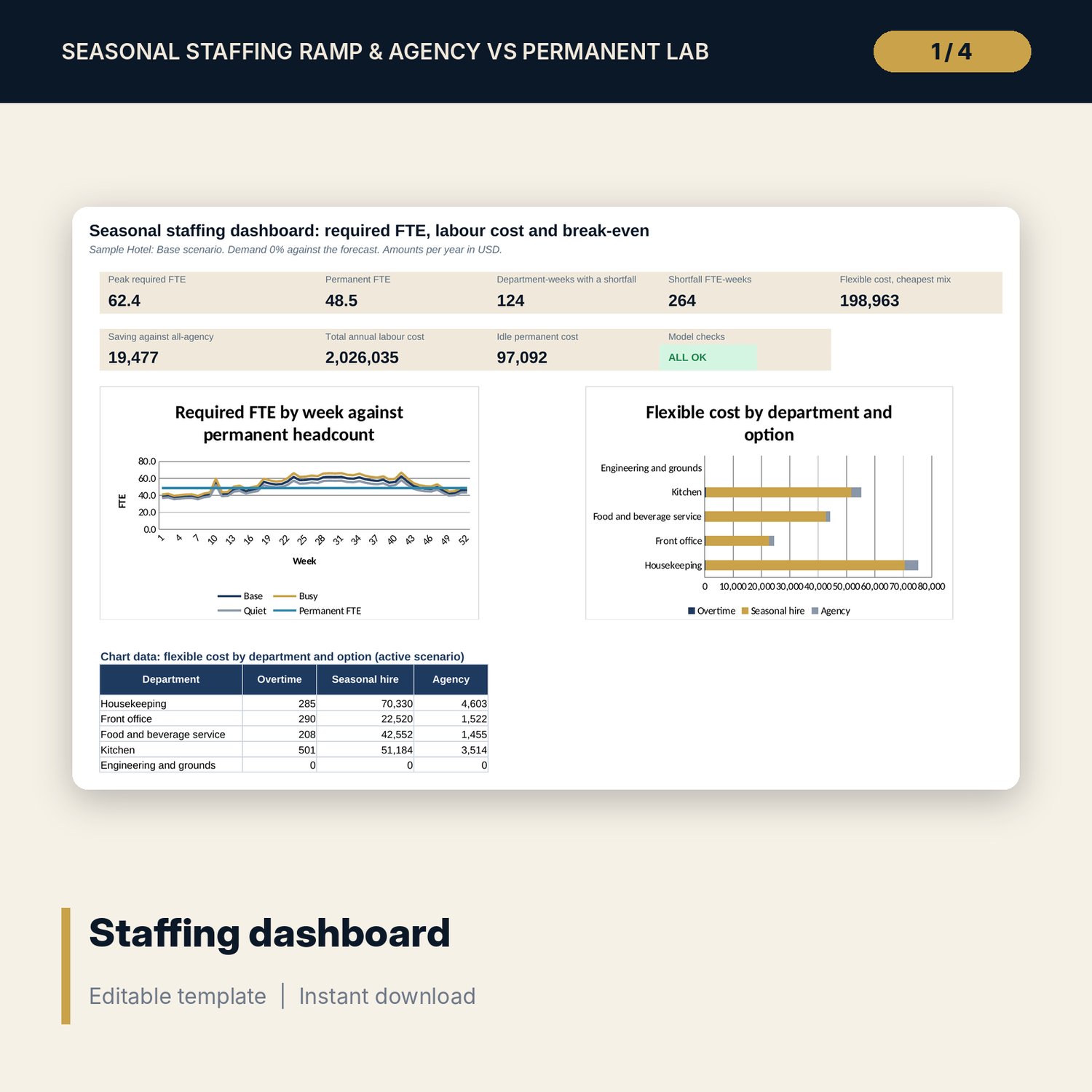
- Dashboard with 8 KPI tiles, a check status tile and 2 charts; Method tab with 12 documented calculations
- Seasonal_Staffing_Agency_Rate_Comparison.xlsx: 3 tabs, 308 formulas, 6 agencies x 8 roles (48 quotes), all-in cost, rank, premium over permanent and 5 checks
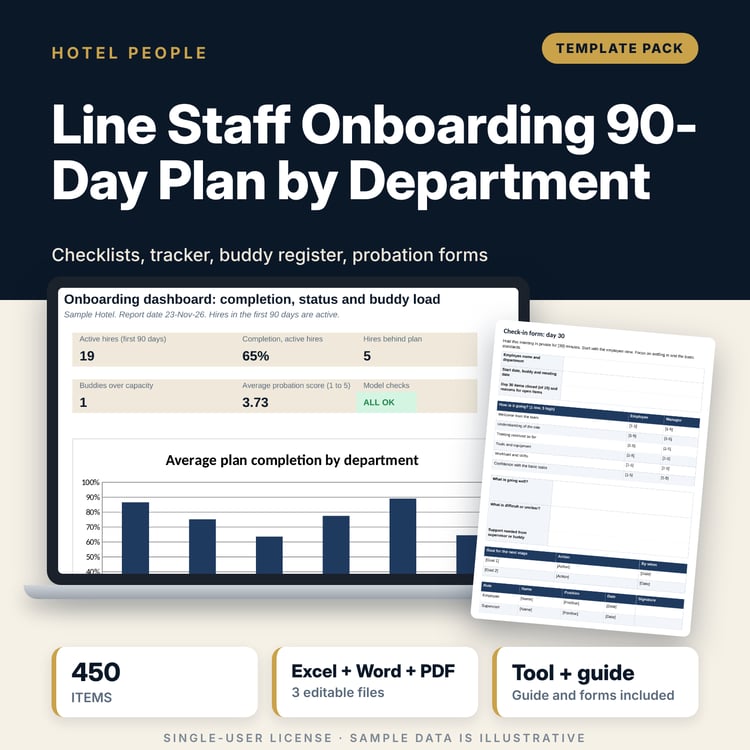
- Seasonal_Staffing_Guide.docx and PDF copy: 10 pages with method, worked example, break-even, hiring calendar, scenarios, mistakes, checklist and glossary
- README.txt and LICENSE-and-Terms.txt
How it works
- Enter rooms, labour terms (wage, agency minimum booking, hiring lead time, training, turnover, notice) and the 52-week forecast.
- Set hours per room or cover, fixed hours and permanent headcount for each department.
- Choose the active scenario and set the demand change and agency premium of each scenario.
- Read the cheapest feasible option, the break-even verdict and the hiring calendar on Cost Options and the Dashboard.
- Compare agency quotes in the companion workbook and carry the weighted premium into the scenarios.
Details
- Formats: 2 .xlsx workbooks, 1 .docx guide and 1 PDF copy (4 files plus README and terms), English
- Software: Excel 2016 or later, or LibreOffice Calc 7 or later. Any Word processor or PDF reader for the guide
- No macros, no external links, no array formulas, no data tables
- Instant digital download
Good to know
- Sample data is illustrative. Replace the forecast, standards, terms and quotes with your own.
- Overtime limits, notice periods, working-hour rules and employer costs are inputs. Verify local requirements and check them with your adviser. This is a planning tool, not legal, tax or financial advice.
- The model costs labour only and covers the whole shortfall of a week with one option. Read the limitations in the guide.
- Single-user license. Do not redistribute.
FAQ
How does the model choose between overtime, agency and a seasonal hire?
For each week with a shortfall it costs each feasible option for the whole shortfall and takes the cheapest. Overtime is feasible within the cap, a seasonal hire when the department allows it and the lead time is met, and agency always.
What does the break-even weeks figure mean?
It is (training + turnover cost) / weekly agency premium: the weeks a permanent position must be needed to repay its hiring costs. A second figure also pays the idle weeks of a full-year hire.
Can I add departments or change the number of weeks?
The model has 5 departments and 52 weeks. You can rename departments and set any standards, including zero fixed hours. A different structure needs more engine rows.
Do I need the companion workbook?
No. It is a separate tool that ranks agency quotes. You can type your own agency premium on the Scenarios tab instead.
Does it need macros or add-ins?
No. Every result is a standard worksheet formula, including the sensitivity grids.