Workplace Incident & Injury Log with Frequency Rate Analytics: Incident Register, Frequency Rate and Severity Rate Calculator
Full description
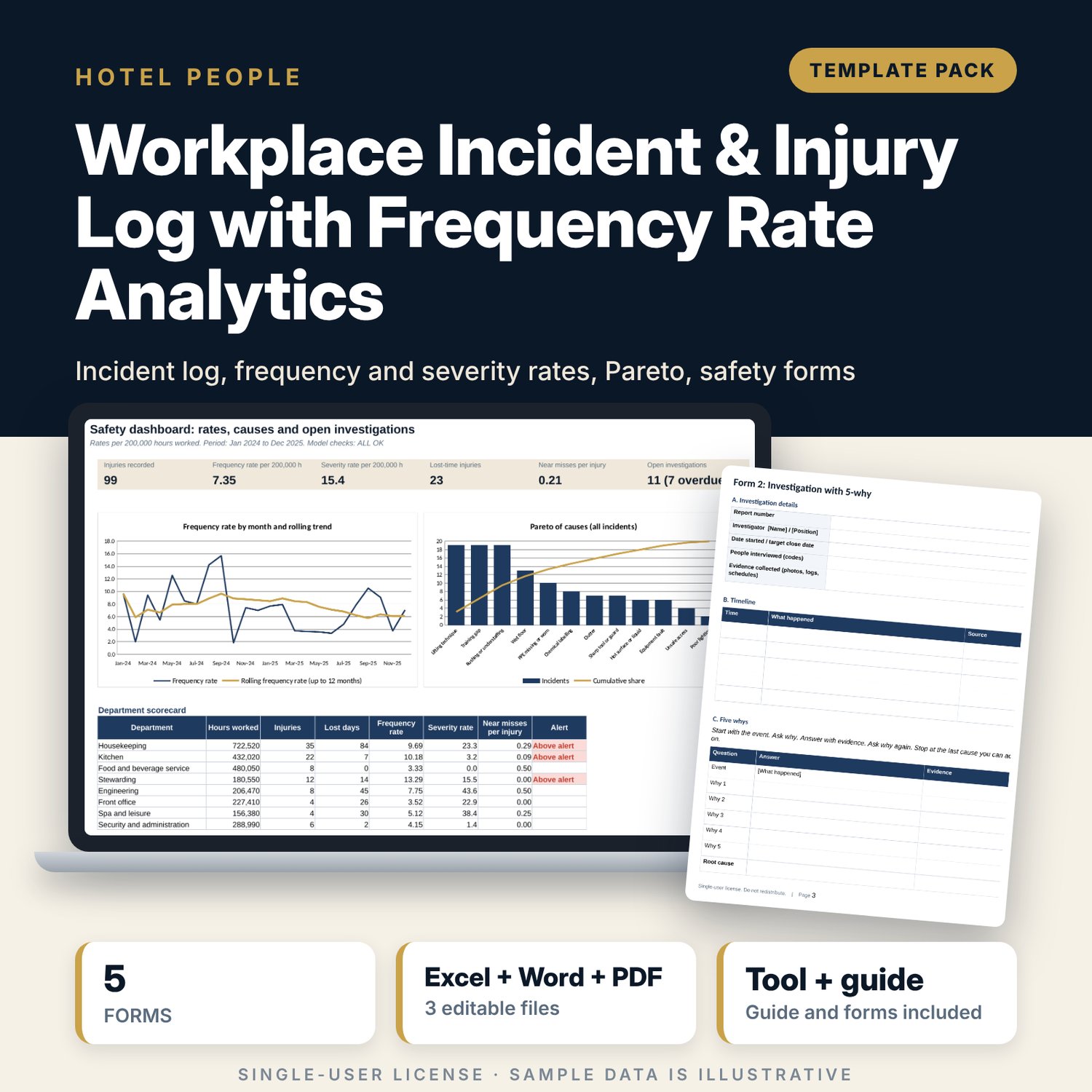
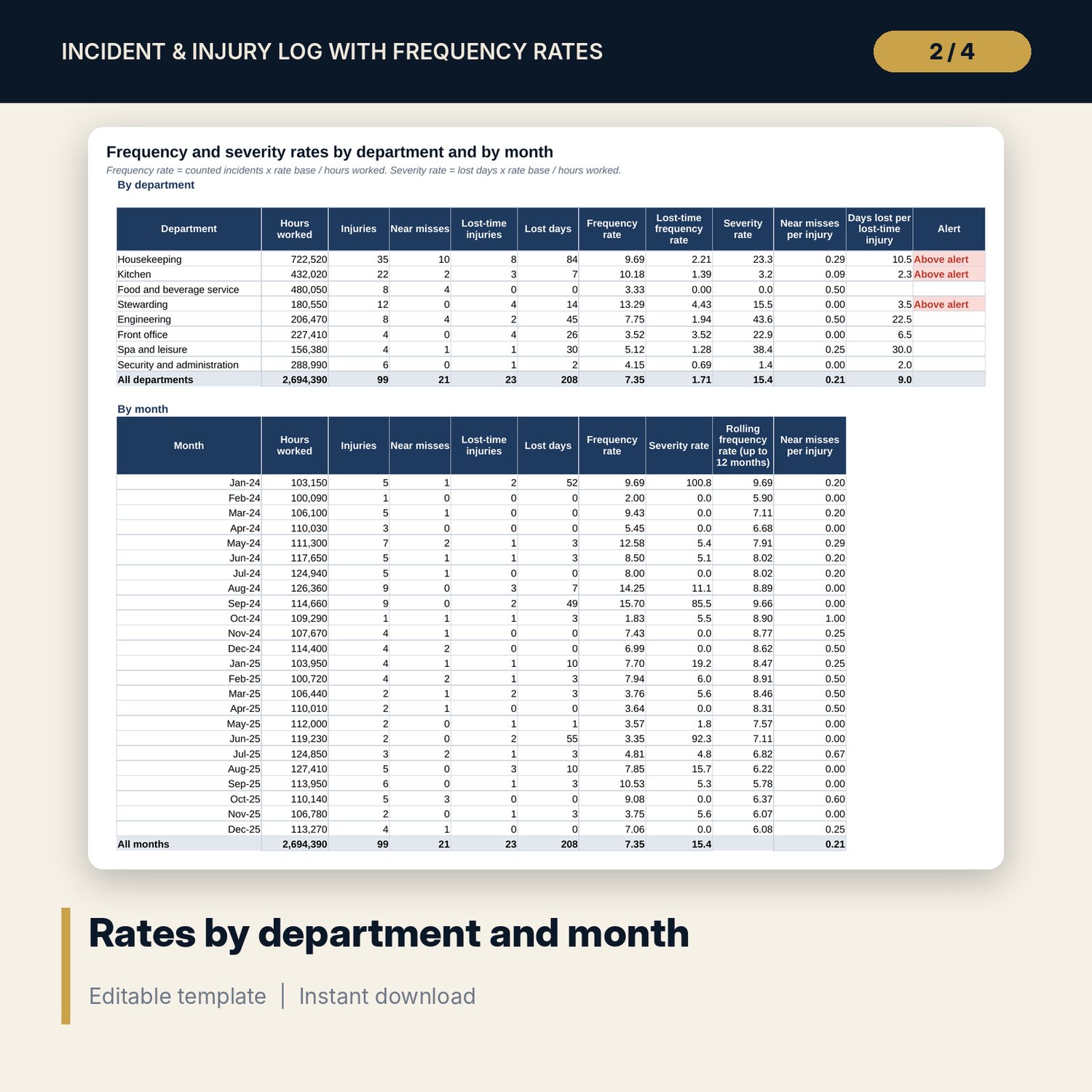
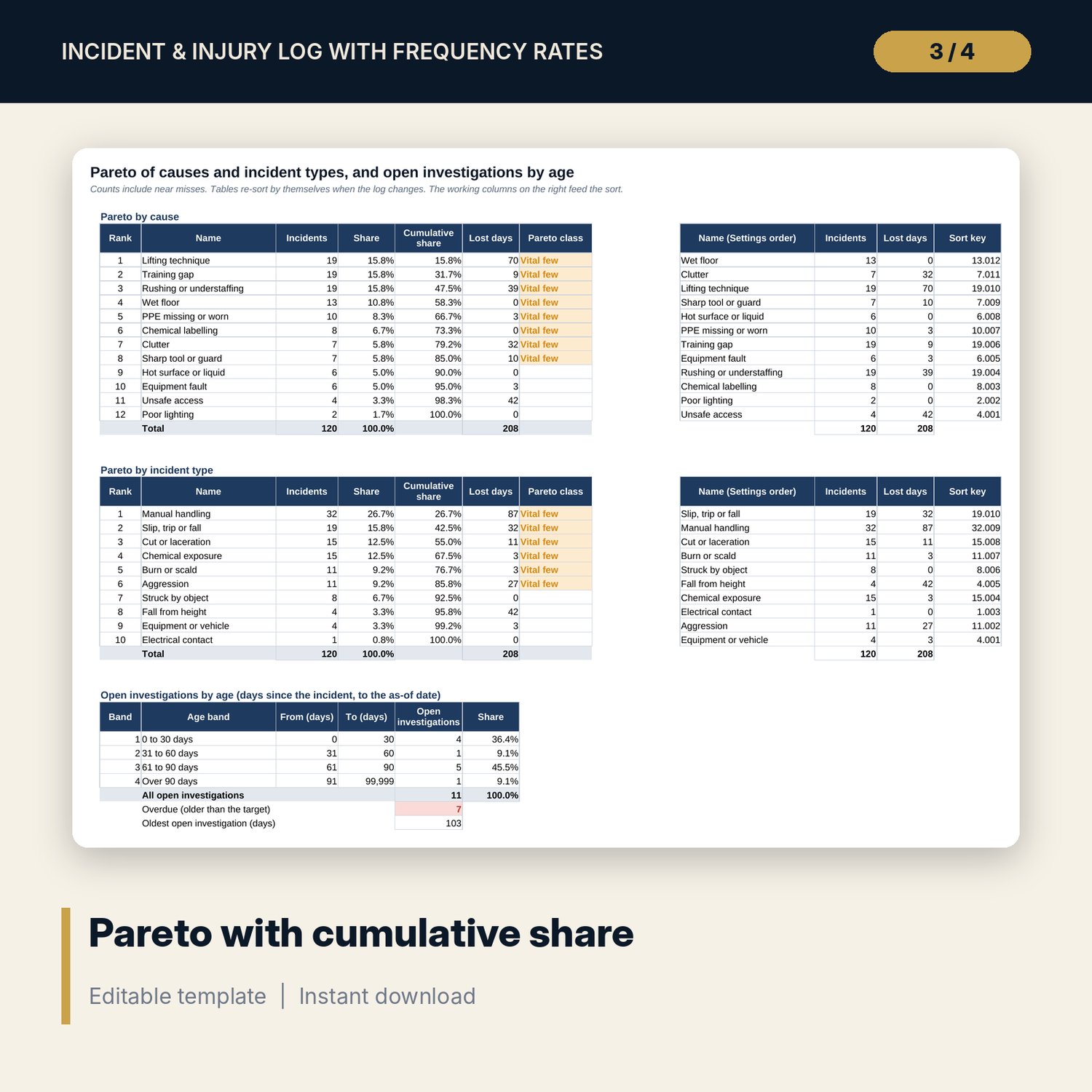
For hotel general managers, safety leads and HR managers who need to know whether the property is getting safer. The workbook holds an incident register, hours worked by department and month, and calculates frequency rate (incidents x rate base / hours worked) and severity rate (lost days x rate base / hours worked) by department and by month, with a rolling trend. You choose a rate base of 200,000 or 1,000,000 hours. Pareto tables rank causes and incident types by count with cumulative share and re-sort when the log changes. A Word pack supplies the incident report, investigation with 5-why, witness statement, corrective action plan and monthly summary.
What is inside
- Incident_Injury_Log_Rates.xlsx: 8 tabs, 1,364 formulas, 2 native charts, 12 drop-down and input rules, 6 integrity checks
- Incident Log: 120 sample incidents over 24 months, 10 incident types, 12 causes, 8 body parts, and 180 empty rows for your data
- Hours Worked: 24 months by 8 departments (192 input cells)
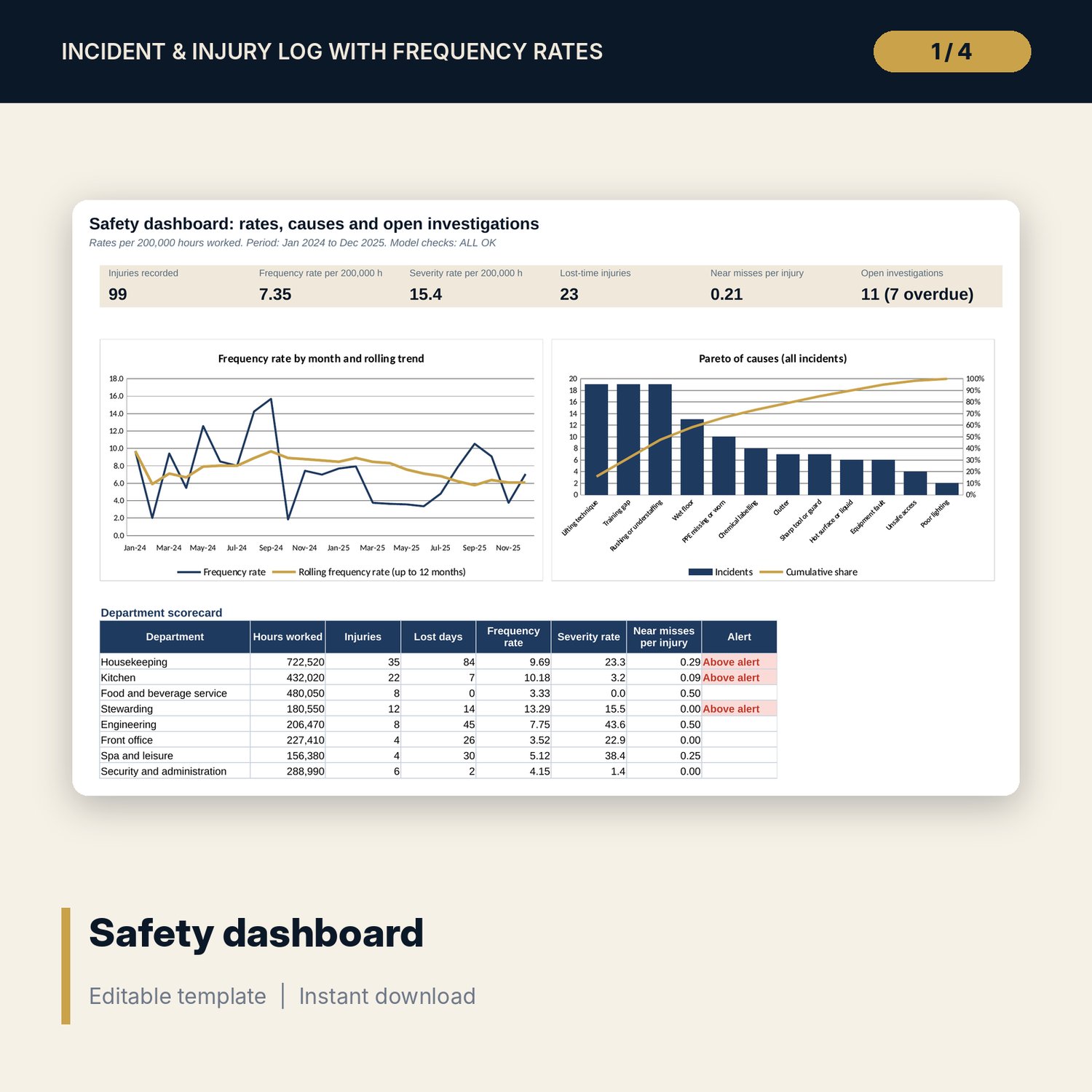
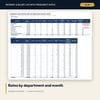
- Rates: frequency, lost-time frequency and severity rates, near misses per injury, by department and by month, with a rolling trend
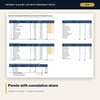
- Pareto: causes and types ranked with cumulative share, and open investigations in 4 age bands with an overdue count
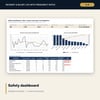
- Dashboard: 6 KPI tiles, 2 charts and a department scorecard on one page
- Incident_Injury_Log_Forms.docx and PDF: 8 pages, 5 forms with fillable [bracketed] fields
- README.txt and LICENSE-and-Terms.txt
How it works
- Set the rate base, the as-of date and the alert level on Settings, then enter hours worked for each department and month.
- Replace the sample rows on Incident Log with your incidents and near misses, using the drop-downs.
- Read Rates for frequency and severity by department and month, and Pareto for the causes that account for most incidents.
- Close investigations by entering a closed date and use the ageing table to chase the overdue ones.
- Print the forms from the Word or PDF file and share the Dashboard page each month.
Details
- Format: one .xlsx workbook, one .docx file and its .pdf copy (3 files), English
- Software: Excel 2016 or later, or LibreOffice Calc 7 or later; Word or any word processor for the forms
- No macros, no external links, no data tables, no array formulas
- Instant digital download
Good to know
- Sample data is illustrative: a large property with 8 departments and about 112,000 hours worked a month. Replace it with your own figures.
- Reporting duties, time limits and the definition of a recordable injury differ by country and authority. Verify local requirements.
- This is a record-keeping and analysis tool. It is not legal, medical or safety-engineering advice.
- Single-user license. Do not redistribute.
FAQ
Which rate base should I choose?
Use the base your authority or group reports against. 200,000 hours is about 100 people working a year. 1,000,000 hours is the other common base. Change it on Settings and every rate updates.
Are near misses counted in the frequency rate?
Not by default. A Settings switch lets you include them. The near-miss ratio always uses them.
Does the Pareto re-sort when I add incidents?
Yes. The ranked tables use LARGE, INDEX and MATCH, so the order follows the counts in the log.
How do I age open investigations to today?
On Settings, replace the as-of date with =TODAY(). Investigations then age each time you open the file.
Can I rename departments, causes or incident types?
Yes. Edit the lists on Settings. The log drop-downs, Rates, Pareto and Dashboard follow.