Staff Meal, Uniform & Benefits Cost per FTE Calculator: Staff Cost per FTE and Benefits Budget Template
Full description
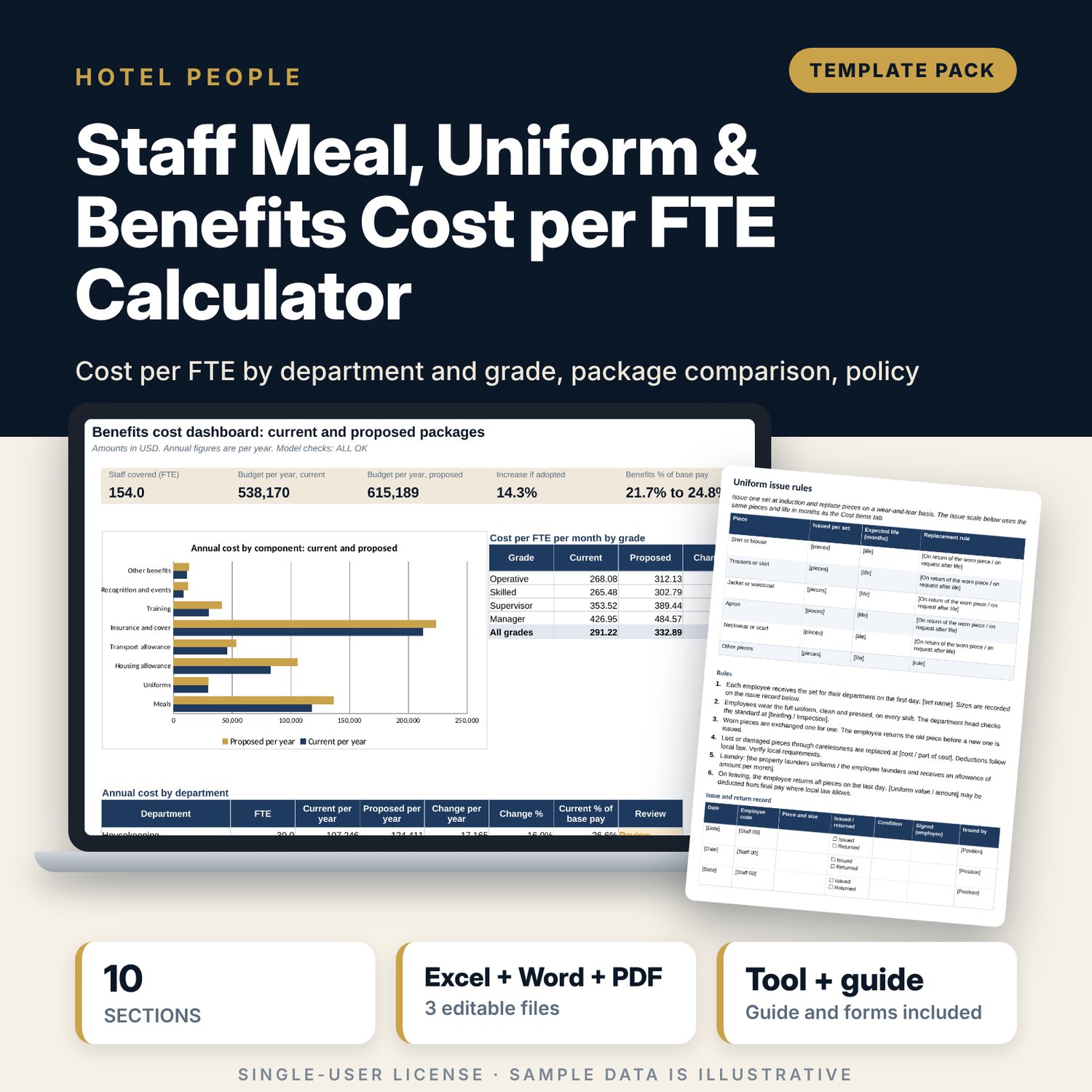
For hotel general managers, HR managers and finance controllers who must budget what each employee costs beyond base pay, or test a change to the benefit package before announcing it. The workbook builds the monthly cost per FTE for 12 departments and 4 grades from 8 components: staff meals (cost per meal x meals per shift x shifts), uniforms (pieces x unit cost / life in months), housing and transport allowances, insurance (editable percentage), training, recognition and other benefits. SUMPRODUCT rolls the engine up to an annual budget with headcount and benefit cost as a share of base pay, then compares a current and a proposed package with the change per year. A Word guide supplies the benefits policy summary, uniform issue rules and staff meal rules.
What is inside
- Staff_Cost_per_FTE_Calculator.xlsx: 9 tabs, 2,156 formulas, 1 native chart, 12 drop-down and input rules, 5 integrity checks
- Settings and Cost Items: grades, base pay, meal cost, insurance rates, 7 benefit items by grade for two packages, 10 uniform items and 5 uniform sets (50 piece counts)
- Headcount: 12 departments with uniform set, shifts per month, allowance eligibility, pay index and FTE by grade
- Cost per FTE: 96 engine rows (package x department x grade) with one column per cost component
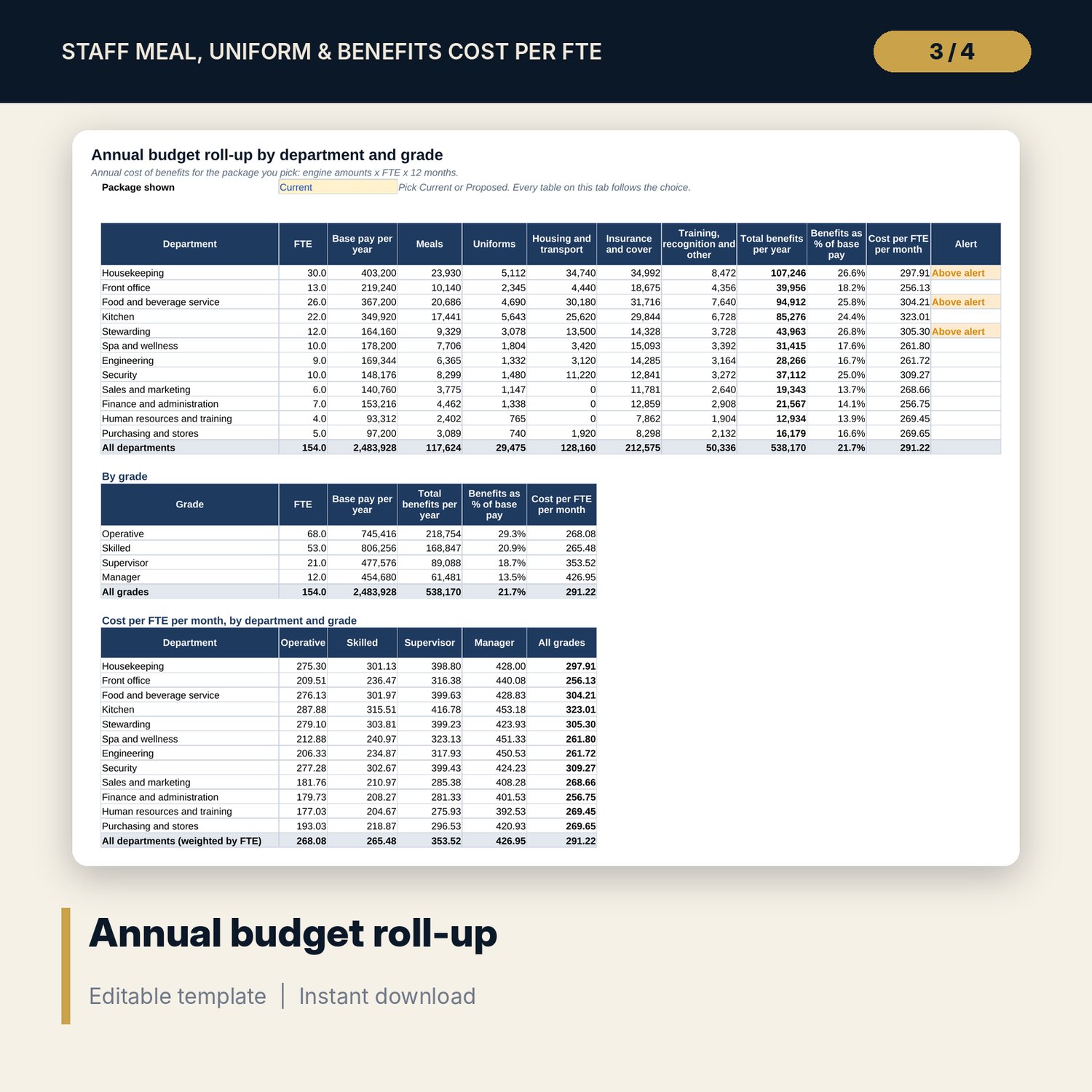
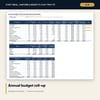
- Budget Roll-up: annual budget by department and by grade, benefits as % of base pay, and a department-by-grade cost matrix, for the package you pick
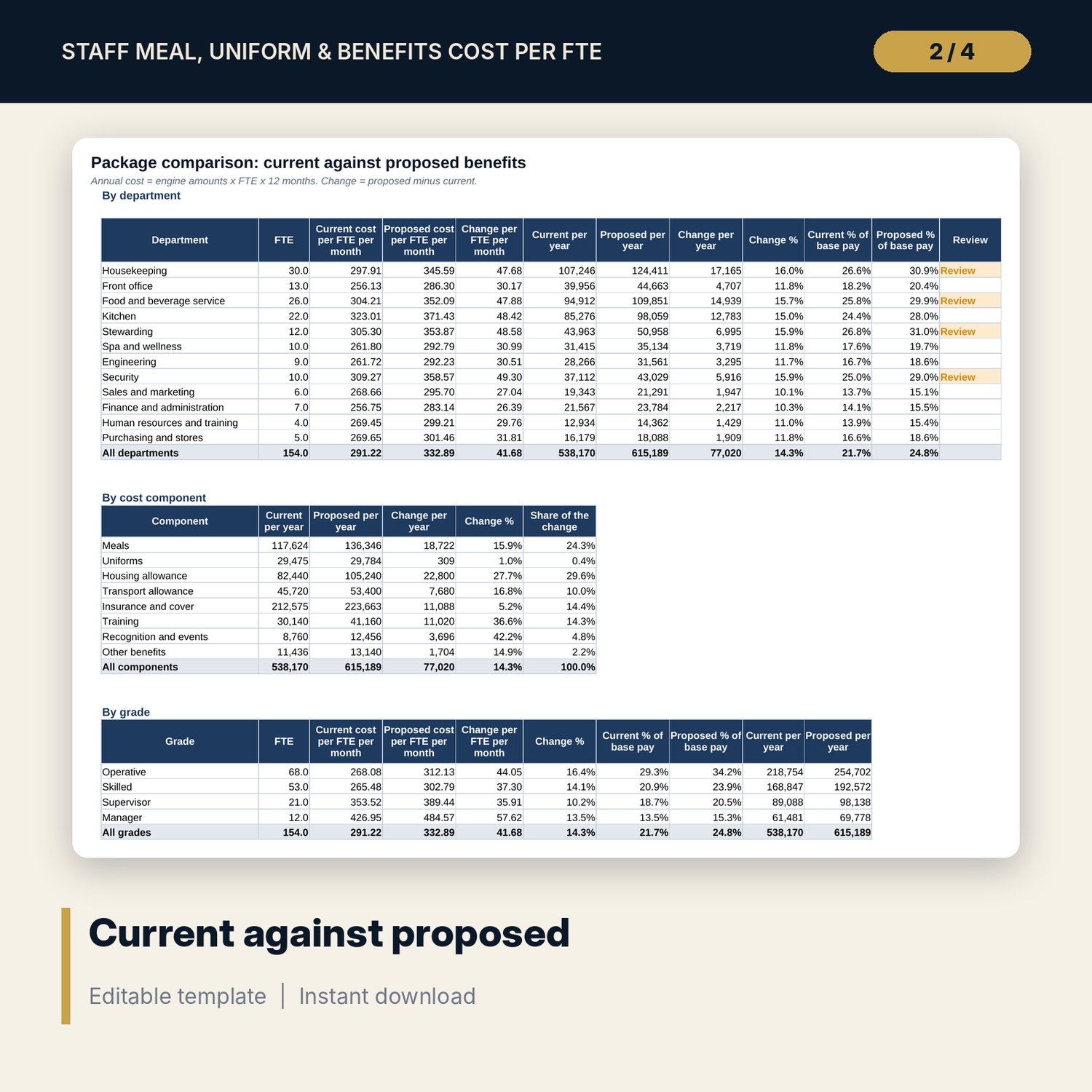
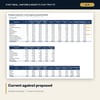
- Package Comparison: current against proposed by department, by component and by grade
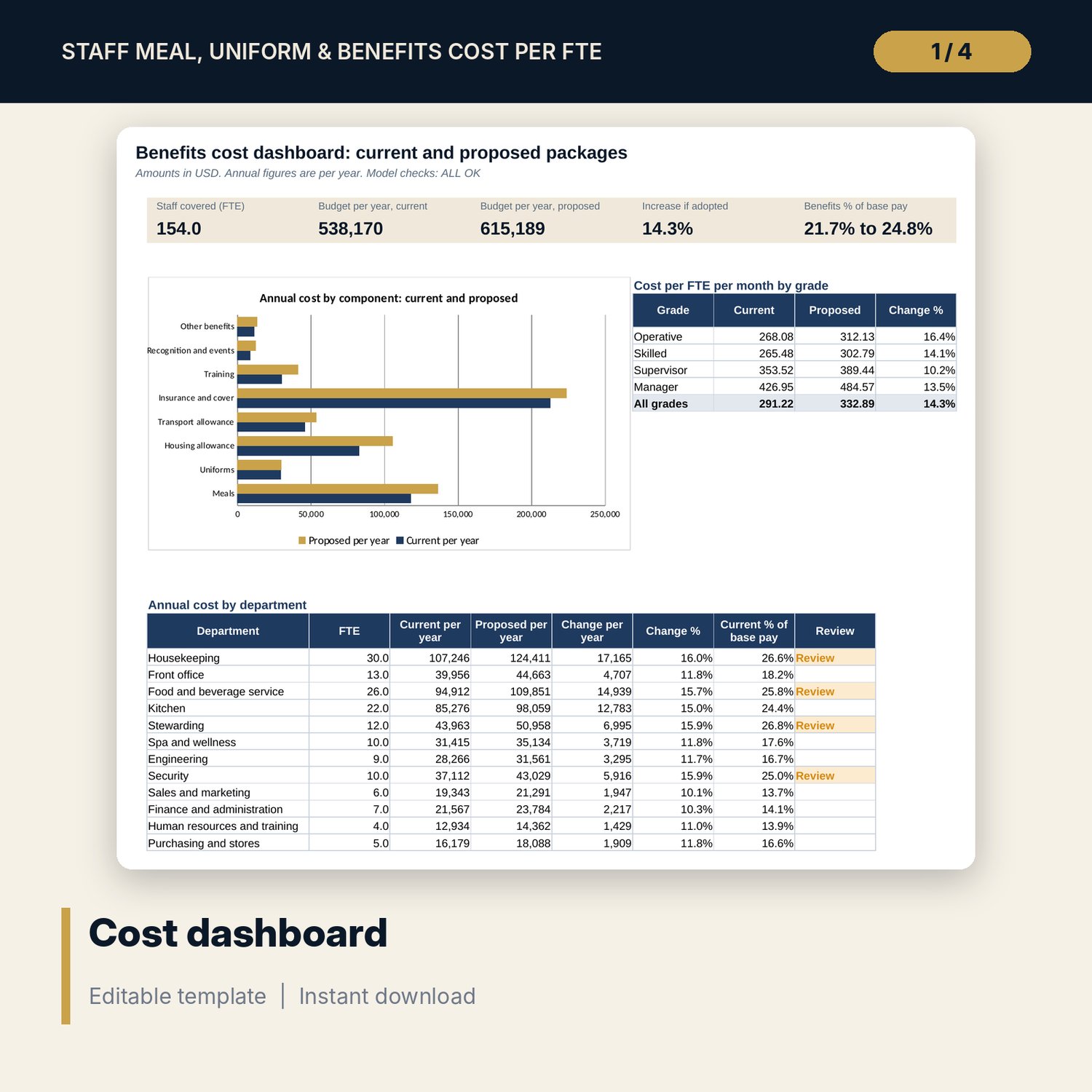
- Dashboard: 5 KPI tiles, a component chart, a grade table and a department table on one page
- Staff_Cost_per_FTE_Guide.docx and PDF: 6 pages with a 10-section benefits policy summary, uniform issue rules and staff meal rules
- README.txt and LICENSE-and-Terms.txt
How it works
- Enter grade names, base pay, cost per staff meal and insurance rates on Settings.
- Enter benefits by grade for the current and proposed package and the uniform items on Cost Items.
- List your departments on Headcount with their uniform set, shifts per month, eligibility and FTE by grade.
- Read Budget Roll-up for the annual budget and Package Comparison for the cost of the proposal, then check the Dashboard.
- Copy the agreed rates into the Word guide and issue the policy summary, uniform rules and meal rules.
Details
- Format: one .xlsx workbook, one .docx file and its .pdf copy (3 files), English
- Software: Excel 2016 or later, or LibreOffice Calc 7 or later; Word or any word processor for the guide
- No macros, no external links, no data tables, no array formulas
- Instant digital download
Good to know
- Sample data is illustrative: a hotel of about 154 FTE. In the sample the proposed package adds 14.3% to the annual benefit budget. Replace every figure with your own.
- Insurance rates, allowances, deductions and working-time rules depend on local law. Verify local requirements. This is a costing and drafting tool, not legal, tax or payroll advice.
- Amounts are per FTE per month unless a label says per year, in one currency.
- Single-user license. Do not redistribute.
FAQ
Can I compare my own two packages?
Yes. Cost Items holds the current and proposed values side by side. Package Comparison shows the change per year by department, component and grade.
How are uniforms costed?
Pieces per set x unit cost / life in months, for each uniform set. Each department is assigned one set on Headcount.
Can I change the departments, grades and uniform sets?
Yes. Rename any of the 12 departments, the 4 grades and the 5 uniform sets. Names update on every tab.
Does the insurance rate match my country?
The rate is an editable percentage of base pay with a note to verify local requirements. The workbook does not know your law.
Do I need macros?
No. Everything is standard worksheet formulas, including the SUMPRODUCT roll-ups.