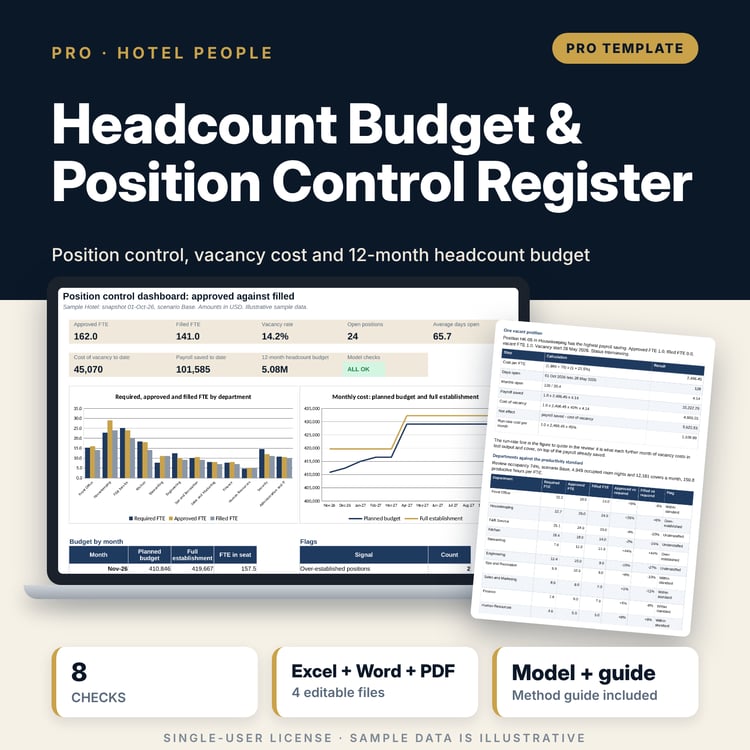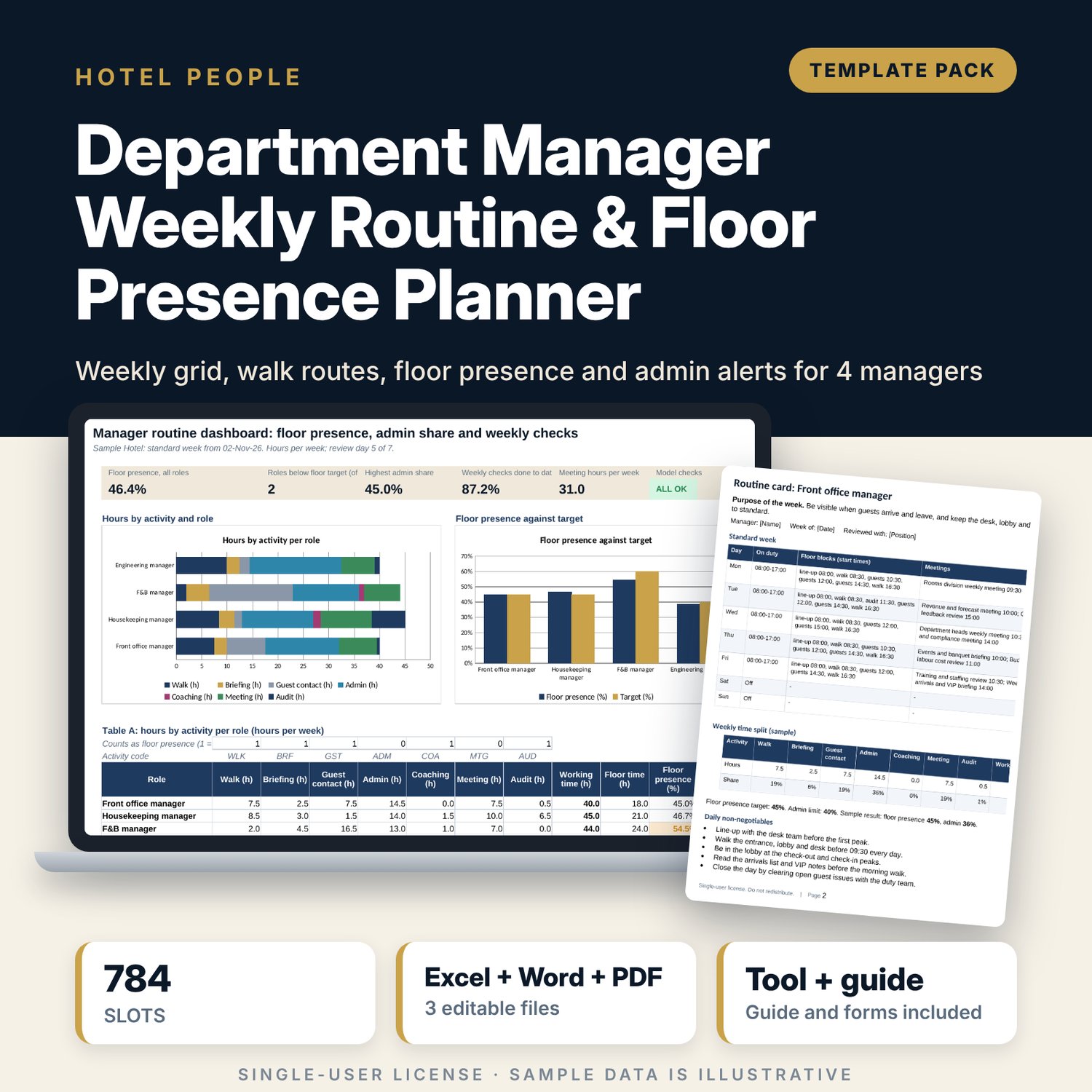
Department Manager Weekly Routine & Floor Presence Planner: Weekly Routine Planner for Hotel Department Managers
Full description
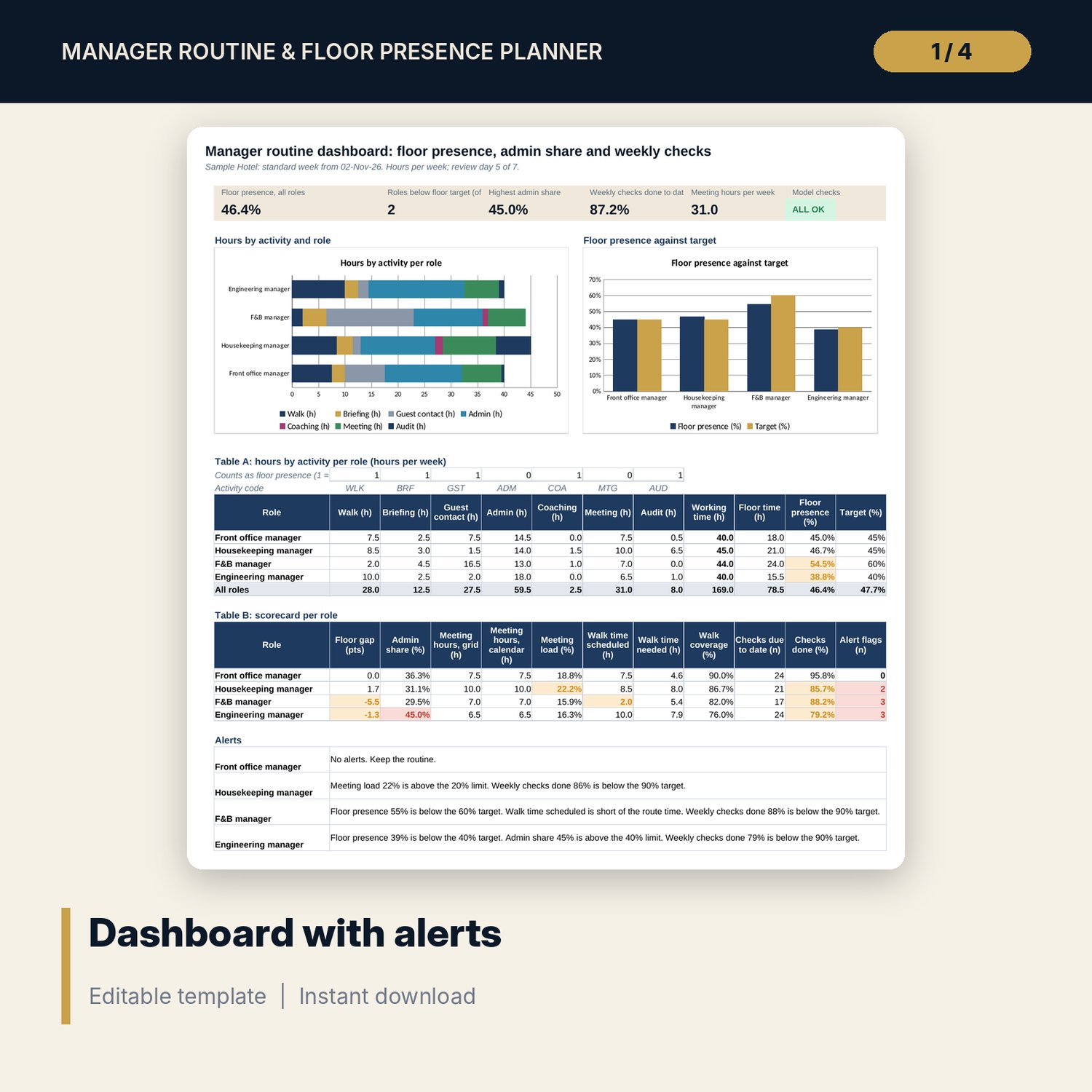
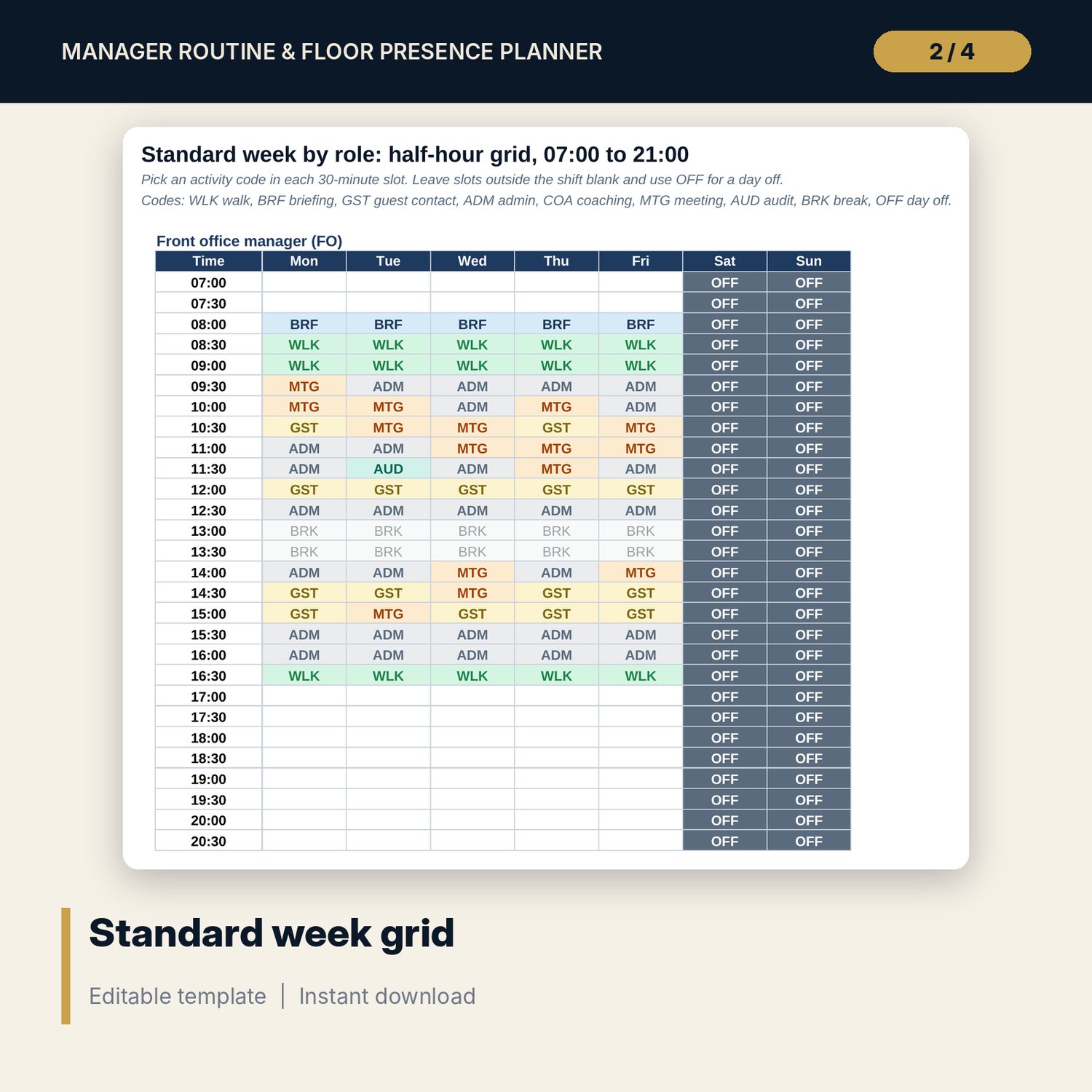
For general managers and operations heads who want department managers on the floor, not buried in admin. The workbook holds a standard week for four roles (front office, housekeeping, F&B and engineering) on a half-hour grid from 07:00 to 21:00. Each slot carries an activity code. The Dashboard counts hours by activity with COUNTIF, compares floor presence with a target per role, flags any role whose admin share passes your limit, adds up meeting load from a meeting calendar and shows how many weekly checks are done. The Word guide gives one routine card per role, a floor walk checklist, a coaching conversation guide and a short set of time rules.
What is inside
- Manager_Routine_Planner.xlsx: 7 tabs, 790 formulas, 2 native charts, 7 integrity checks
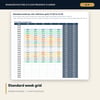
- Routine Grid: 4 roles x 7 days x 28 half-hour slots (784 slots), activity code drop-downs and colour coding
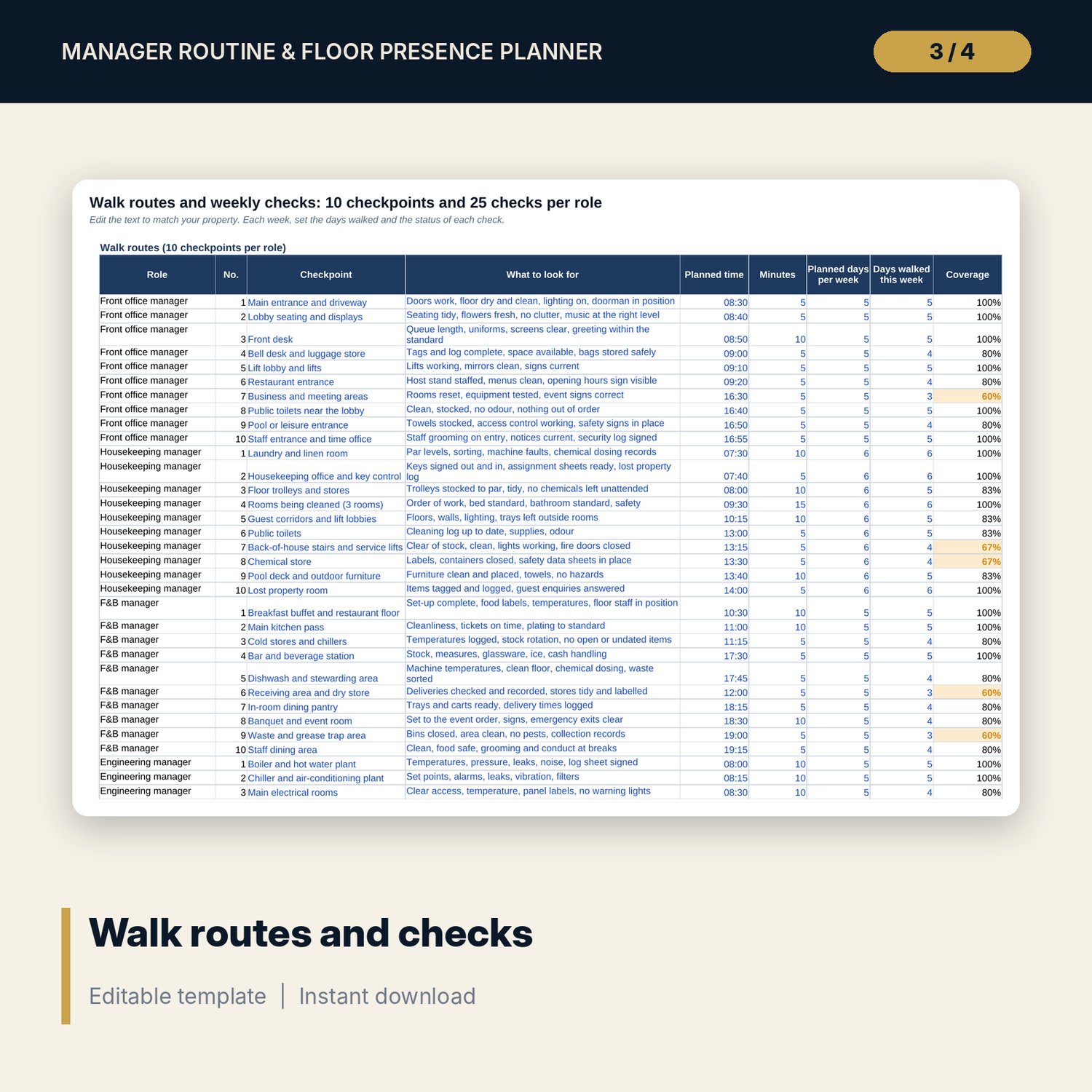
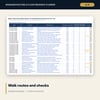
- Walk and Checks: 40 walk checkpoints (10 per role) and 100 weekly checks (25 per role) with status, due-to-date and coverage
- Meeting Calendar: 14 sample meetings, room for 25, hours per role and clash detection
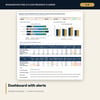
- Dashboard: 5 KPI tiles, a check status tile, hours by activity per role, floor presence against target, a scorecard and alerts
- Manager_Routine_Planner_Guide (DOCX + PDF): 8 pages with 4 routine cards, a floor walk checklist, a coaching conversation guide and time rules
- README.txt and LICENSE-and-Terms.txt
How it works
- Enter the week start, the floor presence target for each role and the admin, meeting and checks limits on Settings.
- Set the standard week of each manager on Routine Grid and list the recurring meetings on Meeting Calendar.
- Edit the walk routes and weekly checks, then record the days walked and the status of each check during the week.
- Read the Dashboard once a week and act on the alerts.
- Print the routine cards and the floor walk checklist for each manager.
Details
- Format: one .xlsx workbook, one .docx guide and its PDF copy, English
- Software: Excel 2016 or later, or LibreOffice Calc 7 or later; the guide opens in Word or any word processor
- No macros, no external links, no array formulas
- 3 files, instant digital download
Good to know
- Sample data is illustrative. Replace it with your own figures.
- Targets and limits are inputs, not rules. Verify local requirements for working time and rest breaks.
- The tool measures how time is planned. It does not record what managers actually did.
- Single-user license. Do not redistribute.
FAQ
Can I change the roles?
Yes. Rename the four roles on Settings and rebuild each grid. The tabs, tiles and checks follow the names you enter.
Why a half-hour grid?
Half-hour slots are fine enough to show a walk, a briefing or a coaching talk, and coarse enough to fill in quickly. Hours are the number of slots times 0.5.
What counts as floor presence?
By default: walk, briefing, guest contact, coaching and audit. Change the yes/no flags on Settings to match your policy.
How does the admin alert work?
Admin hours divided by working hours, per role. When the share passes your limit (40% in the sample) the Dashboard shows an alert line for that role.
Do the meeting calendar and the grid agree?
A check compares the meeting hours on the calendar with the MTG slots on the grid for each role and shows CHECK if they differ.