Line Staff Onboarding 90-Day Plan by Department: 90-Day Onboarding Checklists, Tracker and Probation Forms
Full description
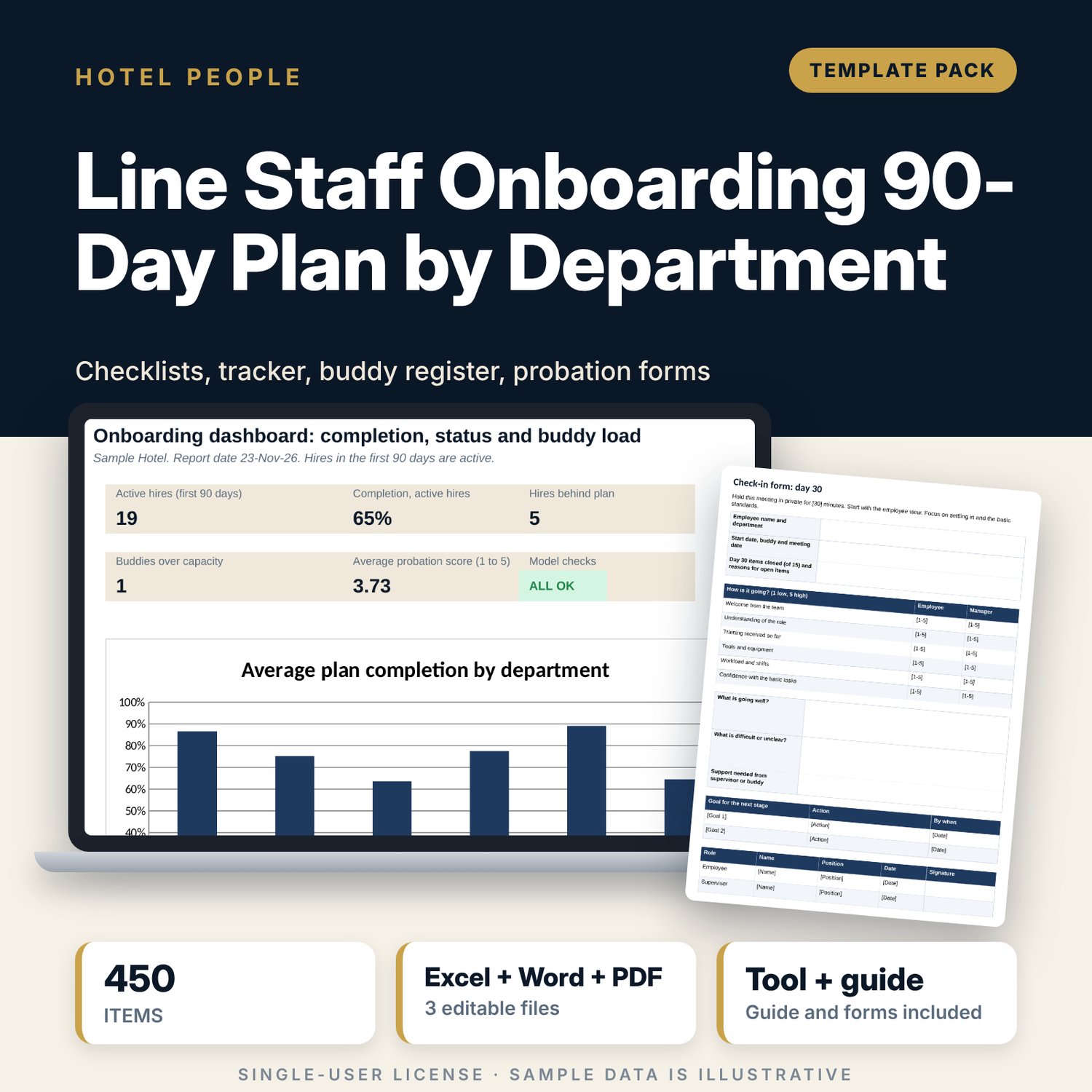
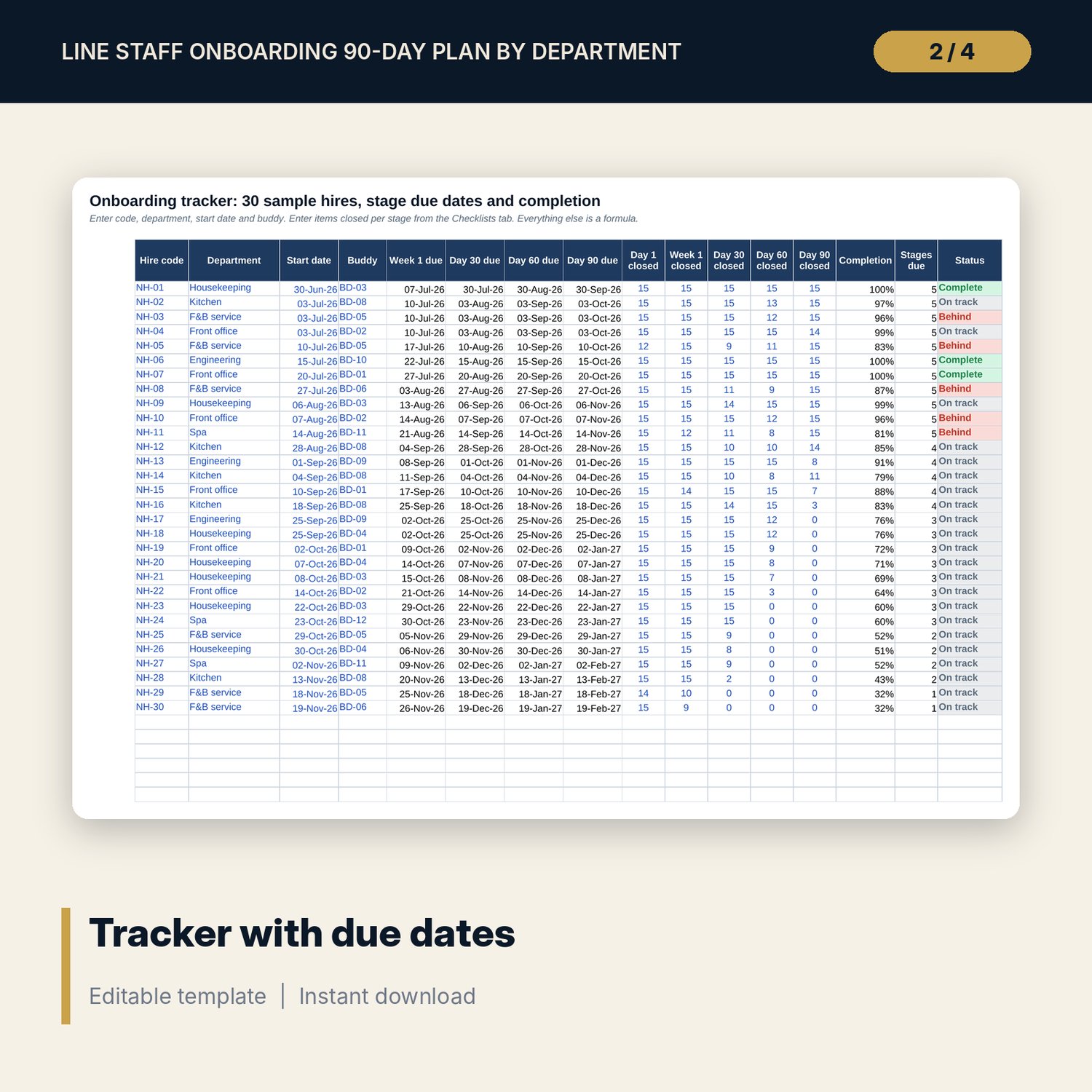
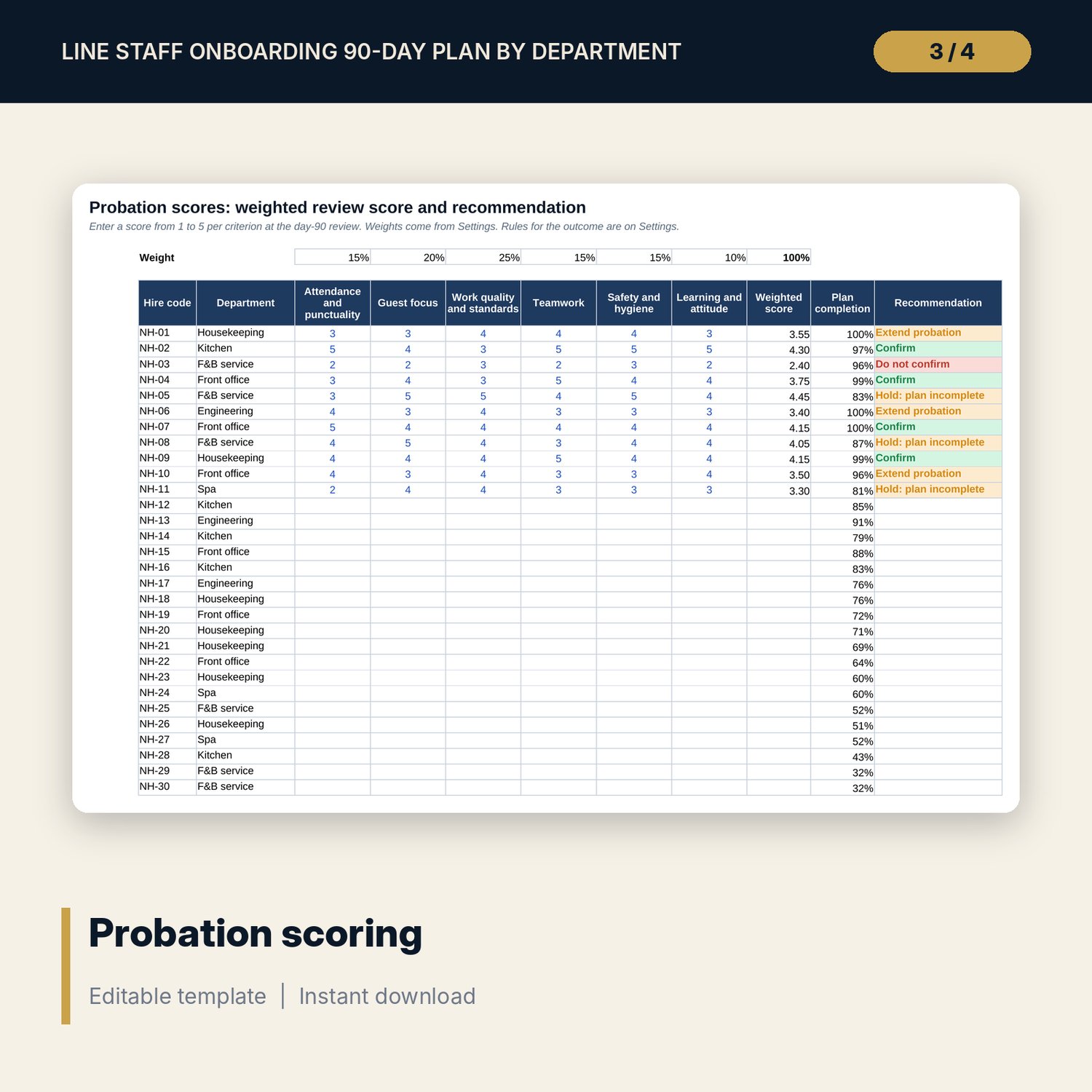
For hotel general managers, HR managers and department heads who want every new line employee to follow the same plan from day 1 to day 90. The workbook holds 450 checklist items (15 per stage, five stages, 6 departments: front office, housekeeping, F&B service, kitchen, engineering and spa), each with an owner and a Yes, No or N/A mark. A tracker for 30 sample hires calculates stage due dates with EDATE, completion and a Behind flag, while a buddy register shows who is over capacity. Probation scores are weighted from six criteria and give a confirm, extend or do not confirm recommendation. The Word pack prints the welcome letter, day-1 agenda, buddy guide, check-in forms for day 30, 60 and 90, the probation review form and a 20-question quiz with answers.
What is inside
- Line_Staff_Onboarding_90_Day_Plan.xlsx: 7 tabs, 1,082 formulas, 1 native chart, 13 drop-down and input rules, 5 checks
- Checklists tab: 450 items (6 departments x 5 stages x 15), owner for each item, due dates for the selected hire and a Done drop-down
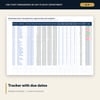
- Onboarding Tracker: 30 sample hires plus 10 spare rows, due dates by EDATE, items closed per stage, completion %, stages due and status
- Buddy register: 12 sample buddies plus 3 spare rows with capacity and training flags (on the Settings tab)
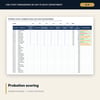
- Probation Scores: six weighted criteria, weighted score and recommendation for each hire
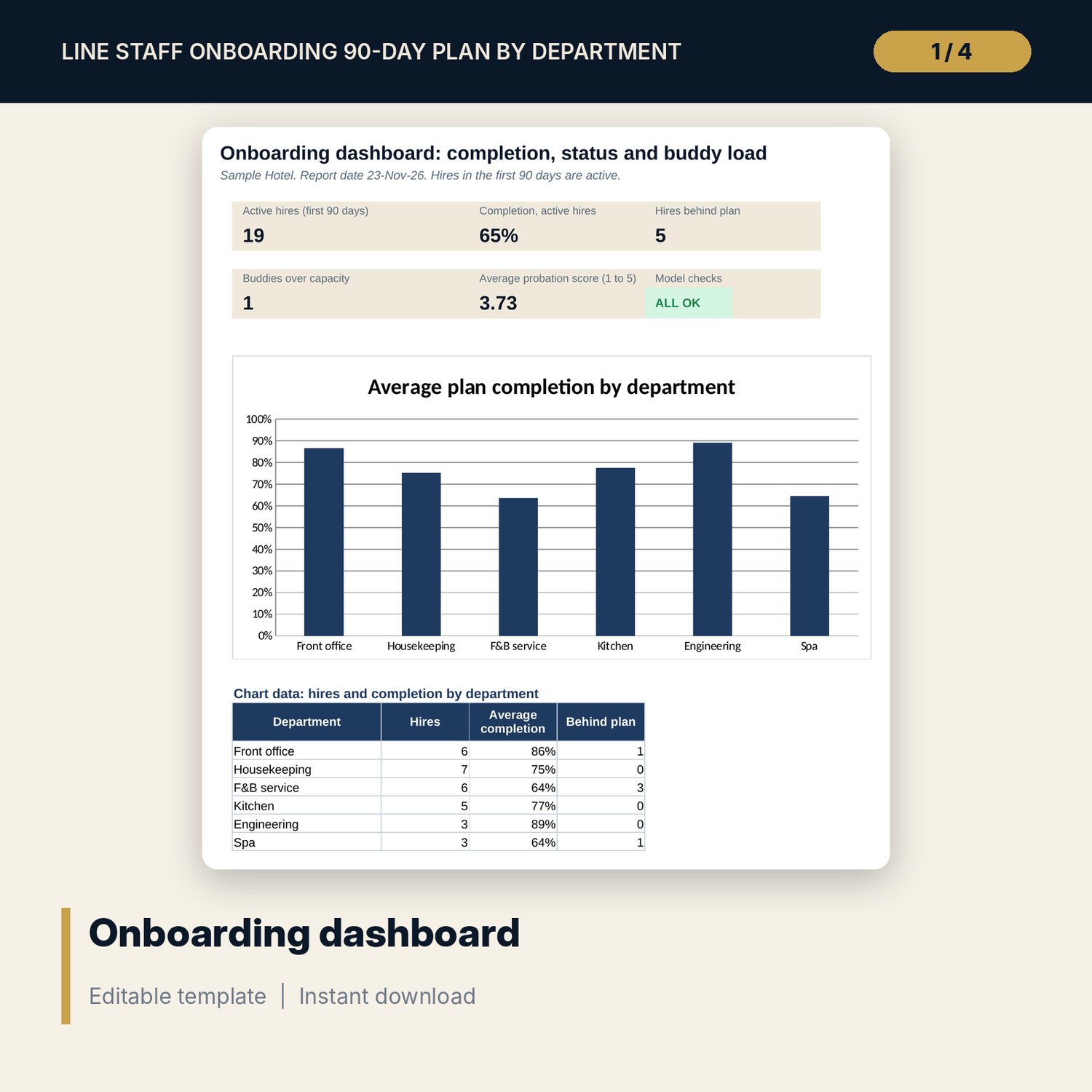
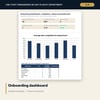
- Dashboard with 5 KPI tiles, a check status tile and a chart of completion by department
- Line_Staff_Onboarding_Forms.docx and PDF copy: 10 pages with welcome letter, day-1 agenda, buddy guide, three check-in forms, probation review form and a 20-question quiz with answers
- README.txt and LICENSE-and-Terms.txt
How it works
- Set the report date, the stage due-date rules and the probation thresholds on Settings, and list your buddies.
- Add each new hire to the Onboarding Tracker with start date, department and buddy. Due dates appear by formula.
- Work through the department checklist on the Checklists tab, mark each item, and copy the five stage counts to the tracker.
- Hold the day-30, day-60 and day-90 meetings with the printed check-in forms.
- At day 90, enter scores on Probation Scores and read the recommendation next to the plan completion.
Details
- Formats: 1 .xlsx workbook, 1 .docx forms pack and 1 PDF copy (3 files plus README and terms), English
- Software: Excel 2016 or later, or LibreOffice Calc 7 or later. Any Word processor or PDF reader for the forms
- No macros, no external links, no array formulas
- Instant digital download
Good to know
- Sample data is illustrative. Replace the sample hires, buddies and scores with your own.
- The pack is a set of templates, not legal advice. Verify local requirements for probation length, notice, training and records before you decide on any hire.
- Single-user license. Do not redistribute.
FAQ
Can I change the checklist items?
Yes. Edit any item, owner or department on the Checklists tab. Keep the same number of items per stage, or change the items-per-stage setting.
How are due dates calculated?
Day 1 is the start date. Week 1 adds the days you set. Day 30, 60 and 90 use EDATE to add one, two and three months, so they follow the calendar.
How does the tracker know how many items are done?
You mark items on the Checklists tab for one hire at a time. The tab shows the five stage counts and compares them with the tracker so you can copy them across.
Can I add other departments?
The checklists cover 6 departments. To add one, add 75 rows on Checklists and a name on the Settings list, then update the count matrix.
Does it need macros or add-ins?
No. Every result is a standard worksheet formula.