Overtime & Labour Cost Variance Analyzer: Hotel Overtime and Labour Cost Variance Analysis in Excel
Full description
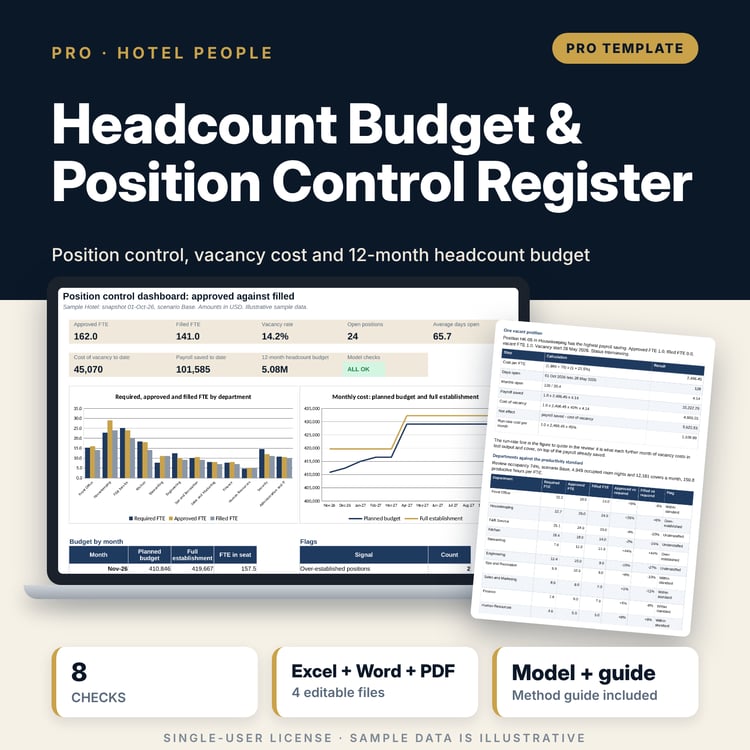
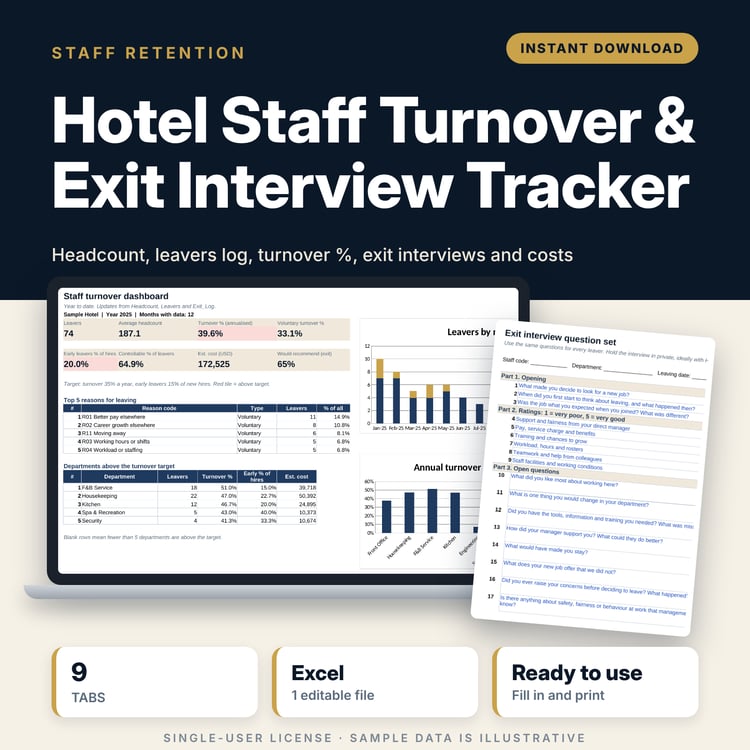
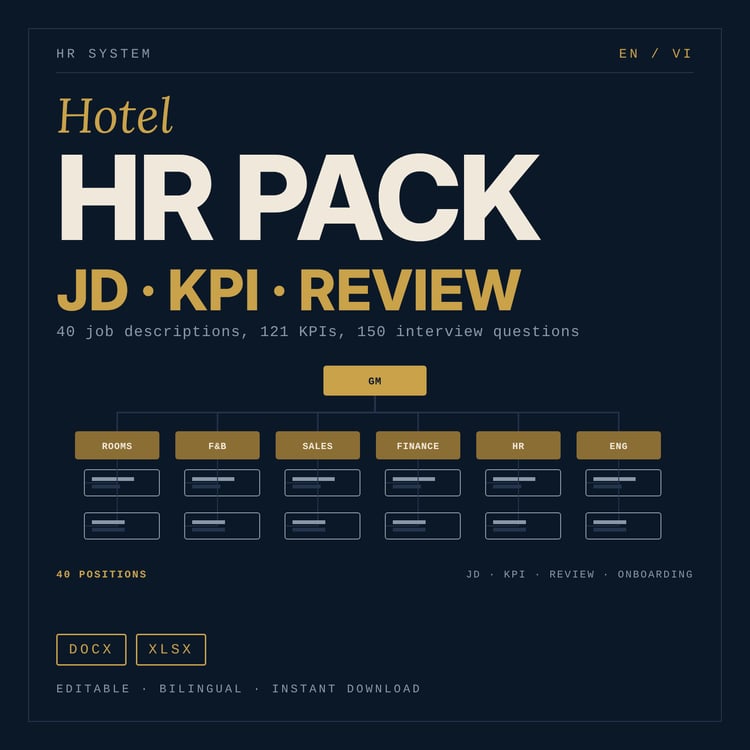
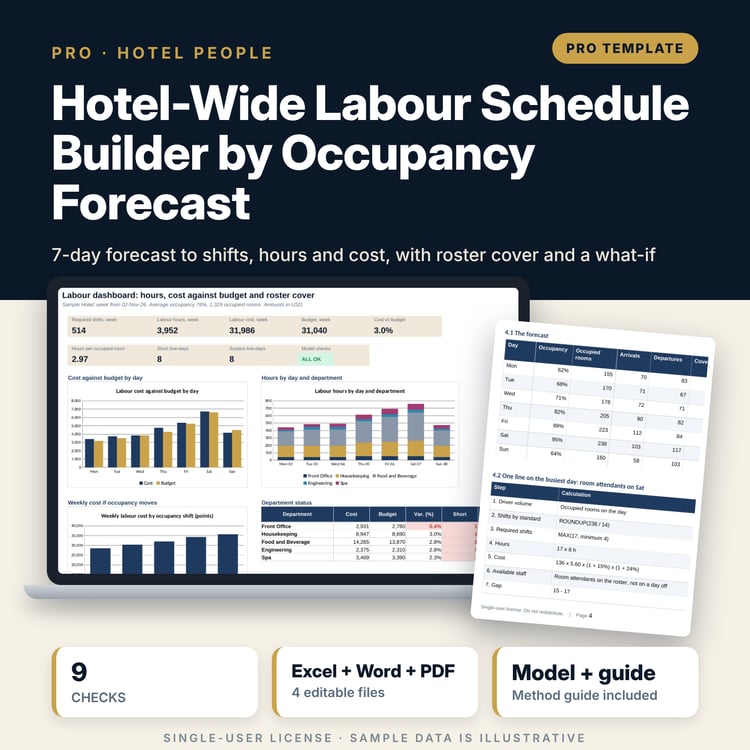
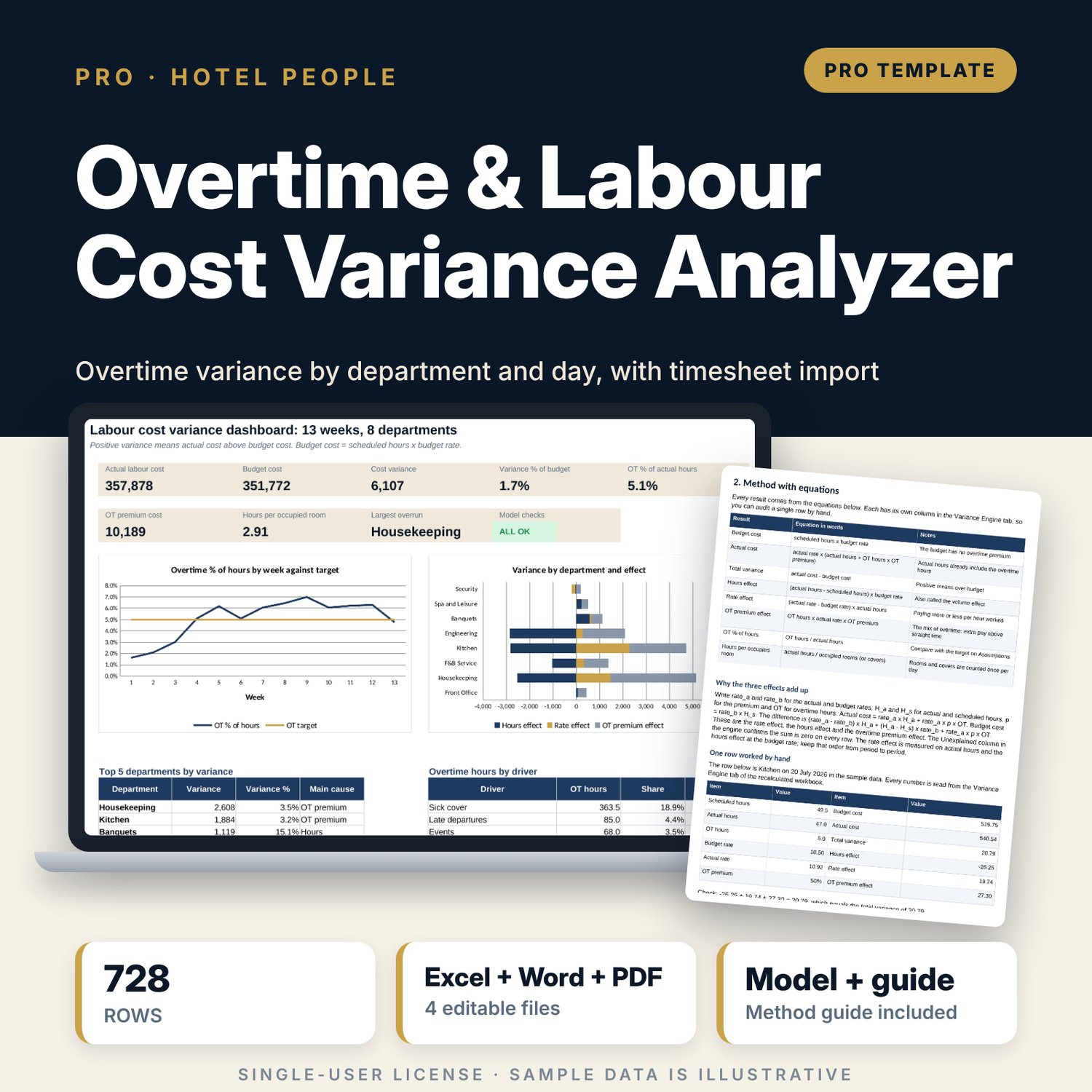
For hotel general managers, financial controllers and department heads who need to know why labour cost is over budget and how much of it is overtime. Enter scheduled hours, actual hours, overtime hours, average rate, overtime premium, occupied rooms and covers for each of 8 departments on each of 91 days. The engine calculates budget cost and actual cost on every row and splits the variance into an hours effect, a rate effect and an overtime premium effect that add up exactly. It codes overtime to drivers (sick cover, late departures, events, vacancies), tracks 13 weeks of trend and ranks departments with RANK. A companion workbook turns a weekly timesheet export into the rows you need, and a guide shows how to brief department heads.
What is inside
- Overtime_Variance_Analyzer.xlsx: 10 tabs, 19,491 formulas, 2 native charts, 9 drop-down and input rules
- Daily Log: 728 sample rows (8 departments x 91 days) with hours, rate, premium, rooms, covers and an overtime driver code
- Variance Engine: one row per log row with 25 columns, one for each step, including the three effects and a column that proves they add up
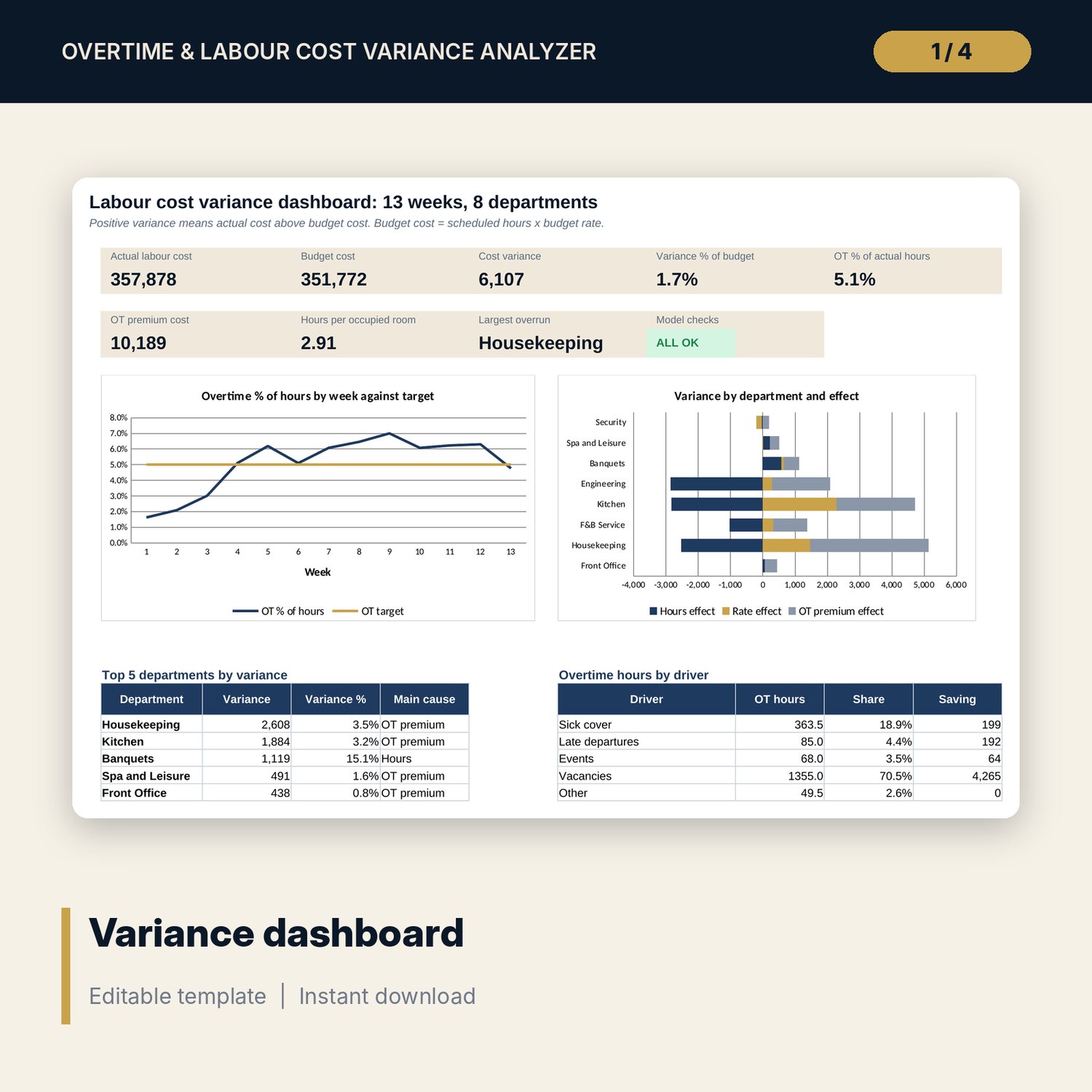
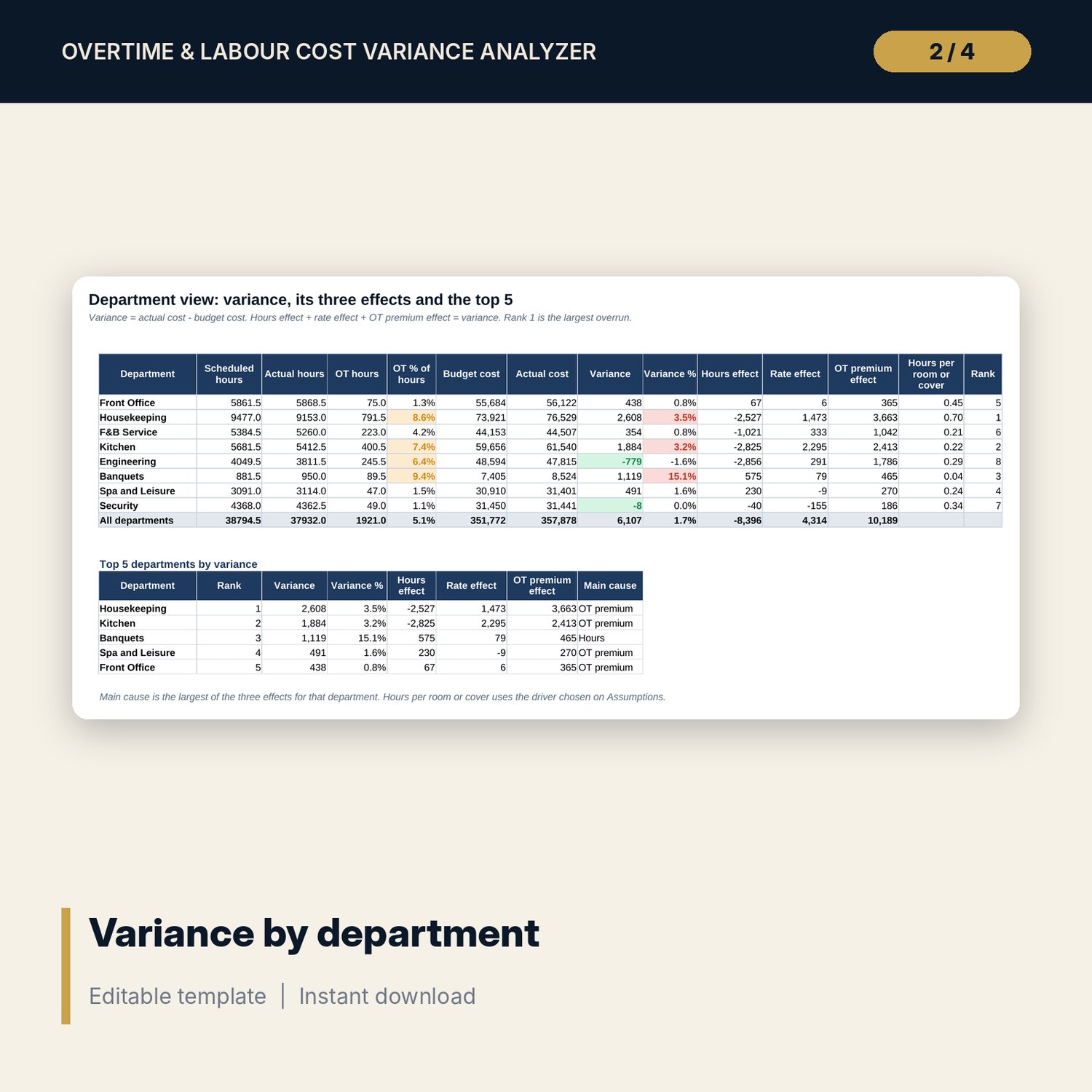
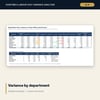
- Drivers, Weekly Trend and Department View: overtime by driver, department and weekday, 13-week trend with slope, variance by department with the top 5 table
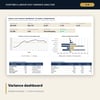
- Dashboard with 8 headline measures, a checks tile and 2 charts; 8 checks, including one that reconciles two independent totals of actual cost; Method tab with 12 documented results
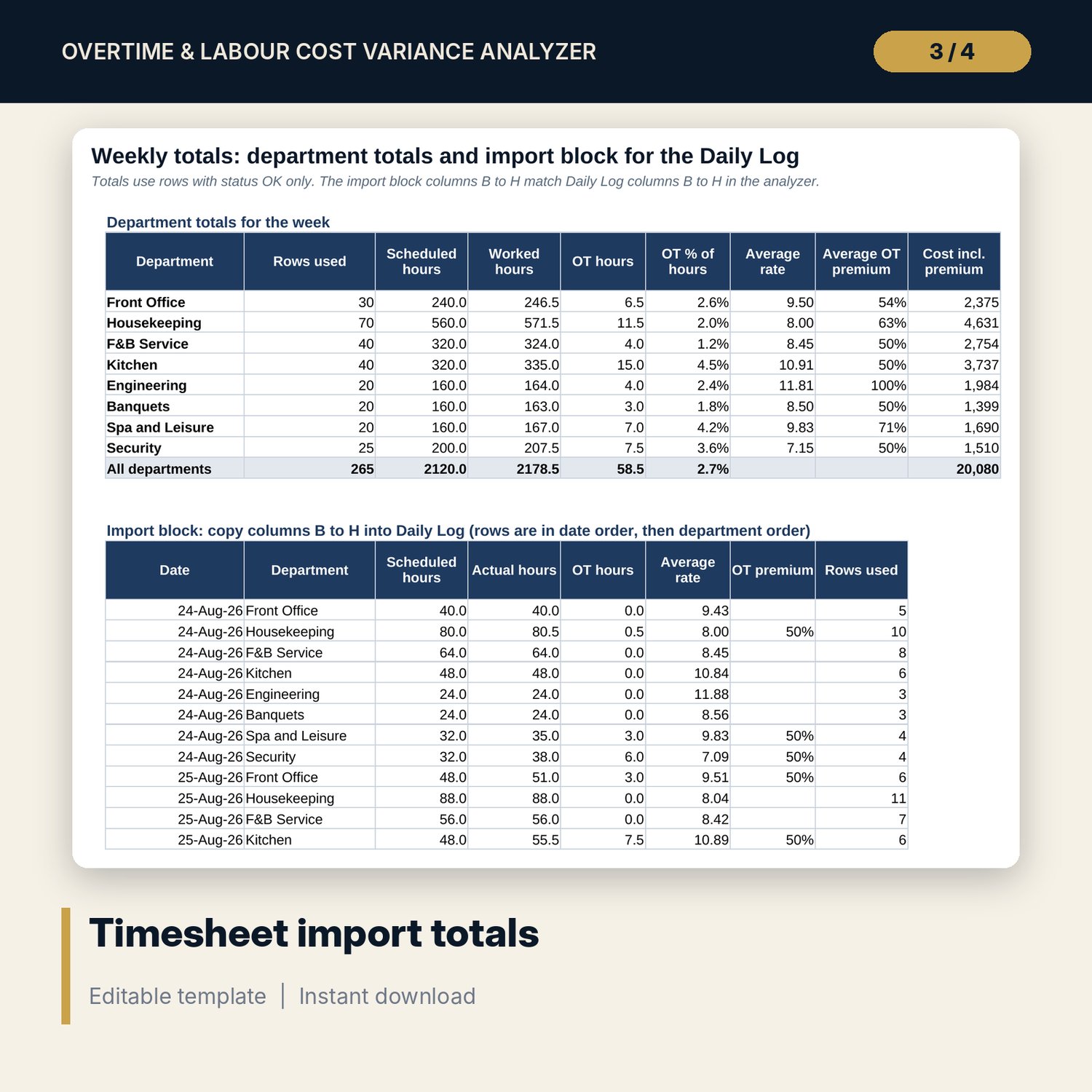
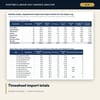
- Overtime_Variance_Analyzer_Timesheet_Import_Sheet.xlsx: 3 tabs, 10,134 formulas, a paste area for 1,200 timesheet rows with row-by-row validation, a cost centre mapping and a weekly import block
- Overtime_Variance_Analyzer_Guide.docx and PDF: 10 pages with the method and equations, a worked example read from the workbook, a department brief, mistakes, limitations and a checklist
- README.txt and LICENSE-and-Terms.txt
How it works
- Set the first Monday, the overtime target, and the budget rate and activity driver for each department on Assumptions.
- Build the weekly rows with the timesheet import sheet, add rooms, covers and driver codes, and paste them into Daily Log.
- Read Department View for the variance, its three effects and the top 5 departments, then Drivers and Weekly Trend for the cause and the direction.
- Brief each department head with the guide, then repeat each week.
Details
- Format: two .xlsx workbooks, one editable .docx and its PDF copy, English
- Software: Excel 2016 or later, or LibreOffice Calc 7 or later; Word or any program that opens .docx
- No macros, no external links, no pivot tables, no array formulas
- 4 files, instant digital download
Good to know
- Sample data is illustrative. Replace it with your own figures.
- The workbook is a management tool, not payroll, legal or tax advice. Overtime and working-time rules differ by country and contract; verify local requirements.
- Budget cost is scheduled hours multiplied by a budget rate. Labour cost excludes taxes, benefits and service charge unless you add them to the rate.
- Single-user license. Do not redistribute.
FAQ
Can I use fewer than 8 departments?
Yes. Leave unused department slots blank on Assumptions and leave the matching log rows empty. The formulas return blank for empty rows.
What counts as the budget?
Scheduled hours multiplied by the budget rate for the department. If your budget flexes with occupancy, enter the flexed hours as scheduled hours.
Does the overtime premium have to be the same every day?
No. Premium is an input on every log row, so you can enter a higher rate for rest days and holidays.
How do I get my timesheet data in?
Paste the export into the companion import sheet, map your cost centre codes to departments and copy the weekly import block into Daily Log. Rows with errors are flagged and left out of the totals.
Does it need macros or add-ins?
No. Every result is a standard worksheet formula.