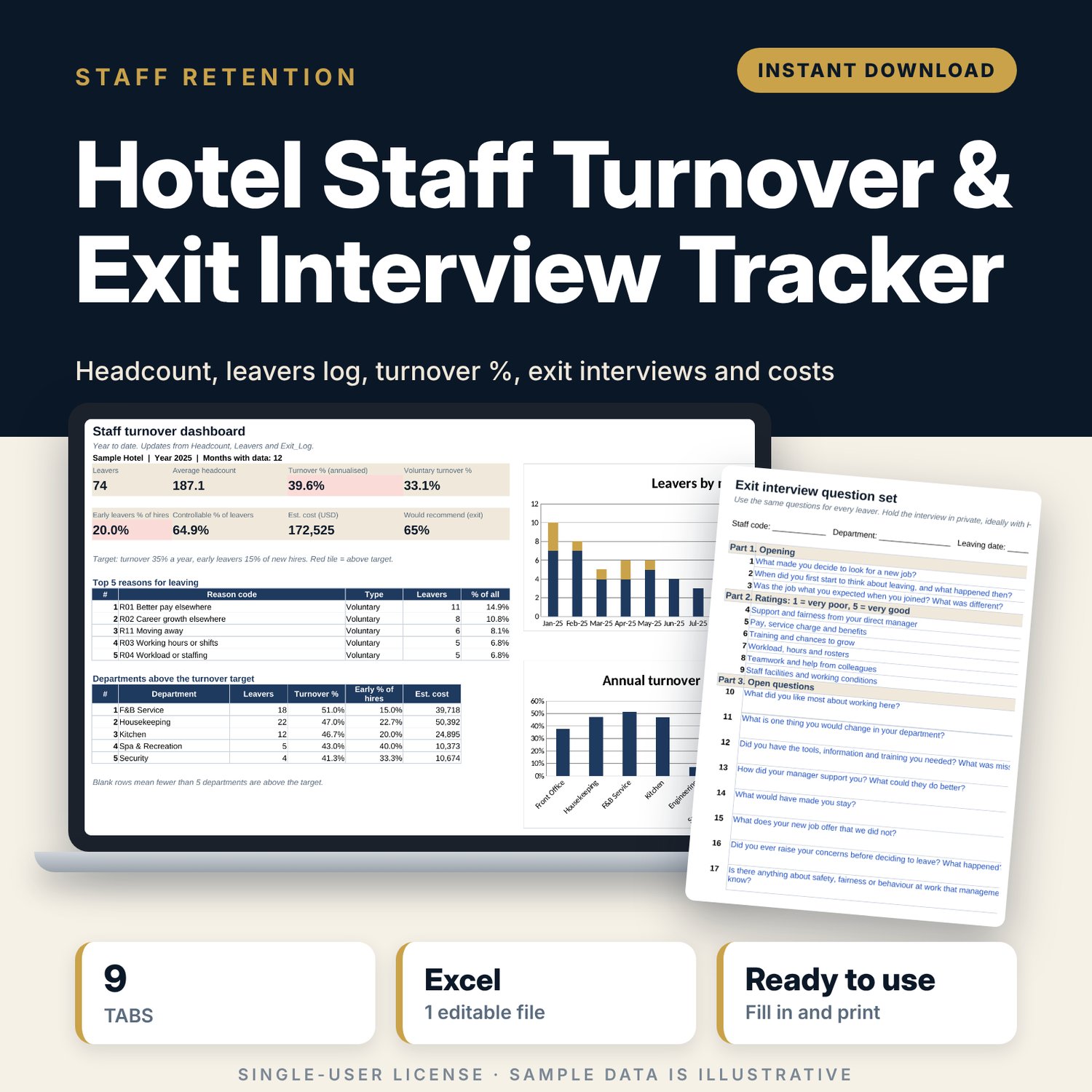
Hotel Staff Turnover & Exit Interview Tracker: Employee Turnover Spreadsheet for Hotels
Full description
For hotel HR managers, general managers and department heads who need to know how many people leave, why they leave and what it costs. You enter month-end headcount, log each leaver with a reason code and record exit interview answers. The workbook calculates turnover and early turnover by month and department, shows the top reasons for leaving, estimates the cost of replacing each leaver and flags departments above your target.
Save with a bundle: this template is also in the Hotel People & Leadership Bundle, 10 templates for $29 instead of $69. All 141 templates are in the All-Access Hospitality Template Library for $79.
What is inside
- Hotel_Staff_Turnover_Exit_Interview_Tracker.xlsx: 9 tabs, 3,114 formulas, 5 native charts, 13 drop-down or number rules.
- Settings: year, turnover target, early-leaver days, 10 departments, 20 reason codes with type and a controllable flag, 3 levels, 7 tenure bands.
- Headcount: opening and month-end headcount plus new hires for 12 months and 10 departments, with averages.
- Leavers: room for 300 leavers (74 sample rows). Days of service, tenure band, early-leaver flag, leaver type and estimated cost calculate.
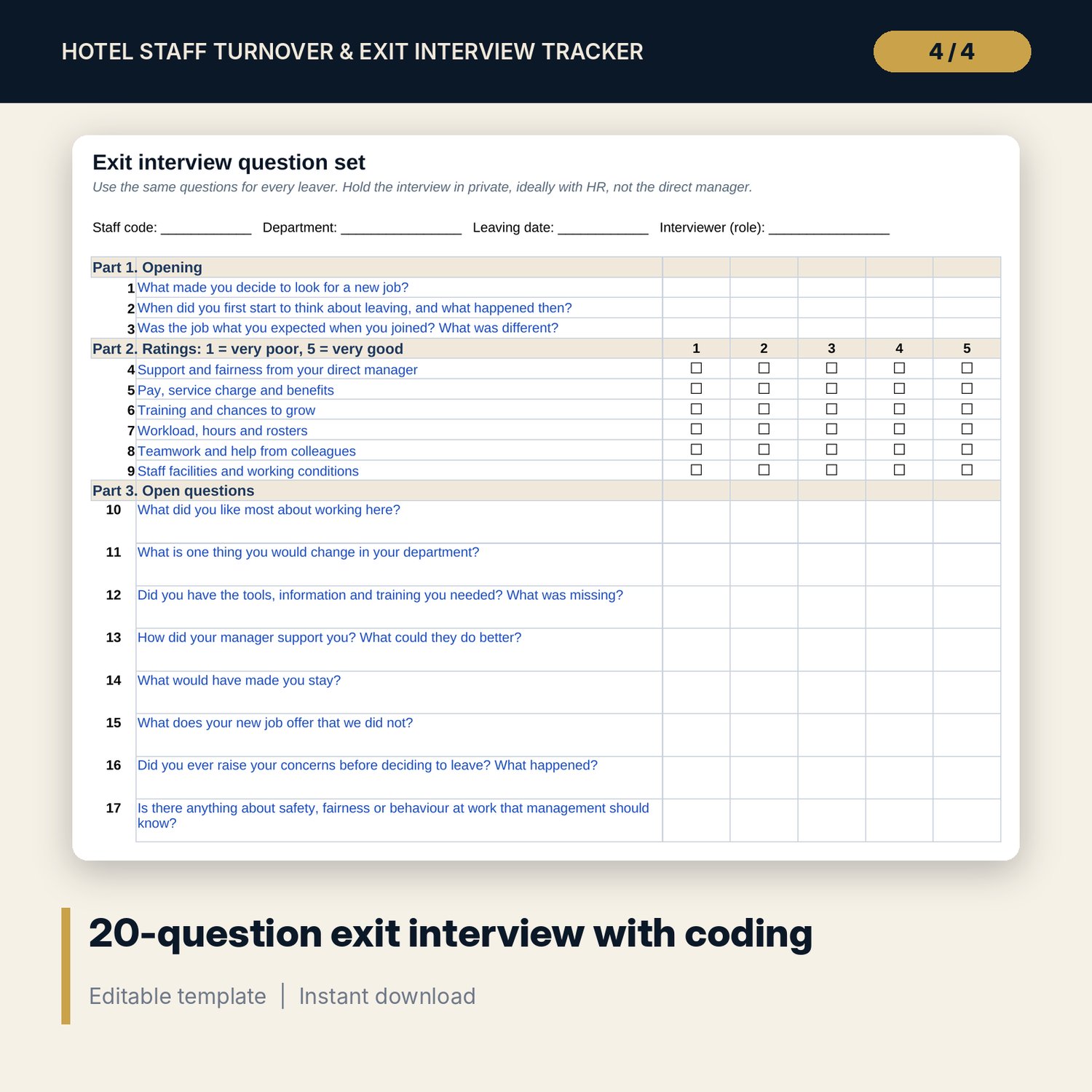
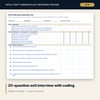
- Exit_Questions: a printable interview with 20 questions (opening, 6 ratings, open questions, closing) and a coding guide for the 20 reason codes.
- Exit_Log: room for 200 interviews (46 sample rows) with 6 ratings, recommend and return answers, a check against the leavers log and a summary.
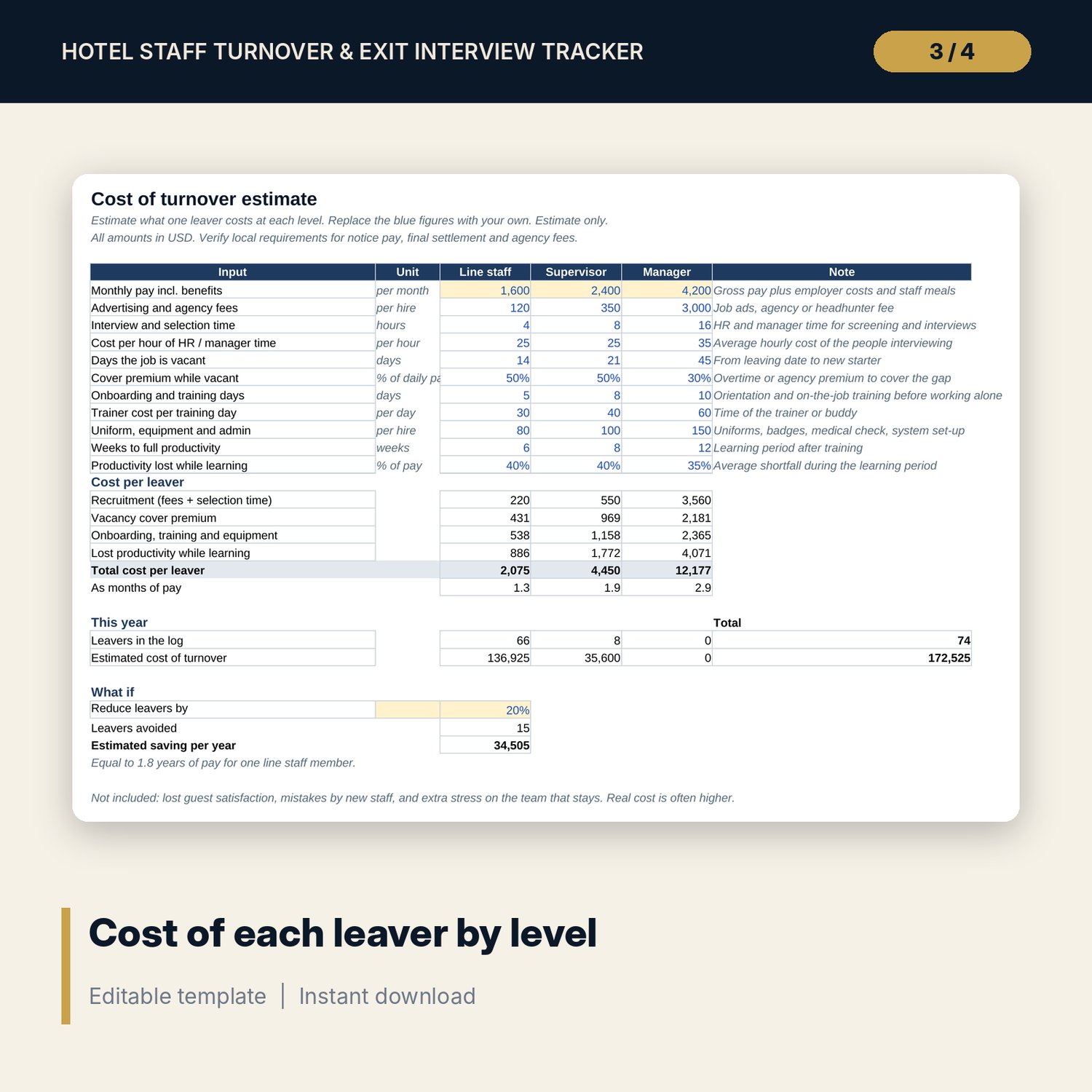
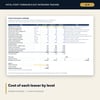
- Cost_Calculator: 11 cost inputs for line staff, supervisors and managers, cost per leaver, cost of this year and a what-if saving.
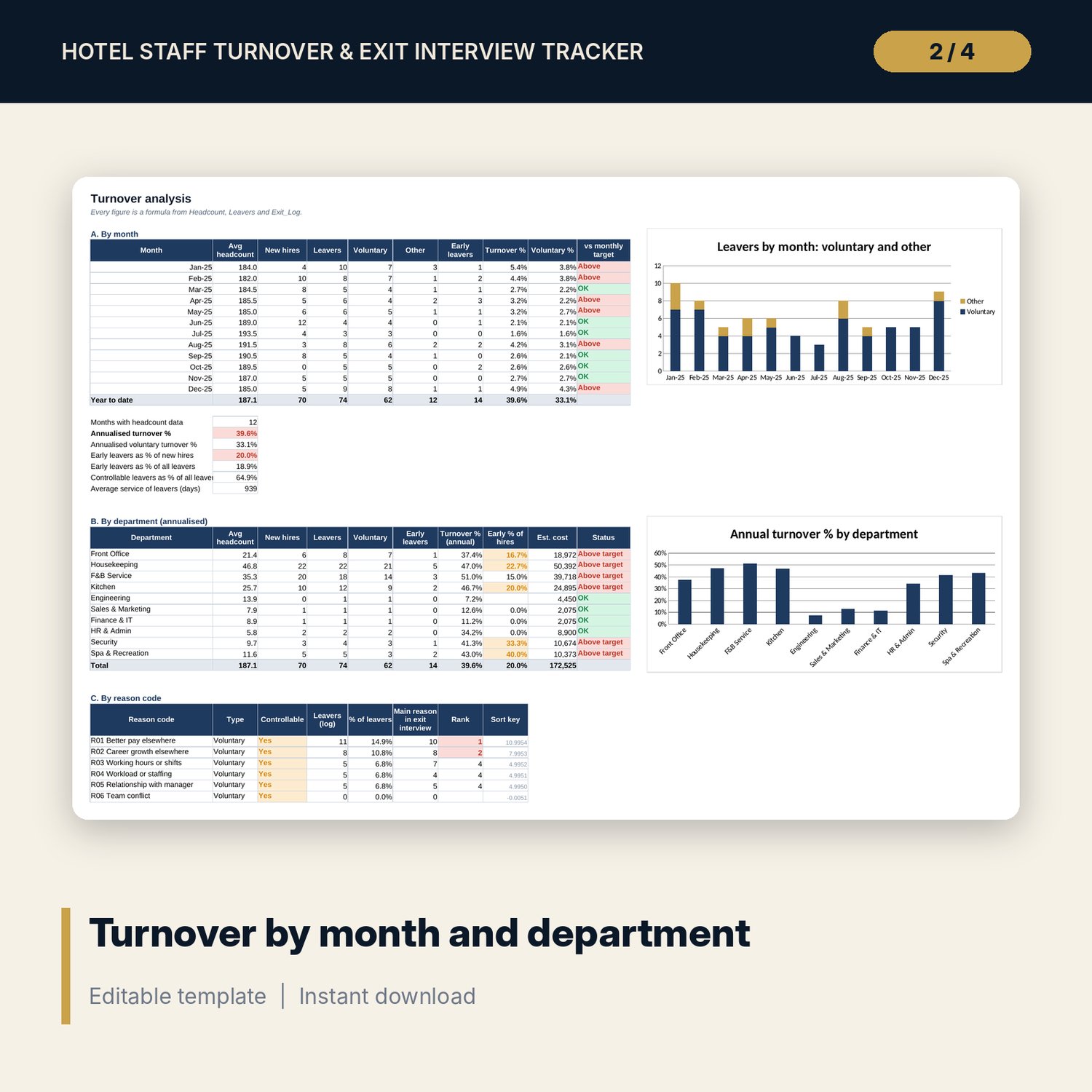
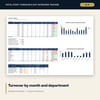
- Turnover_Analysis: turnover by month, department, reason code, tenure band and level, with 3 charts.
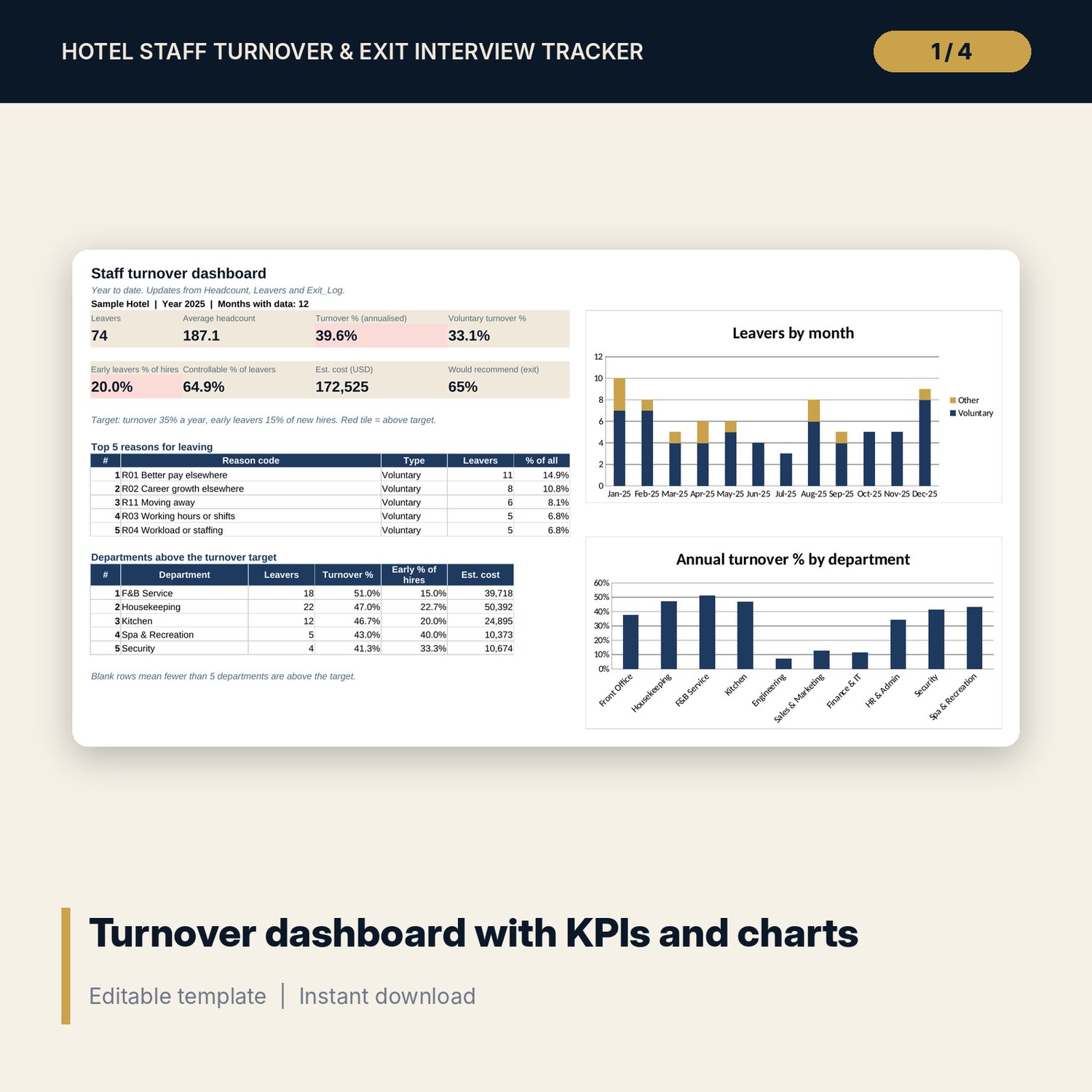
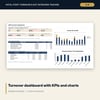
- Dashboard: 8 KPI tiles, top 5 reasons, departments above target and 2 charts on one page.
- README.txt and LICENSE-and-Terms.txt.
How it works
- Enter the year, your turnover target and your departments on Settings. Check the reason codes.
- Enter opening headcount, month-end headcount and new hires on Headcount.
- Log each leaver by staff code with a reason code, then hold the exit interview and record the answers.
- Replace the cost inputs with your own pay and hiring costs.
- Review Turnover_Analysis and the Dashboard each month.
Details
- Format: Excel workbook (.xlsx). No macros.
- Language: English. Currency is a label you choose.
- Software: Excel 2016 or later, or a spreadsheet program that opens .xlsx files.
- Delivery: instant digital download. Nothing is shipped.
Good to know
- All sample leavers, headcount, ratings and costs are illustrative. Replace them with your own data.
- Use staff codes, not names. Store exit interview notes under your local data privacy rules.
- The cost of turnover is an estimate. It is not legal, payroll or professional advice; verify local requirements for final pay and notice.
- Single-user license. Do not share or resell the files.
FAQ
How is turnover % calculated?
Leavers divided by average headcount. For a part year the workbook also shows an annualised figure.
What counts as an early leaver?
Anyone who leaves within the number of days you set on Settings. The default is 90 days.
Can I change the reason codes and departments?
Yes. Edit the lists on Settings and the drop-downs and analysis update.
Does it work in Google Sheets?
It opens in Google Sheets and the formulas calculate. Check the drop-downs and charts after import.
Is this a physical product?
No. It is a digital download. Refund terms follow the store policy at the time of purchase.