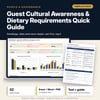
Guest Cultural Awareness & Dietary Requirements Quick Guide: Guest Preference Reference, Diet Rules and Group Meal Planner for Hotels and Restaurants
Full description
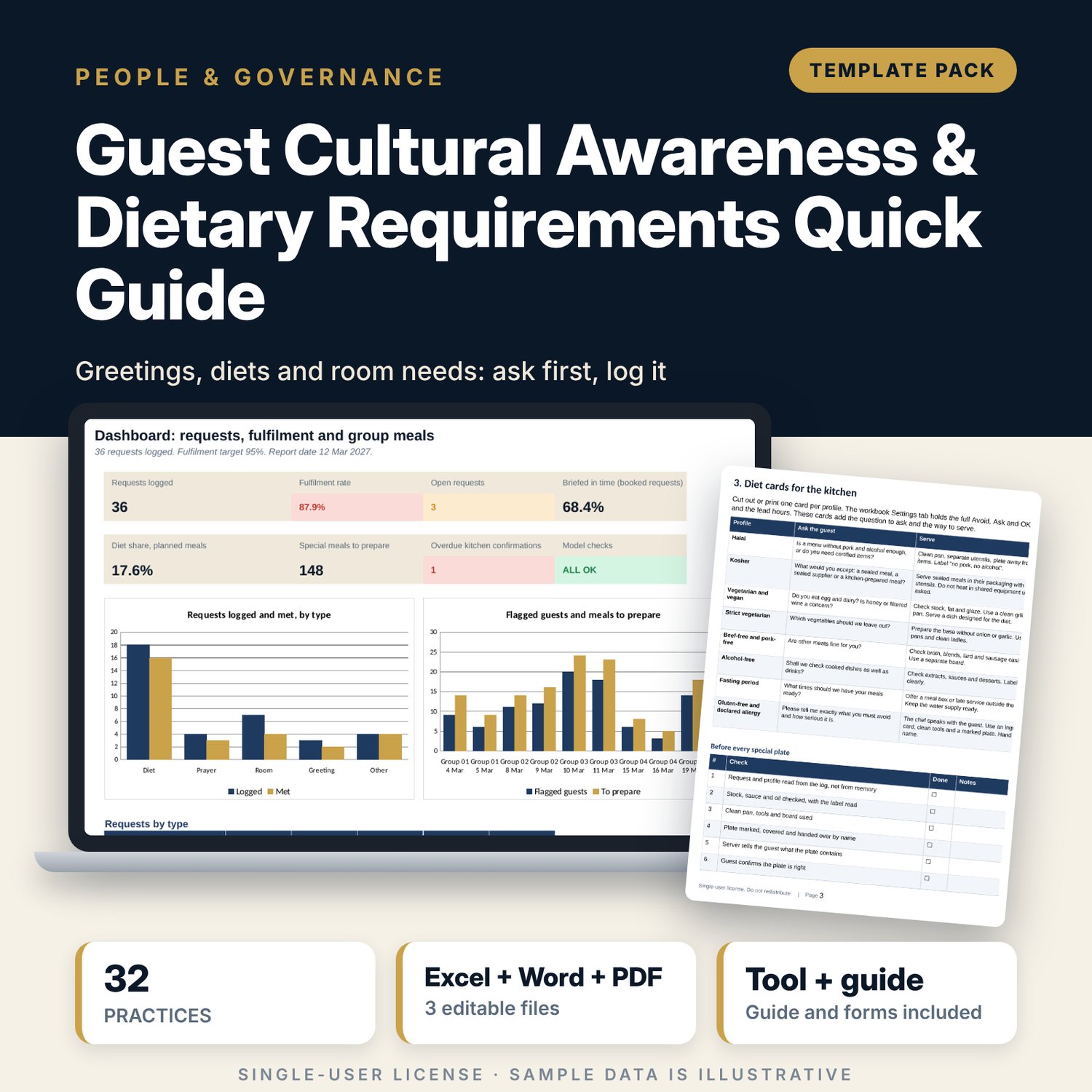
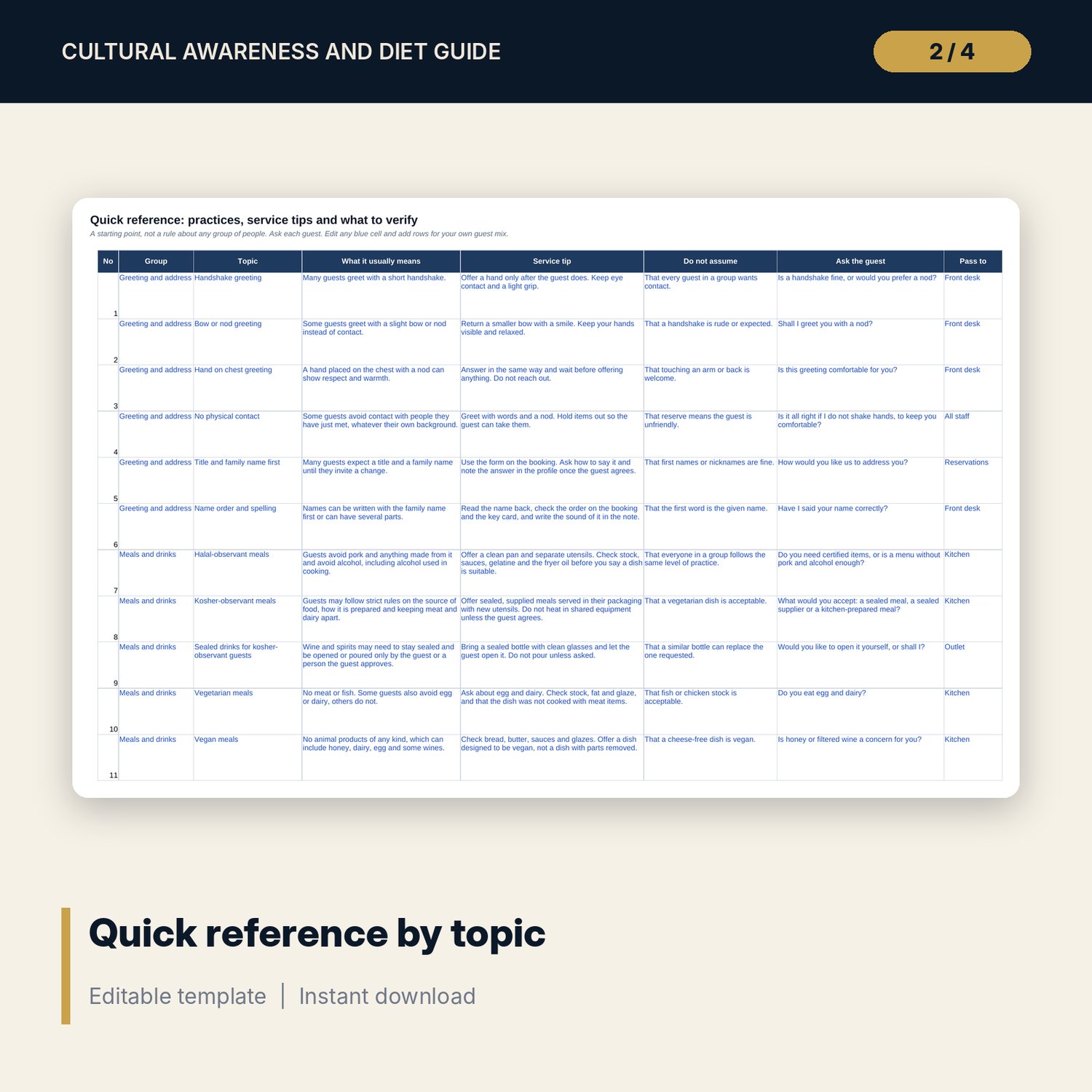
For hotel and restaurant managers who host international guests and groups and want staff to ask well, hand requests on and serve special meals safely. The workbook has a quick reference of 32 practices, each with a service tip, what not to assume and a line to verify with the guest, and a diet rules matrix for 13 profiles. The request log tests whether each booked request was briefed in time and flags open, late and unconfirmed items. The group meal planner adds your buffer to each profile, rounds up, finds the kitchen confirm-by date and shows overdue confirmations. The Word guide gives the team cards, a briefing checklist and three print-ready forms. It treats guests as individuals: it lists practices, not stereotypes, and keeps allergies apart from belief-based diets.
What is inside
- Cultural_Awareness_and_Dietary_Guide.xlsx: 7 tabs, 526 formulas, 2 native charts, 18 drop-down and input rules
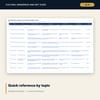
- Quick Reference: 32 practices in six groups (greeting and address, meals and drinks, timing, room, gifts, billing), each with a service tip, what not to assume and a line to ask the guest
- Settings: buffer, default lead hours, fulfilment target and a diet rules matrix of 13 profiles by 10 food categories (Avoid, Ask, OK) with lead hours for each profile
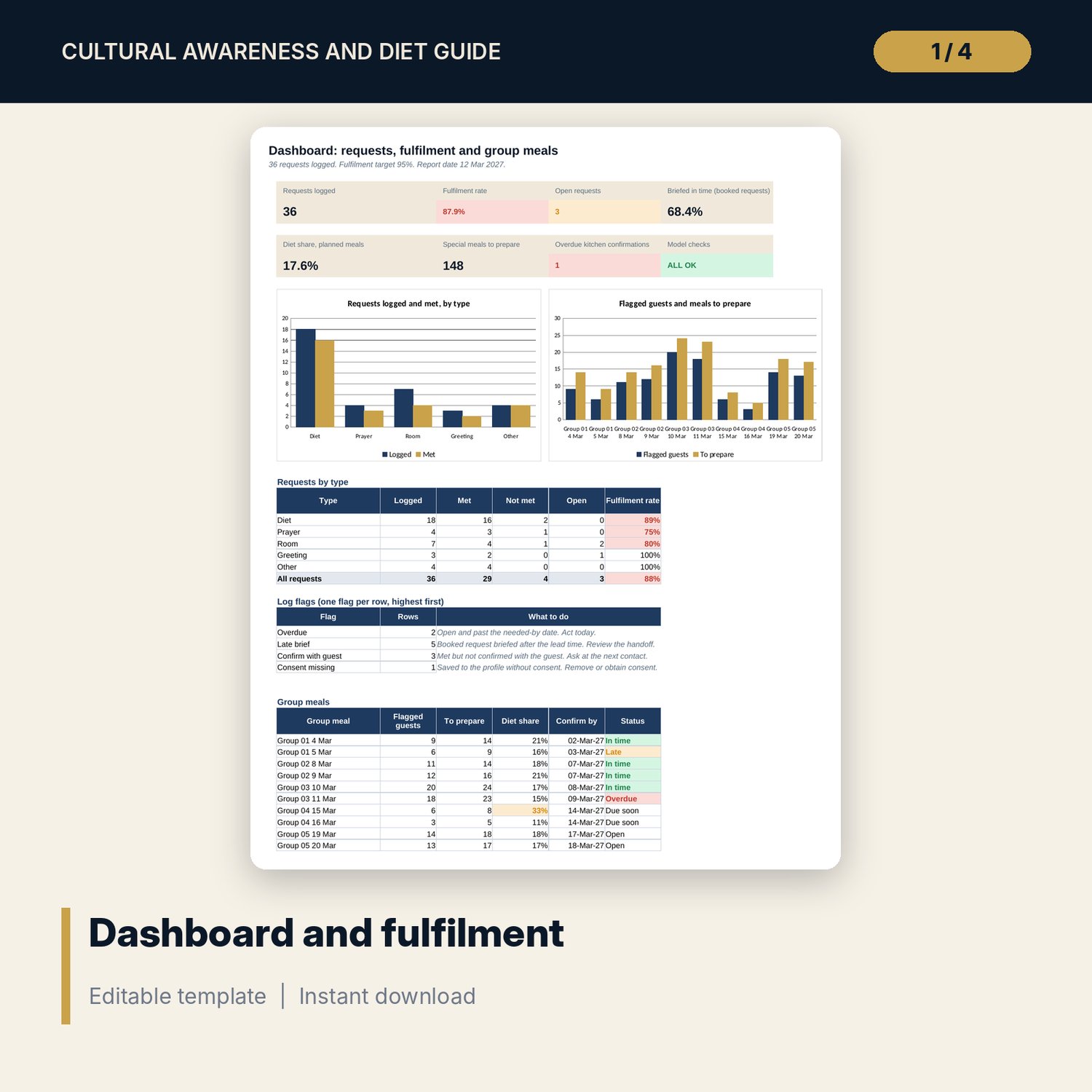
- Request Log: 36 sample requests plus 40 spare rows; lead hours from the profile, briefed-in-time test and flags for overdue, late brief, unconfirmed and no consent
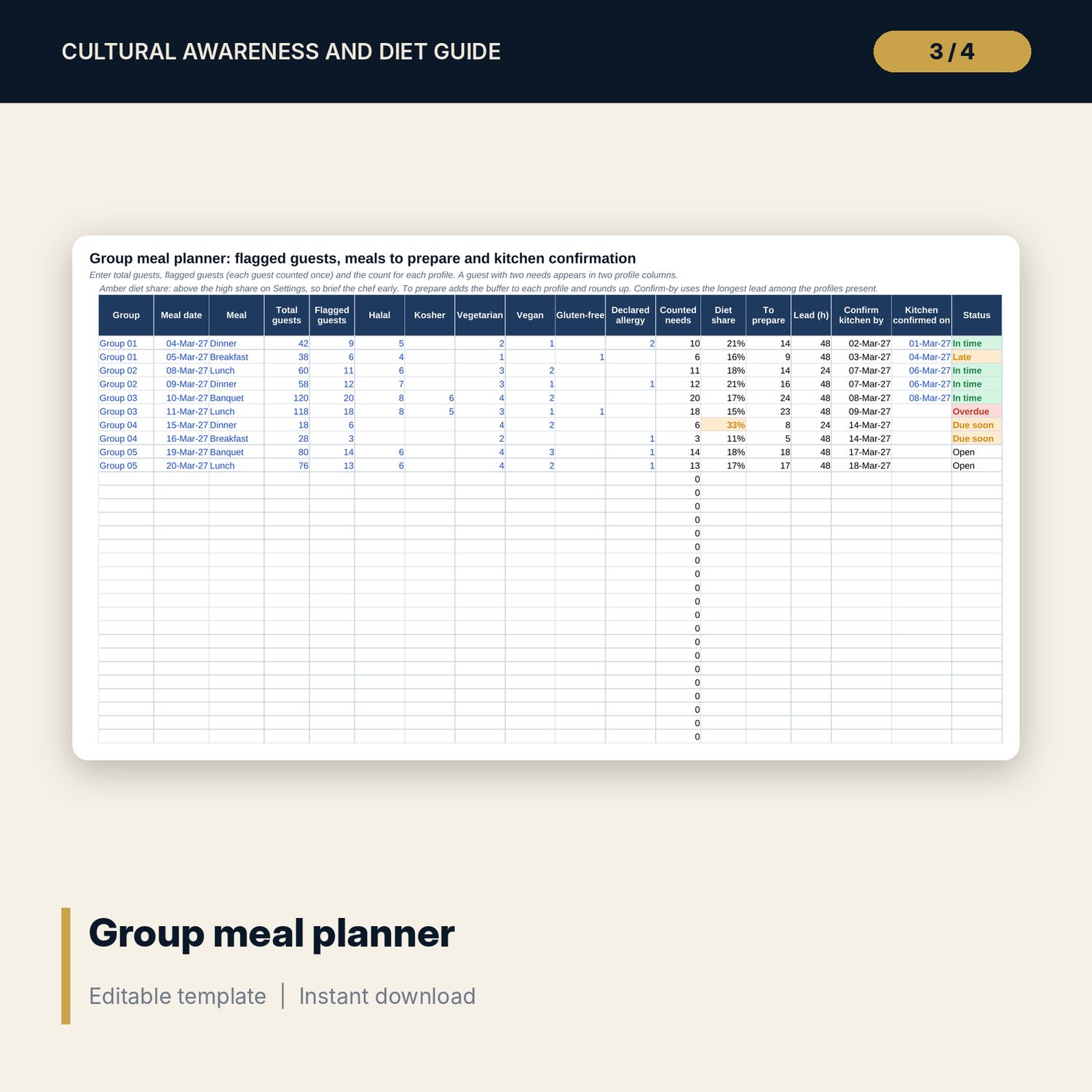
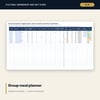
- Group Meal Planner: 10 sample group meals plus 20 spare rows; counts by profile, buffer added and rounded up, kitchen confirm-by date and status
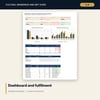
- Dashboard: 7 KPI tiles, a check tile, requests by type, log flags and group meals, with 2 charts; 8 integrity checks
- Guest_Awareness_Guide_Cards.docx and PDF: 6 pages with the request chain, opening lines, diet cards, a group briefing checklist, request, handover and consent forms and a group review
- README.txt and LICENSE-and-Terms.txt
How it works
- Set the buffer, default lead hours, fulfilment target and the lead hours for each profile on Settings.
- Read the Quick Reference with the team and edit it for your guest mix.
- Log each request and the department told. Enter group meals on the planner with counts by profile.
- Brief the kitchen before the confirm-by date and confirm in time.
- Review fulfilment, late briefs, open items and meals prepared on the Dashboard after each group.
Details
- Formats: 1 Excel workbook (.xlsx), 1 guide in Word (.docx) and PDF, English
- Software: Excel 2016 or later, or LibreOffice Calc 7 or later; any word processor for the guide
- No macros, no external links, no data tables, no array formulas
- 3 files plus README and license; instant digital download
Good to know
- Sample data is illustrative. Replace it with your own figures.
- Guidance is general and not about any person: always ask the individual guest.
- Lead hours, buffer and target are examples. Verify local food-safety and allergen requirements.
- Single-user license. Do not redistribute.
FAQ
Does it tell me how a region or a belief group behaves?
No. It lists practices and what to ask, and each row says to verify with the guest. It does not describe nationalities or groups of people.
Can I change the diet rules and lead times?
Yes. Every rule cell, lead hour, the buffer and the target are inputs on Settings.
How are meals to prepare worked out?
For each profile the count is multiplied by one plus the buffer and rounded up, then added across profiles.
Is an allergy treated like a diet?
No. It is a separate profile with the longest lead time and an ingredient card, because it is a medical need.
Do I need macros?
No. Every result is a standard worksheet formula.