Restaurant Health Inspection Readiness Self-Audit: Health Inspection Checklist and Corrective Action Tracker for Restaurants
Full description
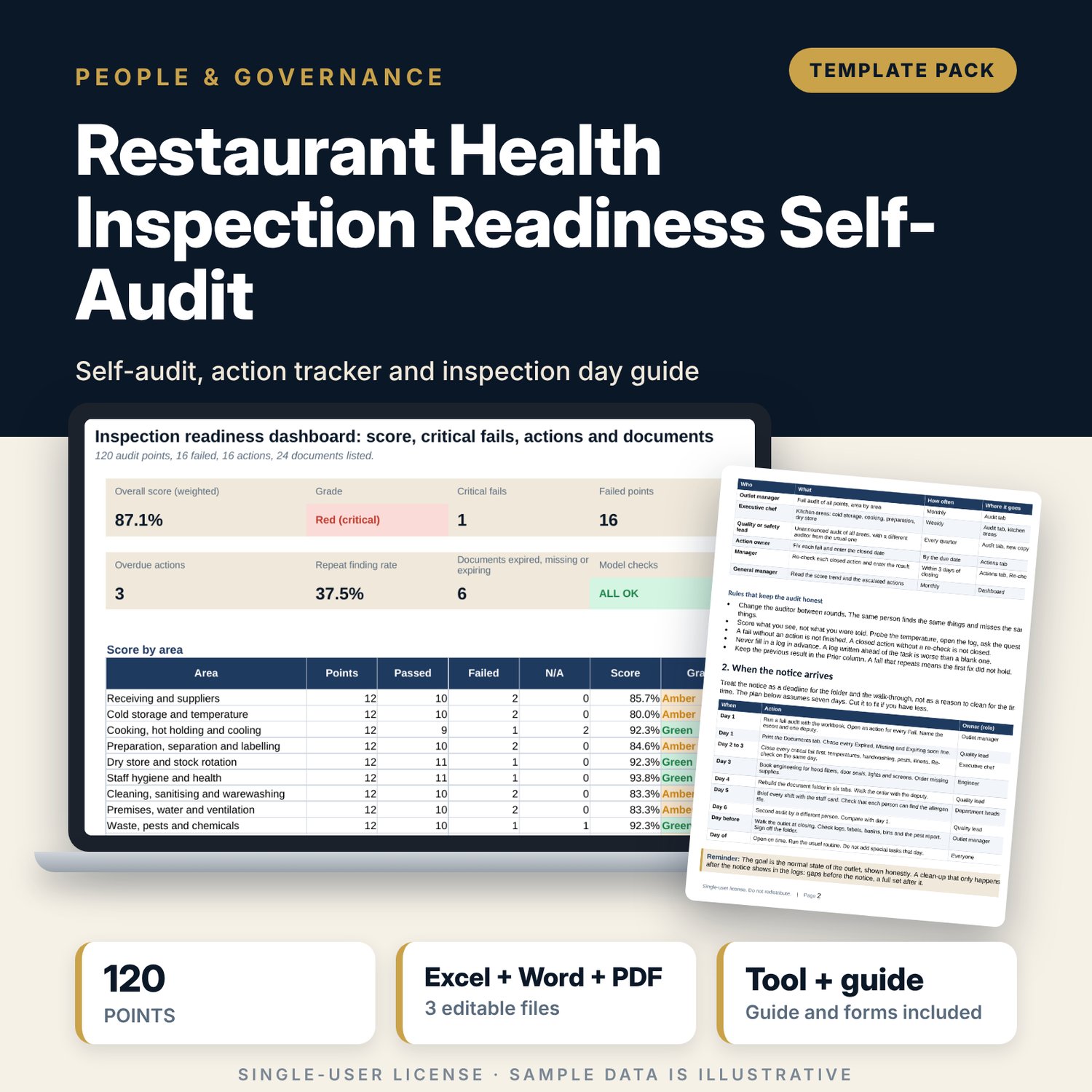
For restaurant and bar managers, chefs and quality leads who want to be ready for an official food safety visit all year. The workbook holds 120 audit points in 10 areas. It scores the outlet and each area, forces a Red grade at the critical-fail limit you set, links every fail to a corrective action with owner, due date and re-check, ages overdue actions, finds repeat findings and shows which documents are expired or missing. The Word guide sets out the monthly routine, the seven-day plan after a notice, the roles on the day, what to say and how to close findings.
What is inside
- Health_Inspection_Readiness_Self_Audit.xlsx: 7 tabs, 1,024 formulas, 2 native charts, 16 drop-down and input rules, 10 integrity checks
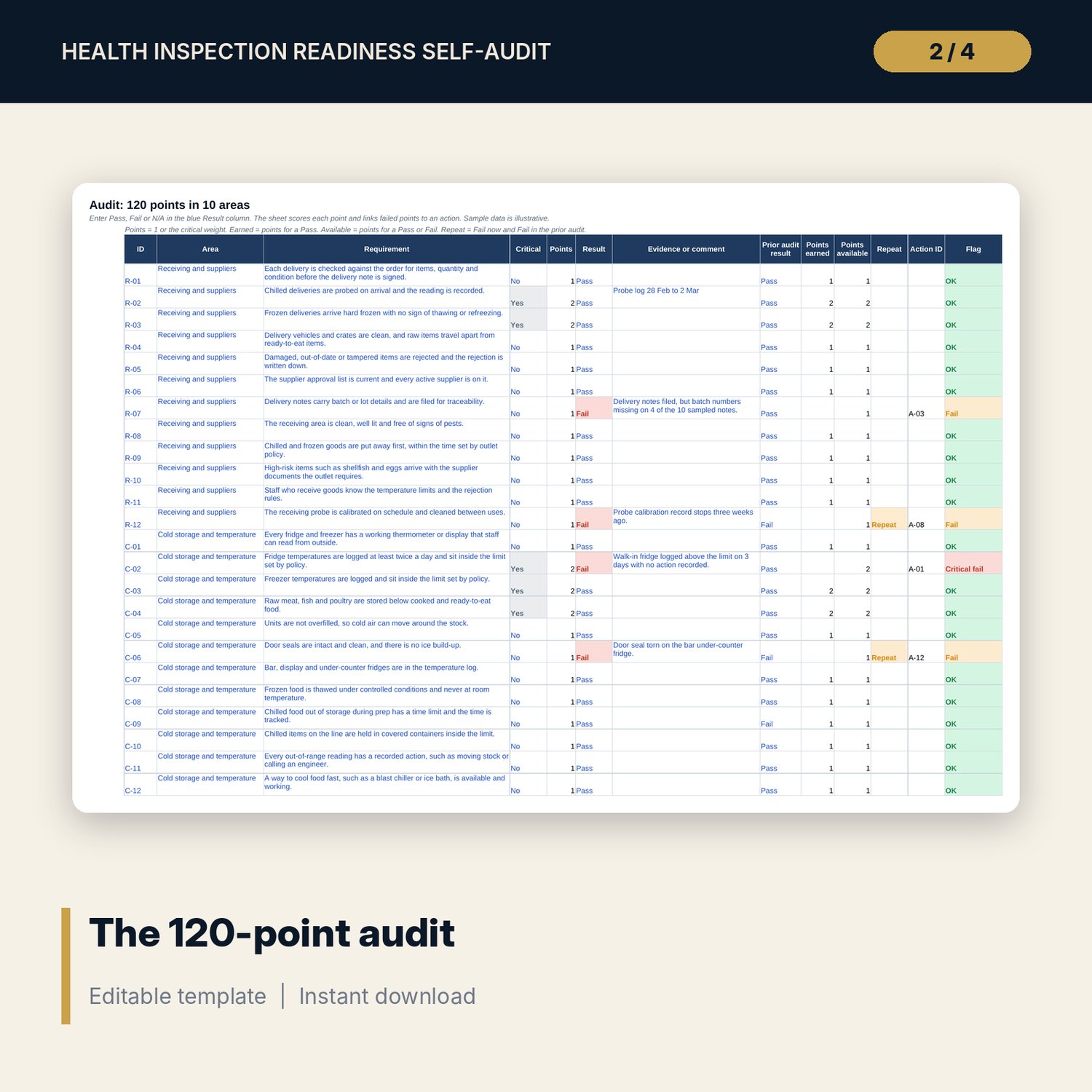
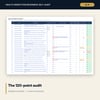
- Audit: 120 points in 10 areas (12 each), 16 marked critical, result, evidence, prior result, points, repeat flag and linked action, plus 6 spare rows
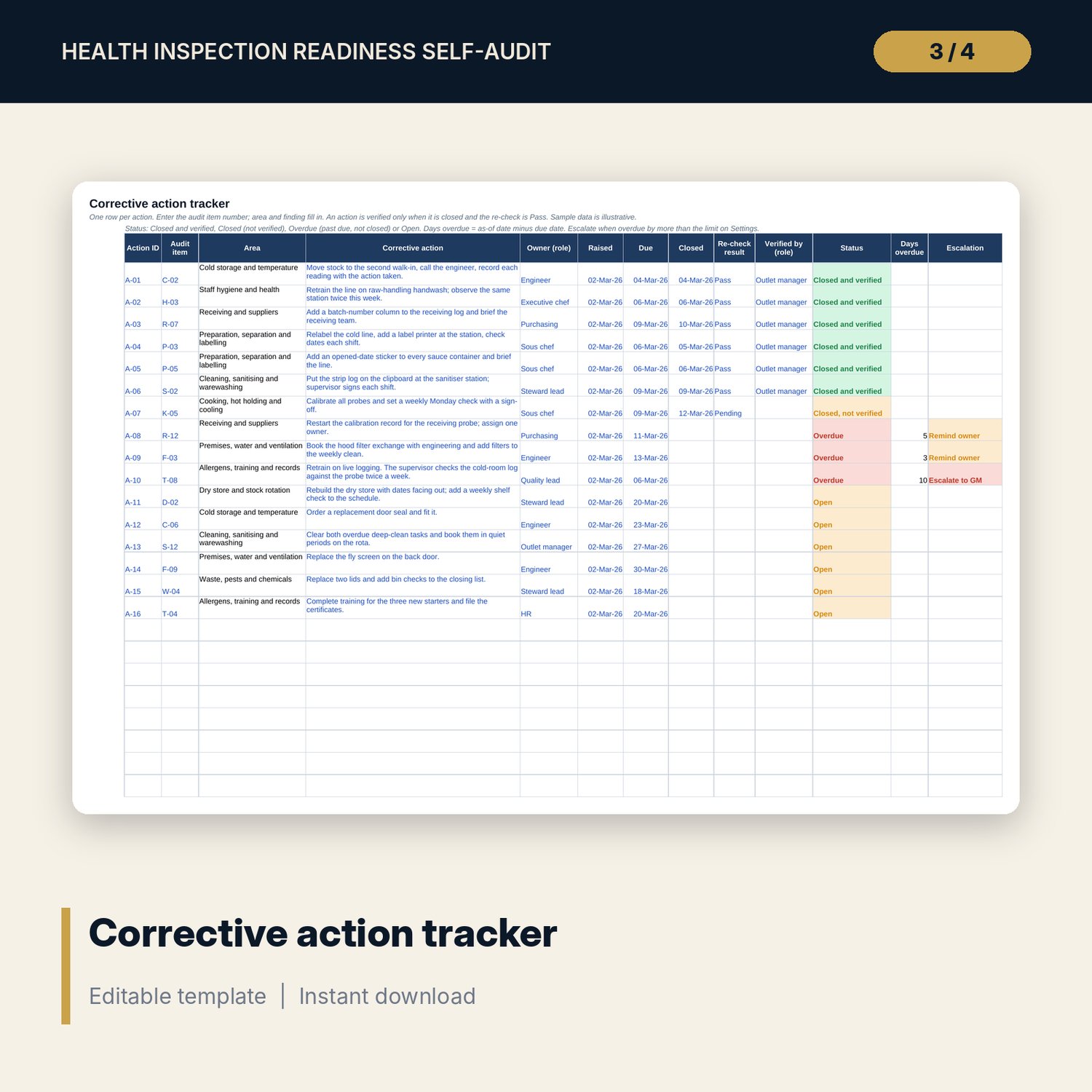
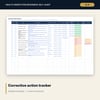
- Actions: corrective action tracker with owner, dates, re-check, status, days overdue and escalation; 16 sample actions and 12 spare rows
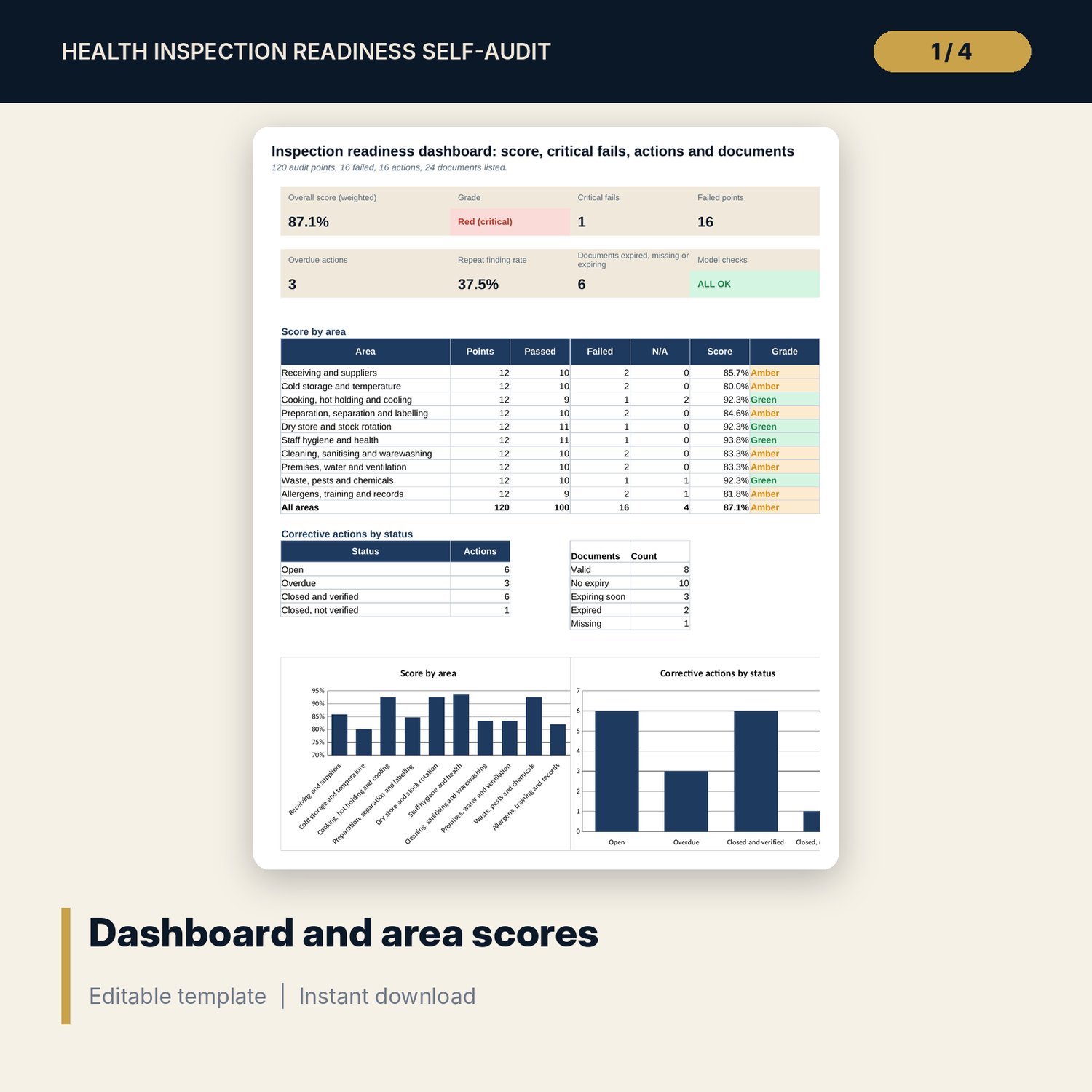
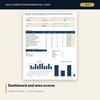
- Documents: 24 documents in 6 folder tabs with expiry, on-file check and status; Dashboard with 8 tiles, a score table by area and 2 charts
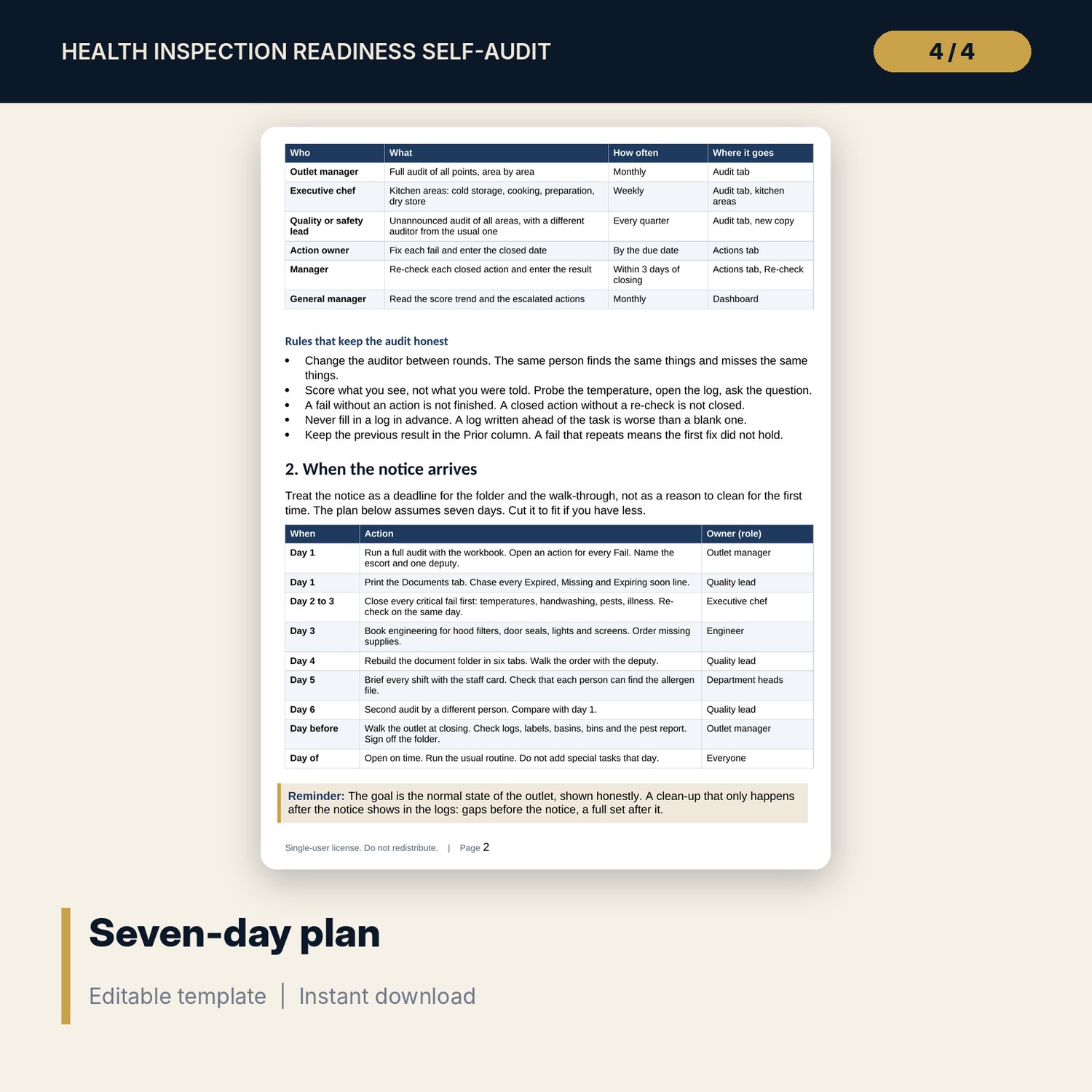
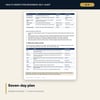
- Inspection_Day_Guide.docx and PDF: 8 pages with the readiness routine, a 7-day plan, roles and escort rules, an area-by-area walk-through, the document folder, talking points, close-out, a worked example, a staff card and checklists
- README.txt and LICENSE-and-Terms.txt
How it works
- Set the audit date, the grade bands and the critical weight on Settings.
- Walk the outlet and enter Pass, Fail or N/A for each point with the evidence.
- Add an action with an owner and a due date for every fail; update the document list.
- Read the Dashboard, fix critical fails first, and use the guide for the visit.
Details
- Formats: 1 Excel workbook (.xlsx), 1 guide in Word (.docx) and PDF, English
- Software: Excel 2016 or later, or LibreOffice Calc 7 or later
- No macros, no external links, no data tables, no array formulas
- 3 files plus README and license; instant digital download
Good to know
- Sample data is illustrative. Replace it with your own results.
- The files are management tools, not legal or food safety advice. Verify local requirements: the points, weights, grade bands and time limits are examples that you can edit.
- The audit does not replace an official inspection or a qualified food safety adviser.
- Single-user license. Do not redistribute.
FAQ
Are the 120 points based on a legal code?
No. They are good-practice points written for restaurants and bars. Local rules differ, so edit, add or delete points to match yours.
How is the score calculated?
Points earned divided by points available. N/A points and points not audited leave both sides. Critical points count the weight you set, two by default.
What does the critical fail rule do?
At the number of critical fails you set, the grade shows Red (critical) even if the score is high. Set the number to 0 to switch the rule off.
Can I track more than one outlet?
Use one copy of the workbook per outlet and audit round. The Prior column holds the previous result so repeat findings show.
Do I need macros?
No. Every result is a standard worksheet formula.