Org Chart Builder with Span-of-Control Analysis: Org Chart Template and Span of Control Calculator for Hotels
Full description
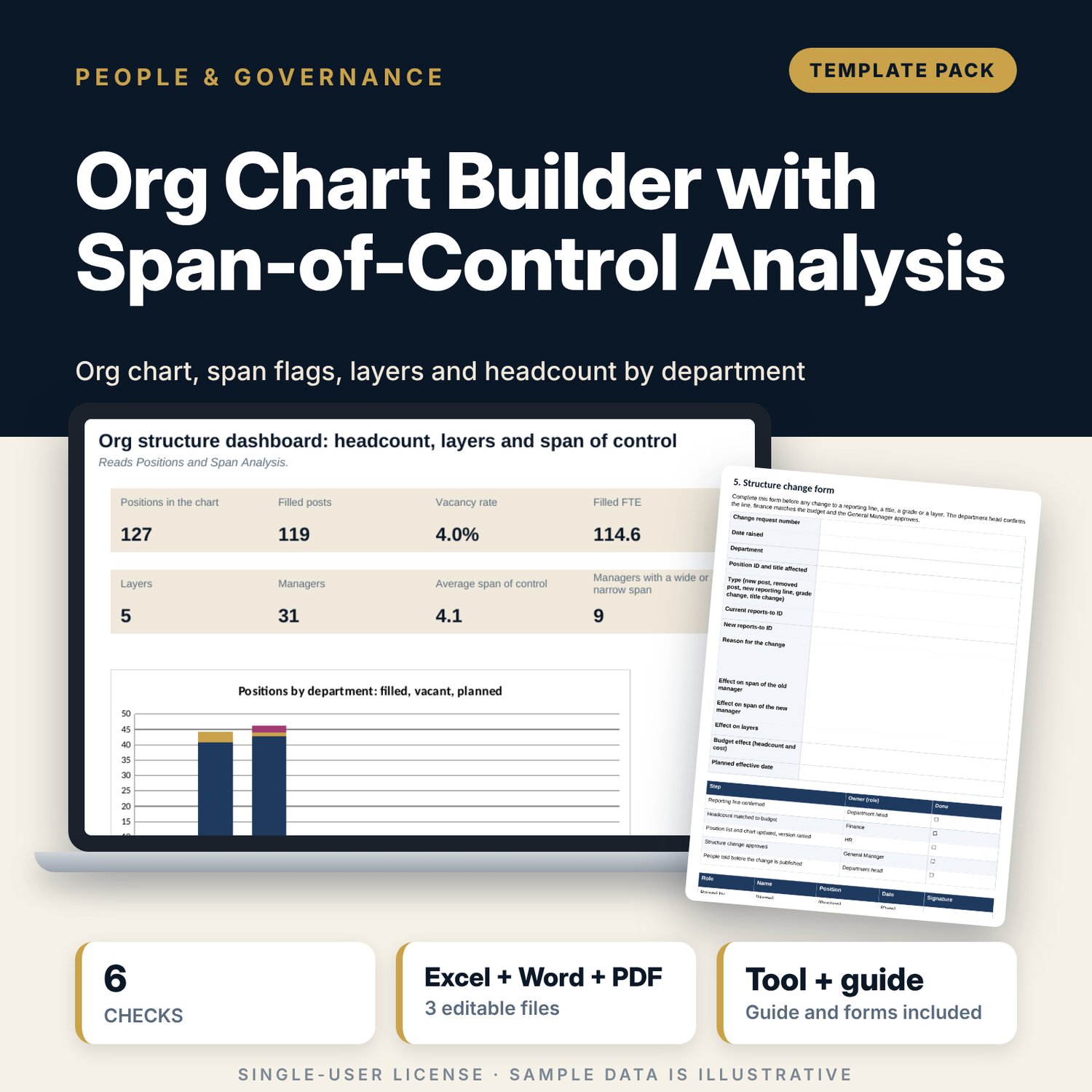
For general managers, HR managers and department heads who need an org chart that stays current and a clear view of who manages how many people. The workbook takes one row per position with the ID of its manager. It calculates the layer, the direct reports and the team size of every position, flags spans that are wide or narrow against bands you set for each grade, counts headcount and vacancies by department, grade and layer, and draws the chart in cells. The Word guide gives the list rules, the chart layout rules, two page templates, a structure change form and a yearly review checklist.
What is inside
- Org_Chart_Span_of_Control_Builder.xlsx: 7 tabs, 4,719 formulas, 3 native charts, 5 drop-down and input rules, 6 integrity checks
- Positions: 127 sample positions plus 30 spare rows, with layer, direct reports, team size, dotted-line count, span flag and an integrity flag for duplicates, orphans, loops and order
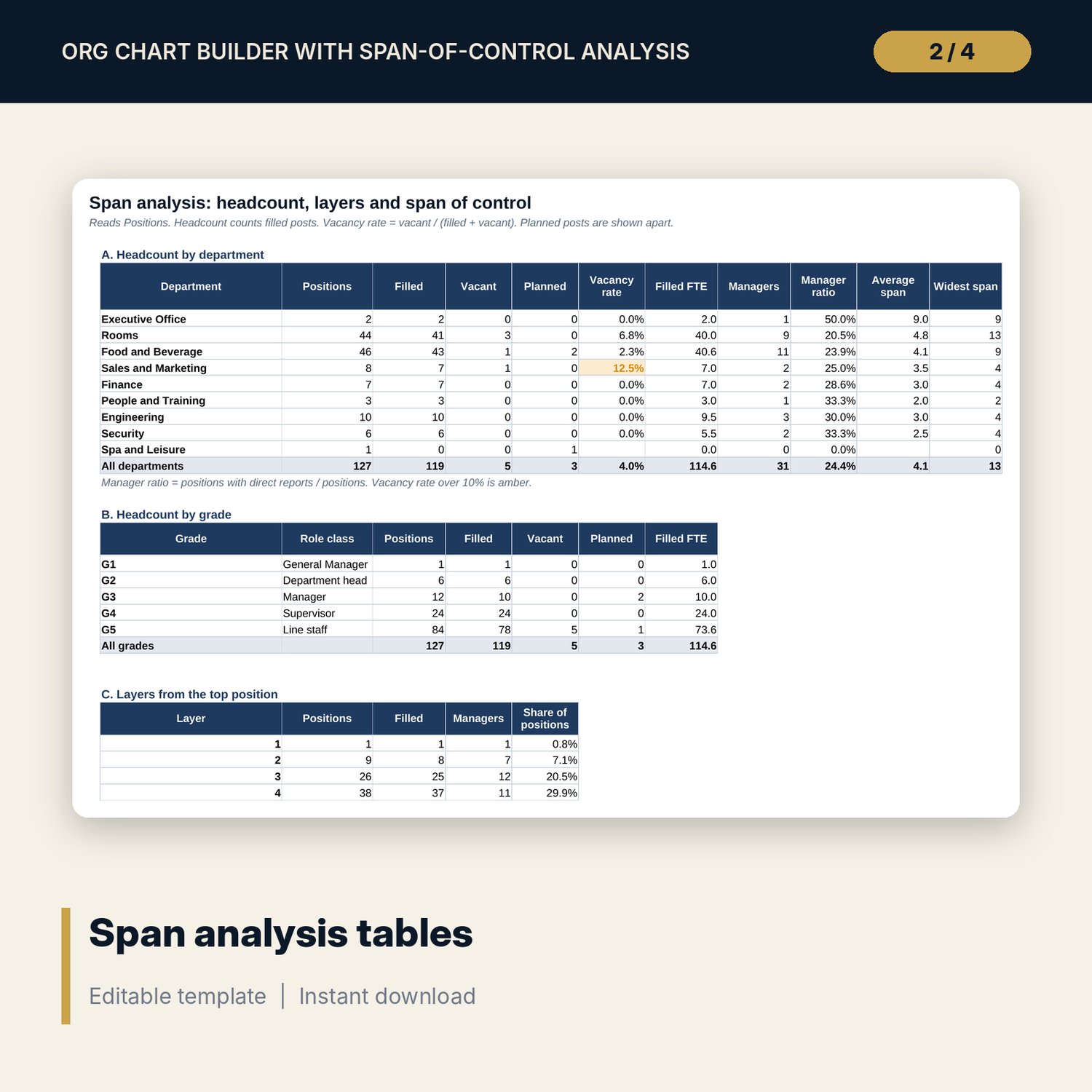
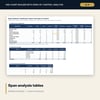
- Settings: span bands for 5 grades, 9 departments, 6 locations with operating hours; Span Analysis: 6 tables including the ten widest spans
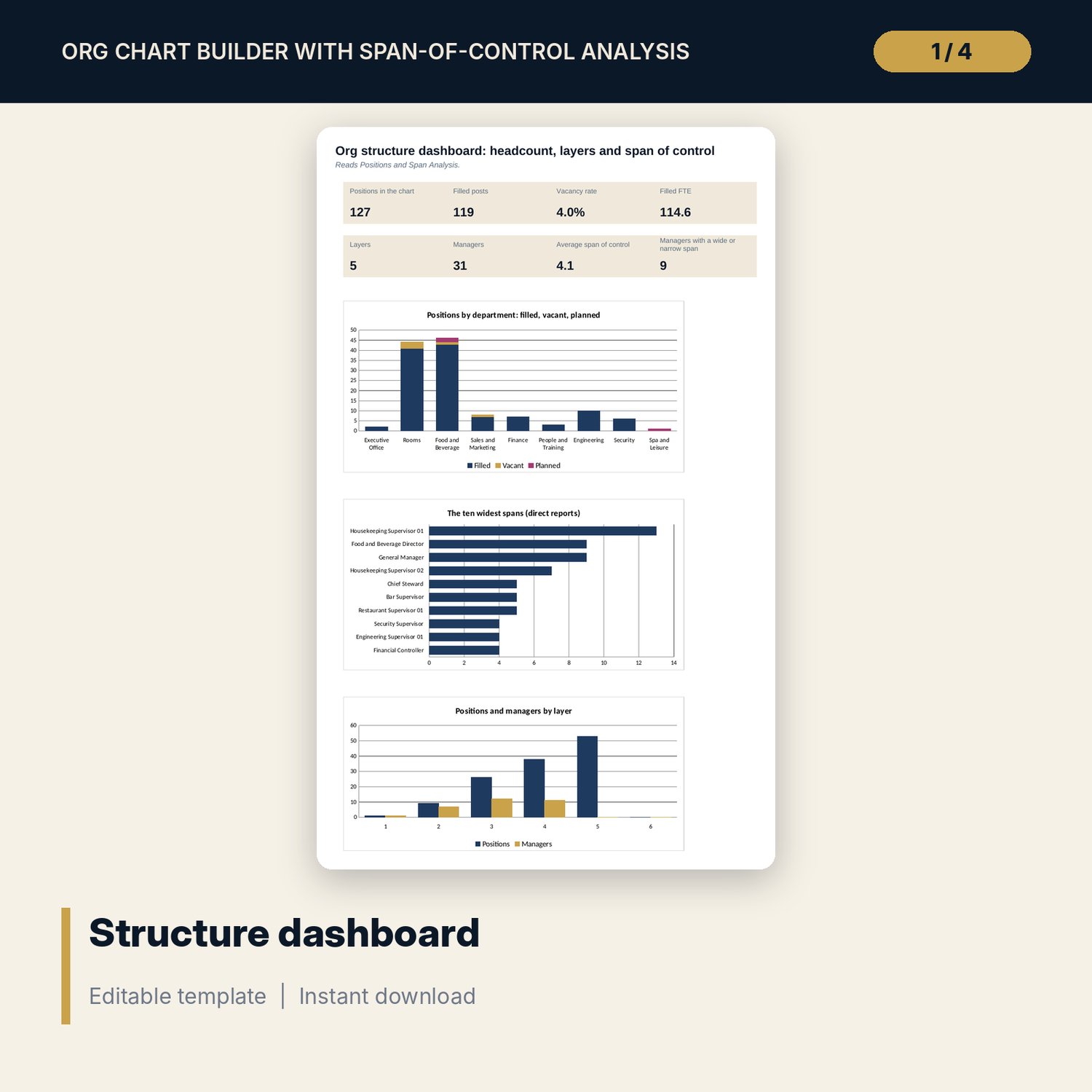
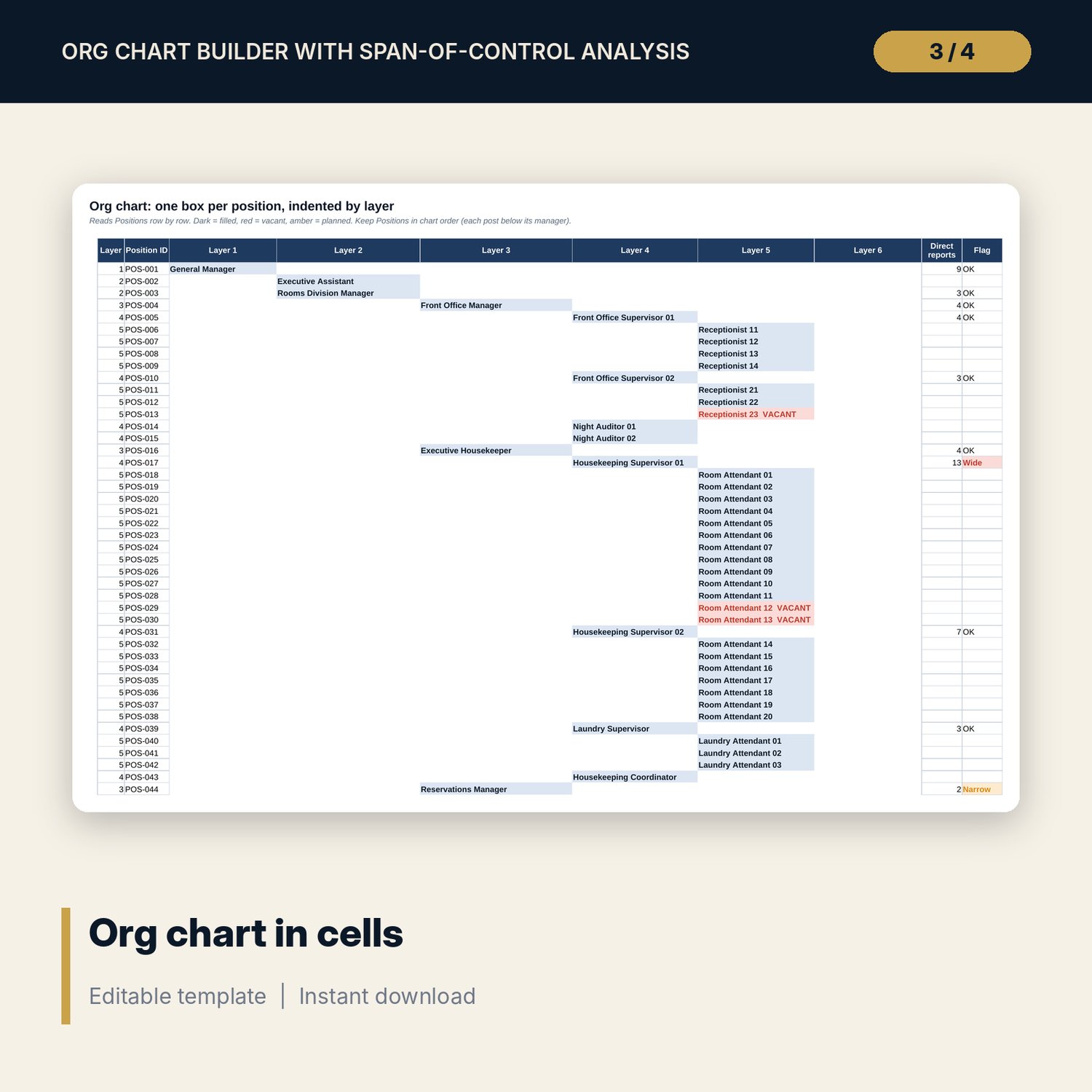
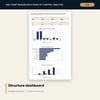
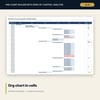
- Org Chart: the structure in cells, indented by layer and coloured by status; Dashboard with 8 KPI tiles and 3 charts
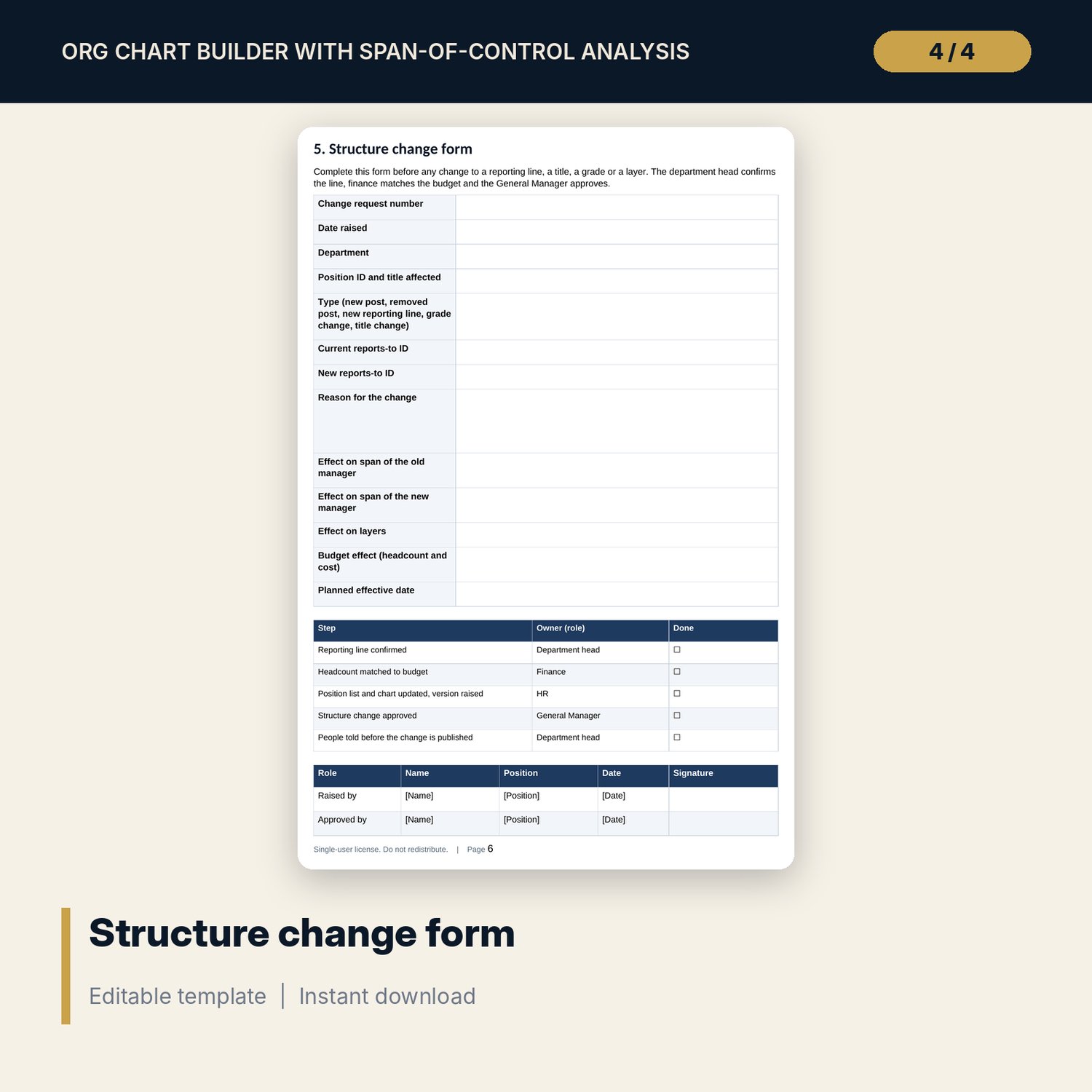
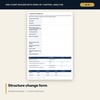
- Org_Chart_Layout_Guide.docx and PDF: 9 pages with list rules, span bands, chart layout rules, two page templates, a structure change form, a 19-item review checklist and a worked example
- README.txt and LICENSE-and-Terms.txt
How it works
- Set the chart date, the planned-post switch and the span bands on Settings.
- Enter one row per position with the ID of its manager.
- Read the span flags and the headcount tables, fix any integrity flag.
- Print the Org Chart tab or redraw it with the guide templates; review the structure once a year.
Details
- Formats: 1 Excel workbook (.xlsx), 1 Word guide (.docx) and PDF, English
- Software: Excel 2016 or later, or LibreOffice Calc 7 or later
- No macros, no external links, no data tables, no array formulas
- 3 files plus README and license; instant digital download
Good to know
- Sample data is illustrative. Replace it with your own positions.
- Span bands and layer limits are starting points. Set your own and verify them with your operating model and local requirements.
- Single-user license. Do not redistribute.
FAQ
How many positions can it hold?
The sample has 127 positions and 30 spare rows. Insert rows above the last row, copy the formulas down and extend the named ranges if you add more.
How does it find the layer without circular formulas?
Seven helper columns walk up the chain of managers. The layer is one plus the number of managers above the position, and the same columns detect loops.
Do vacant and planned posts count in the span?
Vacant posts always count. A Settings switch decides whether planned posts count.
Does the chart redraw itself?
The Org Chart tab updates from the list as long as positions are listed below their manager. The guide shows how to lay the chart out on paper.
Do I need macros?
No. Every result is a standard worksheet formula.