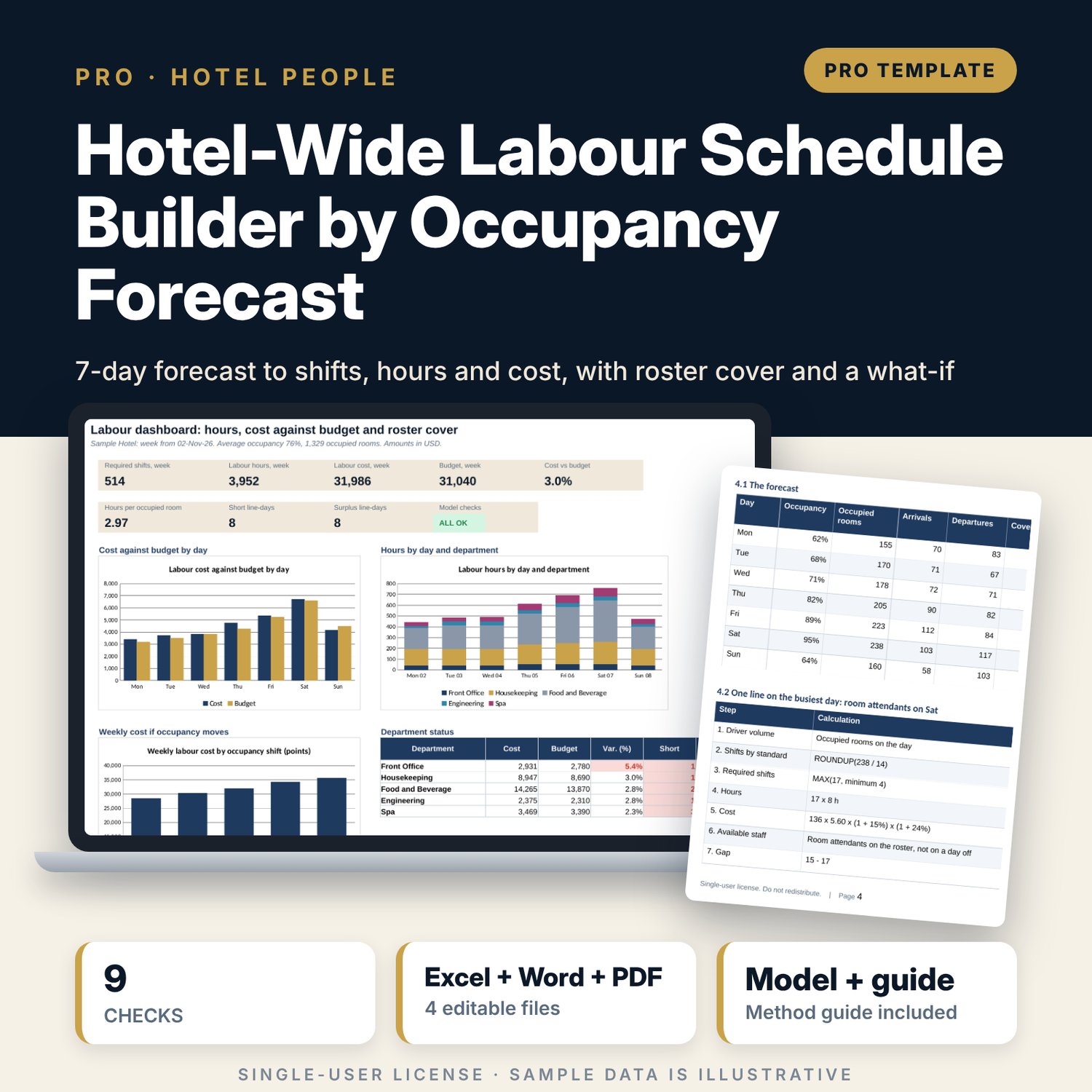
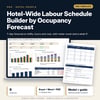
Hotel-Wide Labour Schedule Builder by Occupancy Forecast: Weekly Labour Schedule Planner by Occupancy Forecast
Full description
For general managers, rooms and F&B directors and financial controllers who staff a full-service hotel from the forecast rather than from habit. Enter staffing standards per position (agents per arrivals, attendants per rooms at 14 rooms per shift, servers per covers, stewards, engineering, spa therapists per treatments), minimum crews, shift lengths and pay rates. The model turns a 7-day forecast of occupancy, arrivals, departures, covers by outlet and spa treatments into required shifts with ROUNDUP, then hours, cost, hours per occupied room and cost against a daily budget. It checks the available-staff list (days off and skills) against the requirement and flags short and surplus days, and it recalculates the week at occupancy shifts of plus and minus 10 points. A companion workbook builds and prints the department rosters with overtime flags.
What is inside
- Labour_Schedule_Builder.xlsx: 10 tabs, 4,166 formulas, 3 native charts, 9 integrity checks and a Method tab with 10 documented calculations
- Standards for 12 labour lines in 5 departments (room for 15), with driver, standard, minimum staff, shifts open, shift length and pay rate
- Forecast for 7 days: occupancy, arrivals, departures, covers by 3 outlets and treatments, plus a daily budget by department
- Requirement Engine in 8 visible steps, 84 line-days, and a one-case-per-row sensitivity engine (5 cases)
- Roster of 120 sample staff with position code and two days off each (room for 140)
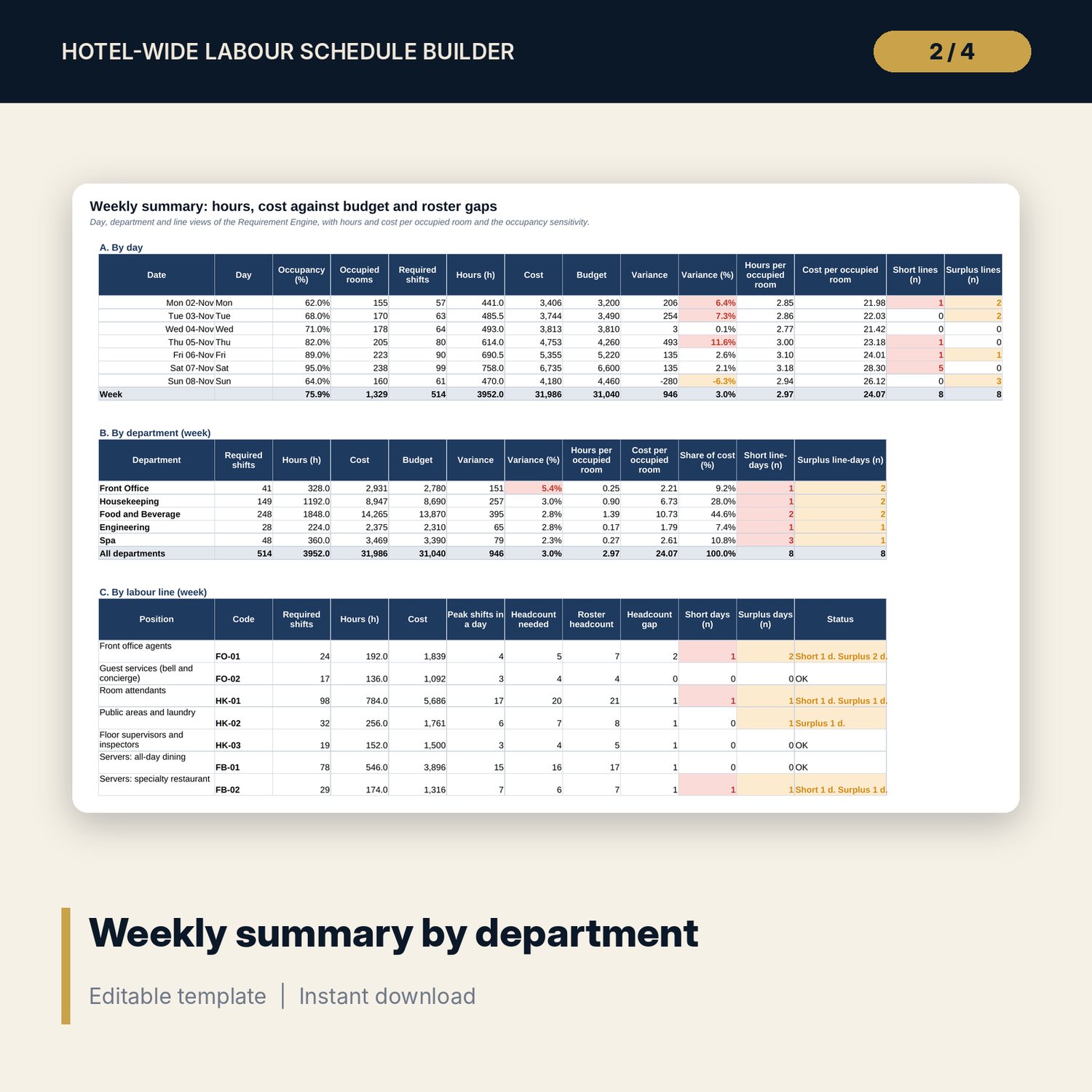
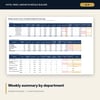
- Weekly Summary: by day, by department, by line, hours by day and department, and the occupancy sensitivity
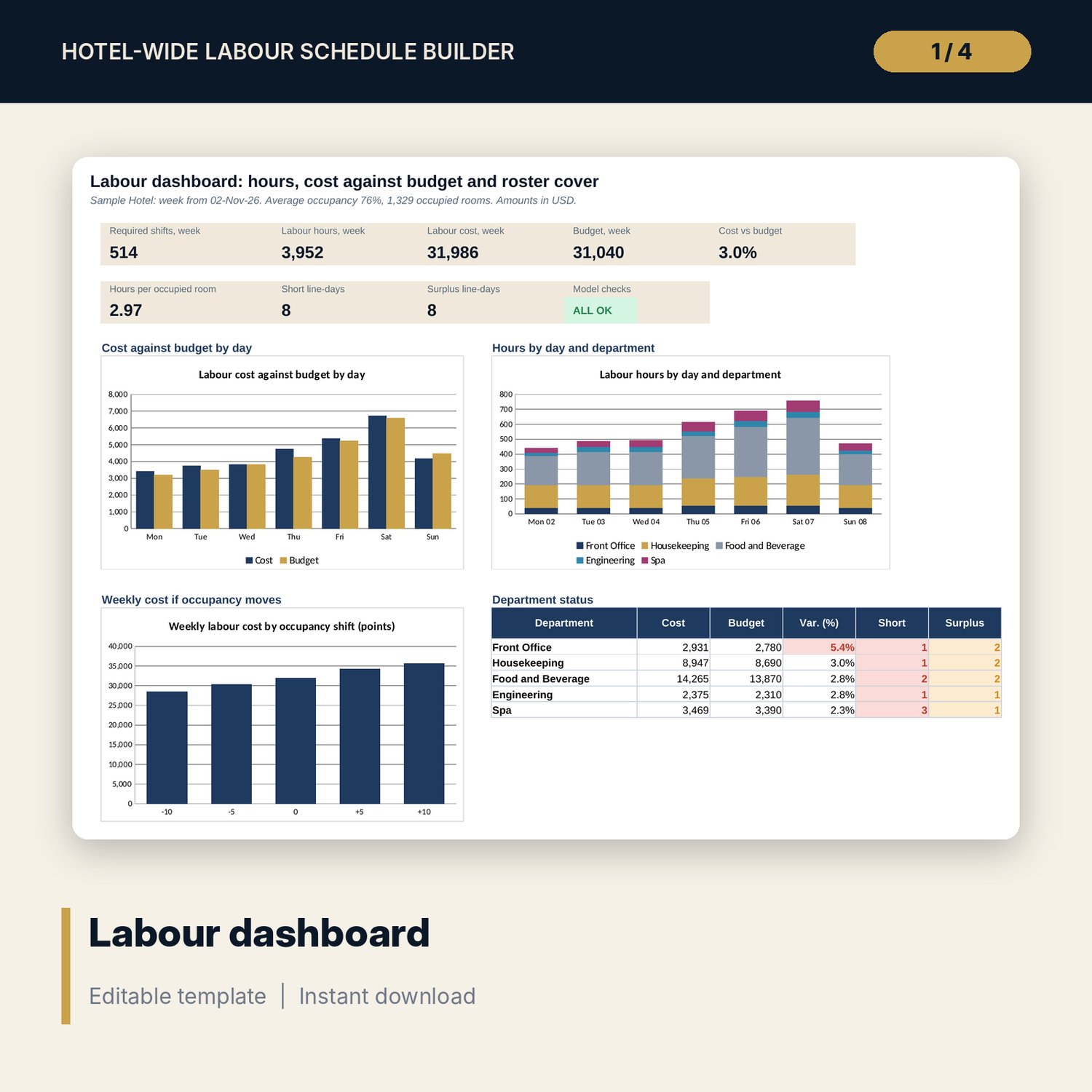
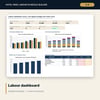
- Dashboard: 8 KPI tiles, a check status tile and 3 charts
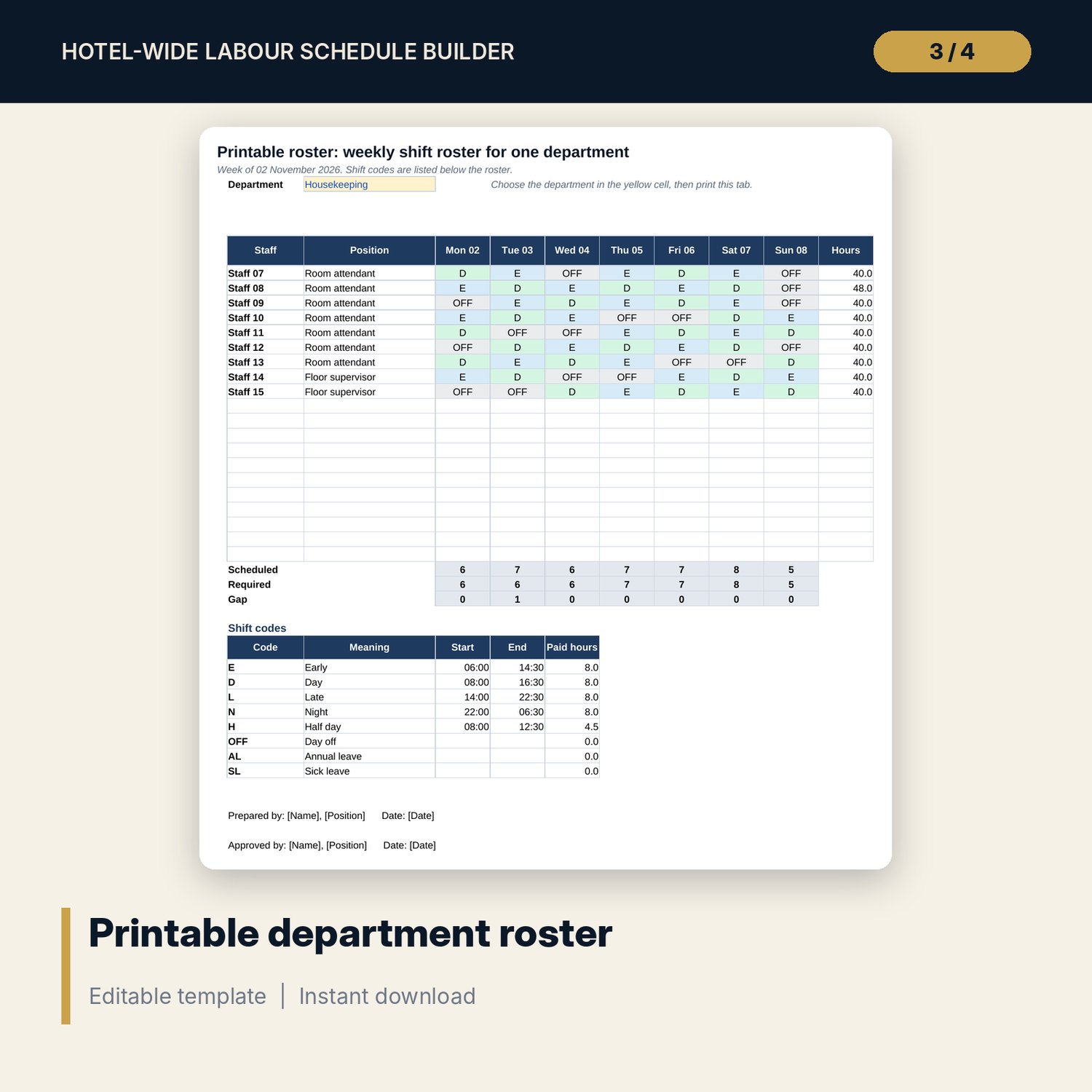
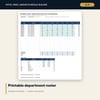
- Labour_Schedule_Builder_Shift_Roster_Sheet.xlsx: 3 tabs, 1,025 formulas, 4 checks: roster grid, hours and overtime, printable roster
- Labour_Schedule_Builder_Guide (DOCX + PDF): 9 pages with method, worked example, standards, mistakes, checklist and glossary
- README.txt and LICENSE-and-Terms.txt
How it works
- Set rooms, week start, pay rules and tolerances on Assumptions, and the standard for each position on Standards.
- Enter the 7-day forecast and the daily budget by department on Forecast.
- List your staff with a position code and two days off on Roster.
- Read Weekly Summary and Dashboard: shifts, hours, cost against budget, hours per occupied room, short and surplus days.
- Build the department rosters in the companion workbook and print them.
Details
- Format: two .xlsx workbooks, one .docx guide and its PDF copy, English
- Software: Excel 2016 or later, or LibreOffice Calc 7 or later; the guide opens in Word or any word processor
- No macros, no external links, no data tables, no array formulas
- 4 files, instant digital download
Good to know
- Sample data is illustrative. Replace it with your own figures.
- Standards, pay rates, premiums and working-time rules are inputs. Verify local requirements and your agreements.
- The workbook counts shifts per day. It does not shape shifts inside the day or assign people to shift times; the companion workbook does that.
- Single-user license. Do not redistribute.
FAQ
Which departments are covered?
Front office, housekeeping, food and beverage, engineering and spa, with 12 positions. You can rename them and use up to 15 lines.
How is the required number of shifts calculated?
Shifts by standard = ROUNDUP(driver volume / standard). Required shifts = the larger of that and the minimum crew. Hours and cost follow from shift length and pay rate.
What do Short and Surplus mean?
Short: fewer staff with the skill are available than required. Surplus: available staff exceed the requirement by more than your tolerance. Both come from the days off on the Roster tab.
Can I test a different occupancy?
Yes. Table E on Weekly Summary shows the week at five occupancy levels, by default minus 10, minus 5, 0, plus 5 and plus 10 points. Change the step on Assumptions.
Does it need macros or add-ins?
No. Every result is a standard worksheet formula.