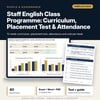
Staff English Class Programme: Curriculum, Placement Test & Attendance: Curriculum, 40-Question Placement Test, Attendance Tracker and Cost per Head
Full description
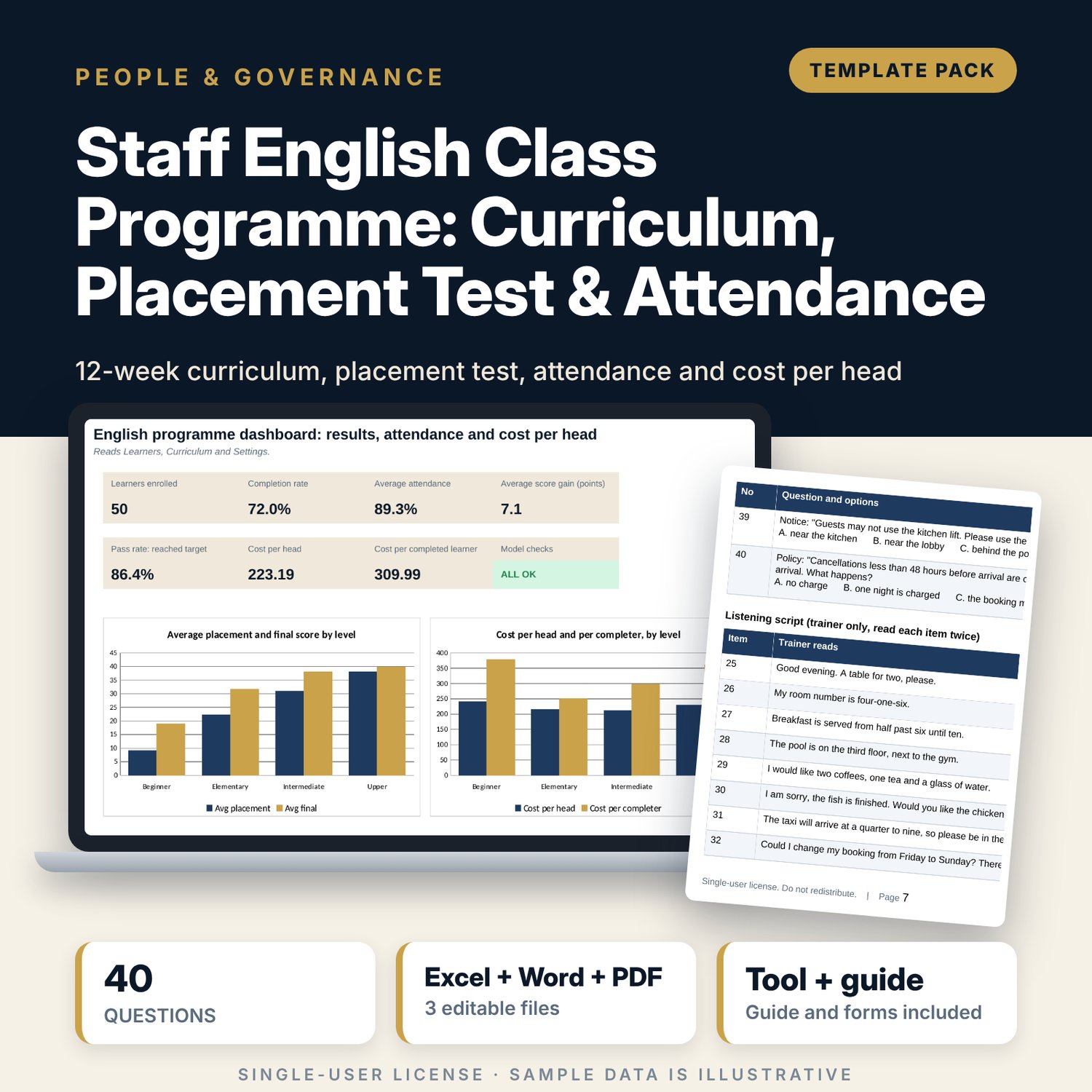
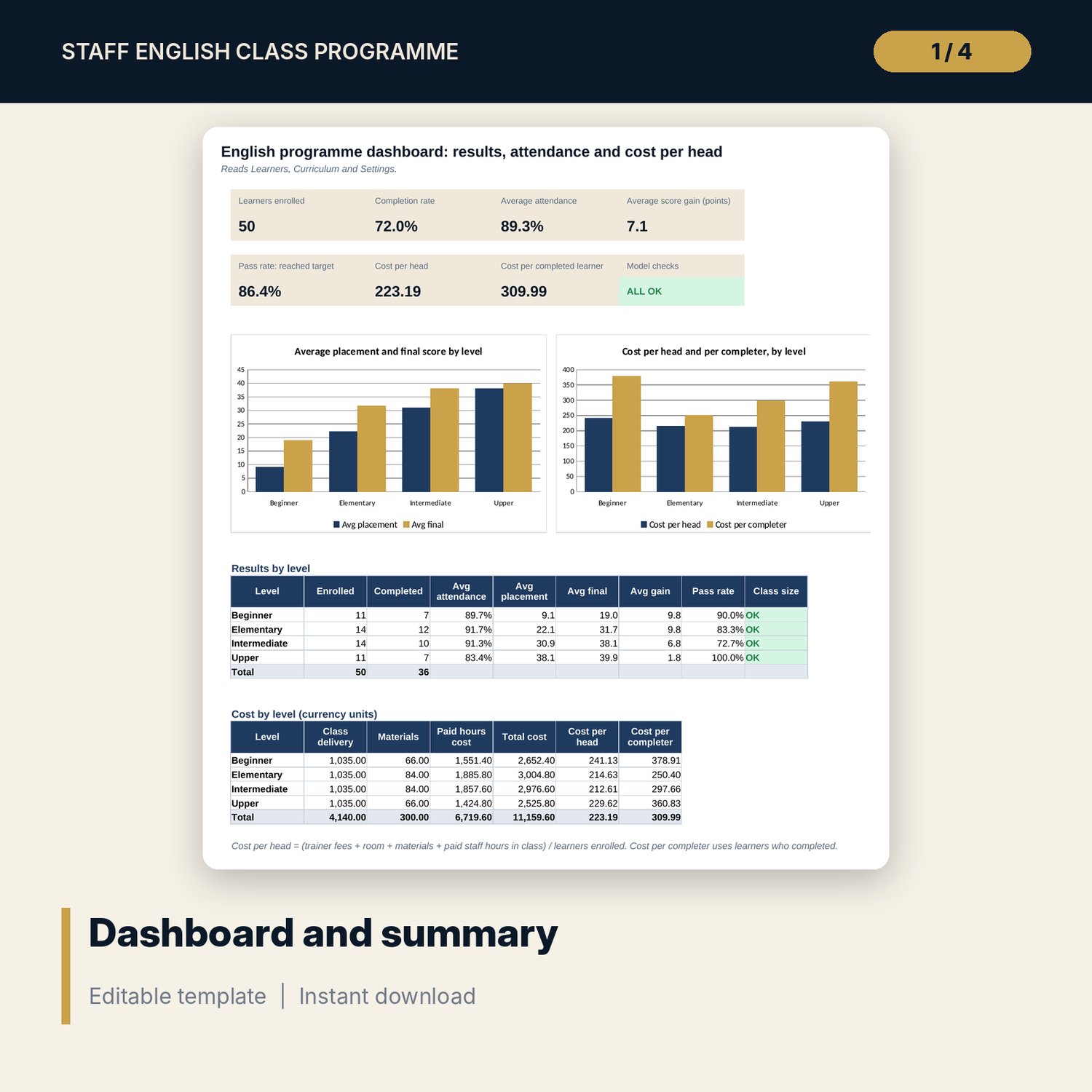
For hotel and restaurant training managers who run in-house English classes. The workbook holds a 12-week curriculum of 24 sessions with one theme a week, from greetings to upselling, a 40-question placement test with answer key and a marking grid that scores each learner by section and assigns a level, and a learner tracker with attendance for 24 sessions, mid-point and final scores, completion, certificate status, a re-test flag and cost per learner. The Dashboard shows completion rate, average attendance, score gain, pass rate, cost per head and cost per completed learner by level. The Word file gives twelve weekly lesson plans, the printable test paper with a listening script, a sign-in sheet, a trainer feedback form and a manager sign-off form.
What is inside
- Staff_English_Programme_Tracker.xlsx: 7 tabs, 1,825 formulas, 2 native charts, 12 drop-down and input rules, 8 integrity checks
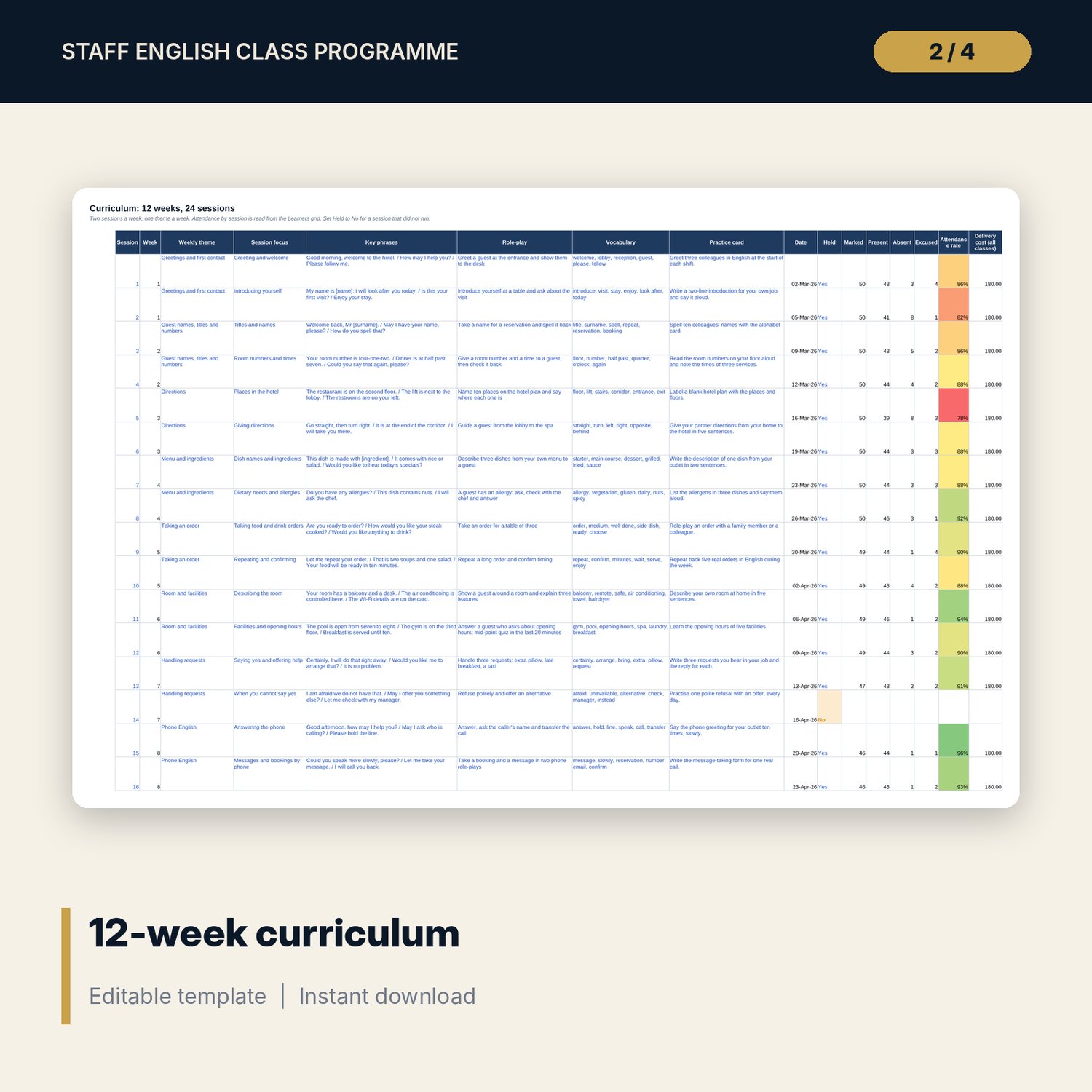
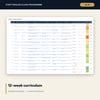
- Curriculum: 12 themed weeks and 24 sessions with date, key phrases, role-play, vocabulary and practice card; attendance by session is calculated
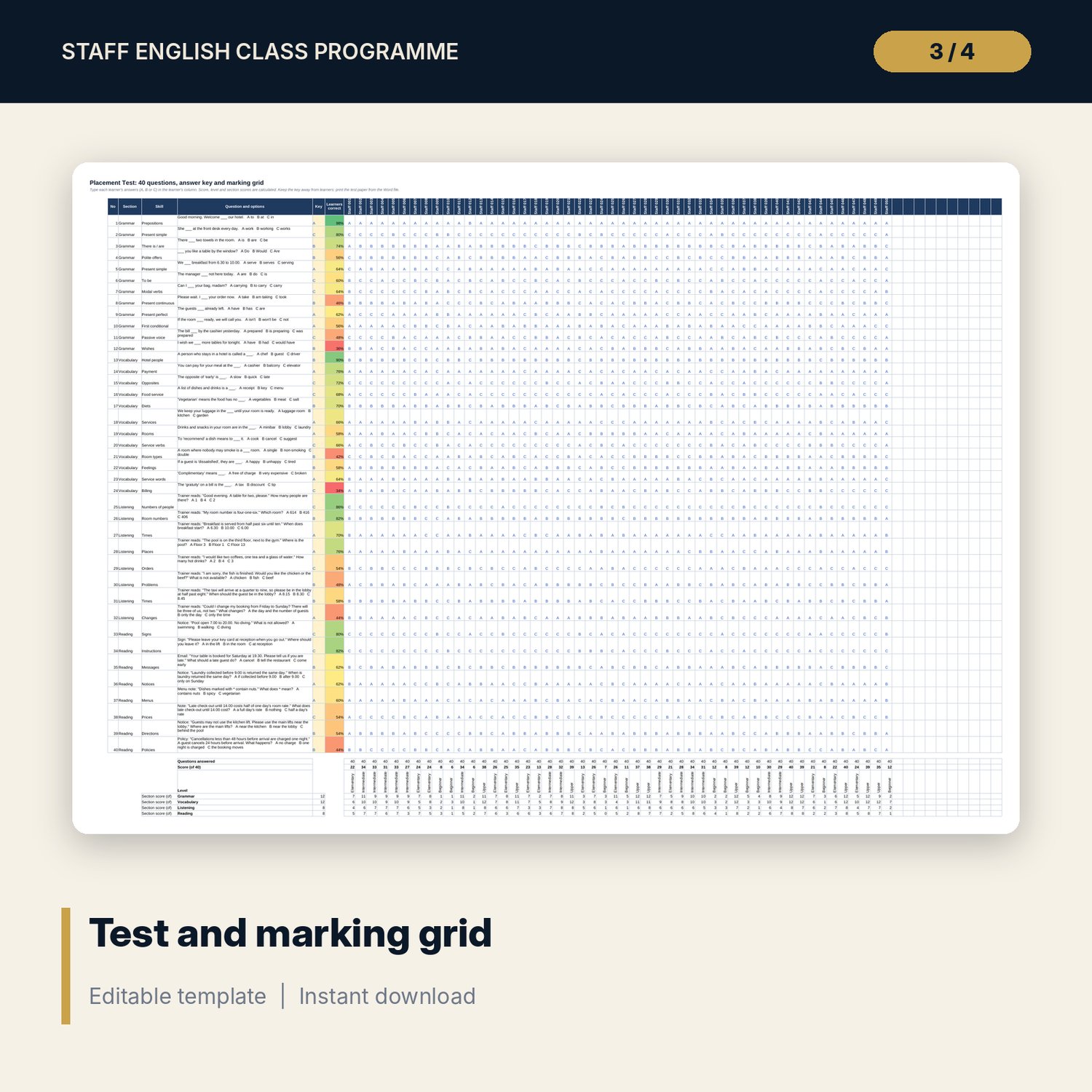
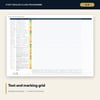
- Placement Test: 40 questions (12 grammar, 12 vocabulary, 8 listening, 8 reading) with answer key, a marking grid for up to 60 learners, score, level and four section scores
- Learners: tracker for 50 sample learners with department, level, mid-point and final scores, P/A/E attendance for 24 sessions, completion, re-test flag and cost per learner
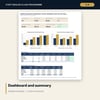
- Settings: dates, session length, class size limits, certificate attendance, trainer fee, materials, four level bands with targets and department hourly costs; Dashboard: 7 KPI tiles, check status, results and cost by level, 2 charts
- Lesson_Plans_Test_Paper_and_Forms.docx and PDF: 10 pages with 12 lesson plans, the 40-question test paper, a listening script, a sign-in sheet, trainer feedback and manager sign-off forms
- README.txt and LICENSE-and-Terms.txt
How it works
- Enter the start date, class limits, costs and department hourly costs on Settings.
- Print the test paper, test each learner and type the answers into the marking grid.
- List the learners and mark attendance P, A or E after each session.
- Enter the week 6 and week 12 scores, then read completion, target reached, re-test flags and cost per head on the Dashboard.
Details
- Formats: 1 Excel workbook (.xlsx), 1 Word document (.docx) and PDF, English
- Software: Excel 2016 or later, or LibreOffice Calc 7 or later
- No macros, no external links, no data tables, no array formulas
- 3 files plus README and license; instant digital download
Good to know
- Sample learners are illustrative and use codes. Replace them with your own.
- Level bands, attendance limits, hourly costs and fees are examples in neutral currency units.
- The answer key is in the workbook only: print the test paper from the Word file.
- Single-user license. Do not redistribute.
FAQ
How is the level worked out?
The placement score (correct answers out of 40) is matched to the level bands on Settings: for example 0 to 12 beginner, 13 to 26 elementary, 27 to 34 intermediate and 35 to 40 upper. You can change the bands.
How is cost per head calculated?
Trainer fees and room cost for each class session held, plus materials per learner, plus the paid hours each learner spent in class at the hourly cost of their department, divided by the learners enrolled.
Can I add learners and change questions?
Yes. The marking grid has room for 60 learners. Type your own questions and key on the Placement Test tab; the scoring uses the key column.
What happens when a session is cancelled?
Set Held to No on Curriculum. The session is left out of cost and no attendance can be counted for it; the checks flag any mark entered for a session that was not held.
Do I need macros?
No. Every result is a standard worksheet formula.