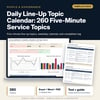
Daily Line-Up Topic Calendar: 260 Five-Minute Service Topics: Pre-Shift Meeting Topics and Line-Up Log for Restaurants and Hotels
Full description
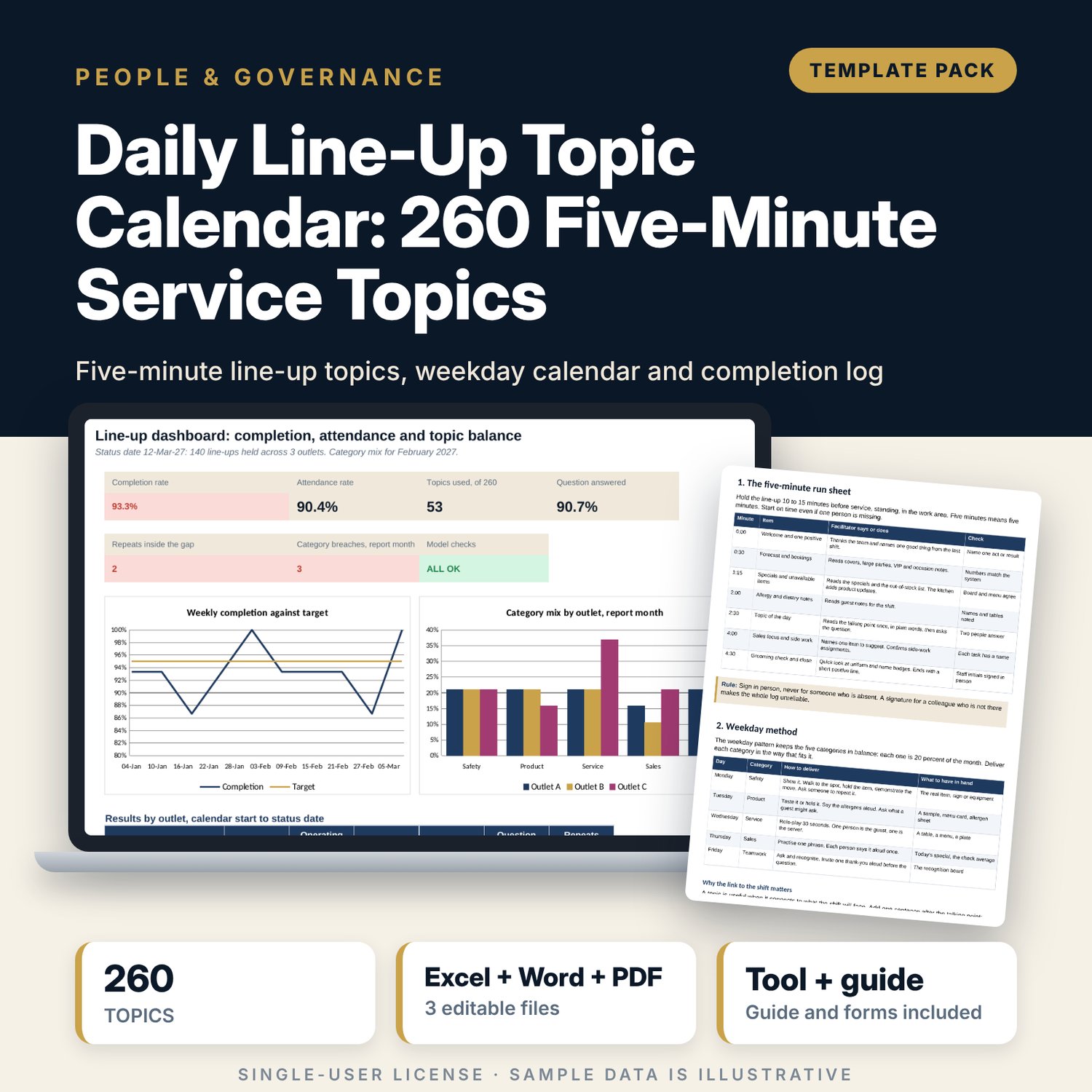
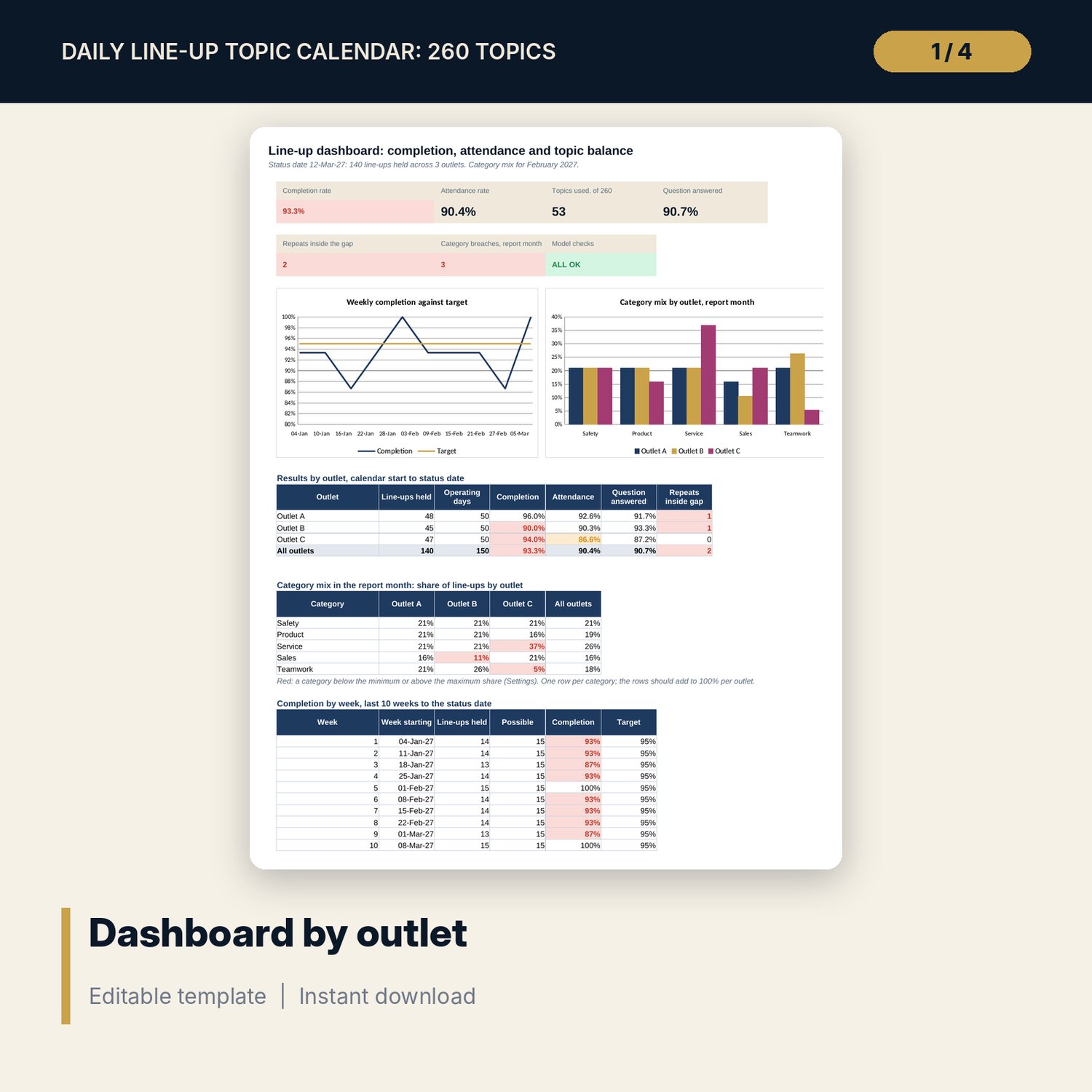
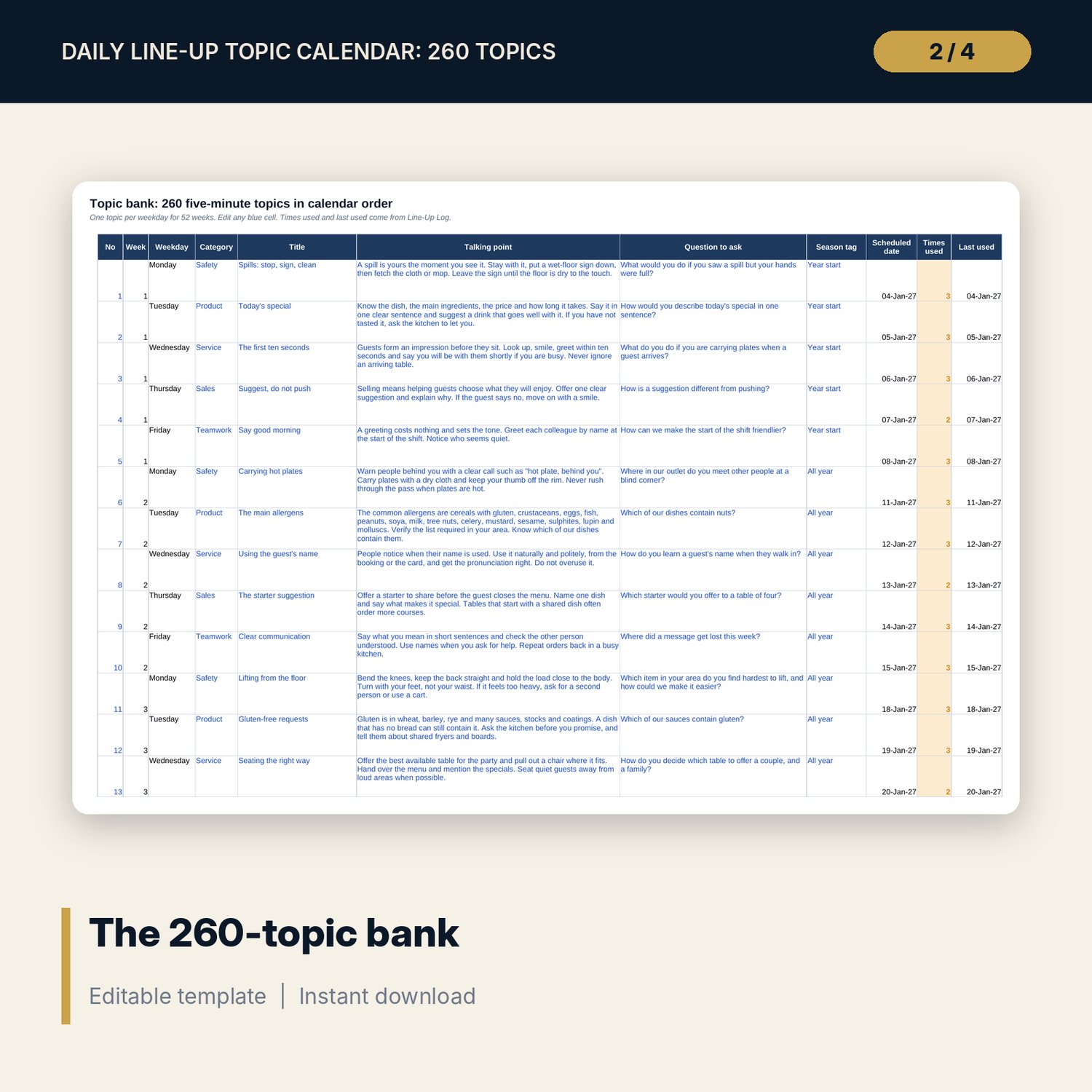
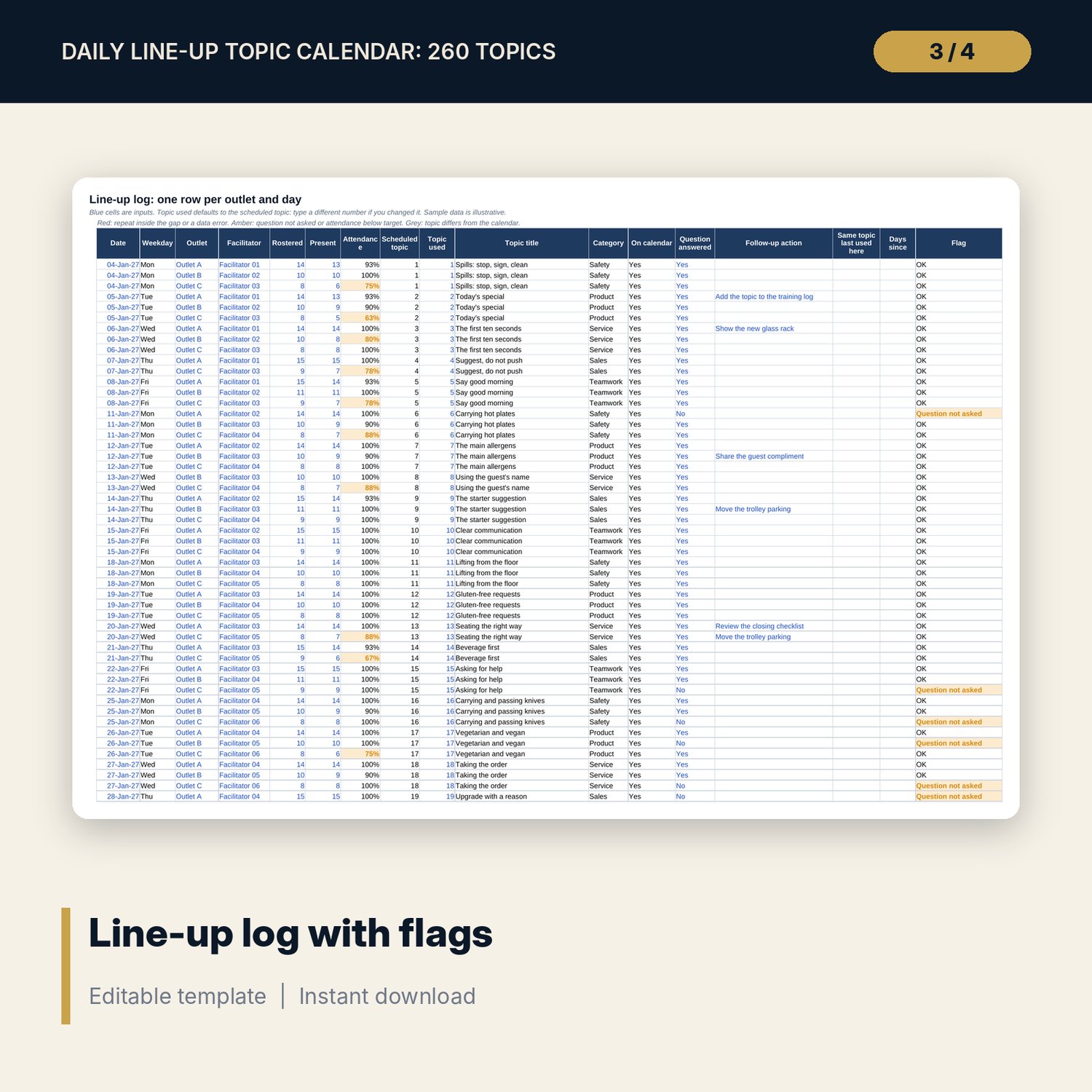
For outlet managers, supervisors and training managers who run a daily pre-shift meeting and want it to teach something. The workbook holds 260 topics in calendar order: Monday safety, Tuesday product, Wednesday service, Thursday sales and Friday teamwork, one per day for 52 weeks. Each has a short talking point, an open question and a season tag. A log records the day, the outlet, the facilitator, staff present, the topic used and whether the question was answered. The workbook then measures completion against operating days, attendance, topics used, repeats inside a gap you set, and the category mix by outlet for the month (15 to 30 percent per category by default). The Word guide gives the facilitator the run sheet, the daily form and the monthly review.
What is inside
- Daily_Line_Up_Topic_Calendar.xlsx: 7 tabs, 3,703 formulas, 2 native charts, 10 drop-down and input rules
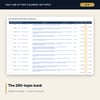
- Topic Bank: 260 topics (52 each of safety, product, service, sales and teamwork), each with a talking point of two or three sentences, one open question and a season tag
- Week Calendar: 52 weeks by weekday with line-ups held, possible and completion for each week
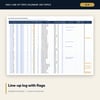
- Line-Up Log: 140 sample line-ups across 3 outlets and 10 weeks, plus 60 spare rows; scheduled topic, repeat gap, attendance and a row flag
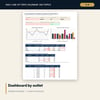
- Dashboard: 6 KPI tiles, a check tile, an outlet table, a category-mix table and 2 charts; 8 integrity checks
- Line_Up_Facilitator_Guide.docx and PDF: 6 pages with a five-minute run sheet, a daily form, the weekday method, a four-step topic routine, rotation and coaching, a weekly card and a monthly review
- README.txt and LICENSE-and-Terms.txt
How it works
- Set the calendar start, status date, report month, targets and outlets on Settings.
- Print the week from Week Calendar and run the line-up with the guide.
- Log each day on Line-Up Log: staff present, topic used and whether the question was answered.
- Read the Dashboard weekly and hold the monthly review with the guide.
Details
- Formats: 1 Excel workbook (.xlsx), 1 guide in Word (.docx) and PDF, English
- Software: Excel 2016 or later, or LibreOffice Calc 7 or later; any word processor for the guide
- No macros, no external links, no data tables, no array formulas
- 3 files plus README and license; instant digital download
Good to know
- Sample data is illustrative. Replace it with your own figures.
- Targets and thresholds are examples: set your own on Settings.
- Topics are general good practice and not legal, safety, first-aid or food-safety advice. Verify local requirements.
- Single-user license. Do not redistribute.
FAQ
How many topics are there?
260: 52 weeks of Monday to Friday, with 52 topics in each of the five categories.
Can I change the topics?
Yes. Every title, talking point, question and season tag is an editable cell on Topic Bank.
What if my outlet runs seven days?
The calendar and the completion measure cover Monday to Friday. Log extra days if you wish; they are counted in the log but not in operating days.
How does the repeat flag work?
The log finds the last time the same outlet used the same topic. If that was fewer days ago than the gap on Settings, the row shows Repeat inside gap.
Do I need macros?
No. Every result is a standard worksheet formula.