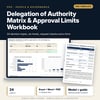
Delegation of Authority Matrix & Approval Limits Workbook: Approval Limits by Role and Decision Type, Request Checks and Request Form
Full description
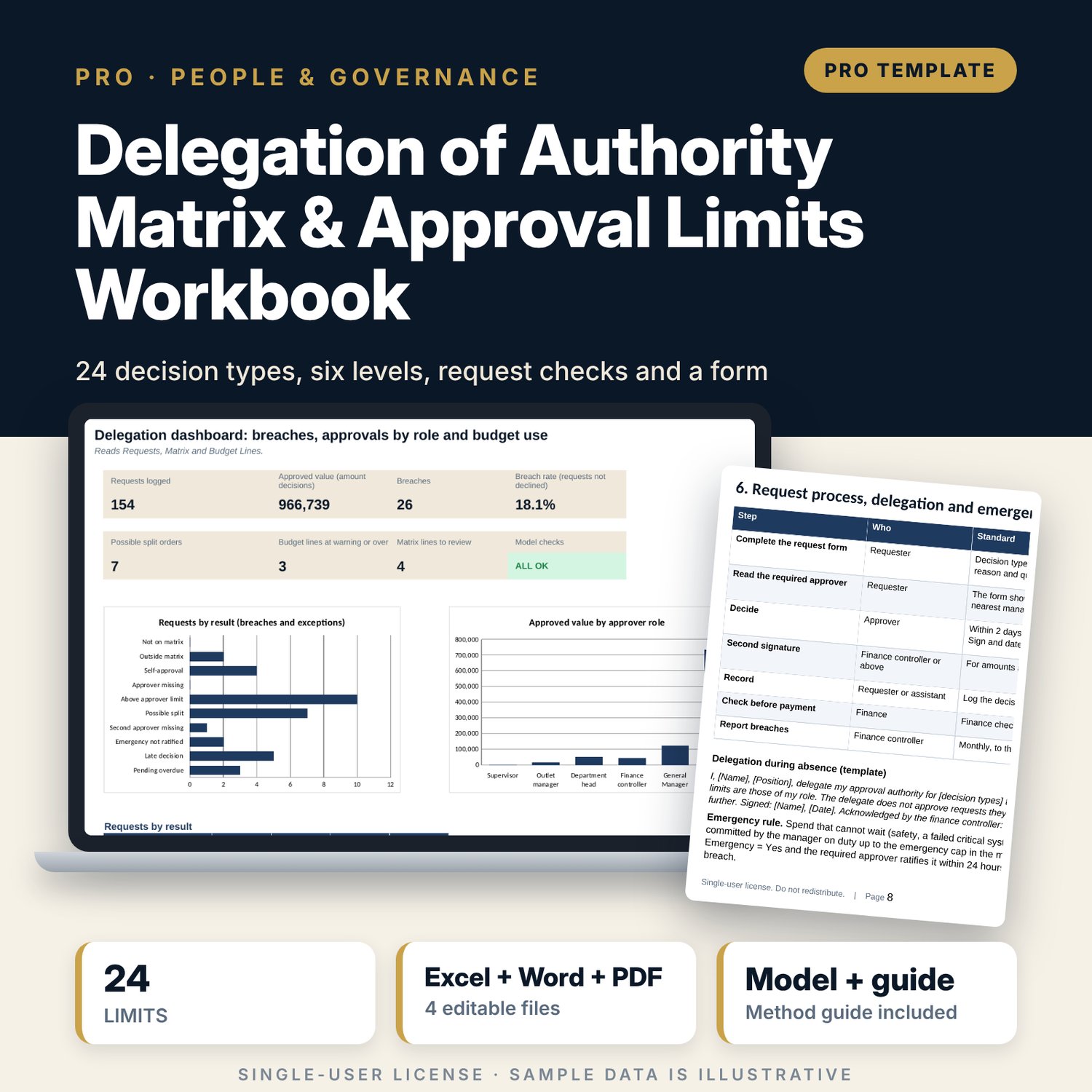
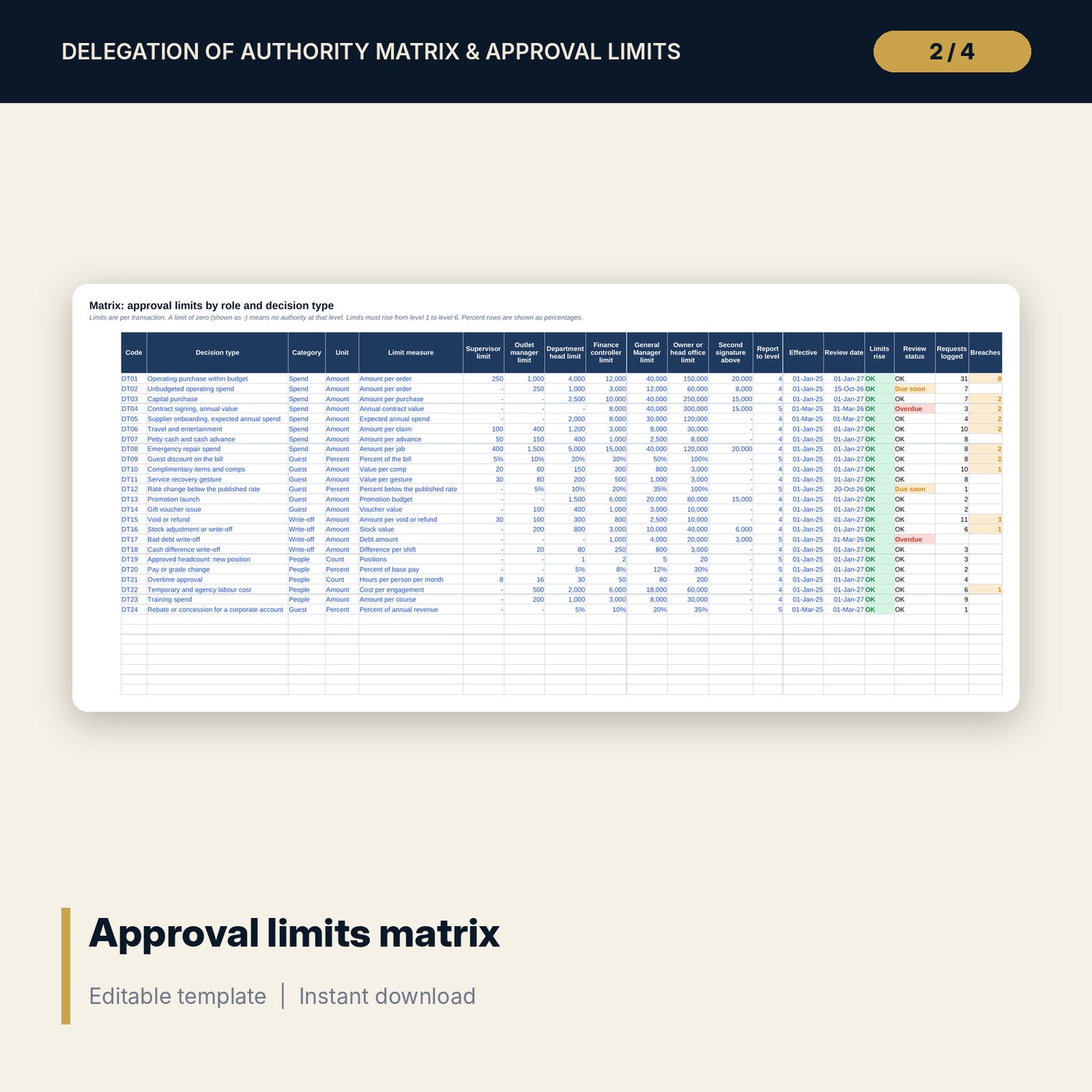
For General Managers, finance controllers and owners who want clear approval limits that are tested, not just written. The main workbook holds a matrix of 24 decision types (spend, discounts, comps, write-offs, hiring, pay, overtime and more) with a limit for each of six levels, a second-signature threshold and review dates. Each logged request is checked against the matrix: required level, the approver, a 30-day cumulative check that catches split orders, self-approval, a missing second approver, the emergency 24-hour rule and decision time. Budget Lines shows utilisation and the Breaches tab lists what to escalate. The companion workbook is an approval request form with a register. The Word guide sets out the method, a worked example, the request process, a delegation template and the annual review.
What is inside
- Delegation_of_Authority_Workbook.xlsx: 9 tabs, 3,785 formulas, 2 native charts, 20 drop-down and input rules, 10 integrity checks
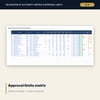
- Matrix: 24 decision types in four categories with limits for six levels, second-signature threshold, effective and review dates; Requests: 154 sample requests plus spare rows with 17 calculated columns
- Assumptions: windows, time limits, unbudgeted rule, six level names and 13 result types; Budget Lines: 12 lines with utilisation and warning; Breaches: first 30 breaches with the role to escalate to
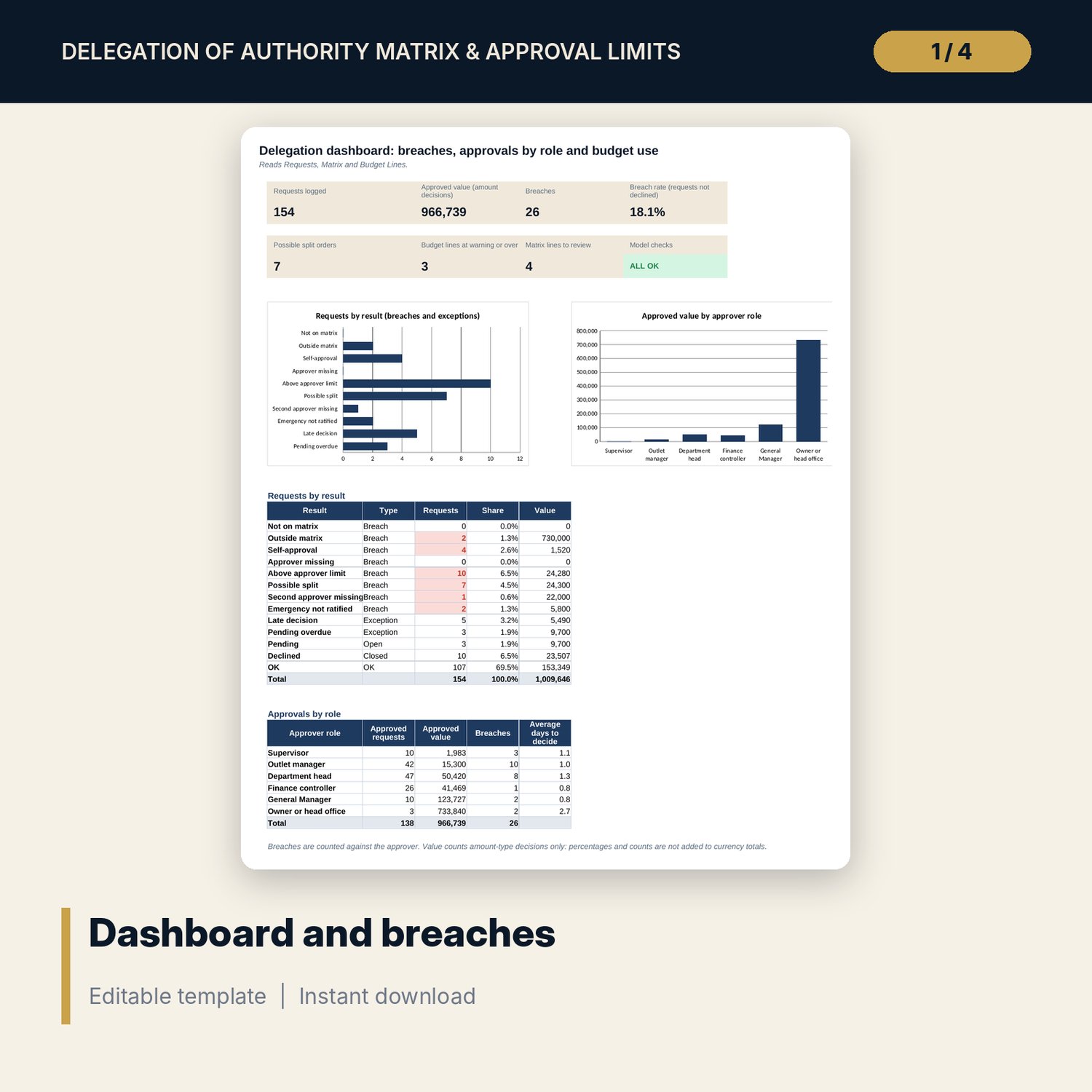
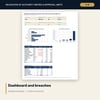
- Dashboard: 7 KPI tiles, check status, requests by result, approvals by role and 2 charts; Method: 15 rows
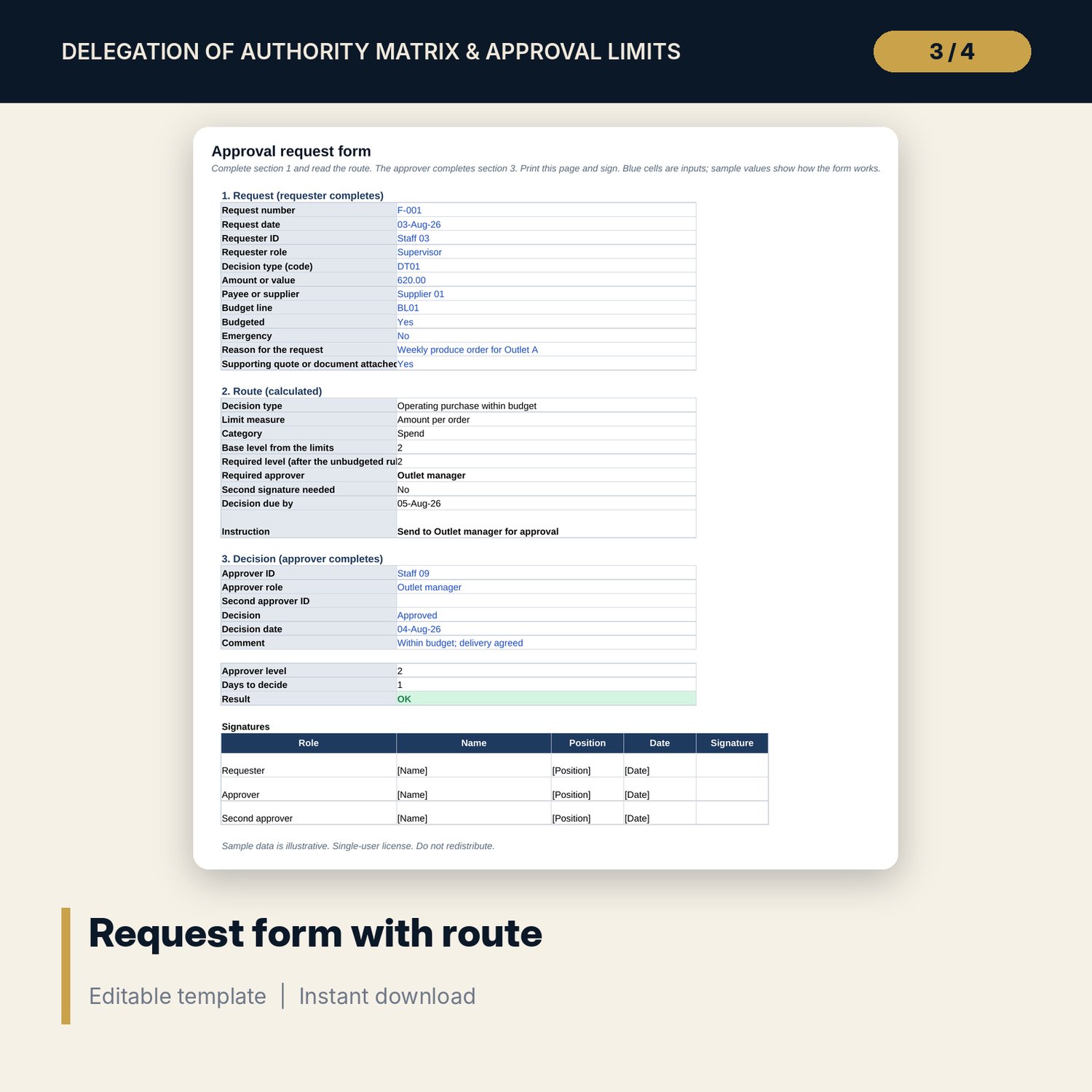
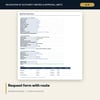
- Approval_Request_Form.xlsx: 4 tabs, 373 formulas, printable request form with route, Limits tab, a 40-line register and 5 checks
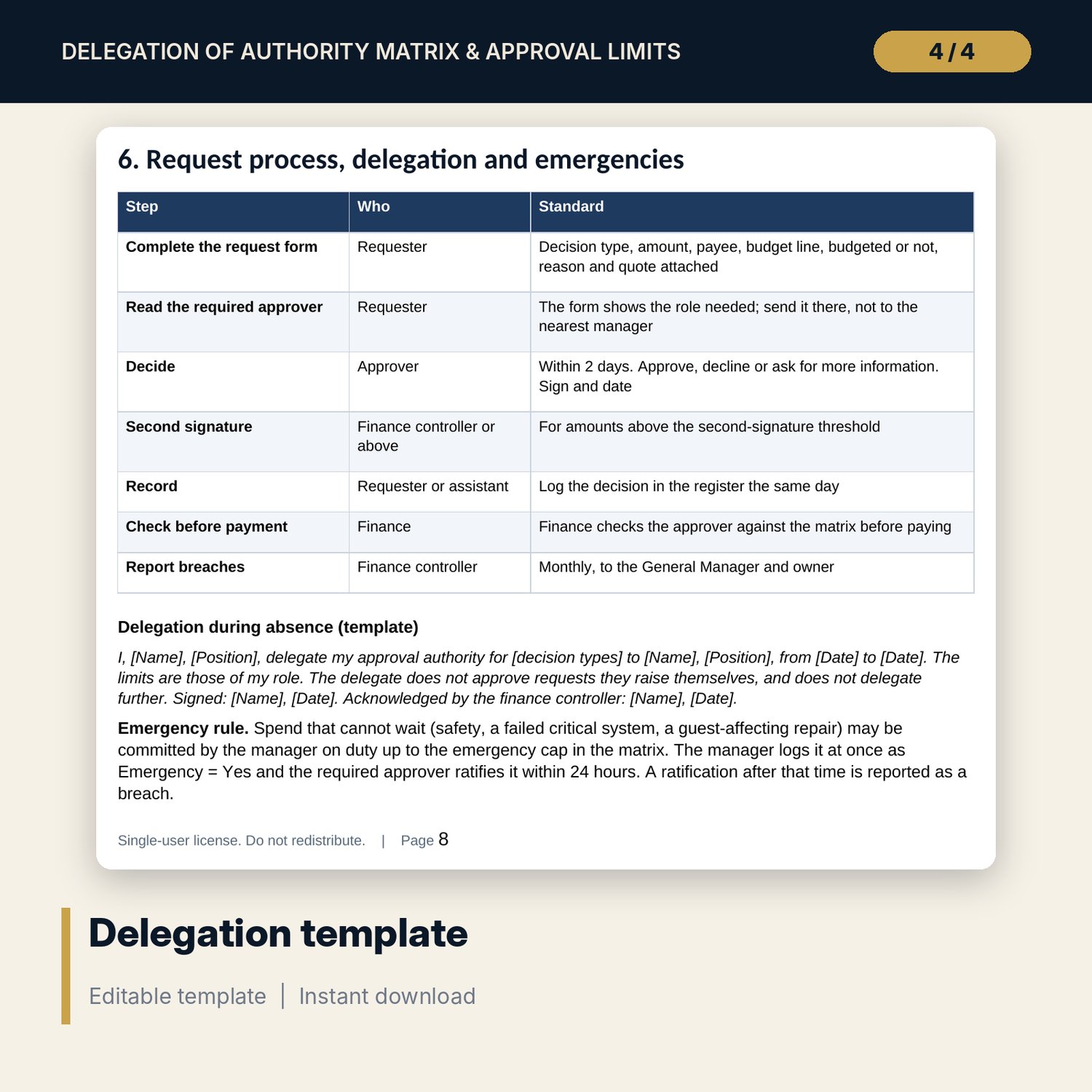
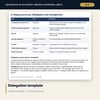
- Delegation_of_Authority_Guide.docx and PDF: 10 pages with the principles, matrix-building steps, equations, a worked example read from the workbook, a delegation template and the annual review checklist
- README.txt and LICENSE-and-Terms.txt
How it works
- Set the windows and level names on Assumptions.
- Enter your decision types and limits on Matrix.
- Log approval requests and read the Result, Breaches and Dashboard.
- Escalate each breach to the role named and run the monthly and annual review.
Details
- Formats: 2 Excel workbooks (.xlsx), 1 Word guide (.docx) and PDF, English
- Software: Excel 2016 or later, or LibreOffice Calc 7 or later
- No macros, no external links, no data tables, no array formulas
- 4 files plus README and license; instant digital download
Good to know
- Sample data is illustrative and uses codes. Replace it with your own figures.
- Limits, windows and time limits are examples in neutral currency units. Verify local requirements and your audit rules.
- The checker tests logged requests only: unlogged requests are not seen.
- Single-user license. Do not redistribute.
FAQ
How is the required approver found?
The required level is 1 plus the number of level limits below the amount. A limit of zero counts as below, so a level with no authority is skipped. Unbudgeted spend is raised by the number of levels you set.
How are split orders caught?
The workbook adds up requests for the same payee and decision type inside the window (30 days by default). If the total needs a higher level than the approver holds, the request is flagged as a possible split.
Can I change the levels and the decision types?
Yes. Rename the six levels on Assumptions. The matrix has 24 decision types with spare rows; add your own types and limits.
What counts as a breach?
A result whose type on Assumptions is Breach, for example above approver limit, self-approval, possible split, second approver missing or emergency not ratified. You can change a type to Exception.
Do I need macros?
No. Every result is a standard worksheet formula.