Recruitment Funnel & Time-to-Hire Tracker: Hotel Recruitment Funnel Tracker Template
Full description
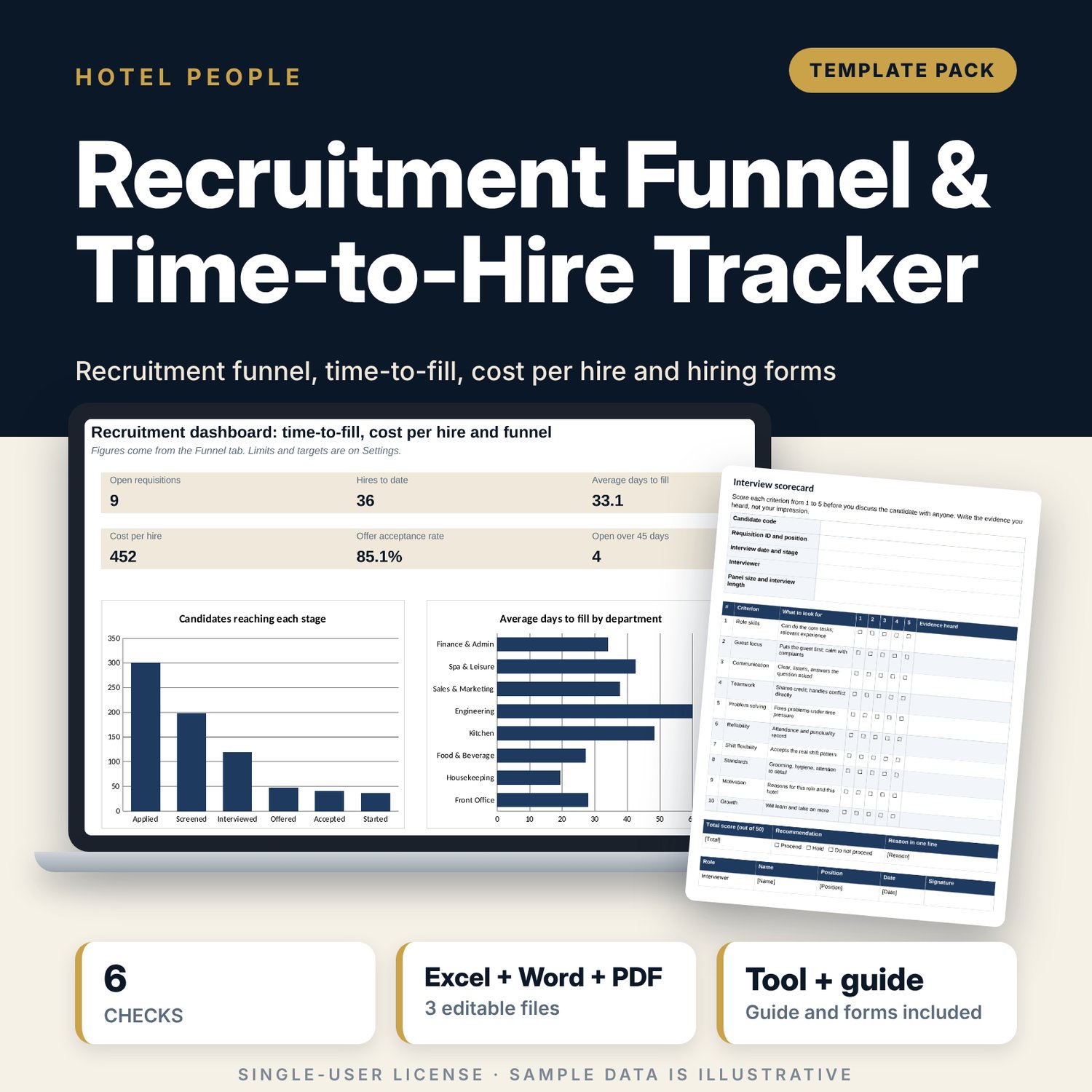
For hotel HR managers, department heads and general managers who fill many hourly and supervisor roles and want to see where candidates are lost, how long each vacancy stays open and which source delivers hires. Record each requisition and each candidate once. The workbook counts candidates by furthest stage reached with COUNTIFS, calculates stage conversion, average days to fill by department, cost per hire by department and by source, offer acceptance and the age of open requisitions. A Word file adds an interview scorecard, a job posting template, a reference check form and an offer checklist.
What is inside
- Recruitment_Funnel_Tracker.xlsx: 7 tabs, 2,033 formulas, 2 native charts, 8 drop-down and input rules
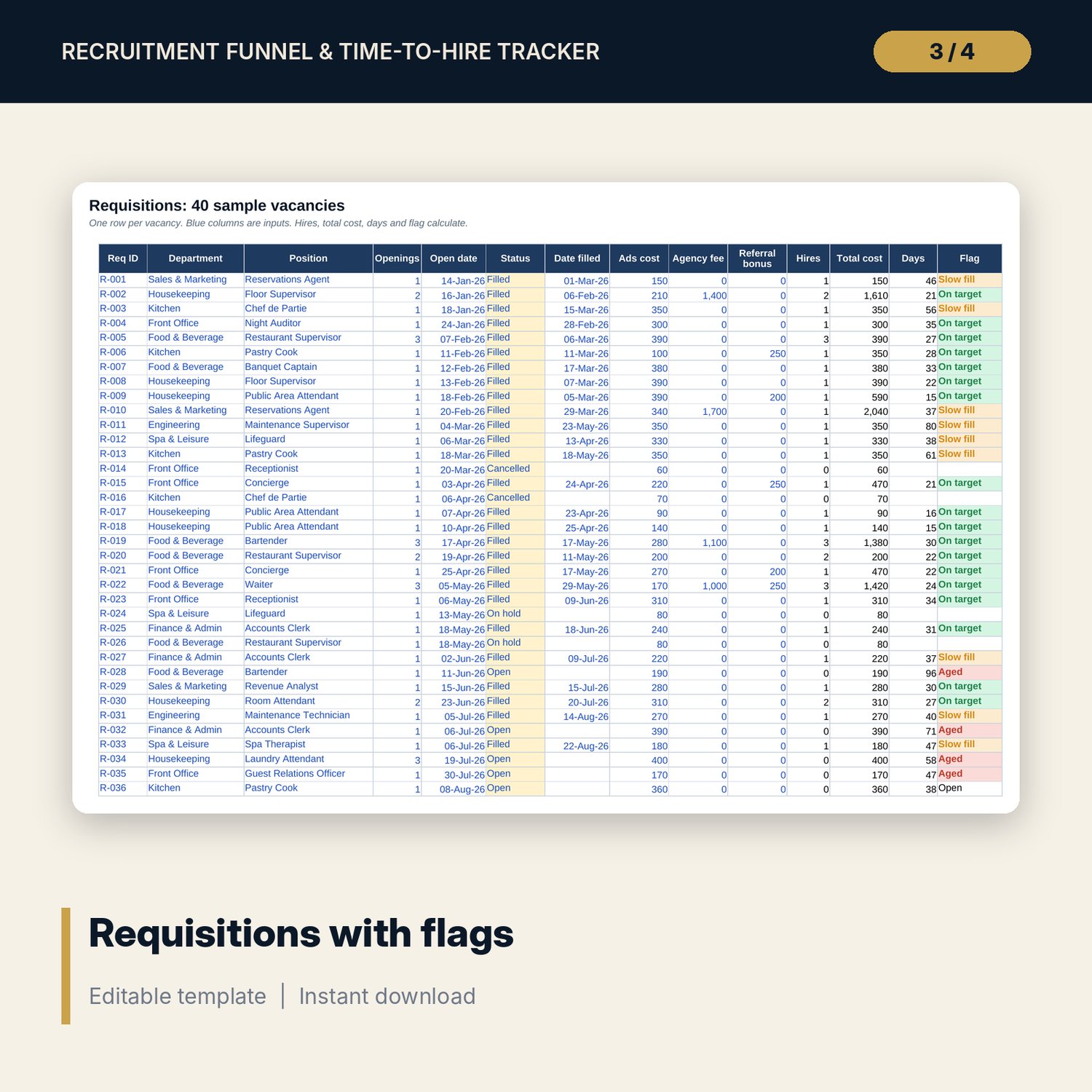
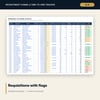
- Requisitions: 40 sample vacancies across 8 departments with status, dates, three cost items, hires, days and a flag for slow fills and aged requisitions
- Candidate Log: 300 sample candidates with source and furthest stage reached, plus room for 100 more
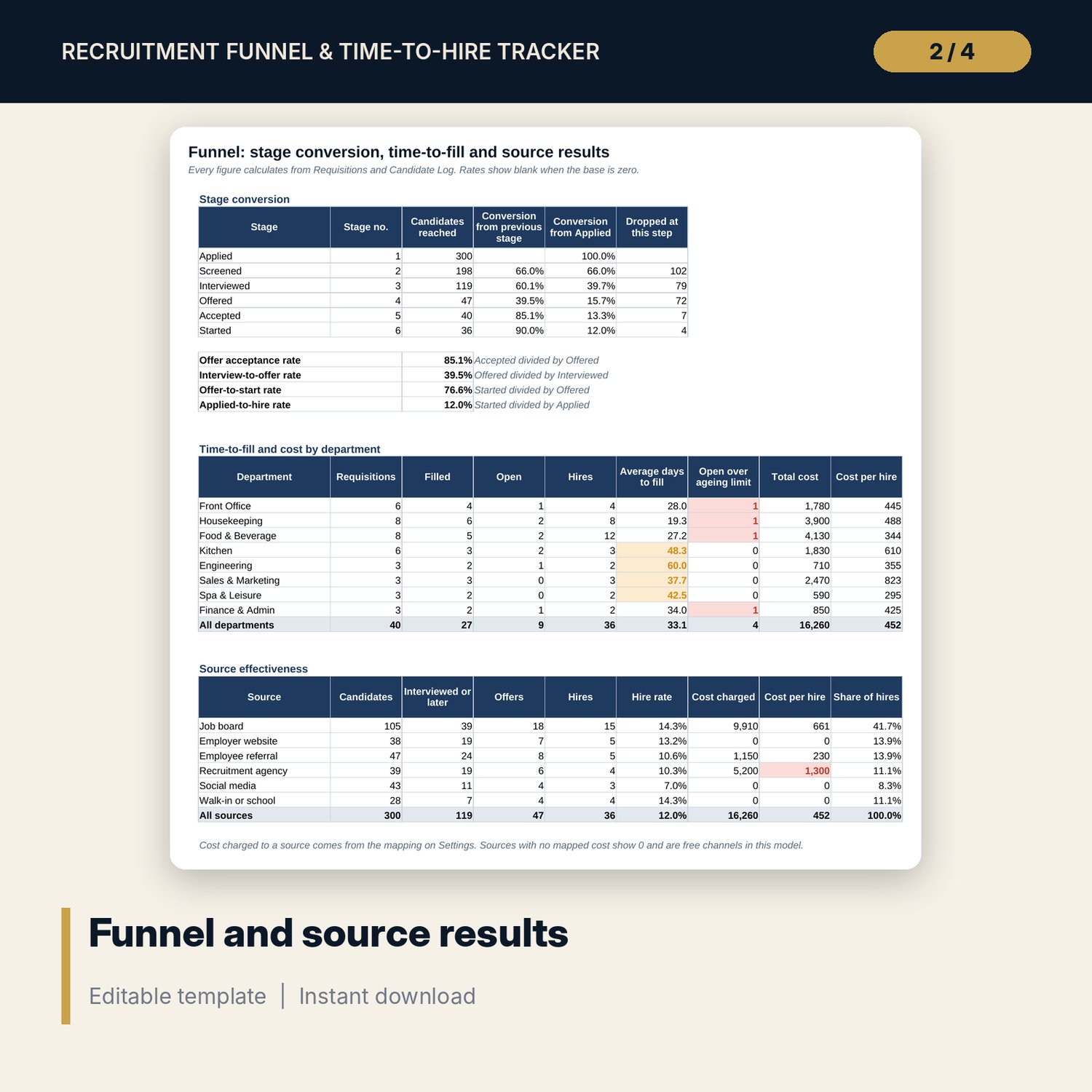
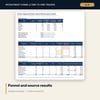
- Funnel: six-stage conversion table, department table (days to fill, cost per hire) and a six-source effectiveness table
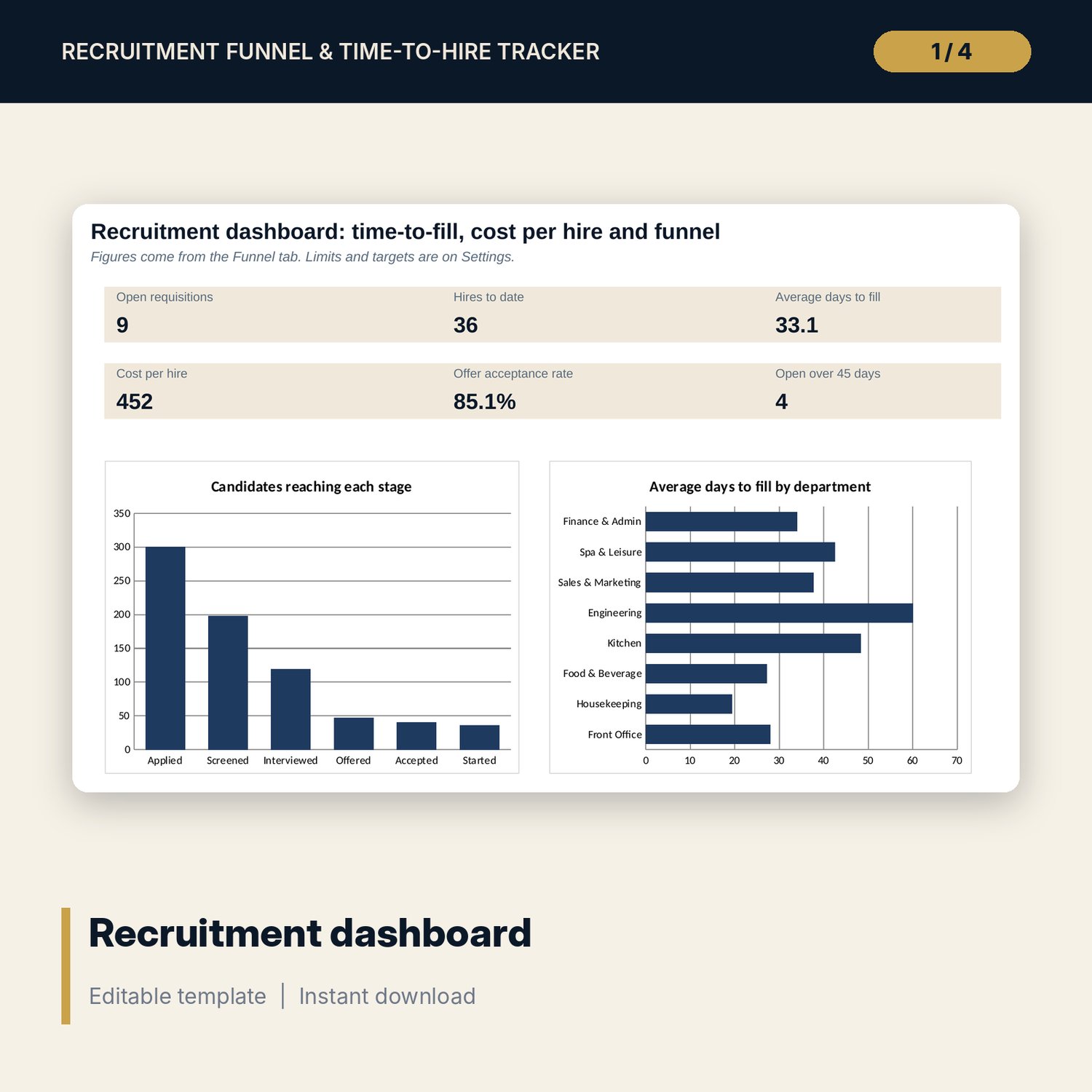
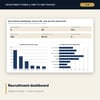
- Dashboard with six headline measures and two charts, and 6 checks that must show ALL OK
- Recruitment_Funnel_Tracker_Forms.docx and PDF: 7 pages with a 10-criterion interview scorecard (scored 1 to 5), job posting template, reference check form, offer checklist and metric definitions
- README.txt and LICENSE-and-Terms.txt
How it works
- Set the report date, the ageing limit and your targets on Settings, and map each cost item to a source.
- Enter each vacancy on Requisitions and each applicant on Candidate Log, then update the stage reached as the candidate moves.
- Read Funnel for conversion, days to fill, cost per hire and source results. Open requisitions over the limit show Aged.
- Use the printed forms for interviews, references and offers, then enter the outcome in the tracker.
Details
- Format: one .xlsx workbook, one editable .docx and its PDF copy, English
- Software: Excel 2016 or later, or LibreOffice Calc 7 or later; Word or any program that opens .docx
- No macros, no external links, no pivot tables, no array formulas
- 3 files, instant digital download
Good to know
- Sample data is illustrative. Replace it with your own figures.
- The forms are templates, not legal advice. Hiring, reference and data retention rules differ by country; verify local requirements.
- Cost per hire counts only the three cost items you enter. It does not include recruiter salaries or interview time.
- Single-user license. Do not redistribute.
FAQ
Can I use my own departments and sources?
Yes. Edit the lists on Settings. The tables on Funnel read the first 8 departments and 6 sources from those lists.
How is a hire counted?
A hire is a candidate whose furthest stage is Started. Candidates who accepted but did not start count as Accepted only.
How is cost per hire by source worked out?
Each cost item is charged to one source through the mapping on Settings. Ads go to Job board, agency fees to Recruitment agency and referral bonuses to Employee referral. Change the mapping if you charge costs differently.
Does the ageing use today's date?
It uses the report date on Settings. Type =TODAY() in that cell if you want it to update daily.
Does it need macros or add-ins?
No. Every result is a standard worksheet formula.