
Your Cart
Loading

Split & Spread

On Sale
€0.00
Pay what you want:
€
Added to cart

Split & Spread lets you quickly generate evenly spaced keyframes between two points, then redistribute them with ease-like timing for smoother, more dynamic animations.timing

You will get a ZIP (30KB) file

How to use

To create evenly-spaced intermediate keyframes between two selected keyframes:

  • Select exactly 2 keyframes on the same property (e.g., Position, Rotation, Opacity)
  • Enter the number of keyframes you want to create between them
  • Click "Split"

To redistributes selected keyframes along their existing timeline:

  • Select 2 or more keyframes on the same property
  • Choose an easing type

Ease In: slow start → fast end

Ease Out: fast start → slow end

Ease In-Out: slow → fast → slow

Ease Out-In: fast → slow → fast

  • Choose an easing function (Linear, Sine, Quad, Cubic, Quart, Quint, Expo, Circ)
  • Click "Spread"


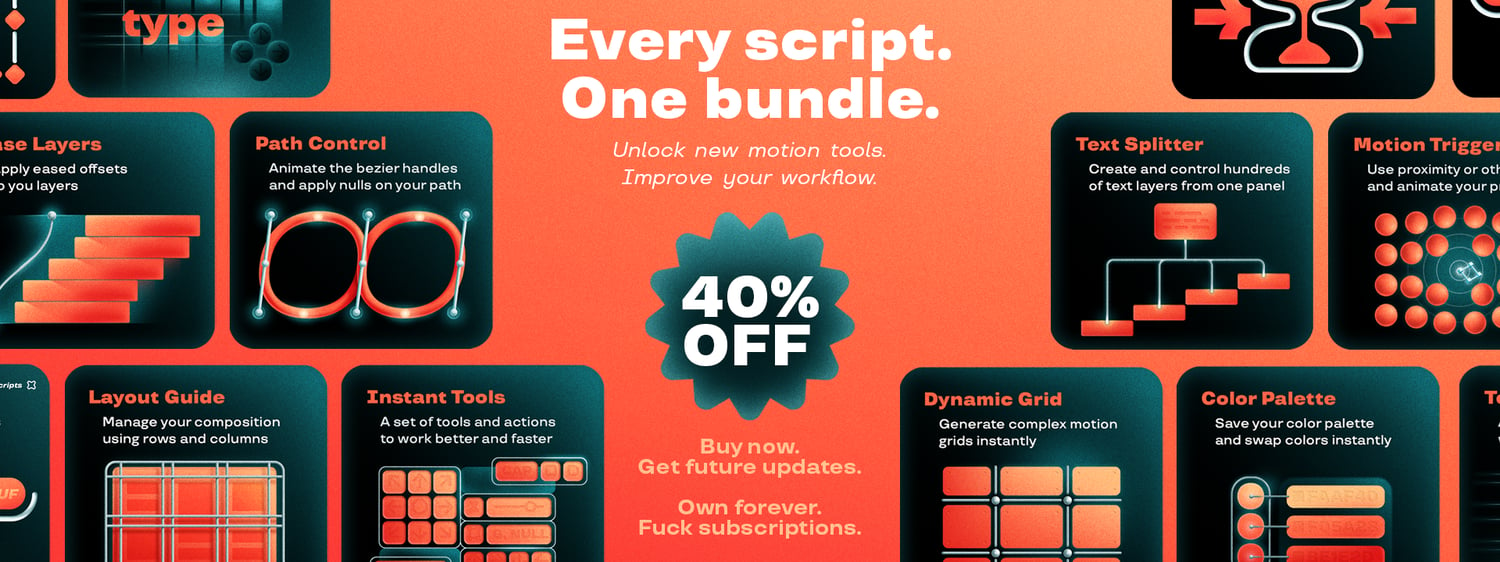
All the After Effects scripts in one bundle.

New tools to craft more advanced animations.