Spa Yield & Treatment Room Utilisation Model: Spa Treatment Room Utilisation Heat Map and RevPATH Calculator
Full description
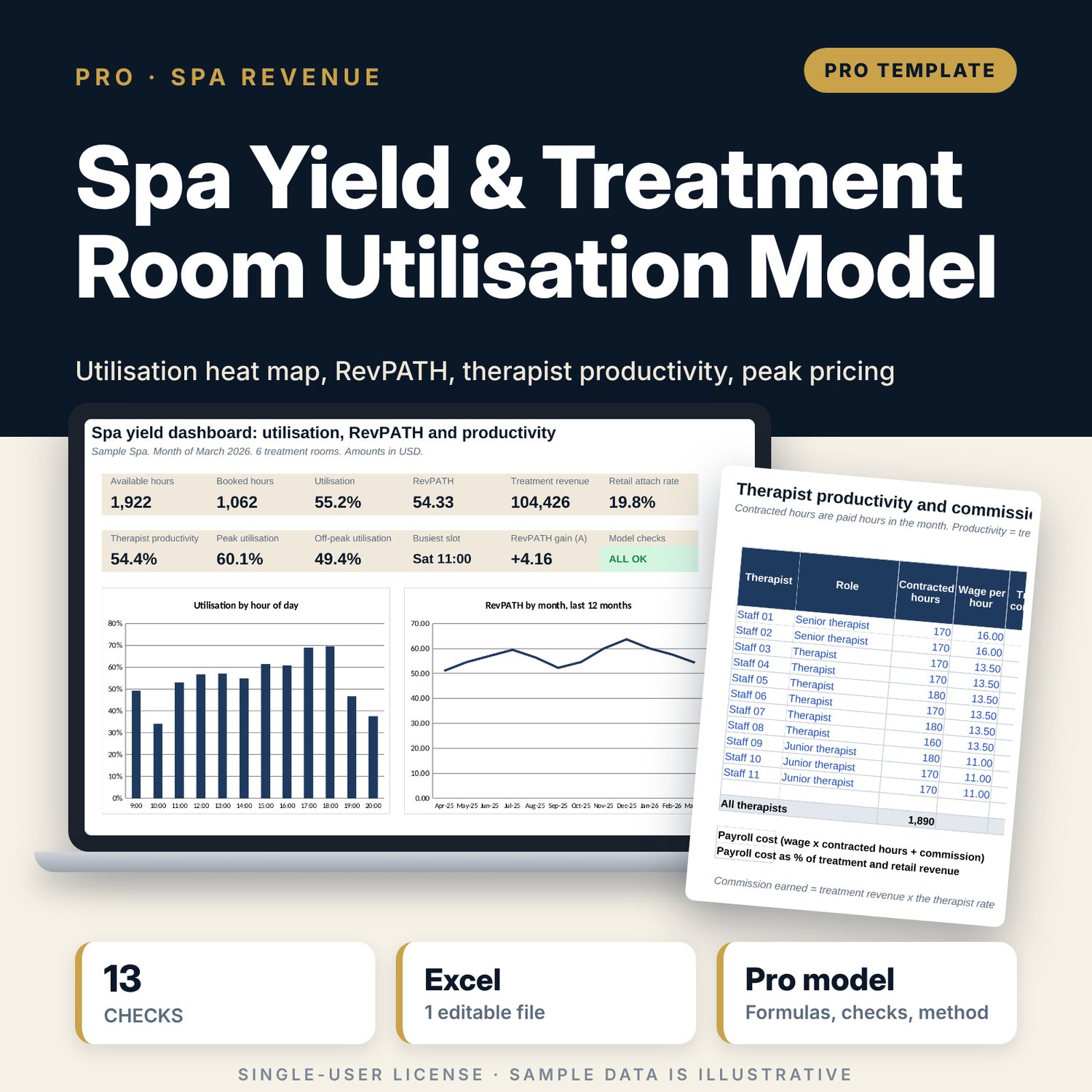
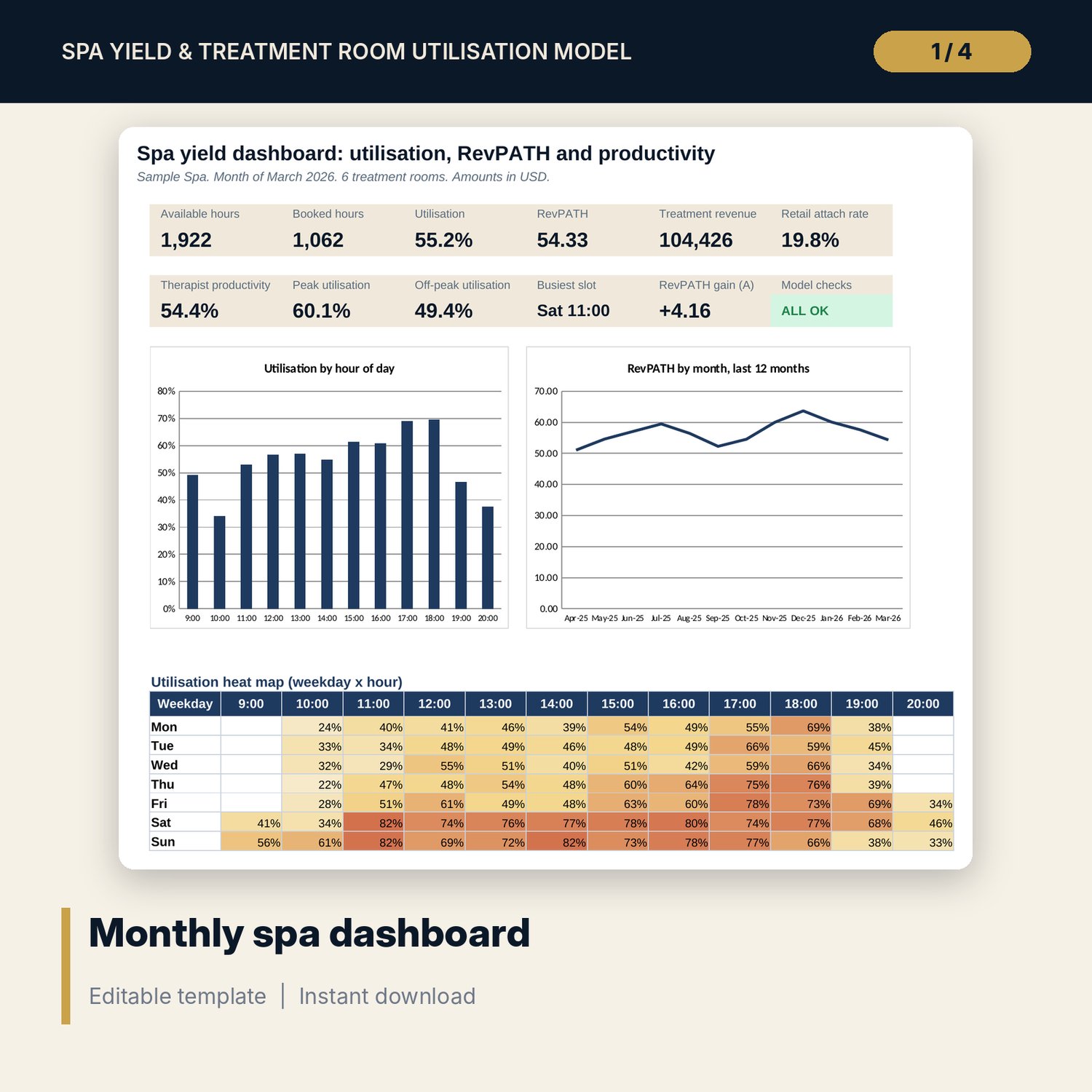
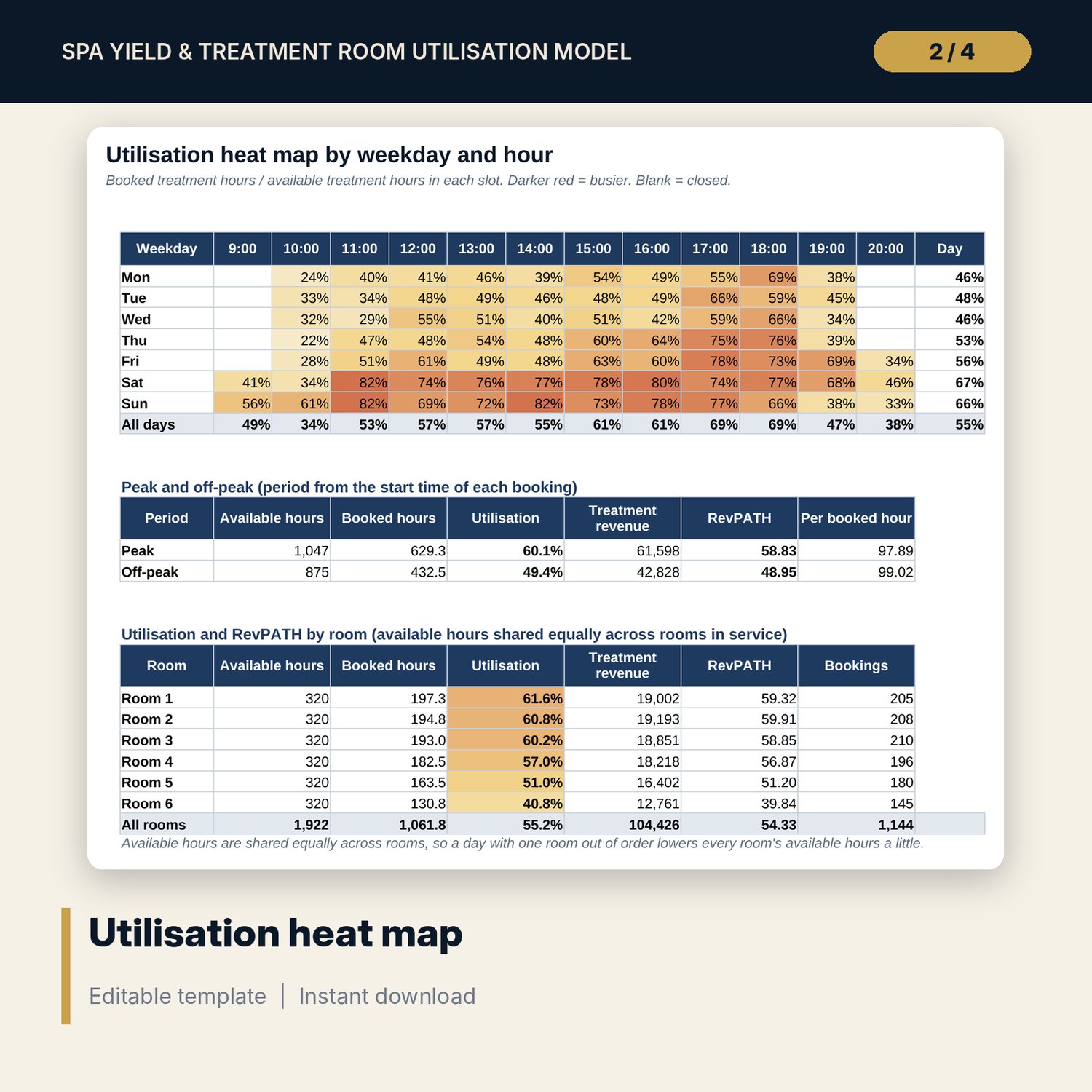
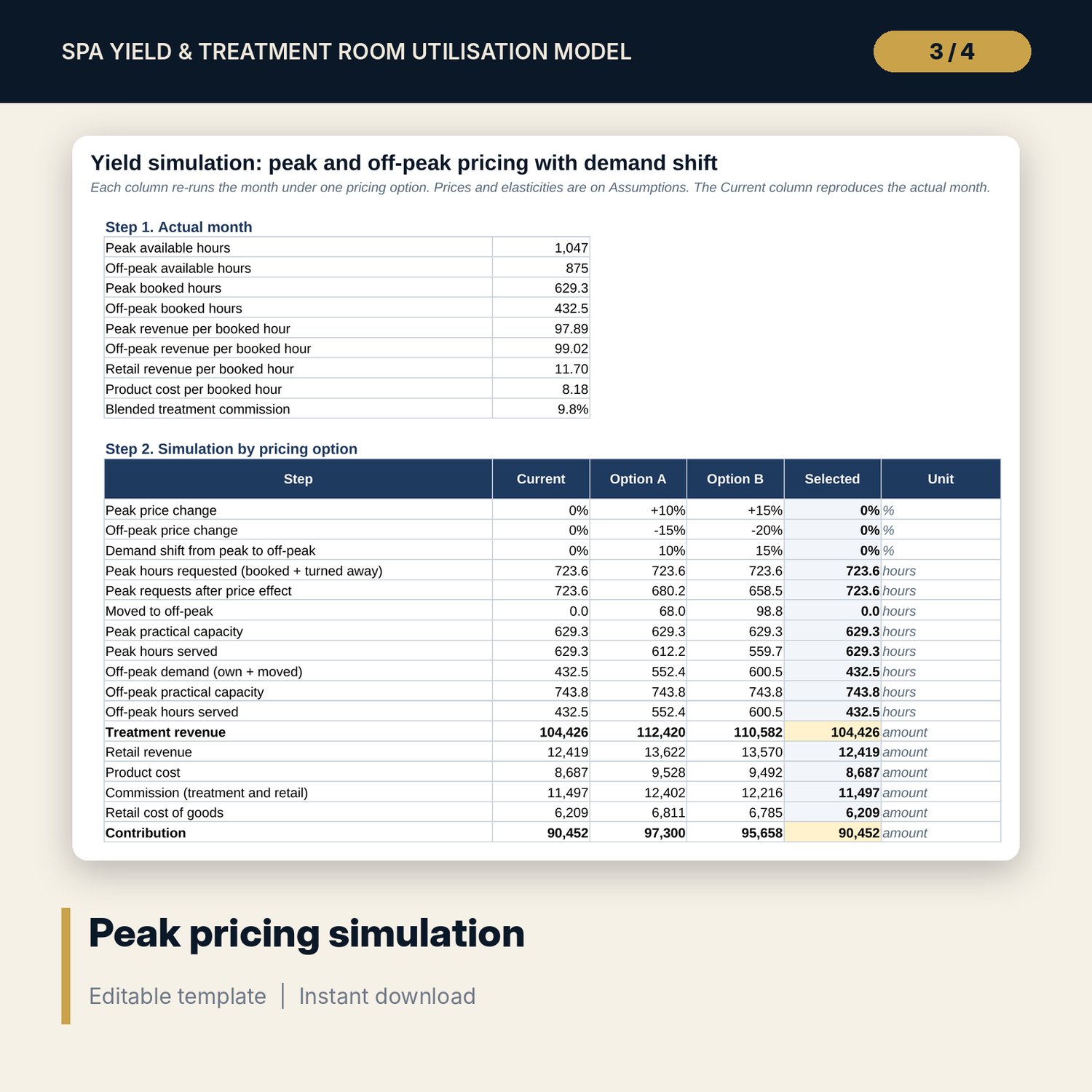
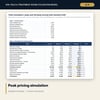
For spa managers, hotel general managers and revenue managers who need to fill treatment rooms at quiet hours and earn more at busy ones. The workbook builds capacity day by day from treatment rooms and opening hours, allows for closures and rooms out of order, and allocates every booked treatment hour to its weekday and hour by exact overlap. It reports utilisation in a heat map, revenue per available treatment hour (RevPATH), utilisation by room, therapist productivity against contracted hours, commission and retail attach. A yield simulation re-prices peak and off-peak treatments with price elasticity, a demand shift % and a practical capacity cap, and compares RevPATH and contribution for three pricing options, with two sensitivity grids.
Save with a bundle: this workbook is also in the Hotel Revenue & Data Analytics Pro Bundle, 25 workbooks for $59 instead of $319. All 100 Pro workbooks are in the Pro Library for $119, and all 241 templates and workbooks are in the Ultimate Hospitality Library for $149.
What is inside
- Spa_Yield_Treatment_Room_Utilisation_Model.xlsx: 12 tabs, 24,397 formulas, 4 native charts, 20 drop-down and input rules
- Bookings tab with 1,165 sample bookings for one month (room for 1,600), with clash, opening-hour and closed-day flags
- Capacity: opening hours by weekday, a 31-day calendar and a slot engine for 84 weekday-hour slots
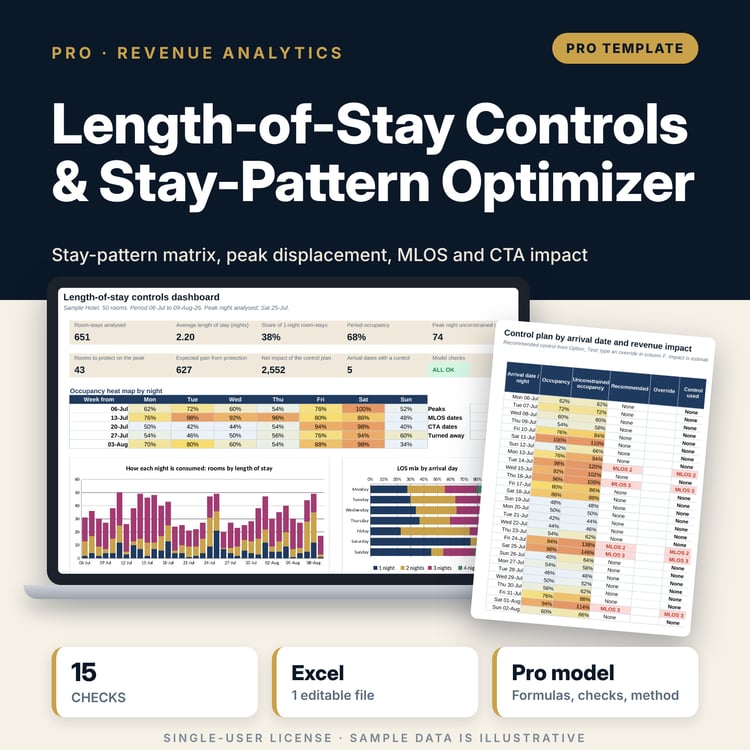
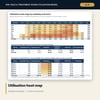
- Heatmap: utilisation by weekday and hour, peak against off-peak, utilisation and RevPATH by room
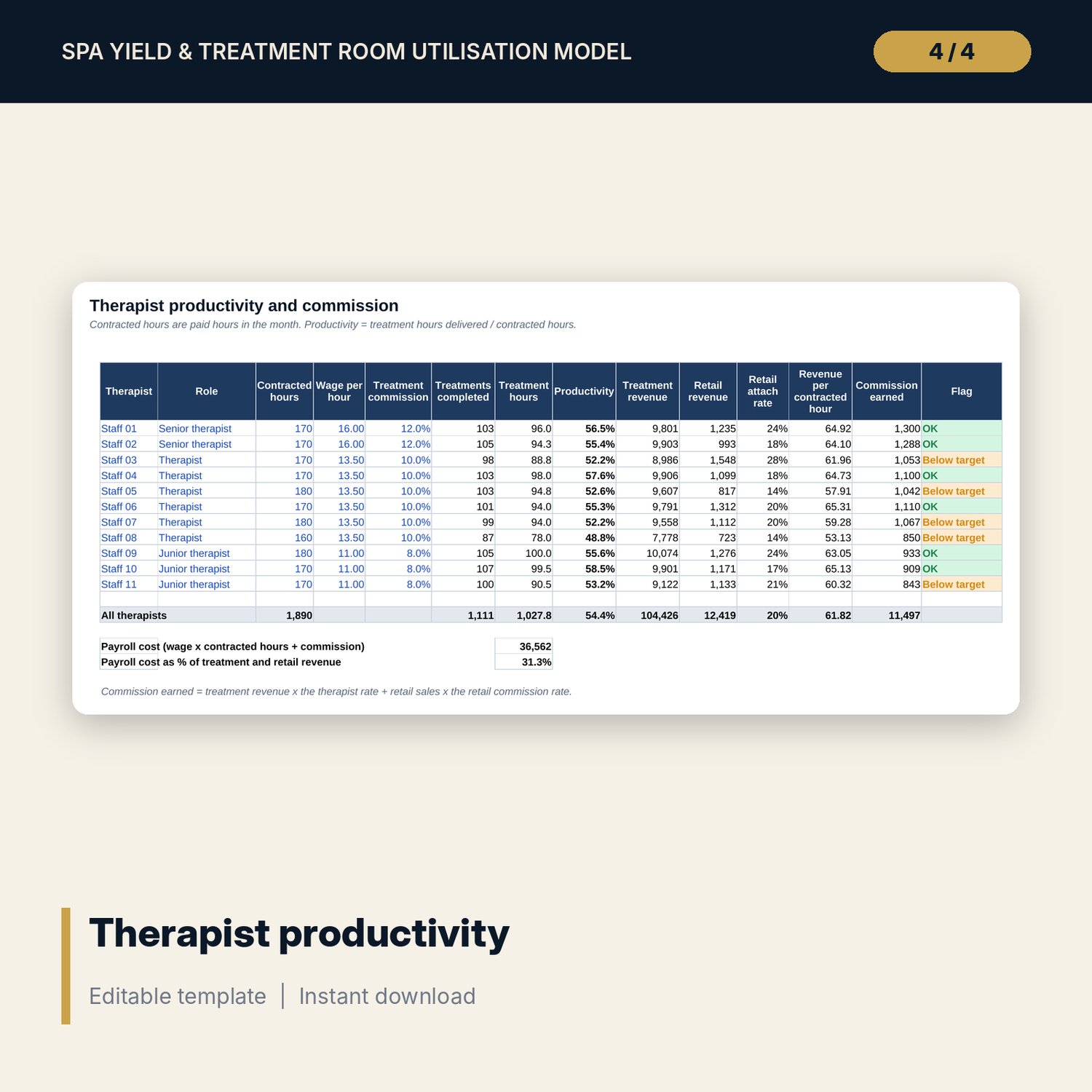
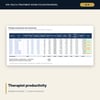
- Therapists: productivity, revenue per contracted hour, retail attach and commission for up to 12 therapists
- Yield_Sim: 3 pricing options, 23 visible calculation steps and 2 sensitivity grids (72 cells)
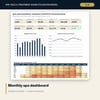
- Menu with 16 sample treatments, Trend with 12 months, Dashboard (one printed page)
- 13 integrity checks and a Method tab with 16 documented calculations
- README.txt and LICENSE-and-Terms.txt
How it works
- Enter treatment rooms, the month, the peak rule and your rates on Assumptions, and opening hours on Capacity.
- List your treatments on Menu and your therapists with contracted hours on Therapists.
- Paste one month of bookings from your spa booking system into Bookings and clear any flags.
- Read the heat map, RevPATH and therapist productivity, then test pricing options on Yield_Sim.
- Confirm that Checks shows ALL OK and print the Dashboard for the monthly review.
Details
- Format: one .xlsx workbook, English
- Software: Excel 2016 or later, or LibreOffice Calc 7 or later
- No macros, no external links, no data tables, no array formulas
- Instant digital download
Good to know
- Sample data is illustrative. Replace it with your own figures.
- Elasticity, turnaway and demand shift are your estimates. Test a range of values before you change prices.
- Commission and no-show terms depend on your contracts and local rules. Verify local requirements.
- Single-user license. Do not redistribute.
FAQ
What is RevPATH?
Revenue per available treatment hour: treatment revenue divided by treatment room hours available in the month, after closures and rooms out of order.
How are long treatments counted in the heat map?
By exact overlap. A 90-minute treatment from 10:30 counts 30 minutes in the 10:00 slot and 60 minutes in the 11:00 slot.
Which booking export do I need?
One row per booking with date, start time, treatment code, room, therapist, guest type, status, price charged and retail sales.
Can I change opening hours and the peak rule?
Yes. Opening hours are set per weekday on Capacity, and the peak start hour and weekend rule on Assumptions.
Does it need macros or add-ins?
No. Every result is a standard worksheet formula, including the slot engine and the sensitivity grids.