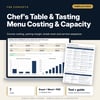
Chef's Table & Tasting Menu Costing & Capacity: Tasting Menu Costing Spreadsheet and Service Guide
Full description
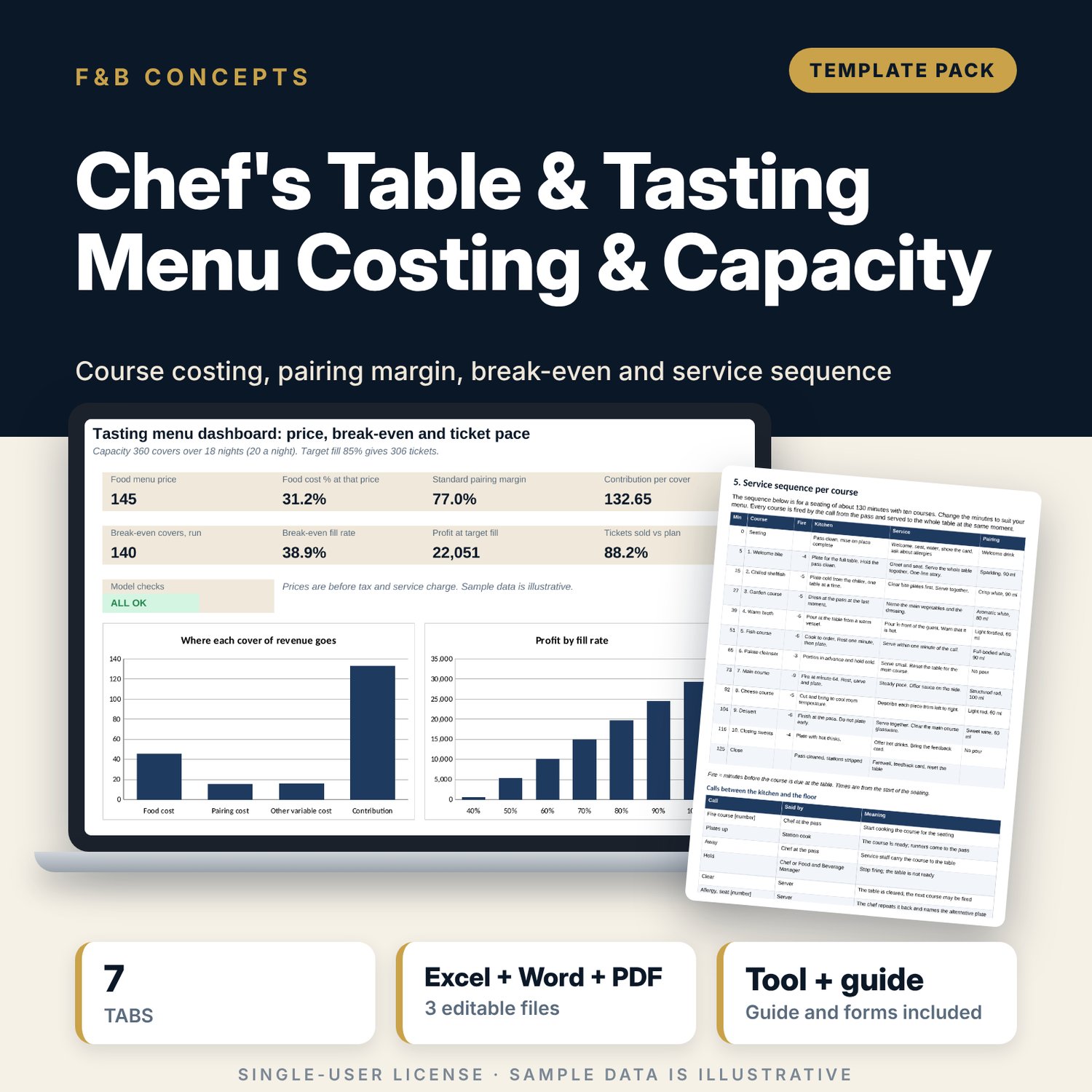
For executive chefs, food and beverage managers, restaurant managers and general managers who plan a chef's table, a tasting menu or a limited run. The workbook costs up to 12 courses from raw cost, yield loss and garnish, turns bottle cost, pour size and bottle loss into a cost per pour for three pairing programs, and sets each price from your target cost percent, rounded up to a step you choose, with an optional override. It then works out contribution per cover, break-even covers, break-even fill rate and break-even bookings, profit at your target fill, and a grid of profit by fill rate and food price. A ticket tab tracks targets by team, weekly sales against a planned curve with a behind-plan alert, and a dated countdown to the first service. The Word and PDF guide covers the concept brief, menu card standards, an allergen matrix, a course-by-course service sequence, station and timing sheets, a staff briefing, the department task lists, a reconciliation form and a worked example.
What is inside
- Chefs_Table_Costing_Model.xlsx: 7 tabs, 519 formulas, 3 native charts, 21 drop-down and input rules
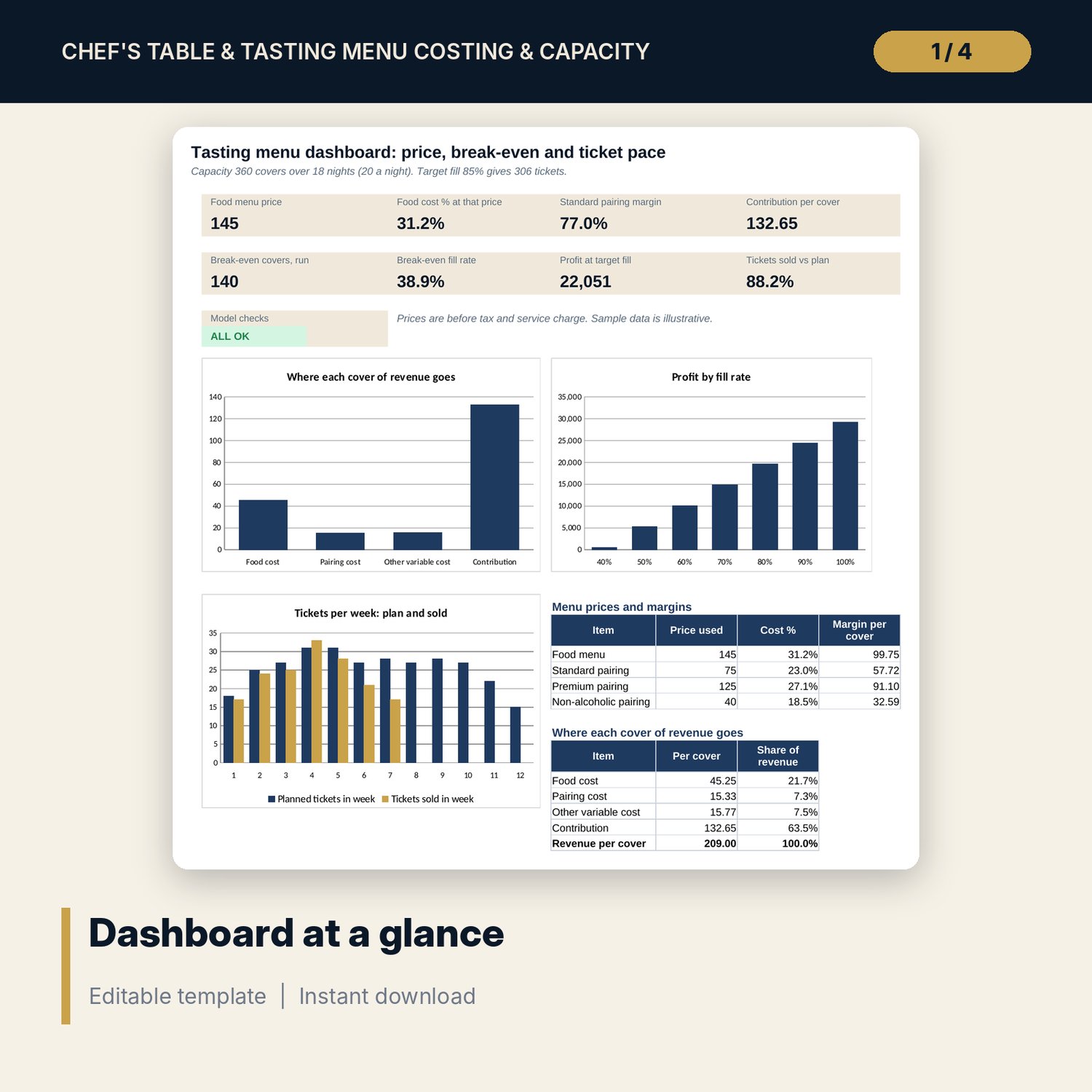
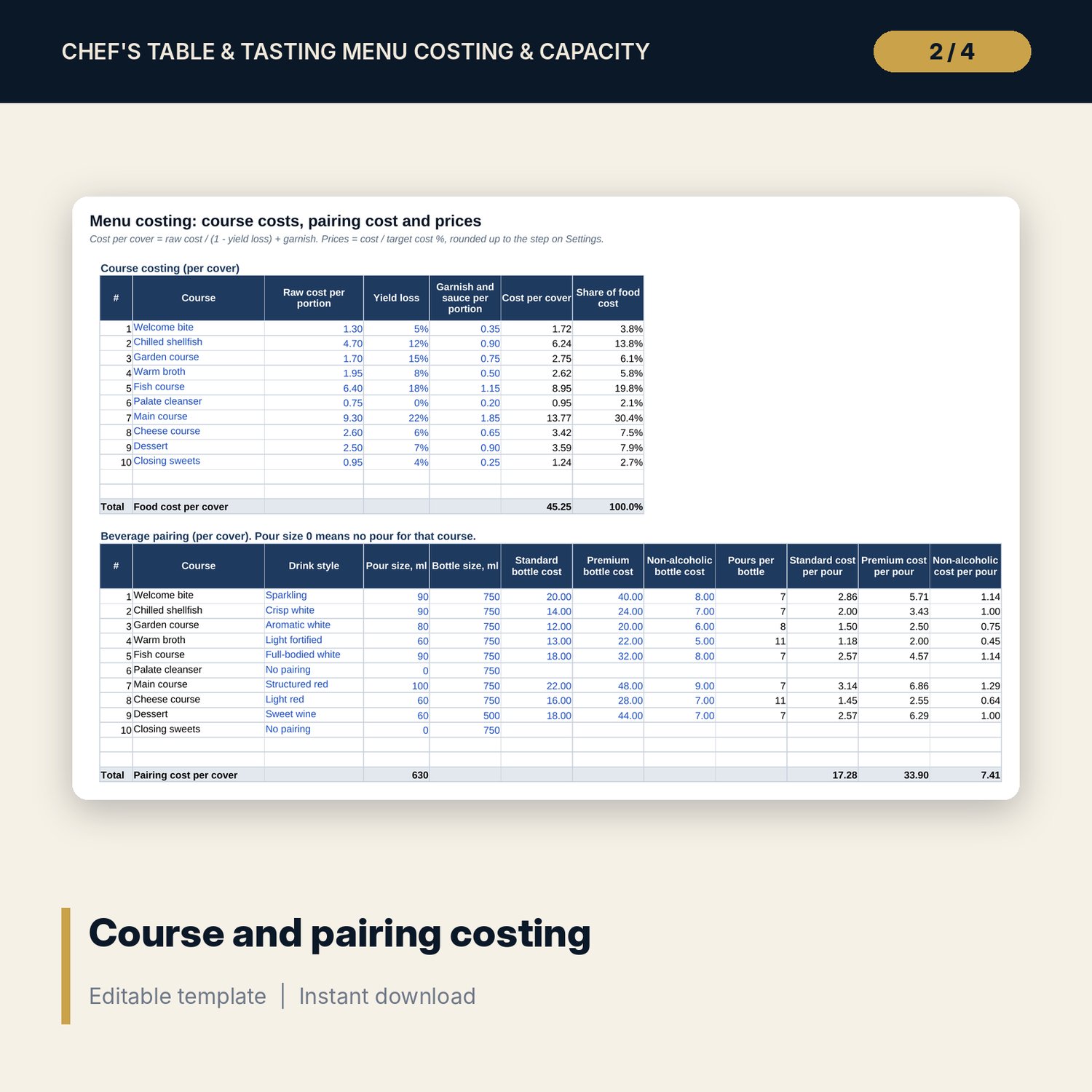
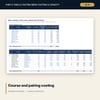
- Menu Costing: 10 sample courses plus 2 spare rows, a pairing table with cost per pour, and a price table with margins and overrides
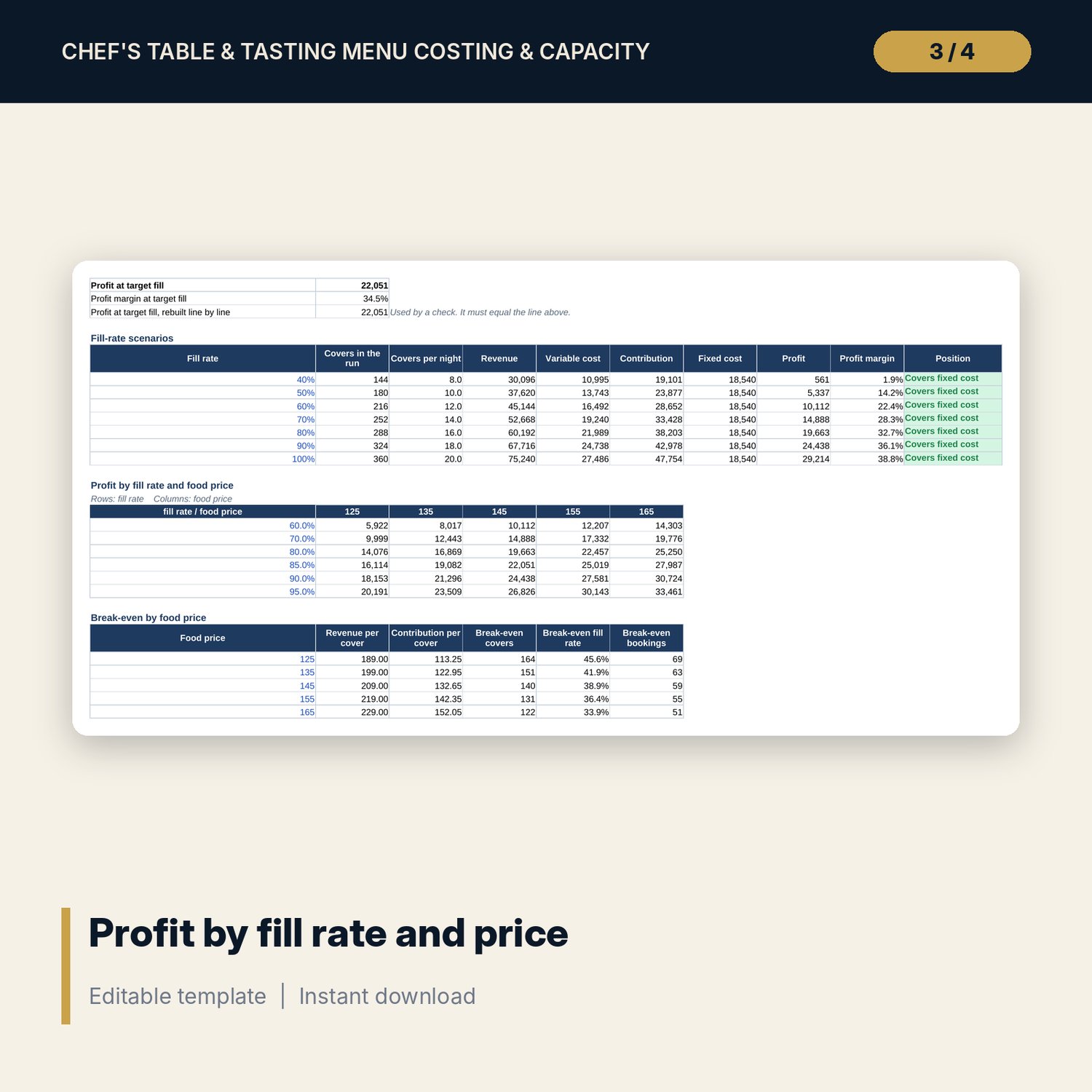
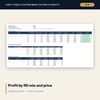
- Capacity: 7 sample fixed-cost lines plus 3 spare rows, 7 fill-rate scenarios, a 6 x 5 profit grid and break-even by price
- Tickets: 6 teams with targets and sales, a 12-week sales plan and 12 dated milestones plus 3 spare rows
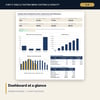
- Dashboard: 8 KPI tiles, a check tile and 3 charts; 8 integrity checks on the Checks tab
- Chefs_Table_Service_Guide.docx and PDF: 10 pages with 12 service steps, an allergen matrix, 14 department tasks, staff briefing and review forms, and a worked example
- README.txt and LICENSE-and-Terms.txt
How it works
- Enter seats, seatings, run length, first service date and your cost targets on Settings.
- Replace the sample courses and bottle costs on Menu Costing and read the suggested prices.
- List fixed costs on Capacity and read break-even covers, fill rate and bookings; test other fill rates and prices.
- Set team targets, the sales plan and weekly sales on Tickets, then use the guide to brief the team and run the nights.
Details
- Formats: 1 Excel workbook (.xlsx), 1 guide in Word (.docx) and PDF, English
- Software: Excel 2016 or later, or LibreOffice Calc 7 or later
- No macros, no external links, no data tables, no array formulas
- 3 files plus README and license; instant digital download
Good to know
- Sample data is illustrative. Replace it with your own figures.
- Prices are before tax and service charge. Cost targets and pour sizes are your own decisions.
- The countdown flag compares due dates with today, so it changes as time passes.
- The guide is a management tool, not legal advice. Use the allergen list your local rules require.
- Single-user license. Do not redistribute.
FAQ
How many courses can I cost?
The sample has 10 courses and the table has 2 spare rows, so 12 in total.
How are pairing costs worked out?
Usable bottle size (bottle size less your loss allowance) divided by pour size, rounded down, gives pours per bottle. Bottle cost divided by pours gives cost per pour, summed across the courses.
What does break-even mean here?
The number of covers at which contribution covers all fixed costs for the run, shown as covers, fill rate and bookings of your average party size.
Can I charge a different price from the suggested one?
Yes. Type an override price and every result follows it, including margins and break-even.
Do I need macros?
No. Every result is a standard worksheet formula.