
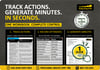
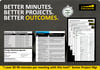
Project Action Tracker Excel Template | Meeting Agenda | Minutes Generator | Action Log | Highly Automated
⏱️ Save Hours of Admin Time
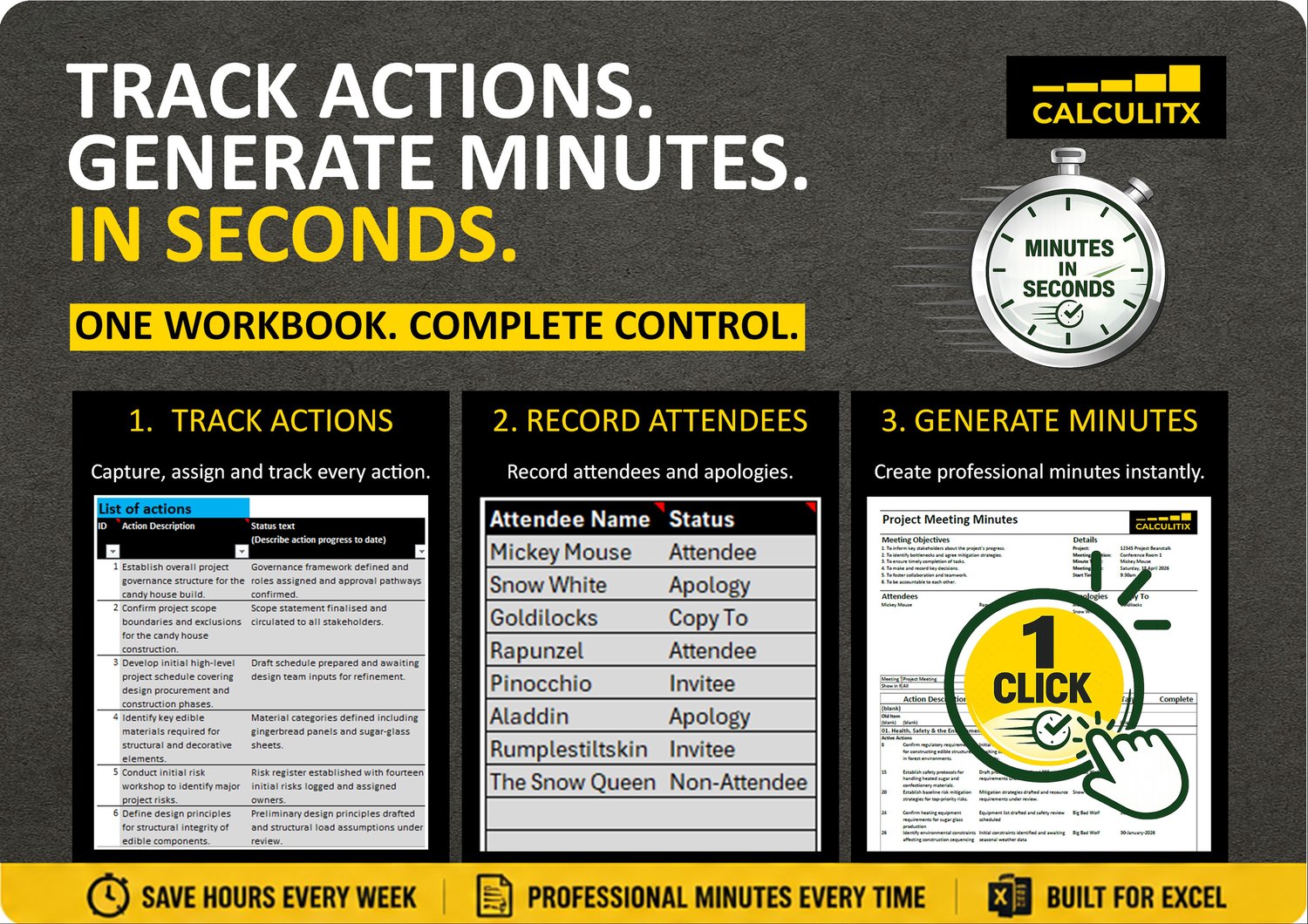
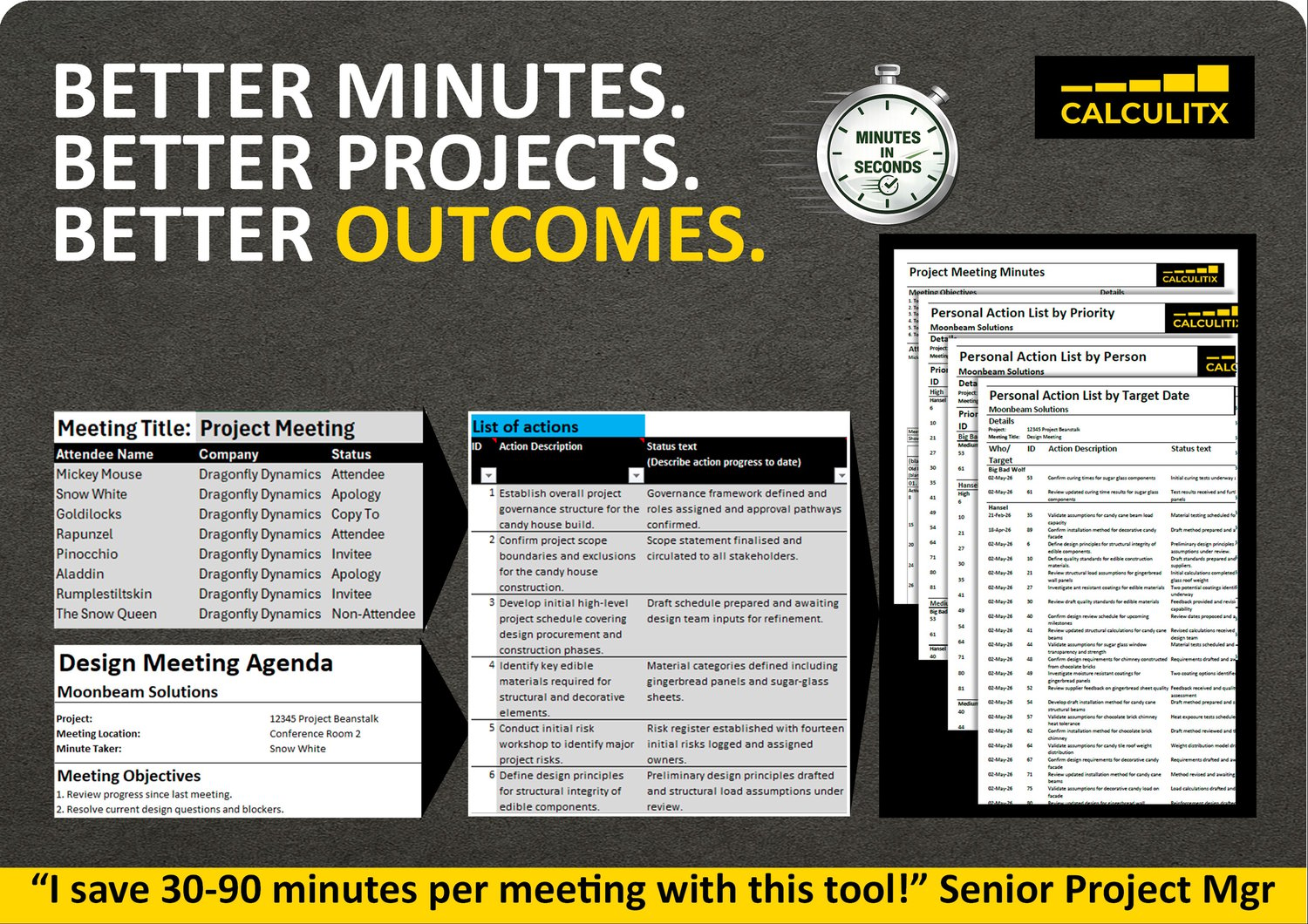
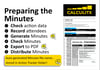
What traditionally takes 60–90 minutes (creating minutes of meeting) can be completed in minutes once each meeting is set up.
This template is designed for professionals who need efficiency without compromising quality or structure.
Not Sure Which Tool Fits Your Needs?
If you're looking for a quick answer, start with our 1-page Tool Selector Guide.
It provides a side-by-side comparison of Action Tracker, Microsoft Planner and Copilot, helping you identify the right solution based on your team's needs.
In summary:
- Choose Action Tracker for project governance, meeting management and action accountability.
- Choose Planner for collaborative task execution.
- Choose Copilot for AI-assisted meeting preparation and summaries.
Alternatively, review this article for a deeper look at why Action Tracker is the preferred choice for managing project actions from agenda to completion.
🚀 Professional Project Action Tracker – Excel Template
Run structured meetings, capture decisions clearly, and ensure every action is followed through to completion.
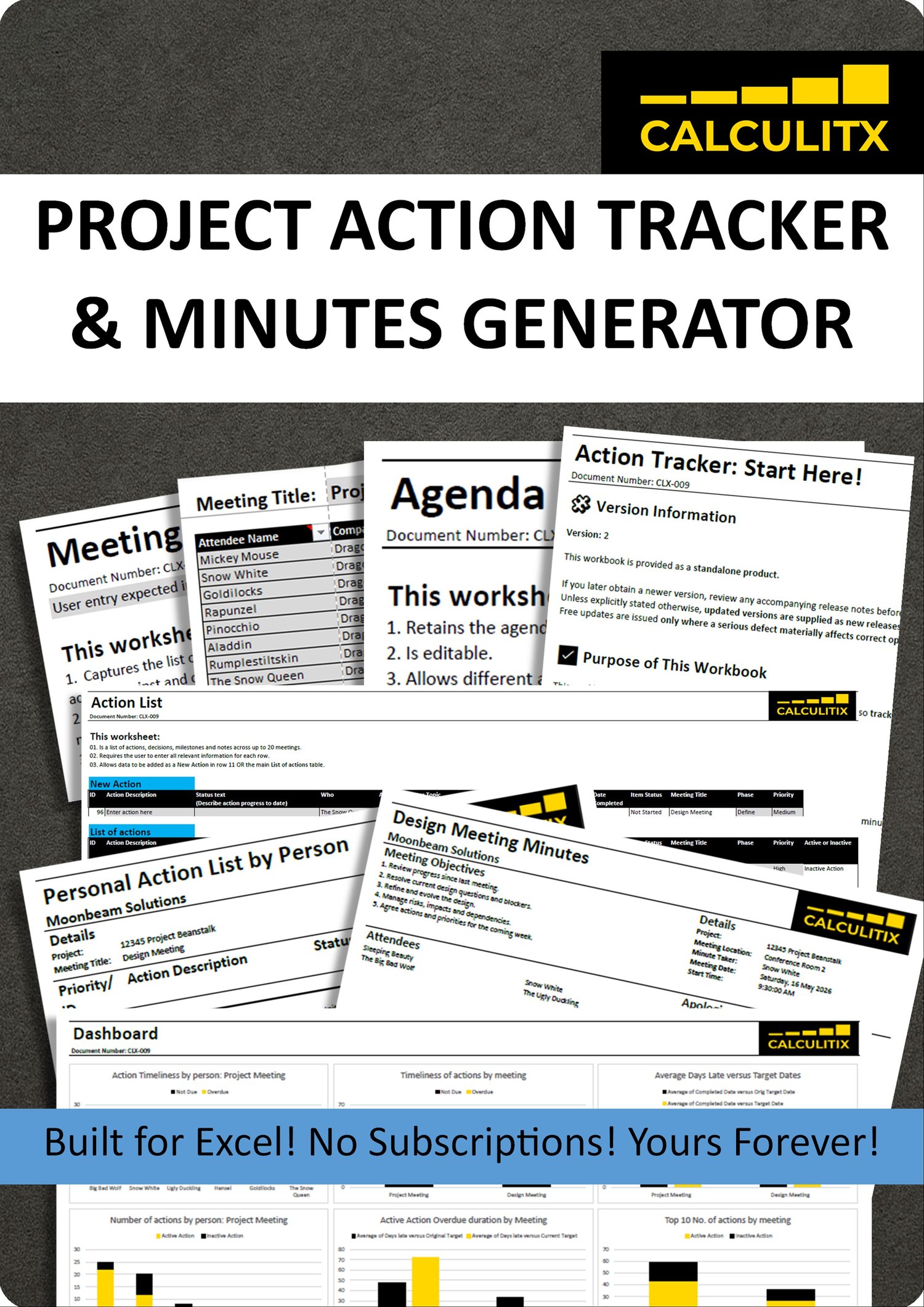
This Project Action Tracker is a professionally designed Excel workbook that combines meeting management, action tracking and minutes generation into one integrated system, helping you reduce admin time while improving accountability.
✅ What This Tool Does
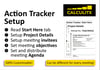
This workbook enables you to:
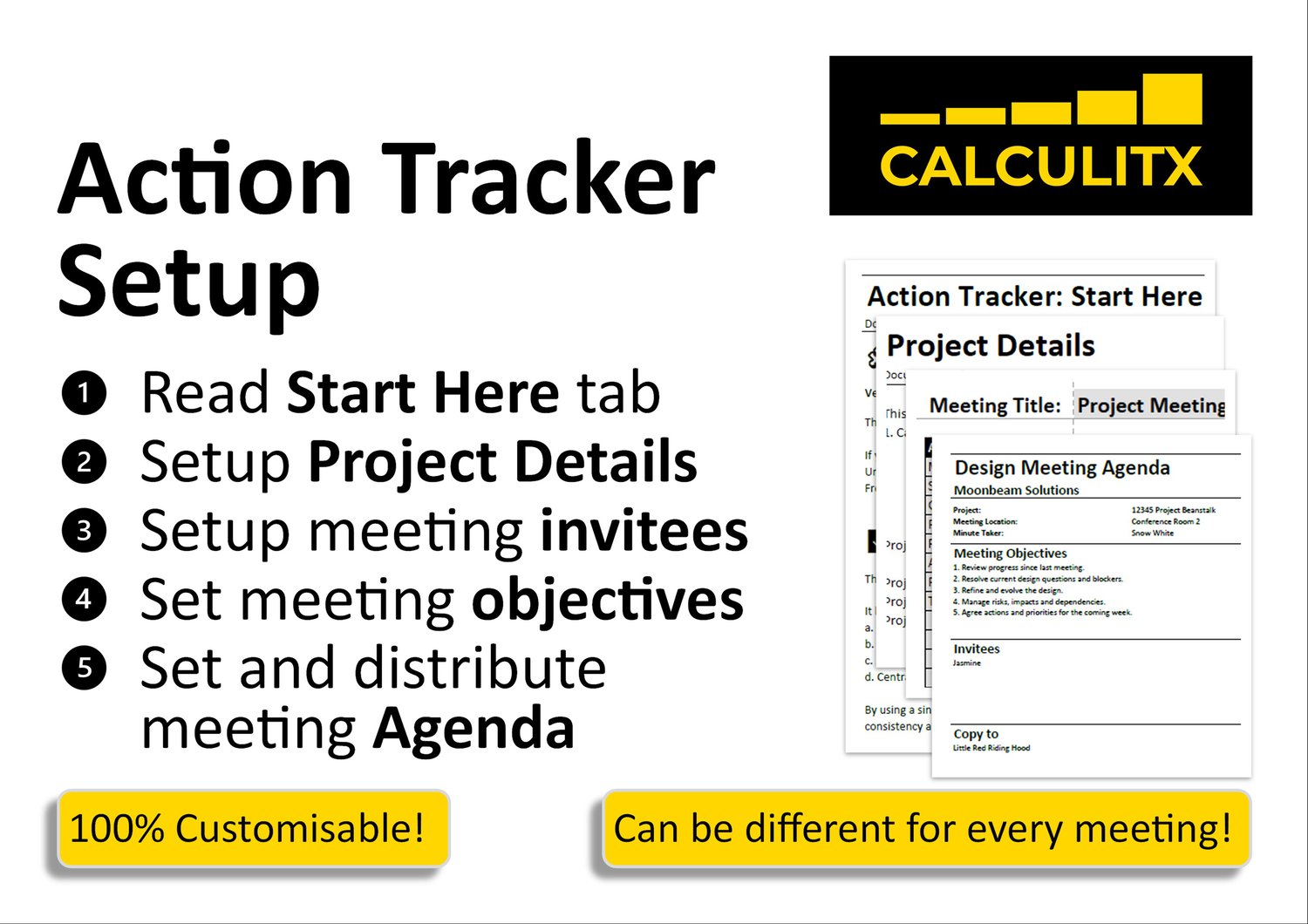
- Plan and organise meetings with structured setup and attendee management
- Generate professionally formatted agendas
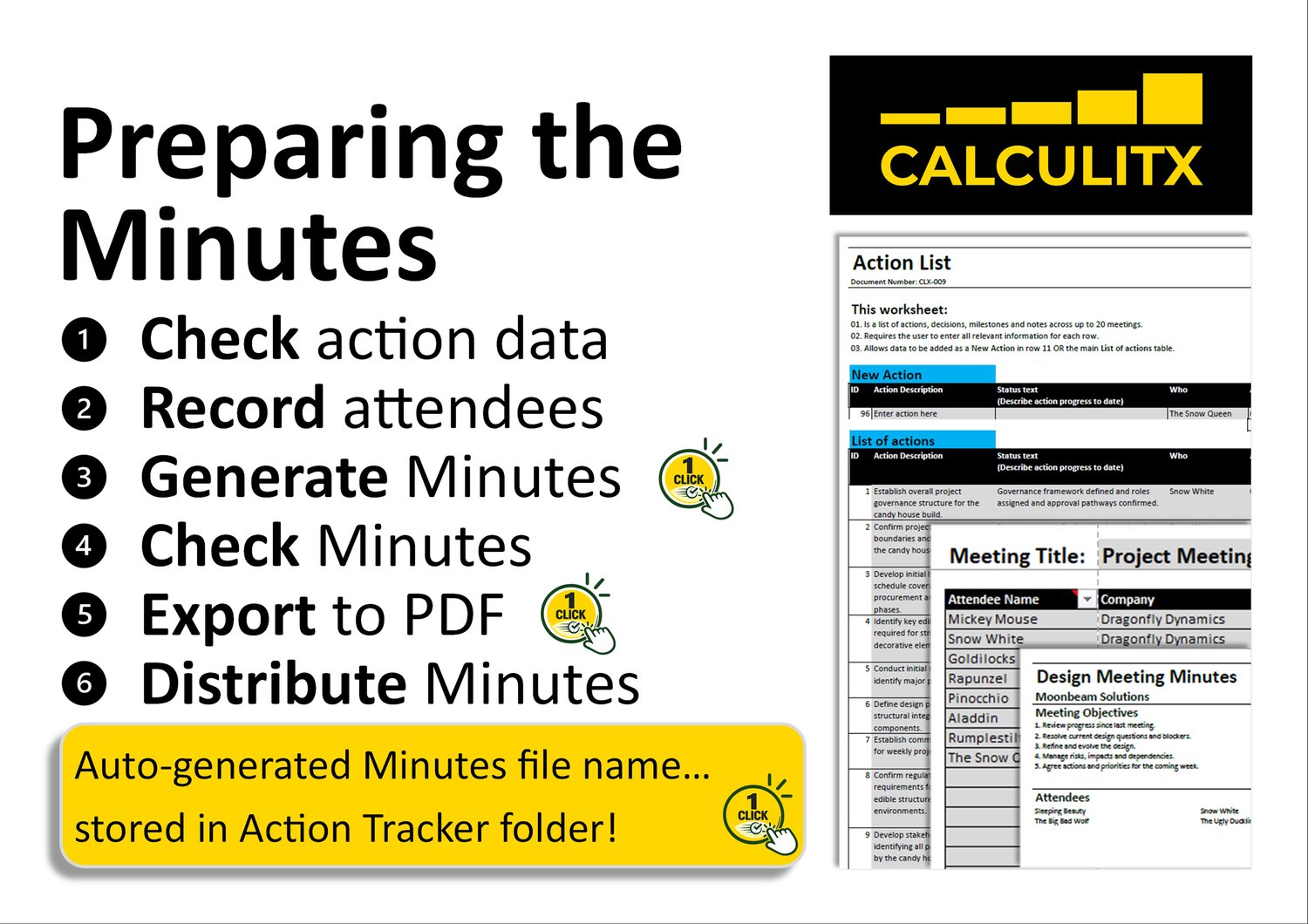
- Produce formal meeting minutes automatically
- Track actions centrally and follow them through to completion
- Maintain consistency across recurring meetings
All outputs are generated from a single-entry system, meaning you only input information once and reuse it across agendas, minutes, and action logs.
🧩 Key Features
- Integrated Agenda + Minutes + Action Tracker
- One click to generate the Minutes
- One click to export the Minutes to PDF
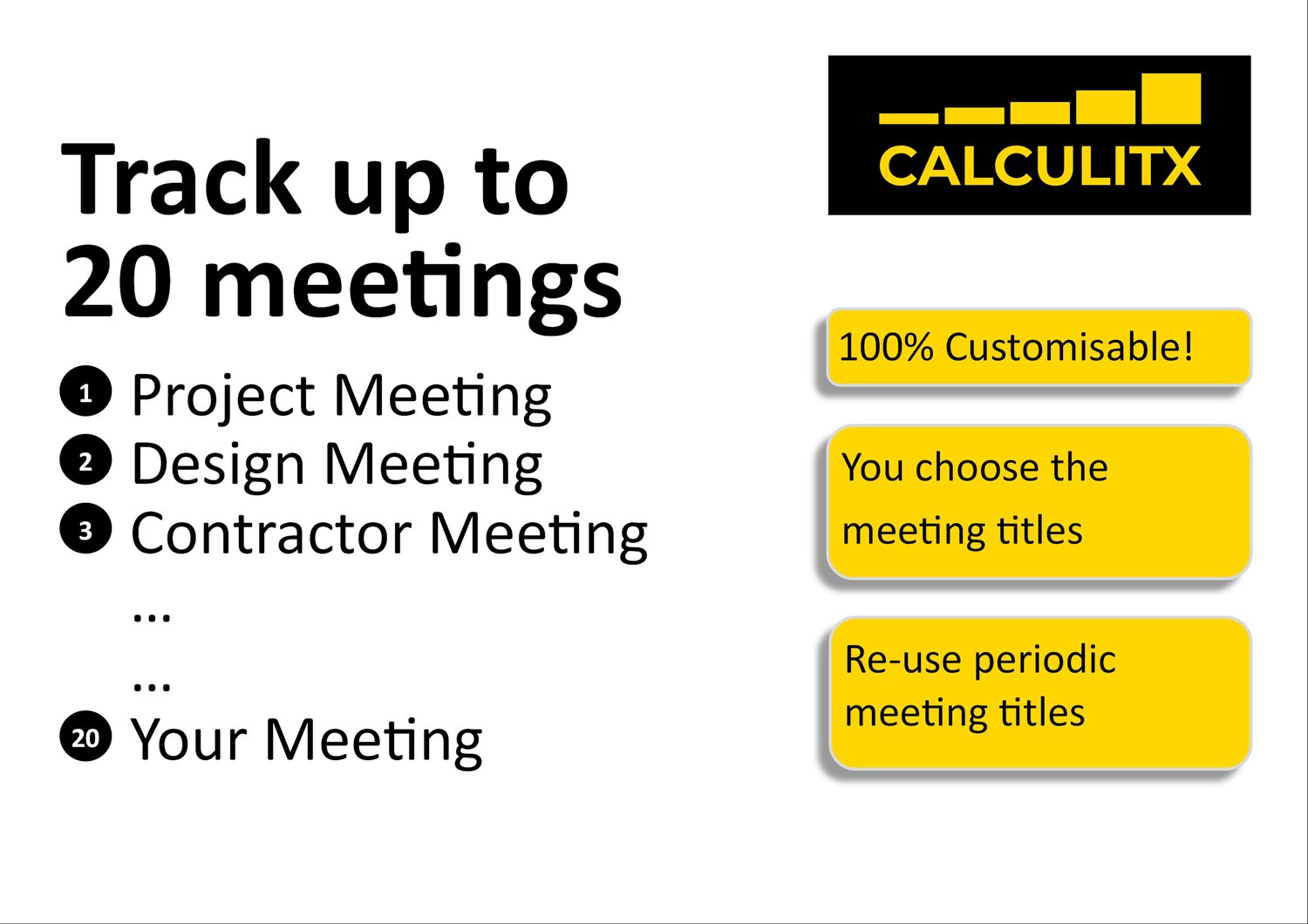
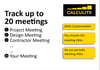
- Centralised action register for full visibility across multiple meetings
- Structured meetings
- Reusable meeting frameworks for recurring sessions
- Clean, professional formatting suitable for corporate environments
- Designed for tracking project meetings
🎯 Who This Is For
Ideal for:
- Project Managers
- Program & Portfolio Managers
- PMO professionals
- Team Leaders & Department Heads
- Consultants & Business Analysts
⚠️ Important Notes
This workbook is designed as:
- A meeting management tool
- An action tracking tool
- An agenda generation tool
- A minutes generation tool
It is not:
- A full project management system
- A workflow or approval engine
- A substitute for professional judgement or organisational processes
📂 What You Receive
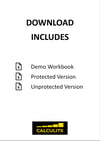
- 1 x Demo File to help you learn the tool
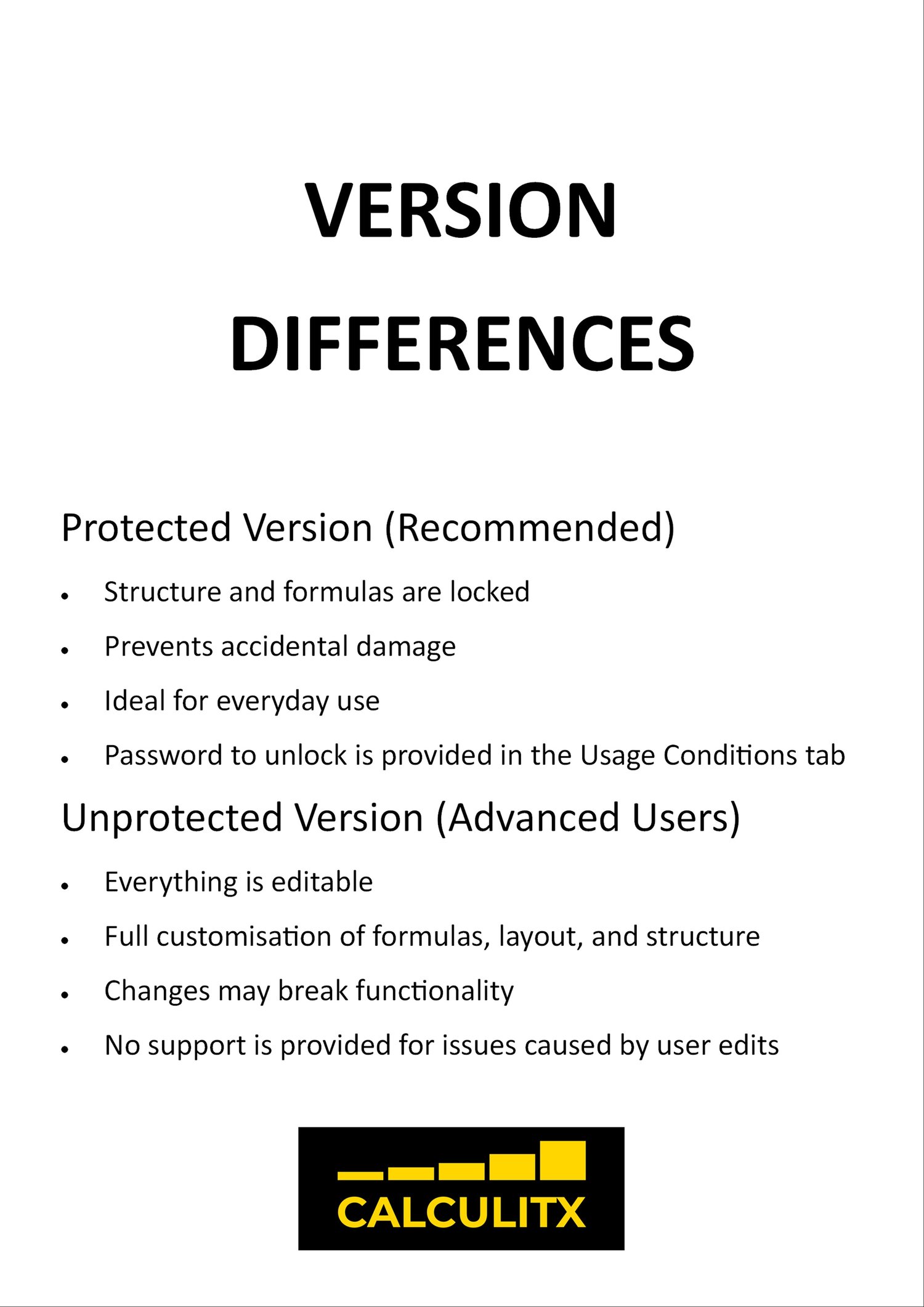
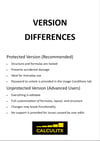
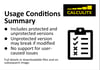
- 1 x blank protected workbook template
- 1 x blank unprotected workbook template
All 3 files are Excel Macro-Enabled Workbooks (.xlsm)
Immediate digital download is available after purchase.
Designed for use ONLY in Microsoft Excel (desktop).
Not supported:
a. Excel 2019 or earlier
b. Excel (online or web versions)
c. Google Sheets, LibreOffice Calc, Apache OpenOffice
d. Environments where macros are disabled by company policy
✅ Business Benefits
- Standardise meeting outputs
- Drastically reduce the time required to create Minutes
- Ensure actions are visible and tracked to completion
- Strengthen governance and reporting consistency
💡 Why This Template Stands Out
Unlike generic trackers, this tool integrates meeting execution, action tracking and Minutes generation into a single system, reducing time and ensuring nothing falls through the cracks.
Still Deciding?
Download our 1-page Action Tracker Capability Comparison Guide for a quick side-by-side view of Action Tracker, Microsoft Planner and Copilot or read our detailed article here.
In less than a minute, you'll see why organisations that need governance, accountability and rapid meeting administration choose Action Tracker.