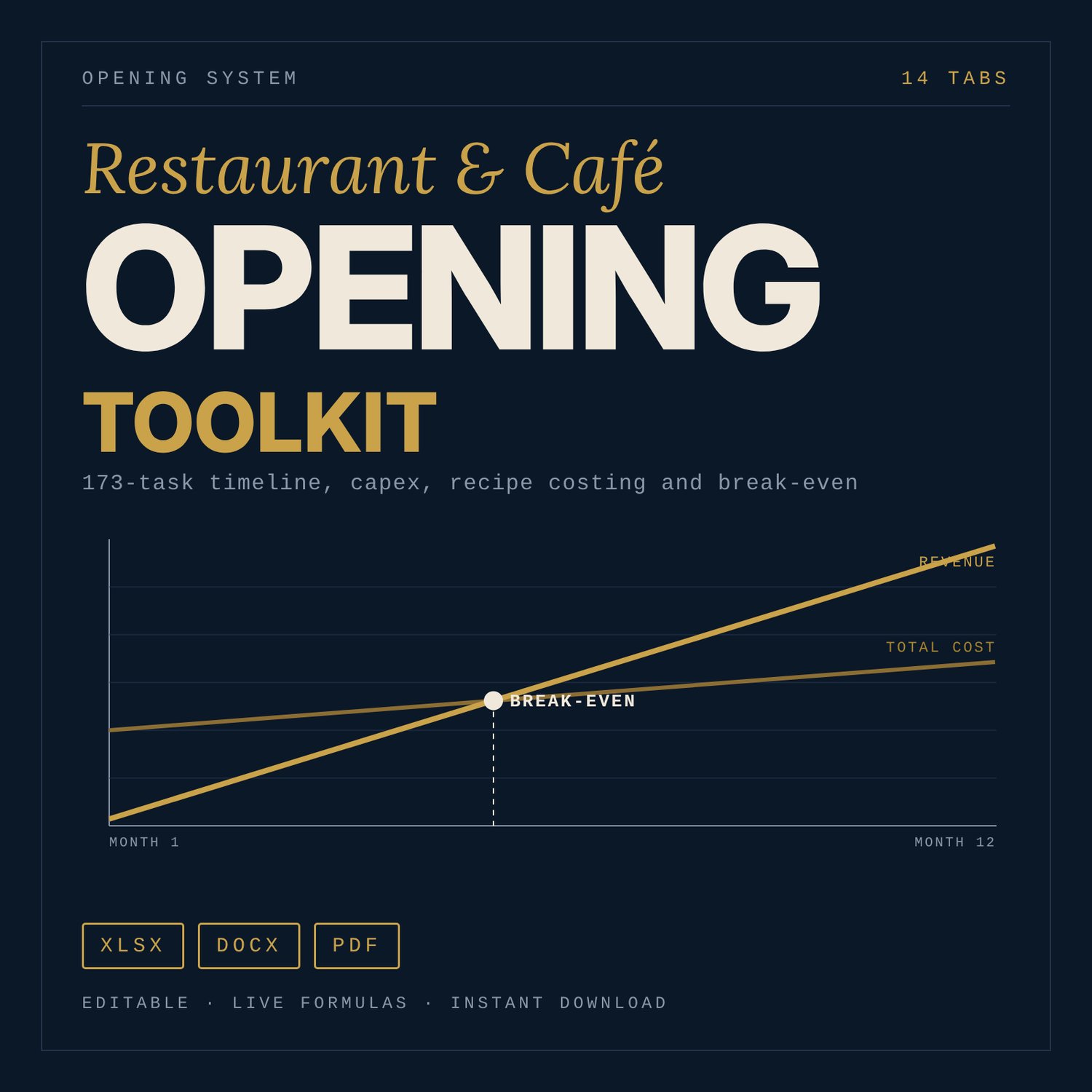
Restaurant & Café Opening Toolkit: Budget, Break-Even, Recipe Costing (Excel)
This toolkit is for people opening a café, casual restaurant, fine-dining room, bar or quick-service outlet: first-time owners, operators adding a second site, and managers running a pre-opening project. It replaces a loose pile of checklists with working models. You enter seats, opening date, average check, rent and labour, and the workbook returns a capex budget, a 12-month P&L, break-even covers per day, a recipe-costed menu and a dated opening timeline. A sample 60-seat café is filled in so every tab shows numbers on first open. All sample figures are illustrative.
Save with a bundle: this template is also in the Food & Leisure Business Startup Bundle, 14 templates for $35 instead of $103. All 141 templates are in the All-Access Hospitality Template Library for $79.
What is inside
Restaurant_Cafe_Opening_Toolkit.xlsx (14 tabs, 2,616 formulas, 8 charts)
- Start Here: tab guide, five steps, colour legend.
- Inputs: concept type drop-down (5 types), seats, opening date, average check, fixed costs, tax and service-charge inputs, currency symbol, 12-month ramp.
- Opening_Timeline: 173 tasks in 10 workstreams, due dates counted back from your opening date, status and owner drop-downs, progress by workstream, overdue flags.
- Capex_Budget: 39 line items in 12 categories plus contingency, budget vs actual, per-seat cost, summary table and chart.
- Recipe_Costing: ingredient table with yield % (41 sample ingredients, room for 56) and 12 recipe cards with cost per portion, food cost % and target flag.
- Menu_Engineering: 20 sample items (room for 30), Star / Plowhorse / Puzzle / Dog classification by formula, action text and chart.
- Staffing_Plan: 10 sample positions by department and service period, labour % of sales, covers per labour hour.
- Break_Even_PnL: 12-month P&L, break-even covers per day and per month, month of break-even, capex payback, chart.
- Licences_Compliance: 51 generic checklist items with blank "Authority / local requirement" columns.
- Equipment_List: 49 kitchen, bar and FOH items with spec, cost, lead time and order-by date.
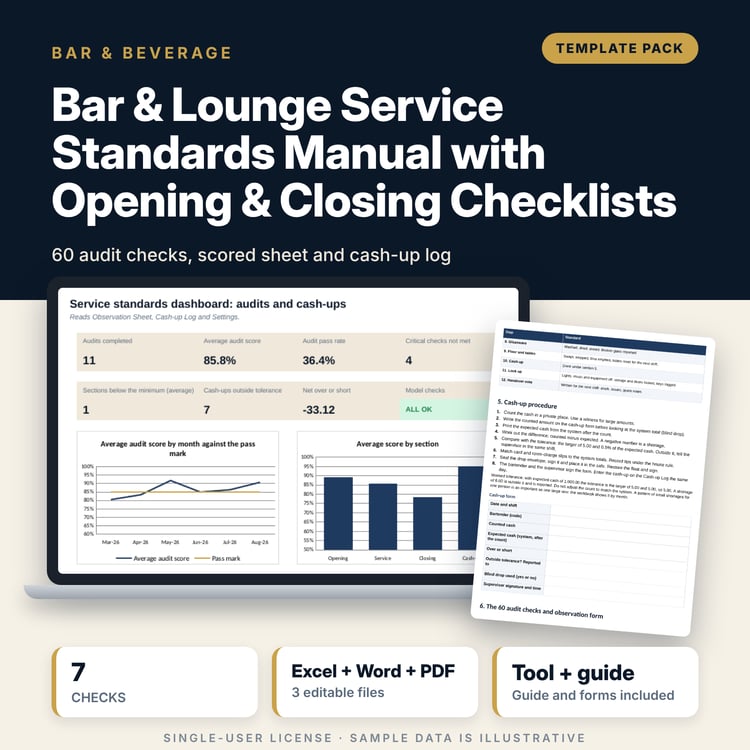
- Opening_Closing_Checklists: 9 printable lists (opening, closing, mid-shift for FOH, BOH and bar), 116 tasks.
- Soft_Opening_GoNoGo: 3-day soft-opening plan, 9 feedback measures, 25-criterion weighted scorecard with decision.
- Stabilise_90D: 12 KPIs for 30/60/90-day reviews and 24 actions.
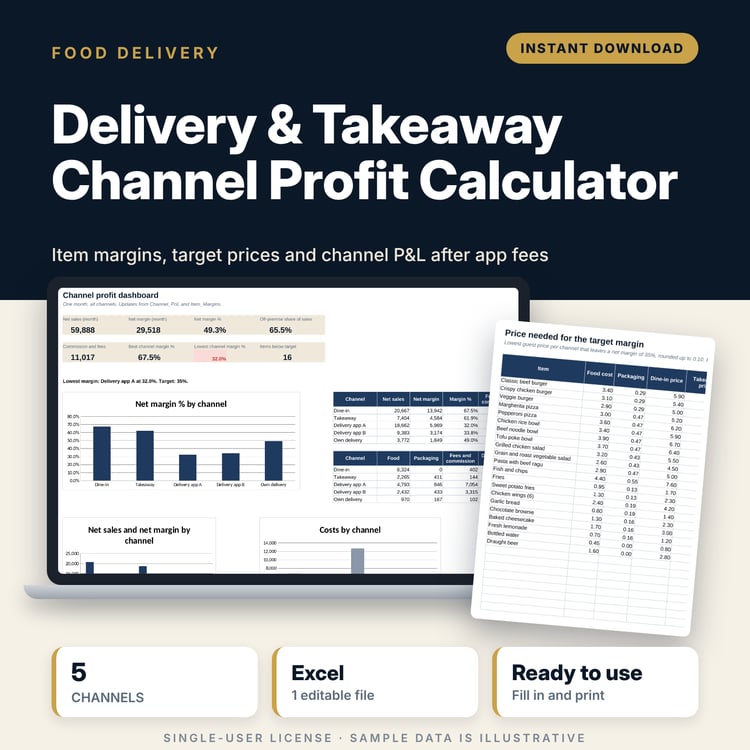
- Dashboard: 16 key outputs and 4 charts.
Restaurant_Opening_Playbook.docx (19 pages, A4): how to use the toolkit, concept checks, site and lease questions, budget logic and break-even, menu design and costing method, hiring and training plan, soft opening method, first 90 days, with worked examples from the sample café.
Printable_Checklists.pdf (6 pages): FOH, BOH and bar opening and closing checklists, one page each.
How it works
- Open the Inputs tab and replace the sample values with your own (blue cells).
- Check owners and dates on Opening_Timeline. Update status each week.
- Replace sample prices with quotes in Capex_Budget, Equipment_List and Recipe_Costing, and enter your rates in Staffing_Plan.
- Read Break_Even_PnL and Dashboard. Change the plan until break-even covers sit comfortably below planned covers.
- Run the soft opening, score the Go/No-Go sheet, then track the first 90 days.
Details
- Formats: .xlsx, .docx (A4), .pdf. English.
- Software: desktop spreadsheet software for the workbook, word-processing software for the playbook, any PDF reader for the checklists.
- No macros. Currency symbol is an input (default $).
- Digital download, delivered after purchase. Nothing is shipped.
Good to know
- Sample data is illustrative and is not a benchmark, quote or forecast. Replace it before you rely on any output.
- Tax, wages, payroll on-costs, licences and safety rules depend on your location. They are editable inputs marked "Verify local requirements".
- The workbook is a planning tool, not legal, tax, accounting or investment advice.
- Capex lines and staffing hours are quantity-based inputs. If you change seat count, update furniture quantities and staffing too.
- Single-user license: you may use and adapt the files for your own venue, but you may not resell or share them.
FAQ
What software do I need? Desktop spreadsheet software that opens .xlsx files, word-processing software for the .docx, and a PDF reader. No add-ins or macros.
Does it work in Google Sheets? It can be imported, but drop-downs, conditional formatting and charts may look different. Use desktop spreadsheet software for full function.
Can I edit it? Yes. Blue cells are inputs, black cells are formulas. Add rows in the blank rows provided and edit lists on the Inputs tab.
Are the numbers real benchmarks? No. The 60-seat café figures are illustrative placeholders. Replace them with your own quotes, prices and rates.
Is this a physical product? Can I get a refund? It is a digital download, so nothing is shipped. Refund terms follow the store's refund policy shown at checkout.
Who is it for? Owners and managers opening a café, casual restaurant, fine-dining room, bar or quick-service outlet who want budget, menu and break-even models, not only checklists.