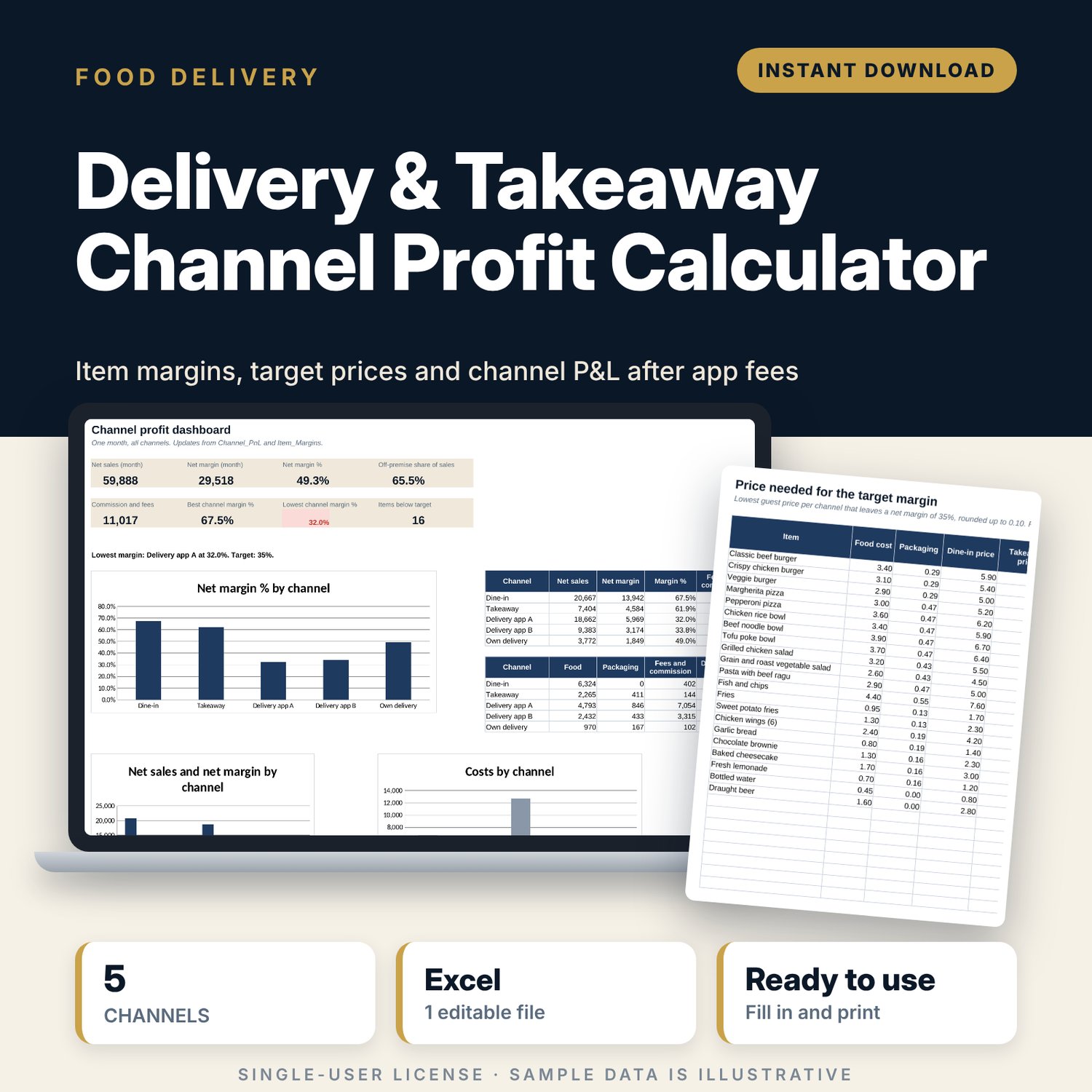
Delivery & Takeaway Channel Profit Calculator: Delivery App Commission and Menu Margin Spreadsheet
Full description
For restaurant, cafe and takeaway owners who sell through delivery apps and want to know which items and channels make money. You enter each item's food cost, packaging set and prices, and the terms of each channel: commission, payment fee, promotions you fund, per-order costs and items per order. The workbook shows the net margin of every item on every channel, the lowest price that reaches your target margin, a line-by-line breakdown for any item, and a monthly profit and loss for each channel from your units sold.
Save with a bundle: this template is also in the Restaurant & Café Operations Bundle, 17 templates for $39 instead of $116. All 141 templates are in the All-Access Hospitality Template Library for $79.
What is inside
- Delivery_Channel_Profit_Calculator.xlsx: 9 tabs, 1,505 formulas, 4 native charts, 11 drop-down or number rules.
- Settings: tax rule and rate, target net margin, price rounding step, food cost alert, and 5 sales channels (dine-in, takeaway, 2 delivery apps, own delivery) with 10 terms each.
- Packaging: room for 20 packaging parts (13 samples) and 40 set lines (26 samples), giving the cost of up to 15 packaging sets (10 samples).
- Menu_Items: room for 40 items (21 samples) with food cost, packaging set and 3 price lists (dine-in, takeaway, delivery), food cost % and a check column.
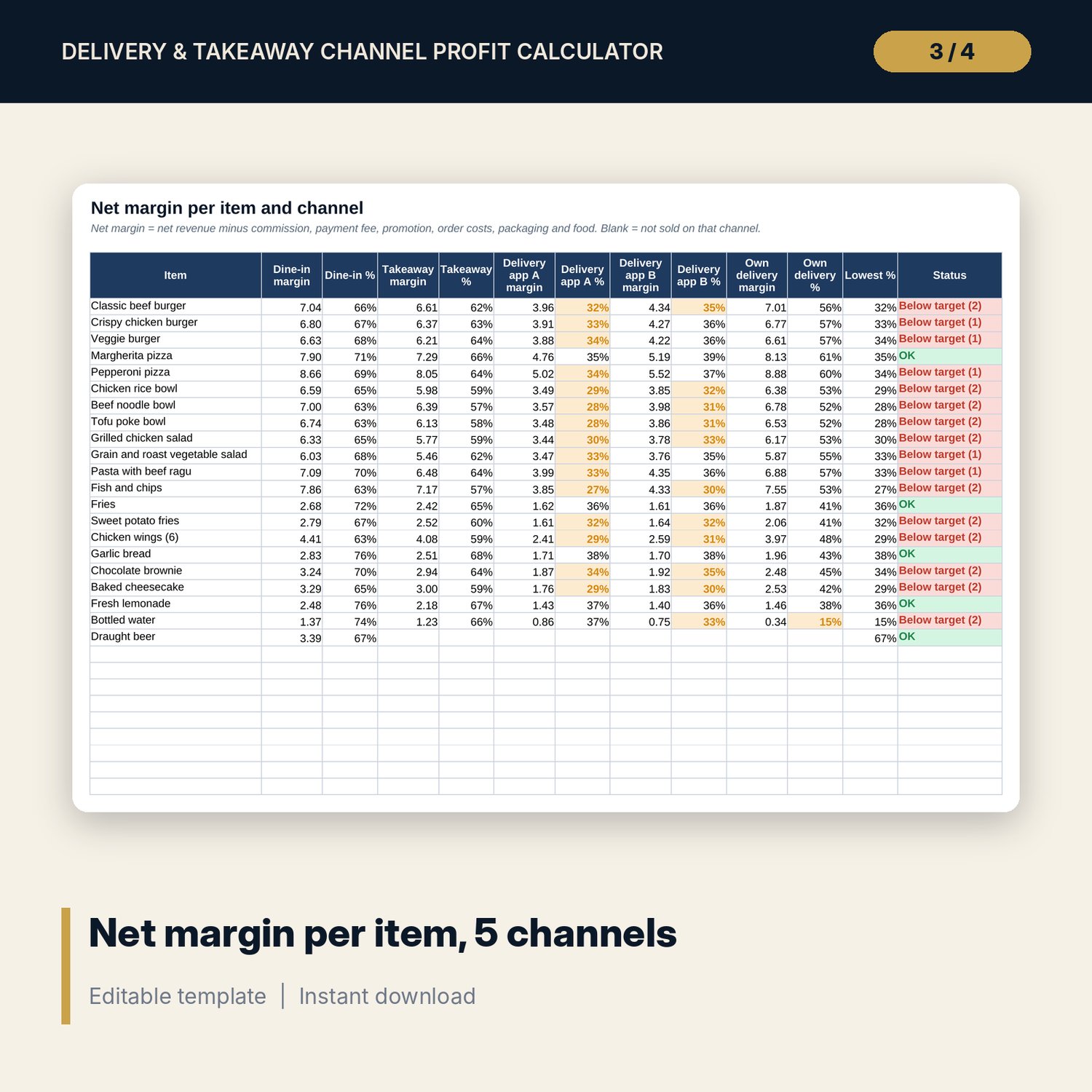
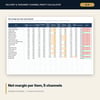
- Item_Margins: net margin and margin % for every item on all 5 channels, the lowest margin and a status flag.
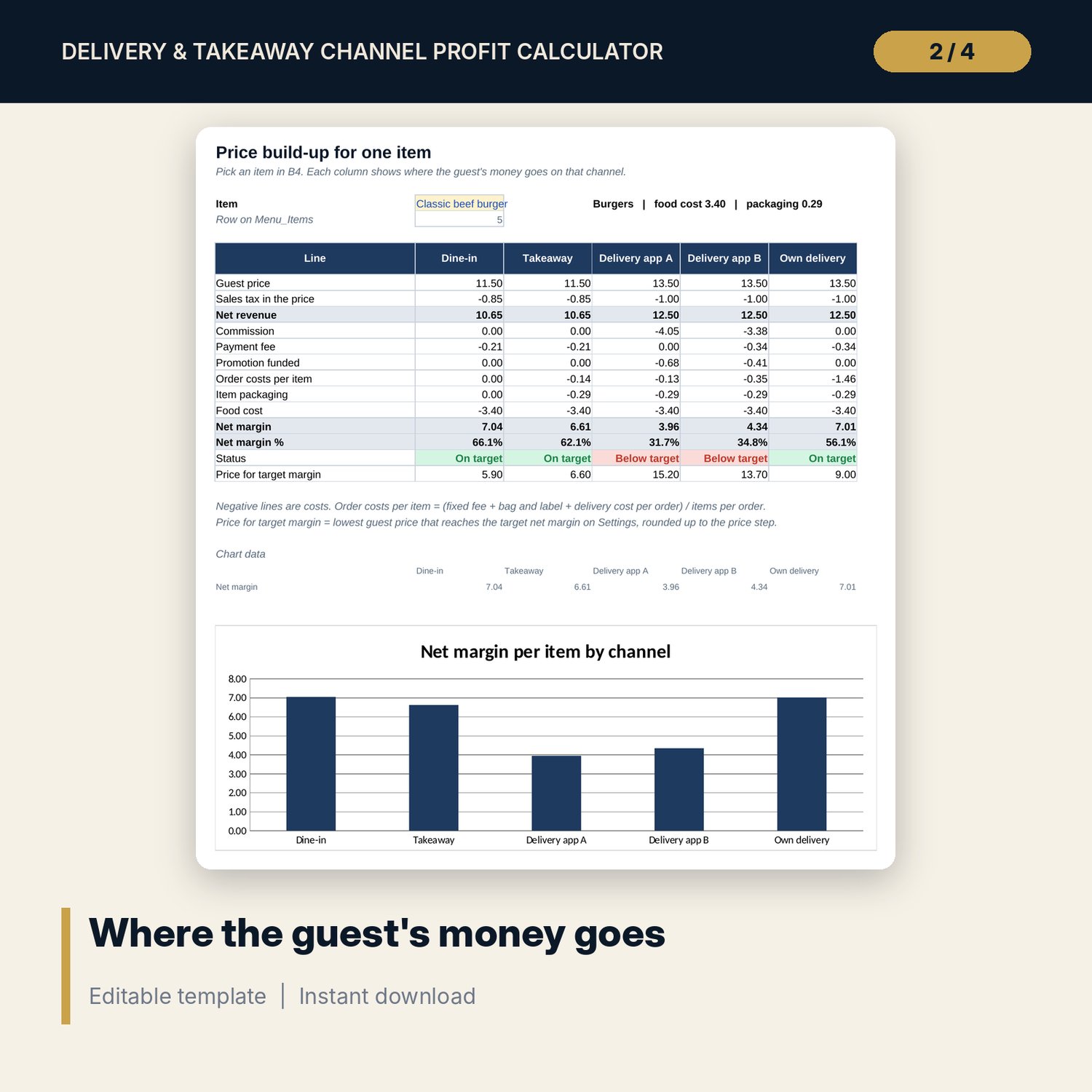
- Item_Breakdown: pick one item and see 13 lines per channel, from guest price to net margin and the price for the target margin, with a chart.
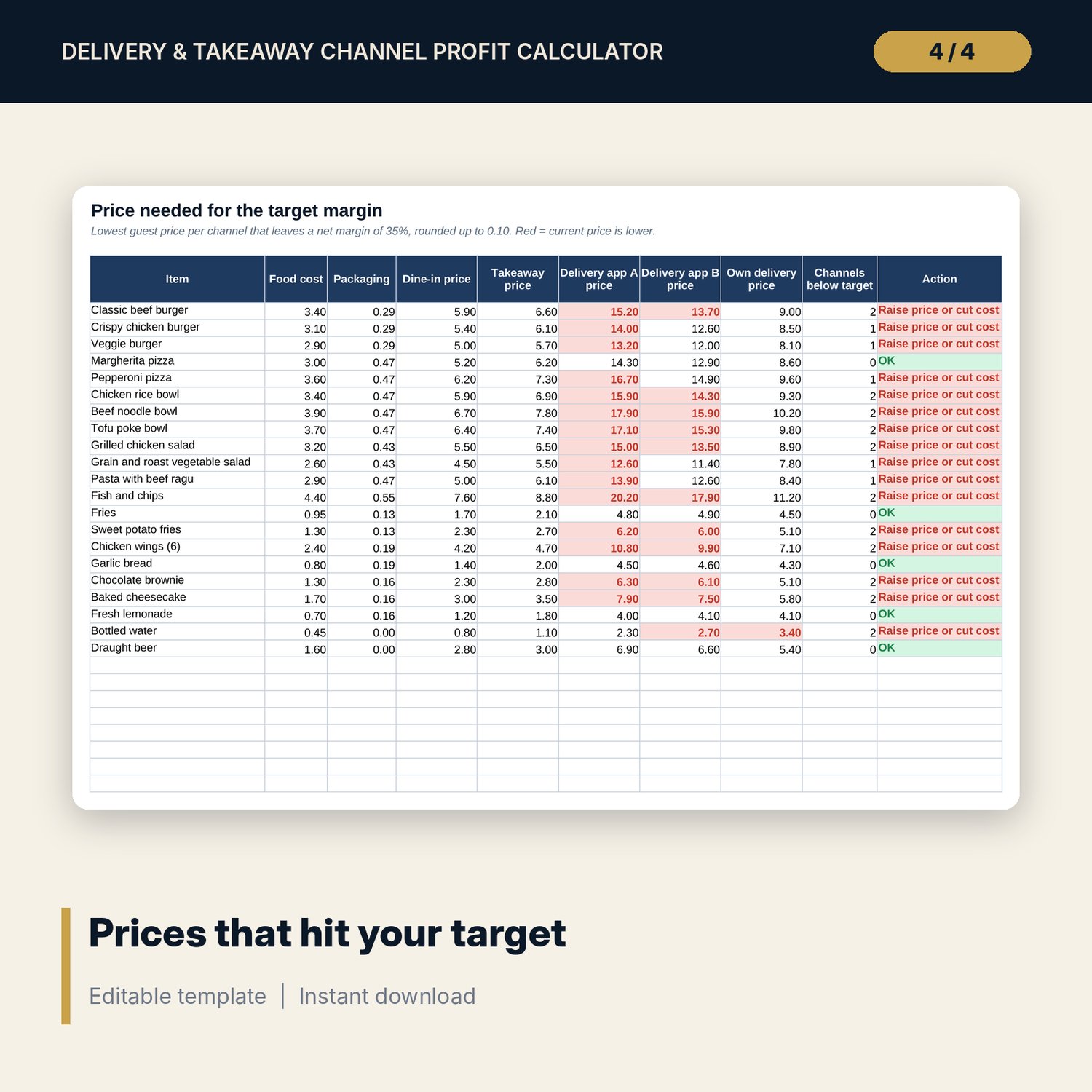
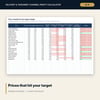
- Target_Pricing: lowest guest price per item and channel that reaches the target margin, rounded up to your price step, with the current price flagged when it is lower.
- Channel_PnL: units sold per month by item and channel, then a 17-line monthly P&L for each channel and in total.
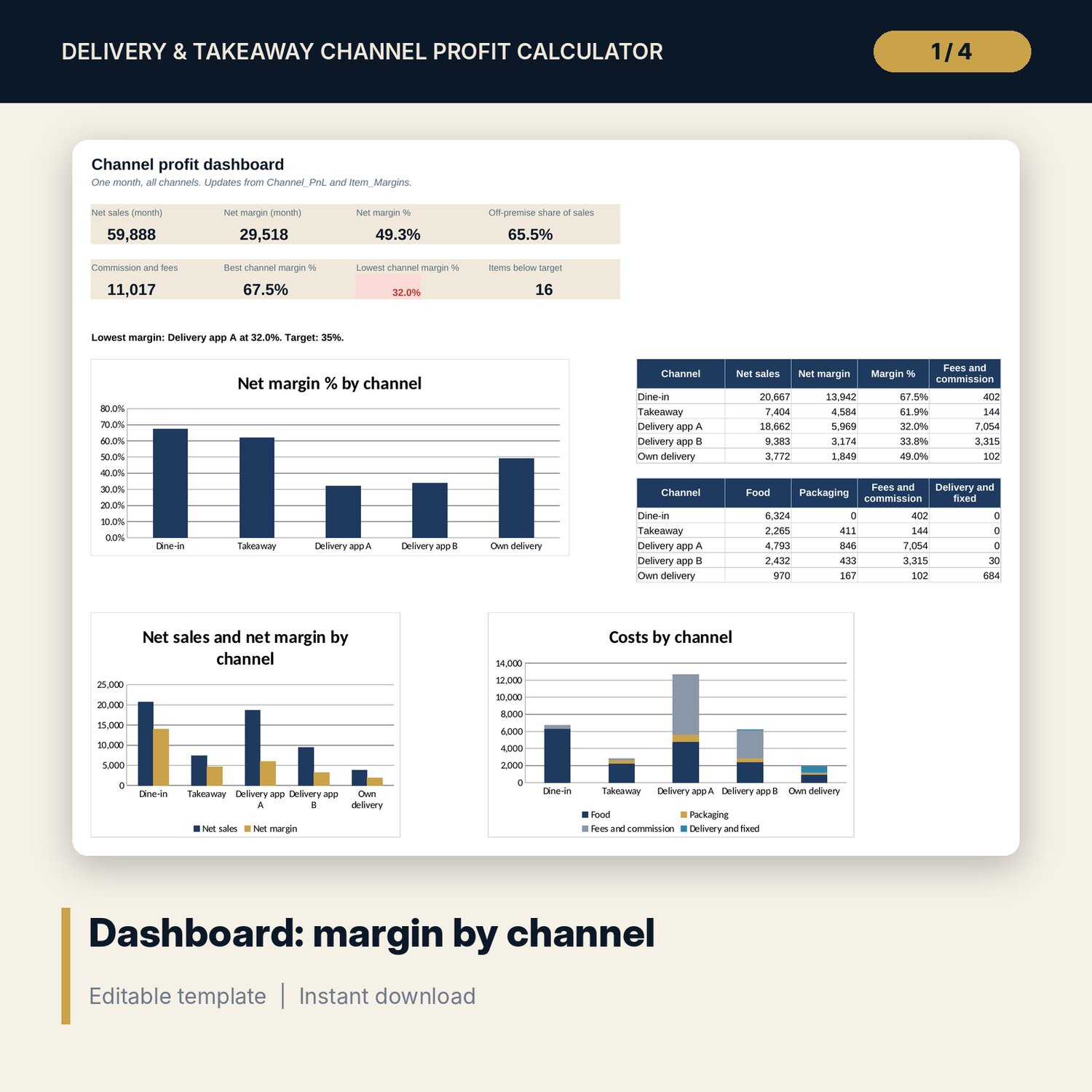
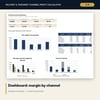
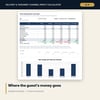
- Dashboard: 8 KPI tiles and 3 charts (margin % by channel, sales and margin by channel, costs by channel).
- README.txt and LICENSE-and-Terms.txt.
How it works
- Enter the tax rule, target margin and the terms of each channel on Settings.
- Add your packaging parts and sets, then your menu items with costs and prices.
- Check Item_Margins and Target_Pricing for items below target.
- Enter last month's units by channel and read the channel P&L and Dashboard.
Details
- Format: Excel workbook (.xlsx). No macros.
- Language: English. Currency is a label you choose.
- Software: Excel 2016 or later, or a spreadsheet program that opens .xlsx files.
- Delivery: instant digital download. Nothing is shipped.
Good to know
- All sample items, prices, costs and channel terms are illustrative. Use the terms in your own channel contracts.
- Net margin here is after food, packaging and channel costs only. Labour, rent and overheads are not included.
- Sales tax rules differ by place. Verify local requirements. This is not tax or accounting advice.
- Single-user license. Do not share or resell the files.
FAQ
Can I rename the channels?
Yes. Rename them on Settings and every tab follows. Each channel uses one of the 3 price lists.
What if an item is not sold on delivery?
Leave its delivery price blank. The item shows as not sold on those channels.
How is commission calculated?
Commission, payment fee and promotion % are applied to the guest price. If your contract uses the price before tax, adjust the % to match.
What software do I need?
Excel 2016 or later, or another spreadsheet program that opens .xlsx files.
Is this a physical product?
No. It is a digital download. Refund terms follow the store policy at the time of purchase.