



LCMS Assist Pro APP – 1-Year License
LC-MS Assist Pro App – 1-Year License
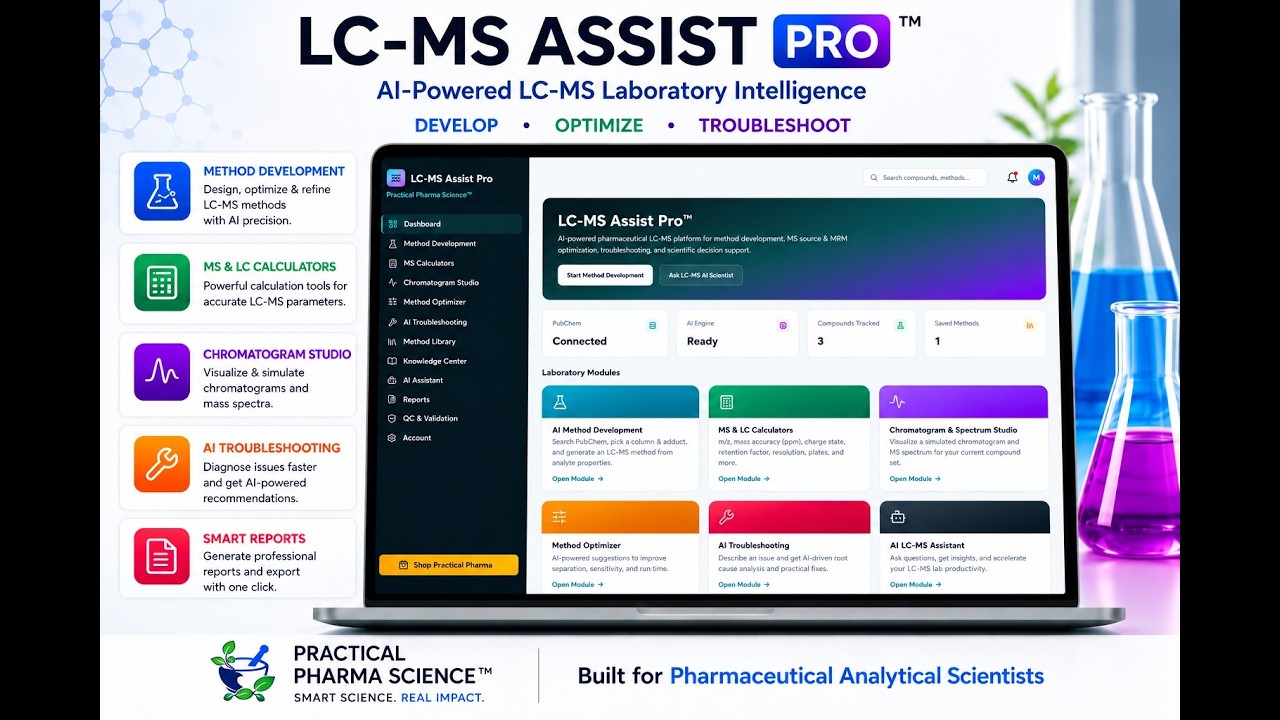
ACCESS LC-MS Assist Pro™
1. Follow the link: https://lcms-copilot-pro1.vercel.app
2. Enter the access key provided with your purchase.
(This grants you a full 12 months of access to the application).
AI-ASSISTED LC-MS METHOD DEVELOPMENT - 12 MONTHS OF FULL ACCESS
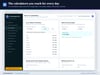
The complete LC-MS method development workspace. From a compound name to a defensible starting method in minutes, with the reasoning shown at every step.
Runs entirely in your web browser. Nothing to install, no admin rights, no dongle. Your key works on every device you use, laboratory PC, laptop, tablet.
Positive or negative ESI? Which adduct? Which column? Will the peaks separate?
Most LC-MS methods start from the last project's settings. The column already on the instrument stays on, the source file gets copied, and the questions are answered at the instrument - one injection at a time. An acid run in positive mode gives a weak signal. Two analytes that prefer opposite polarities go into a single-polarity method, and one of them is under-reported. A peak at k below 2 elutes with the salts, where ion suppression is worst.
None of that needs an instrument to catch. LC-MS Assist Pro works it out at the desk, from the compound names, and shows you why.
HOW IT WORKS
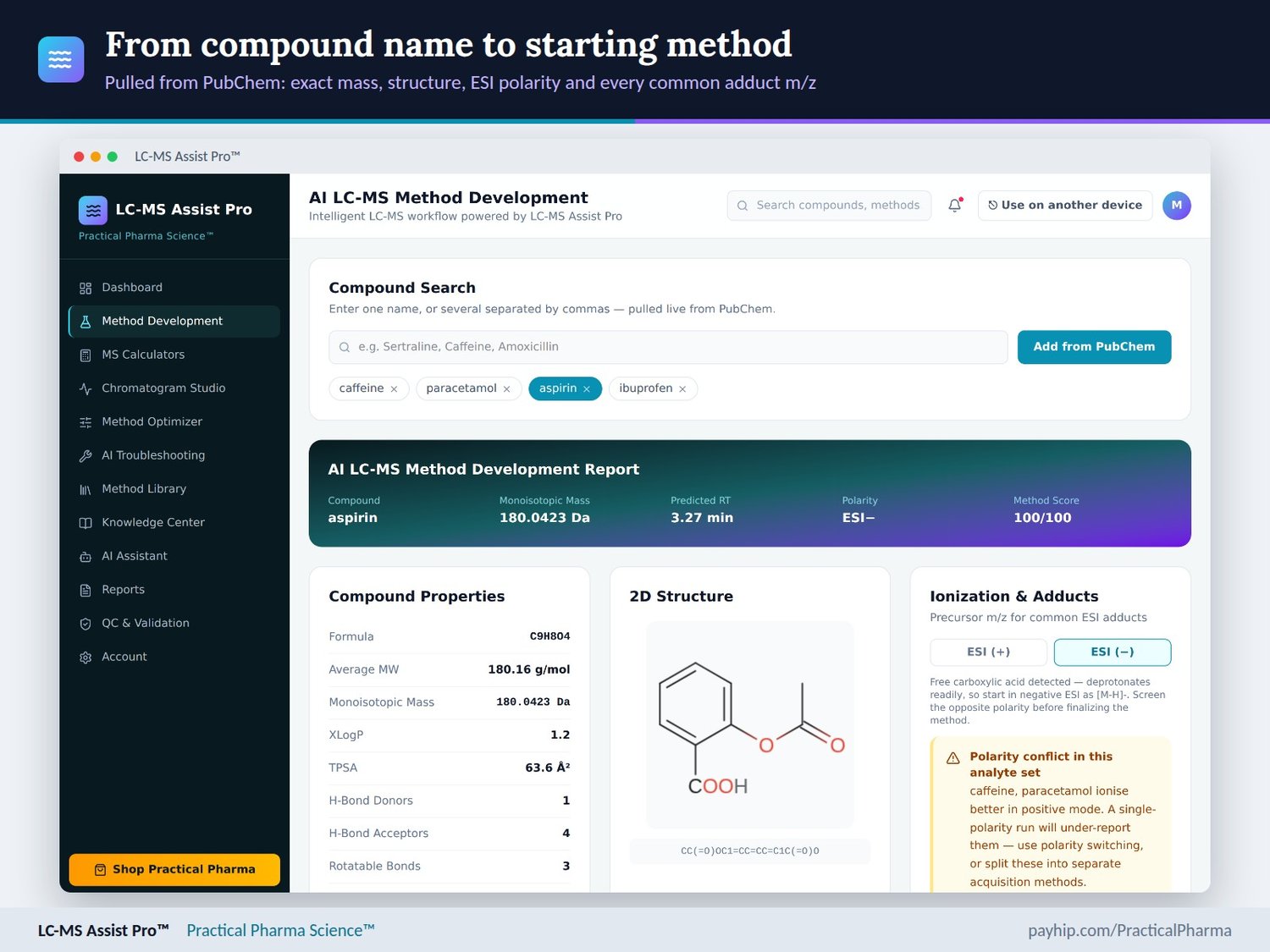
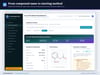
Type one compound or a whole panel, separated by commas. Each is pulled live from PubChem, and everything below updates as you work.
- Compound properties: formula, average MW, monoisotopic mass, XLogP, TPSA, hydrogen-bond donors and acceptors, and a 2D structure.
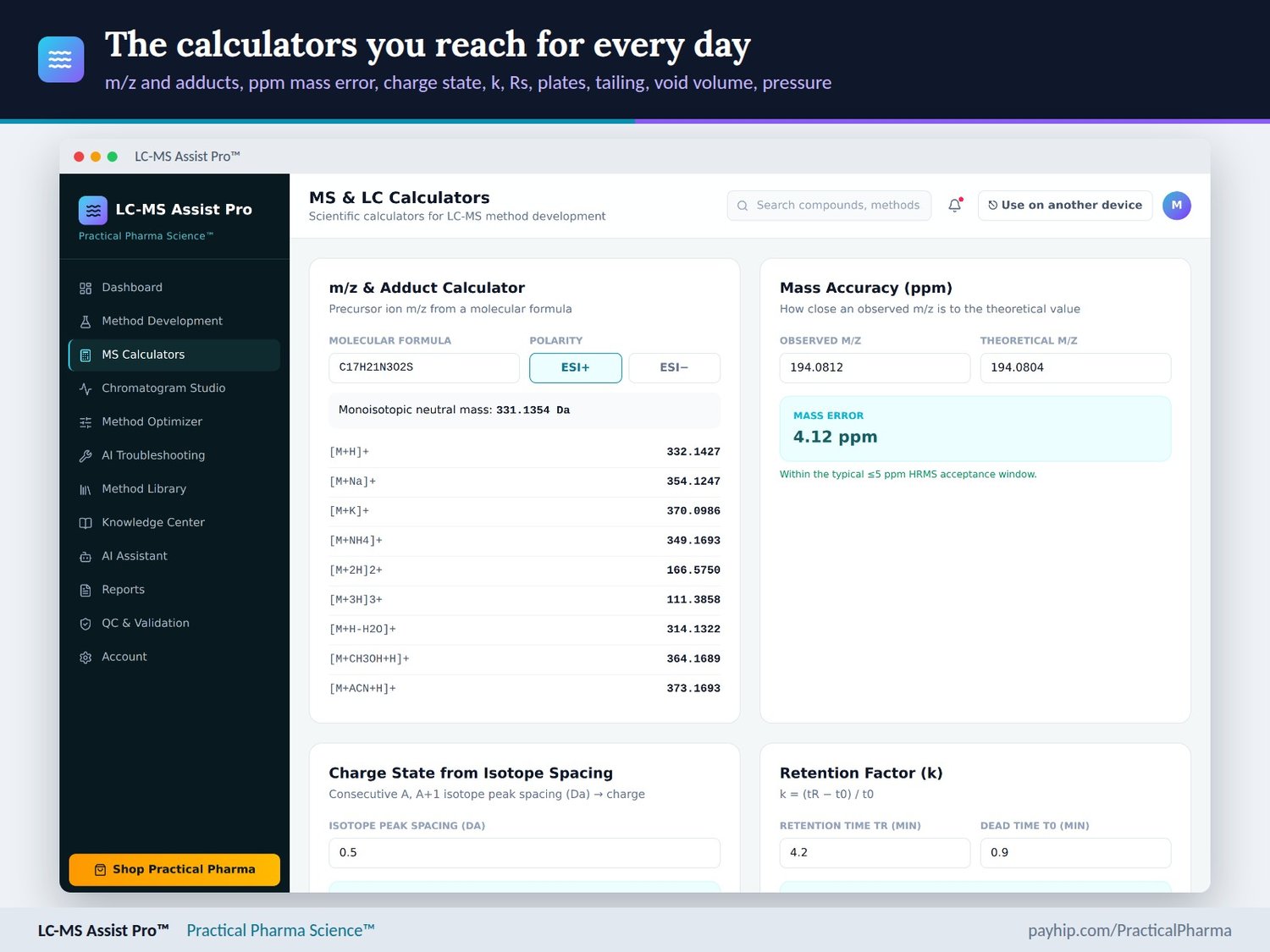
- Ionisation: ESI(+) or ESI(-) with the reason stated, precursor m/z for 15 common adducts (9 positive, 6 negative), and a warning when your analytes prefer opposite polarities, with what to do about it.
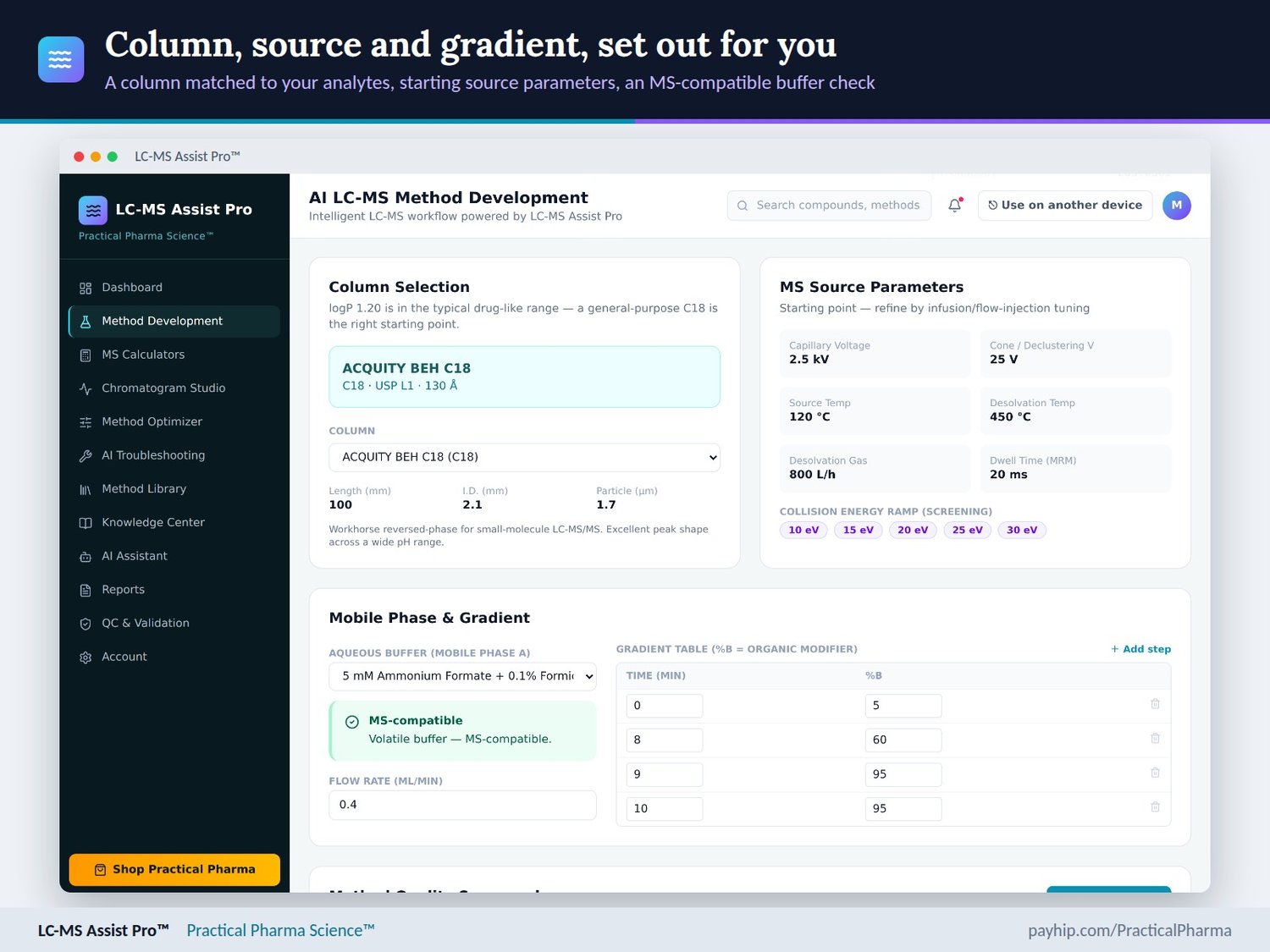
- Column: a suggestion from the analyte's XLogP, with the reason. There are 7 MS-friendly columns, each with its USP L-code, and the default i.d. is 2.1 mm.
- MS source: starting capillary and cone voltages, source and desolvation temperatures, gas flow, MRM dwell time and a collision-energy ramp.
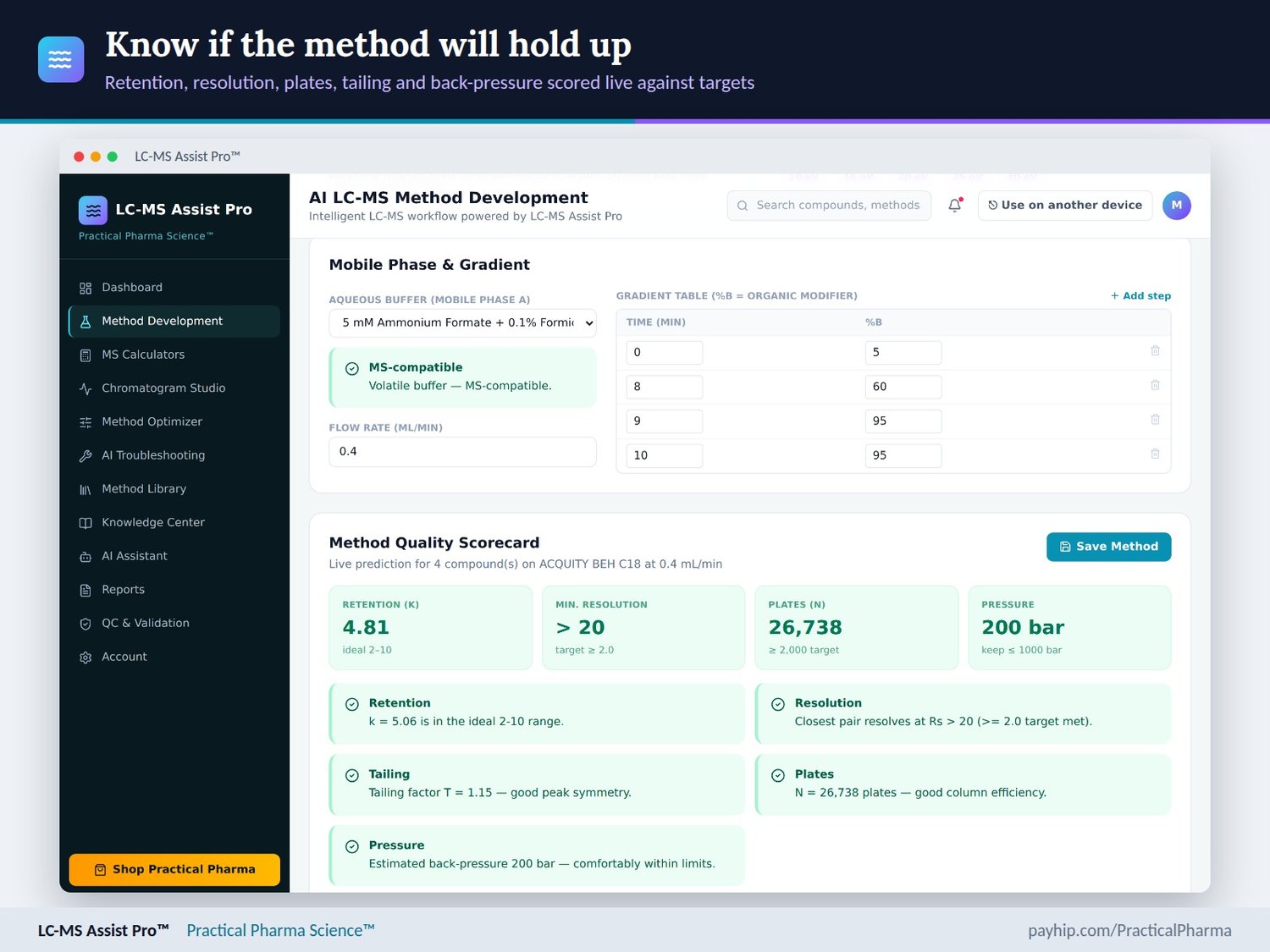
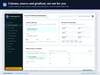
- Mobile phase: five volatile buffers, each checked for MS compatibility, and an editable gradient table.
- Method Quality Scorecard: retention (k), resolution, plates, tailing and back-pressure, each scored against its target.
ALSO INSIDE
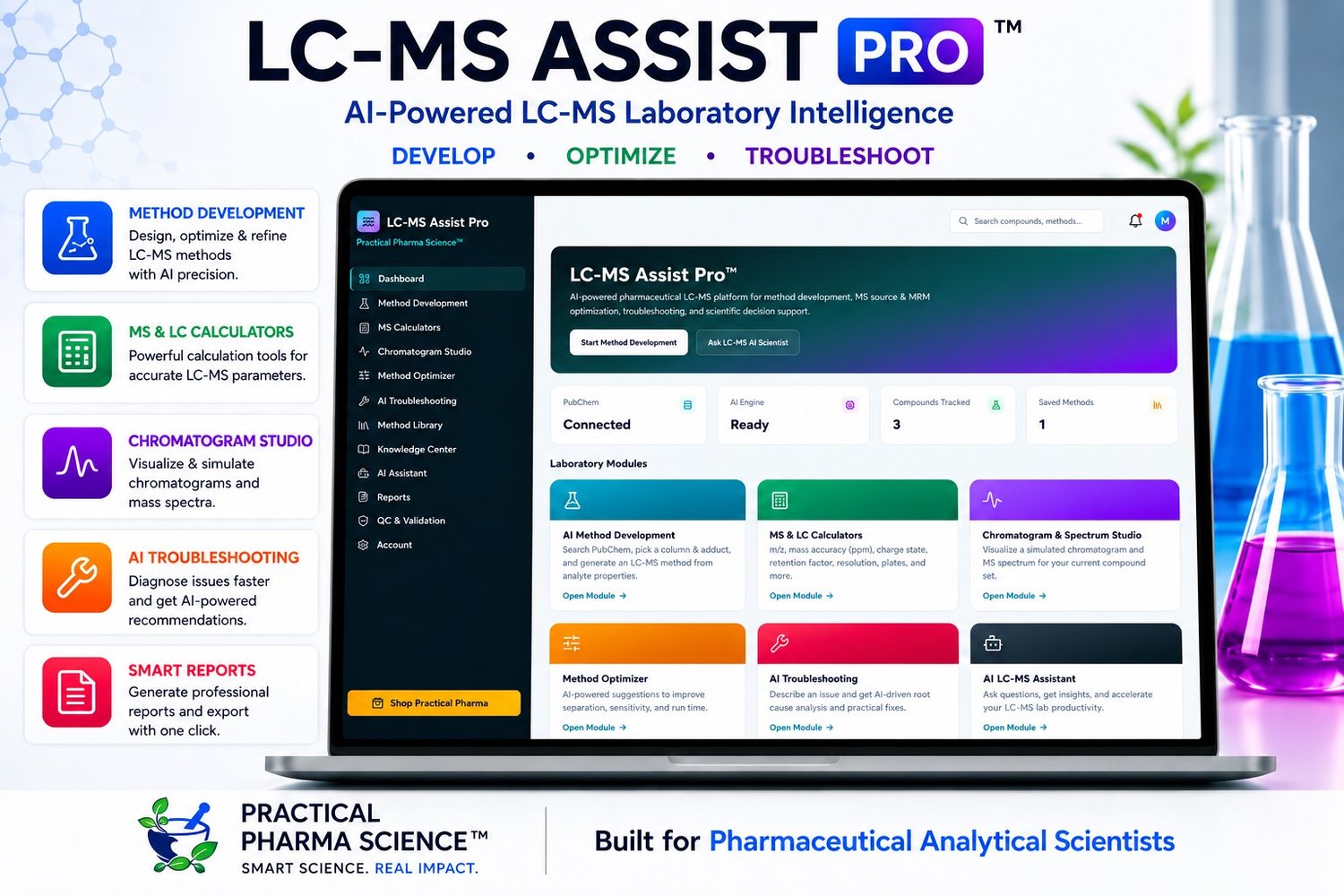
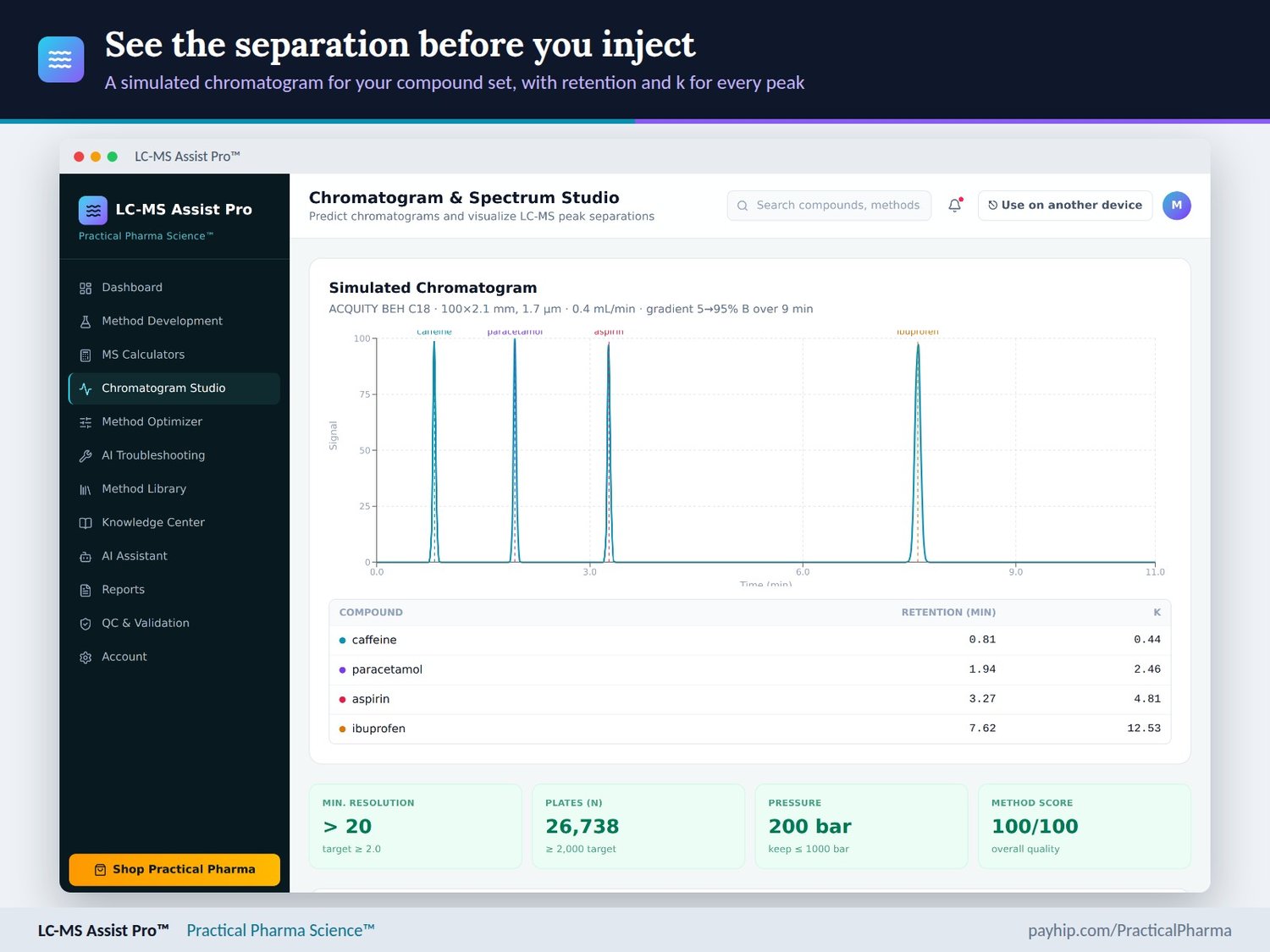
- Chromatogram Studio: a simulated chromatogram for your whole compound set, with retention and k for every peak, and the adduct spectrum.
- Method Optimizer: sliders for column length, particle size, flow, gradient time and collision energy, re-scored as you move them.
- 8 MS & LC calculators: m/z and adducts, ppm mass error, charge state from isotope spacing, k, resolution, plates, USP tailing, and column volume, dead time and back-pressure.
- AI Troubleshooting for 7 common LC-MS problems, an AI Assistant, 6 reference articles, and an 18-point ICH M10 bioanalytical validation checklist.
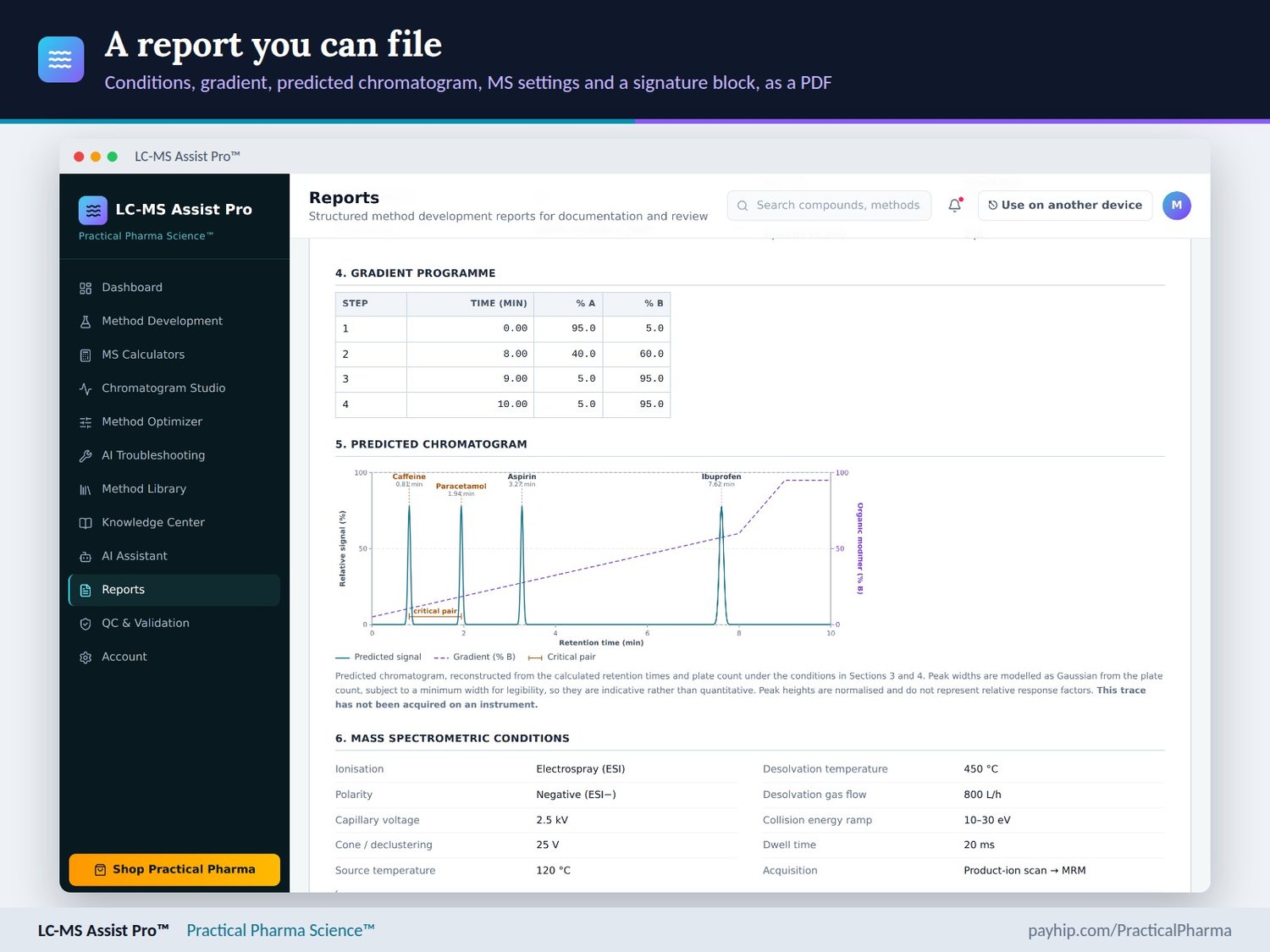
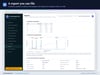
- Method Library and the LC-MS Method Development Report: 10 sections, including a predicted chromatogram with the gradient overlay, the MS conditions with the polarity rationale, and a Prepared / Reviewed / Approved block. It prints on its own, or saves as a PDF.
WHAT YOU GET
- LC-MS Assist Pro in your browser - nothing to install; works in Chrome, Edge, Firefox and Safari
- A 1-year licence from the date of purchase
- A Professional User Guide: every module, how to read each number, saving your work, scope and troubleshooting
- A Welcome & Access sheet with your app address and setup steps
WHO IT IS FOR
Analytical and bioanalytical scientists who develop LC-MS and LC-MS/MS methods for small molecules, in development, QC, CROs or academia and want a reasoned starting method before instrument time is spent.
Licence terms (put this on the product page)
One licence activates on two devices, one at a time - a lab PC and a laptop, for example. Licensed per user for 12 months from purchase. You can free a device yourself at any time from inside the app with "Use on another device". A new device is confirmed by a 6-digit code sent to the email address that bought the licence.
LC-MS Assist Pro App is a scientific decision-support tool for method development. Monoisotopic masses and adduct m/z are calculated exactly from the formula. Retention, resolution, plates, tailing and pressure are predictions from compound properties and chromatographic theory, and every chromatogram and spectrum in the app is simulated. Source settings and collision energies are starting points to tune by infusion or flow injection.
It is not a validated computerised system and does not create a controlled GxP record or a validation report. Every method must be confirmed on your own instrument and approved under your own quality system.
Your compounds and saved methods stay in your browser. Compound names are looked up on PubChem, and questions typed into the AI Assistant are sent to an AI service to be answered.
Buying for your lab or company?
Pay by card or PayPal and download a PDF invoice with your company name and VAT/tax number from your receipt. Need an invoice before you pay, a purchase-order reference, or licences for 5 or 10 analysts? Email practicalpharma.science@yahoo.com with your company name, billing contact and number of users, and you'll receive a quote within one business day.
HPLC, LCMS & GCMS Apps Suite Presentation
👉 https://pps-app-suite.vercel.app/
You tube
👉 https://www.youtube.com/@PracticalPharmaScience
FREE App - HPLC Method Optimizer
👉 https://hplc-method-optimizer.vercel.app/
Expand Your Learning
Practical Pharma Science Website: Visit practicalpharmascience.com to access 20+ FREE practical HPLC & LC-MS tools. Plus, check out the Chromie Academy web application for free interactive courses!