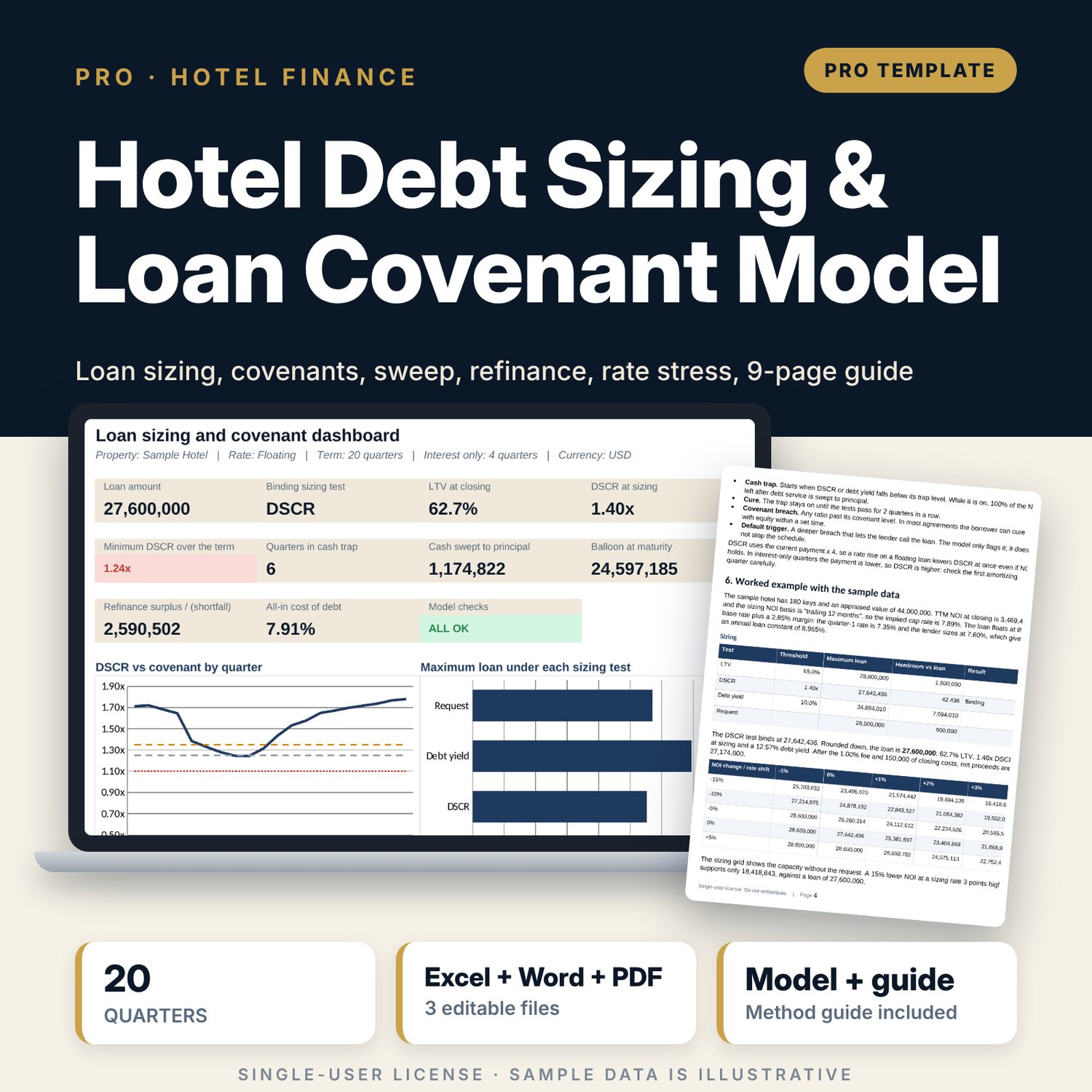
Hotel Debt Sizing & Loan Covenant Model: hotel loan sizing with DSCR, LTV and debt yield covenant tests
Full description
For owners, asset managers, general managers and financial controllers who need to know how much a hotel can borrow and whether the loan will hold through a weak year. You enter the appraised value, the requested amount, the sizing thresholds (maximum LTV, minimum DSCR, minimum debt yield), a fixed rate or a base rate path plus margin, amortization, interest-only quarters, fees, covenant levels, cash-trap and default triggers, and 24 quarters of NOI. The workbook sizes the loan on the lowest of the three tests, builds a quarterly schedule with PMT, IPMT and PPMT, tests DSCR, debt yield and LTV every quarter on trailing NOI, sweeps excess cash to principal while the trap is on, flags covenant breaches and default triggers, tests a refinance at maturity and re-runs the whole schedule at +100, +200 and +300 bp, using cell formulas only.
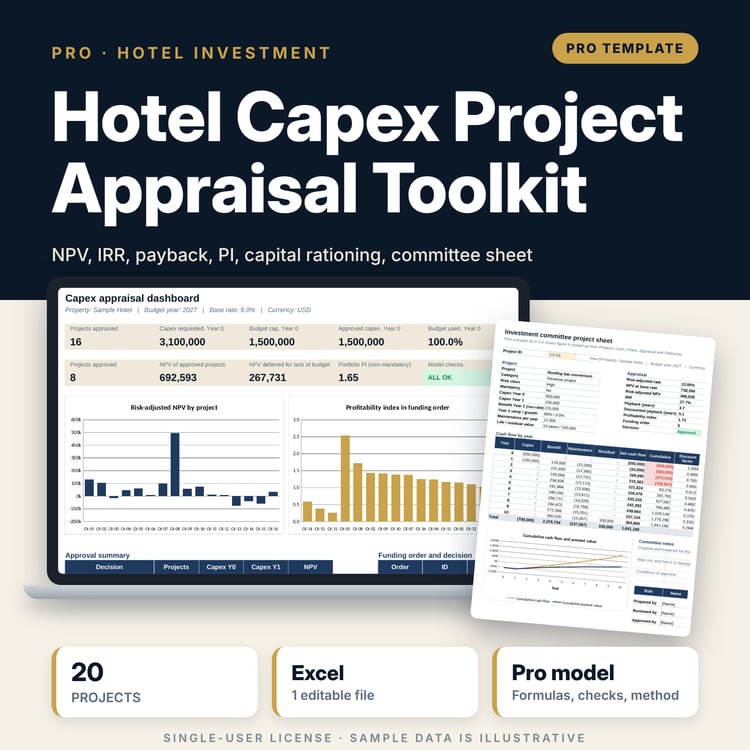
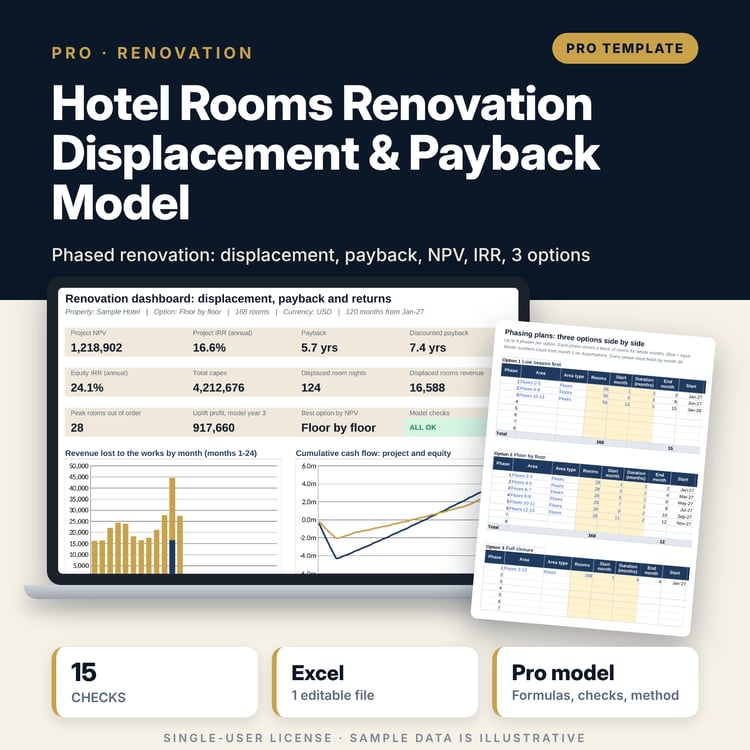
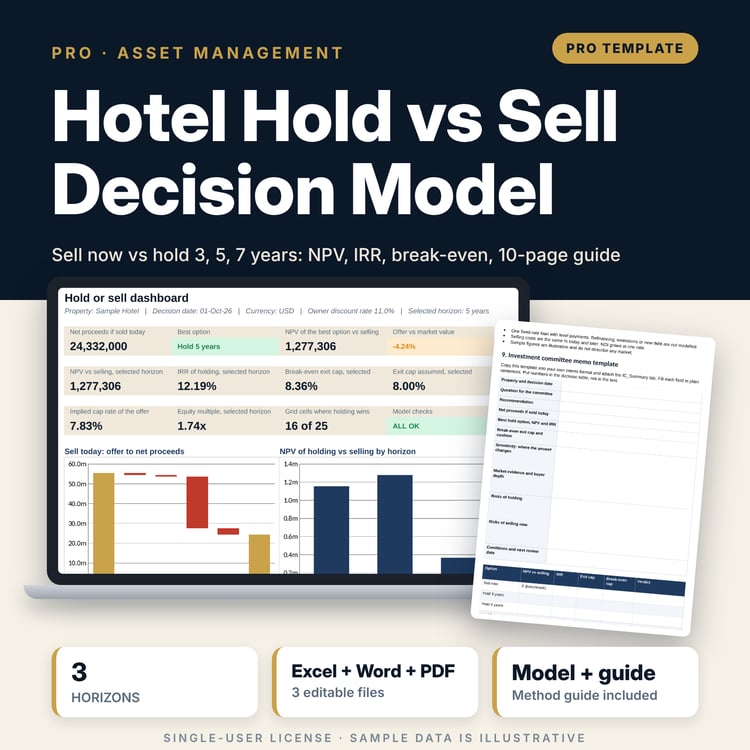
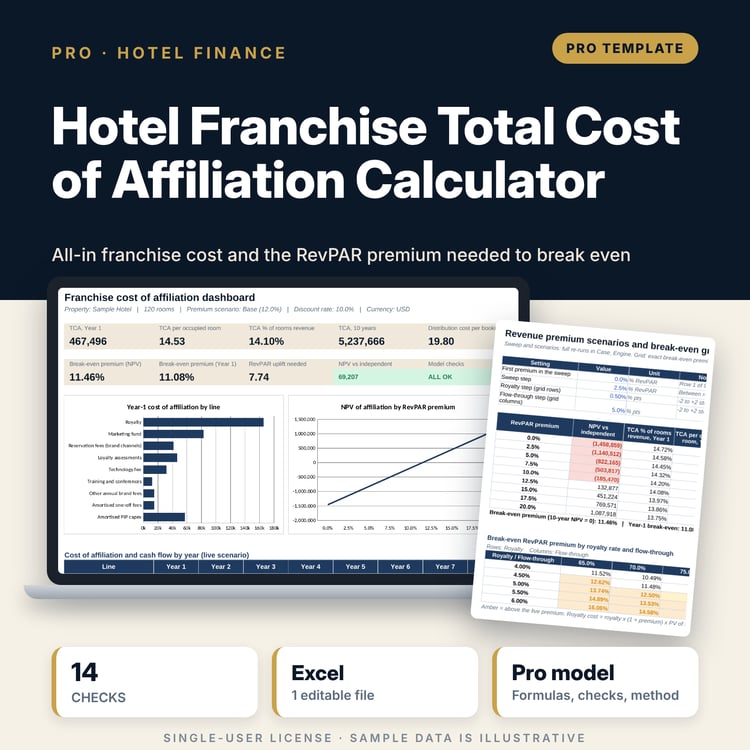
Save with a bundle: this workbook is also in the Hotel Finance & Investment Pro Bundle, 25 workbooks for $59 instead of $329. All 100 Pro workbooks are in the Pro Library for $119, and all 241 templates and workbooks are in the Ultimate Hospitality Library for $149.
What is inside
- Hotel_Debt_Sizing_Covenant_Model.xlsx: 12 tabs, 2,610 formulas, 2 native charts, 14 integrity checks, a Method tab with 19 calculation notes.
- Sample loan (illustrative): 180-room hotel, 4 actual and 20 forecast quarters of revenue and NOI, a 20-quarter base rate path.
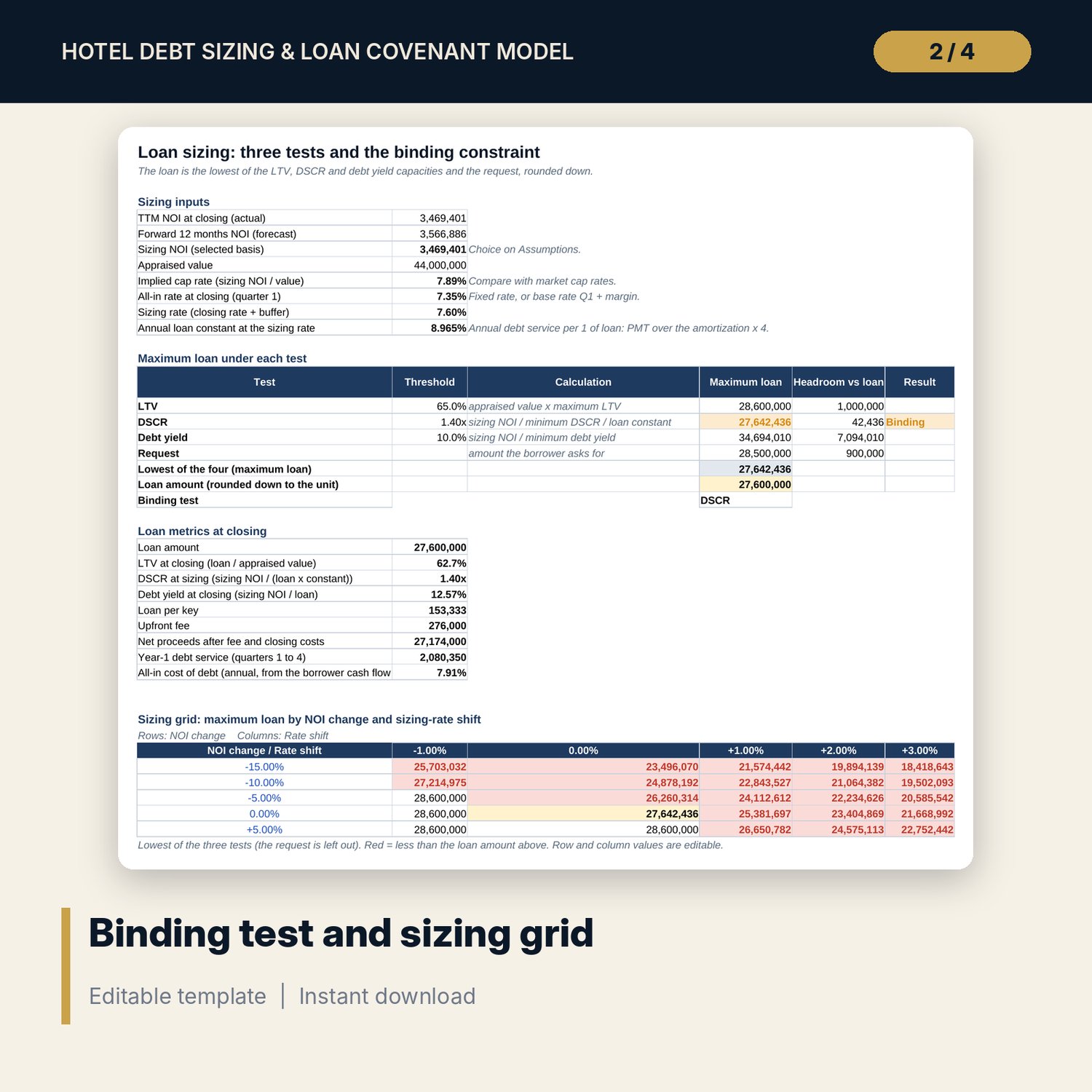
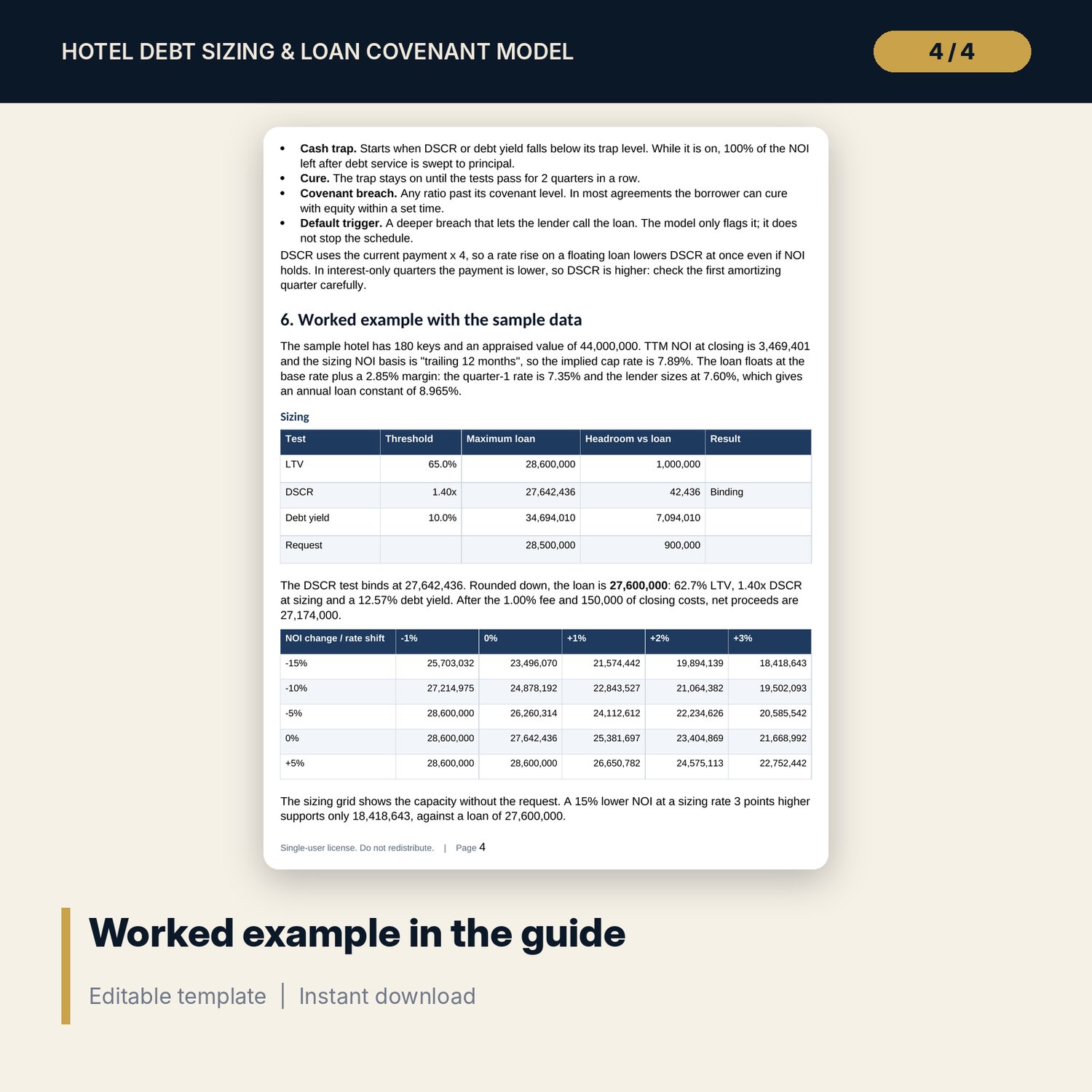
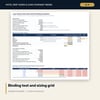
- Sizing: maximum loan under LTV, DSCR, debt yield and the request, the binding test, closing metrics and a 5 x 5 sizing grid (NOI change x rate shift).
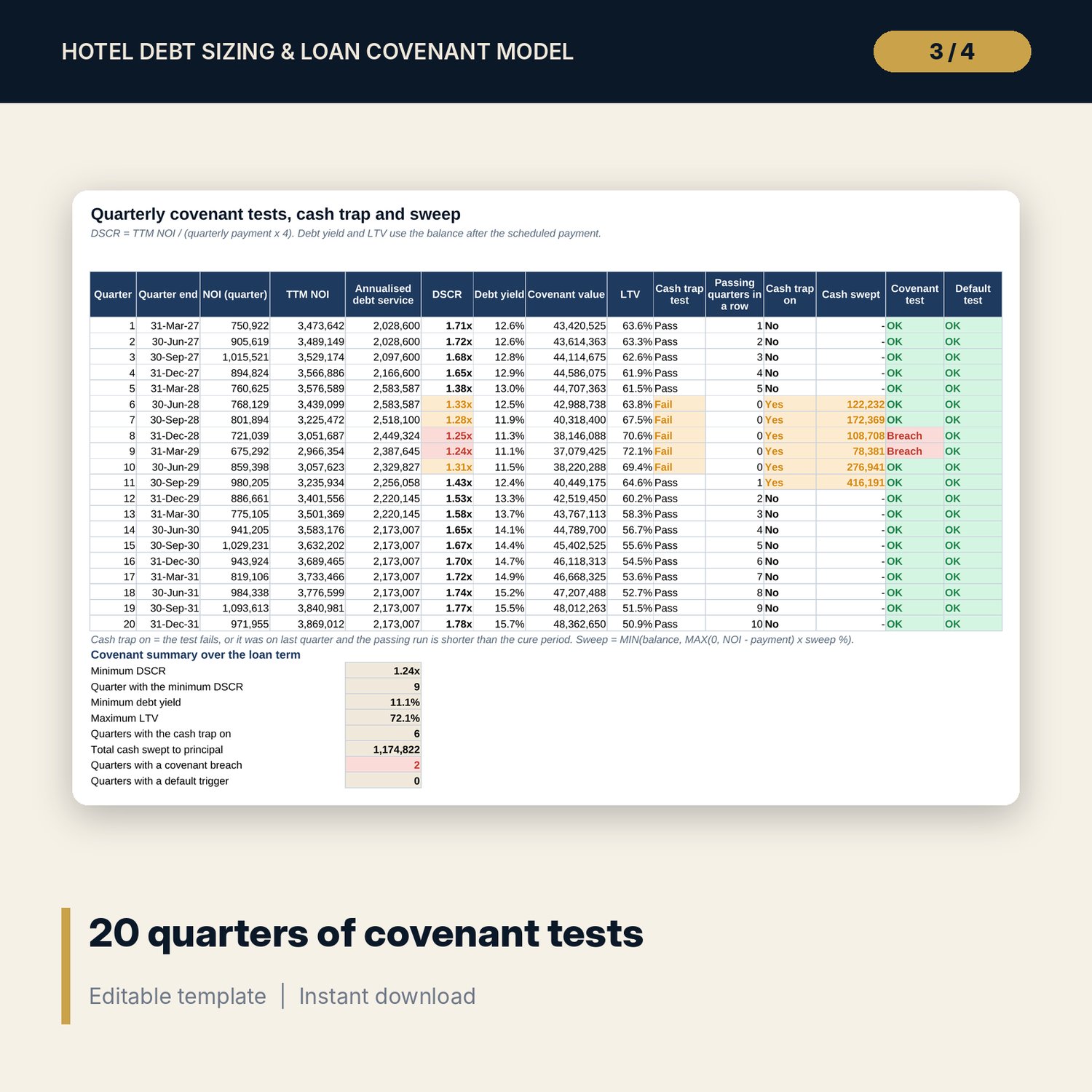
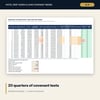
- Covenant tests: DSCR, debt yield and LTV for 20 quarters with cash trap, cure period, sweep, covenant breach and default flags.
- Refinance test at maturity with break-even NOI and the highest refinance rate that still passes DSCR.
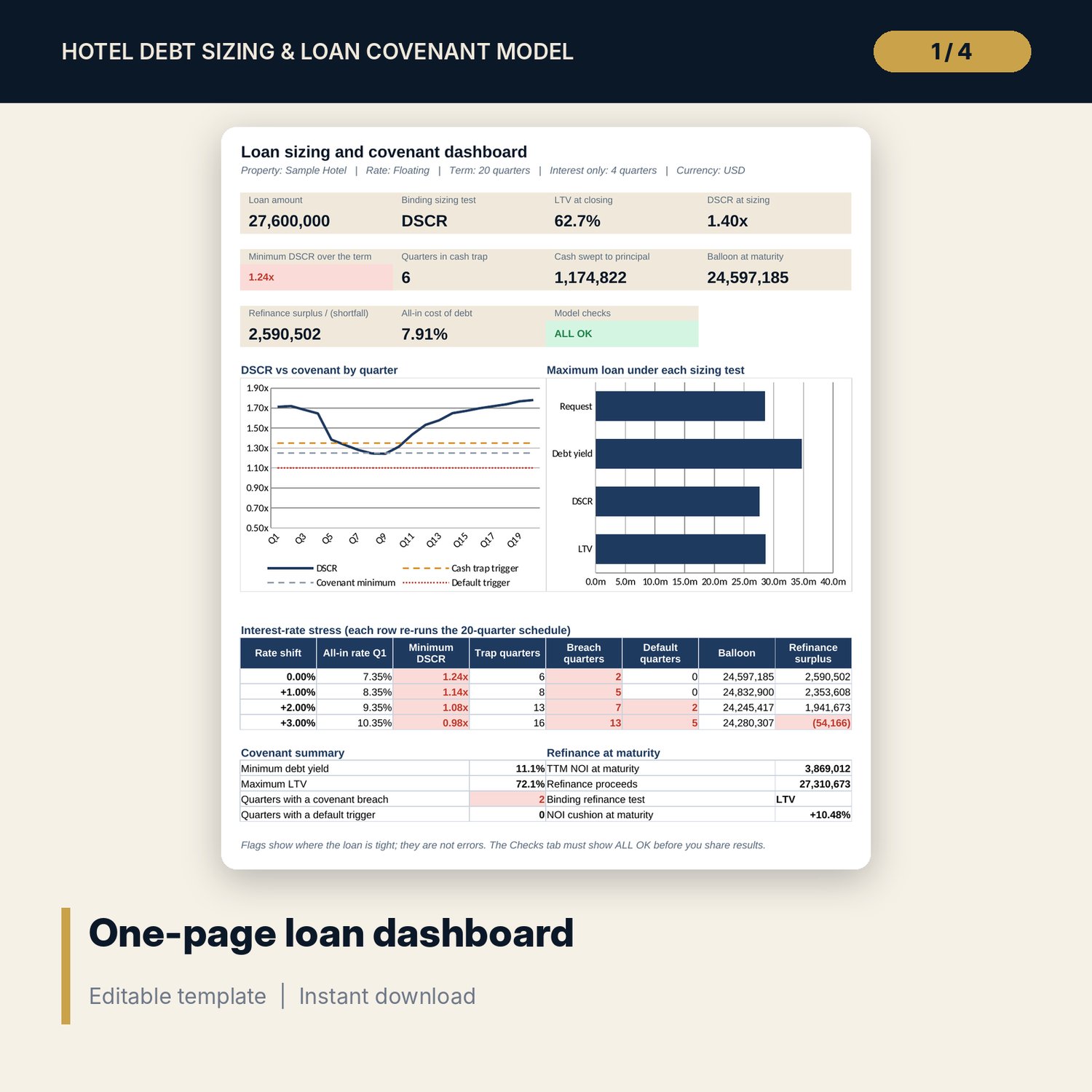
- Rate stress: 4 cases (live, +100, +200, +300 bp by default), each a full re-run of the schedule in its own engine block.
- Term sheet comparison: 23 loan terms, your model vs a lender offer, gap and negotiation point, printable on one page.
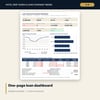
- Dashboard: 10 KPI tiles, a check tile, a DSCR vs covenant chart, a sizing chart and stress and refinance summaries.
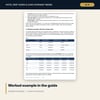
- Hotel_Debt_Sizing_Covenant_Guide.docx and Hotel_Debt_Sizing_Covenant_Guide.pdf: 9-page guide with each ratio explained, the sizing logic, the method in plain equations, a worked example on the sample results, lender negotiation points, limitations, a checklist and a glossary.
- README.txt and LICENSE-and-Terms.txt.
How it works
- Enter the value, request, sizing thresholds, rate terms, fees, covenants and triggers on Assumptions.
- Enter four actual and 20 forecast quarters of NOI, and the base rate path for a floating loan.
- Read the binding test and the loan amount on Sizing, then the quarterly covenant results and the refinance test.
- Stress the rate on Rate_Stress and compare a lender offer on Term_Sheet.
- Confirm the Checks tab shows ALL OK before you share the file.
Details
- Formats: XLSX workbook, DOCX guide, PDF guide.
- Language: English.
- Software: Excel 2016 or later, or LibreOffice Calc. No macros, no data tables, no add-ins.
- Quarterly model, term up to 20 quarters, fixed or floating rate, any currency.
- Delivery: instant download.
Good to know
- Sample data is illustrative and does not describe any market. Replace it with your own figures.
- Not financial, legal or tax advice. Covenant definitions differ between lenders: read your facility agreement.
- Fees, valuation basis and rate terms are inputs: verify local requirements.
- Single-user license.
FAQ
Does it handle a floating rate?
Yes. Choose Floating, enter the base rate for each quarter, the margin and the floor. The payment is recalculated every quarter at that quarter's rate.
How is DSCR tested each quarter?
DSCR = trailing 12-month NOI / (that quarter's scheduled payment x 4). Debt yield and LTV use the balance after the payment.
What happens when the cash trap is triggered?
The chosen share of NOI after debt service is swept to principal at quarter end. The trap stays on until the tests pass for the cure period you set.
Why no Excel data tables for the rate stress?
Each stress case is a full copy of the quarterly schedule in its own block of formulas. It calculates at once, works in LibreOffice and never needs a refresh.
How do I know the formulas are right?
The Checks tab runs 14 tests, including an independent re-run of the live case that must match the main schedule. The Method tab shows how each result is built.