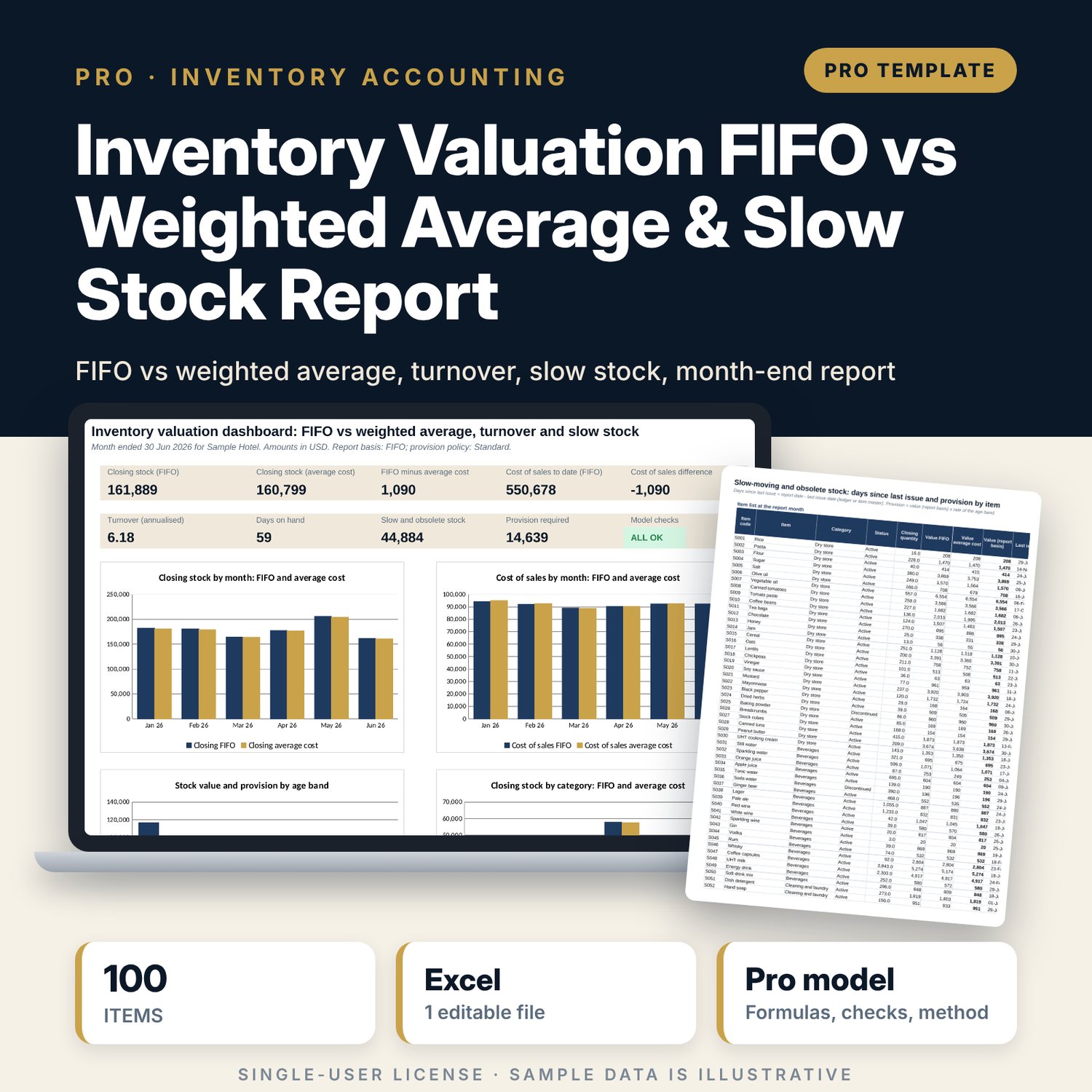
Inventory Valuation FIFO vs Weighted Average & Slow Stock Report: Inventory Valuation Spreadsheet with Slow-Moving Stock Provision
Full description
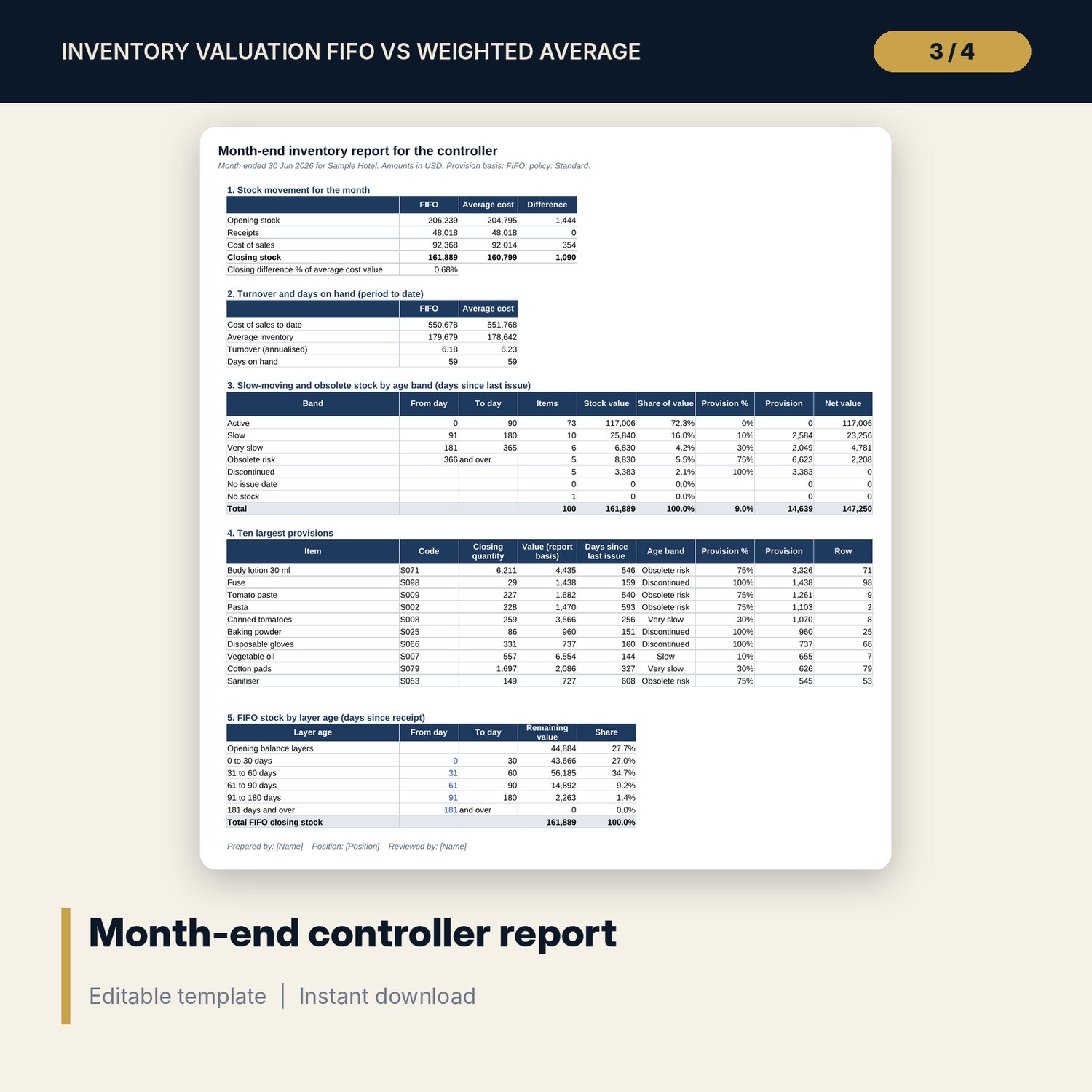
For financial controllers, cost controllers, purchasing managers and store managers who need stock and cost of sales under more than one method, and a defensible provision for stock that no longer moves. The workbook runs a stock ledger through a FIFO layer engine and a monthly weighted average, shows the difference in cost of sales and closing stock, and measures inventory turnover and days on hand. It finds the days since the last issue for every item, places each item in an age band, applies a provision rate by band (or the discontinued rate), and shows FIFO stock by layer age. A one-page month-end report summarises the results for the controller. A provision policy (standard, cautious, light) switches the rates.
Save with a bundle: this workbook is also in the F&B Control & Audit Pro Bundle, 25 workbooks for $59 instead of $310. All 100 Pro workbooks are in the Pro Library for $119, and all 241 templates and workbooks are in the Ultimate Hospitality Library for $149.
What is inside
- Inventory_Valuation_FIFO_vs_Weighted_Average.xlsx: 11 tabs, 39,918 formulas, 4 native charts, 11 drop-down and input rules
- Items: 100 sample items in 6 categories with 120 slots; opening quantity, opening unit cost, status and last issue date
- Ledger: 1,364 sample receipts and issues over 6 months, room for 1,600; 14 layer engine columns
- Stock_Engine: 720 rows (item by month) with weighted average and FIFO steps side by side, 22 columns
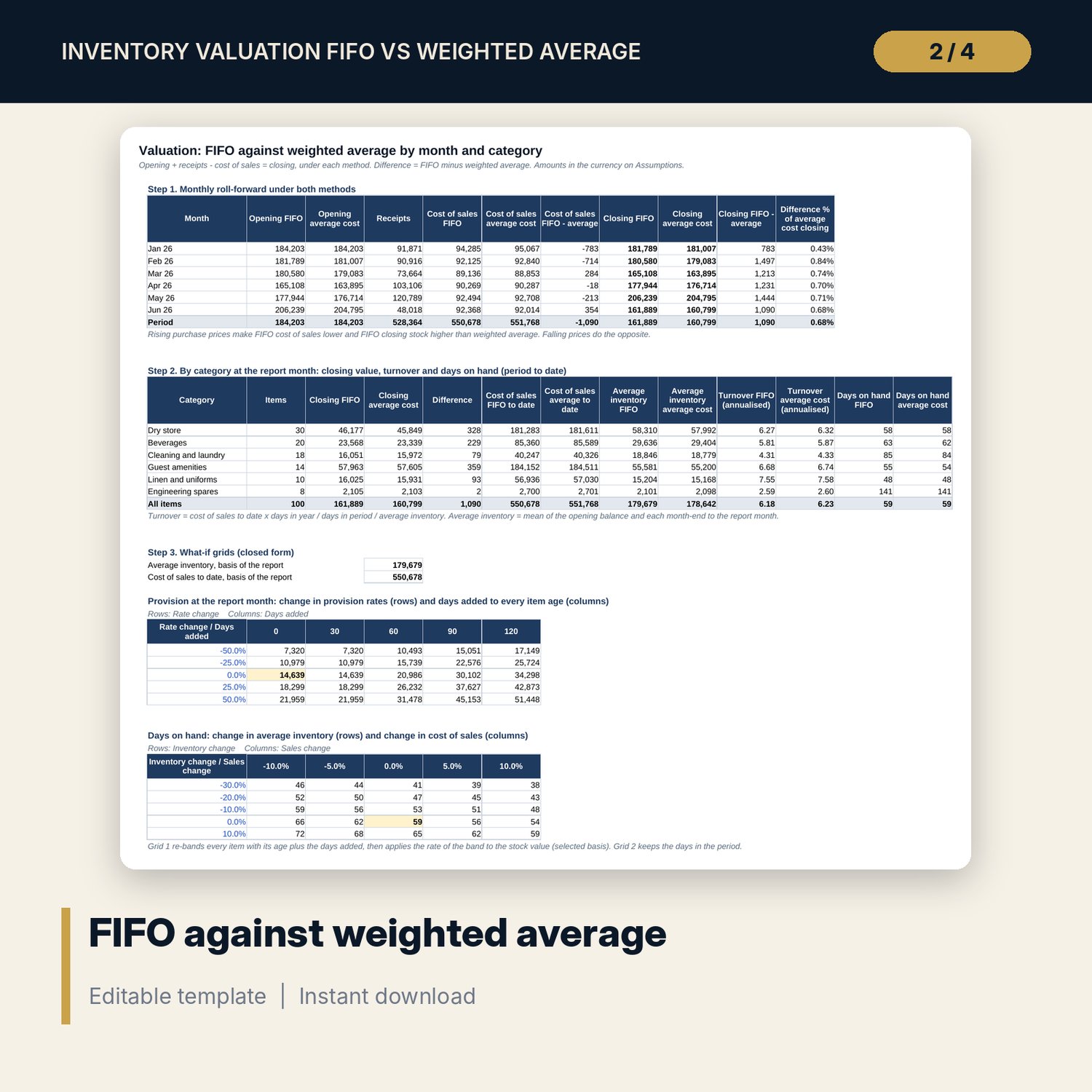
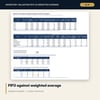
- Valuation: monthly roll-forward under both methods, category table with turnover and days on hand, and two what-if grids
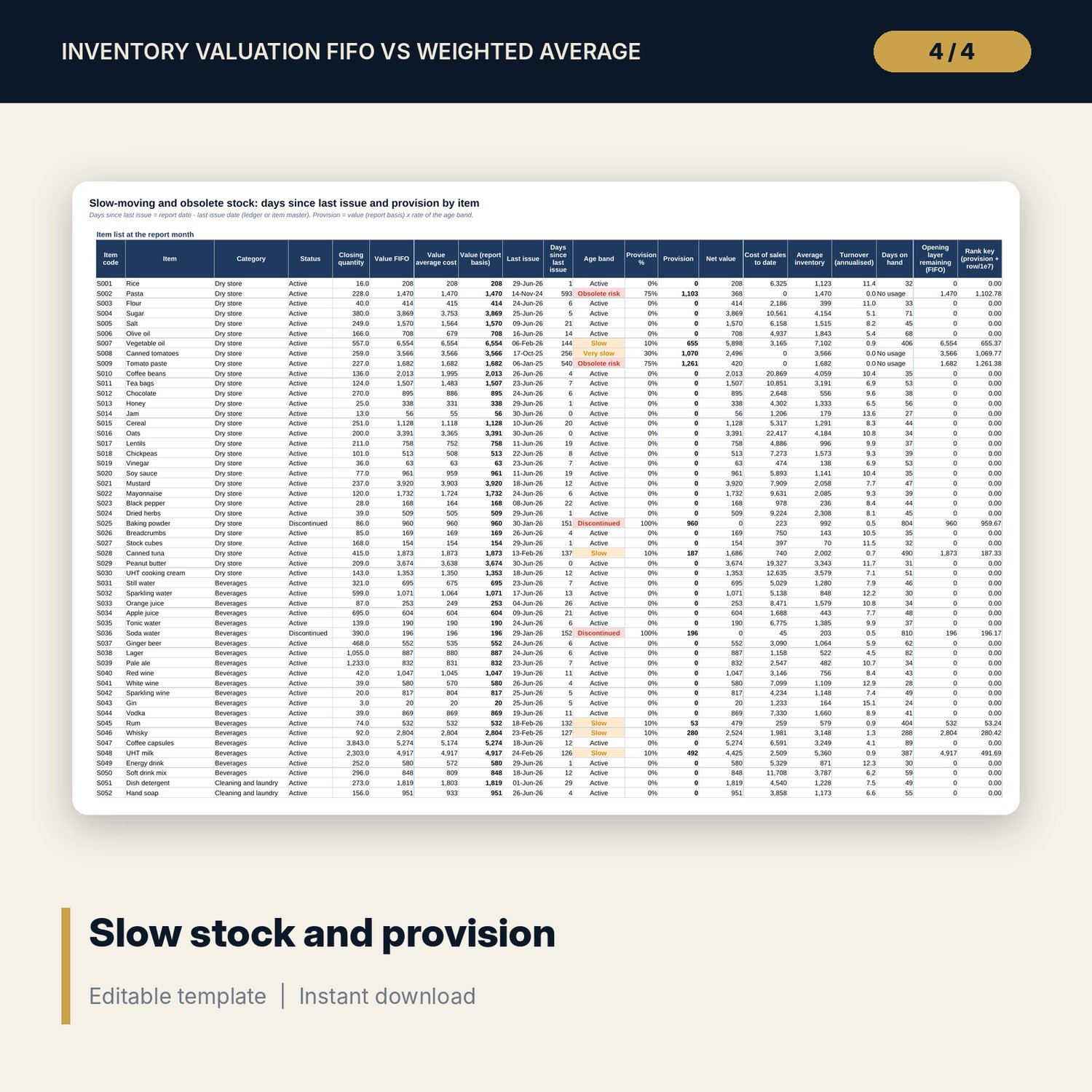
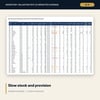
- Slow_Stock: item list at the report month with last issue, days since last issue, age band, provision, net value, turnover and days on hand
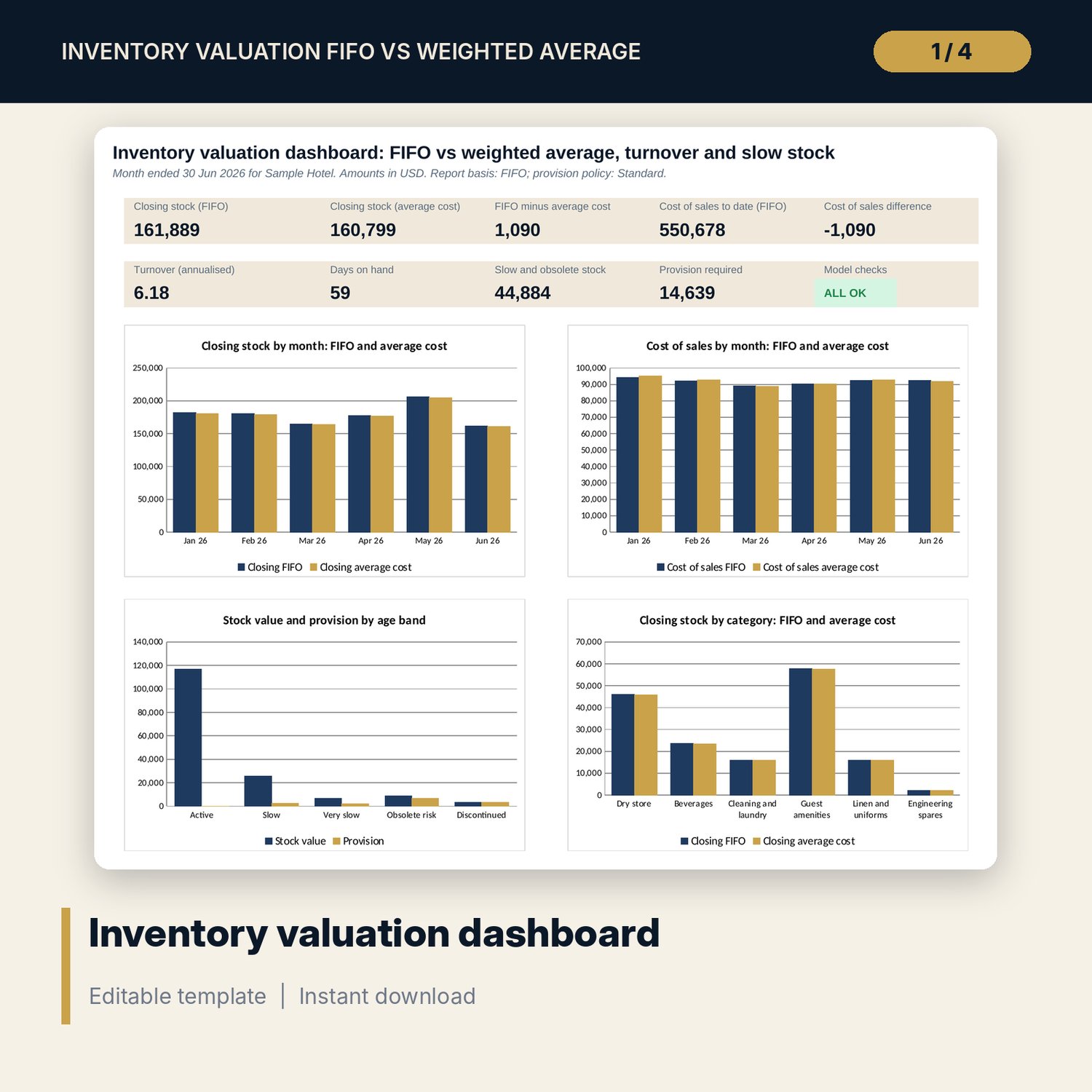
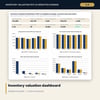
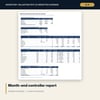
- Report: one-page month-end report; Dashboard (one printed page) with 4 charts
- 15 integrity checks and a Method tab with 16 documented calculations
- README.txt and LICENSE-and-Terms.txt
How it works
- Set the first month, report month, valuation basis, provision policy and age bands on Assumptions.
- List items with opening quantity and unit cost on Items.
- Enter receipts and issues in date order on Ledger.
- Read Valuation for the FIFO and weighted average results and the difference.
- Read Slow_Stock and Report; pick an earlier report month to see a past month-end.
Details
- Format: one .xlsx workbook, English
- Software: Excel 2016 or later, or LibreOffice Calc 7 or later
- No macros, no external links, no data tables, no array formulas
- Instant digital download
Good to know
- Sample data is illustrative. Replace it with your own figures.
- Weighted average is recalculated each month (periodic). The ledger covers 6 consecutive months, in date order, with no negative stock.
- Provision rates and age bands are policy choices, not rules. Verify them and the valuation method with your finance team and accounting standards.
- Single-user license. Do not redistribute.
FAQ
How does the FIFO layer engine work?
Each receipt is a layer. The cost of the cumulative quantity issued is the cost of the first units received, found by clamping the quantity against each layer. Opening stock is the first layer.
Which weighted average method is used?
A monthly weighted average: (opening value + receipts value) / (opening quantity + receipts quantity), applied to the month's issues.
Can I look at an earlier month-end?
Yes. Change the report month on Assumptions. Slow_Stock, Report and the Dashboard recalculate for that month.
How are slow-moving items found?
By days since the last issue, from the ledger or from the last issue date on the item master. The age band sets the provision rate.
Can I change the provision rates?
Yes. Pick Standard, Cautious or Light, or edit the rates and the day limits of the four age bands.