
So you’ve got your hands on a shiny new overlay set, and you’re ready to level up your stream aesthetic! Setting up scene assets in OBS Studio can feel a bit daunting if you're looking at a blank canvas, but it’s incredibly straightforward once...
Read More
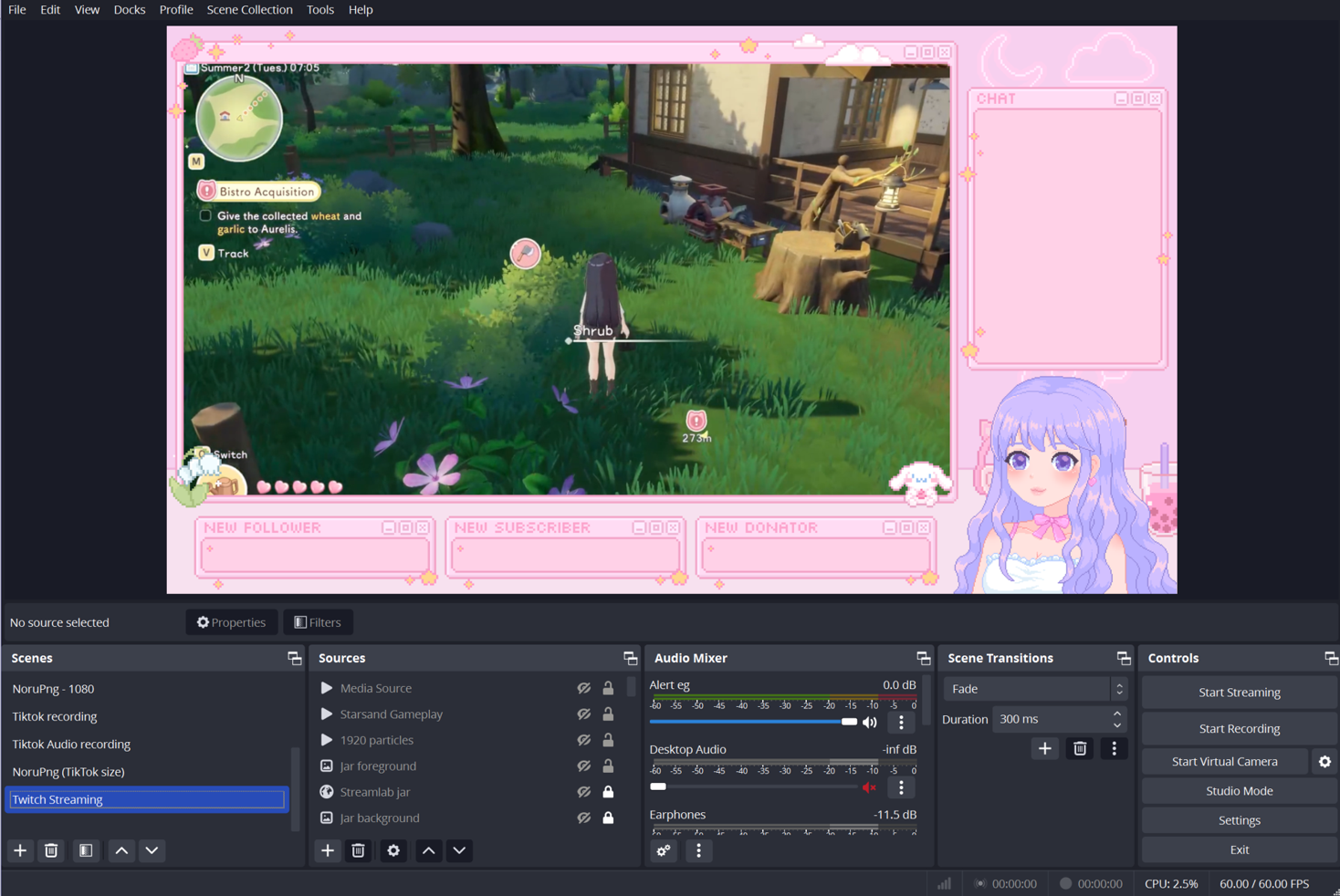
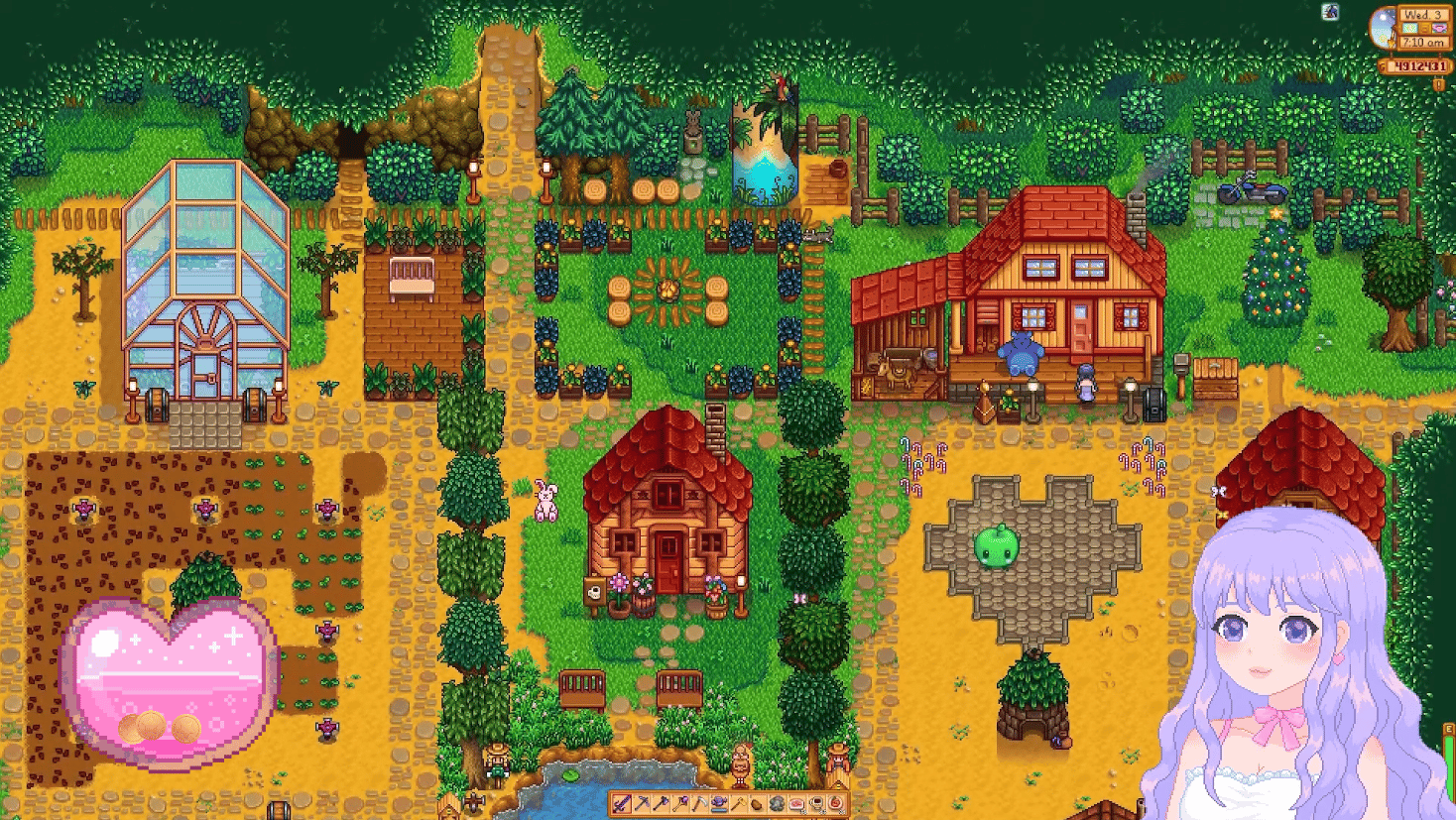
1. Login to Streamlabs. Click on 'All Widgets', then click on 'The Jar' widget. 2. Adjust the settings to your preferences (e.g. set the jar image to 'Whiskey' or 'Bourbon'). Choose a shape that fits well with your custom tip jar overlay. 3. Click ...
Read More