
If you send invoices by email, it can be hard to see which clients still owe you money, especially when they pay in instalments. A single spreadsheet can make your next follow-up clear.
1. Give each invoice one row
Record the invoice number, client, issue date, due date and total. Use the same invoice number in your spreadsheet and on the invoice itself so you can match payments quickly.
2. Record partial payments in the same row
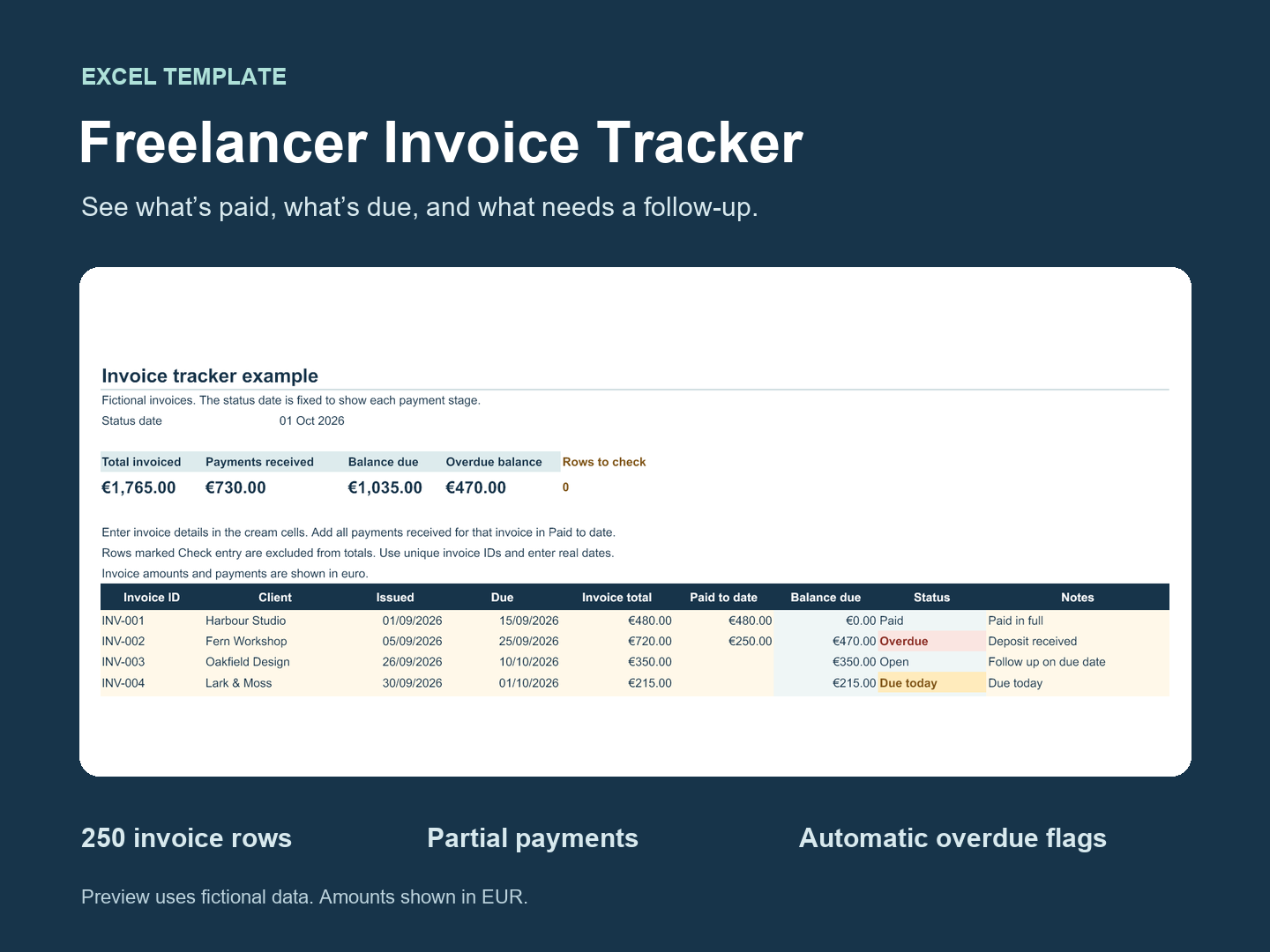
Keep a running total of the amount paid against each invoice. If you invoice €720 and receive a €250 deposit, enter €250 as paid and keep €470 open. If another €200 arrives, update the amount paid to €450. The balance is now €270.
3. Review what’s overdue once a week
Start with invoices that have passed their due date and still have a balance. In your follow-up, give the invoice number, original due date and current balance. Add a note in the tracker when you send the reminder so you can see when you last contacted the client.
The Tidy Desk Templates workbook has 250 invoice rows and calculates outstanding balances and overdue status as you enter payments. It includes a blank tracker and a worked example.
Freelancer Invoice Tracker for Excel