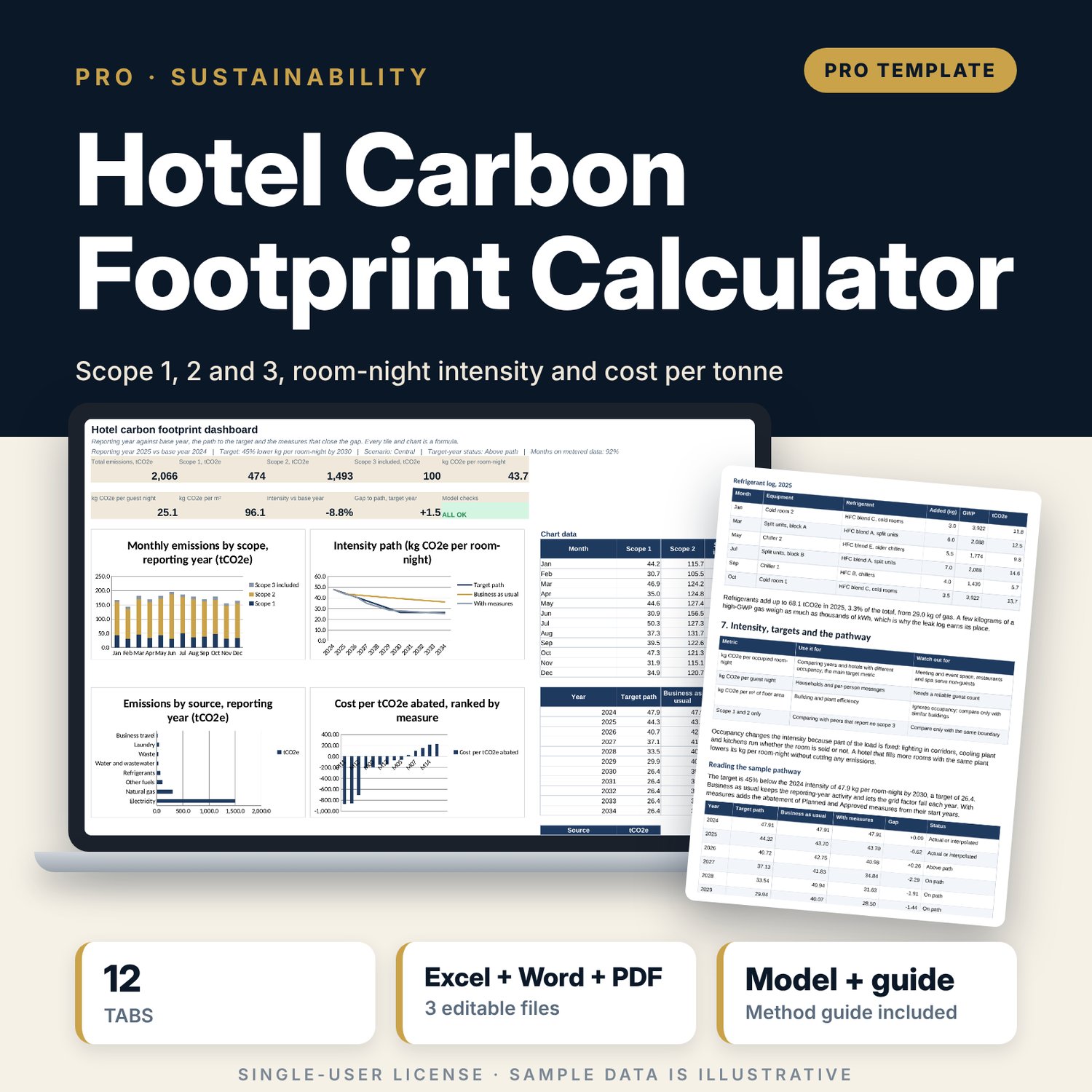
Hotel Carbon Footprint Calculator: Hotel Scope 1, 2 and 3 Emissions Excel Calculator with Guide
Full description
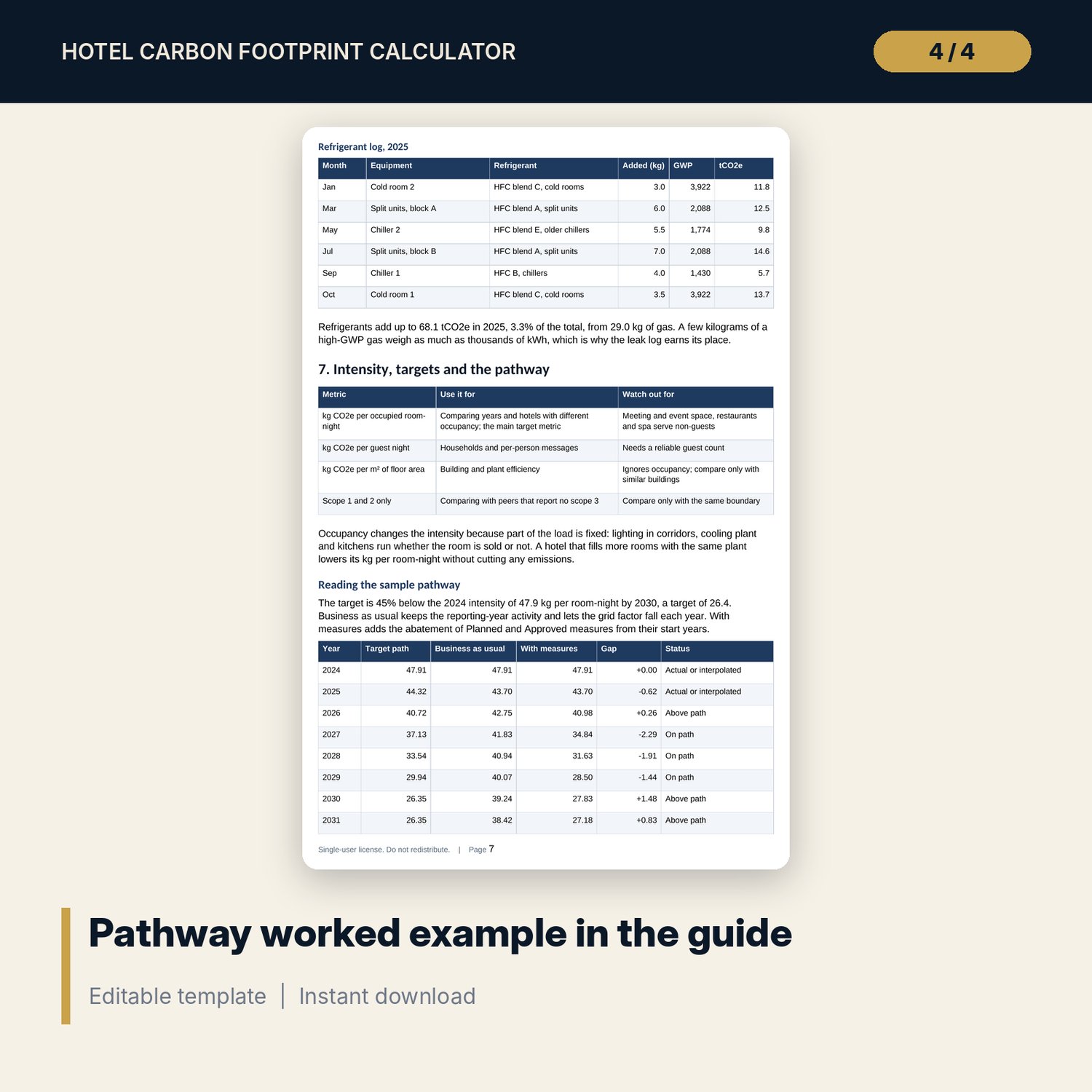
For general managers, chief engineers, sustainability leads and financial controllers who need a defensible carbon footprint for a hotel and a plan to reduce it. You enter monthly occupancy, electricity, fuels, refrigerant top-ups, water, waste, outsourced laundry and travel. The workbook multiplies each activity by an editable emission factor, adds the results by scope and shows kg CO2e per occupied room-night, per guest night and per m². It compares the reporting year with the base year, draws a reduction target path with and without measures, and ranks each measure by net cost per tonne of CO2e avoided. The guide covers boundaries, data quality, factor choice, the method, a worked example and reporting.
Save with a bundle: this workbook is also in the Hotel Engineering & MEP Pro Bundle, 25 workbooks for $59 instead of $319. All 100 Pro workbooks are in the Pro Library for $119, and all 241 templates and workbooks are in the Ultimate Hospitality Library for $149.
What is inside
- Hotel_Carbon_Footprint_Calculator.xlsx: 12 tabs, 1,950 formulas, 4 native charts, 28 drop-down and input rules
- Energy_Data and Scope3_Data with 24 sample months (two years) and room for 36 months each, plus a data-quality status for every month
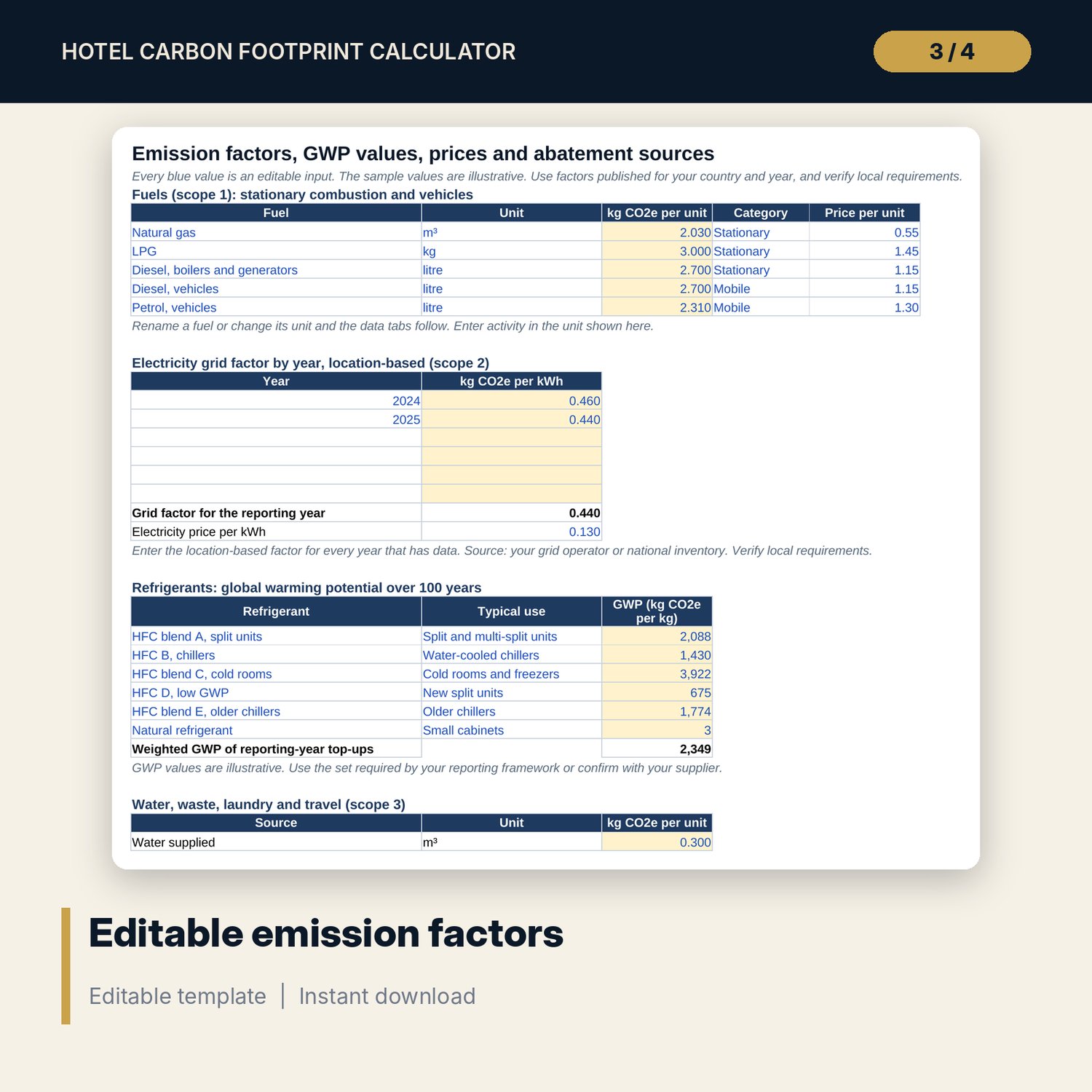
- Refrigerant_Log with 13 sample service entries and room for 40; Factors tab with 5 fuels, 6 refrigerants, grid factors by year and scope 3 factors, all editable
- Emissions engine: monthly tCO2e by source and scope, with intensities per room-night, guest night and m²
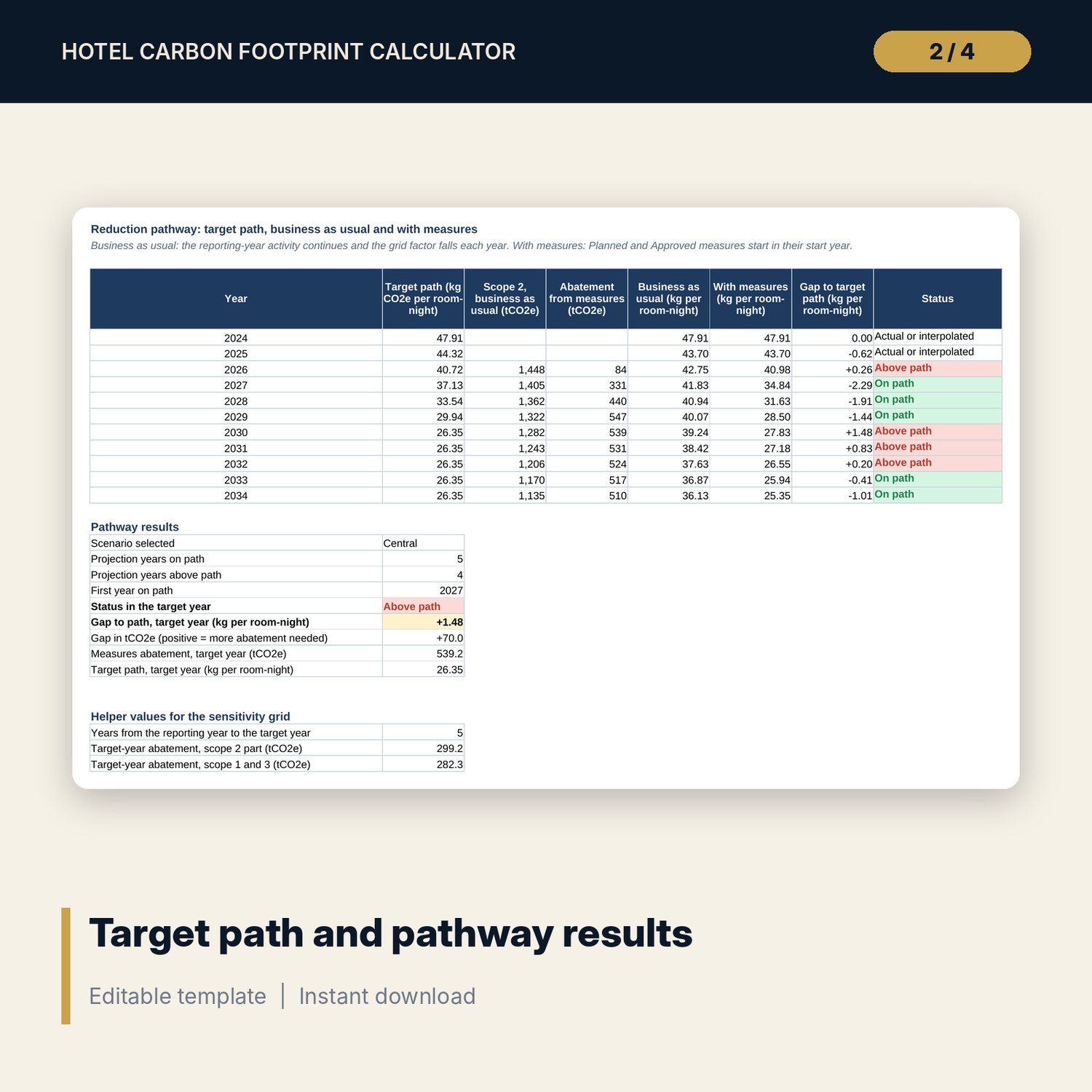
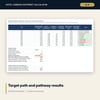
- Annual_Path: base year against reporting year, a 11-year pathway, 3 pathway scenarios and a 5 x 5 sensitivity grid
- Measures register with 14 sample measures (room for 15), abatement, cost per tonne, payback, carbon price screen and a ranked cost curve
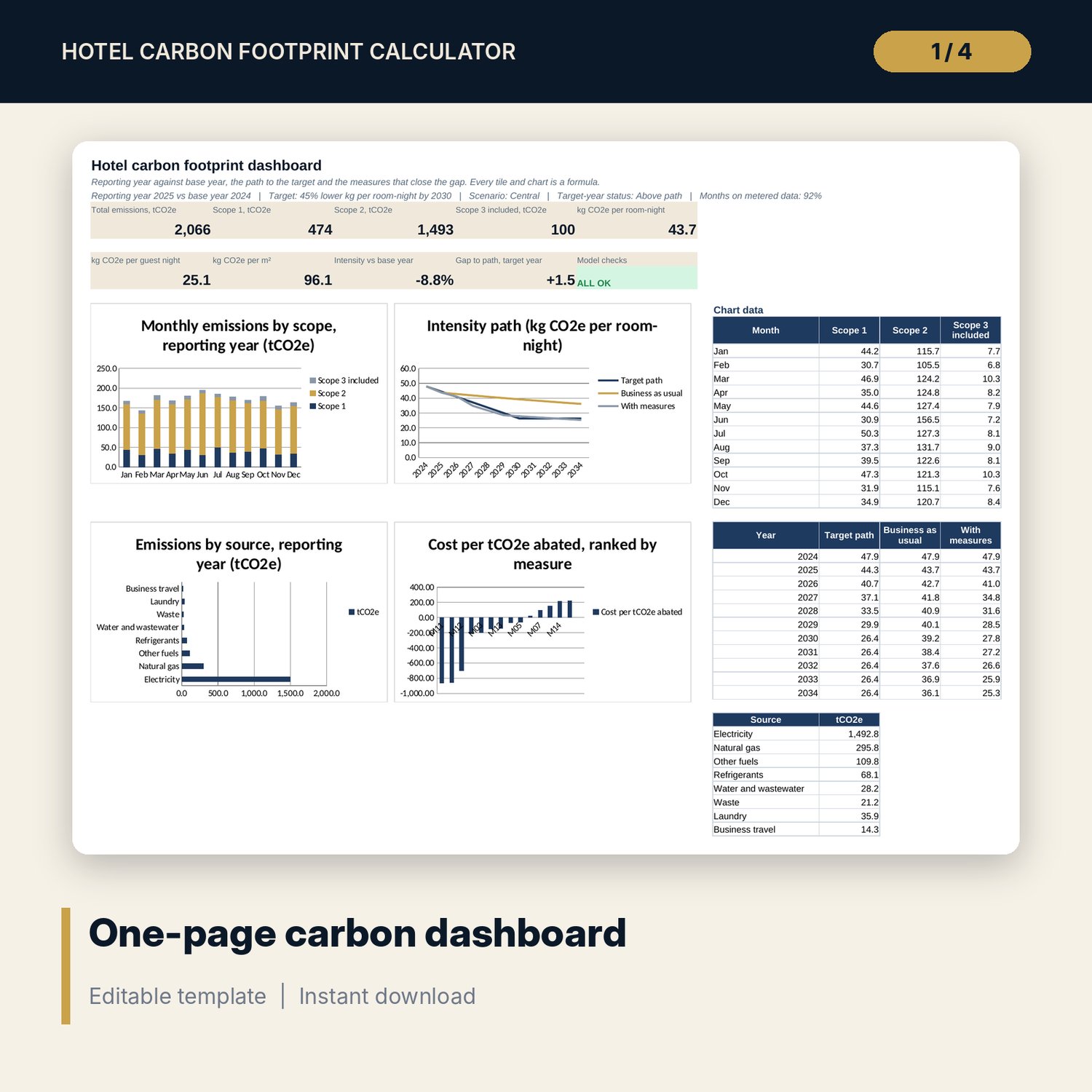
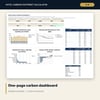
- One-page Dashboard, 15 integrity checks, Method tab with 18 documented calculations
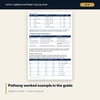
- Hotel_Carbon_Footprint_Guide.docx and Hotel_Carbon_Footprint_Guide.pdf: 11-page A4 guide with boundaries, data collection, equations, worked example, measure ranking, a reporting template and a checklist
- README.txt and LICENSE-and-Terms.txt
How it works
- Enter rooms, floor area, the reporting and base year, the target and the scope 3 categories on Assumptions.
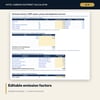
- Replace the sample factors on Factors with the values for your country and year.
- Enter 12 months of data for each year on Energy_Data, Scope3_Data and Refrigerant_Log.
- List reduction ideas on Measures with saving, cost, start year and status.
- Read Annual_Path, the Dashboard and the cost curve, and confirm that Checks shows ALL OK.
Details
- Formats: .xlsx workbook, .docx guide and the same guide as .pdf, English
- Software: Excel 2016 or later, or LibreOffice Calc 7 or later; Word or any PDF reader for the guide
- No macros, no external links, no data tables, no array formulas
- Instant digital download
Good to know
- Sample data is illustrative. Replace it with your own meter, invoice and service records.
- Emission factors, GWP values, prices and reporting rules are editable inputs. Verify local requirements.
- Scope 2 is location-based. Scope 3 covers four categories you can measure from your own records.
- This is a management tool, not legal, audit or engineering advice.
- Single-user license. Do not redistribute.
FAQ
Which emissions does it cover?
Scope 1 (fuels, vehicles, refrigerant leakage), scope 2 (electricity, location-based) and four optional scope 3 categories: water and wastewater, waste, outsourced laundry and business travel.
Where do the emission factors come from?
You enter them. The sample values are illustrative. Use the factors published for your country and year, and enter the grid factor for each data year.
How does it handle estimated or wrong data?
Mark a month Estimated and the workbook reports the share of metered months. It also flags months whose electricity per occupied room-night is far from the median.
Can I test whether I will meet a reduction target?
Yes. Set the target year and reduction, choose a pathway scenario, and the workbook shows the target path, business as usual and the path with your Planned and Approved measures.
Does it include purchased food or guest travel?
No. These scope 3 categories need supplier data and are outside the workbook. The guide explains how to state the exclusion.