Legionella Risk Assessment & Water Management Program: Legionella water management program in Excel with Word guide
Full description
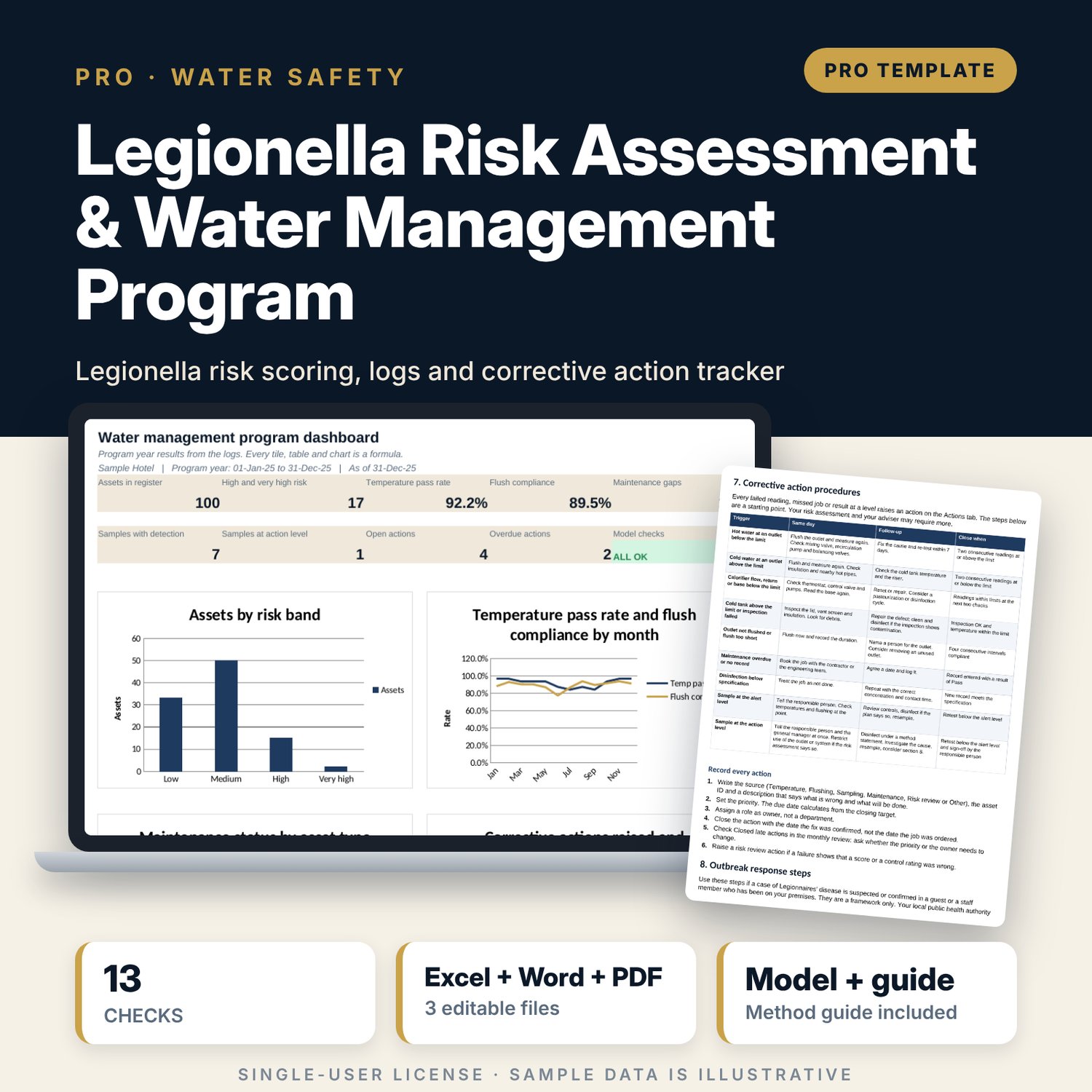
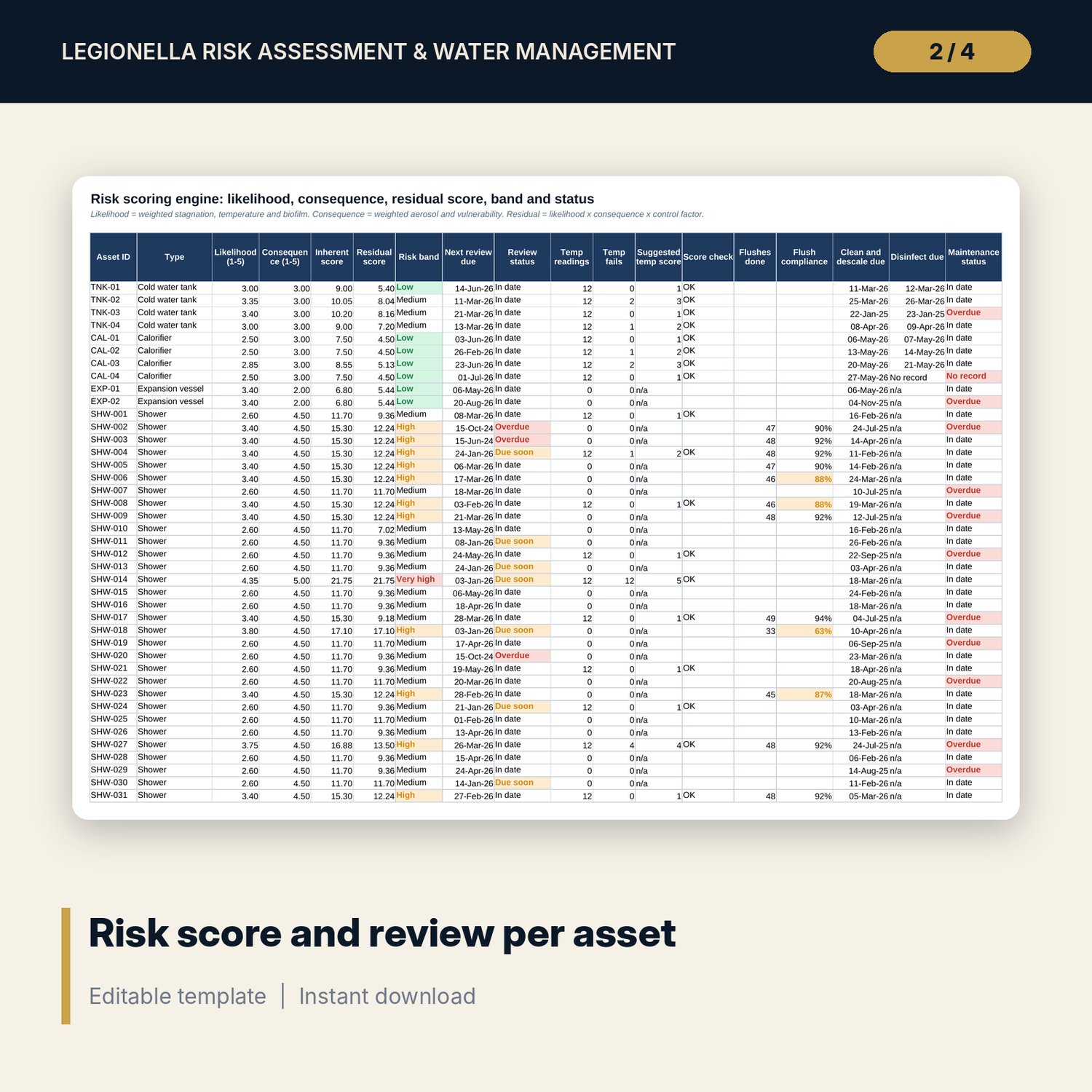
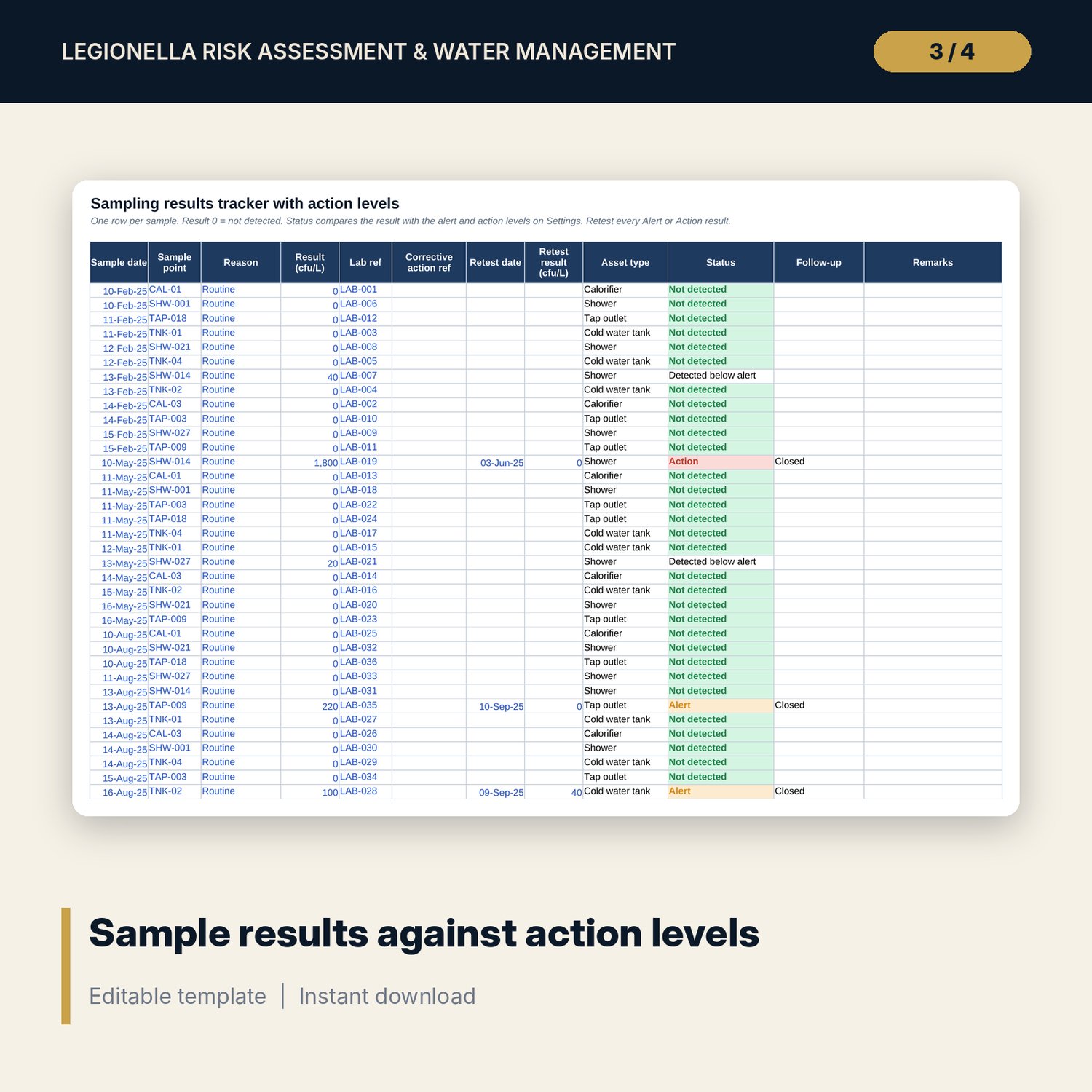
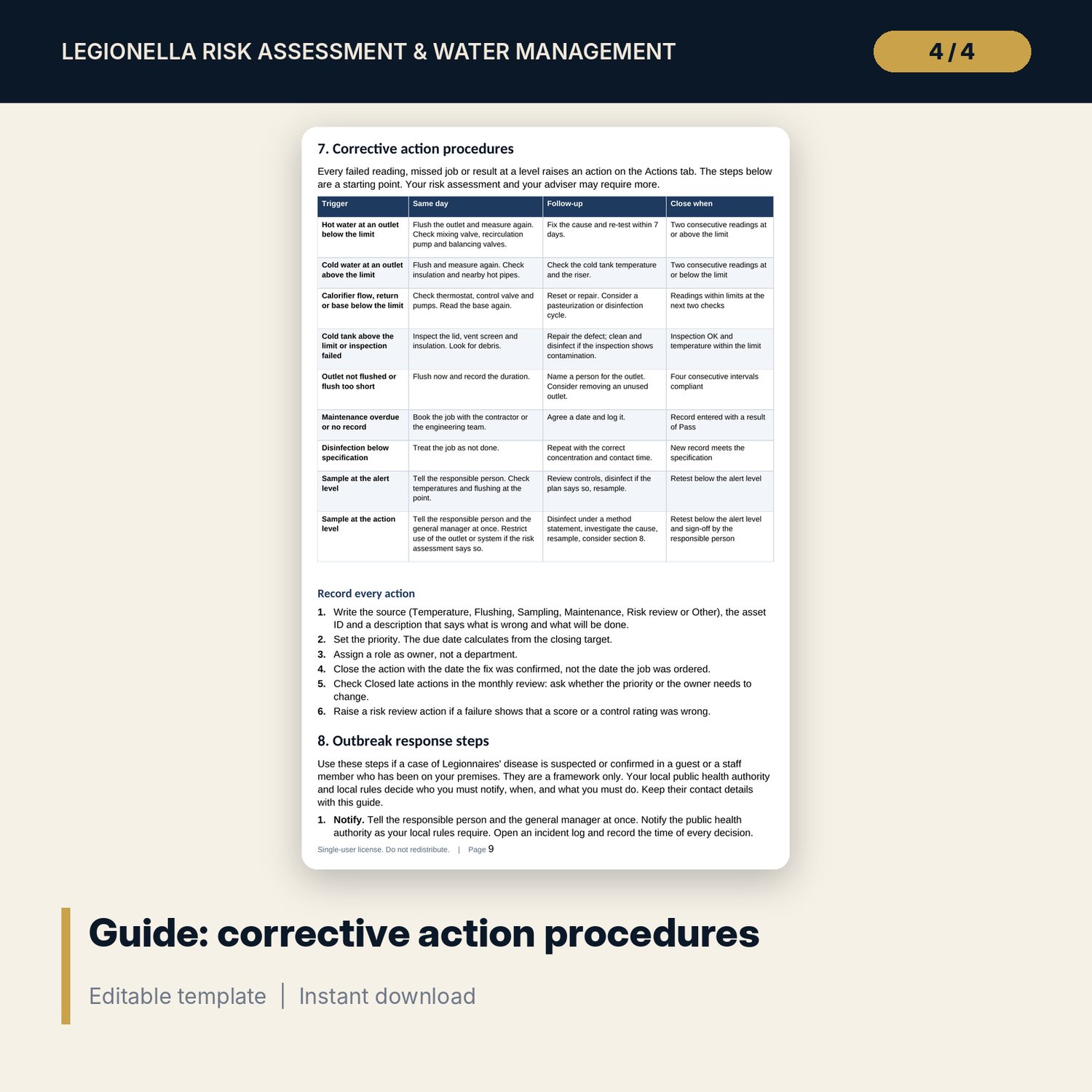
For responsible persons, chief engineers, engineering managers, general managers and water safety coordinators who must show that hot and cold water systems are risk-assessed and monitored. The workbook scores every asset by weighted likelihood, consequence and control measures, sets a review date by risk band, and logs monthly sentinel outlet and plant temperatures against limits you set. It tracks weekly flushing of low-use outlets, records cleaning, descaling and disinfection with next-due dates and a specification check, follows sample results against alert and action levels, and keeps a corrective action log with priority and due dates. A 12-page Word guide covers program structure, roles, control limits, corrective action procedures and outbreak response steps.
Save with a bundle: this workbook is also in the Hotel Engineering & MEP Pro Bundle, 25 workbooks for $59 instead of $319. All 100 Pro workbooks are in the Pro Library for $119, and all 241 templates and workbooks are in the Ultimate Hospitality Library for $149.
What is inside
- Legionella_Risk_Assessment_Water_Management_Program.xlsx: 12 tabs, 18,135 formulas, 4 native charts, 13 integrity checks, 18-row Method tab
- Asset_Register: 150 rows (100 sample assets: tanks, calorifiers, vessels, showers, taps and mixing valves) with five risk factor scores and control measures
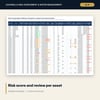
- Risk_Scoring (18 columns): likelihood, consequence, residual score, band, review date, temperature fail rate, flush compliance and maintenance status per asset
- Temp_Log: 500 rows (384 sample readings, 16 columns); Flush_Log: 1,800 rows (1,438 sample flushes); Maintenance: 260 rows (135 sample jobs)
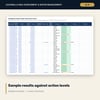
- Sampling: 100 rows (48 sample results) with status and follow-up; Actions: 80 rows (17 sample actions) with due date and status
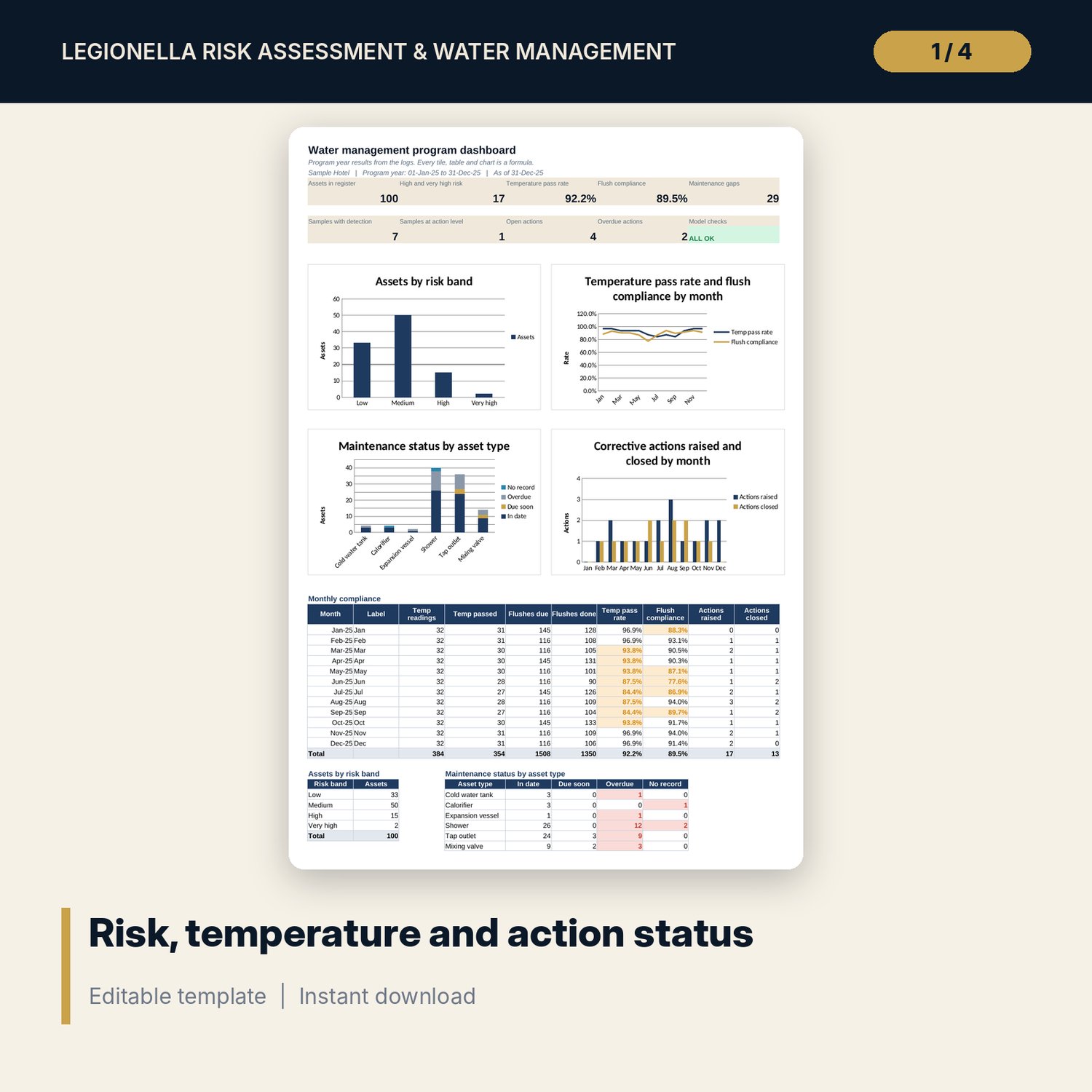
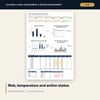
- Dashboard: 9 KPI tiles, the check status, 4 charts and 3 summary tables
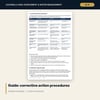
- Legionella_Water_Management_Guide.docx and Legionella_Water_Management_Guide.pdf: 12-page guide with a worked example read from the workbook
- README.txt and LICENSE-and-Terms.txt
How it works
- Enter the program year start, the as-of date, your limits, intervals and risk weights on Settings.
- List every asset on Asset_Register and score the five risk factors.
- Replace the sample rows on the log tabs with your temperatures, flushes, maintenance jobs, samples and actions.
- Read Risk_Scoring for bands, review dates and maintenance gaps, then raise an action for each gap.
- Review the Dashboard each month and confirm Checks shows ALL OK.
Details
- Formats: XLSX workbook, DOCX guide, PDF guide
- Language: English
- Units: °C, minutes, ppm, cfu/L, months
- Software: Excel 2016 or later (Windows or Mac) or LibreOffice Calc; Word or any DOCX editor for the guide
- No macros, no array formulas, no external links
- Delivery: instant download
Good to know
- Sample data is illustrative. Replace it with your own records.
- Not legal, health or engineering advice. Temperature limits, flushing rules, disinfection values, action levels and intervals are editable inputs: verify local requirements with your adviser before relying on them.
- The workbook records and flags. It does not replace a competent person, a site risk assessment or a laboratory.
- One building per copy. Capacity is listed above.
- Single-user license.
FAQ
Does this make my property compliant?
No. It organizes the records and flags what is out of limit. Compliance depends on your local rules, your risk assessment and the work you do.
Can I change the limits and intervals?
Yes. Every limit, interval, weight, band and action level is an input on Settings, and each is marked as something to verify.
How many assets can I list?
150 assets, with room for 500 temperature readings, 1,800 flushes, 260 maintenance records, 100 samples and 80 actions.
What is a sentinel outlet?
An outlet chosen to represent the system, such as the first and last on a loop or the one with the lowest use. The log checks hot and cold temperatures at each one every month.
Do I need a laboratory?
Yes, for sampling. The workbook tracks the results against the alert and action levels you set and shows the follow-up.