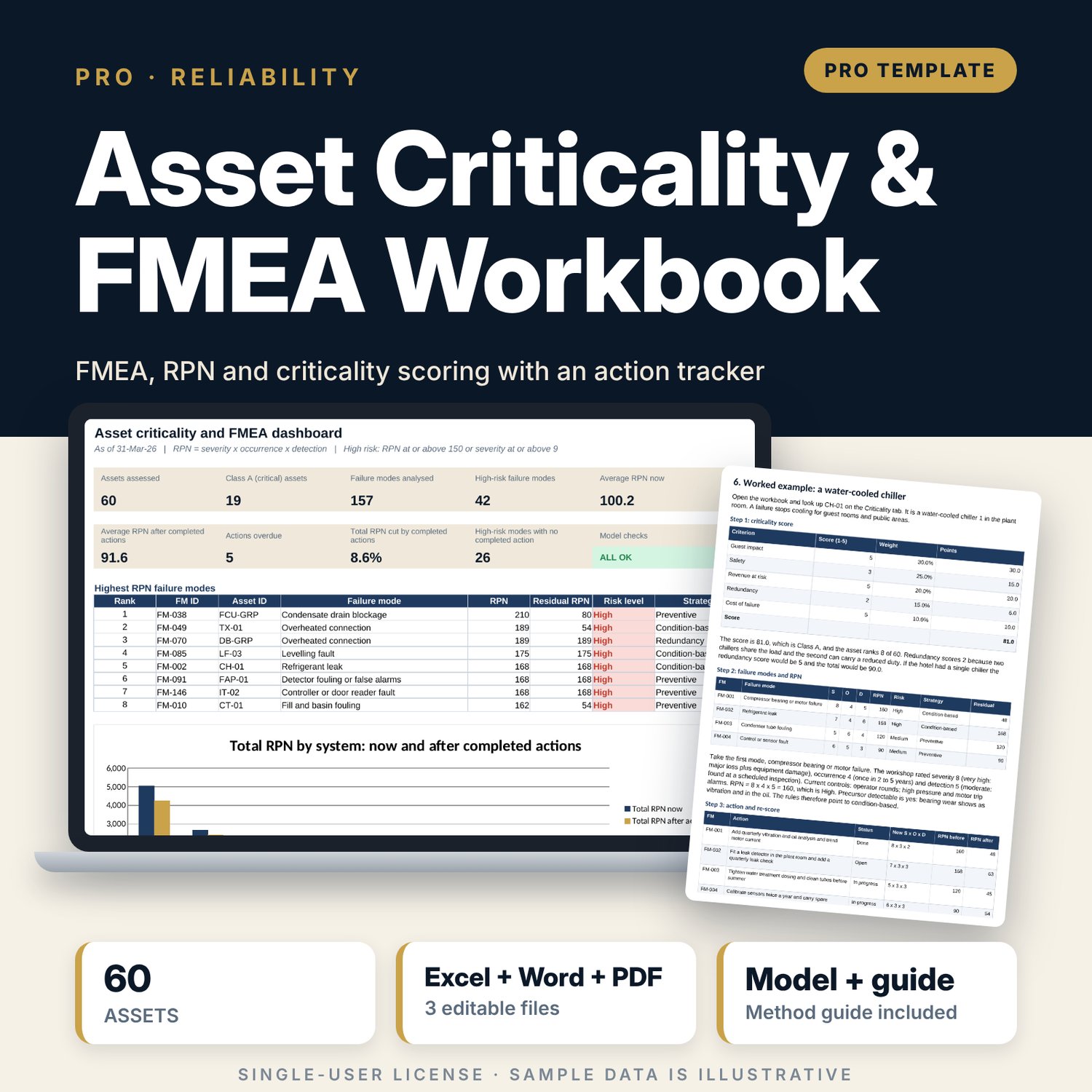


Asset Criticality & FMEA Workbook: FMEA, criticality scoring and risk-based maintenance
Full description
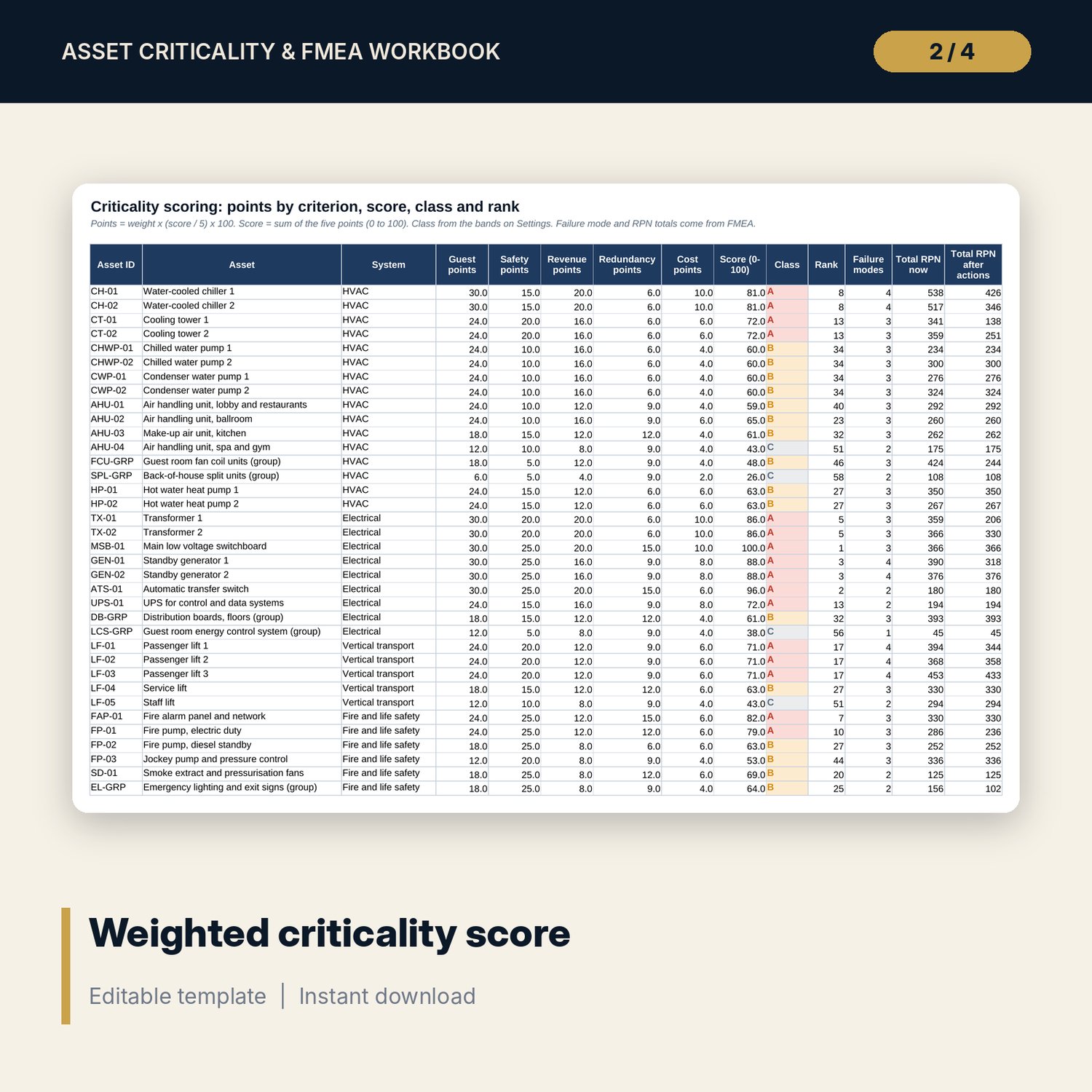
For chief engineers, engineering managers, asset managers and general managers who need to decide where limited maintenance effort and capital should go. You score each asset from 1 to 5 on guest impact, safety, revenue at risk, redundancy and cost of failure, and the workbook turns the weights you set into a score from 0 to 100 and a class A, B or C. You then run a failure modes and effects analysis: rate severity, occurrence and detection from 1 to 10, and the workbook calculates the risk priority number (S x O x D), a risk level with a severity override, and a suggested strategy (run-to-failure, preventive, condition-based or redundancy) from rules you can edit. An action tracker re-scores S, O and D after each action and shows the risk you have removed.
Save with a bundle: this workbook is also in the Hotel Engineering & MEP Pro Bundle, 25 workbooks for $59 instead of $319. All 100 Pro workbooks are in the Pro Library for $119, and all 241 templates and workbooks are in the Ultimate Hospitality Library for $149.
What is inside
- Asset_Criticality_FMEA_Workbook.xlsx: 11 tabs, 3,891 formulas, 3 native charts, 12 data validation rules, 15 integrity checks and a Method tab with 15 calculation notes.
- Sample data (illustrative): 60 assets in 9 systems, 157 failure modes with controls and causes, 47 actions with owners, dates and re-scored ratings.
- Spare rows for your data: 20 assets, 83 failure modes, 33 actions.
- Rating scales: five 1 to 5 criticality scales and 1 to 10 scales for severity, occurrence and detection, all editable.
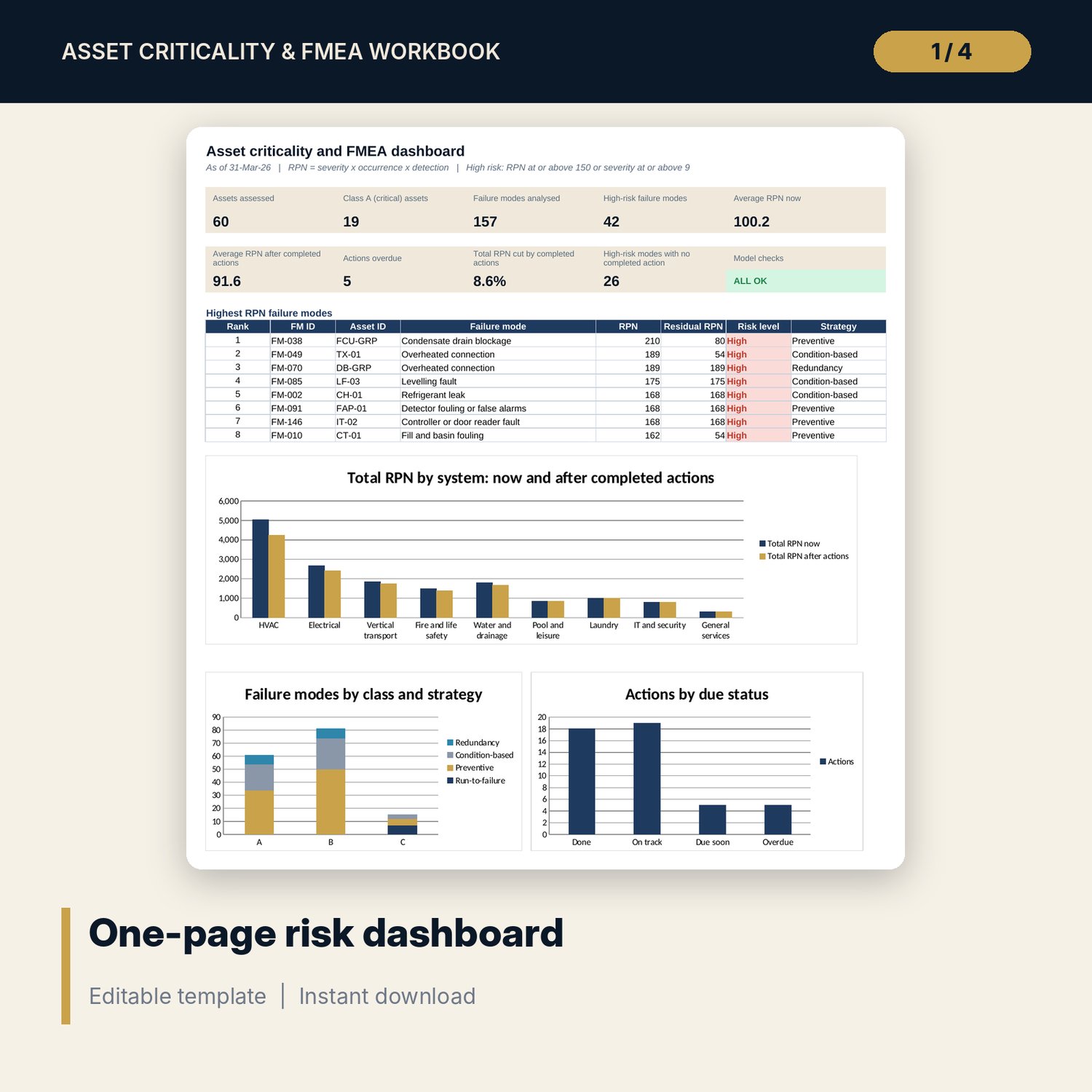
- Risk_Summary: class and strategy table, RPN by system, a severity by occurrence map, the top 12 failure modes and action status.
- Dashboard: nine KPI tiles, a check tile, the top failure modes and three charts, printable on one page.
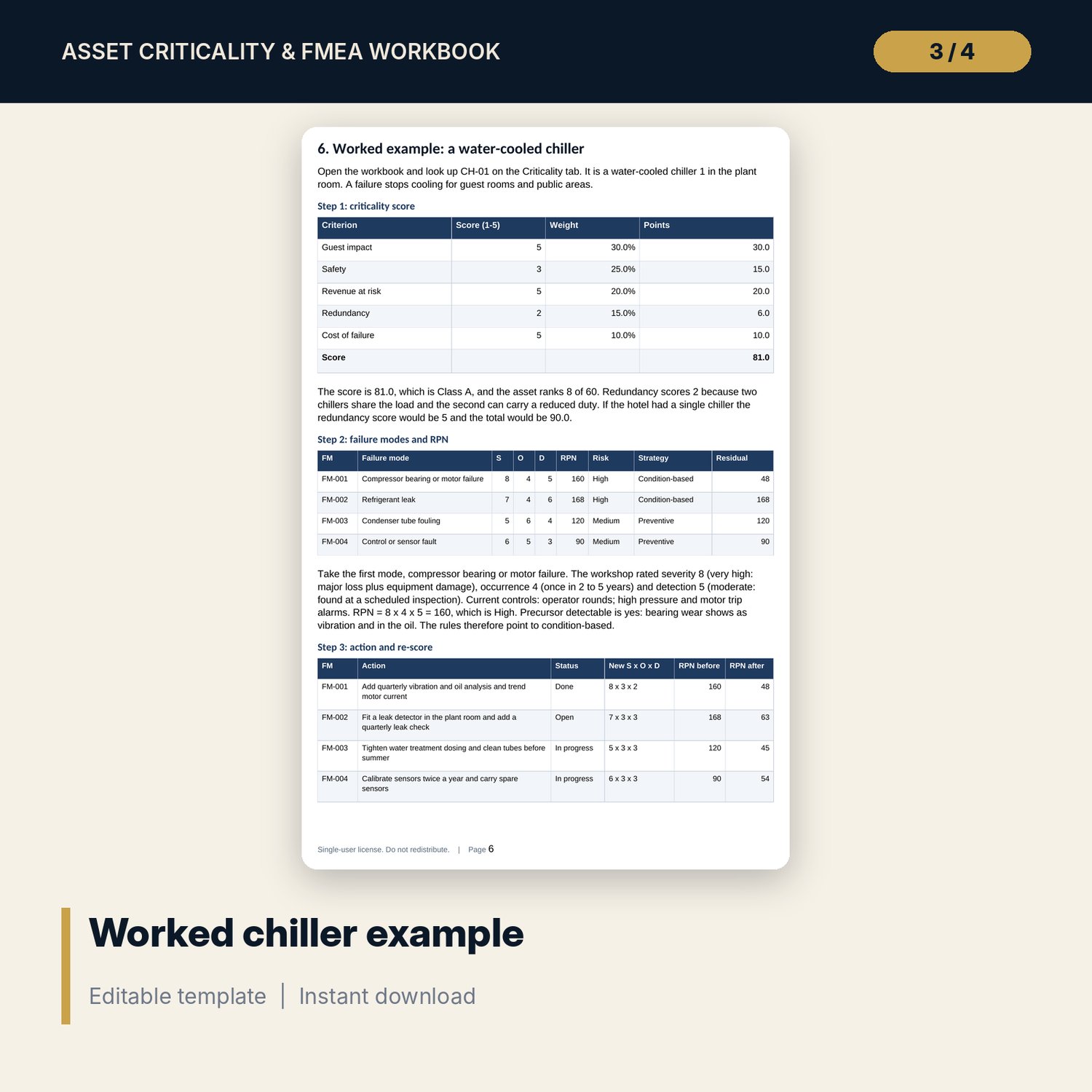
- Asset_Criticality_FMEA_Guide.docx and Asset_Criticality_FMEA_Guide.pdf: 11-page guide with the method in plain equations, the rating scales, a worked chiller example read from the workbook, re-scoring rules, common mistakes, a checklist and a glossary.
- README.txt and LICENSE-and-Terms.txt.
How it works
- Agree the weights, class bands, RPN thresholds and strategy rules on Settings.
- List assets and score the five criteria; read the class and rank on Criticality.
- Enter failure modes with S, O, D and current controls; read the RPN, risk level and suggested strategy.
- Add one action per high-risk mode with an owner, a due date and the expected new S, O and D.
- Mark actions Done as they finish and watch residual RPN and the Dashboard update.
Details
- Formats: XLSX workbook, DOCX guide, PDF guide.
- Language: English.
- Software: Excel 2016 or later, or LibreOffice Calc. No macros, no add-ins.
- Capacity: 80 assets, 240 failure modes and 80 actions, with formulas already in the blank rows.
- Delivery: instant download.
Good to know
- Sample data is illustrative and does not describe any real property. Replace it with your own.
- Ratings are judgements. Agree them with the people who know the plant and record who agreed and when.
- Weights, bands and thresholds are inputs. The workbook supports maintenance planning; it is not engineering, safety or legal advice. Verify statutory inspection duties locally.
- Single-user license.
FAQ
Does the workbook decide my maintenance strategy?
It suggests one for each failure mode using rules you can edit. Treat the result as the start of a discussion with your team.
Why is a low RPN sometimes shown as High risk?
A severity at or above the override rating keeps a rare but dangerous failure on the High list. The override is an input on Settings.
How is risk reduction measured?
Each action holds the new S, O and D. RPN before minus RPN after is the cut. Only actions marked Done count in residual RPN.
Can I use my own rating scales?
Yes. Edit the wording on Rating_Scales and the weights and thresholds on Settings. Keep the direction: higher means worse.
Do I need to run the FMEA on every asset?
No. Start with Class A assets, then Class B. Use Class C only for frequent or hidden failures.