



Build Your Job Search Dashboard | Free ChatGPT Sites Prompt
Which resume did I send? When should I follow up? What do I need to get ready for this week?
When you’re managing several applications at once, those little questions can take up more time than they should. I wanted one place to see where things stood and decide what to do next. I turned that setup into a prompt you can use to build your own.
Build Your Job Search Dashboard is a free PDF with a copy-and-paste prompt to help you build a private, interactive workspace for your applications, interviews, and follow-ups.
What you can build
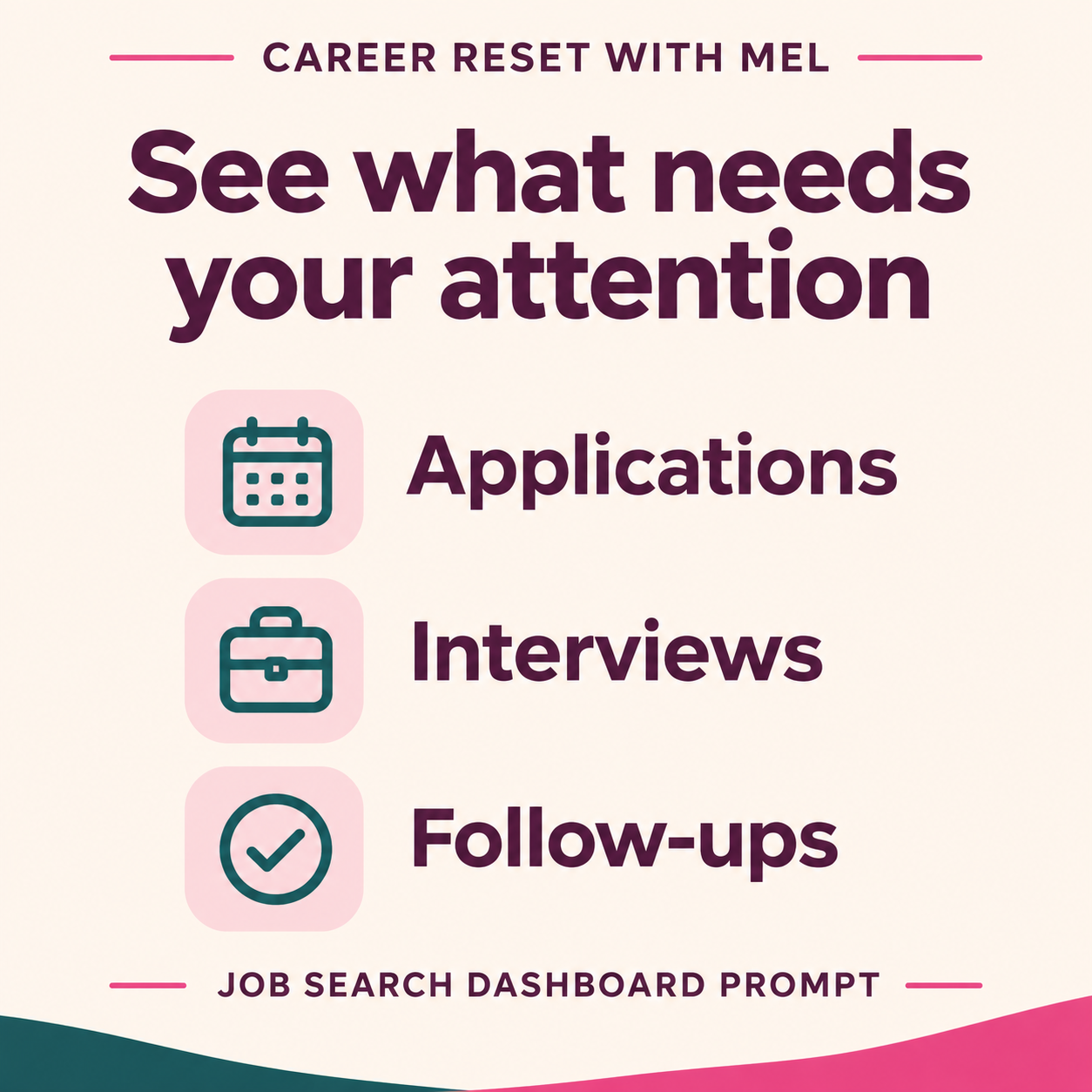
- A “This Week” view for your top priorities, upcoming interviews, assessment deadlines, and overdue follow-ups.
- An application pipeline to track hiring stages, compare opportunities side by side, and keep a link to the exact resume you submitted.
- An interview prep space for talking points, questions, and reusable stories from your experience.
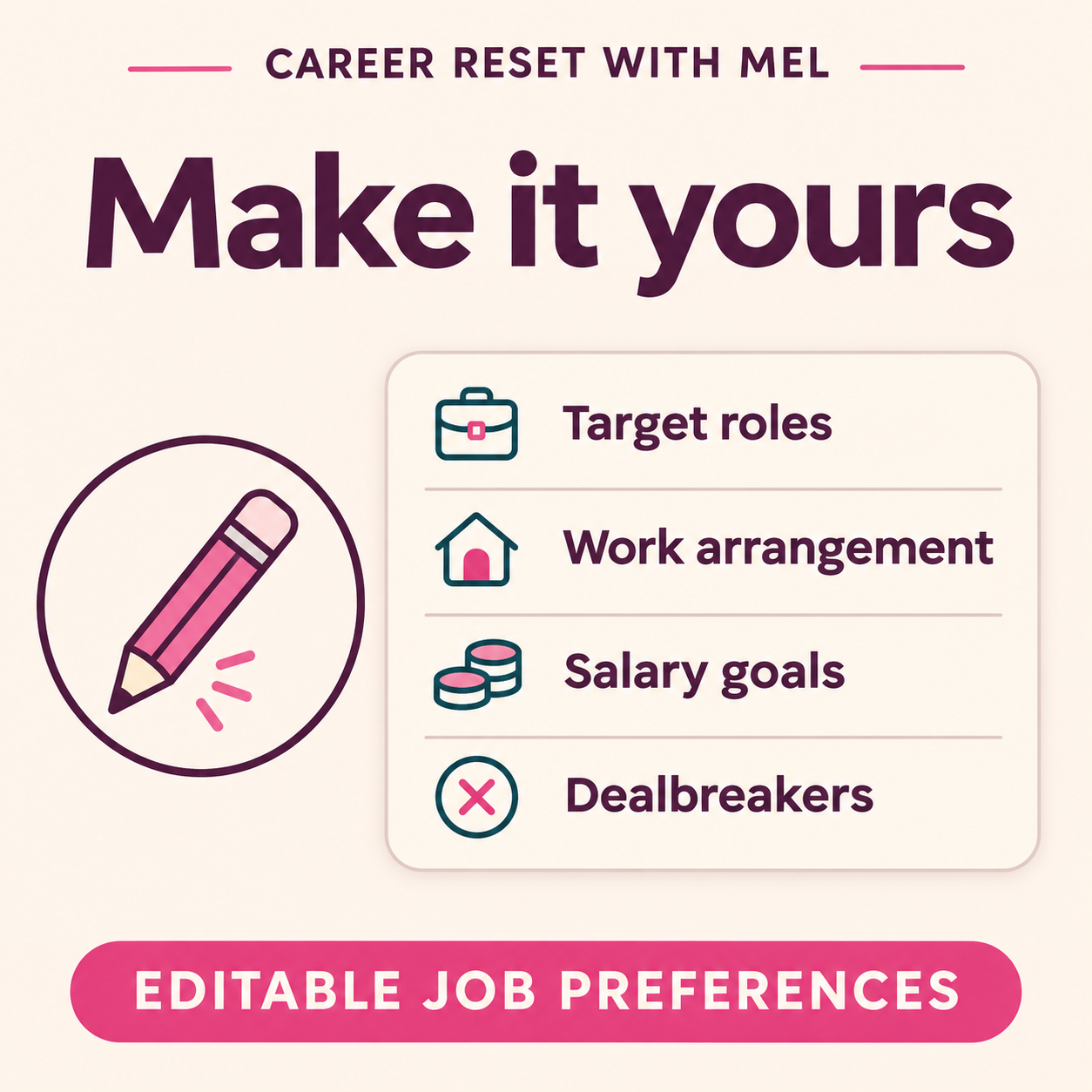
- An editable Preferences page where you can update your target roles, locations, work arrangement, salary goals, and dealbreakers as your search changes.
What’s included
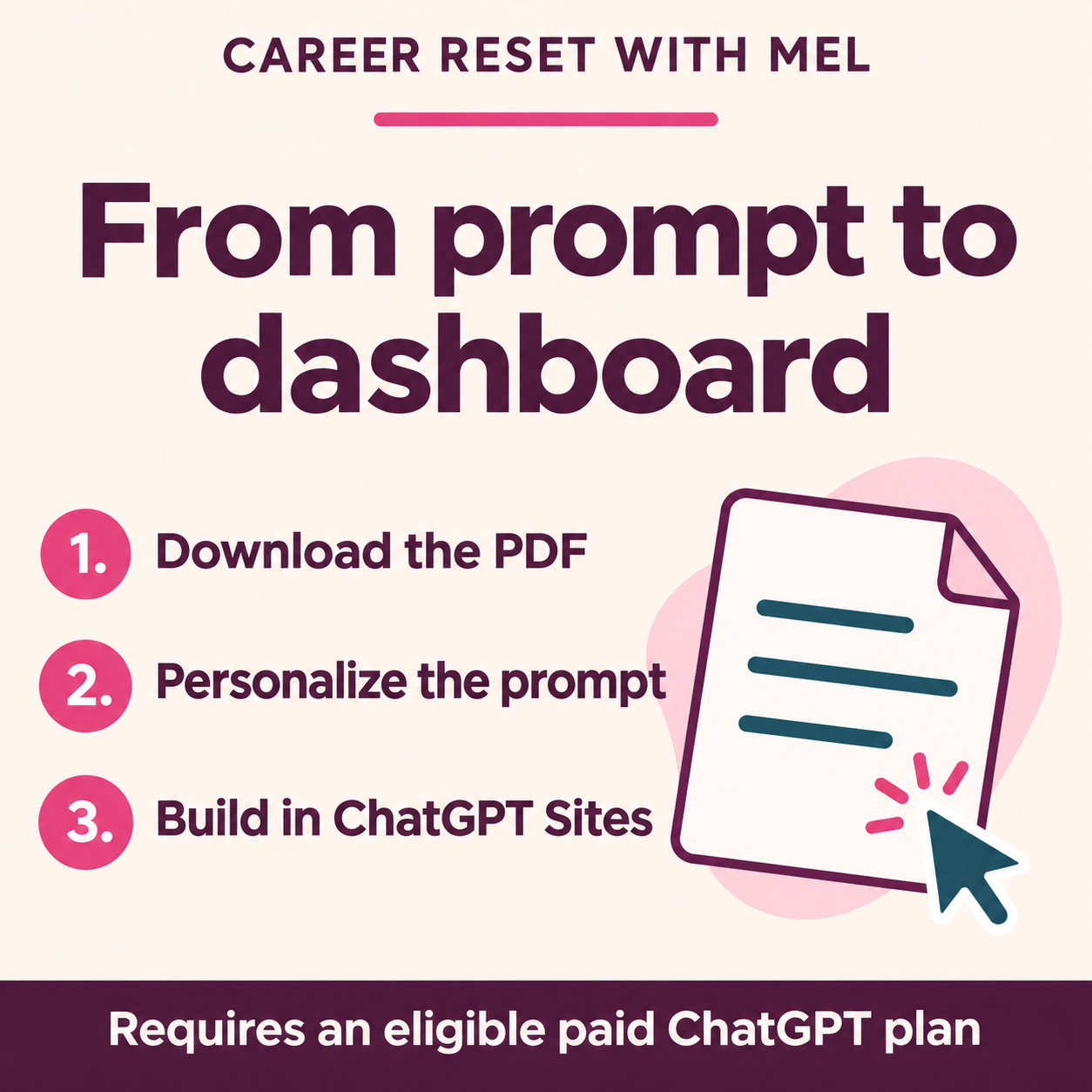
One two-page PDF in English with quick-start instructions and a full, selectable prompt. Replace the bracketed details with your own, paste the prompt into ChatGPT as one message, and test the first version with three active opportunities. You can also attach an existing tracker and ask Sites to bring over your records.
The download is free. You’ll use the PDF to build your own dashboard in ChatGPT Sites. Building it requires an eligible paid ChatGPT plan with Sites access.
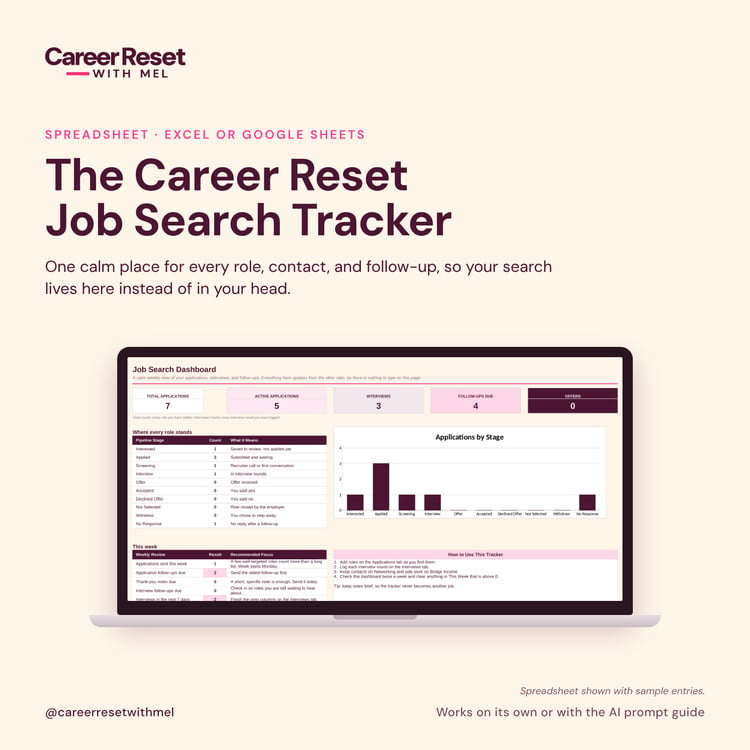
Prefer a spreadsheet you can start using right away? The Career Reset Job Search Tracker is the ready-to-use spreadsheet option.
Download the free prompt and start with the three opportunities that need your attention.