

The 14 Day Phone Reset
The 14-Day Phone Reset
The 14-Day Phone Reset
A mobile-native PDF workbook for adults whose phone is winning. Audit the patterns, redesign the device, replace the loops — in fourteen days, with screenshots from your own Screen Time as proof.
The promise
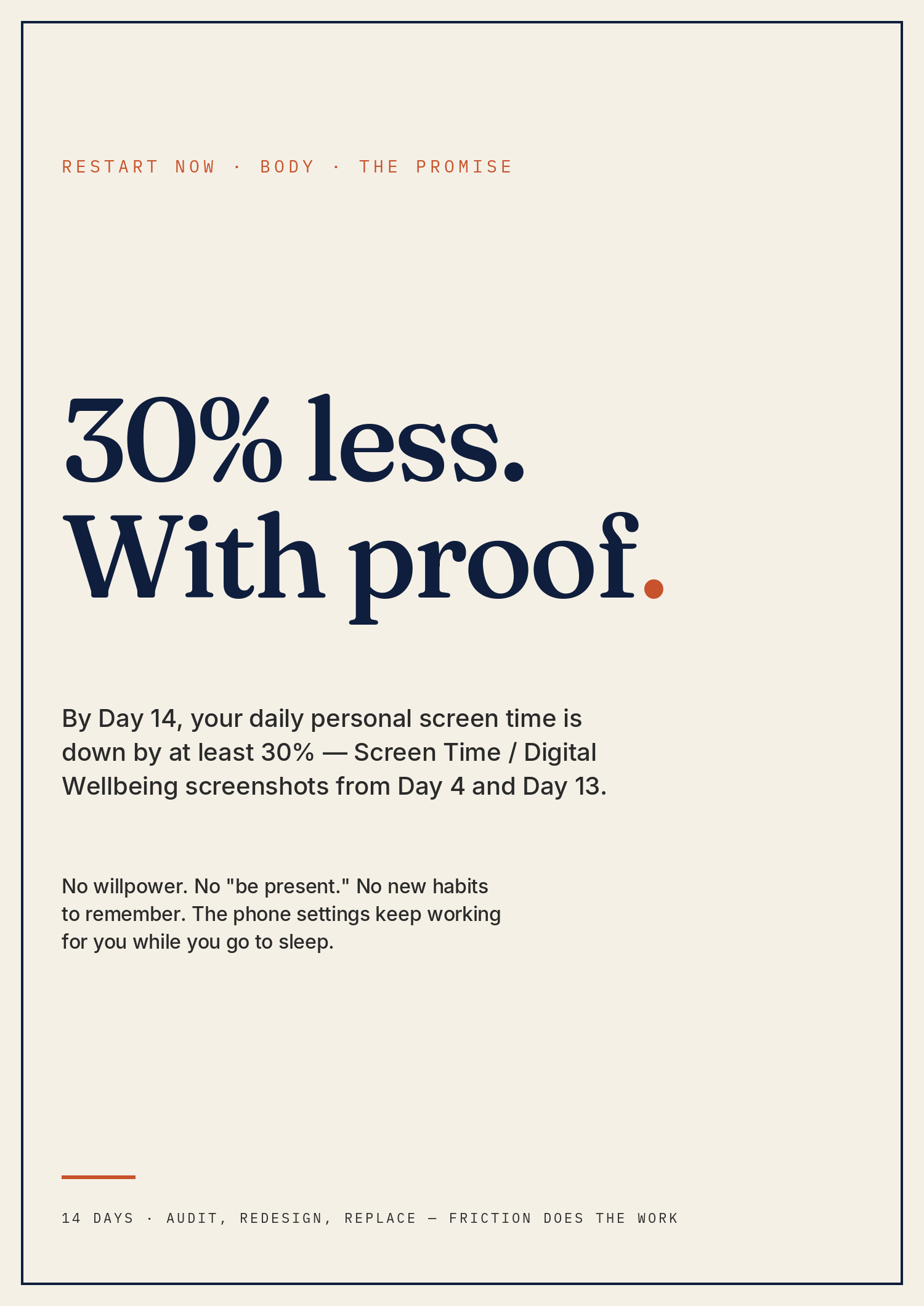
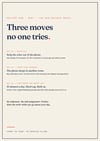
By the end of fourteen days, your daily personal screen time is down by at least 30% — verified by Screen Time / Digital Wellbeing screenshots from Day 4 (baseline) and Day 13 (review).
No willpower. No "be present." No new habits to remember. The phone settings keep working for you while you go to sleep.
If you've tried Screen Time and it didn't stick.
You know the number is bad. You've seen the weekly average. You've turned on app limits and tapped past them anyway. You've deleted Instagram and re-downloaded it on the bus. You don't want a digital detox retreat — you want to keep using your phone, you just want to use it 30% less, with proof, and have it stay that way.
This workbook is built for that. Not for severe phone addiction requiring clinical care. Not for the person who's already a digital minimalist. For the middle: the adult who knows it's too much, has tried the obvious moves, and wants a protocol that uses the phone's own settings against it.
The settings are doing the work. You're just deciding which ones to flip and in what order.
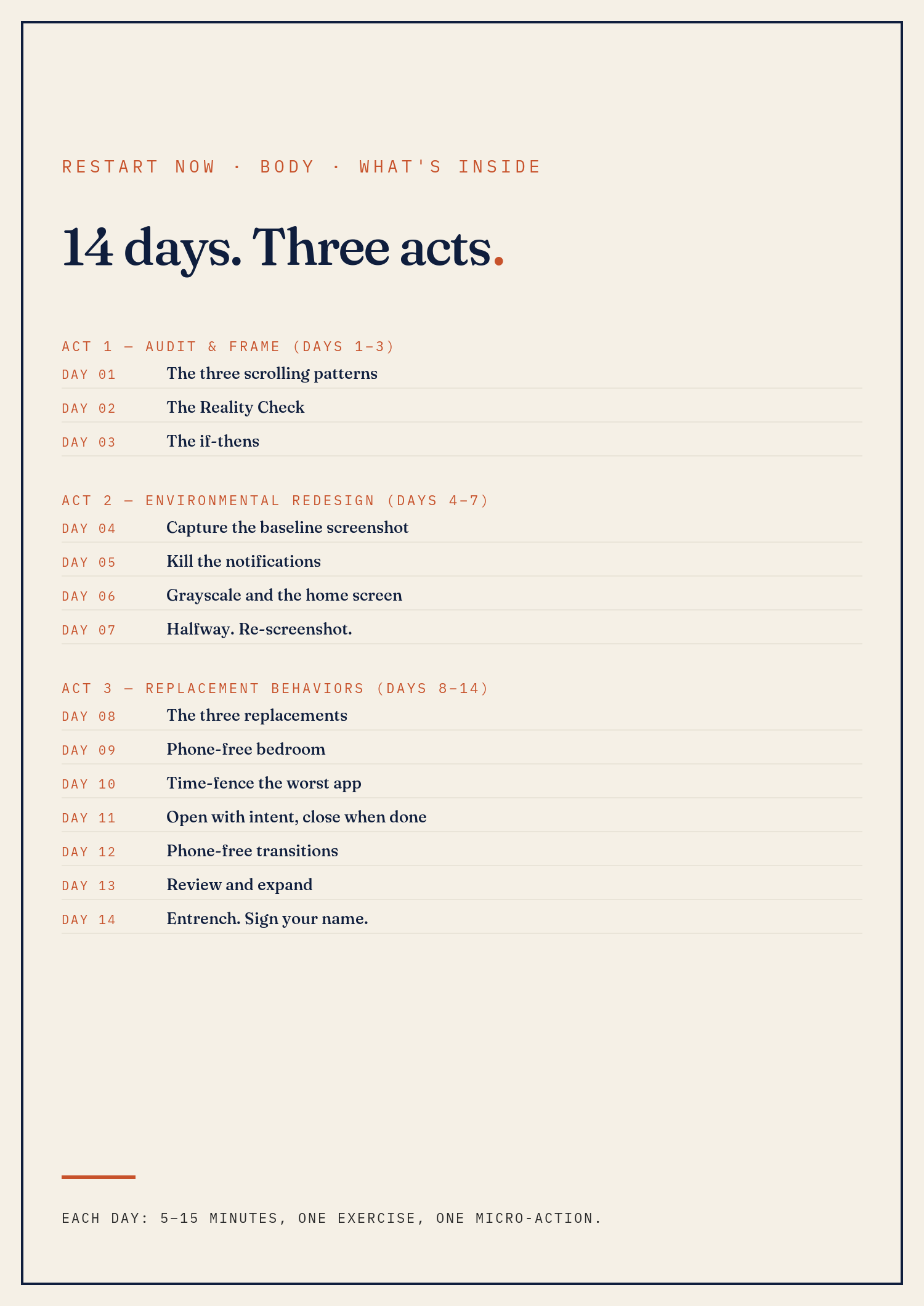
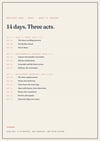
What's inside — 14 days, three acts
Each day is one screen on your phone, five to fifteen minutes, one specific exercise in your notebook, one micro-action.
Act 1 — Audit & Frame (Days 1–3)
- Day 01 — The three scrolling patterns. Bored, anxious, transitional. Name yours.
- Day 02 — The Reality Check. WANT, WIN, BLOCK, MOVE applied to the phone.
- Day 03 — The if-thens. Pre-decided responses for the three scrolling triggers.
Act 2 — Environmental Redesign (Days 4–7)
- Day 04 — Capture the baseline. Screenshot of last 7 days. The number that becomes proof.
- Day 05 — Kill the notifications. All but four. Five-minute fix, outsized effect.
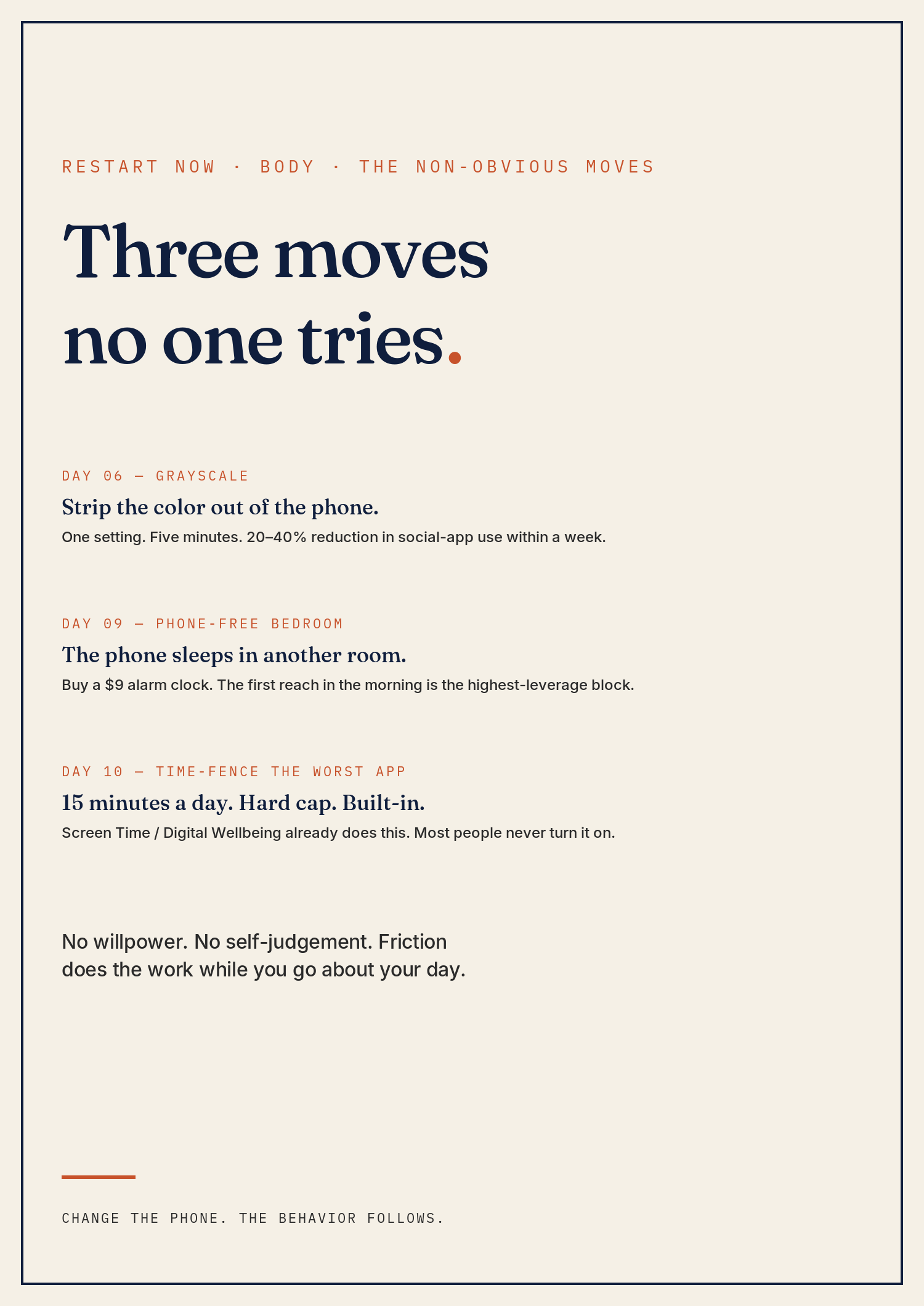
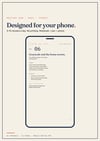
- Day 06 — Grayscale and the home screen. The non-obvious move. Strip the color. Move the dopamine apps off the home screen.
- Day 07 — Halfway. Re-screenshot. What the data says.
Act 3 — Replacement Behaviors (Days 8–14)
- Day 08 — The three replacements. Pre-decided phone-free defaults.
- Day 09 — Phone-free bedroom. A $9 alarm clock. The first morning reach is the highest-leverage block.
- Day 10 — Time-fence the worst app. Hard cap, built-in. 15 minutes a day.
- Day 11 — Open with intent, close when done. The intent rule.
- Day 12 — Phone-free transitions. Five recovery moments per day.
- Day 13 — Review and expand. Second screenshot. The 30% verdict.
- Day 14 — Entrench. Identity statement, relapse-prevention if-thens, 30-day calendar entry.
Plus a contents page, what-to-expect orientation, a screen-time tracker template, FAQ, an "if it's not working" page, and citations.
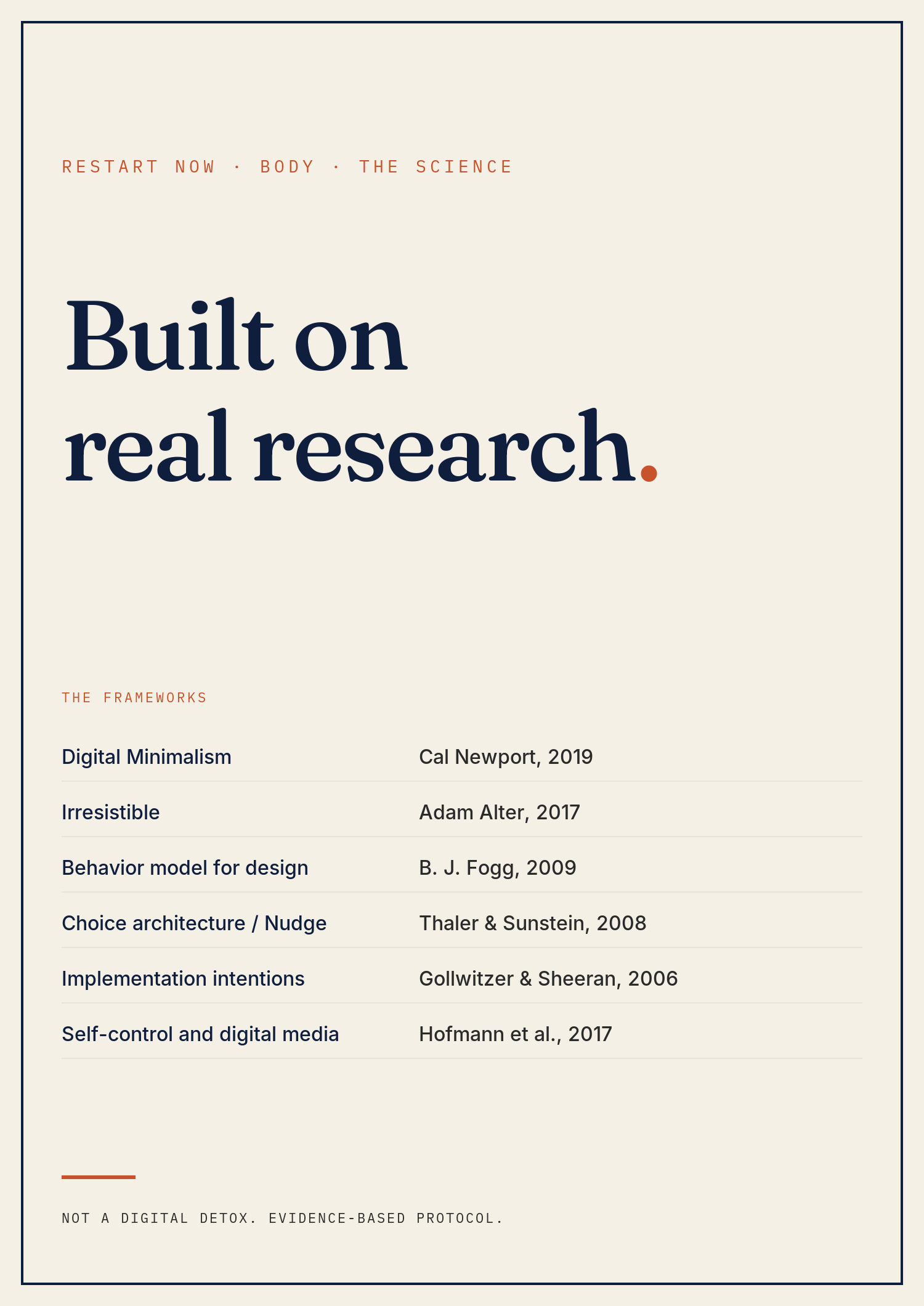
Built on real research
This workbook is grounded in attention and behavior-design research, not a digital-detox memoir.
The frameworks it's built on:
- Digital Minimalism — Newport (2019). The principle: be intentional about what your phone is for, then let everything else fall away.
- Irresistible — Alter (2017). Why apps are designed to be hard to stop. The defense is friction, not willpower.
- Behavior Model for Persuasive Design — Fogg (2009). Behavior = Motivation × Ability × Trigger. Reduce ability and remove triggers; behavior collapses.
- Choice architecture / Nudge — Thaler & Sunstein (2008). Defaults beat decisions. Change the default; behavior follows.
- Implementation intentions — Gollwitzer & Sheeran (2006). 94-study meta-analysis. If-then plans roughly double goal-achievement rates.
- Self-control and digital media — Hofmann et al. (2017). Why phones beat self-control most of the time, and what actually works.
If you want to go deeper, the resources page points to Newport's Digital Minimalism and the Center for Humane Technology.
Who this is for
Adults whose daily personal screen time is over 3 hours and who want it lower without quitting the phone. People who have tried Screen Time, app limits, or grayscale once and bounced back. Common in knowledge work, parenting, and any environment where the phone is the default response to boredom or transition.
Who this is not for
This workbook is not:
- a digital detox retreat. The protocol assumes you keep using your phone.
- therapy. Compulsive phone use with co-occurring anxiety or depression needs clinical care.
- self-care prose. No bath suggestions, morning routines, or "be present" mantras.
- compatible with phone use that's part of a job you're required to be on. Different problem; the protocol focuses on personal use.
If you suspect compulsive use that's interfering with work, relationships, or sleep beyond what a workbook can address, see a therapist alongside this workbook. In the US: 988 (Suicide & Crisis Lifeline) for any crisis.
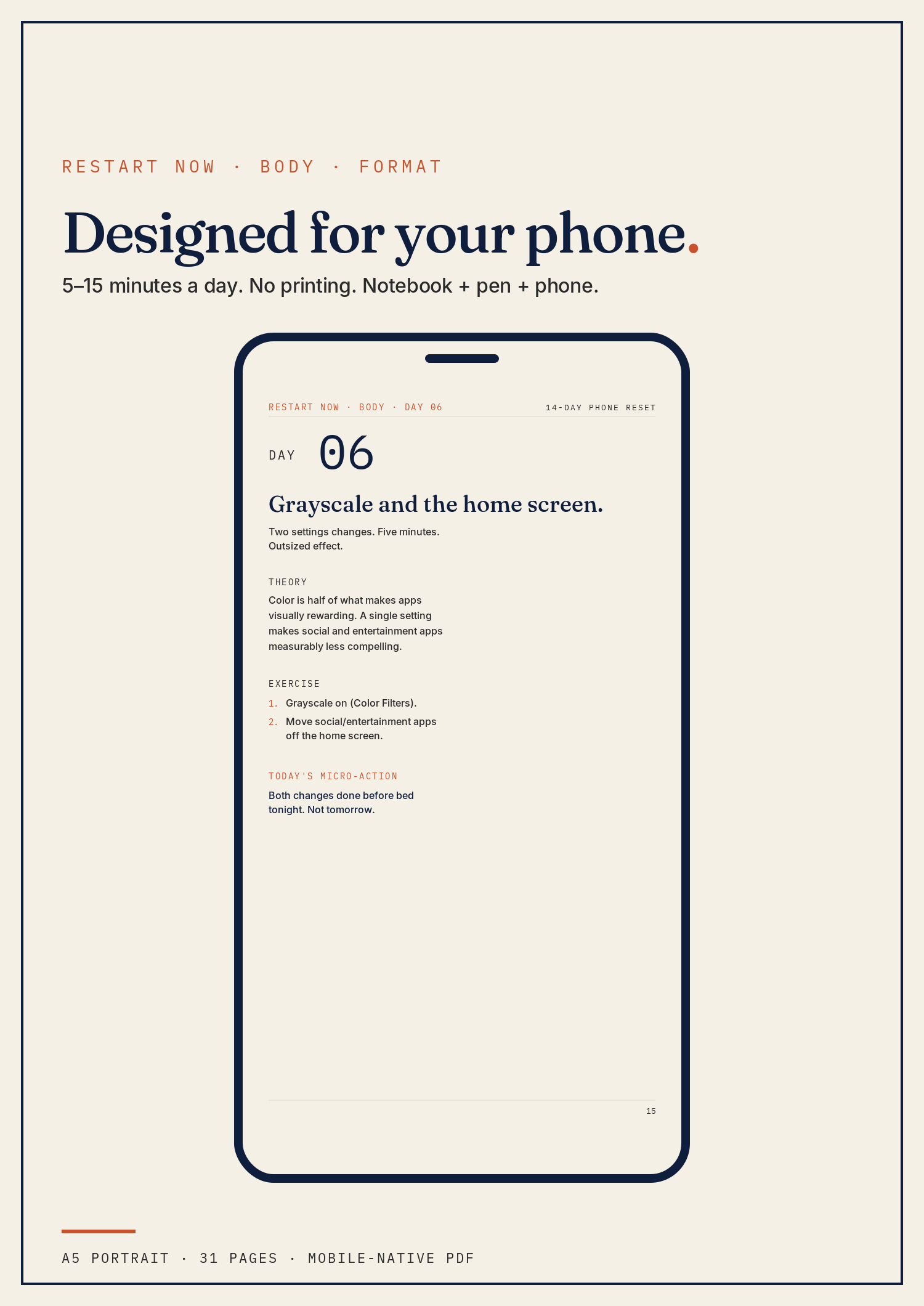
The format
A 31-page, A5 portrait, mobile-native PDF. Designed to read on your phone at fit-to-width — no pinch-to-zoom, no printer required. Each day's screen is dense with teaching and prompts; you write your answers in a separate notebook.
You'll need three things:
- A notebook (any notebook).
- A pen.
- Your phone — for reading the PDF, the Screen Time / Digital Wellbeing screenshots, and the settings changes the protocol depends on.
Don't print the PDF. It's not designed for paper.
FAQ
Will I lose 30% in two weeks if my baseline is already low? The 30% is for daily personal screen time over ~3 hours. If you're already at 90 minutes, expect a smaller absolute drop and a bigger qualitative shift (less morning reaching, less bed scrolling).
What if my job requires me on the phone constantly? Track only personal screen time, not work. iOS and Android both let you split this. The protocol works on the personal side; the work side is a separate problem.
Is grayscale really that effective? For most people, yes — within a week. If it isn't for you, the home-screen redesign (also Day 6) usually carries the load.
My partner thinks I'm being weird about my phone. Show them the Day 13 screenshot when it lands. The 30% drop is the conversation, not the protocol.
What if I have anxiety or sleep issues underneath the phone use? The cross-sell pair is The 14-Day Sleep Reset — phones are the #1 cause of sleep onset insomnia in the under-50 cohort. Run them in sequence.
What if Day 13 shows less than 15% drop? The Day 13 branch tells you exactly what to redo: usually the bedroom move (Day 9) reverted, or notifications crept back. The "If it's not working" page walks you through it.
Refunds. If the PDF doesn't open, doesn't render correctly on your phone, or you decide it's not what you expected, email within 30 days and you'll get a refund. After 30 days you've either followed the protocol or you haven't — the workbook is the workbook.
What you'll have at Day 14
- Three scrolling patterns named, with the dominant one circled.
- A specific WANT, WIN, BLOCK, MOVE on a single page.
- Three if-then scripts pinned where you'll see them.
- A baseline screenshot (Day 4) and a Day 13 screenshot, with the percentage drop calculated.
- A notification list trimmed to four apps.
- Grayscale on. Social and entertainment apps off the home screen.
- A bedroom that doesn't have your phone in it.
- One time-fenced app with a hard cap.
- The intent rule (open with a reason, close when done).
- Five phone-free transitions in your day.
- A signed identity statement and a 30-day calendar entry already scheduled.
The protocol is not the workbook. The protocol is the settings + the bedroom rule + the screenshots, running for the next thirty days.
The 14-Day Phone Reset · 31-page mobile-native PDF · $27