Airport Transfer & Chauffeur Service Planner: Chauffeur Business Spreadsheet
Full description
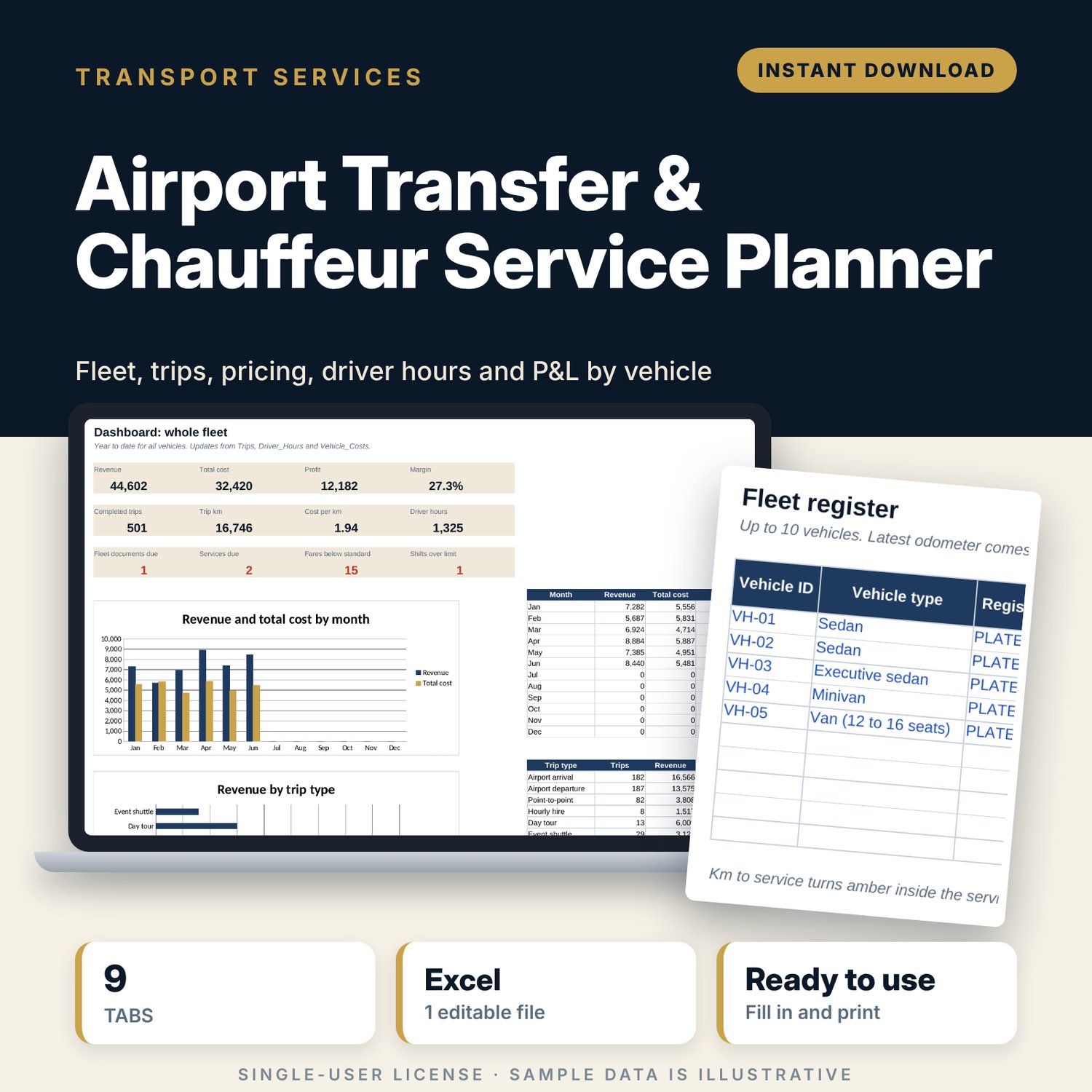
For owners and managers of small airport transfer, chauffeur and private driver businesses, including hotels that run their own cars. You set your rate card once, then log trips, driver shifts and vehicle costs. The workbook prices any trip by distance and time, checks the margin before you quote, tracks driver hours against your limits, flags service and document dates, and shows monthly profit, cost per km and fuel use for each vehicle.
Save with a bundle: this template is also in the Tour & Travel Business Bundle, 12 templates for $29 instead of $76. All 141 templates are in the All-Access Hospitality Template Library for $79.
What is inside
- Airport_Transfer_Chauffeur_Service_Planner.xlsx: 9 tabs, 12,855 formulas, 3 native charts, 19 drop-down or number rules. No macros.
- Settings: 20 general inputs (report date, fuel price, night surcharge, waiting, extras, tax, target margin, driver hour limits), a rate card for 6 vehicle types, 10 driver slots with licence expiry flags, 6 trip types with add-on fees, 10 cost categories in 4 P&L groups.
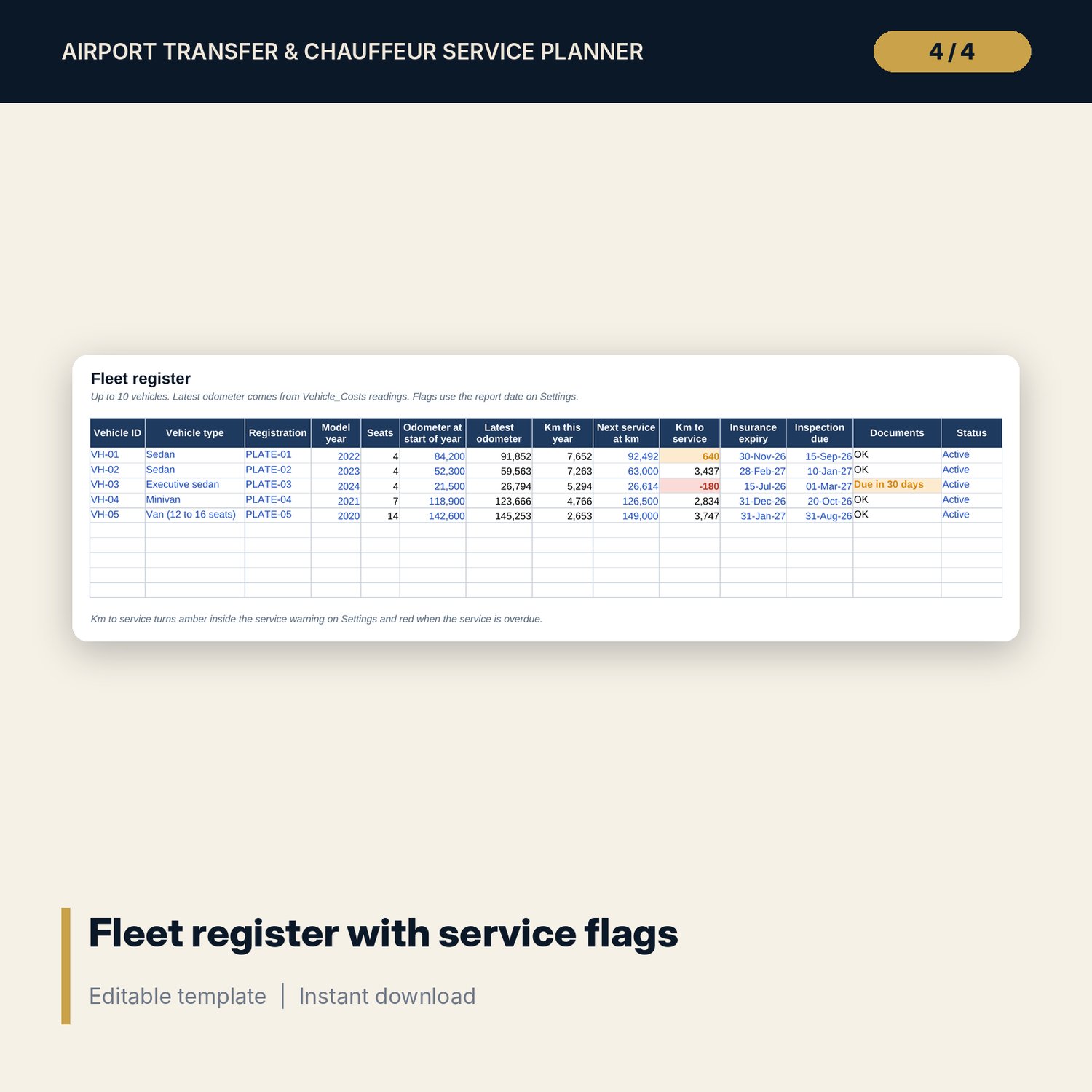
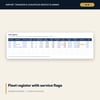
- Fleet: register for 10 vehicles with seats, odometer, km to next service, insurance and inspection flags.
- Trips: room for 2,000 trips (514 sample rows) with pickup, drop-off, vehicle, driver, km, minutes, fare and status. Standard fare calculates and low fares are flagged.
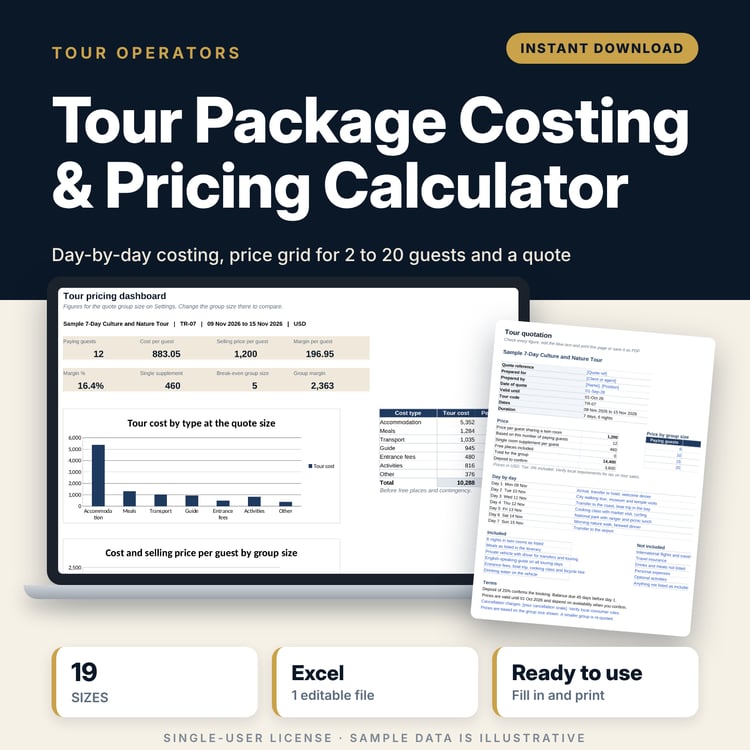
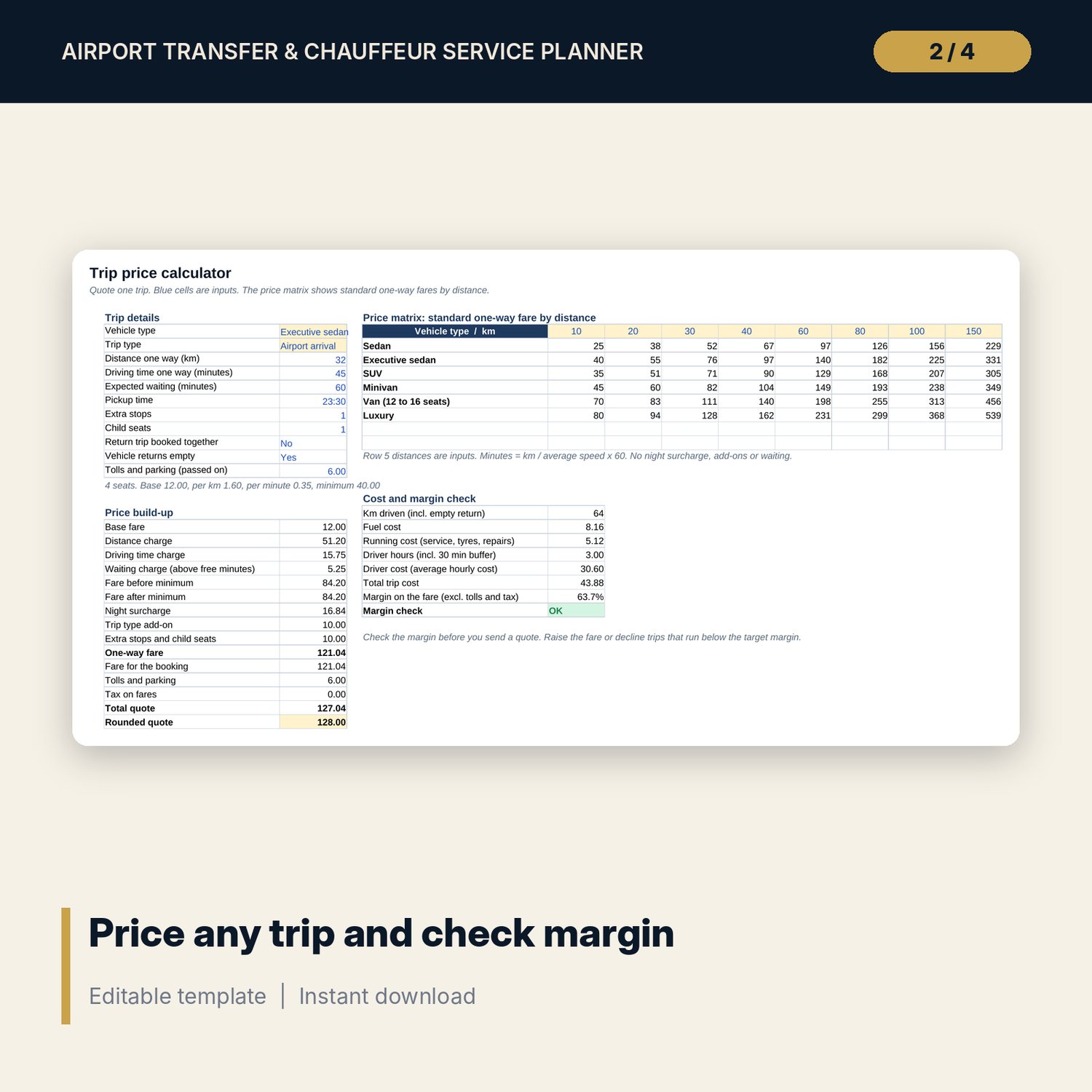
- Price_Calculator: 11 trip inputs, a 15-line price build-up, an 8-line cost and margin check, and a price matrix of standard fares for 8 distance bands.
- Driver_Hours: room for 1,000 shifts (185 sample rows) with hours, weekly totals, daily and weekly limit checks and labour cost.
- Vehicle_Costs: room for 600 costs (215 sample rows) with litres and odometer for fuel fills.
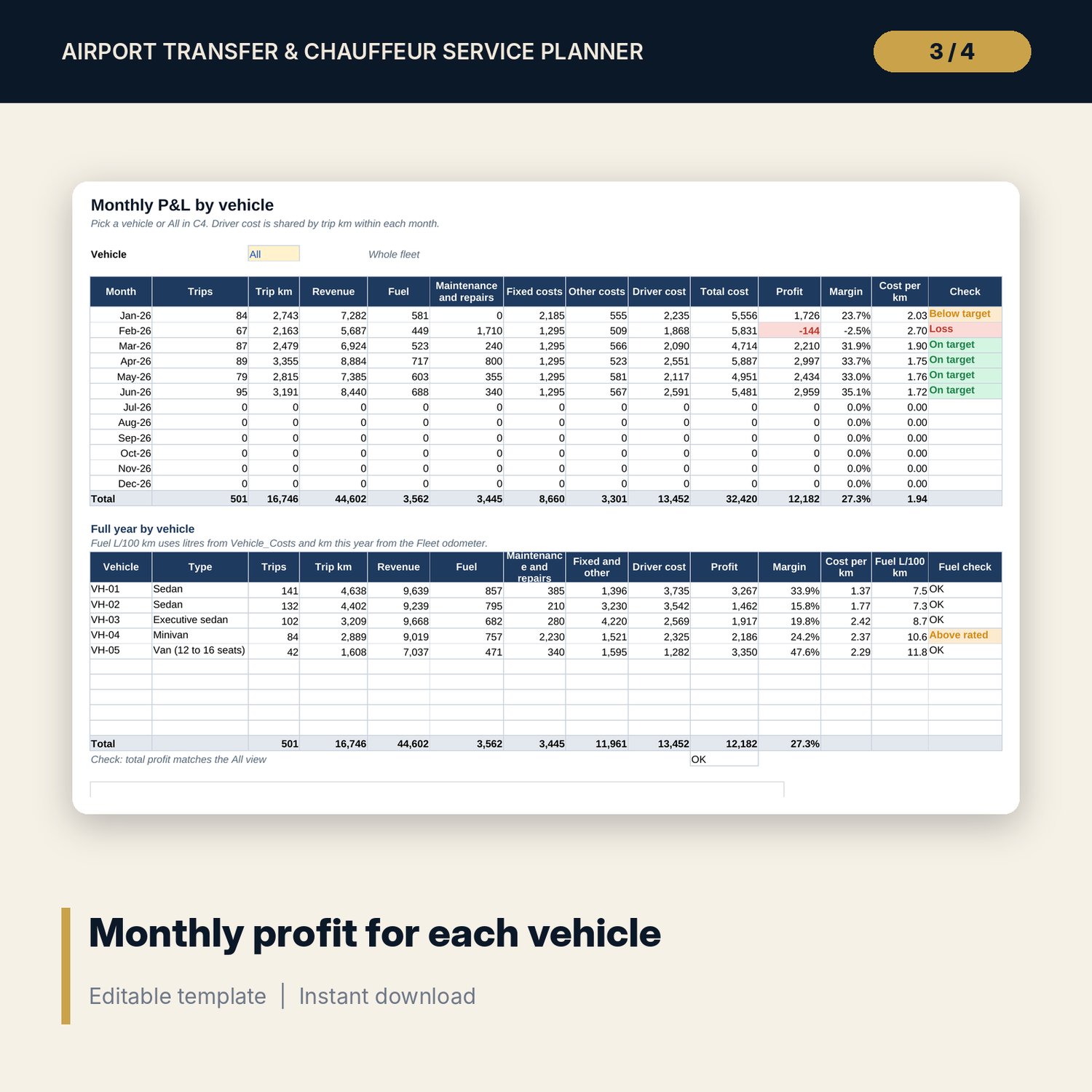
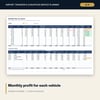
- Monthly_PnL: pick one vehicle or All. Twelve months of trips, km, revenue, 5 cost lines, profit, margin and cost per km, plus a full-year table by vehicle with a fuel use check.
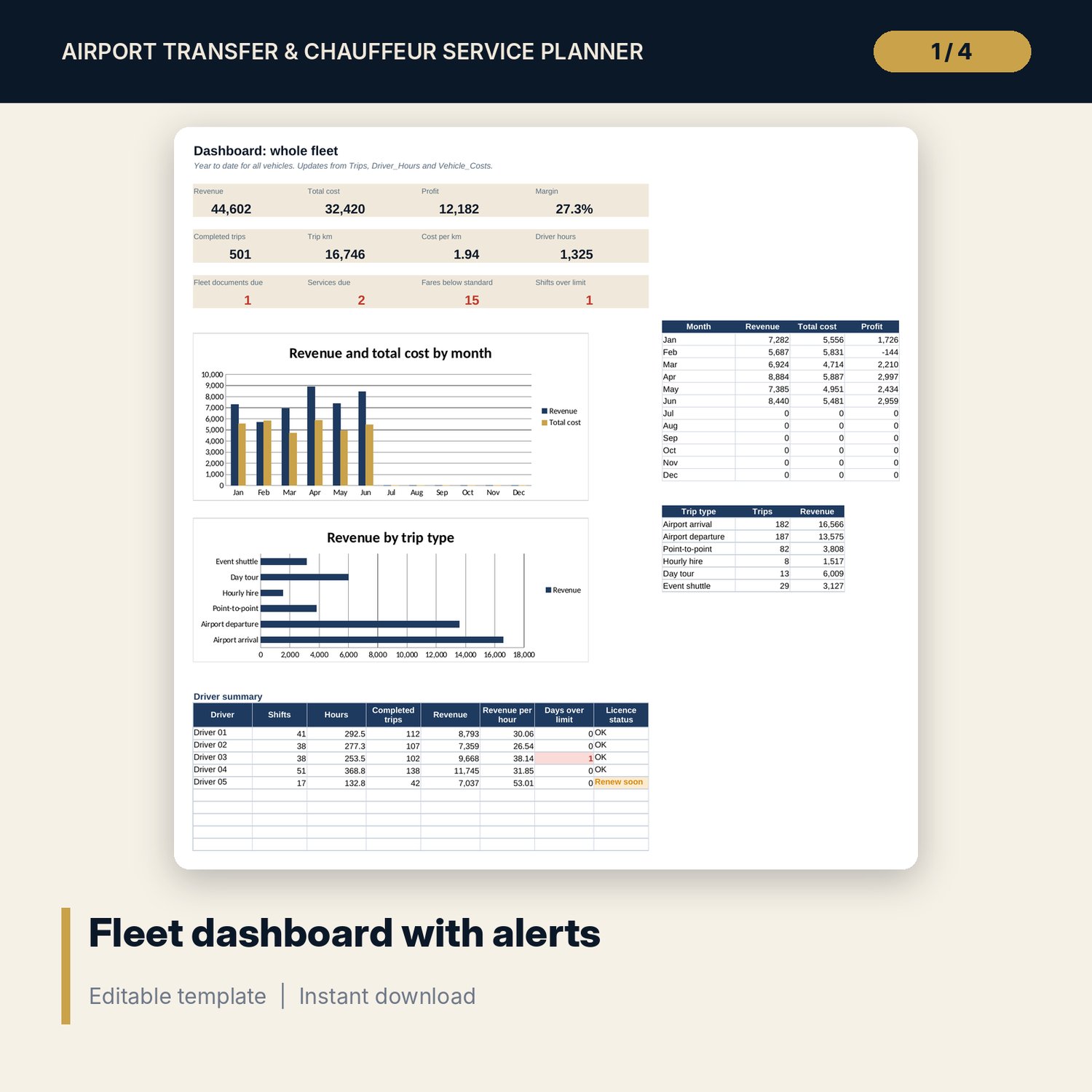
- Dashboard: 12 KPI and alert tiles, 2 charts and a driver summary.
- README.txt and LICENSE-and-Terms.txt.
How it works
- Enter your fuel price, surcharges, hour limits and rate card on Settings.
- Register your vehicles and drivers.
- Clear the sample rows and log trips, shifts and vehicle costs as they happen.
- Quote new trips on Price_Calculator and check the margin before you send the price.
- Review Monthly_PnL by vehicle and the Dashboard alerts each month.
Details
- Format: Excel workbook (.xlsx). No macros.
- Language: English. Currency is a label you choose.
- Software: Excel 2016 or later, or a spreadsheet program that opens .xlsx files.
- Delivery: instant digital download. Nothing is shipped.
Good to know
- All sample vehicles, trips, shifts, rates and costs are illustrative. Replace them with your own figures.
- Driver hour limits, tax on fares, licences and vehicle permits depend on where you operate. Verify local requirements.
- Driver cost is shared across vehicles by trip km in each month.
- Single-user license. Do not share or resell the files.
FAQ
Can I use my own vehicle types and rates?
Yes. Edit the rate card on Settings. The trip log, calculator and price matrix update.
How many vehicles and drivers does it hold?
The register holds 10 vehicles and 10 drivers. For a larger fleet, use a second copy of the workbook.
Does it work in Google Sheets?
It opens in Google Sheets and the formulas calculate. Check the drop-downs after import.
Does it handle night pickups and shifts after midnight?
Yes. The night surcharge applies between the hours you set, and shift hours calculate when a shift ends after midnight.
Is this a physical product?
No. It is a digital download. Refund terms follow the store policy at the time of purchase.