Hotel Renovation & Capex Planner: renovation budget, phasing and snagging toolkit
Full description
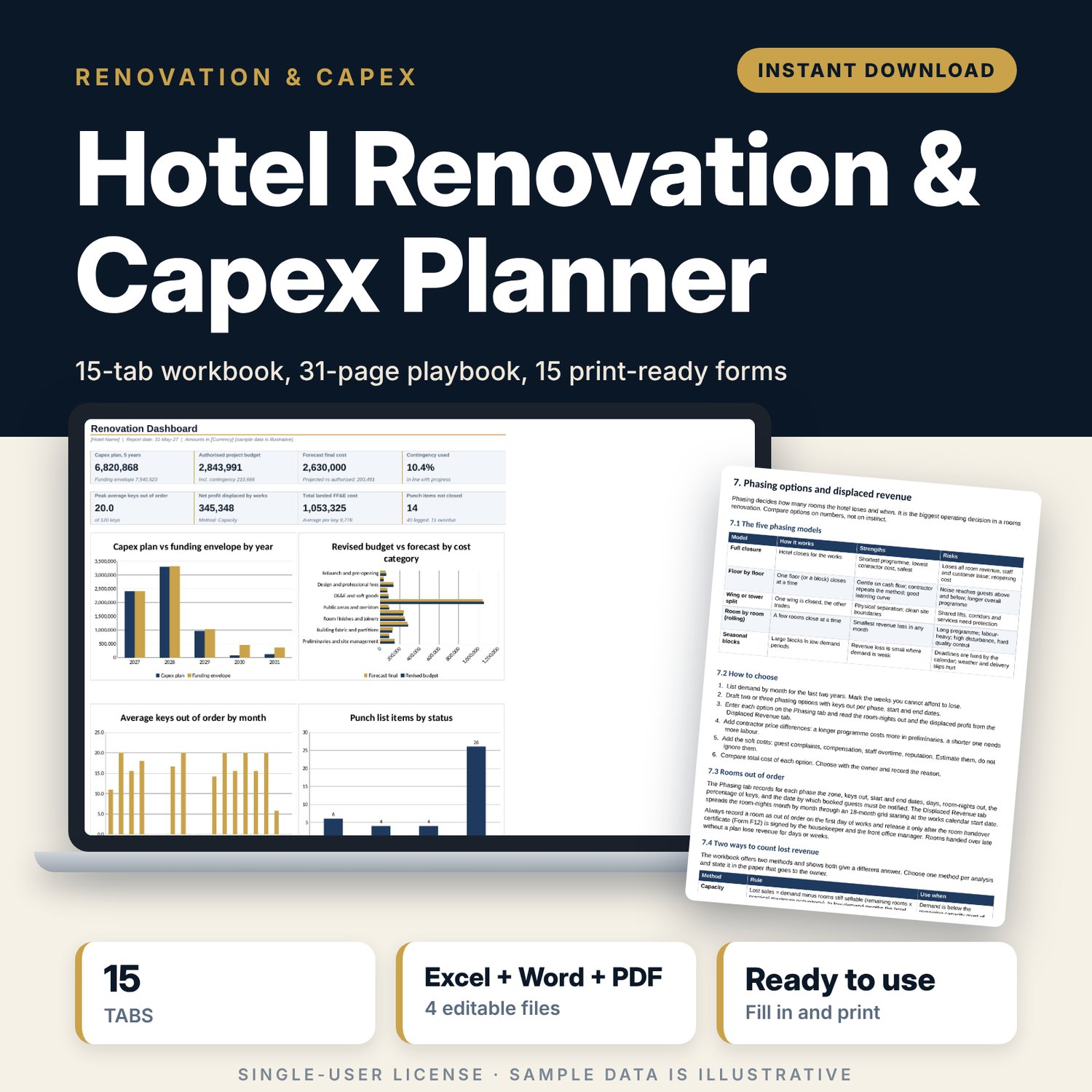
This toolkit is for hotel general managers, owners, asset managers and project managers who run a renovation while the hotel trades. It covers the whole path: capex request and scoring, budget and contingency, phasing, lost room revenue, tender comparison, FF&E cost per key, programme, guest communication, snagging and handover. The workbook does the arithmetic. The playbook gives the process and the rules. The forms put both on paper for site use.
Save with a bundle: this template is also in the Hotel Finance, Development & Pre-Opening Bundle, 10 templates for $35 instead of $76. All 141 templates are in the All-Access Hospitality Template Library for $79.
What is inside
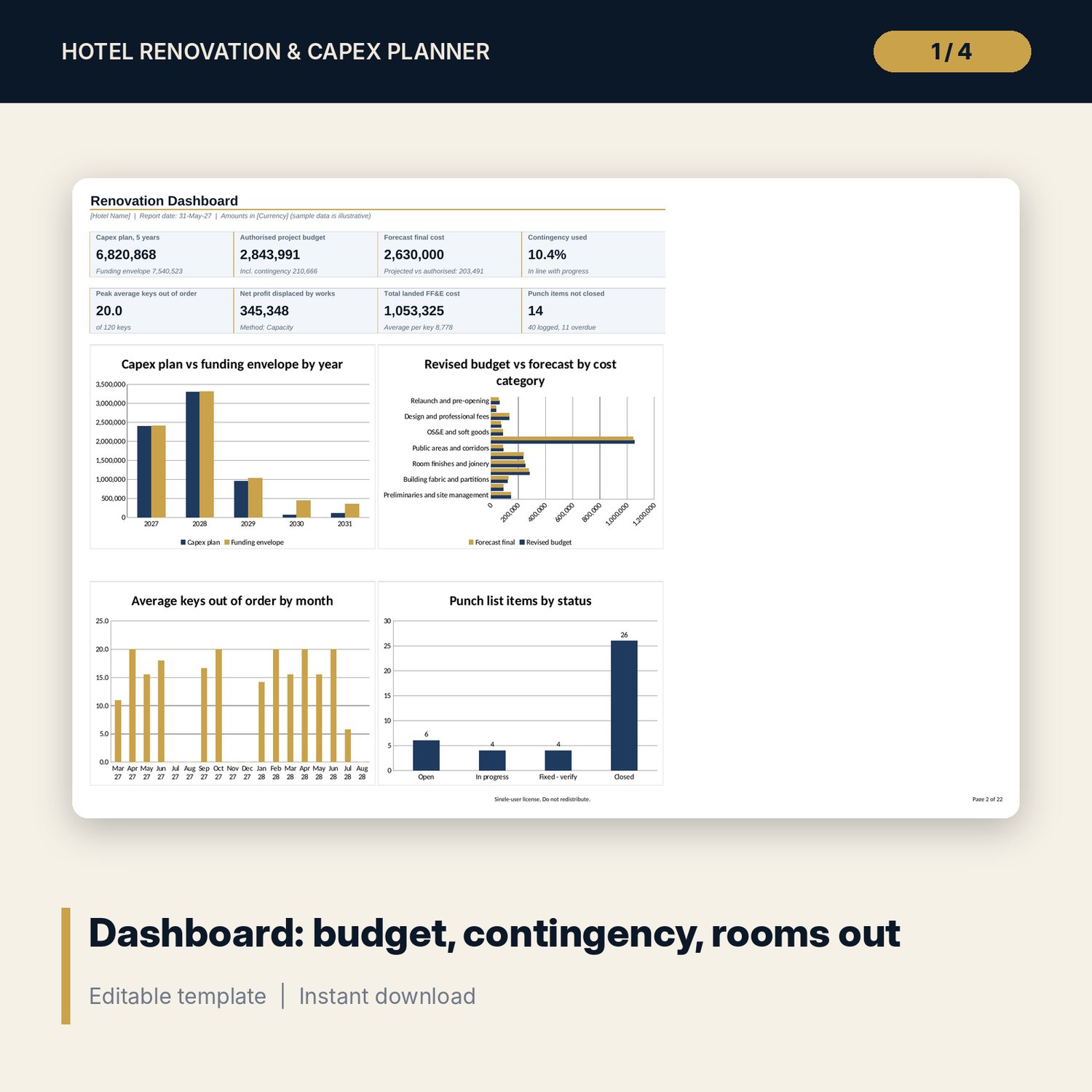
- Renovation_Capex_Workbook.xlsx: 15 tabs, 3,194 formulas, 4 native charts on the dashboard. Tabs: Start Here, Dashboard, Settings, Capex Requests, Capex Plan, Phasing, Displaced Revenue, Budget vs Actual, Contingency, FFE per Key, Tender, ROI Payback, Timeline, Punch List, Lists.
- Sample data in every tab: 25 capex requests, 14 budget lines, 9 logged variations, 28 FF&E items across 4 room types, 10 tender packages with 5 bidders, 26 timeline tasks with a Gantt grid, 40 punch items.
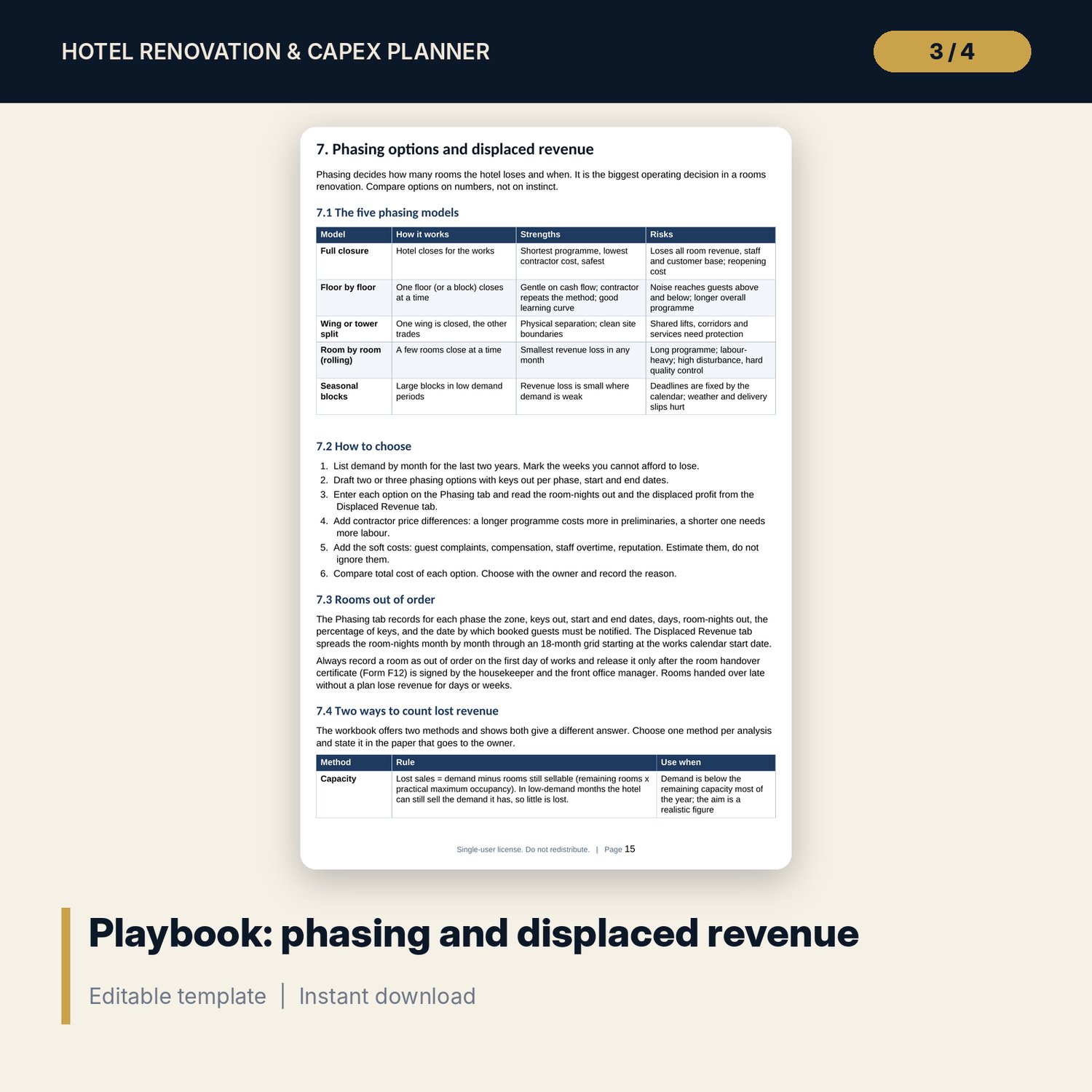
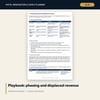
- Renovation_Playbook.docx: 31 pages (A4), 15 chapters and 3 appendices. Topics: scoring, business case, contingency by stage, design and sample room, lead times, tender, five phasing models, programme, guest notices and compensation rules, noise, dust and fire safety during works, change control, snagging, commissioning, handover documents, final account, post-project review.
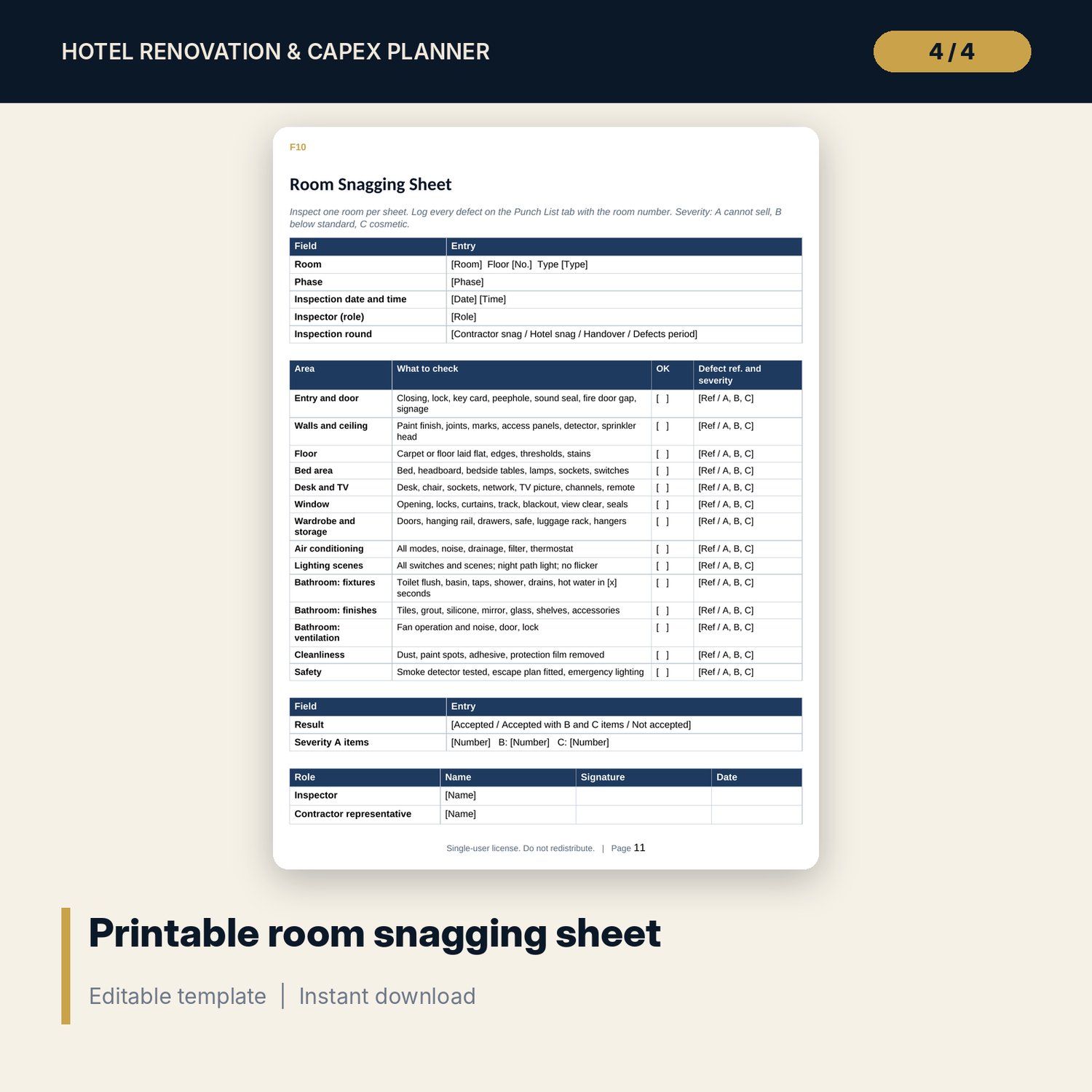
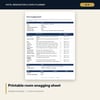
- Renovation_Forms.pdf and Renovation_Forms.docx: 15 forms on 16 pages (cover included), from capex request to post-project review.
- README.txt and LICENSE-and-Terms.txt.
How it works
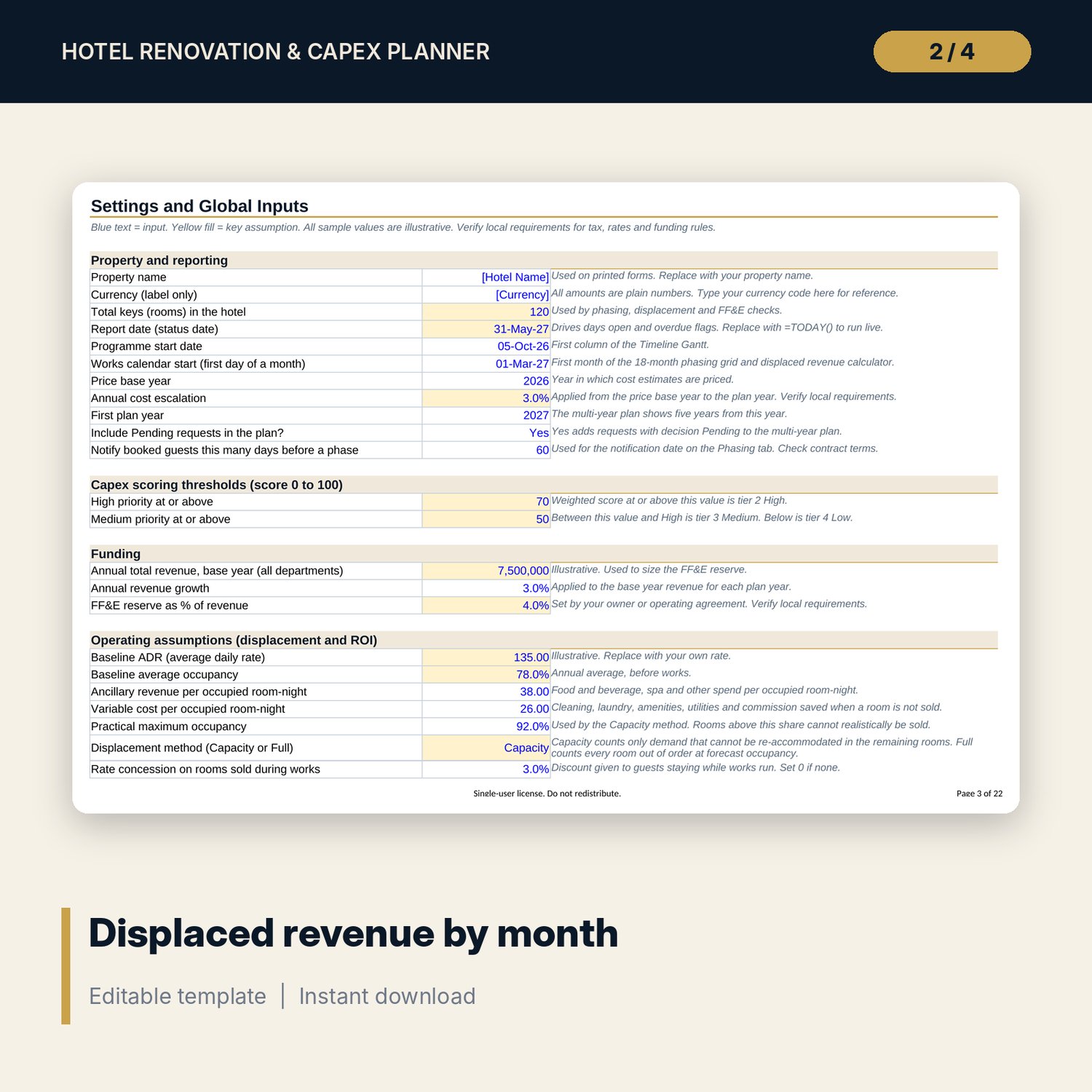
- Enter keys, dates, rates and thresholds on the Settings tab.
- Register and score capex requests. The Capex Plan tab places them by year and compares them with your funding envelope.
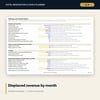
- For a rooms programme, enter phases. The Displaced Revenue tab shows lost profit by month under two methods.
- Load budget lines, tender bids and FF&E items. Track variations against contingency each week.
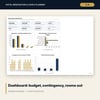
- Log defects on the Punch List tab. The Dashboard shows budget, contingency used, rooms out and open snags.
Details
- Formats: XLSX, DOCX, PDF. English. A4 for documents.
- Software: Excel 2016 or later. The workbook also opens in LibreOffice and Google Sheets.
- Currency is a label only. Every rate, period and threshold is an input.
- Delivery: instant digital download. No physical item.
Good to know
- All figures are illustrative samples, not benchmarks and not official rates.
- Tax, insurance, permits, safety rules and contract terms depend on local law. Verify local requirements and take professional advice.
- Single-user license. Do not redistribute.
FAQ
What software do I need? Excel 2016 or later for the workbook, any word processor for the playbook and any PDF reader for the forms.
Does it work in Google Sheets? The workbook opens in Google Sheets. Some conditional formatting and charts may look different. Excel gives the full layout.
Can I edit it? Yes. Inputs are blue text. Drop-down lists are on the Lists tab. The Word files are fully editable.
Is this a physical product? No. It is a digital download, so refunds follow the store policy for digital goods.
Who is it for? Hotel GMs, owners, asset managers and project managers. It suits refurbishments of rooms, public areas and building systems.
Is the sample data real? No. All names, amounts and dates are examples.