Hotel Social Media Content Calendar & 365 Post Ideas: Hotel Content Planner Spreadsheet
Full description
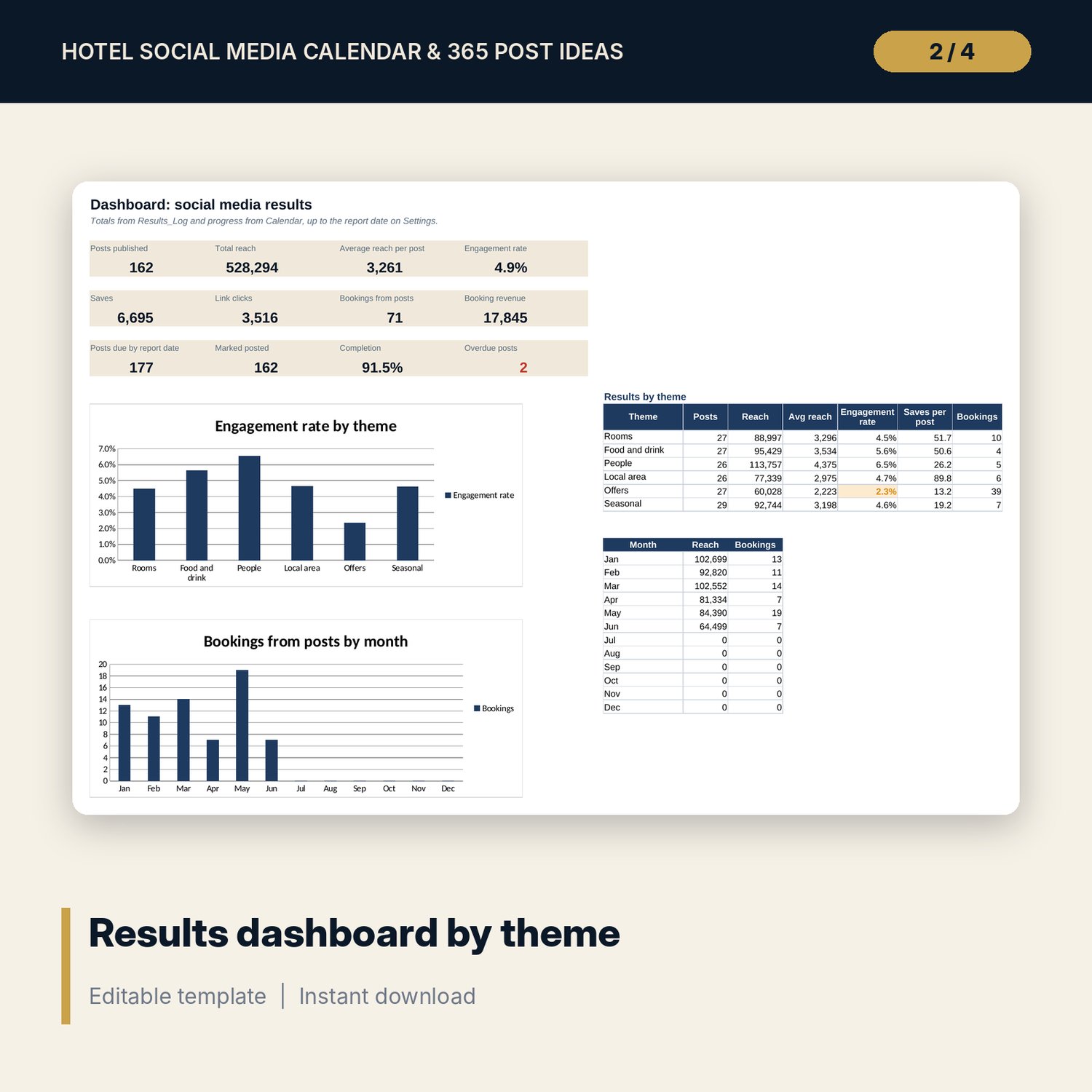
For hotel marketing managers, owners and general managers who run the hotel's social accounts with a small team. Every day of the year already has a post idea that fits a weekly theme: rooms, food and drink, people, local area, offers and seasonal. You set the status of each post, log the results a week later, and the workbook shows which themes bring reach, saves, link clicks and bookings.
Save with a bundle: this template is also in the Hotel Sales, Marketing & Revenue Bundle, 14 templates for $39 instead of $100. All 141 templates are in the All-Access Hospitality Template Library for $79.
What is inside
- Hotel_Social_Media_Content_Calendar.xlsx: 9 tabs, 7,943 formulas, 4 native charts, 16 drop-down or number rules. No macros.
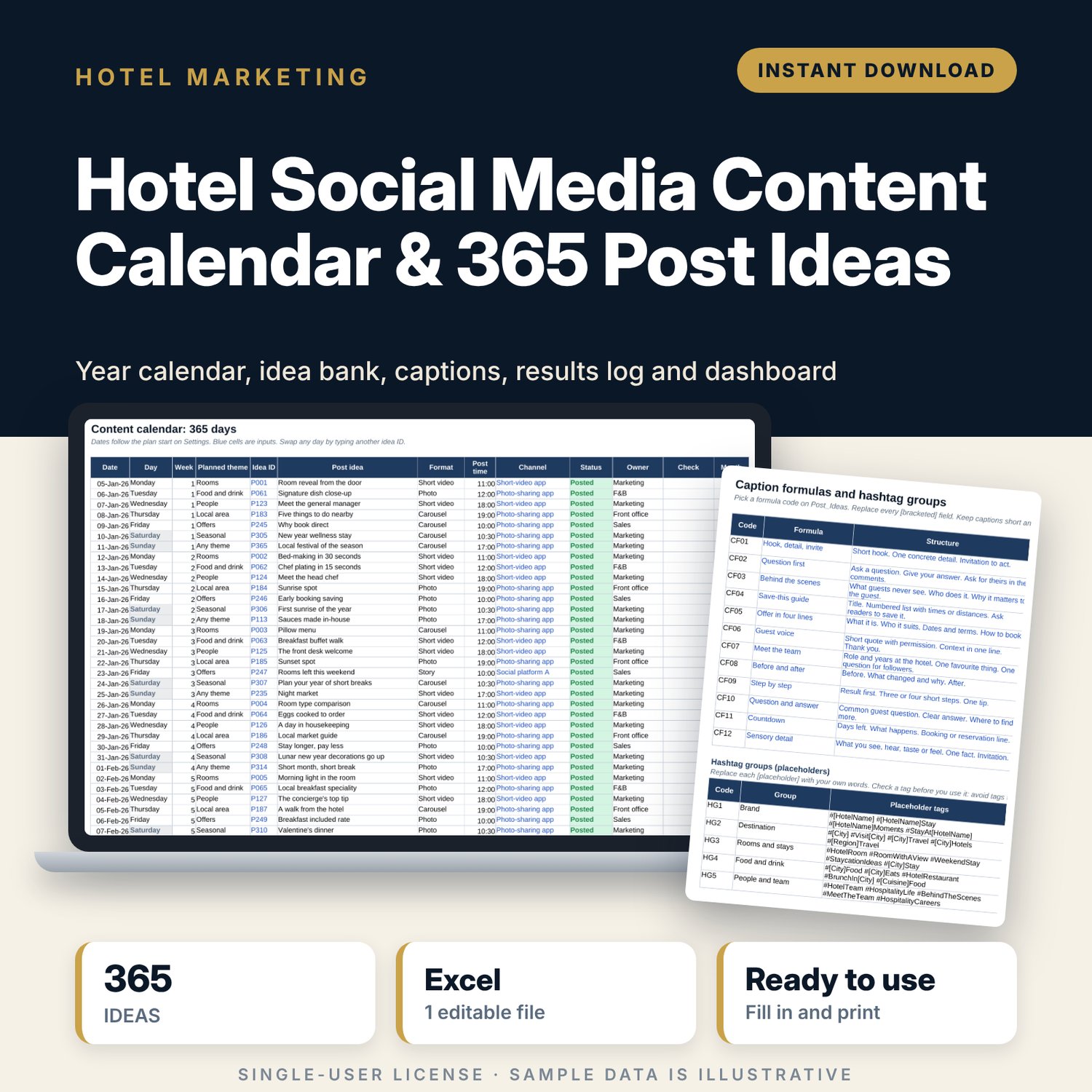
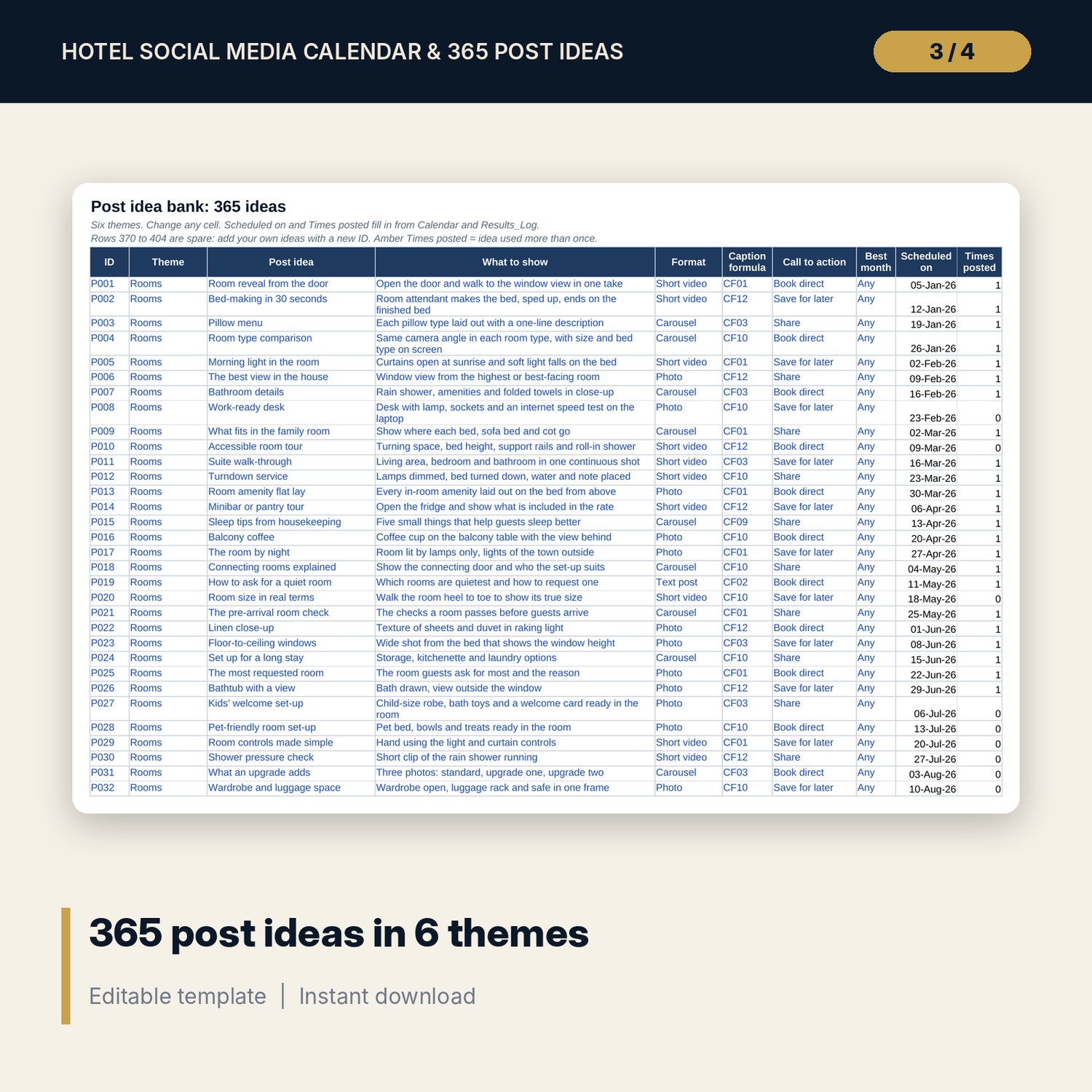
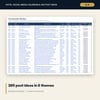
- Post_Ideas: 365 post ideas (60 rooms, 62 food and drink, 60 people, 62 local area, 60 offers, 61 seasonal). Each has what to show, format, caption formula, call to action and best month. 35 spare rows for your own ideas.
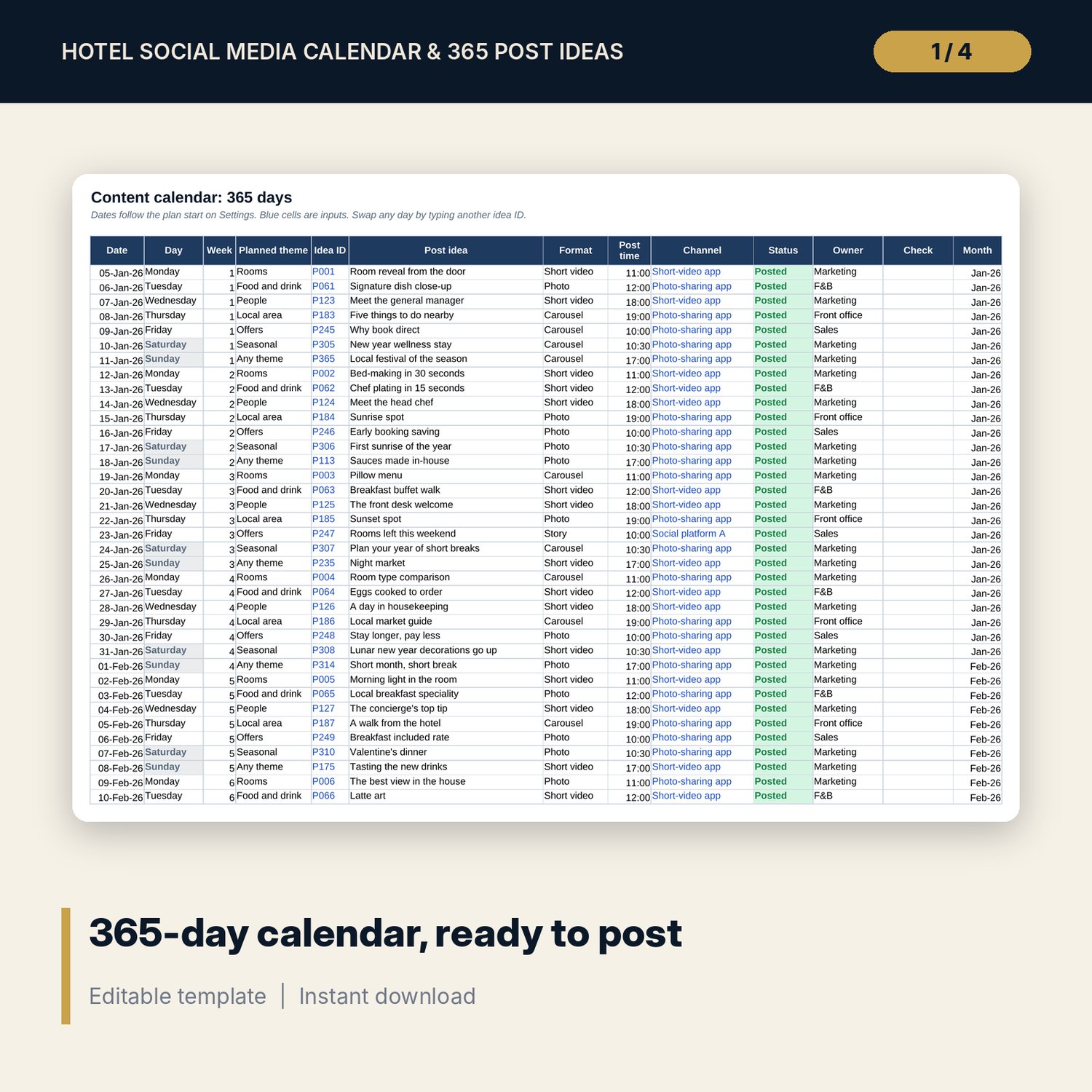
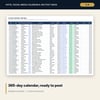
- Calendar: 365 days from your plan start date, each with an idea, format, post time, channel, status and owner. Flags for overdue, off-plan and wrong-month posts.
- Weekly_Plan: theme, format, post time, stories and owner for each weekday, the theme mix, a 7-step weekly routine and 8 story ideas.
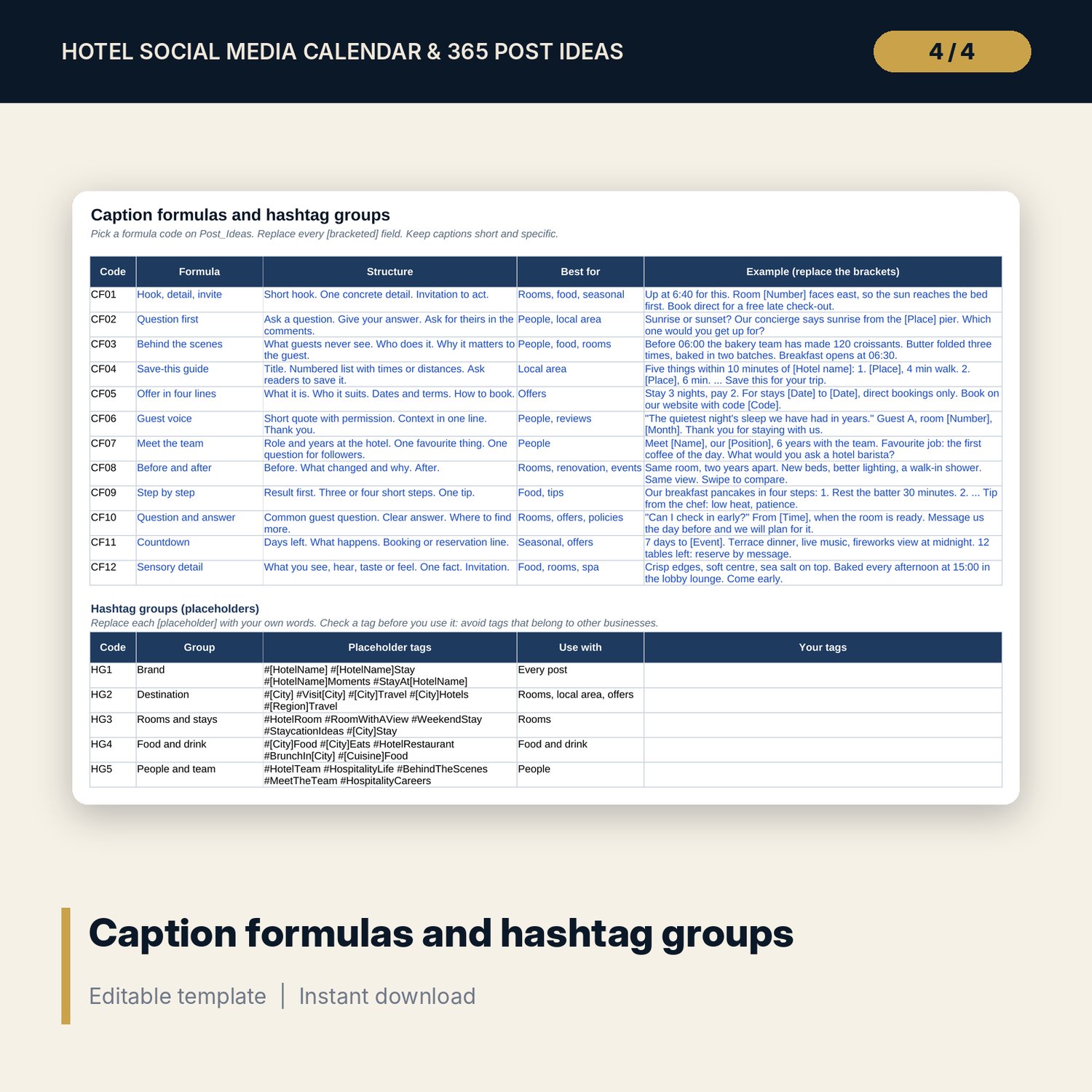
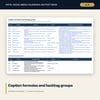
- Captions: 12 caption formulas with structure and a worked example each, and 8 hashtag groups with placeholders for your own tags.
- Results_Log: room for 800 posts (162 sample rows) with reach, engagements, saves, link clicks, bookings and revenue. Engagement and click rates calculate.
- Monthly_Summary: 12 months of planned, posted and logged posts, reach, engagement, clicks, bookings and revenue per post, with 2 charts.
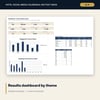
- Dashboard: 12 KPI and progress tiles, results by theme and 2 charts.
- Settings: plan start date, report date, targets and 9 drop-down lists. Channel names are placeholders you rename.
- README.txt and LICENSE-and-Terms.txt.
How it works
- Enter your plan start date (a Monday), report date and targets on Settings.
- Check the weekday themes on Weekly_Plan and swap any idea on Calendar by its ID.
- Write captions with the caption formulas and add your hashtag groups.
- Each week, mark posts as posted and log their results.
- Review Monthly_Summary and the Dashboard, then give more slots to the themes that bring clicks and bookings.
Details
- Format: Excel workbook (.xlsx). No macros.
- Language: English.
- Software: Excel 2016 or later, or a spreadsheet program that opens .xlsx files.
- Delivery: instant digital download. Nothing is shipped.
Good to know
- The post ideas are ready to use. Sample results, reach and booking figures are illustrative.
- No platform names are used. Rename the channels on Settings to the ones you post on.
- Seasonal ideas assume a January start. Change the best month to match your climate and holidays.
- Single-user license. Do not share or resell the files.
FAQ
Do the ideas suit any type of hotel?
They suit city, resort and boutique hotels. Skip or edit ideas for facilities you do not have.
Can I start the calendar in another month or year?
Yes. Change the plan start date on Settings. Dates, weekdays and themes update.
Does it work in Google Sheets?
It opens in Google Sheets and the formulas calculate. Check the drop-downs after import.
Do I have to post every day?
No. Mark any day as Skipped. The calendar gives you one idea per day so you can choose.
Is this a physical product?
No. It is a digital download. Refund terms follow the store policy at the time of purchase.