Hotel Accounting & Cash Control Toolkit: Night Audit, Cash Handling SOPs & Forms
Full description
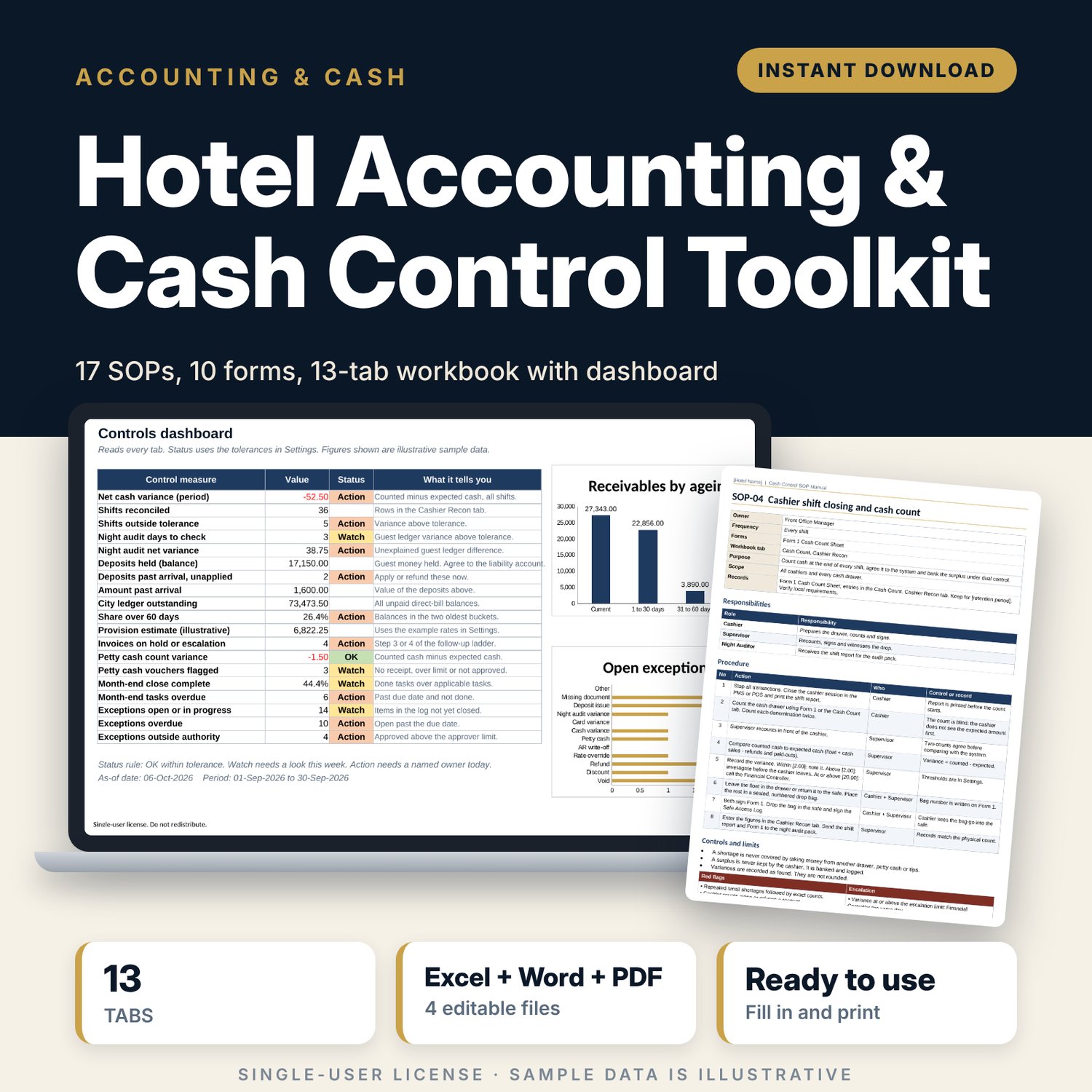
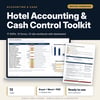
This toolkit is for financial controllers, night auditors, front office managers and owners who need written cash controls and a way to check them. It covers the full cycle: float issue, shift count, safe, bank deposit, night audit, guest deposits, city ledger follow-up, petty cash and month-end close. You get the records (Excel), the rules (Word) and the paper forms (PDF and Word). Limits, tolerances and follow-up days are inputs you set once, then every flag and chart updates.
Save with a bundle: this template is also in the Hotel Finance, Development & Pre-Opening Bundle, 10 templates for $35 instead of $76. All 141 templates are in the All-Access Hospitality Template Library for $79.
What is inside
1. Accounting_Controls_Workbook.xlsx (13 tabs, 2,777 formulas)
- Start Here: tab guide, 5-step method, colour legend.
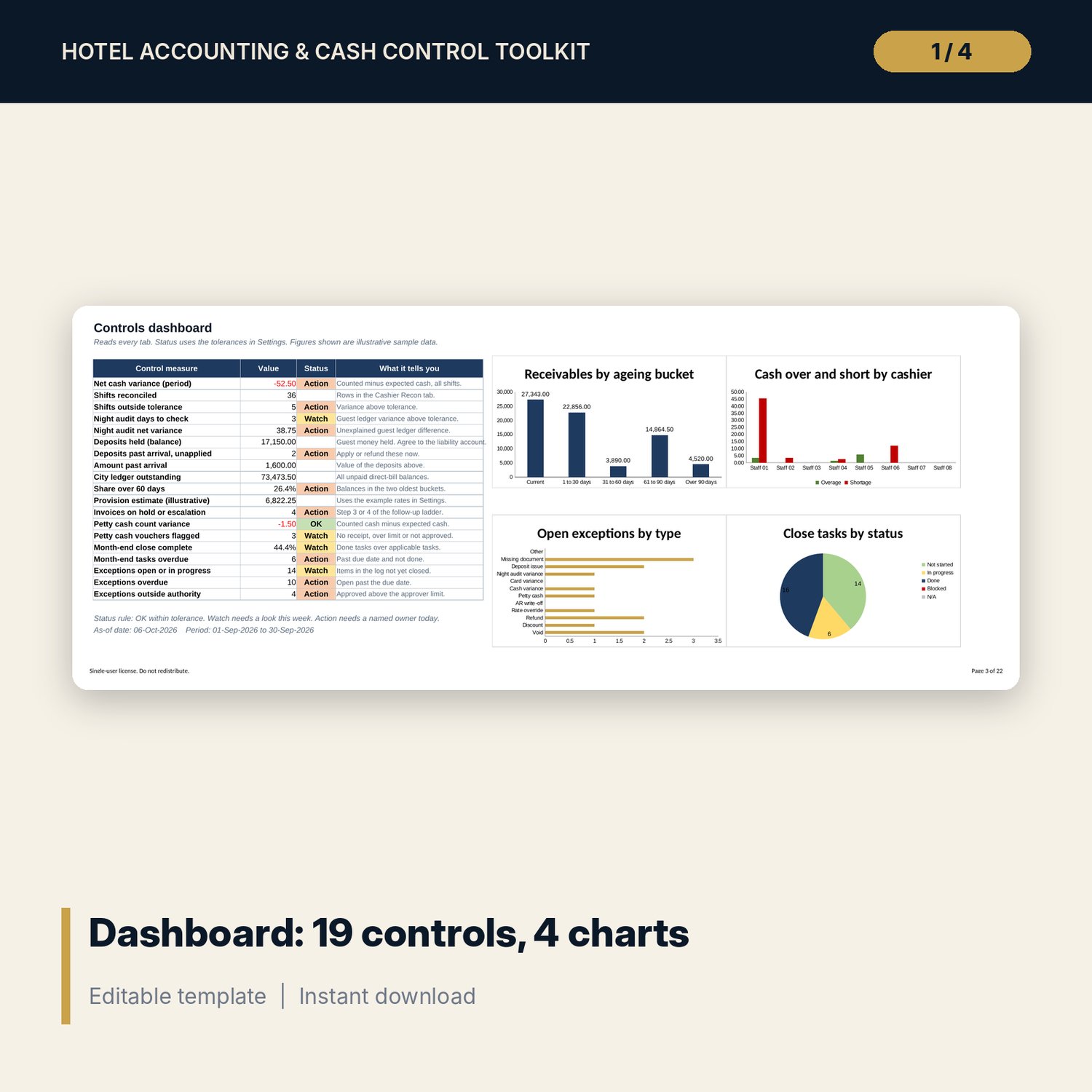
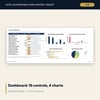
- Dashboard: 19 control measures with OK, Watch or Action status, and 4 charts.
- Settings: dates, tolerances, follow-up ladder, ageing buckets, drop-down lists.
- Authority Matrix: approval limits by role for 6 action types, with a quick checker.
- NA Checklist: 28 night audit steps with status and completion %.
- NA Report: daily guest ledger roll-forward, variance flag, occupancy, ADR and RevPAR (30 sample nights).
- Cash Count: denomination calculator against expected cash.
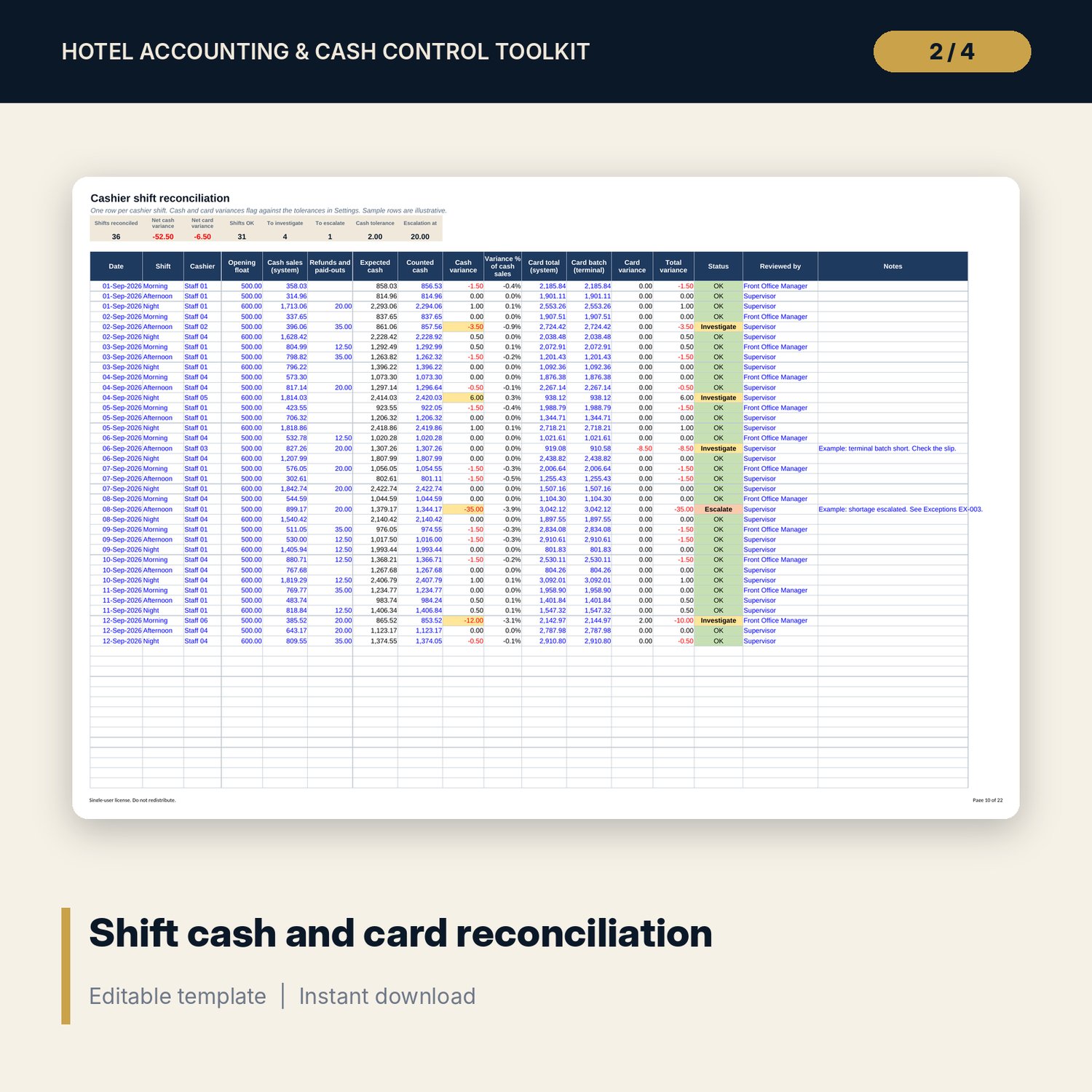
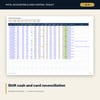
- Cashier Recon: shift reconciliation with cash and card variance status (36 sample shifts, room for 120).
- Deposits: deposit and advance ledger with balance, days held and follow-up flags (28 sample rows, room for 80).
- AR Aging: city ledger ageing with a 4-step follow-up ladder (30 sample invoices, room for 100).
- Petty Cash: voucher log, running balance and count variance (24 sample vouchers, room for 60).
- Month-End Close: 36 tasks with working-day due dates and late flags.
- Exceptions: variance and exception log with automatic authority check (24 sample items, room for 100).
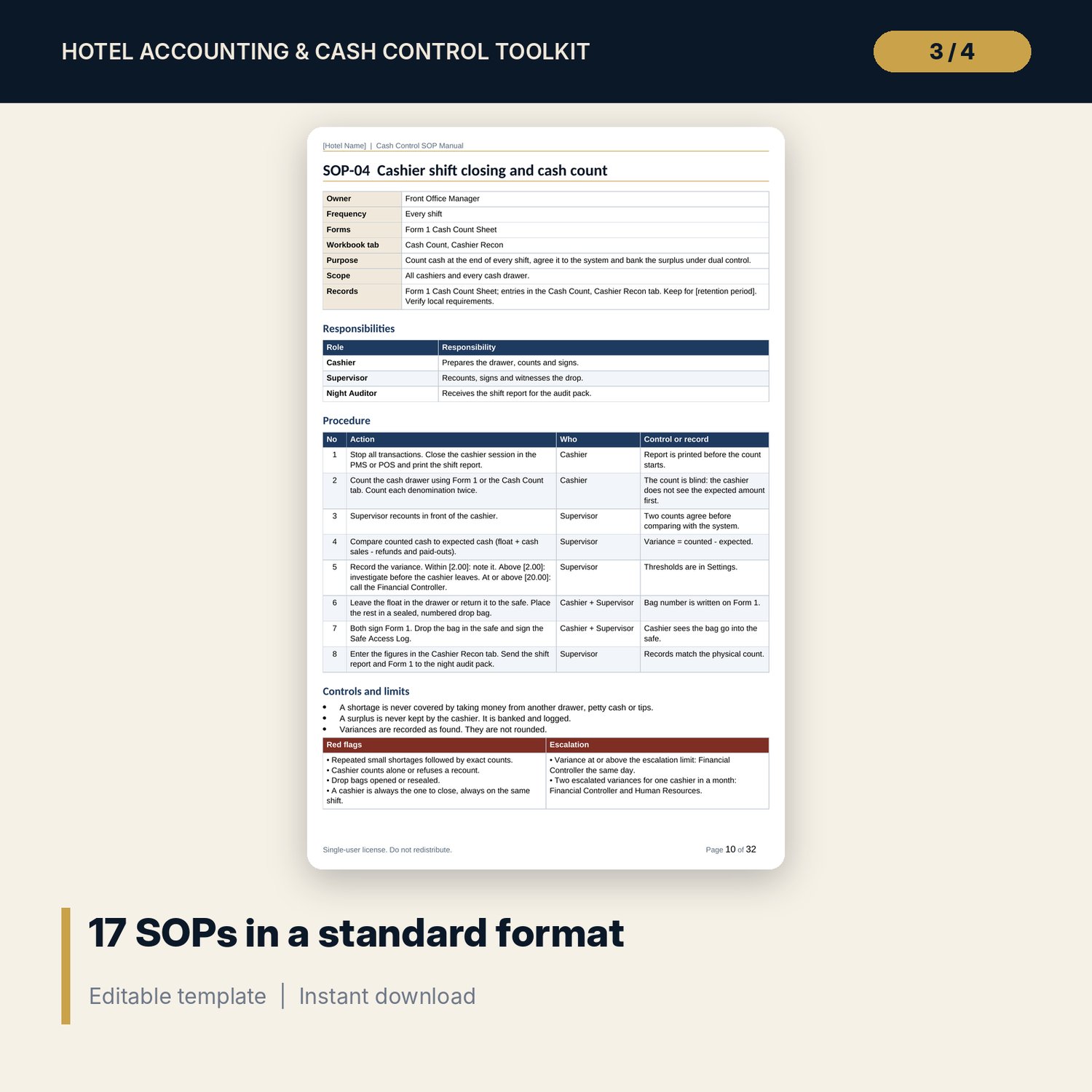
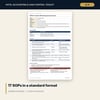
2. Cash_Control_SOP_Manual.docx (17 SOPs, 135 procedure steps, 32 pages A4)
Each SOP has owner, frequency, purpose, scope, responsibilities, numbered procedure with control points, limits, red flags, escalation and records. Also included: control principles, authority limits and reason codes, fraud red flags by area, segregation of duties matrix, audit calendar, key indicators, 4 worked examples, glossary and a training acknowledgement sheet.
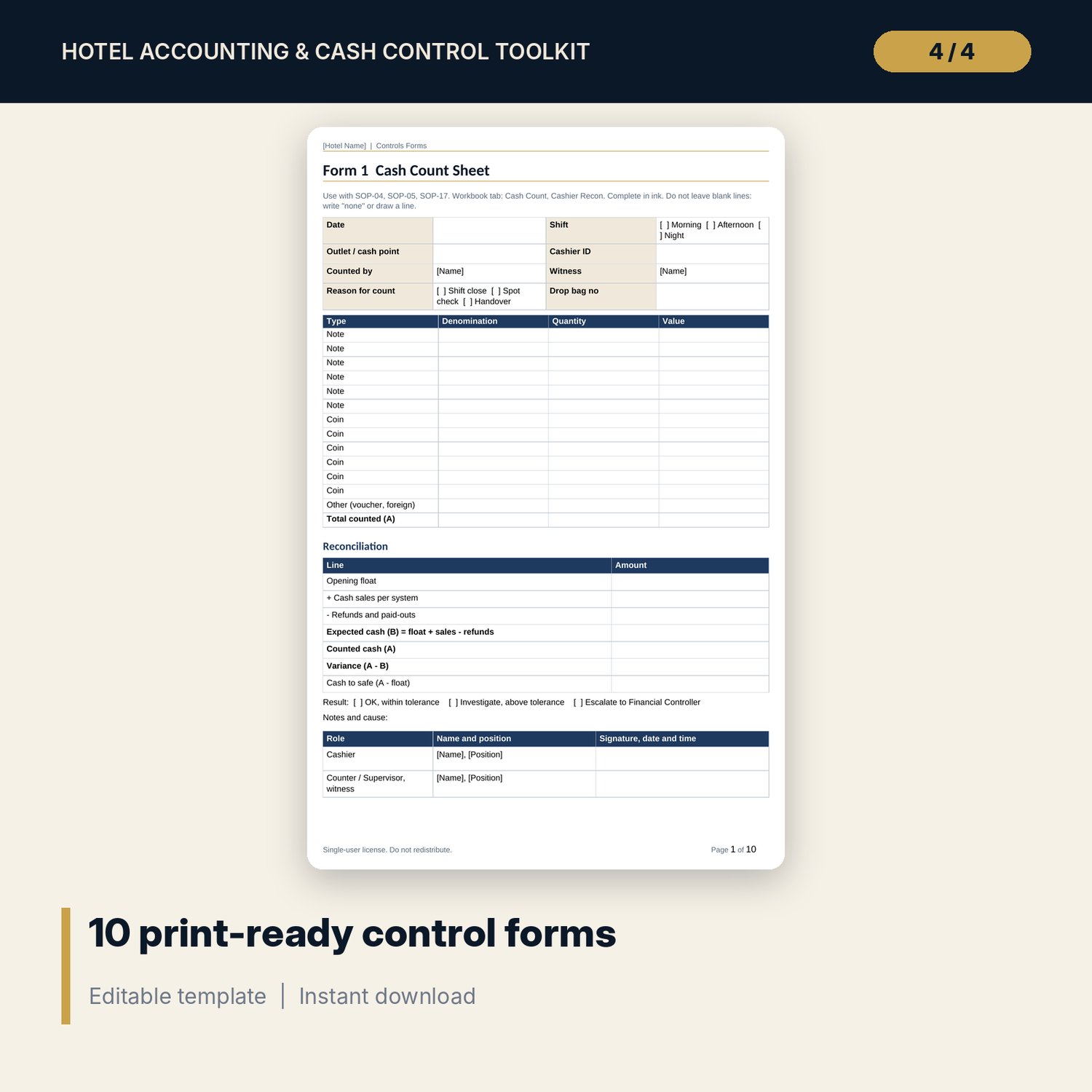
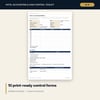
3. Controls_Forms.pdf and Controls_Forms.docx (10 forms, 10 pages)
Cash count sheet, float issue and return, void, discount and refund approval, month-end close checklist, safe access and cash drop log, deposit receipt and application record, petty cash voucher, night audit sign-off sheet, credit application and direct-bill authorisation, cash variance investigation report.
4. README.txt and LICENSE-and-Terms.txt
How it works
- Open Settings and enter your period dates, tolerances and follow-up days.
- Set approval limits in the Authority Matrix.
- Enter shifts, deposits, invoices, vouchers and exceptions. Flags and the Dashboard update on their own.
- Print the forms from the PDF and adopt the SOPs from the Word manual. Replace every [bracketed] value with your own.
- Run the Month-End Close tab and clear every Action on the Dashboard before sign-off.
Details
- Formats: XLSX, DOCX, PDF. English. A4. Currency is a text label, amounts are symbol-free.
- Software: Excel 2010 or later, or LibreOffice. Word or LibreOffice for the manual and forms. Any PDF reader for the forms.
- Delivery: instant digital download. No macros, no add-ins, no images.
- Sample data fills every tab so each output shows numbers on first open.
Good to know
- All names, figures and dates are illustrative samples. Replace them before you rely on any output.
- Limits, tolerances, deposit rules and provision rates are examples. Verify local requirements.
- This is a working tool, not accounting, tax or legal advice.
- Single-user license: use it in your own property or company. Do not redistribute.
FAQ
Which software do I need? Excel 2010 or later (or LibreOffice) for the workbook, and Word or LibreOffice for the manual. The forms also come as a PDF.
Does it work in Google Sheets? The workbook opens in Google Sheets, but some formatting and drop-downs may differ. Excel gives the intended result.
Can I edit everything? Yes. Blue cells are inputs, yellow cells are key assumptions, and all text in the manual and forms is editable.
Does it connect to my PMS or accounting system? No. You type or paste figures from your own reports. It does not import data.
Is it a physical product? Can I get a refund? It is a digital download. Refund terms follow the store policy for digital goods.
Who is it for? Financial controllers, night auditors, front office managers, general managers and owners of hotels, serviced apartments and resorts of any size.