Business Interruption Insurance Worksheet: Gross Profit, Sum Insured and Claim Worksheet for Hotels
Full description
For hotel general managers, finance managers and owners who renew a property policy or must prepare a claim after damage, a utility failure or a closure order. The workbook builds a 12-month forecast, works out insured gross profit two ways, tests the sum insured against the gross profit at risk (including the average clause), tests 10 event slots against the indemnity period month by month, checks the policy extensions, and turns actual revenue after a loss into a claim. A Word pack adds the broker questions, the claim preparation checklist and the record forms. It supports the figures; your broker confirms the wording.
What is inside
- Business_Interruption_Worksheet.xlsx: 7 tabs, 1,493 formulas, 2 native charts, 17 drop-down and input rules
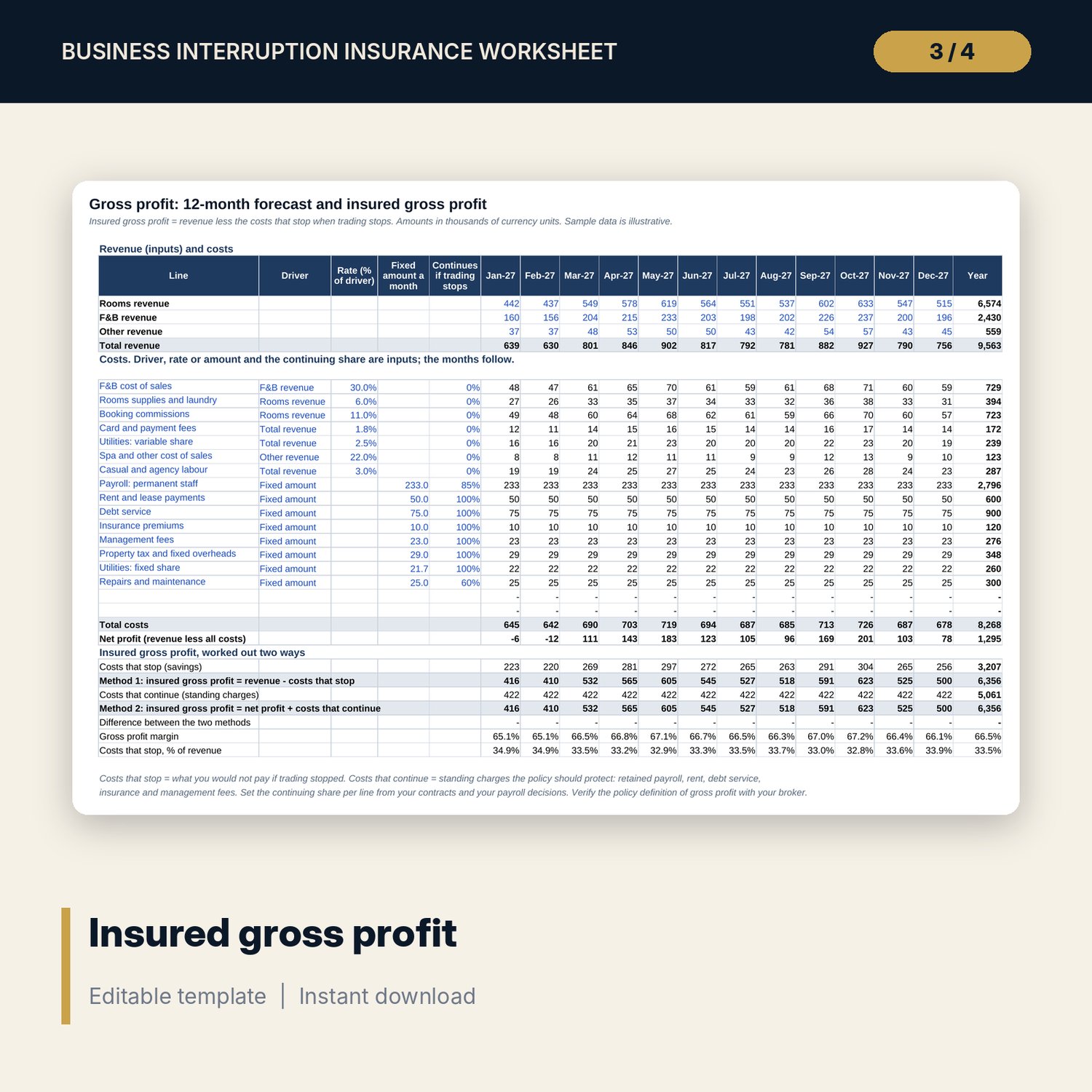
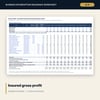
- Gross Profit: 3 revenue lines and 15 cost lines (plus 2 spare) over 12 months, with insured gross profit worked out two ways and reconciled
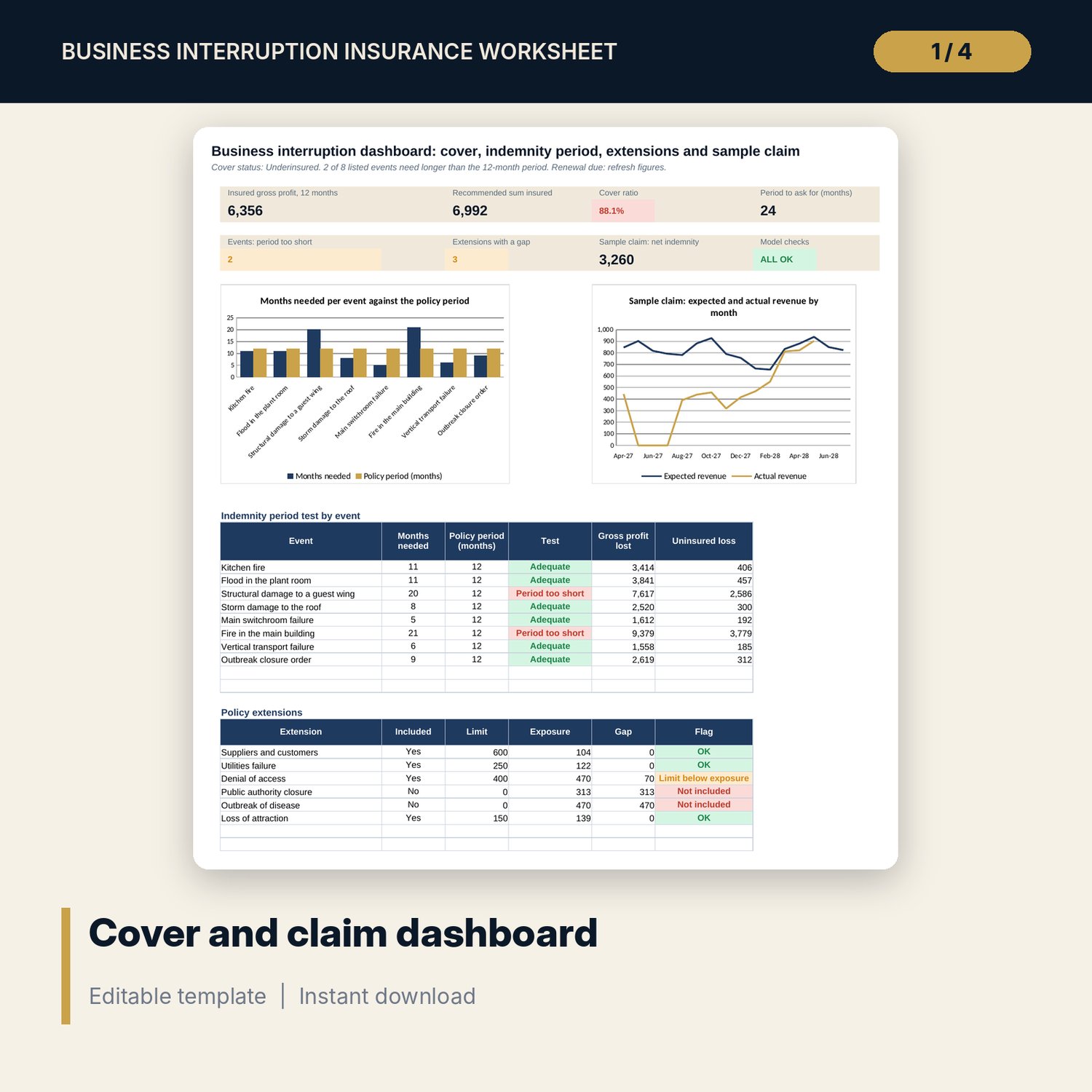
- Cover Test: sum insured test with the average clause, indemnity period test for 8 sample events (plus 2 spare) with a 36-month loss grid, and 6 policy extensions (plus 2 spare)
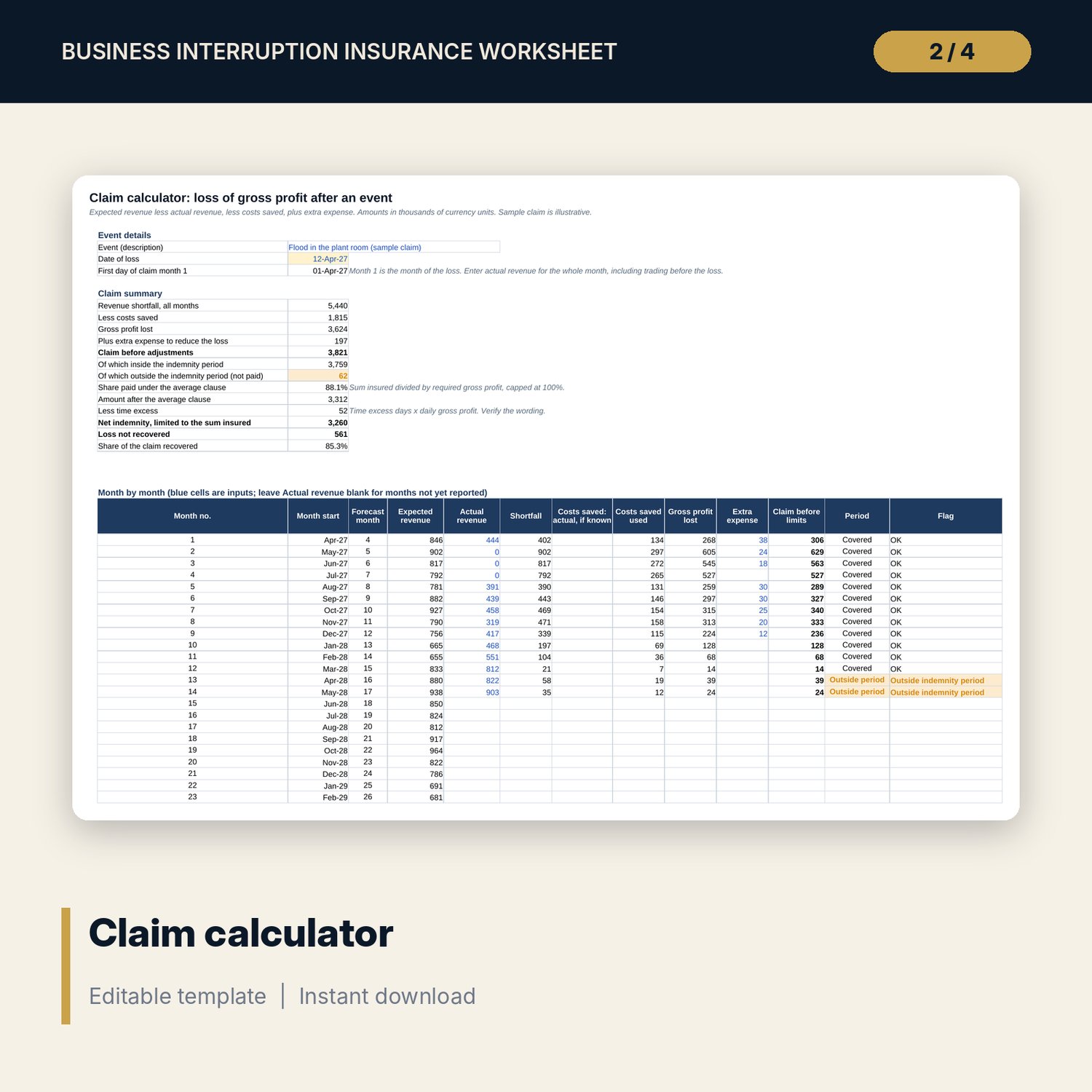
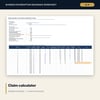
- Claim Calculator: 24 claim months, costs saved, extra expense, indemnity period split, average clause, time excess and sum insured limit
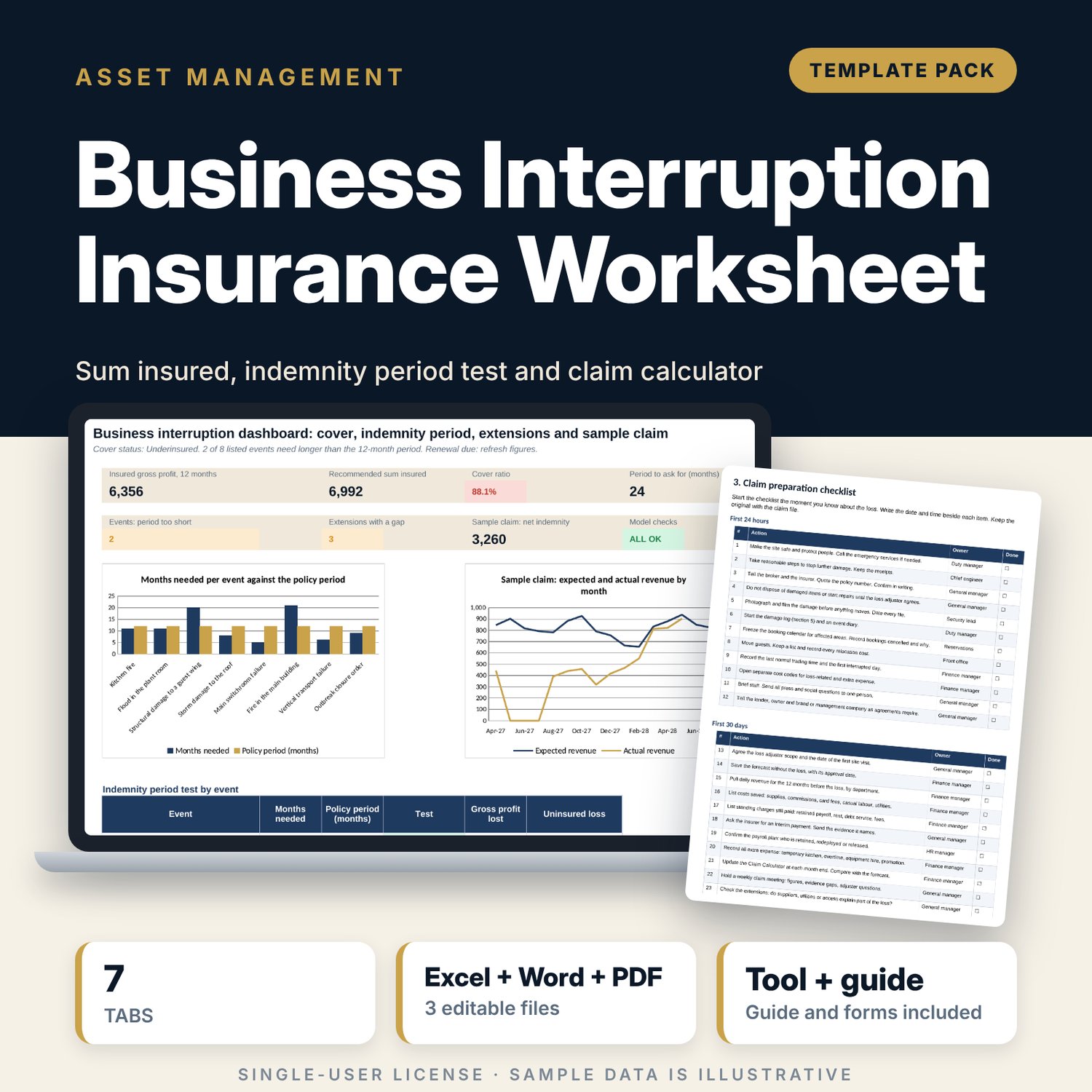
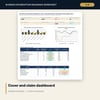
- Dashboard with 7 KPI tiles, a check tile and 2 charts; 9 integrity checks on the Checks tab
- Business_Interruption_Claim_Forms.docx and PDF: 9 pages with a broker briefing sheet, 13 questions on wording, a worked example, a claim checklist of 24 actions, a 22-item document list, record forms and a loss statement
- README.txt and LICENSE-and-Terms.txt
How it works
- Enter the policy figures on Settings and replace the sample forecast on Gross Profit.
- Read Cover Test: is the sum insured enough, is the indemnity period long enough, and do the extensions cover a credible outage?
- Take the Dashboard and the Word broker sheet to your broker before renewal.
- After a loss, enter actual revenue each month on Claim Calculator and keep the records with the Word forms.
Details
- Formats: 1 Excel workbook (.xlsx), 1 forms pack in Word (.docx) and PDF, English
- Software: Excel 2016 or later, or LibreOffice Calc 7 or later
- No macros, no external links, no data tables, no array formulas
- 3 files plus README and license; instant digital download
Good to know
- Sample data is illustrative. Replace it with your own figures.
- Policy wording, indemnity rules and claim terms differ by insurer and place. Verify with your broker. These files are not insurance, legal, tax or accounting advice.
- The claim figure is an estimate. The insurer and the loss adjuster decide what is paid.
- Single-user license. Do not redistribute.
FAQ
What is insured gross profit?
Revenue less the costs that stop when trading stops. The sheet also adds net profit and the costs that continue, and the two must agree.
How is the sum insured tested?
Required gross profit for the indemnity period comes from a 48-month projection with your growth rate. The sheet shows the cover ratio, the share of a claim paid under the average clause and a recommended sum insured with a margin.
How does it test the indemnity period?
Each event slot has months closed, part open and in ramp-up. A month-by-month grid shows gross profit lost inside and outside the policy period.
Can I use it for a real claim?
Yes, as a calculation and record tool. Enter actual revenue, costs saved and extra expense each month. The insurer and your accountant confirm the final figures.
Does it use macros?
No. Every result is a standard worksheet formula.