Owner's Annual Business Plan Review Scorecard: Annual Budget Review Checklist and Scoring Template
Full description
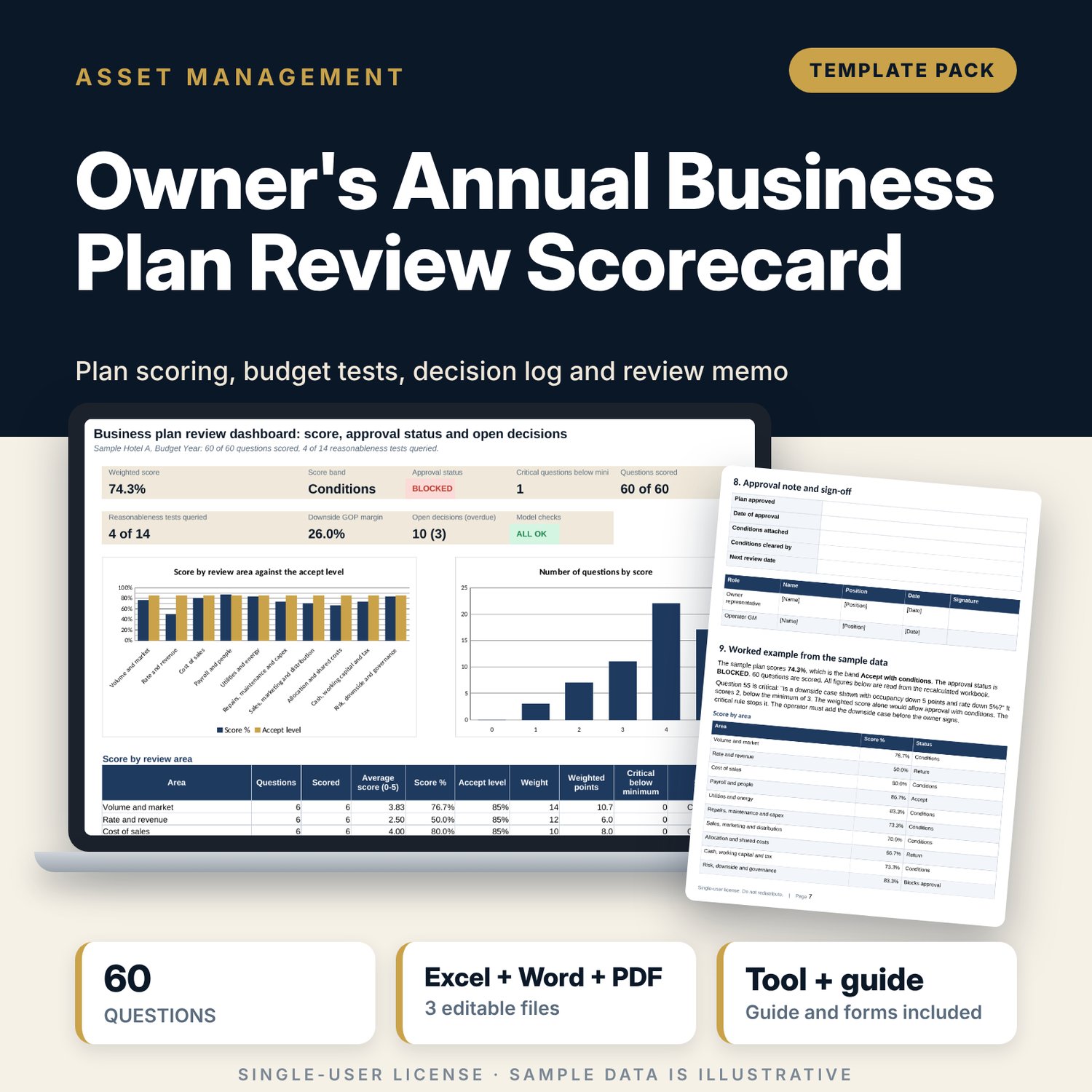
For asset managers and owner representatives who must approve an operator's annual plan, and for general managers who want to see their plan the way the owner will. The workbook holds 60 challenge questions in 10 weighted review areas, each scored 0 to 5, with a critical flag that blocks approval when a key question scores below the minimum. A plan table takes two actual years and the budget, runs 14 reasonableness tests against limits you set (occupancy against the market, rate against inflation, cost-of-sales ratio moves, fixed cost growth, payroll, utilities, repairs, marketing, margin gain) and builds a downside case. A decision log tracks each Adjust or Reject with an owner, due date and GOP impact. A 8-page Word guide supplies the pre-read request, session agenda, review memo template and operator response form.
What is inside
- Business_Plan_Review_Scorecard.xlsx: 7 tabs, 518 formulas, 2 native charts, 12 drop-down and input rules
- Challenge Questions: 60 questions in 10 areas, 11 marked critical, with evidence to request, score, reviewer, reply, decision and due date, plus 10 spare rows
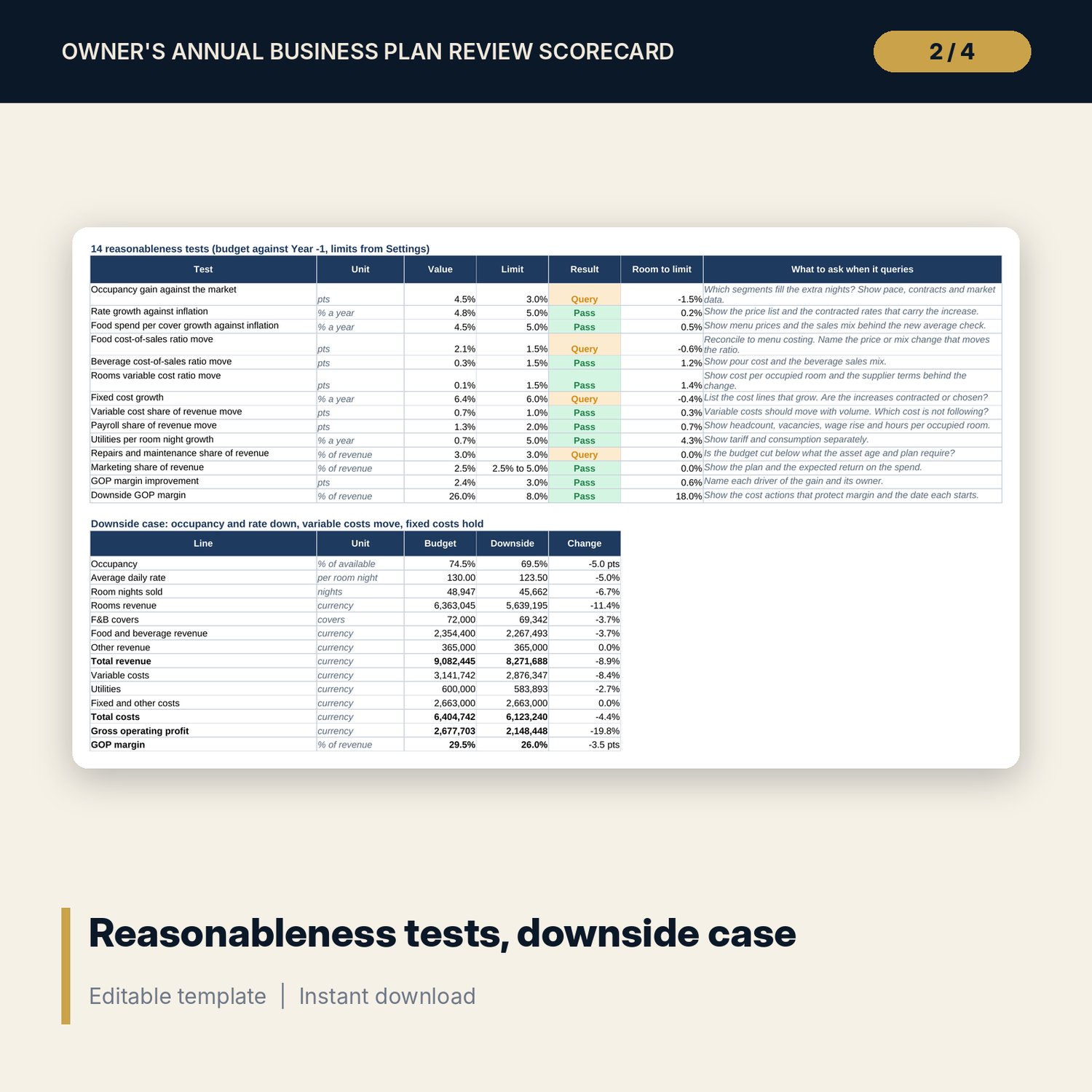
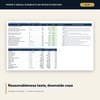
- Budget Checks: three-year plan table (35 lines), 14 reasonableness tests with a question to ask for each, and a 14-line downside case
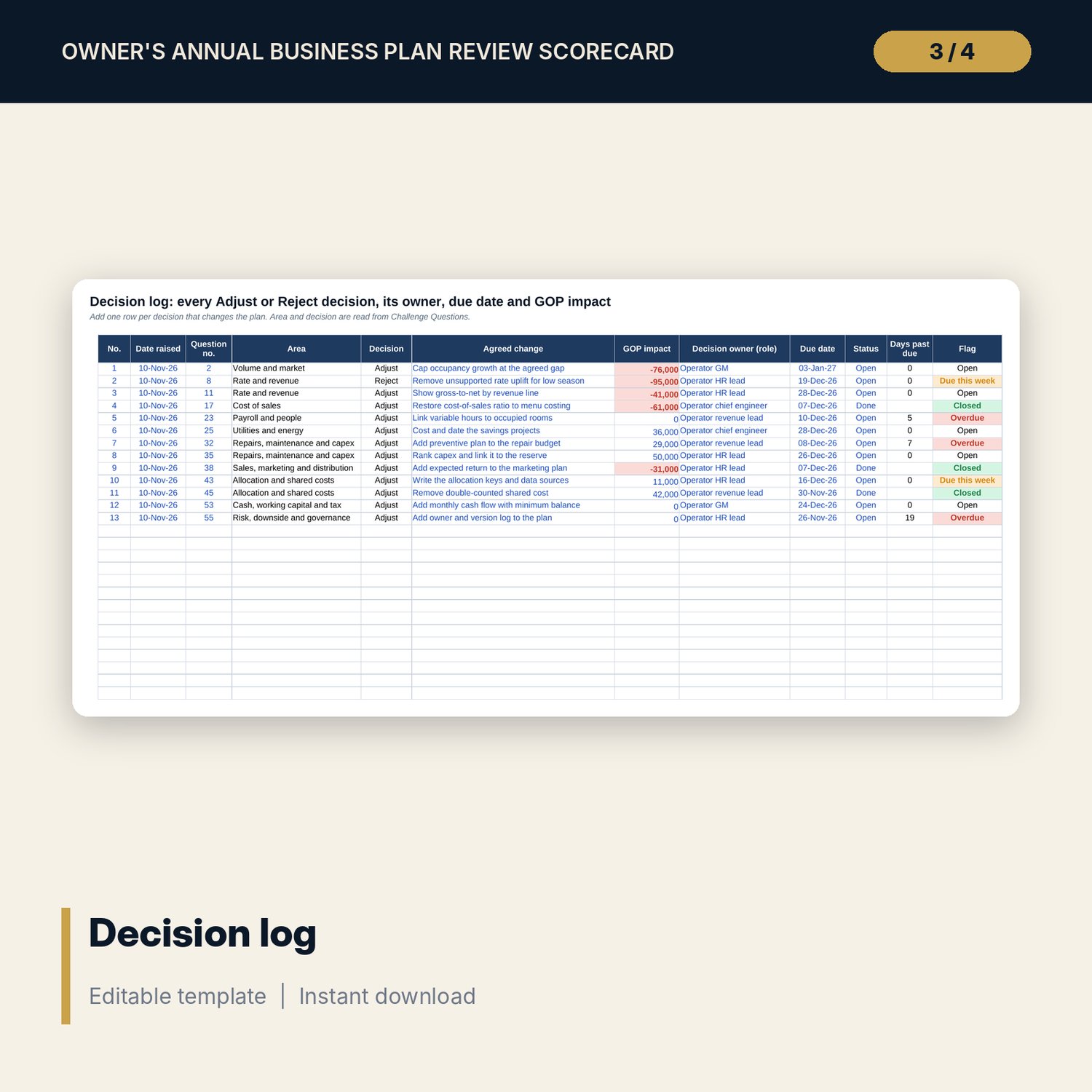
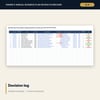
- Decision Log: 13 sample decisions, 14 spare rows, days past due and overdue flags
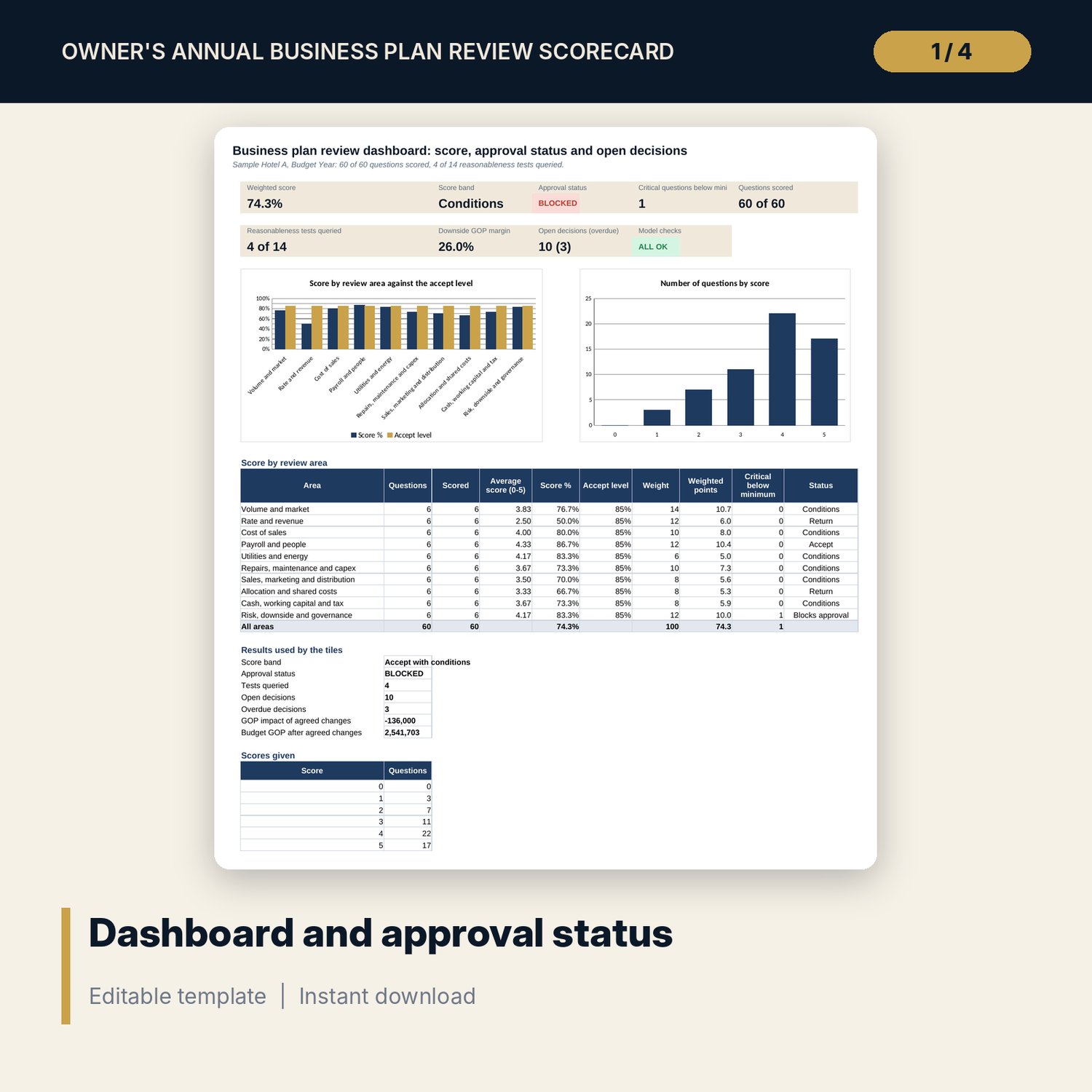
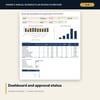
- Dashboard: 8 tiles, a check tile, 2 charts and a score table for 10 areas; 8 integrity checks
- Business_Plan_Review_Memo_Guide.docx and PDF: 8 pages with timetable, pre-read request, scoring rules, 90-minute agenda, review memo, operator response form, approval note and worked example
- README.txt and LICENSE-and-Terms.txt
How it works
- Enter the rooms, status date, approval bands and your limits on Settings.
- Replace the sample plan figures on Budget Checks and read the 14 tests.
- Score the questions in the challenge session and mark Accept, Adjust or Reject.
- Log each change with an owner, a due date and the GOP impact.
- Read the dashboard, then write the review memo from the Word guide.
Details
- Formats: 1 Excel workbook (.xlsx), 1 guide in Word (.docx) and PDF, English
- Software: Excel 2016 or later, or LibreOffice Calc 7 or later
- No macros, no external links, no data tables, no array formulas
- 3 files plus README and license; instant digital download
Good to know
- Sample data is illustrative. Replace it with your own figures.
- Limits, weights and bands are your policy. Tax, wage and tariff assumptions need review by your advisers: verify local requirements.
- The files support a review. They are not legal, tax or accounting advice.
- Single-user license. Do not redistribute.
FAQ
How is the weighted score calculated?
Each area score is the sum of its scores divided by 5 times the number scored. The overall score weights the areas by the percentages on Settings.
What does a critical question do?
A critical question scored below the minimum (3 by default) blocks approval, whatever the weighted score.
Can I change the questions and areas?
Yes. Edit the text, add rows in the spare lines and change the area names and weights on Settings.
What are the reasonableness tests?
14 formula tests that compare the budget with last year against limits you set, such as occupancy against the market and cost-of-sales ratio moves.
Do I need macros?
No. Every result is a standard worksheet formula.