Hotel Wedding Venue Enquiry-to-Contract Kit: Wedding Venue Sales Tracker with Funnel and Deposit Schedule
Full description
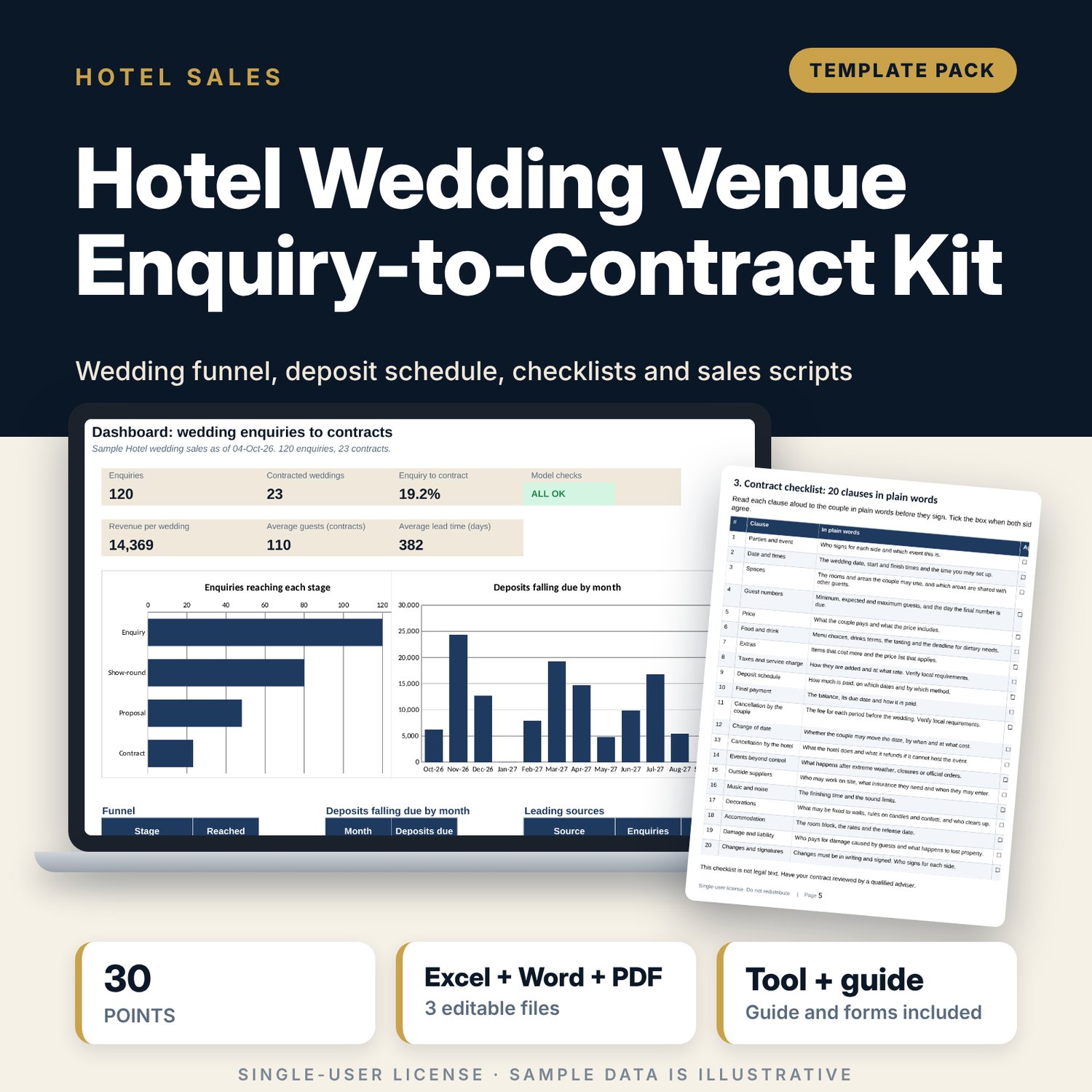
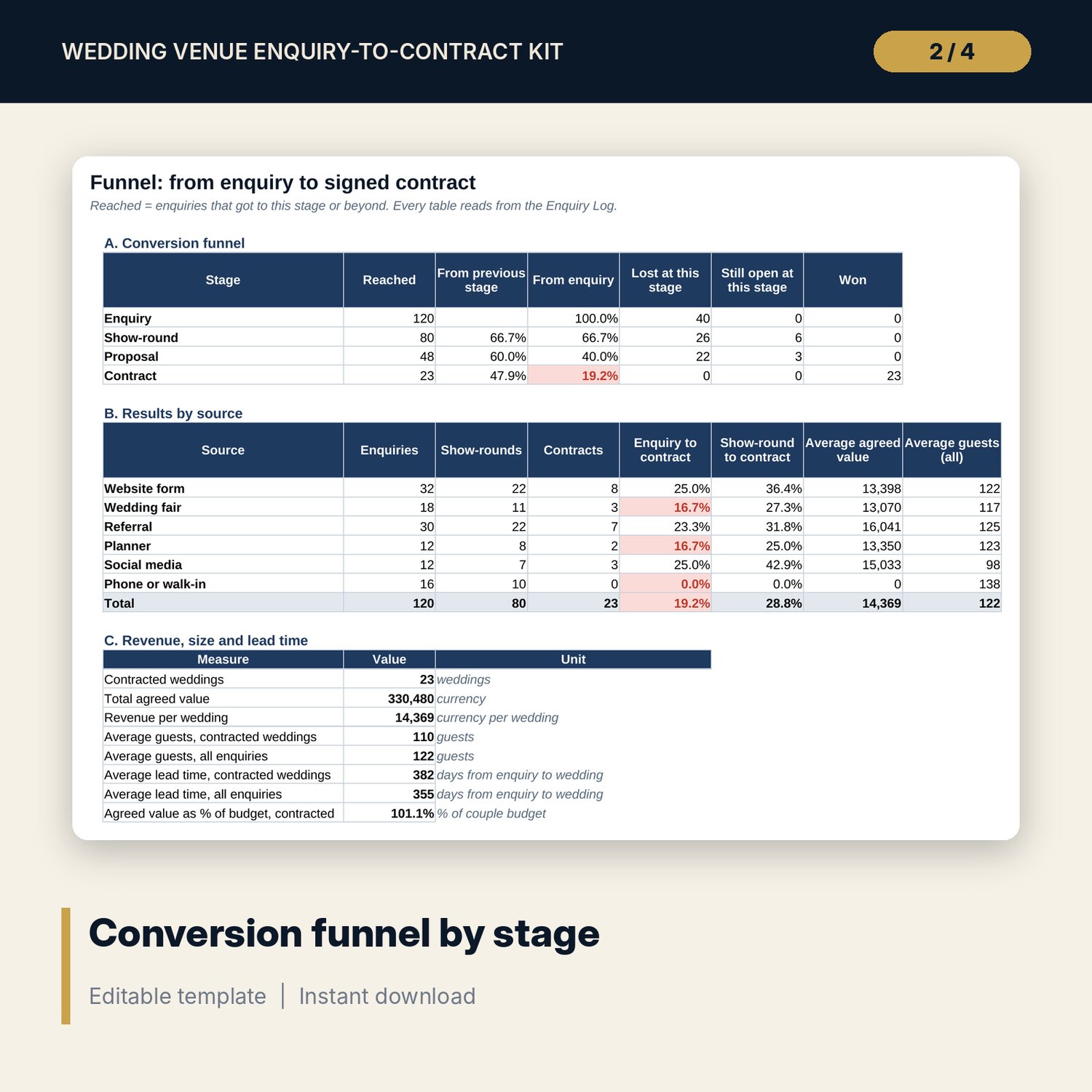
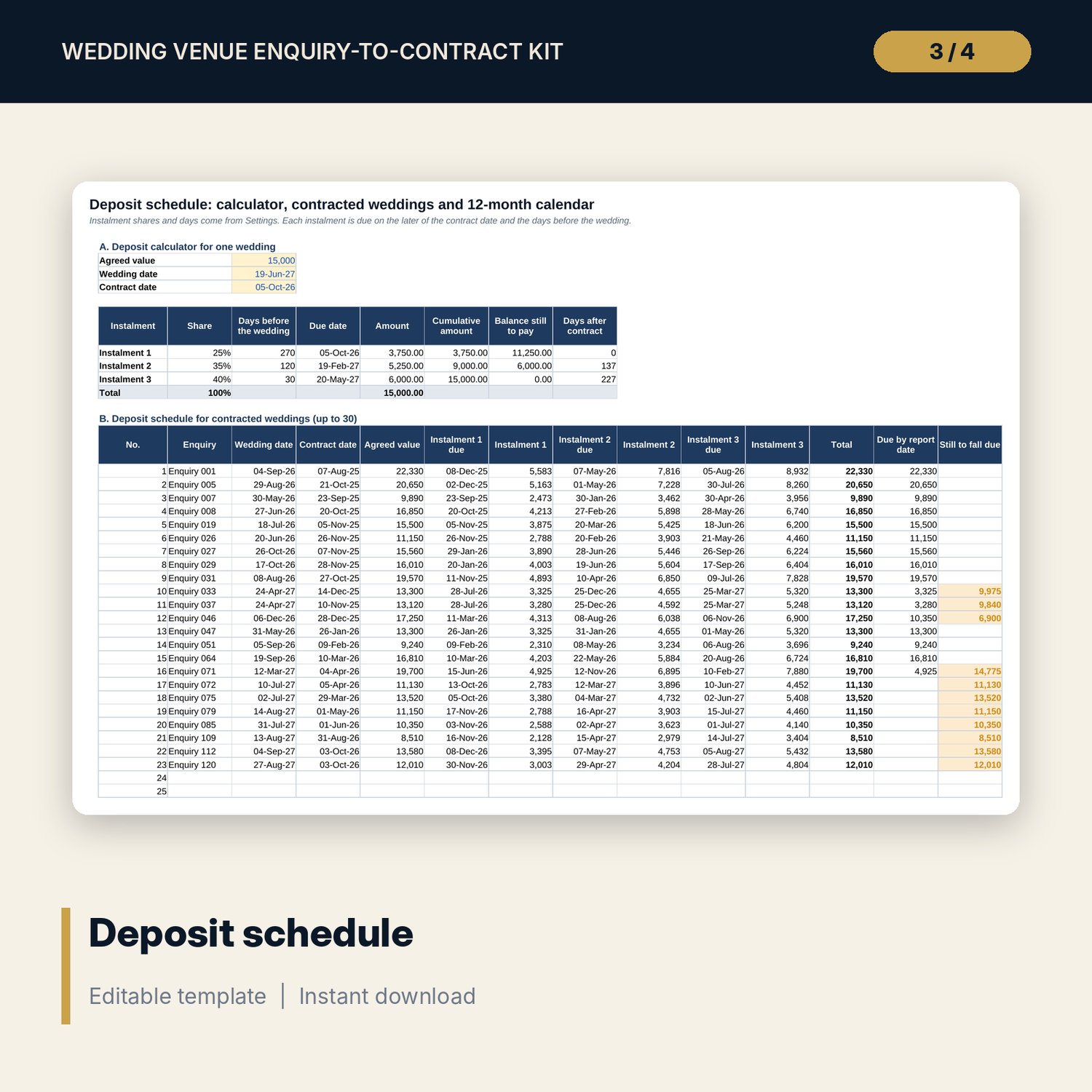
For hotel wedding sales managers and events teams who need to know why couples do not sign. Log each enquiry with its source, wedding date, guest count, budget, stage and outcome. The workbook counts how many enquiries reach each stage with COUNTIFS, then reports conversion by source, revenue per wedding, average guests, lead time, reasons lost and seasonality by month. A deposit schedule splits each contract into 3 instalments by share and days before the wedding and builds a 12-month calendar of weddings and cash due. The guide adds a 30-point show-round checklist, a proposal checklist, a contract checklist with 20 clauses in plain words, 6 sales scripts and a timeline.
What is inside
- Wedding_Enquiry_To_Contract_Kit.xlsx: 7 tabs, 1,387 formulas, 2 native charts, 8 data validation rules
- Settings: report date, package prices, 3 deposit instalments, chase rules, target conversion and drop-down lists
- Enquiry Log: 120 sample enquiries with room for 160; stage, outcome, reason lost, agreed value and Chase or Date passed flags
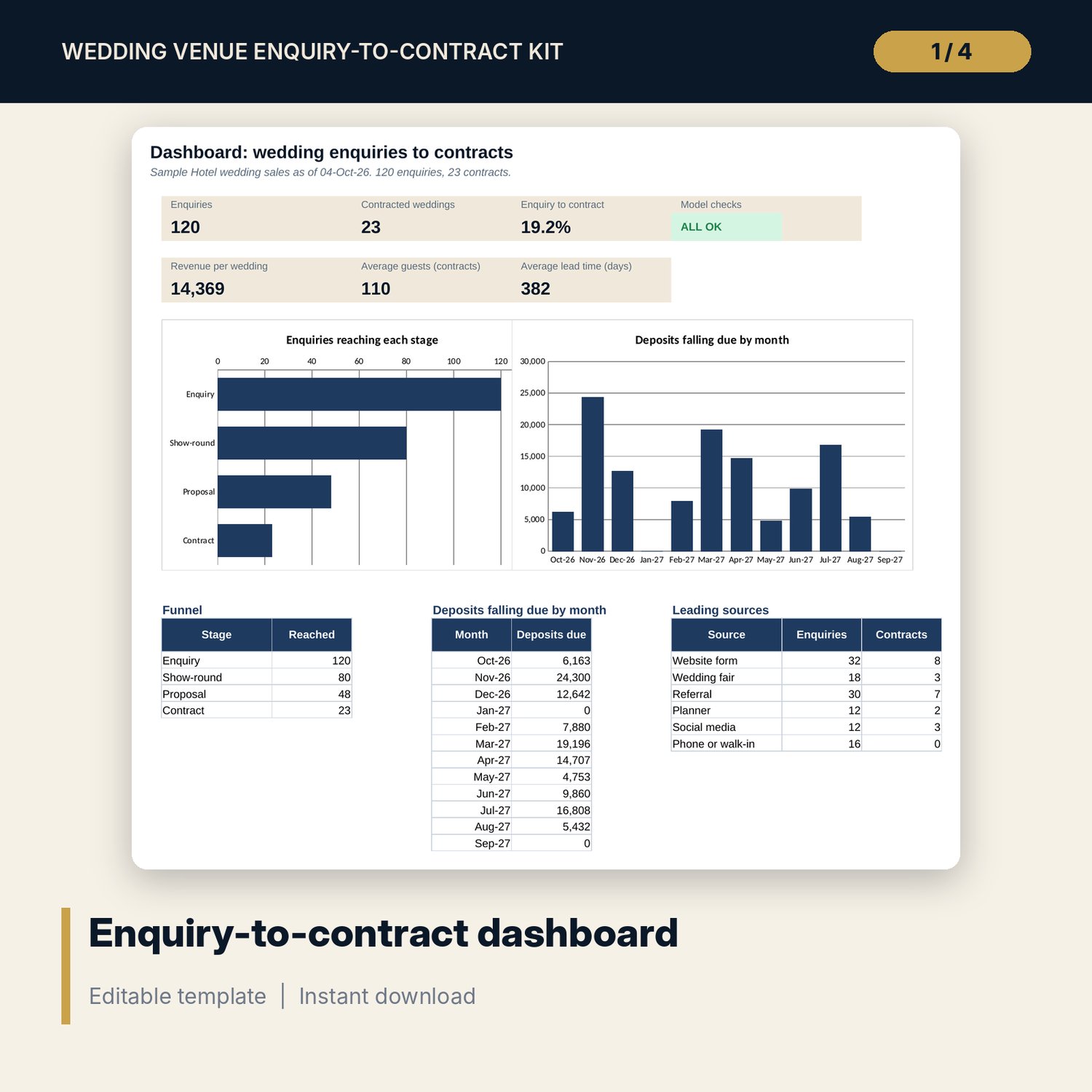
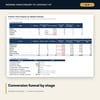
- Funnel: conversion by stage and by source, revenue per wedding, lead time, 7 reasons lost and seasonality by month
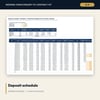
- Deposit Schedule: a calculator, a schedule for up to 30 contracted weddings and a 12-month calendar
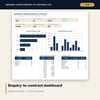
- Dashboard with 6 tiles, a check tile and 2 charts; Checks tab with 5 checks
- Wedding_Sales_Kit_Guide.docx and PDF copy: 9 pages with the 30-point show-round checklist, proposal checklist (16 lines), contract checklist (20 clauses), 6 scripts and a timeline
- README.txt and LICENSE-and-Terms.txt
How it works
- Set the report date, deposit instalments and chase rules on Settings.
- Enter each enquiry on Enquiry Log and update its stage and outcome as it moves.
- Read Funnel for conversion by stage and source, reasons lost and the busy months.
- Use Deposit Schedule to test a payment plan and to see the cash calendar for the next 12 months.
- Use the guide to run show-rounds, write proposals, check contracts and handle objections.
Details
- Format: 1 .xlsx workbook, 1 .docx guide and its PDF copy (3 files), English
- Software: Excel 2016 or later, or LibreOffice Calc 7 or later
- No macros, no external links, no data tables, no array formulas
- Instant digital download
Good to know
- Sample data is illustrative. Replace it with your own figures.
- Prices, deposit shares and contract wording are examples. They are not legal advice. Verify local requirements on deposits, refunds and consumer rights.
- The workbook holds 160 enquiries and 30 contracted weddings in the deposit schedule.
- Single-user license. Do not redistribute.
FAQ
How is the funnel counted?
Each enquiry has the furthest stage it reached. The funnel counts enquiries at or beyond each stage, so every stage count includes the later ones.
Can I change the deposit plan?
Yes. Set the share and the days before the wedding for each of the 3 instalments on Settings. If the wedding is close, an instalment is due on the contract date.
What do the Chase and Date passed flags mean?
Chase marks an open enquiry with no contact for longer than your rule for its stage. Date passed marks an open enquiry whose wedding date is already behind you.
Does it track payments received?
No. It shows what should have been received by the report date. Record actual payments in your accounting system.
Do I need macros or add-ins?
No. Every result is a standard worksheet formula.