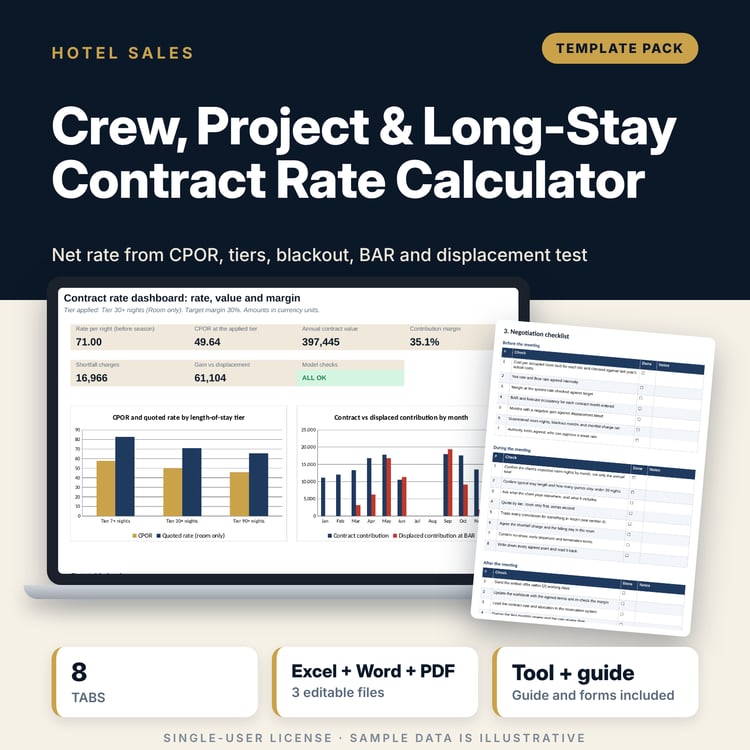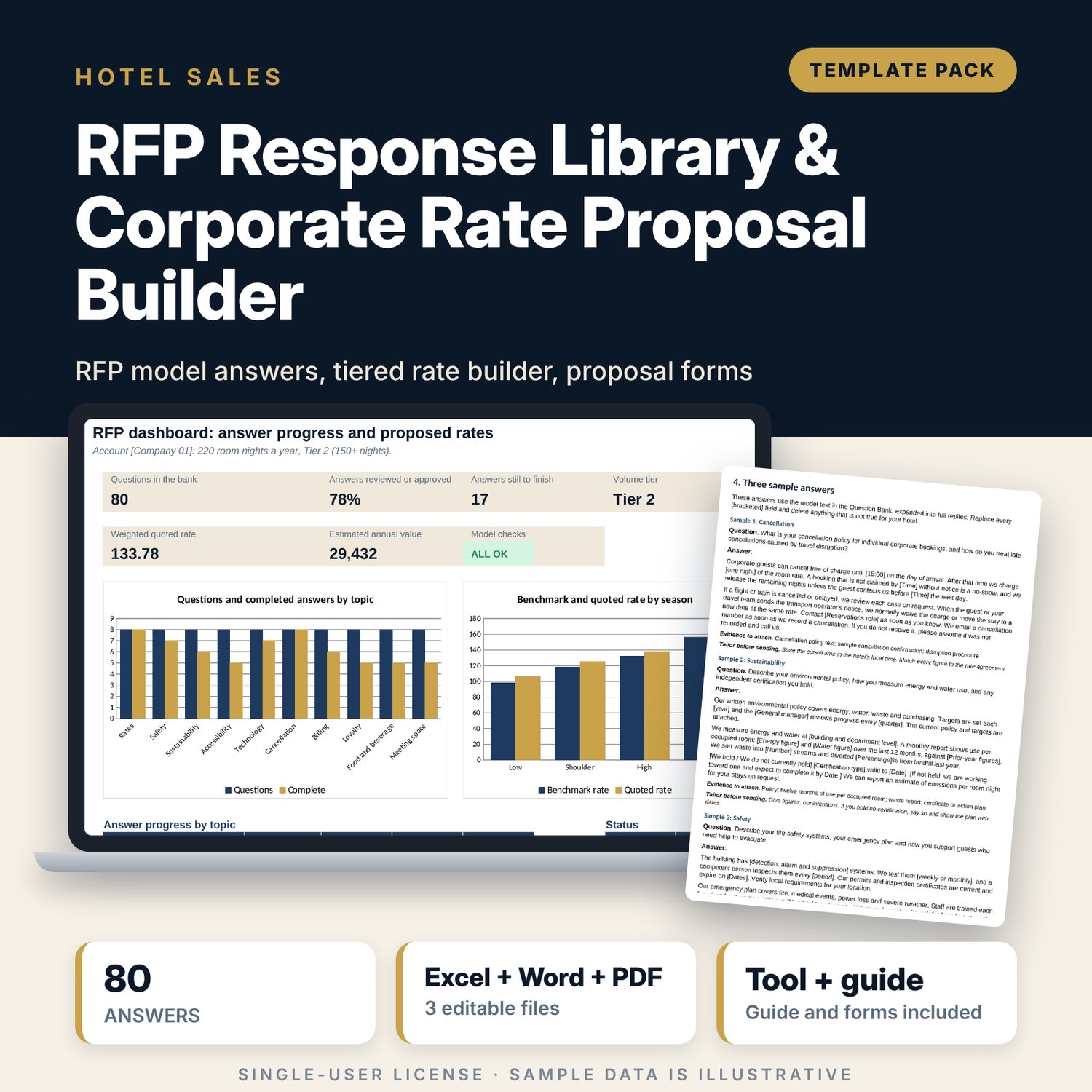
RFP Response Library & Corporate Rate Proposal Builder: Corporate RFP Questions and Answers Template with Rate Calculator
Full description
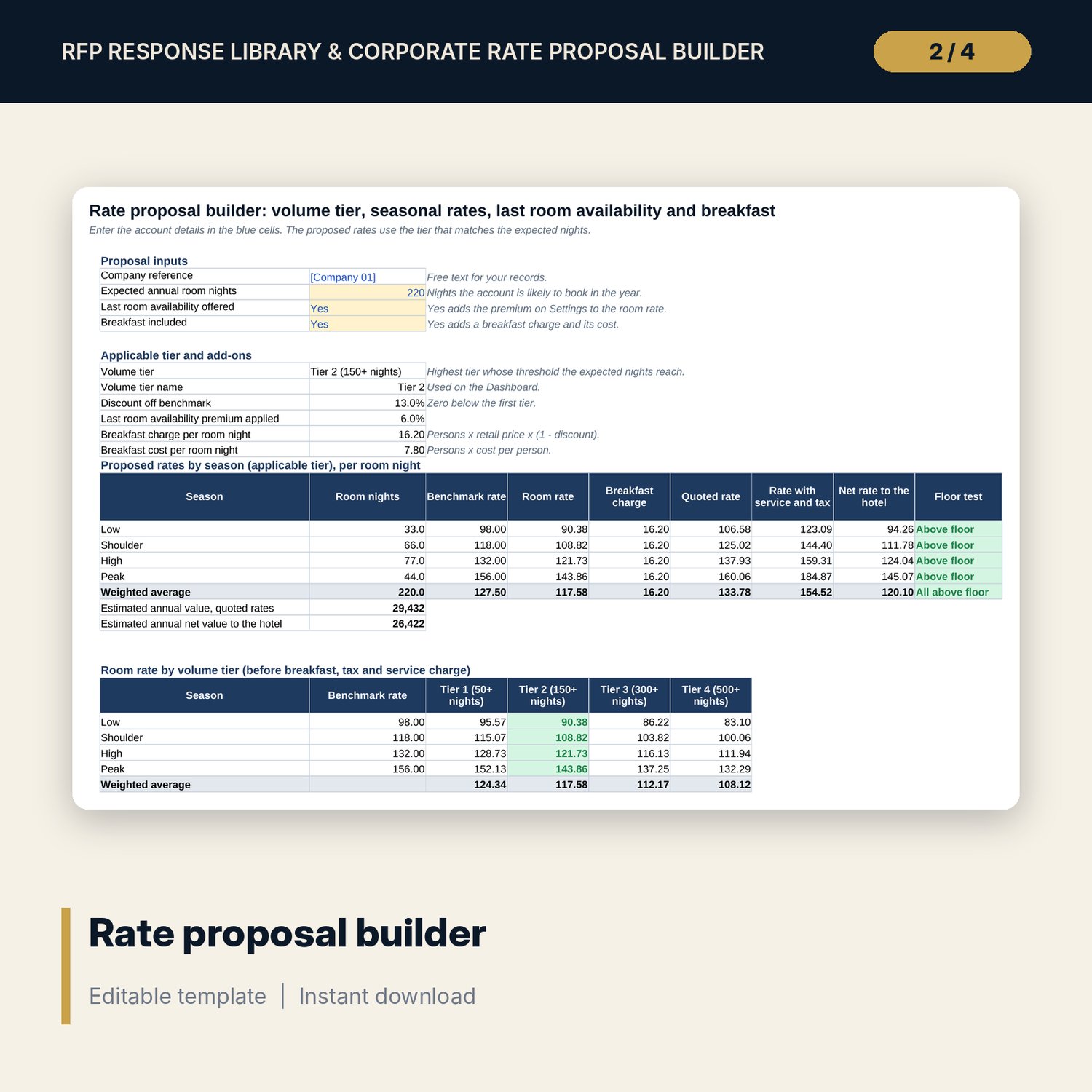
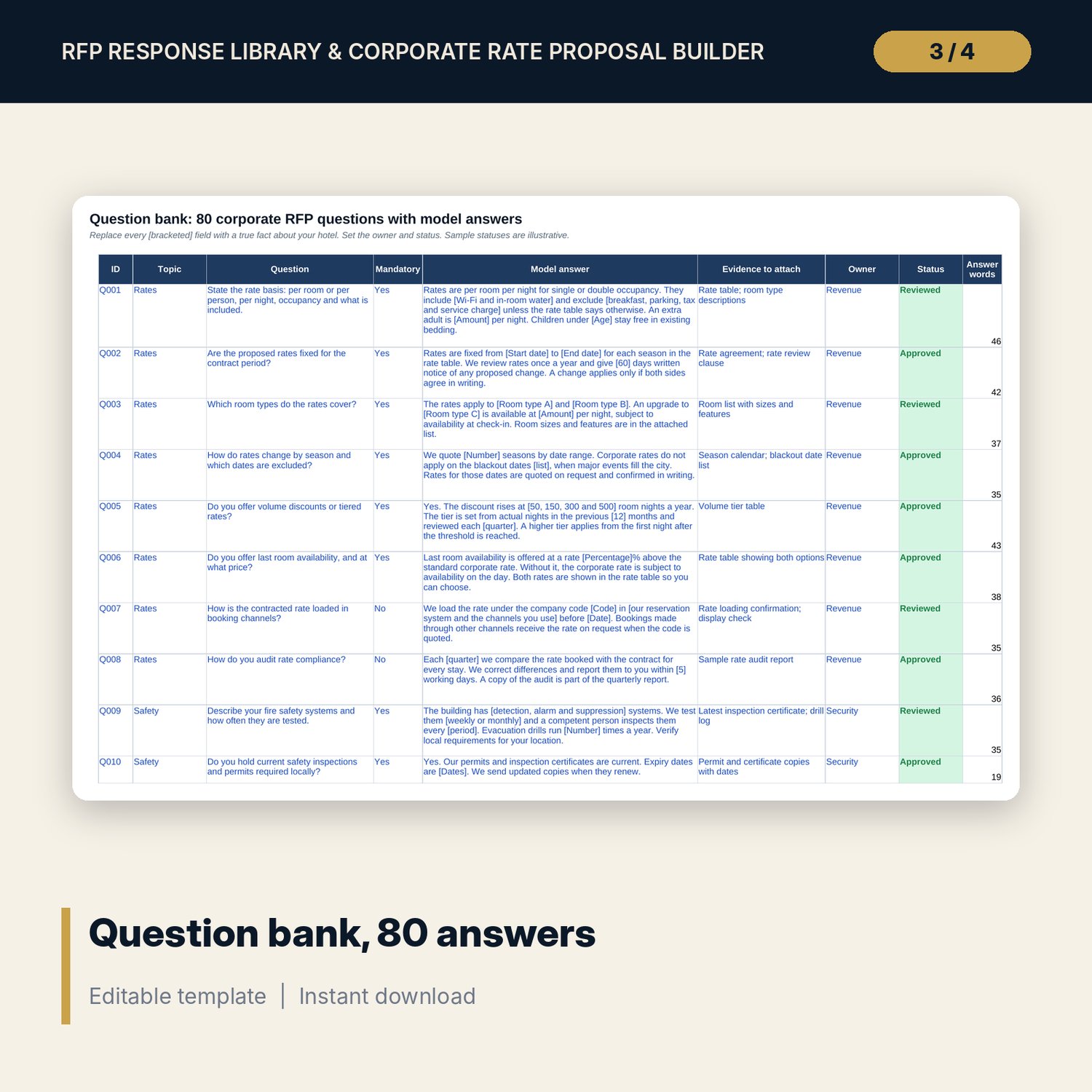
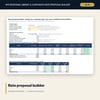
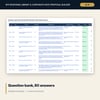
For hotel sales managers and revenue managers who answer corporate requests for proposal and need a faster, more consistent response. The question bank holds 80 common questions in 10 topics (rates, safety, sustainability, accessibility, technology, cancellation, billing, loyalty, food and beverage, meeting space), each with a model answer, the evidence to attach, an owner and a status. The rate builder takes expected annual room nights, picks the volume tier, applies seasonal benchmark rates, last room availability and breakfast, and derives the quoted rate, the rate with service charge and tax, and the net rate to the hotel, with weighted averages found with SUMPRODUCT. A printable proposal summary and a 8-page Word pack complete the response.
What is inside
- RFP_Response_Library_and_Rate_Builder.xlsx: 7 tabs, 343 formulas, 2 native charts, 13 drop-down and input rules
- Question Bank: 80 questions (39 marked mandatory) with model answers, evidence to attach, owner and status, plus 20 spare rows
- Settings: 4 rate seasons, 6 blackout date rows, tax and service, breakfast, commission, 4 volume tiers and a net rate floor
- Rate Proposal Builder: rates by season for the applicable tier, and room rate and net rate grids for all 4 tiers
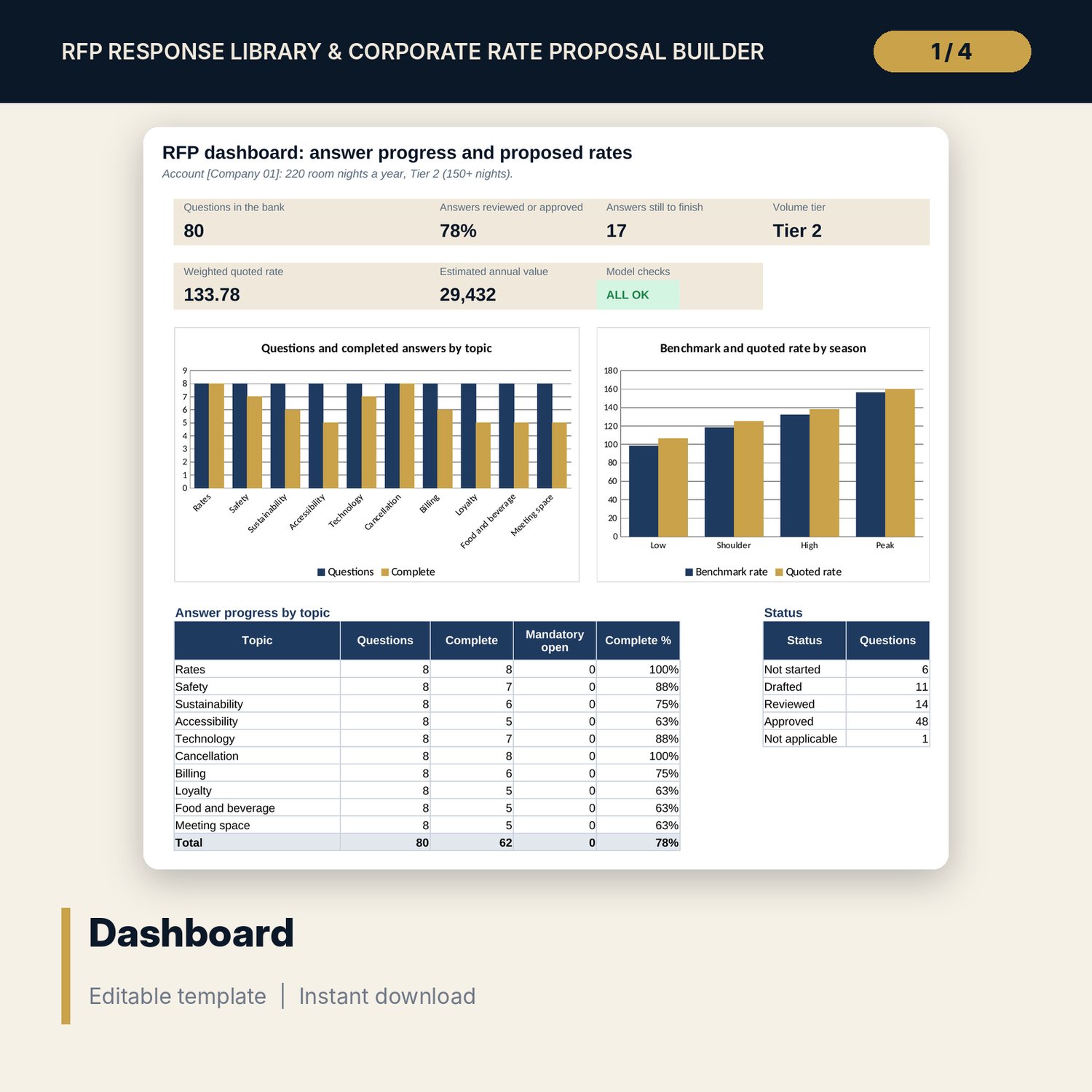
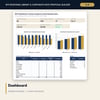
- Proposal Summary (one printed page), Dashboard with 6 KPI tiles, a check tile and 2 charts, and 5 integrity checks
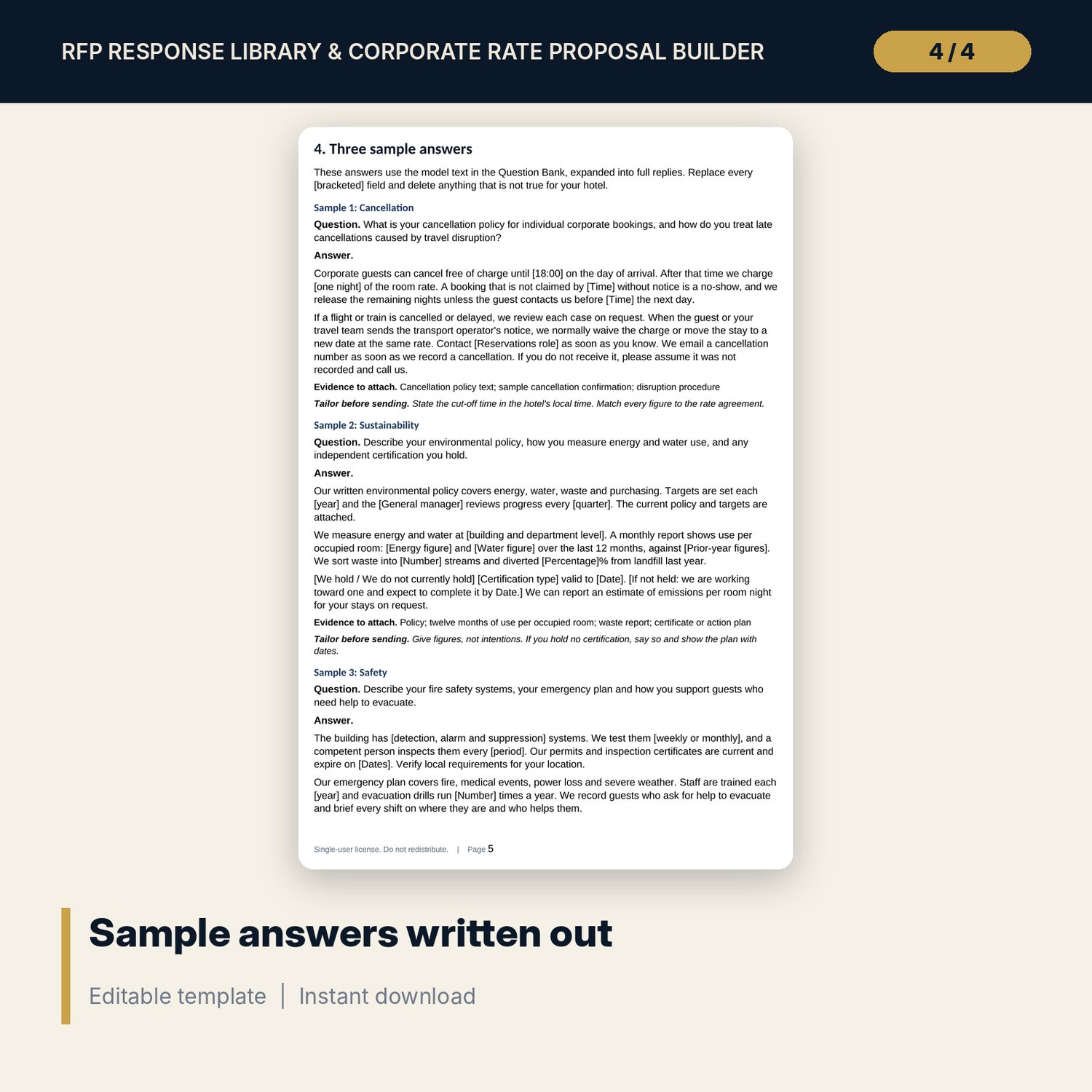
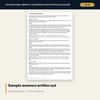
- RFP_Proposal_Forms.docx and PDF: 8 pages with a proposal letter, a rate agreement summary of 15 clauses, a submission checklist of 18 items and 3 sample answers written out
- README.txt and LICENSE-and-Terms.txt
How it works
- Enter your seasons, benchmark rates, blackout dates, tax, breakfast, commission, tiers and rate floor on Settings.
- Adapt the model answers on Question Bank: replace each [bracketed] field, then set the owner and status.
- Enter the account's expected room nights, last room availability and breakfast choice on Rate Proposal Builder.
- Check that every season is above the net rate floor, print Proposal Summary and use the Word forms to finish the response.
Details
- Formats: 1 Excel workbook (.xlsx), 1 forms pack in Word (.docx) and PDF, English
- Software: Excel 2016 or later, or LibreOffice Calc 7 or later
- No macros, no external links, no data tables, no array formulas
- 3 files plus README and license; instant digital download
Good to know
- Sample data is illustrative. Replace it with your own figures.
- Model answers are starting text with [bracketed] fields. Every statement must be true for your hotel.
- These files are drafting aids, not legal, tax or financial advice. Verify local requirements and have contracts reviewed by a qualified adviser.
- Single-user license. Do not redistribute.
FAQ
Are the answers ready to send?
They are model answers with [bracketed] fields. Replace each field with a fact about your hotel and attach the evidence listed beside it.
How is the volume tier chosen?
The tier is the highest one whose room-night threshold the expected annual nights reach. You set the thresholds and discounts on Settings.
What does the net rate floor test?
It tests the rate after commission and breakfast cost, season by season, for the proposed tier. A season below the floor shows in red and the Checks tab fails.
Can I add my own questions?
Yes. The Question Bank has 20 spare rows with drop-downs for topic, mandatory, owner and status.
Do I need macros?
No. Every result is a standard worksheet formula.