Sports Team, Tour Group & Bus Group Operations Checklist: Group Operations Checklist and Planner for Hotels
Full description
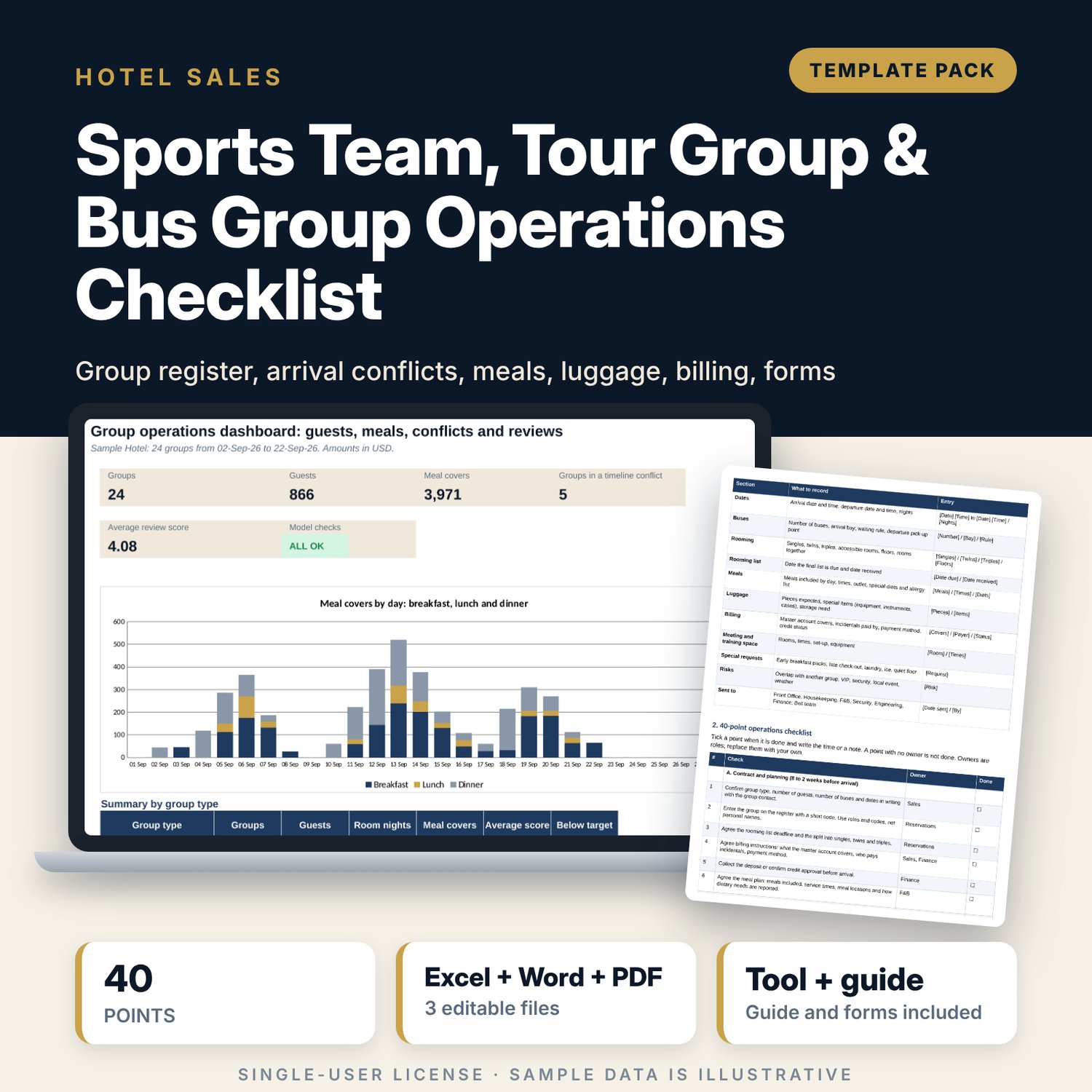
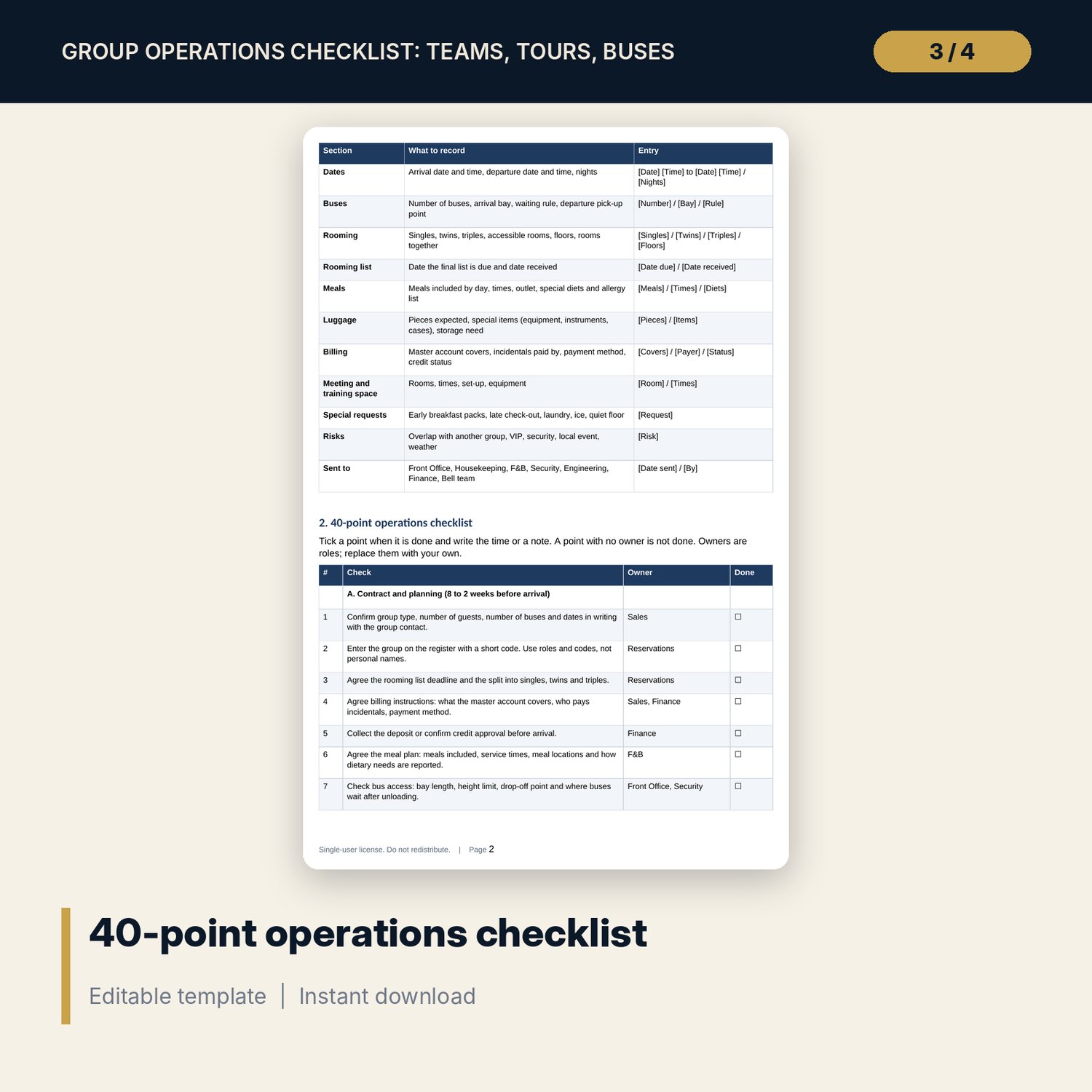
For group sales managers, front office managers and duty managers who receive sports teams, tour groups and bus groups and need every department working from the same facts. The workbook keeps one register of 24 sample groups, turns arrival and departure times into minutes and flags any group with another arrival or departure inside your conflict window (30 minutes by default). It shows one chosen day hour by hour with guests, buses, luggage pieces, bellmen needed and desk and bus bay load. The meal plan checks each row against the stay and totals covers by day. Luggage and Billing holds rooming, pull times, billing instructions and the estimated master account value. The Word pack gives the group resume, a 40-point checklist, the briefing script, an incident note and the post-group review form.
What is inside
- Group_Operations_Checklist.xlsx: 8 tabs, 1,777 formulas, 1 native chart, 21 drop-down and input rules
- Settings: 14 operating settings, 5 master account coverage options and 4 drop-down lists
- Group Register: 24 sample groups (guests, buses, dates, times, nights, rooms, review score and status) plus 8 spare rows
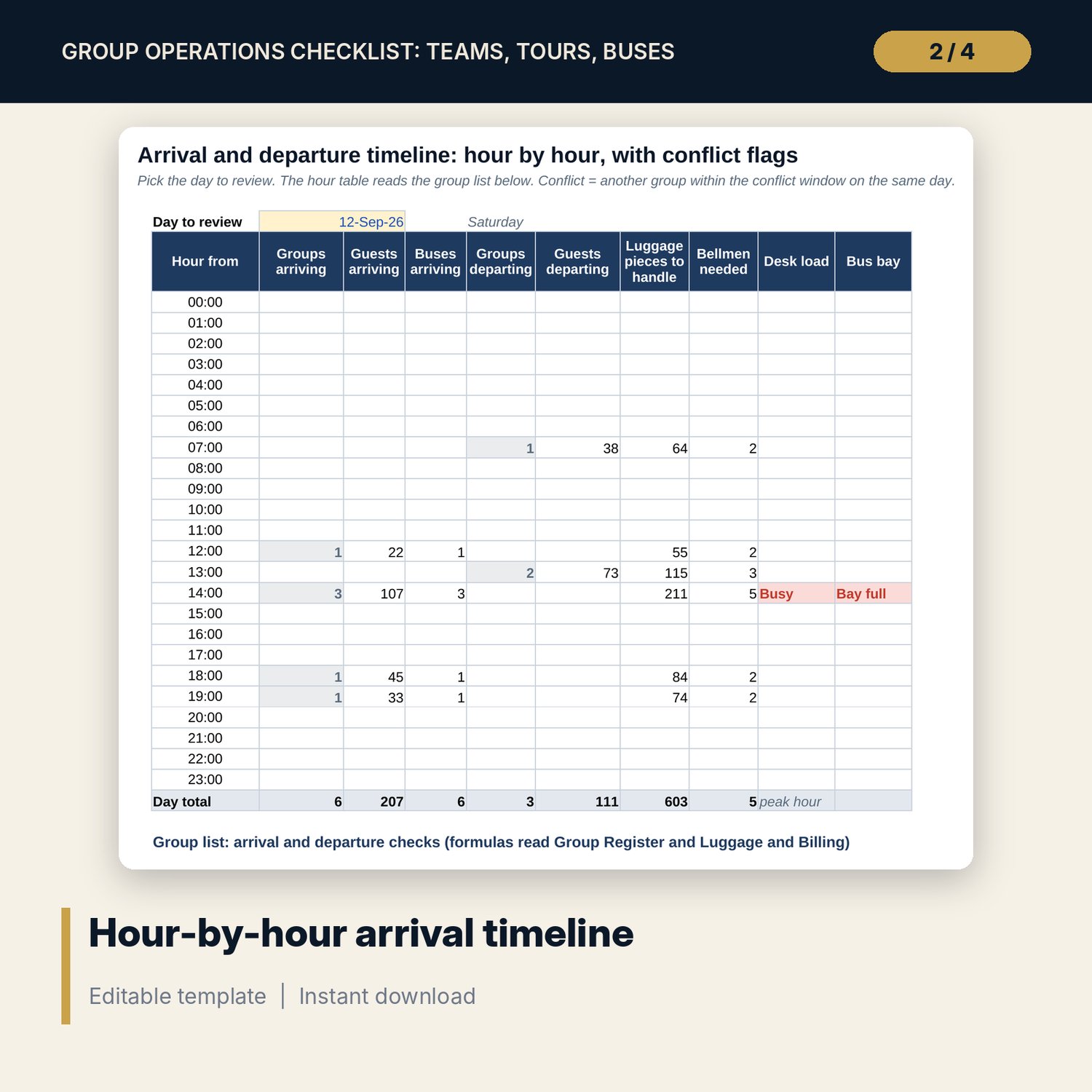
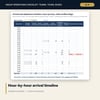
- Arrival Timeline: a 24-hour table for any day you pick, and a group list that flags arrival and departure conflicts, busy desk hours and full bus bays
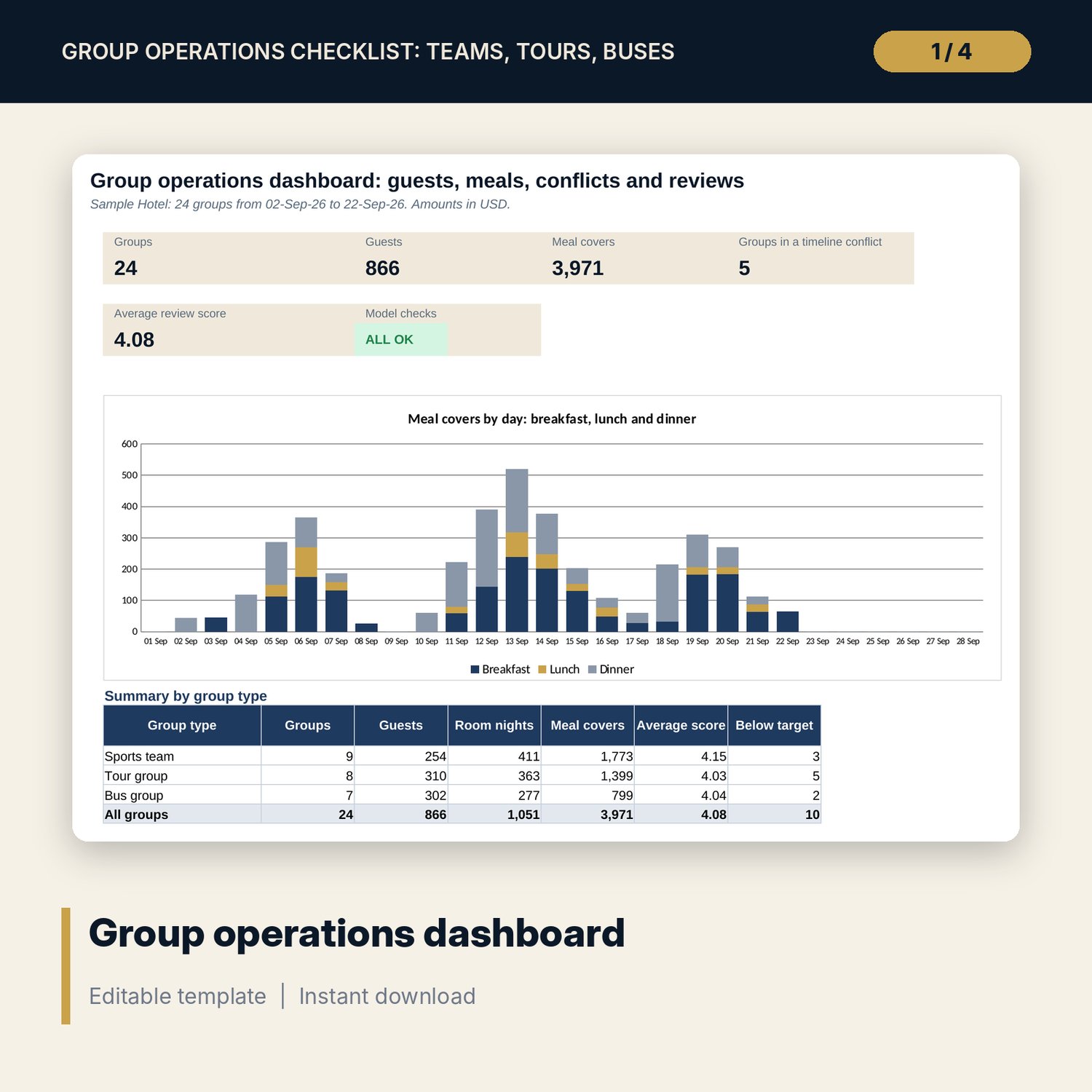
- Meal Plan: 79 sample rows of breakfast, lunch and dinner covers with dietary notes, 30 spare rows, a check on every row and covers by day for 28 days
- Luggage and Billing: rooming (singles, twins, triples), luggage pieces, pull times, bellmen needed, billing method, incidentals, credit status and the estimated master account value
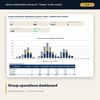
- Dashboard with five tiles, a check tile, one chart and a summary by group type; 5 checks that must show ALL OK
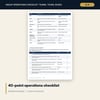
- Group_Operations_Checklist_Forms.docx and Group_Operations_Checklist_Forms.pdf: 8 pages with a group resume (13 sections), the 40-point operations checklist, a staff briefing script (10 steps), an arrival and departure timeline sheet, luggage and meal count sheets, an incident note form (15 fields) and a post-group review form (9 criteria)
- README.txt and LICENSE-and-Terms.txt
How it works
- Set the conflict window, desk and bus bay limits, luggage rate and meal prices on Settings.
- Enter each group on Group Register with a short code, then its rooming, luggage and billing on Luggage and Billing.
- List the covers by group and date on Meal Plan. Read the Check column for rows outside the stay or above the group size.
- Pick a day on Arrival Timeline and resolve each Conflict, Busy and Bay full flag.
- Print the forms, brief the staff, record incidents and enter the review score after departure.
Details
- Format: one .xlsx workbook, one .docx forms pack and its PDF copy (3 files), English
- Software: Excel 2016 or later, or LibreOffice Calc 7 or later; Word or any program that opens .docx
- No macros, no external links, no array formulas
- Instant digital download
Good to know
- Sample data is illustrative. Replace it with your own figures.
- Times, limits, prices and billing terms are examples. Verify local requirements for fire safety, data protection and consumer rules before you use the forms.
- Use group codes and roles, not personal names, in the register and the forms.
- Single-user license. Do not redistribute.
FAQ
How does the conflict flag work?
Each arrival time becomes a minute of the day. A group is flagged when another group arrives on the same date within the conflict window you set. Departures are checked the same way.
Can I add more than 24 groups?
The register has 32 rows (24 sample groups and 8 spare). Clear the sample rows and reuse them for new groups, or copy the workbook for each period.
What does the master account estimate include?
Room nights at the group rate plus breakfast, lunch and dinner covers at your prices, limited to what the coverage option for that group includes. Edit the 1 and 0 flags on Settings to change a coverage option.
Do the Word forms match the workbook?
Yes. The group resume, timeline sheet, count sheets and review form use the same fields as the register, the timeline, the meal plan and Luggage and Billing.
Is it for hotels only?
It is built for group operations in hotels, but the forms and the logic work for any venue that receives groups on arrival and departure days.