Group Displacement Analysis Calculator: Group Block Displacement Analysis Spreadsheet
Full description
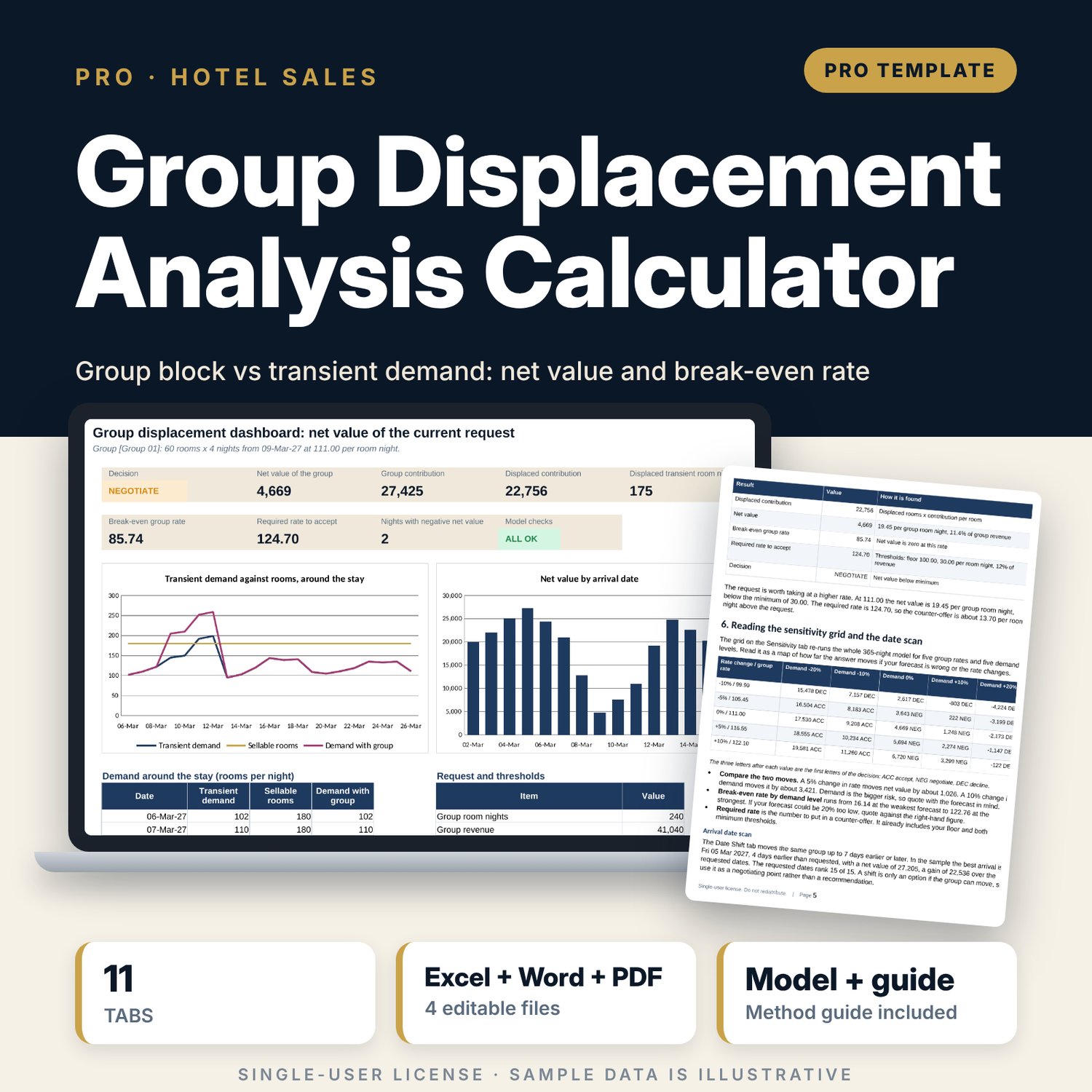
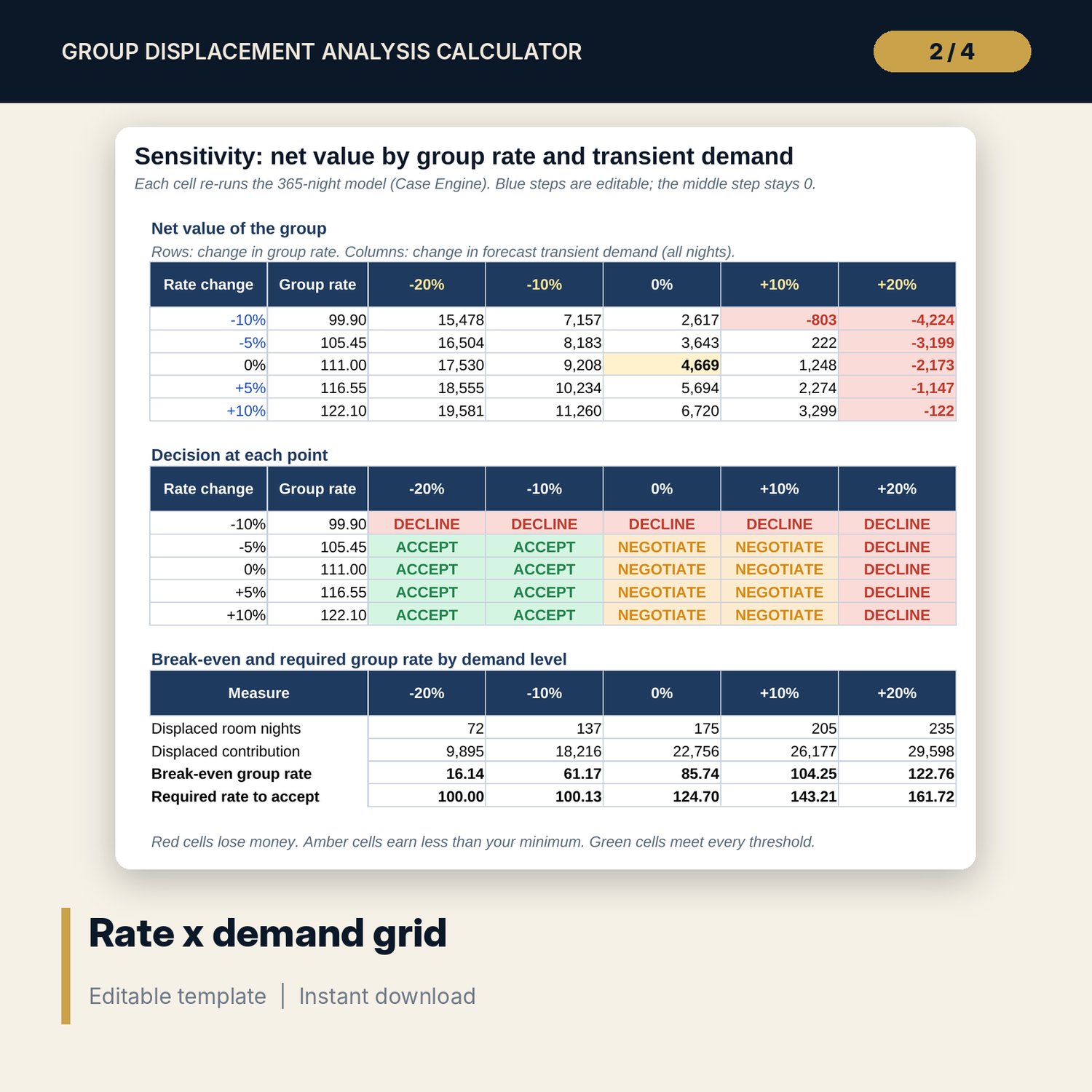
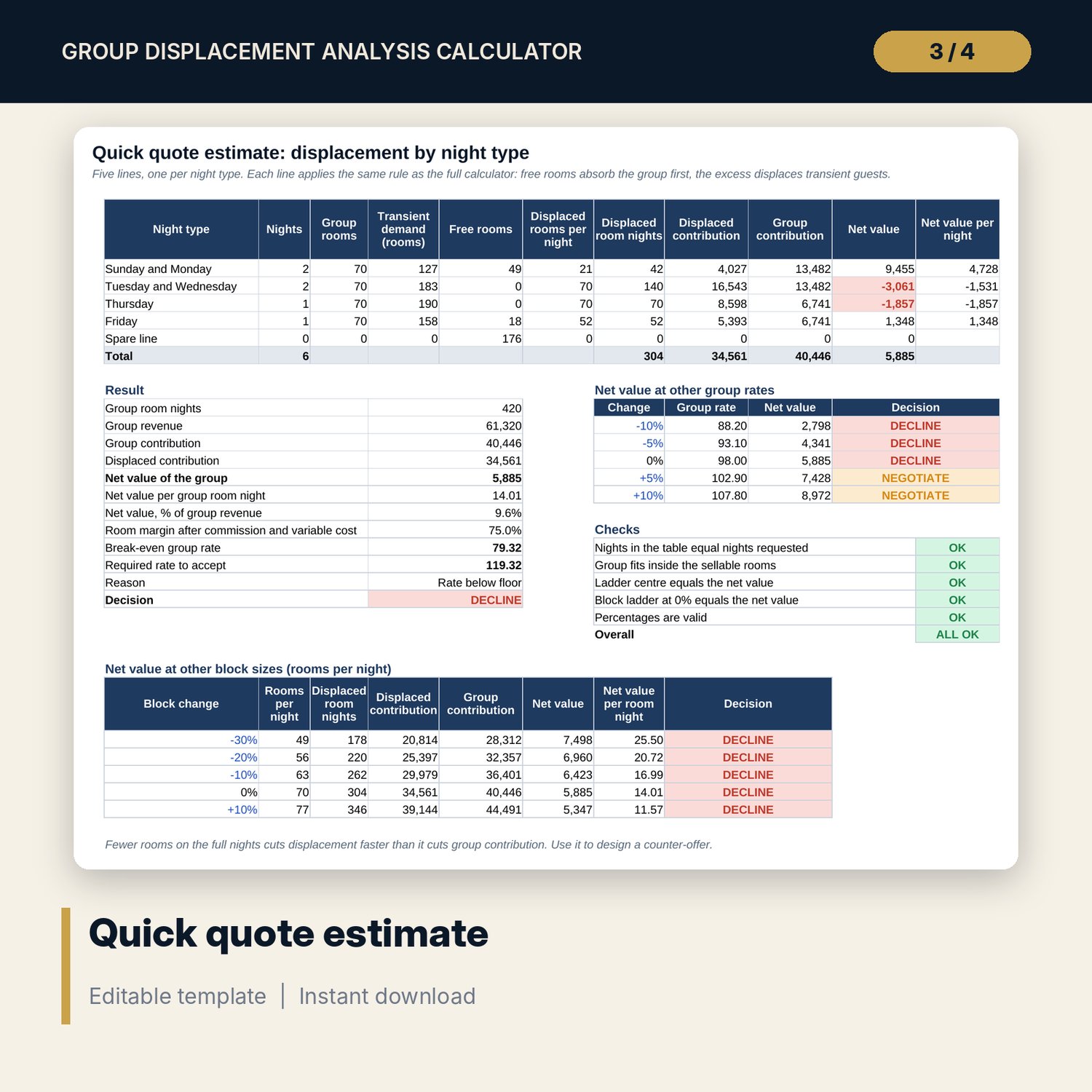
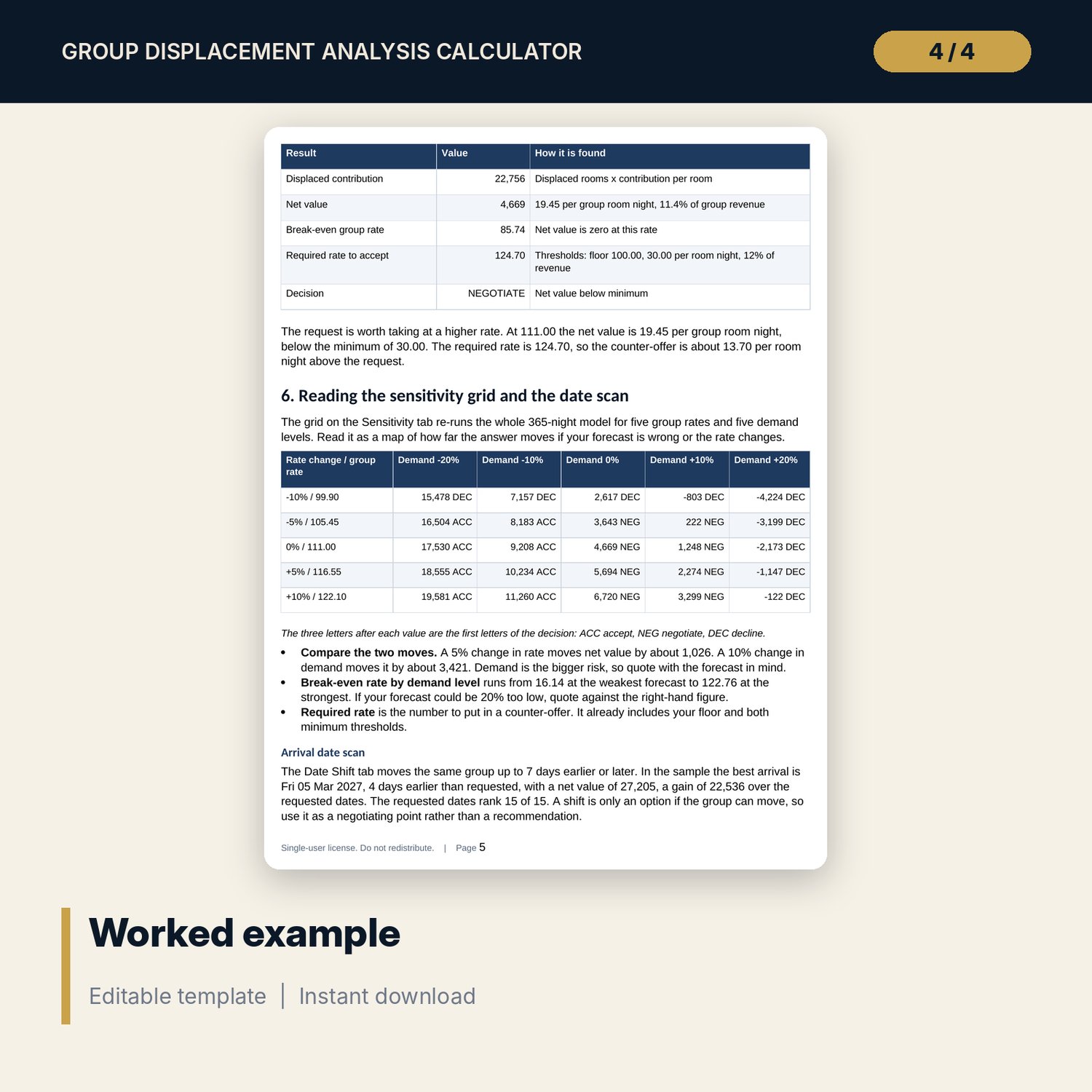
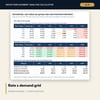
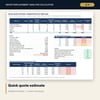
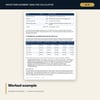
For revenue managers, sales managers and general managers who must answer a group request with a rate. The workbook sets a group block against 365 nights of forecast transient demand, ADR and ancillary spend. For each night it finds free rooms, displaced transient rooms, displaced contribution, group contribution and net value. It then returns the break-even group rate, the rate needed to meet your minimums, and an ACCEPT, NEGOTIATE or DECLINE decision. A 5 x 5 grid re-runs the whole model for five rates and five demand levels, and a date scan shows what happens if the group arrives up to 7 days earlier or later. A companion quote sheet gives a fast answer from five night types, and a 10-page guide explains the method with a worked example.
What is inside
- Group_Displacement_Calculator.xlsx: 11 tabs, 8,664 formulas, 2 native charts, 12 drop-down and input rules
- Demand Calendar: 365 nights with transient demand, ADR, ancillary spend and rooms out of order (sample data)
- Displacement Engine: 365 rows, 18 columns, red flags on nights where displacement costs more than the group brings
- Sensitivity grid and Case Engine: 25 full recalculations, one case per row
- Date Shift: 15 arrival dates scanned with rank and gain over the requested dates
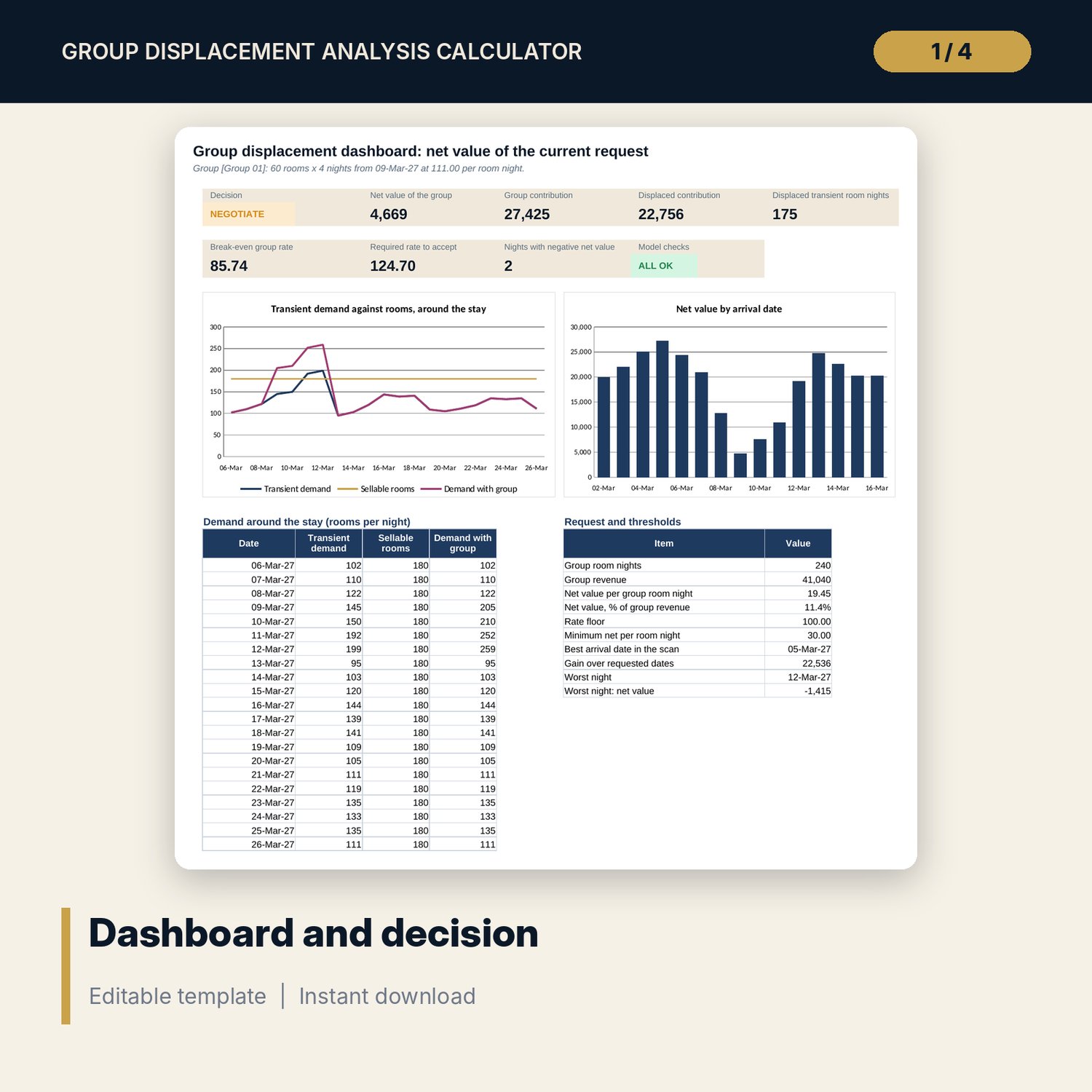
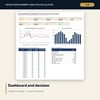
- Dashboard with 8 tiles, a check tile and 2 charts; 8 integrity checks; Method tab with 12 documented calculations
- Group_Displacement_Quick_Quote.xlsx: 3 tabs, 143 formulas, 5 night types, a rate ladder and a printable quote note
- Group_Displacement_Guide.docx and PDF: 10 pages with equations, a worked example read from the workbook, when to decline, common mistakes and a checklist
- README.txt and LICENSE-and-Terms.txt
How it works
- Enter your room count, variable cost percentages, rate floor and minimum net value on Assumptions.
- Replace the sample demand calendar with your forecast of transient demand, ADR and ancillary spend.
- Enter the group request: arrival, nights, rooms, rate, commission, F&B and meeting spend.
- Read the net value, break-even rate, required rate and decision, and inspect the red nights on the engine.
- Test other rates, weaker demand and other arrival dates, then print the quote note.
Details
- Formats: 2 Excel workbooks (.xlsx), 1 guide in Word (.docx) and PDF, English
- Software: Excel 2016 or later, or LibreOffice Calc 7 or later
- No macros, no external links, no data tables, no array formulas
- 4 files plus README and license; instant digital download
Good to know
- Sample data is illustrative. Replace it with your own figures.
- The files are planning tools, not financial advice. Verify your own cost accounts, contract terms and local requirements.
- Results depend on the demand forecast. Use the sensitivity grid to see how far a forecast error moves the answer.
- Single-user license. Do not redistribute.
FAQ
What does displacement mean here?
Transient guests you would turn away on nights when the group takes rooms that you would otherwise have sold.
Does it work for a hotel that rarely sells out?
Yes. On nights with free rooms the group displaces nothing, and the net value is the full group contribution.
Can demand be above 100%?
Yes. Enter unconstrained demand. On nights when demand exceeds the sellable rooms, the group displaces its whole block.
Can I change the cost percentages and thresholds?
Yes. Every percentage, the rate floor and both minimum net value thresholds are inputs on Assumptions.
Do I need macros or add-ins?
No. Every result is a standard worksheet formula, including the sensitivity grid.