Crew, Project & Long-Stay Contract Rate Calculator: Net Rate from CPOR, Margin and Length-of-Stay Tiers
Full description
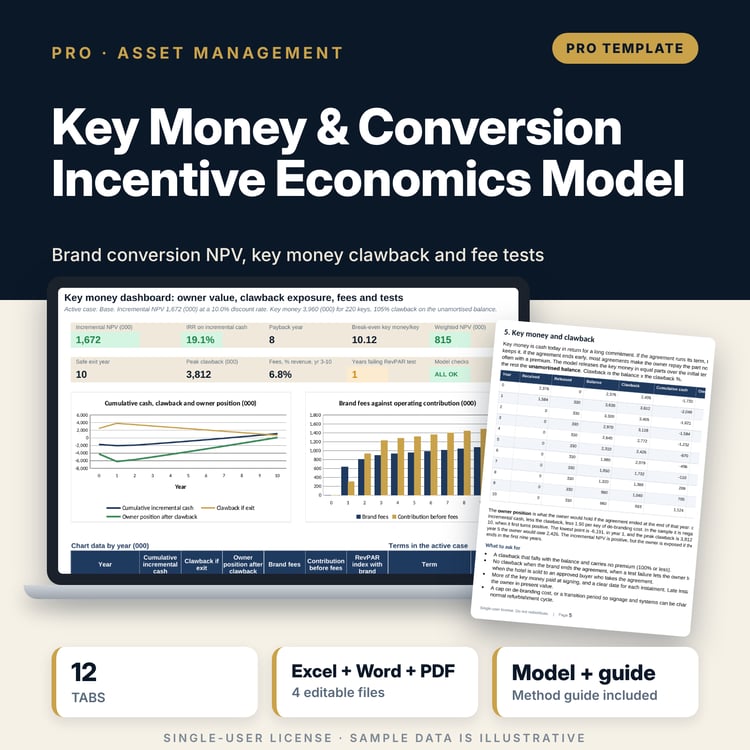
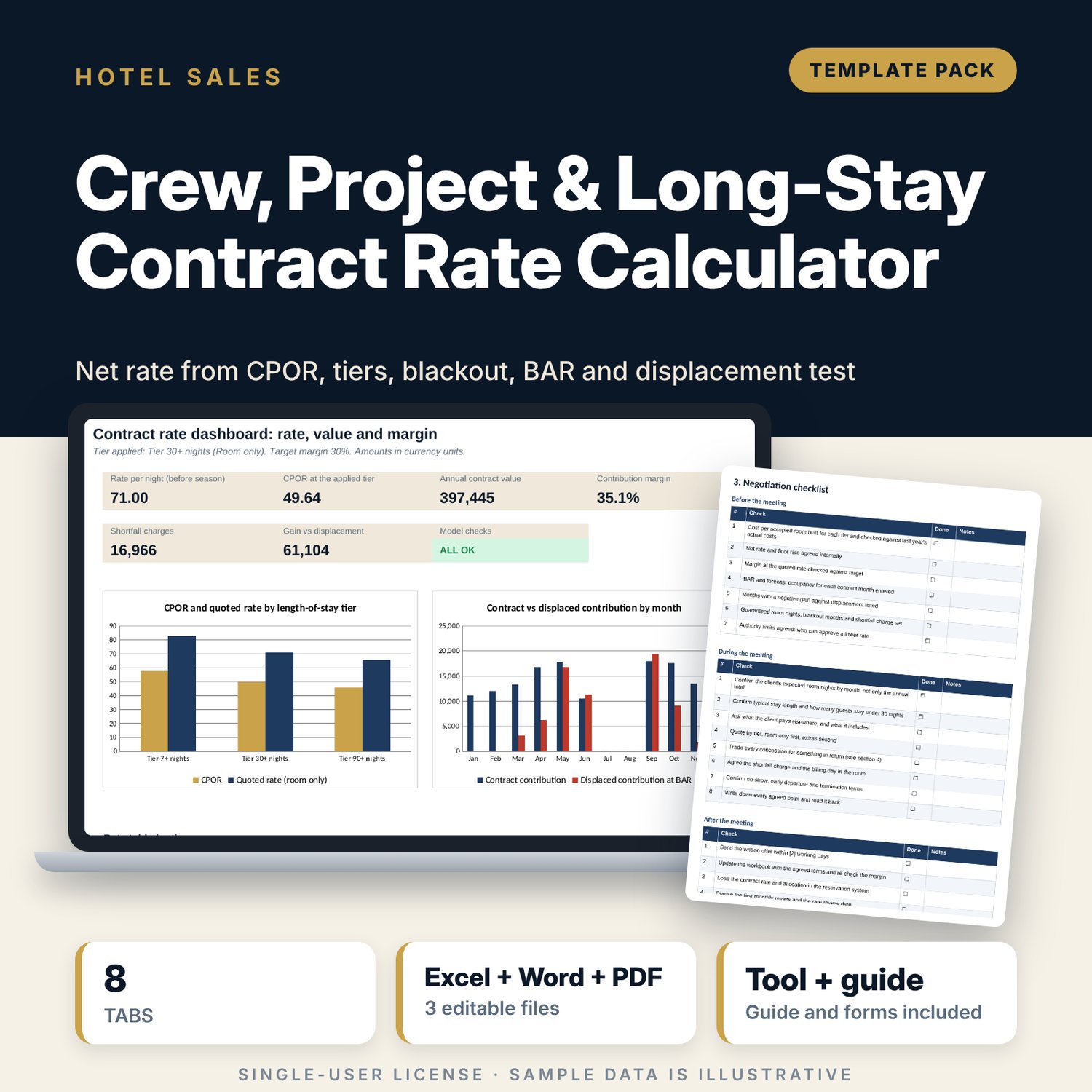
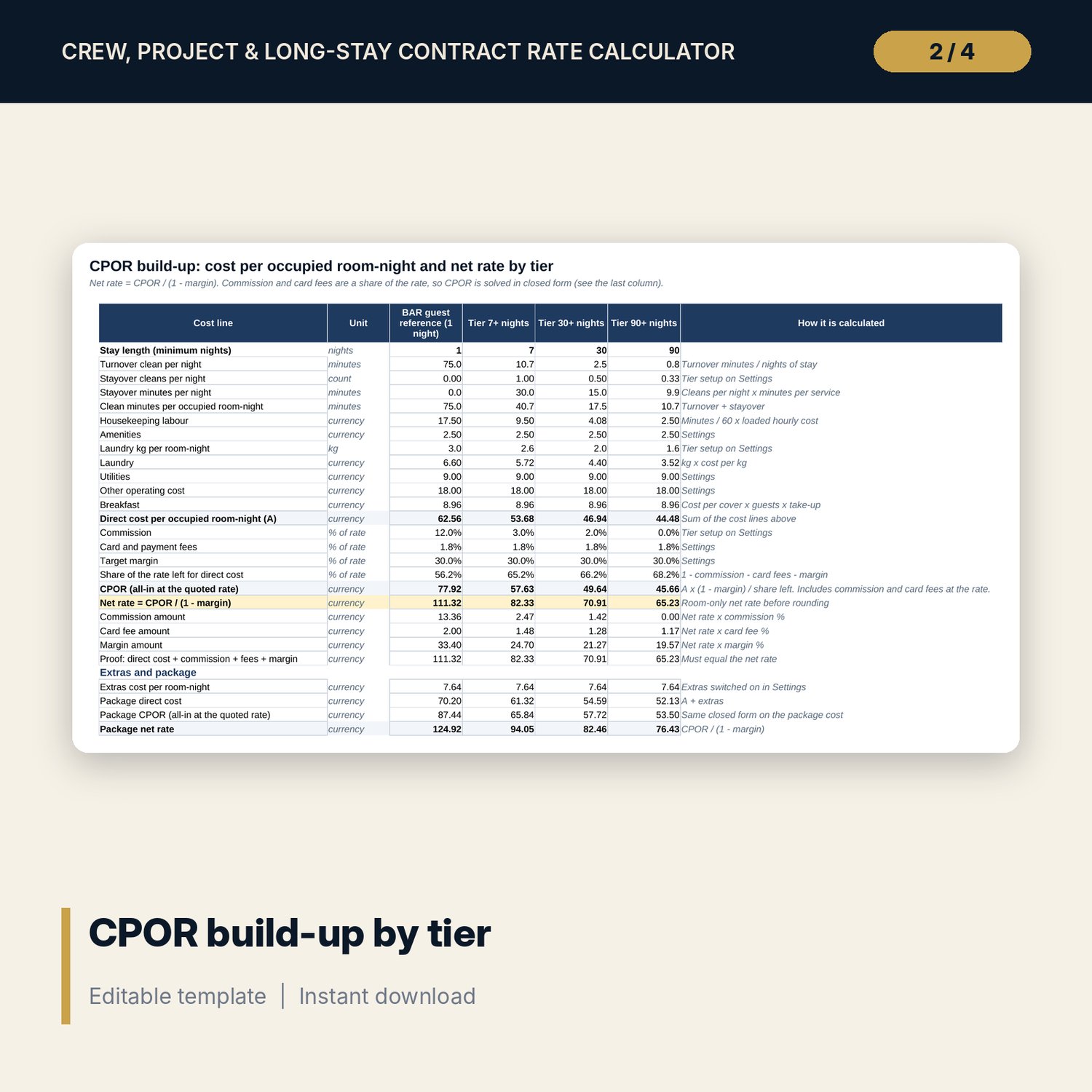
For directors of sales, revenue managers and general managers who quote crew, project and long-stay business. The workbook builds cost per occupied room-night (housekeeping labour, amenities, laundry, utilities, other operating cost, breakfast, commission and card fees) for a 1-night reference and for 7, 30 and 90-night tiers, then solves the net rate with net rate = CPOR / (1 - margin). It rounds quoted rates, shows the margin and the discount for each tier, values a 12-month contract with SUMPRODUCT, seasonal blackout multipliers and a minimum guarantee shortfall charge, and compares the contract with BAR and with displacement value month by month. A margin sensitivity grid shows what each rate step does to margin. The Word pack has a contract summary, a terms sheet with 18 clauses in plain words, and a negotiation checklist.
What is inside
- Contract_Rate_Calculator.xlsx: 8 tabs, 599 formulas, 2 native charts, 11 drop-down and input rules
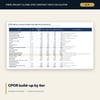
- CPOR Build-up: 26 calculation rows for 4 stay columns, with a proof row that adds back to the net rate
- Rate Tiers: quoted rate, margin and discount by tier, package rate, and a 9 x 3 margin sensitivity grid plus an annual rate-step table
- Contract Value: 12 months with seasonal and blackout multipliers, guarantee, shortfall charge and margin
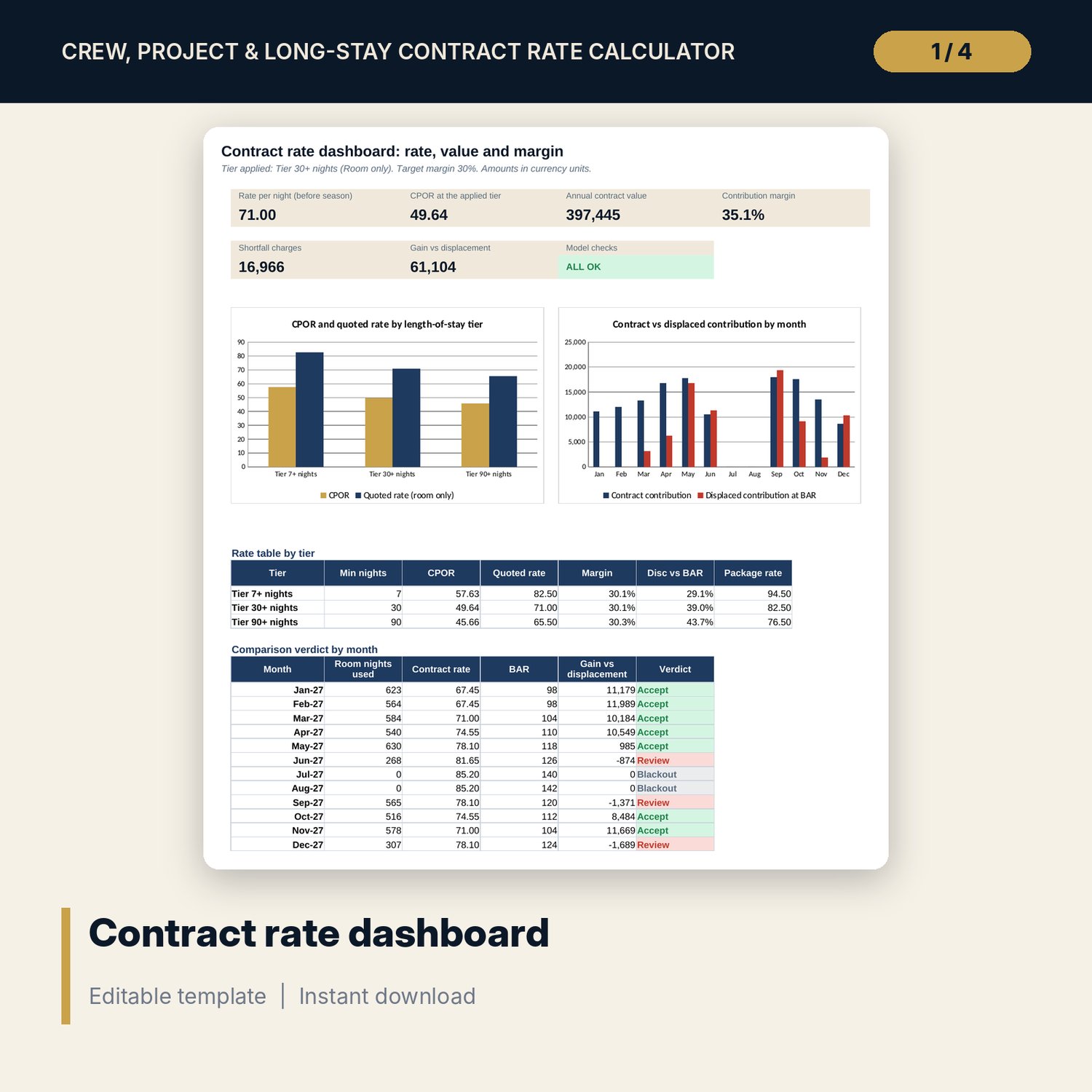
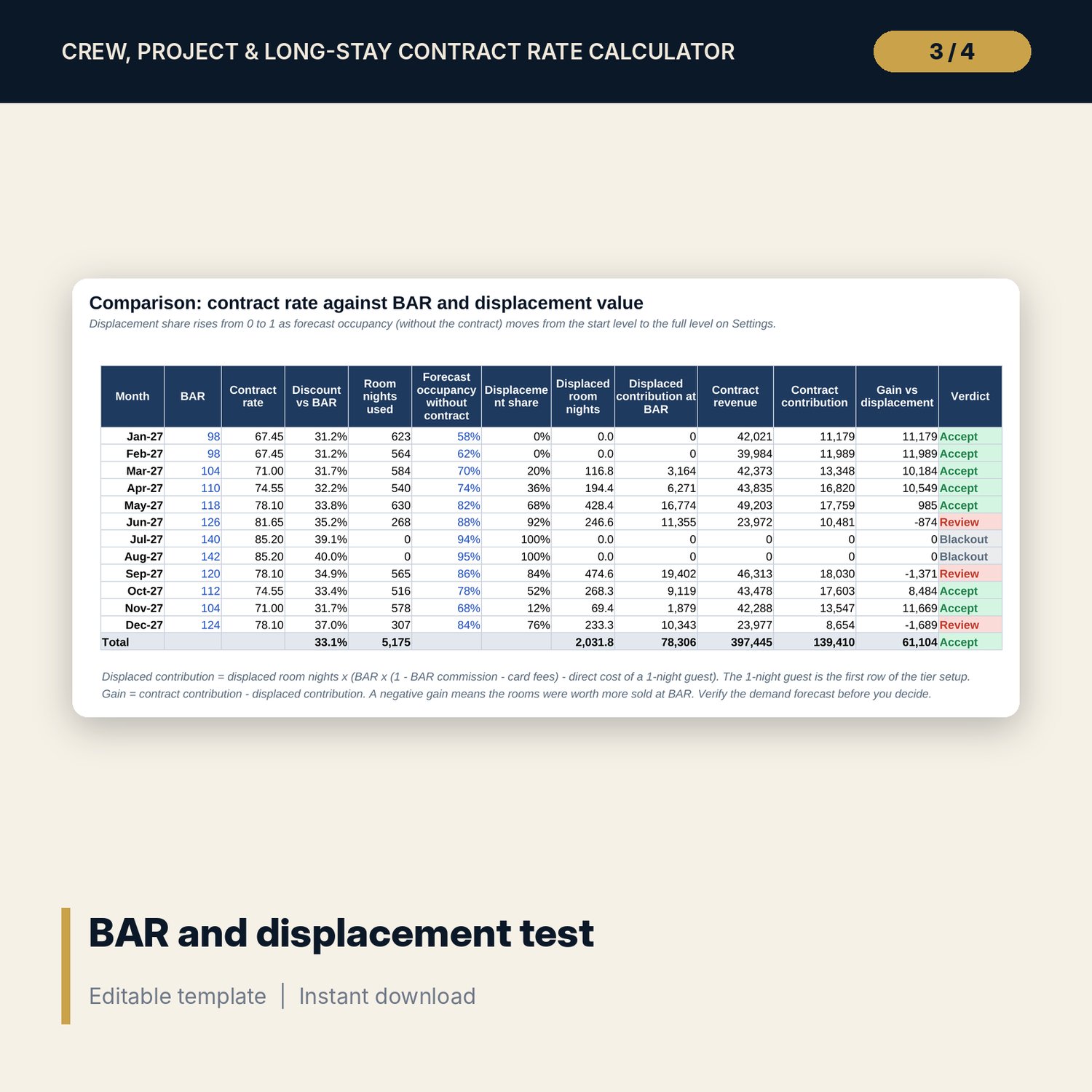
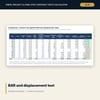
- Comparison: contract rate against BAR and displacement value for 12 months, with an Accept or Review verdict
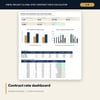
- Dashboard with 6 KPI tiles, a check tile and 2 charts; 6 checks
- Contract_Rate_Terms_Forms.docx and PDF: 8 pages with contract summary, 18-clause terms sheet, negotiation checklist, give-and-get table, quote note and review form
- README.txt and LICENSE-and-Terms.txt
How it works
- Enter the margin target, cost drivers, tiers and contract terms on Settings.
- Read the CPOR build-up and the quoted rate for each length-of-stay tier.
- Enter seasonal and blackout multipliers and the room nights the client expects to use.
- Enter BAR and forecast occupancy without the contract and read the verdict for each month.
- Use the Word forms for the contract summary, the terms sheet and the negotiation plan.
Details
- Format: one .xlsx workbook, one .docx and one PDF copy, English
- Software: Excel 2016 or later, or LibreOffice Calc 7 or later
- No macros, no external links, no array formulas
- Instant digital download, 3 files plus README and license
Good to know
- Sample data is illustrative. Replace it with your own costs, rates and volumes.
- Wages, taxes, fees, deposits and contract terms differ by country. This is a planning tool, not legal, tax or financial advice. Verify local requirements and have a qualified adviser review the contract.
- Displacement uses a simple occupancy ramp. Check it against your own demand forecast.
- Single-user license. Do not redistribute.
FAQ
How are commission and card fees handled?
They are a share of the rate, so the sheet solves CPOR in closed form: A x (1 - margin) / (1 - margin - commission - fees). The Checks tab proves that net rate x (1 - margin) equals CPOR.
What does a blackout multiplier of 0 do?
It removes the allocation and the guarantee for that month. A multiplier of 0.5 halves both.
Can I quote a package with laundry, transport or meals?
Yes. Switch extras on or off on Settings and set the rate basis to Package. The package rate uses the same margin and fee logic.
How is displacement valued?
Forecast occupancy without the contract sets a share of contract rooms that would have sold at BAR. That share is valued at BAR contribution and compared with the contract contribution.
Does it need macros or add-ins?
No. Every result is a standard worksheet formula.