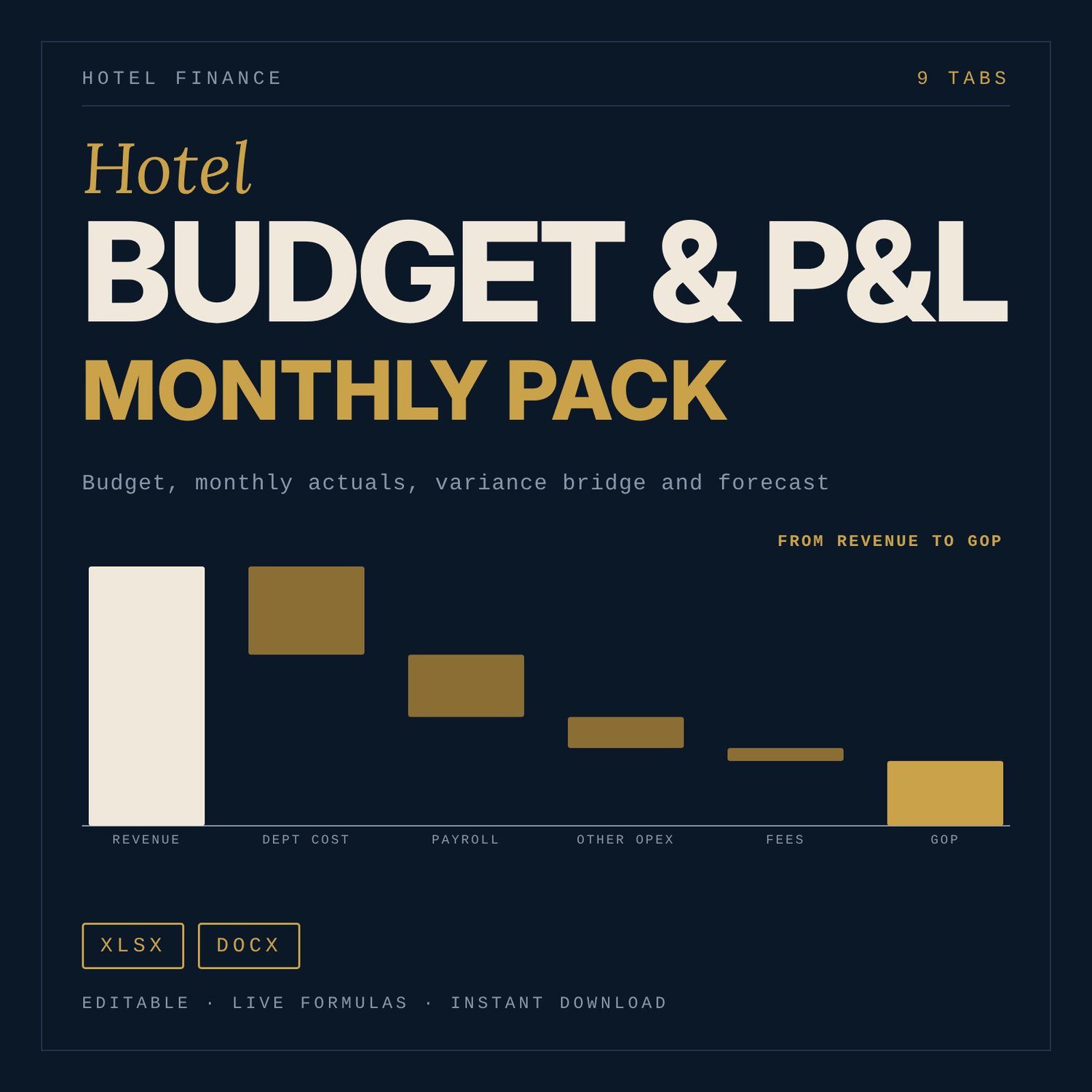
Hotel Budget & Monthly P&L Pack: Excel Budget, Variance Bridge, Owner Report
For hotel general managers, finance managers, owners and asset managers who need a budget and a monthly P&L they can audit. Enter your assumptions once. The workbook builds a 12-month budget in a departmental layout (Rooms, Food and Beverage, Other Operated, Undistributed expenses, management fees, fixed charges, GOP, EBITDA), compares each month with budget and last year, explains the rooms revenue variance, and rolls the year forward with three scenarios. It opens with a fully populated sample year for an illustrative 100-key upscale hotel, so you can see every output before you replace the inputs.
Save with a bundle: this template is also in the Hotel Finance, Development & Pre-Opening Bundle, 10 templates for $35 instead of $76. All 141 templates are in the All-Access Hospitality Template Library for $79.
What is inside
- Hotel_Budget_PnL_Pack.xlsx: 9 tabs and 5,773 formulas.
- Start Here: tab guide, 5 steps, colour legend, 15 model checks.
- Inputs: keys, operating days, currency symbol, budget year, monthly occupancy and ADR (budget and last year), segment mix, F&B capture and spend, service charge treatment, cost ratios with fixed and variable shares, payroll by department, fees, fixed charges, FF&E reserve, cash inputs.
- Budget_12M: month-by-month budget from available room nights to EBITDA, with RevPAR, TRevPAR, GOPPAR and CPOR.
- Monthly_PnL: month drop-down, actual vs budget vs last year, variance in amount and %, Fav/Unfav flags, YTD, flow-through and 8 automatic one-line flags.
- Variance_Bridge: rooms revenue split into available-rooms, occupancy and rate effects (vs budget and vs last year) and a GOP bridge. Check cells read 0.
- Forecast: Base, Upside and Downside scenarios; rolling outlook of actual plus forecast months.
- KPI_Dashboard: headline KPIs and 6 native charts.
- Cash_Check: monthly cash from GOP after fees, fixed charges, capex reserve, working capital and debt service.
- Glossary: 41 terms with the calculation for each.
- Owner_Report_Template.docx: 5 pages. Executive summary, performance snapshot, departments, key achievements, variance explanation, next-month action plan, attachments. Placeholders in brackets, a fill-in guide and a one-page worked example.
- Budget_Guide.docx: 9 pages. Ten steps to build the budget with the sample numbers, common errors (double counting service charge, ignoring seasonality, flat costs), a 19-point review checklist and how to read each variance.
How it works
- Replace the blue cells on Inputs with your keys, seasonality, cost and payroll assumptions.
- Read Budget_12M and clear the 15 model checks on Start Here.
- Each month, enter actuals in the grid on Monthly_PnL and pick the month in the drop-down.
- Read the flags and the Variance_Bridge, then choose a scenario on Forecast.
- Copy the figures into the Owner Report Template.
Details
- Formats: .xlsx, .docx, .txt. English. Currency symbol is an input (default $).
- Software: Excel 2016 or later on desktop. Word or any .docx editor. No macros, no add-ins.
- Delivery: instant digital download. Nothing is shipped.
- Layout follows a departmental format in the style of common hotel accounting formats. It is not certified and not affiliated with any standards body.
Good to know
All figures are illustrative samples, not benchmarks, and not professional advice. Tax, insurance, wage, fee and service charge rules depend on local law and your contracts: verify local requirements.
The workbook tests itself: changing occupancy or ADR moves the outputs and the bridge checks stay at 0.
Single-user license. Do not redistribute.
FAQ
Do I need special software? Excel 2016 or later on desktop. The documents open in Word or any .docx editor.
Does it work in Google Sheets? It was built and tested for Excel. Google Sheets can open it, but charts, drop-downs and conditional formats may differ. Test your copy before relying on it.
Can I edit it? Yes. Blue cells are inputs. Formulas are not locked. If you overwrite a formula, the model checks on Start Here will show it.
Is this a physical product or can I get a refund? It is a digital download. Nothing is shipped. Refund rules follow the store policy for digital products.
Who is it for? General managers, finance managers, owners and asset managers of full-service or select-service hotels who need budget, monthly reporting and outlook in one file.
Does it use real hotel data? No. The sample hotel is illustrative. Replace every input with your own.