
Corporate Account Quarterly Review Pack & Production Tracker: Corporate Account Review Template and Tracker
Full description
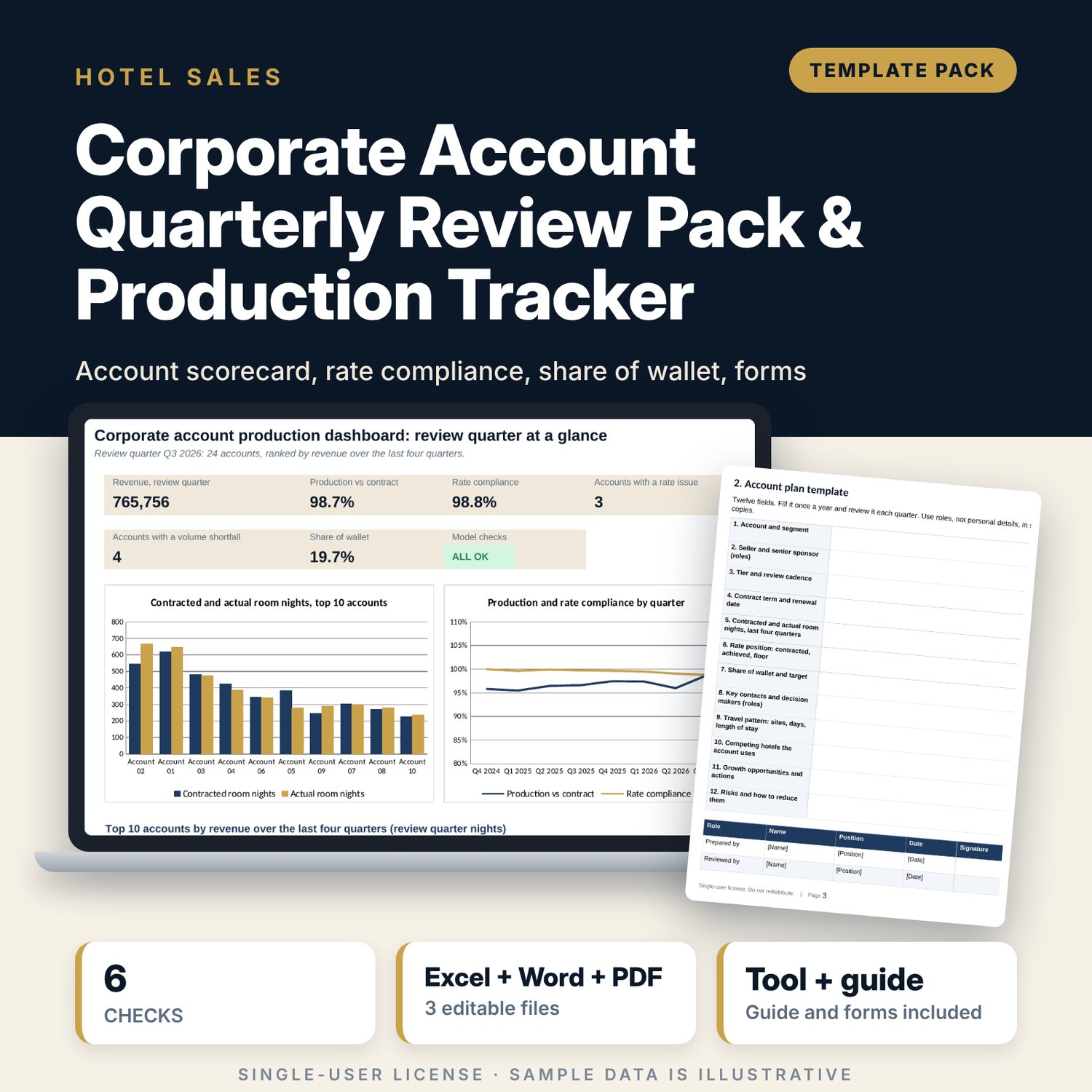
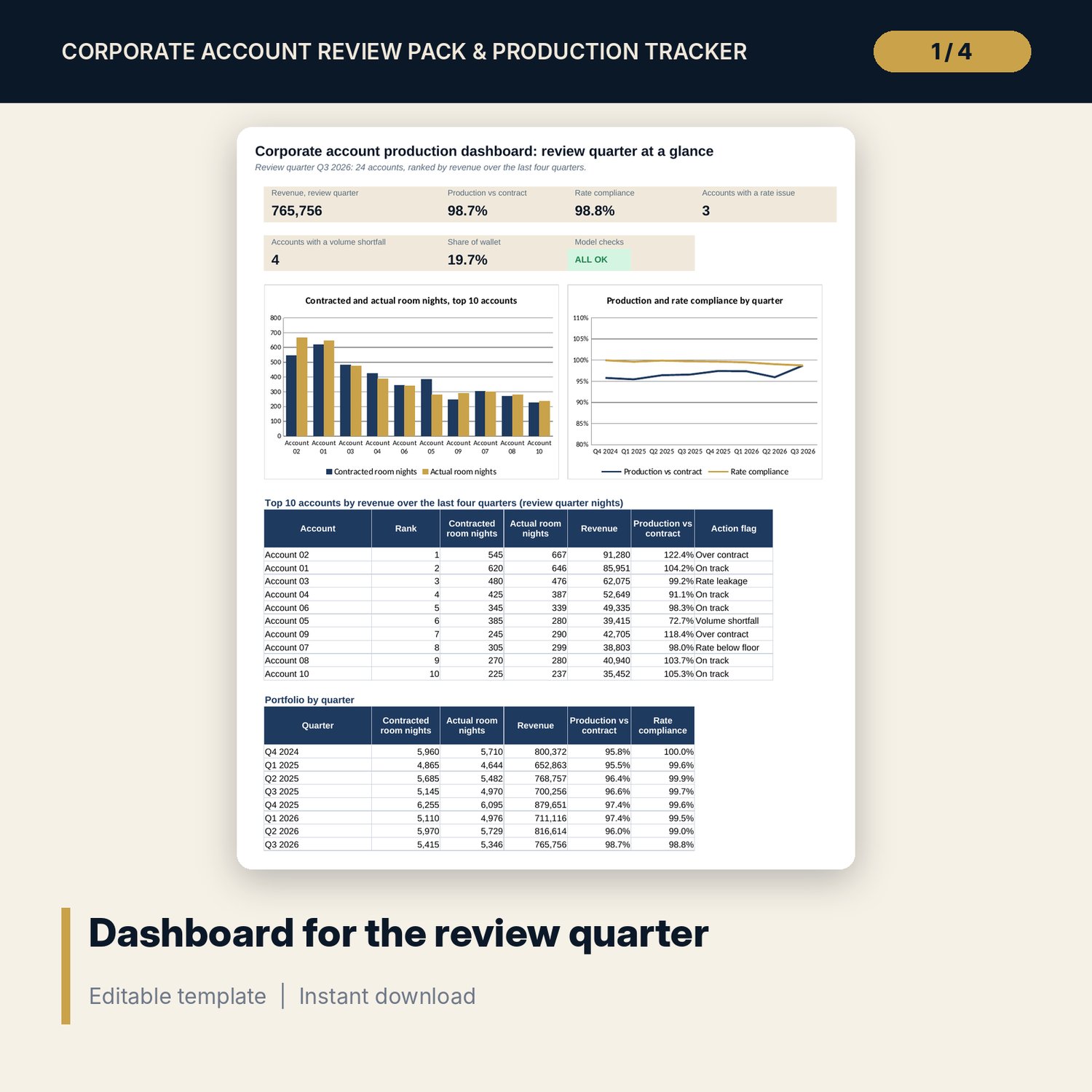
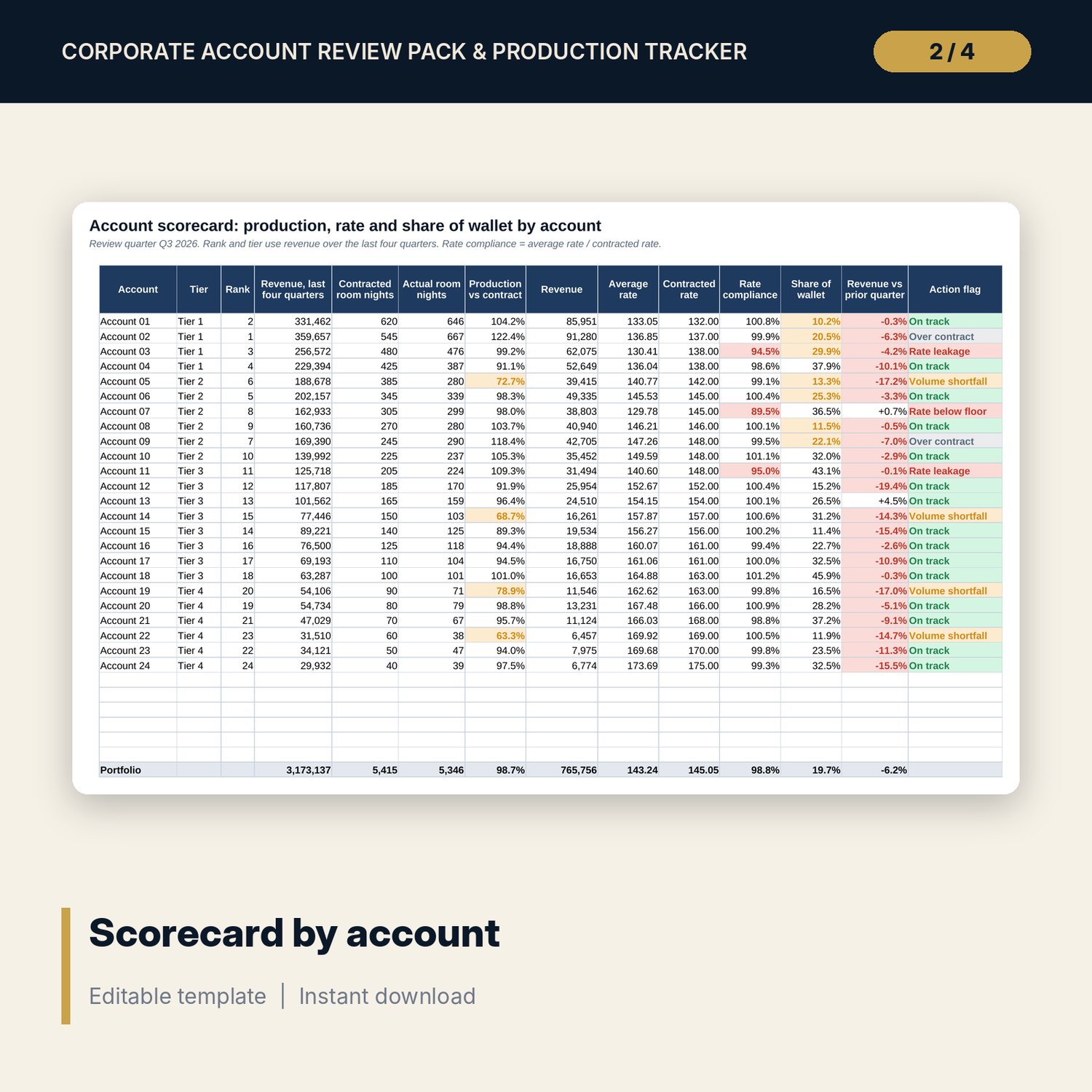
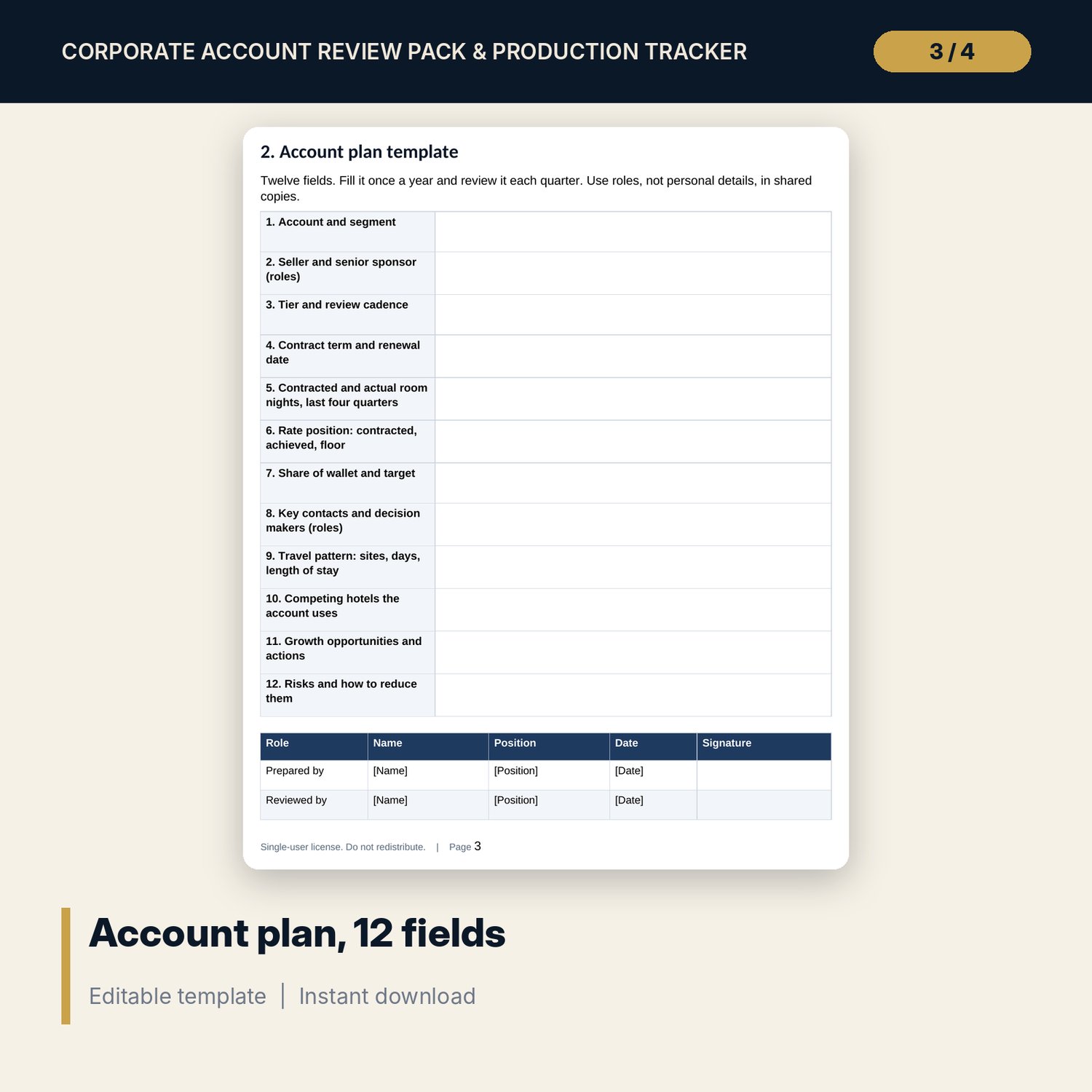
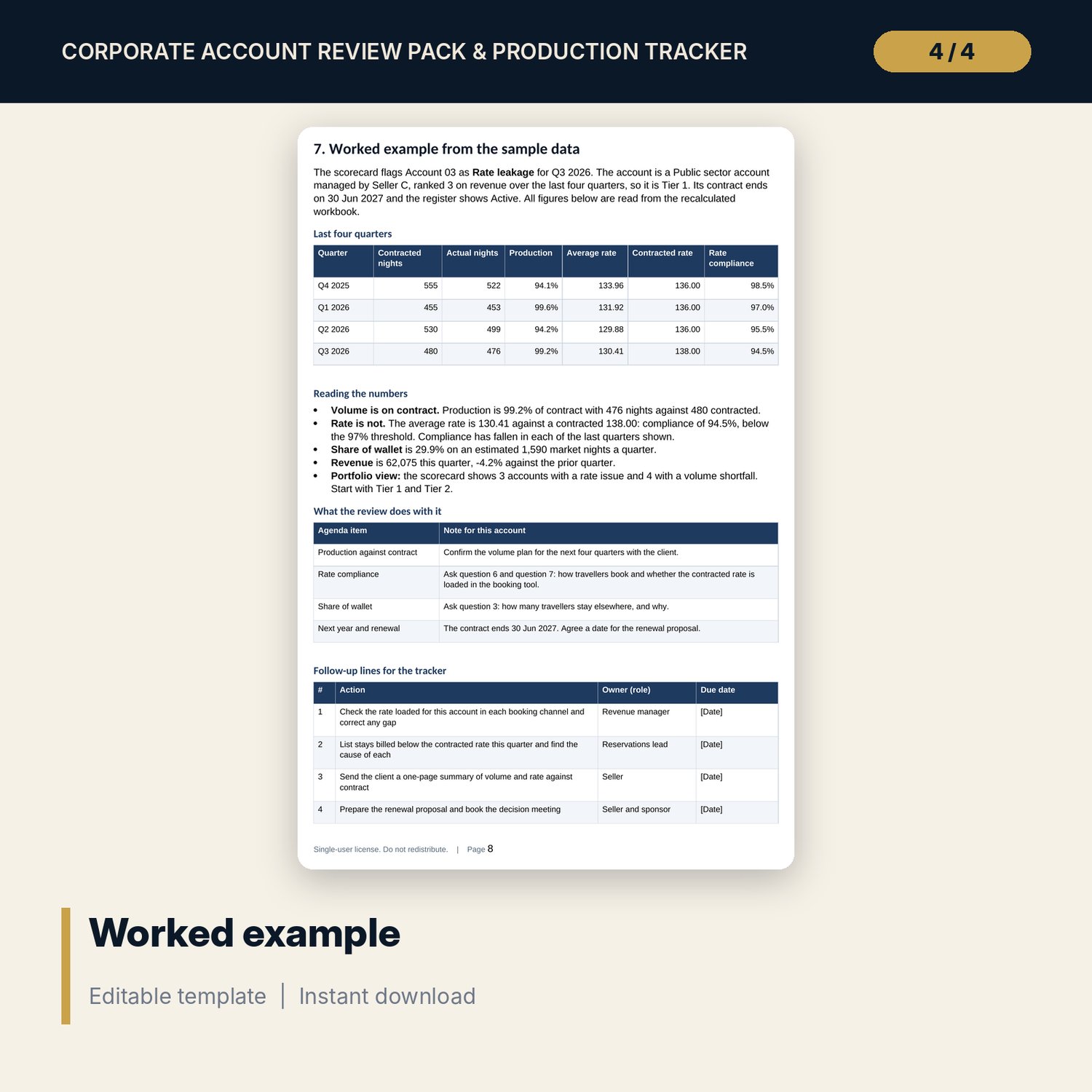
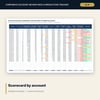
For hotel sales managers, directors of sales and general managers who hold corporate rate agreements and need to know which accounts deliver the volume and rate they signed. The workbook keeps a register of 24 accounts and a production log of 192 account-quarters. For the quarter you choose, the scorecard finds production against contract with SUMIFS, rate compliance (average rate against contracted rate, flagged below your threshold), share of wallet against your estimate of market nights, the change from the prior quarter, and a tier by RANK on four-quarter revenue. The Word pack gives you the review agenda, a 12-field account plan, 20 review questions, a follow-up tracker, a client summary page and one worked example read from the sample data.
What is inside
- Corporate_Account_Production_Tracker.xlsx: 7 tabs, 1,799 formulas, 2 native charts, 10 drop-down and input rules
- Accounts: 24 sample accounts with segment, seller, contract dates, estimated market nights and a renewal alert, plus 6 spare rows
- Production Log: 192 sample account-quarter rows (24 accounts x 8 quarters) plus 48 spare rows
- Account Scorecard: 14 columns per account, portfolio totals and a prioritised action flag
- Dashboard: 6 KPI tiles, a check tile and 2 charts; 6 integrity checks on the Checks tab
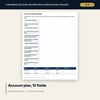
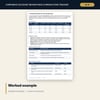
- Corporate_Account_Review_Forms.docx and PDF: 8 pages with a 60-minute agenda, a 12-field account plan, 20 review questions, a follow-up tracker, a client summary and a worked example
- README.txt and LICENSE-and-Terms.txt
How it works
- Pick the review quarter and set your thresholds and tier cut-offs on Settings.
- Replace the sample accounts and add one log row per account and quarter.
- Read the scorecard and dashboard to see which accounts leak rate, miss volume or exceed contract.
- Use the forms to prepare each review, record the agreed actions and follow them up.
Details
- Formats: 1 Excel workbook (.xlsx), 1 forms pack in Word (.docx) and PDF, English
- Software: Excel 2016 or later, or LibreOffice Calc 7 or later
- No macros, no external links, no data tables, no array formulas
- 3 files plus README and license; instant digital download
Good to know
- Sample data is illustrative. Replace it with your own figures.
- Share of wallet depends on your own estimate of each account's market room nights.
- Thresholds are your policy. These files are management tools, not legal or financial advice. Verify local requirements and your contract terms.
- Single-user license. Do not redistribute.
FAQ
How many accounts and quarters does it hold?
24 accounts and 8 quarters in the sample, with 6 spare account rows and 48 spare log rows for your own data.
What does the rate compliance flag mean?
The average rate paid in the quarter divided by the contracted rate. Below your threshold (97% in the sample) the account shows Rate leakage. Below the rate floor it shows Rate below floor.
How is share of wallet calculated?
Actual room nights divided by your estimate of the account's total room nights in the market per quarter. It is an estimate and the sheet says so.
How are tiers set?
By rank on revenue over the last four quarters to the review quarter. You set the rank cut-offs on Settings.
Do I need macros?
No. Every result is a standard worksheet formula.