Lost Business & Win-Loss Analysis Workbook: Win-Loss Analysis Template for Hotel Sales Teams
Full description
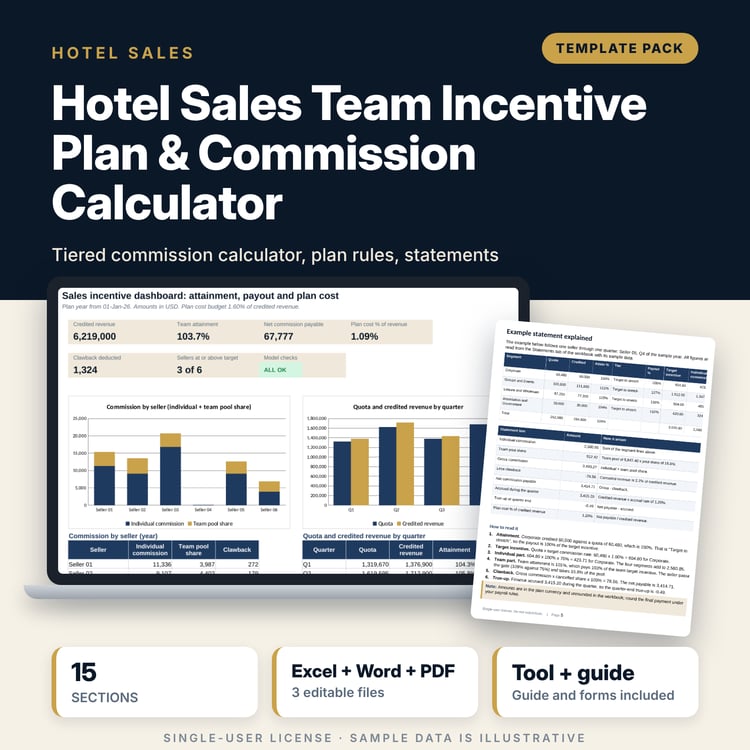
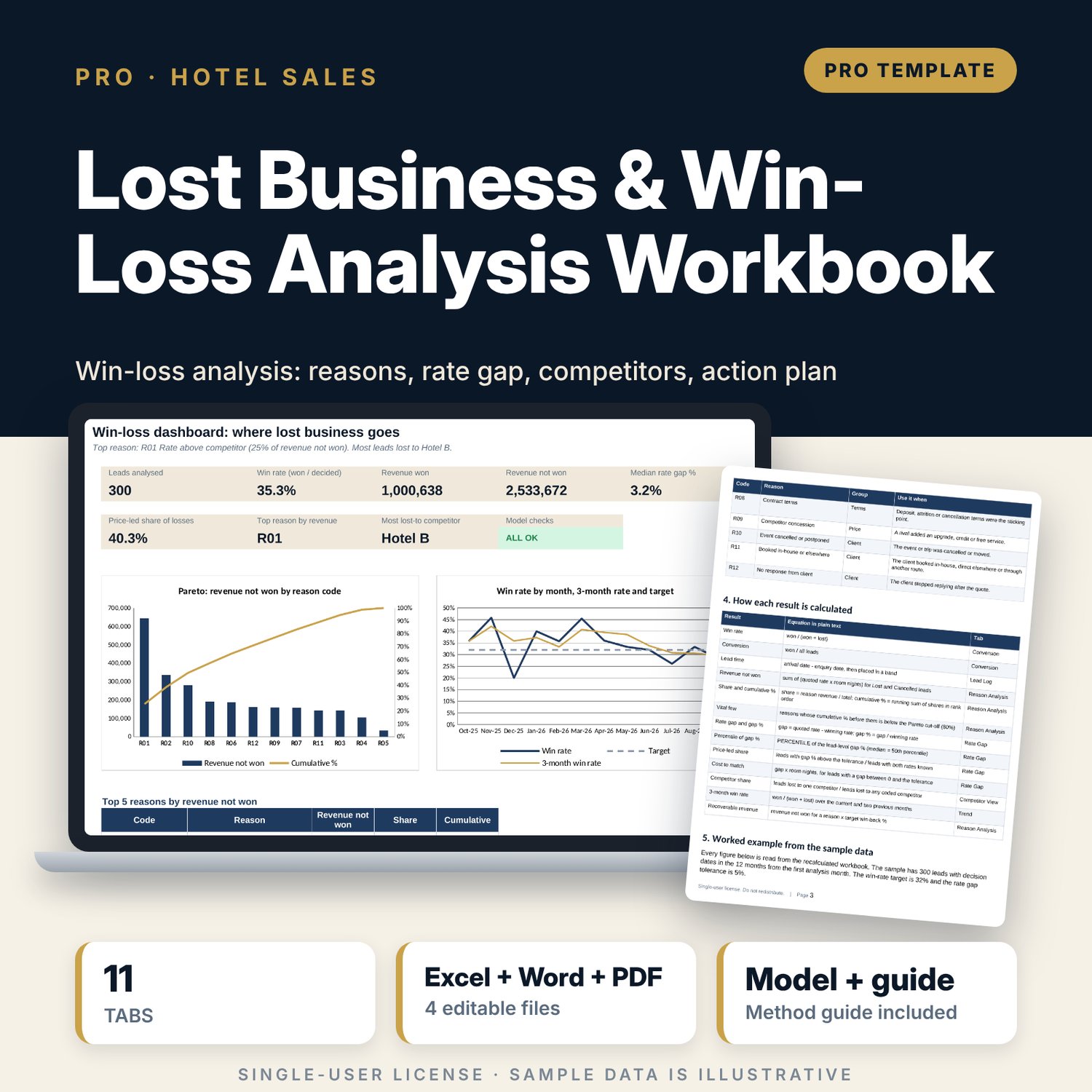
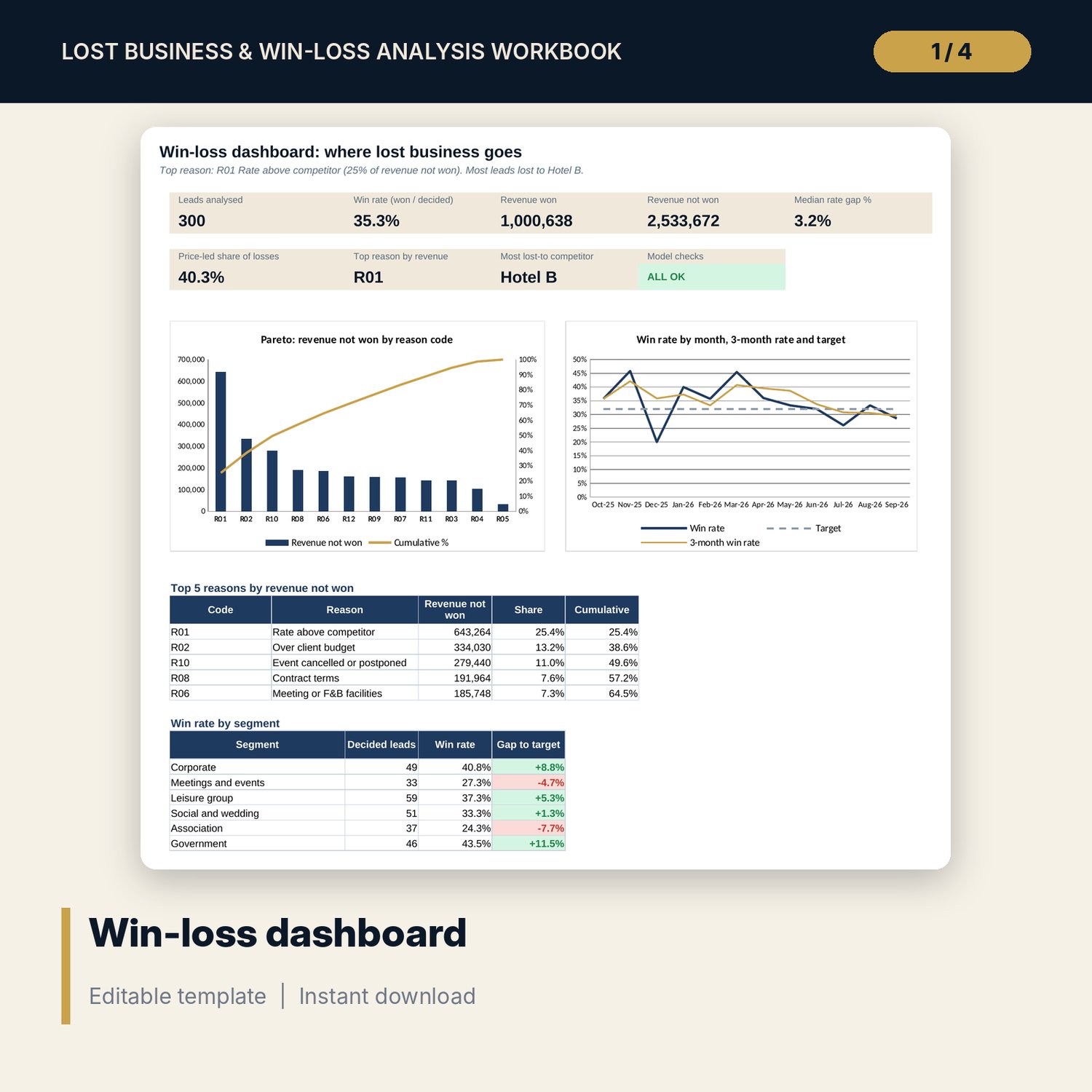
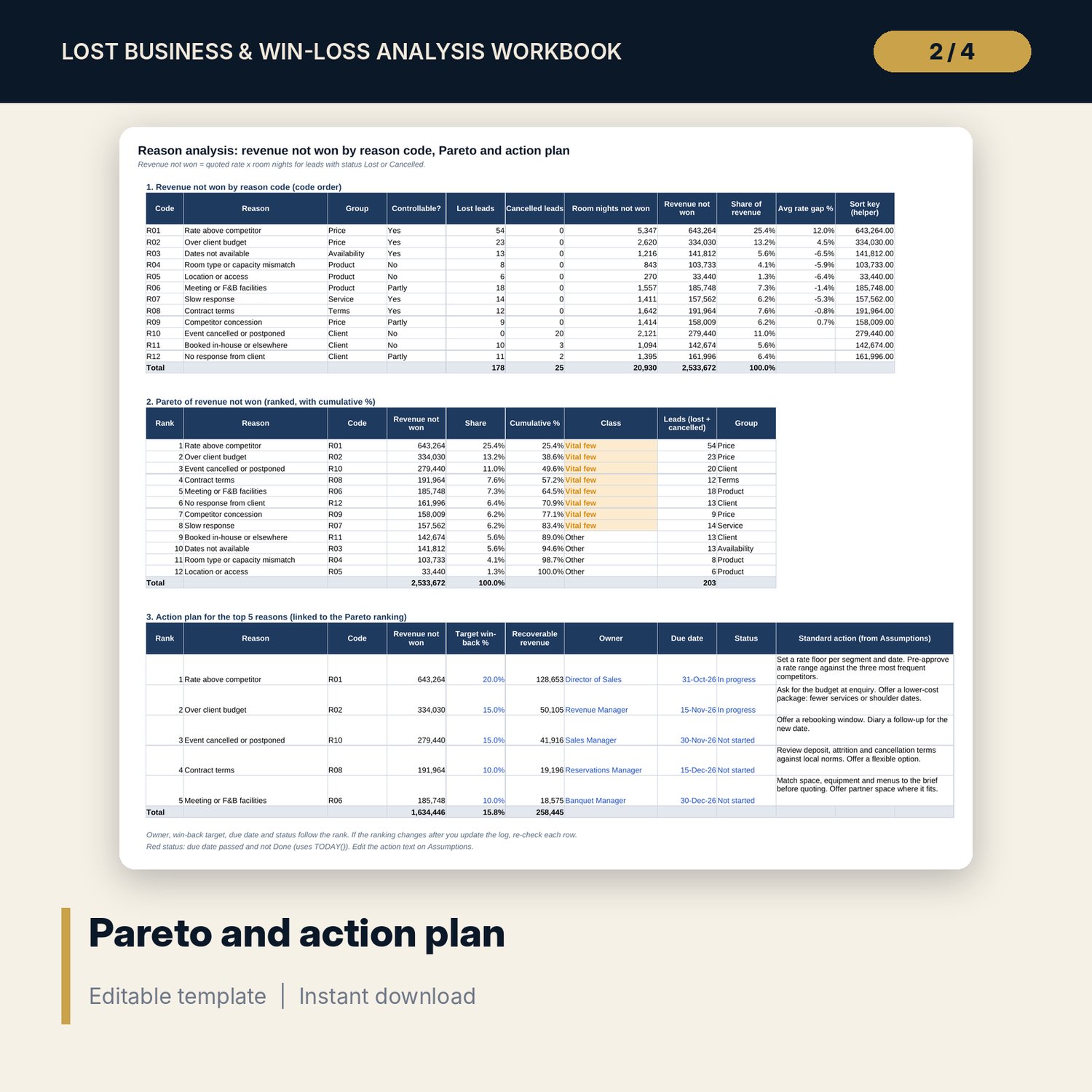
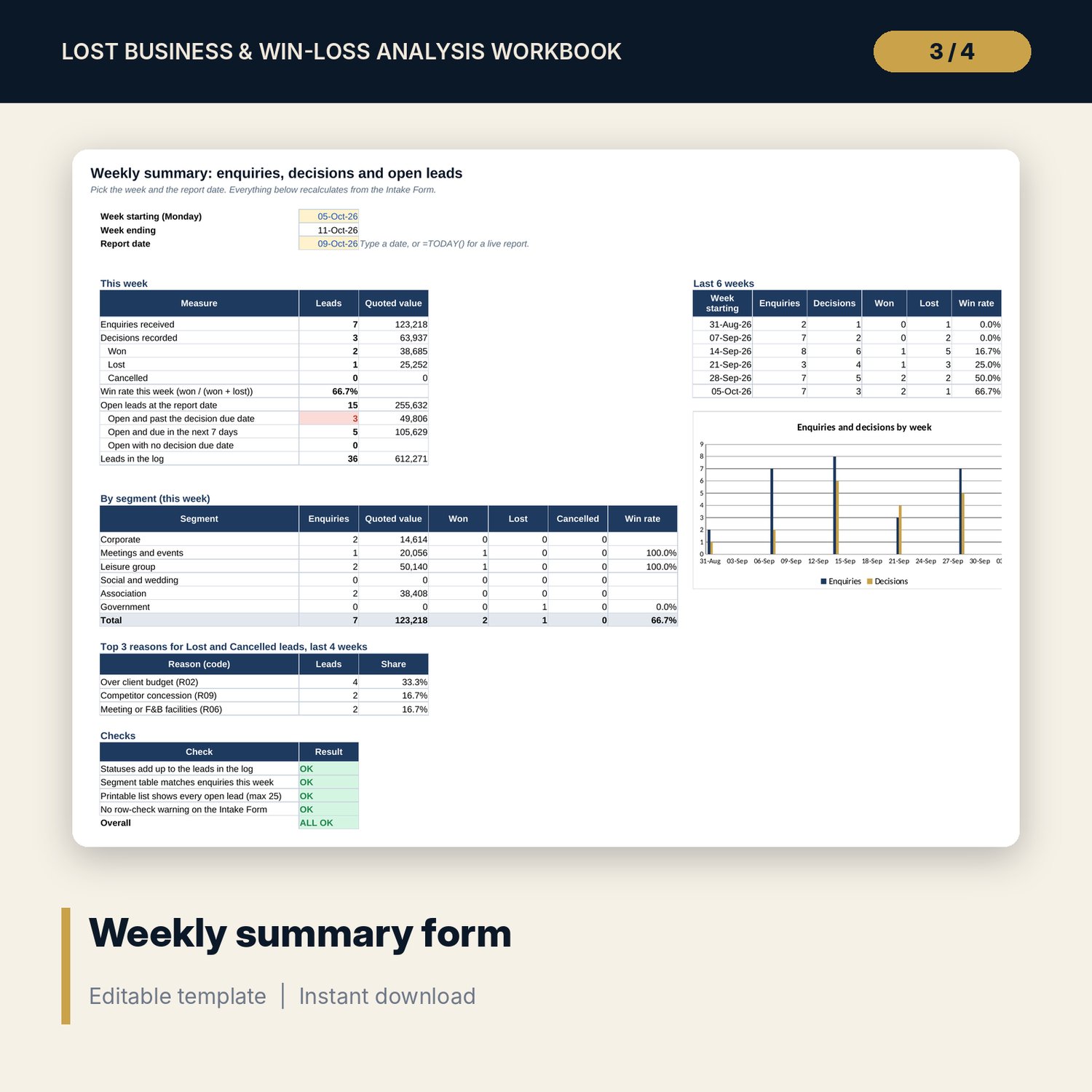
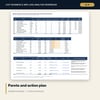
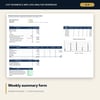
For directors of sales, revenue managers and hotel general managers who want to know why quotes are not converting. The workbook takes one row per lead (segment, source, dates, status, reason code, quoted rate, winning rate, room nights, competitor won-to) and reports win rate by segment, source and lead-time band with COUNTIFS, revenue not won by 12 reason codes with a ranked Pareto and cumulative %, the rate gap against the winning quote with PERCENTILE, the share of price-led losses, competitor won-to shares, and a monthly trend with a 3-month win rate. An action plan links the top 5 reasons to a standard action, owner, win-back target and due date. A companion Lead Log Form handles weekly intake, and a guide shows the method, a worked example and a monthly review routine.
What is inside
- Win_Loss_Analysis_Workbook.xlsx: 11 tabs, 5,044 formulas, 5 native charts, 11 drop-down and input rules
- Lead Log with 300 sample leads and 100 spare rows (400 rows in total, 22 columns)
- Conversion by segment (6), source (6) and lead-time band (6)
- Reason Analysis: 12 reason codes, ranked Pareto, top 5 action plan
- Rate Gap: percentiles, 8 gap bands, price-led share, cost to match; Competitor View with 5 coded competitors
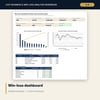
- Dashboard with 8 KPI tiles, a check tile and 2 charts; 8 checks; Method tab with 10 documented calculations
- Win_Loss_Analysis_Lead_Log_Form.xlsx: 3 tabs (intake form, weekly summary, printable list), 898 formulas, 6 drop-down and input rules, its own checks
- Win_Loss_Analysis_Guide.docx and PDF: 9 pages
- README.txt and LICENSE-and-Terms.txt
How it works
- Set the first analysis month, win-rate target and rate gap tolerance on Assumptions.
- Replace the sample leads on Lead Log with your own, one row per lead, with a reason code for every lost or cancelled lead.
- Read Conversion and Reason Analysis to find the weak segments and the vital few reasons.
- Read Rate Gap and Competitor View to see whether losses are price-led and who wins them.
- Assign owners, win-back targets and due dates on the action plan, then repeat each month using the guide.
Details
- Format: two .xlsx workbooks, one .docx and one PDF copy, English
- Software: Excel 2016 or later, or LibreOffice Calc 7 or later
- No macros, no external links, no array formulas
- Instant digital download, 4 files plus README and license
Good to know
- Sample data is illustrative. Replace it with your own figures before you act on any result.
- Reason codes record what the client told you. The workbook is a decision aid, not financial, legal or tax advice. Verify local requirements.
- Competitors are coded (Hotel A to Hotel E). No real names are used or needed.
- Single-user license. Do not redistribute.
FAQ
How many leads can the Lead Log hold?
400 rows: 300 sample leads and 100 spare rows. Formulas on the spare rows return blanks until you type a lead.
Can I rename segments, sources, competitors or reason codes?
Yes. Edit the lists and the reason table on Assumptions. The tabs read the new names.
What if I do not know the winning rate?
Leave it blank. The lead still counts in win rate, Pareto and competitor tables, but not in the rate gap statistics.
Does the Pareto re-rank when I change the data?
Yes. The ranking uses LARGE and INDEX/MATCH, so it follows the log. The action plan rows follow the rank.
Do I need macros or add-ins?
No. Every result is a standard worksheet formula.