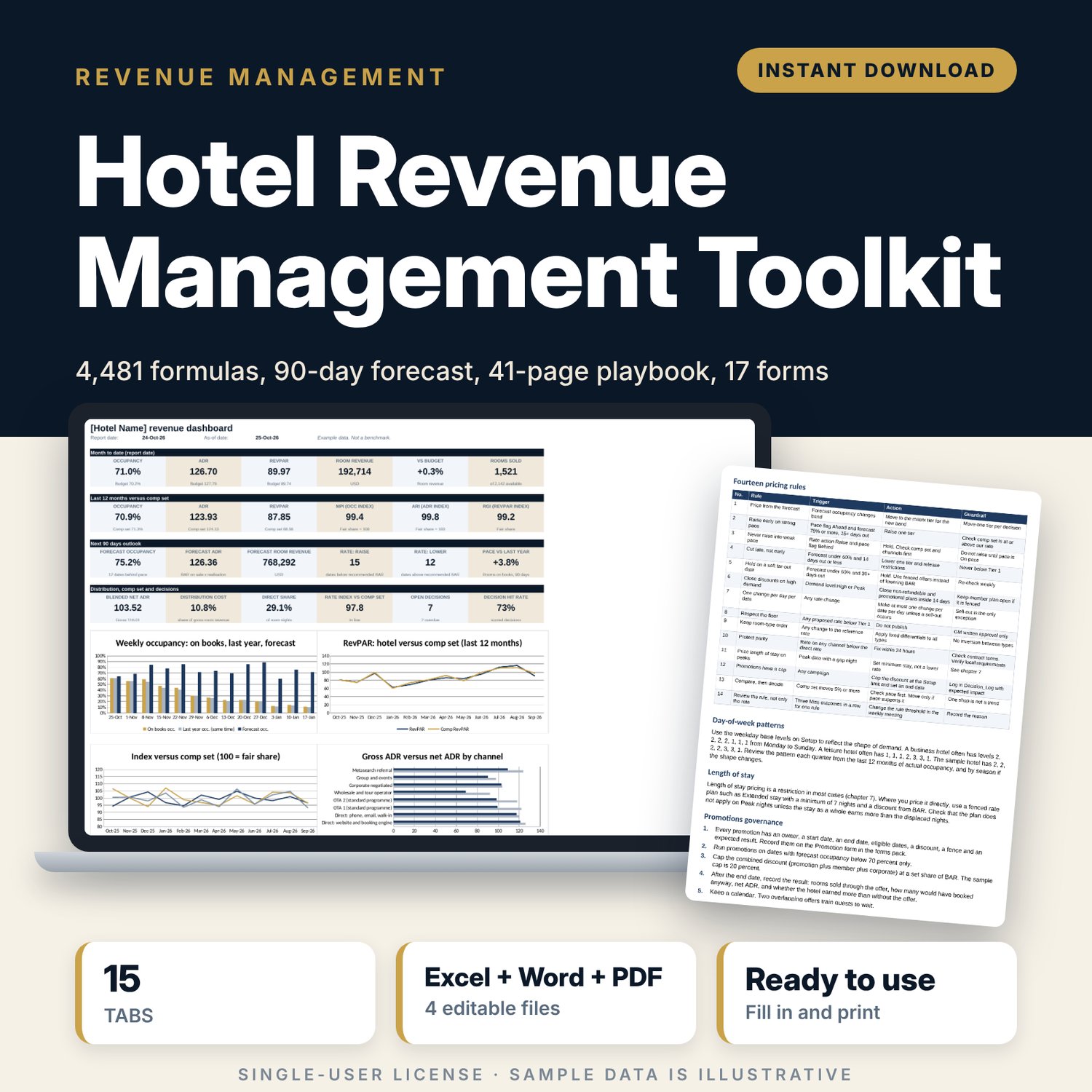
Hotel Revenue Management Toolkit: Pricing Workbook, Playbook and Forms
Full description
This toolkit is for revenue managers, general managers and owners of independent hotels who set rates without a large revenue team. It gives you a working method and the tools to run it: a workbook that turns your daily booking data into a rate and restriction recommendation, a playbook that explains each rule, and printed forms for the weekly meeting and for approvals. The method uses data you already have in your property management system. No software subscription is needed.
Save with a bundle: this template is also in the Hotel Sales, Marketing & Revenue Bundle, 14 templates for $39 instead of $100. All 141 templates are in the All-Access Hospitality Template Library for $79.
What is inside
Revenue_Management_Workbook.xlsx (15 tabs, 4,481 formulas, 4 charts, 16 drop-down ranges)
- Start Here: tab guide, five-step setup, colour legend
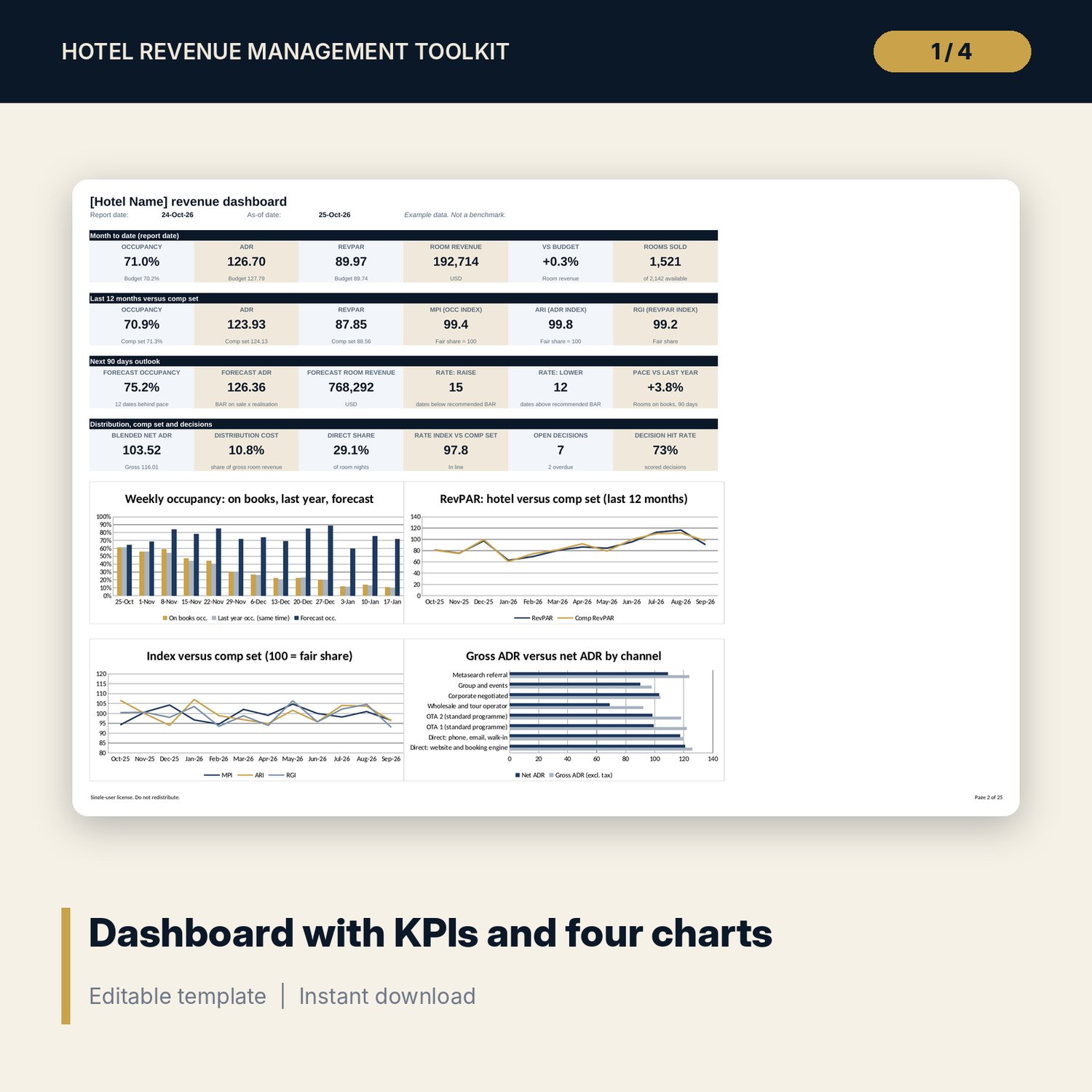
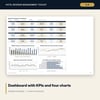
- Dashboard: month-to-date, last 12 months versus comp set, next 90 days, channel and decision metrics, four charts
- Setup: rooms, as-of date, pickup factor, tolerances, occupancy and lead-time bands, weekday base demand, drop-down lists
- Events and Demand_Calendar: 14 sample events scored Low to Peak, 90 dates with a demand level
- Rate_Matrix: six-tier BAR ladder, tier matrix by occupancy band and lead time, restrictions by demand level, six rate plans with fences
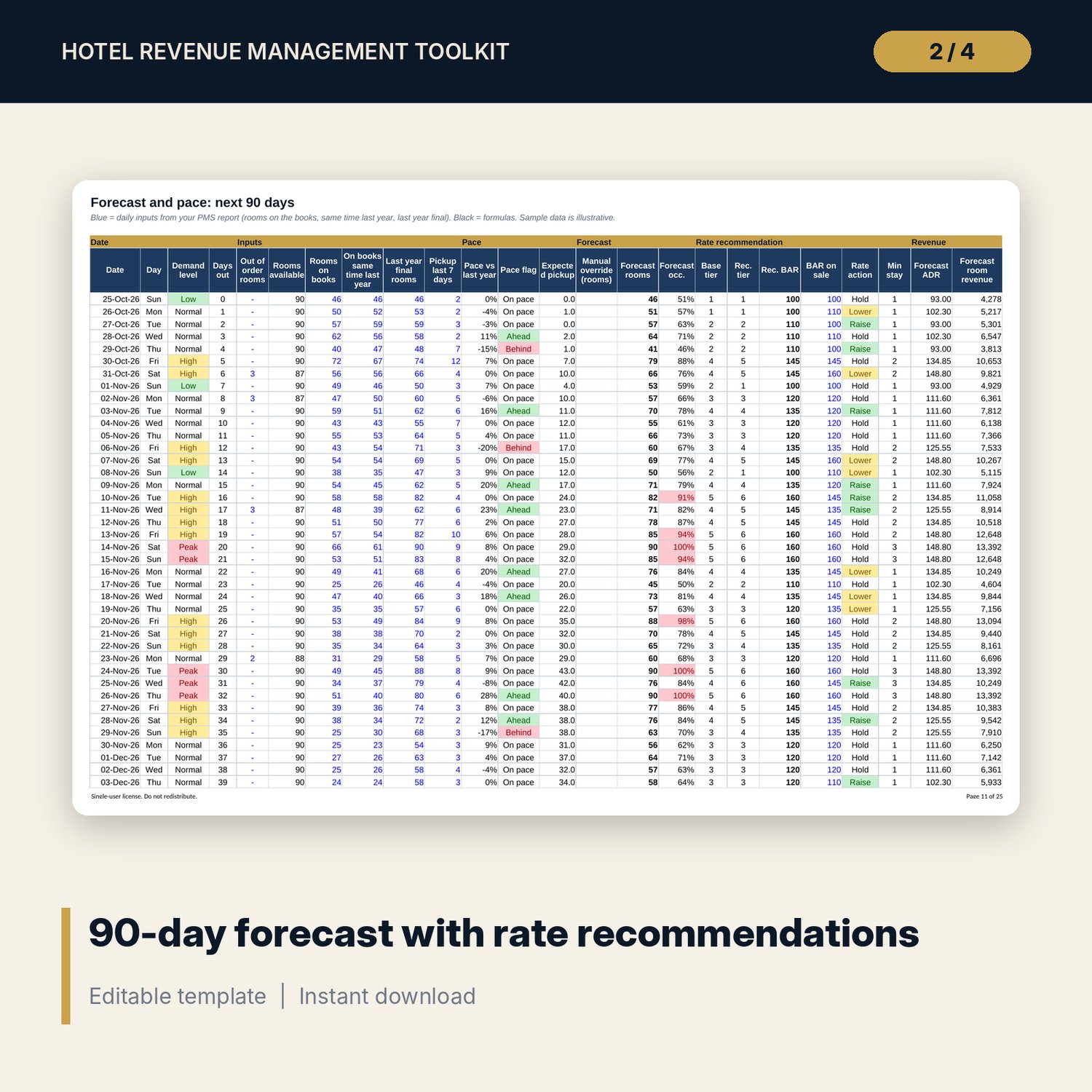
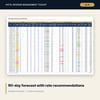
- Forecast_Pace: 90-day forecast from rooms on the books, last year and pickup. Pace flags, recommended BAR, rate action, minimum stay, revenue
- Pace_Tracker: 13 weekly blocks with pickup snapshots and pace versus last year
- CompSet_Log: rate shop log (60 sample shops) with summary by competitor, rate index and position
- Channel_Mix: net ADR after commission and fees for eight channels, plus a channel shift calculator
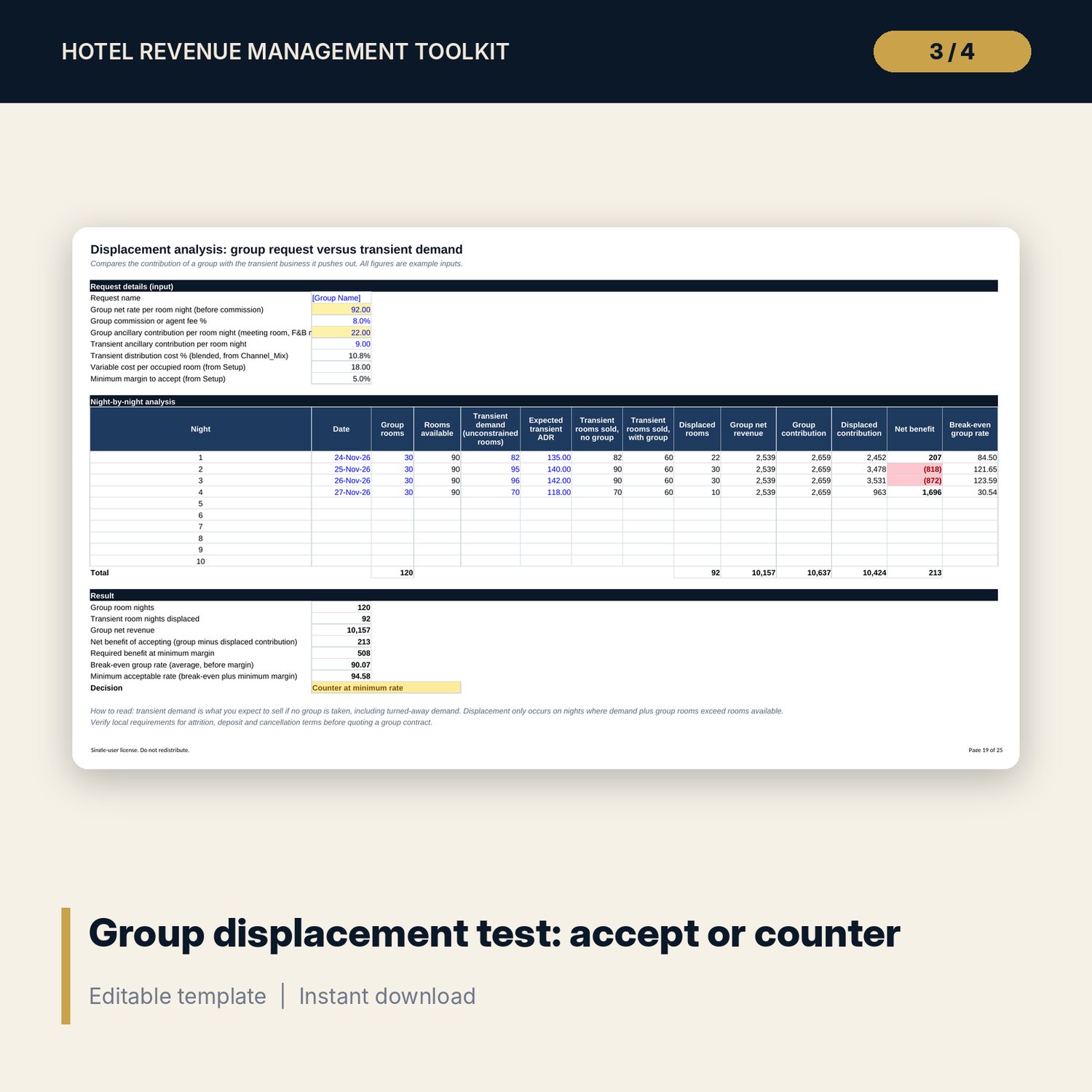
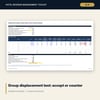
- Displacement: group request versus displaced transient demand, break-even rate, accept or counter
- Overbooking: show-up model, expected walks and empty rooms by overbooking level, capped recommendation
- Daily_Report: day and month-to-date panel versus budget, 7-day outlook, month day log (24 sample days)
- Decision_Log: weekly decision log (18 sample entries) with status, overdue flag and hit rate
- KPI_Monthly: 12 months of occupancy, ADR, RevPAR with comp-set MPI, ARI and RGI
RM_Playbook.docx (41 pages, 20 chapters)
- Foundations and metrics, data and setup, demand calendar and event scoring
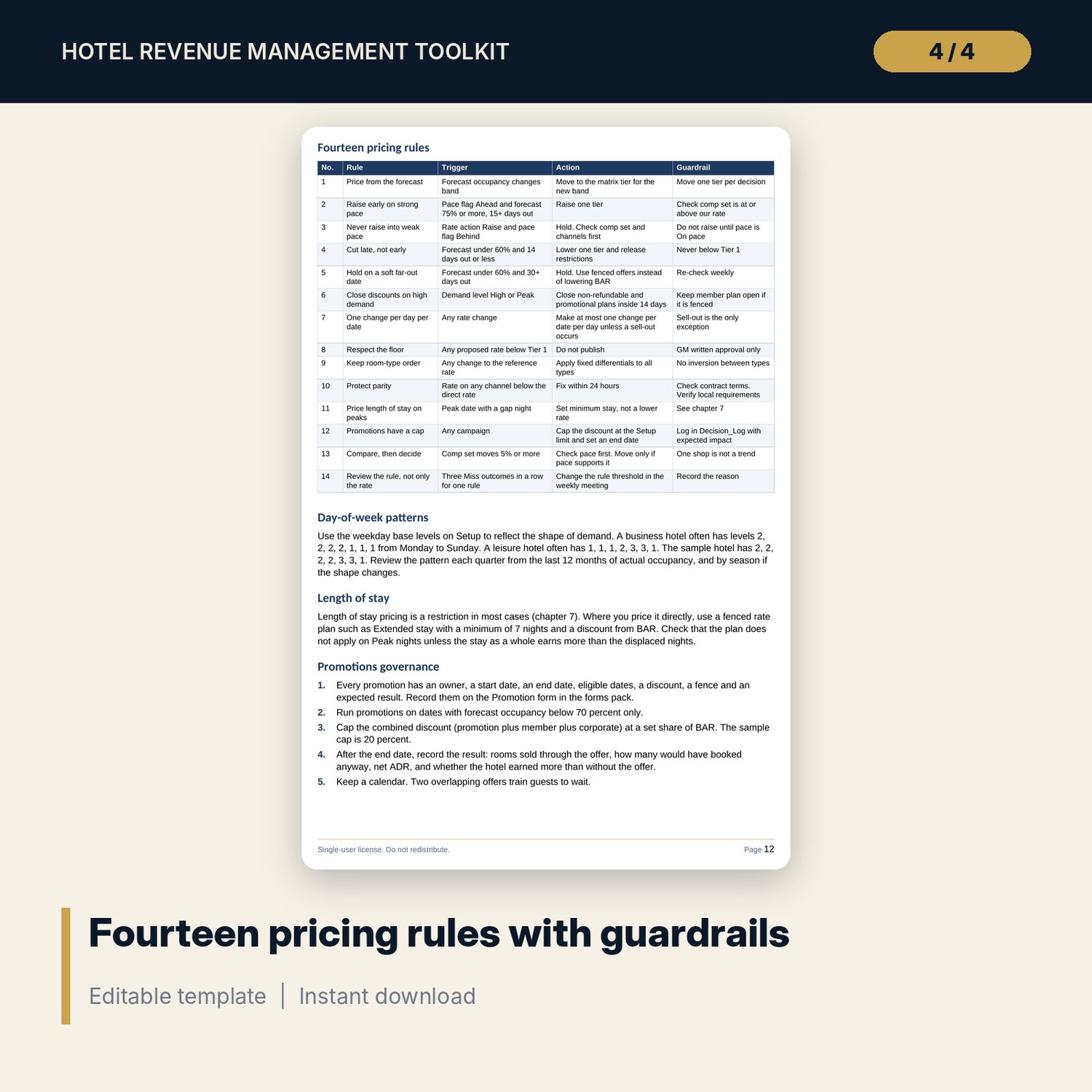
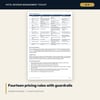
- 14 pricing rules, tier matrix logic, rate fences, restrictions, gap nights
- Forecasting and pace, comp-set shopping, channel net ADR, group displacement, overbooking and walk policy
- Daily routine, weekly meeting cadence, 18 if-then decision rules, authority matrix
- KPIs and variance analysis, 20 common mistakes, 90-day implementation plan, glossary (63 terms)
RM_Meeting_Agenda_and_Forms.pdf and .docx (17 forms, 19 pages)
- Weekly meeting agenda and minutes, daily checklist, pace review sheet
- Event impact assessment, rate change request, competitor shop sheet, group request evaluation
- Overbooking record, guest walk record, promotion proposal and post-mortem, channel review
- Forecast accuracy log, fence integrity check, monthly and quarterly review agendas, decision register
How it works
- Enter your rooms, today's date and your pricing rules on the Setup tab. Replace the example events.
- Each morning enter rooms on the books, last year on the books and last year final for the next 90 days. Change the as-of date.
- Read the flags: Ahead or Behind pace, Raise or Lower rate action, minimum stay. Apply the pricing rules in the playbook.
- Log comp-set shops, daily results and every decision. Use the Displacement and Overbooking tabs when a request needs them.
- Run the weekly meeting from the Dashboard and the printed agenda. Score last week's decisions.
Details
- Formats: XLSX (Excel workbook), DOCX (editable Word), PDF (print-ready forms)
- Language: English. Units: metric. Currency: a text label you set. Paper size: A4
- Software: Excel 2010 or later, LibreOffice or Google Sheets. No macros
- Delivery: digital download. Nothing is shipped
Good to know
- All figures, dates, events and competitor names are illustrative examples for a 90-room sample hotel. They are not market benchmarks.
- Tax, commission, cost and contract inputs are editable. Verify local requirements.
- The toolkit supports pricing decisions. It is not accounting, tax or legal advice.
- Single-user license. Do not redistribute.
FAQ
What software do I need? Excel 2010 or later, or LibreOffice Calc. The Word files open in Word or LibreOffice Writer. The PDF opens in any PDF reader.
Does it work in Google Sheets? The workbook has no macros and uses standard functions. Upload it to Google Drive and open it with Google Sheets. Check the charts and conditional formatting after import, because Sheets can display them differently.
Can I edit everything? Yes. Blue cells are inputs and black cells are formulas. You can change the tier ladder, bands, thresholds, events and rate plans. The Word files are editable and the forms can be reprinted.
Do I need a revenue management system or a PMS export? No. You type or paste three daily columns per date from your own reservation report. The workbook does the rest.
Is this a physical product? Can I get a refund? It is a digital download, so nothing is shipped. Refund terms follow the store policy for digital products. Read the preview images before you buy.
Who is it for? Revenue managers, general managers and owners of independent hotels, boutique hotels and serviced apartments with 20 to 300 rooms who want a clear pricing routine.