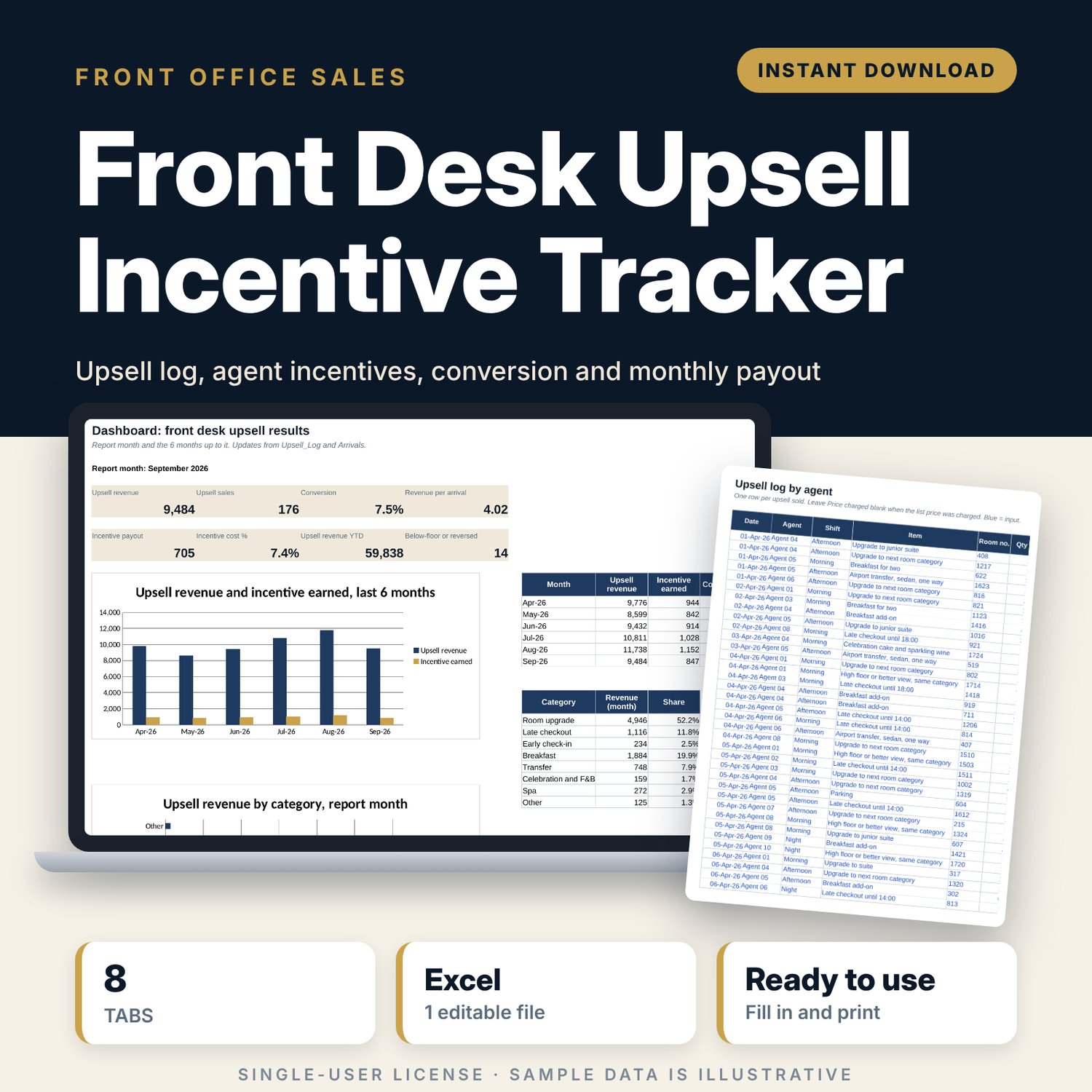
Front Desk Upsell Incentive Tracker: Hotel Upselling and Staff Incentive Spreadsheet
Full description
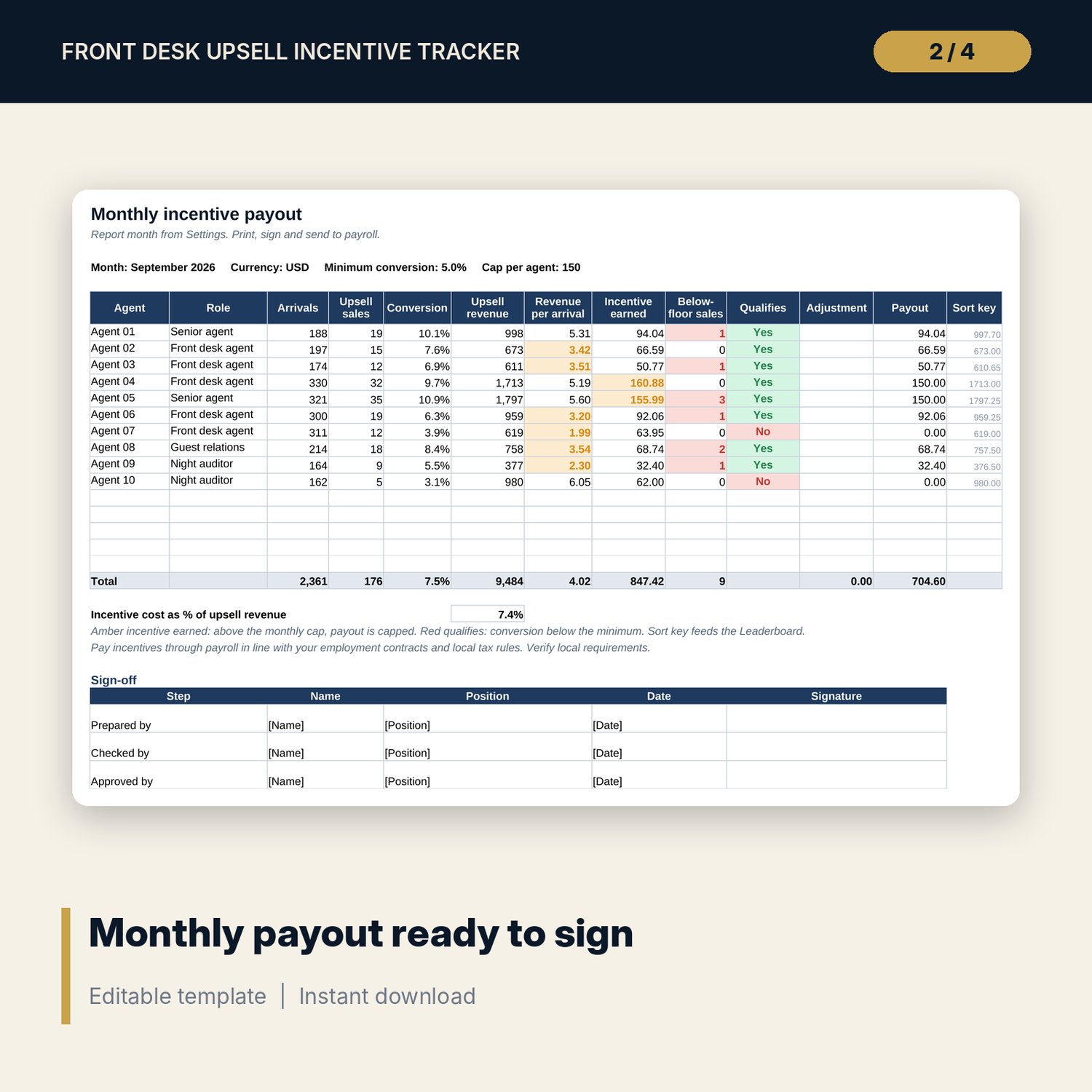
For front office managers and hotel general managers who run an upsell incentive for front desk agents and want the numbers to be clear and checkable. You set list prices and an incentive % for each item, agents log what they sell, and you enter monthly arrivals from the PMS. The workbook calculates revenue, conversion and revenue per arrival for each agent, applies your rules (discount floor, minimum conversion, monthly cap) and produces a payout sheet ready to sign, plus a leaderboard for the team briefing.
Save with a bundle: this template is also in the Hotel Sales, Marketing & Revenue Bundle, 14 templates for $39 instead of $100. All 141 templates are in the All-Access Hospitality Template Library for $79.
What is inside
- Front_Desk_Upsell_Incentive_Tracker.xlsx: 8 tabs, 19,136 formulas, 3 native charts, 14 drop-down or number rules. No macros.
- Settings: year, report month, maximum discount before incentive is lost, minimum conversion to qualify, target conversion, monthly cap per agent, target revenue per arrival, up to 15 agents, 8 upsell categories, 3 shifts, 3 statuses.
- Upsell_Price_Table: room for 30 items (16 sample items: room upgrades, late checkout, early check-in, breakfast, transfers, celebration, spa, parking) with list price, incentive %, incentive per unit, floor price, and month and year-to-date sales.
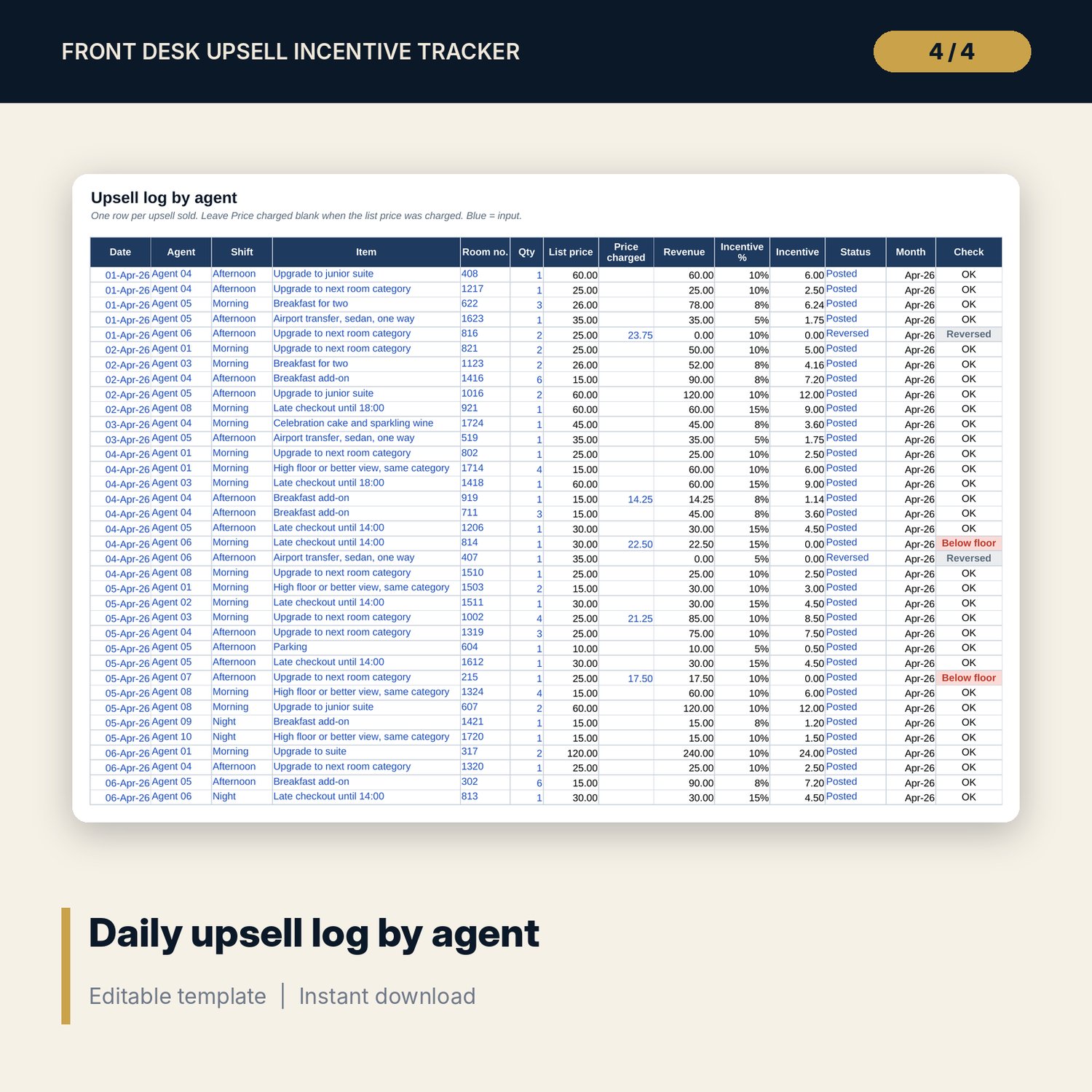
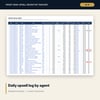
- Upsell_Log: room for 3,000 sales (1,183 sample rows). List price, revenue, incentive % and incentive fill in. Below floor, Pending and Reversed sales are flagged.
- Arrivals: arrivals checked in by each agent for 12 months, with upsell sales and conversion % grids calculated from the log.
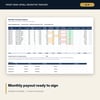
- Monthly_Payout: one printable page per month with arrivals, sales, conversion, revenue, revenue per arrival, incentive earned, qualification, cap, adjustments, payout and a 3-step sign-off.
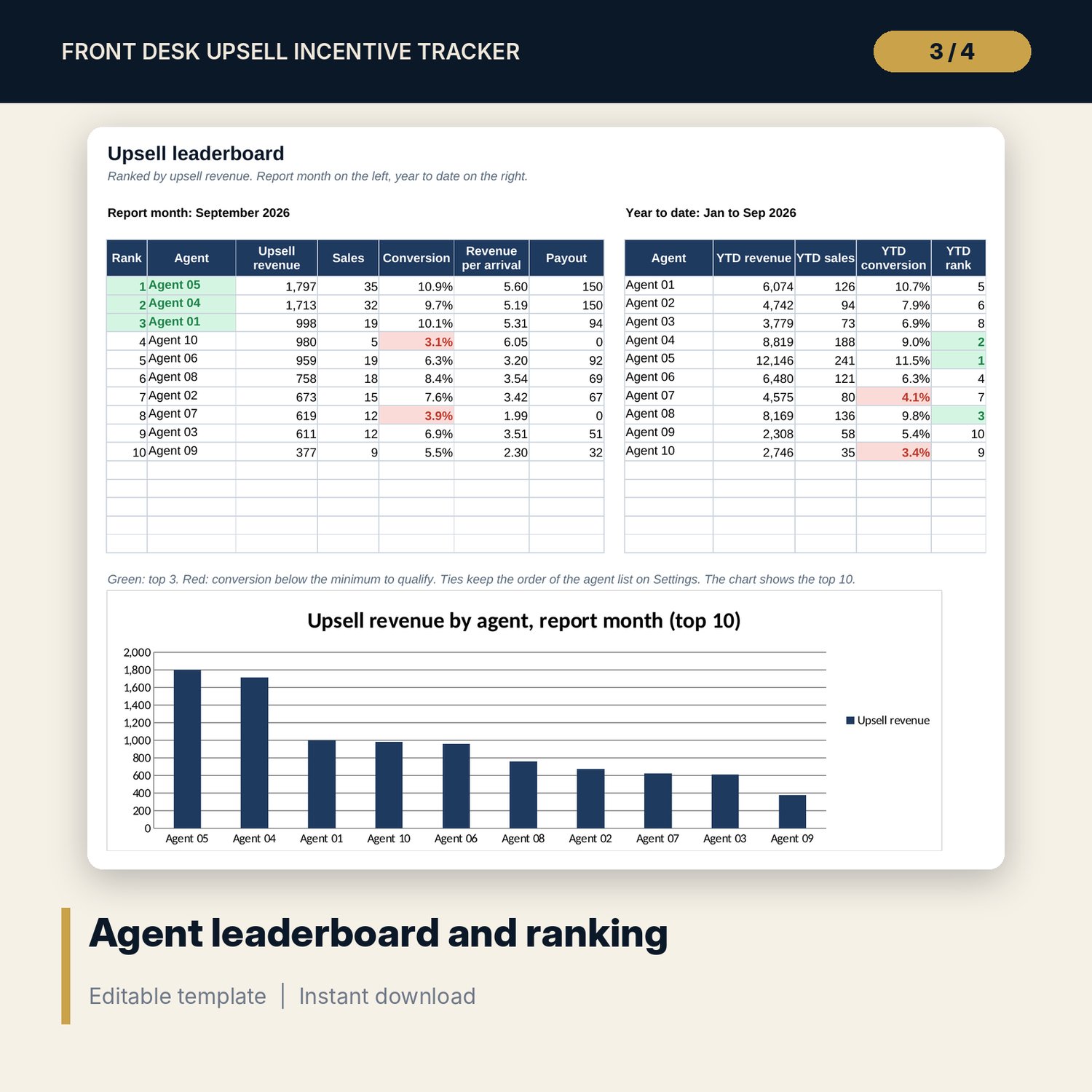
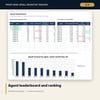
- Leaderboard: agents ranked by upsell revenue for the month, year-to-date rank, and a chart of the top 10.
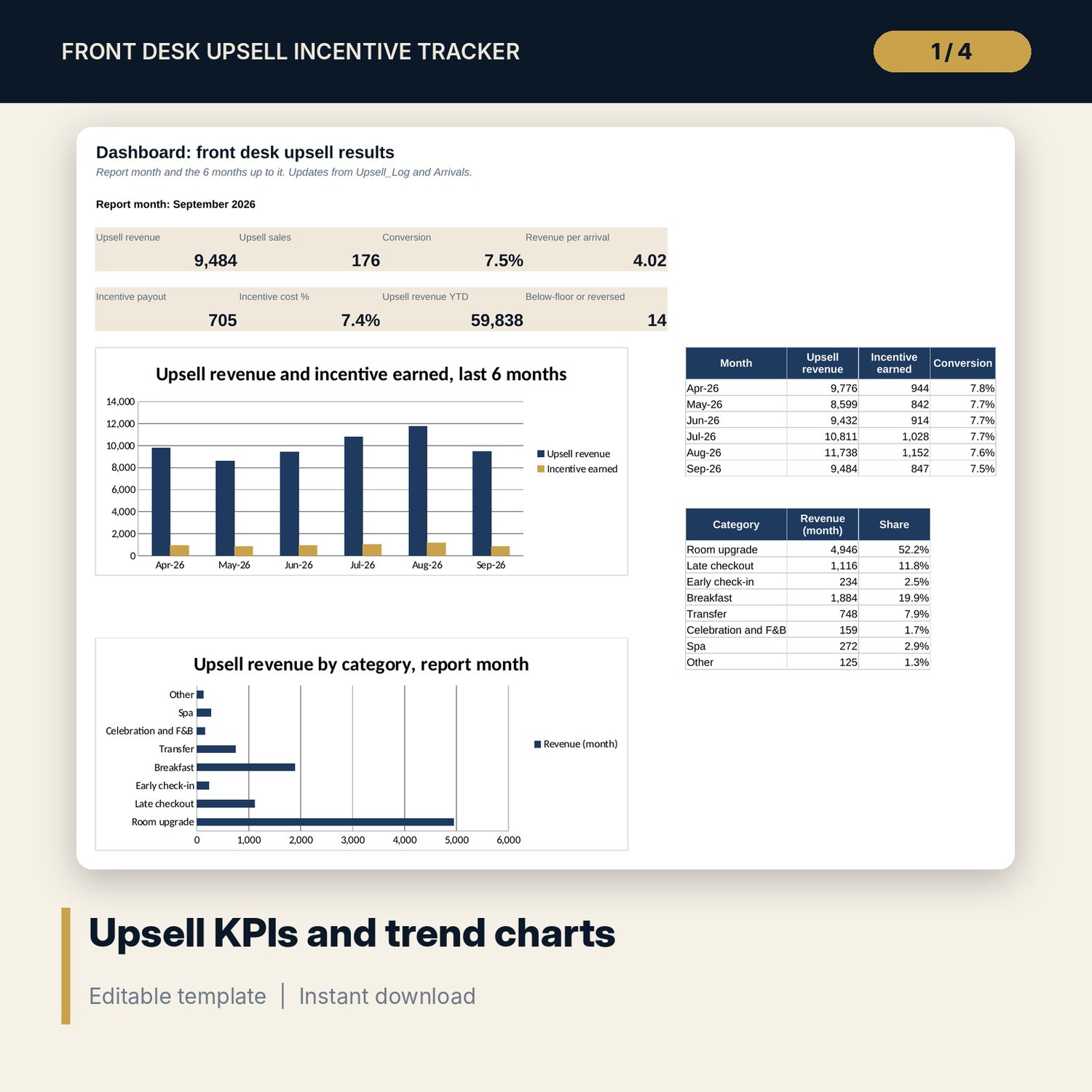
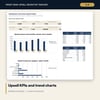
- Dashboard: 8 KPI tiles, revenue and incentive for the last 6 months, and revenue by category.
- README.txt and LICENSE-and-Terms.txt.
How it works
- Set the year, report month and incentive rules on Settings, and list your agents.
- Enter list prices and incentive % for each item on Upsell_Price_Table.
- Agents log each sale on Upsell_Log at the end of the shift.
- At month end, enter arrivals checked in by each agent from the PMS report.
- Print Monthly_Payout for sign-off and share the Leaderboard at the team briefing.
Details
- Format: Excel workbook (.xlsx). No macros.
- Language: English. Currency is a label you choose.
- Software: Excel 2016 or later, or a spreadsheet program that opens .xlsx files, such as Google Sheets.
- Delivery: instant digital download. Nothing is shipped.
Good to know
- All sample agents, prices, incentive rates, arrivals and sales are illustrative. Replace them with your own data.
- Incentive rules are examples. Pay incentives in line with your employment contracts and local payroll and tax rules. Verify local requirements.
- Single-user license. Do not share or resell the files.
FAQ
How is conversion calculated?
Upsell sales (Reversed excluded) divided by arrivals the agent checked in that month. Arrivals come from your PMS arrivals report by user.
Which sales earn incentive?
Only Posted sales charged at or above the floor price. Pending and Reversed sales earn nothing, and sales below the floor are flagged red.
Can I use different incentive rates per item?
Yes. Each item on Upsell_Price_Table has its own incentive %. Rates above 20% show amber as a check.
Does it work in Google Sheets?
It opens in Google Sheets and the formulas calculate. Check the drop-downs after import.
Is this a physical product?
No. It is a digital download. Refund terms follow the store policy at the time of purchase.