
Meeting Package Pricing & Margin Model: Day Delegate Rate and Residential Package Pricing Calculator
Full description
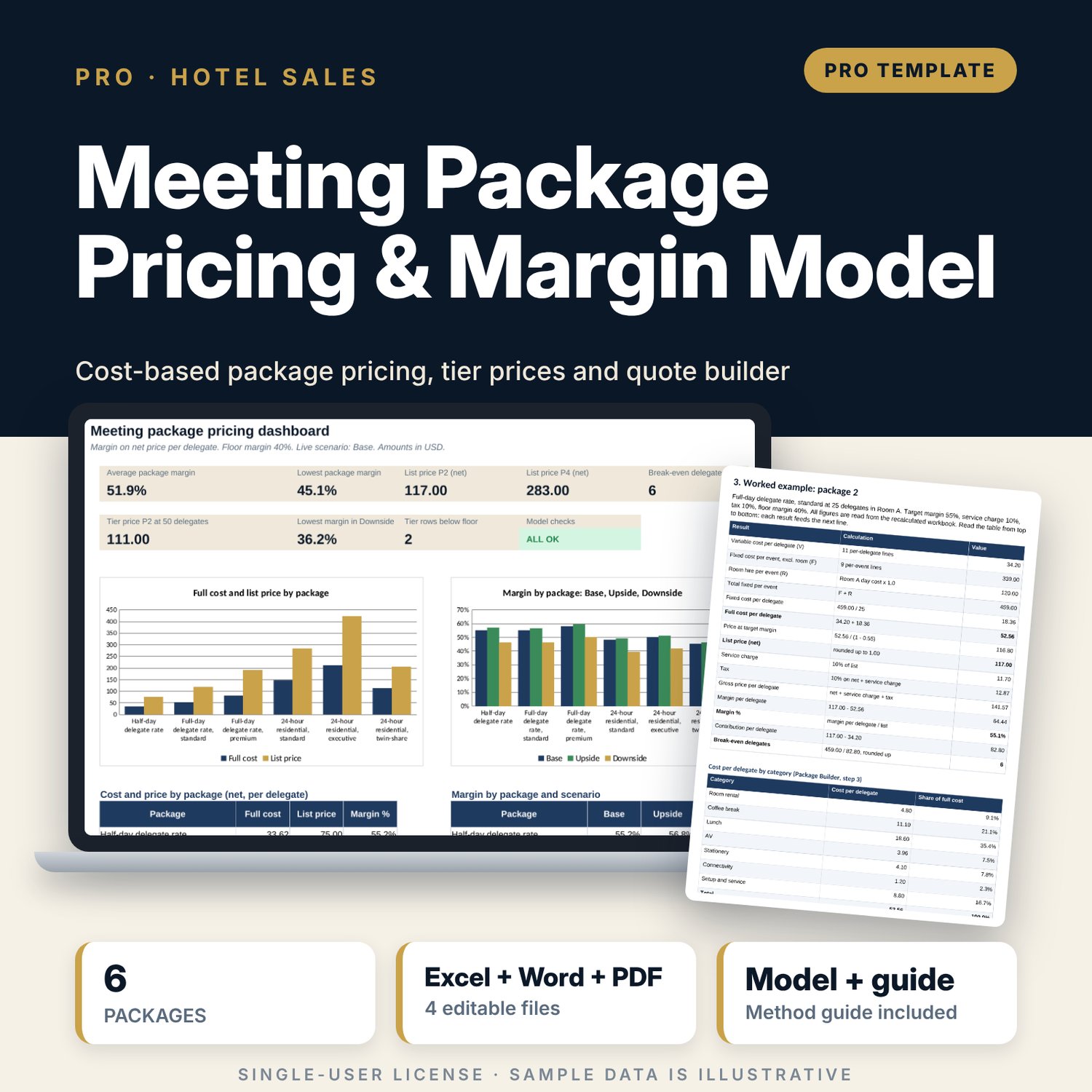
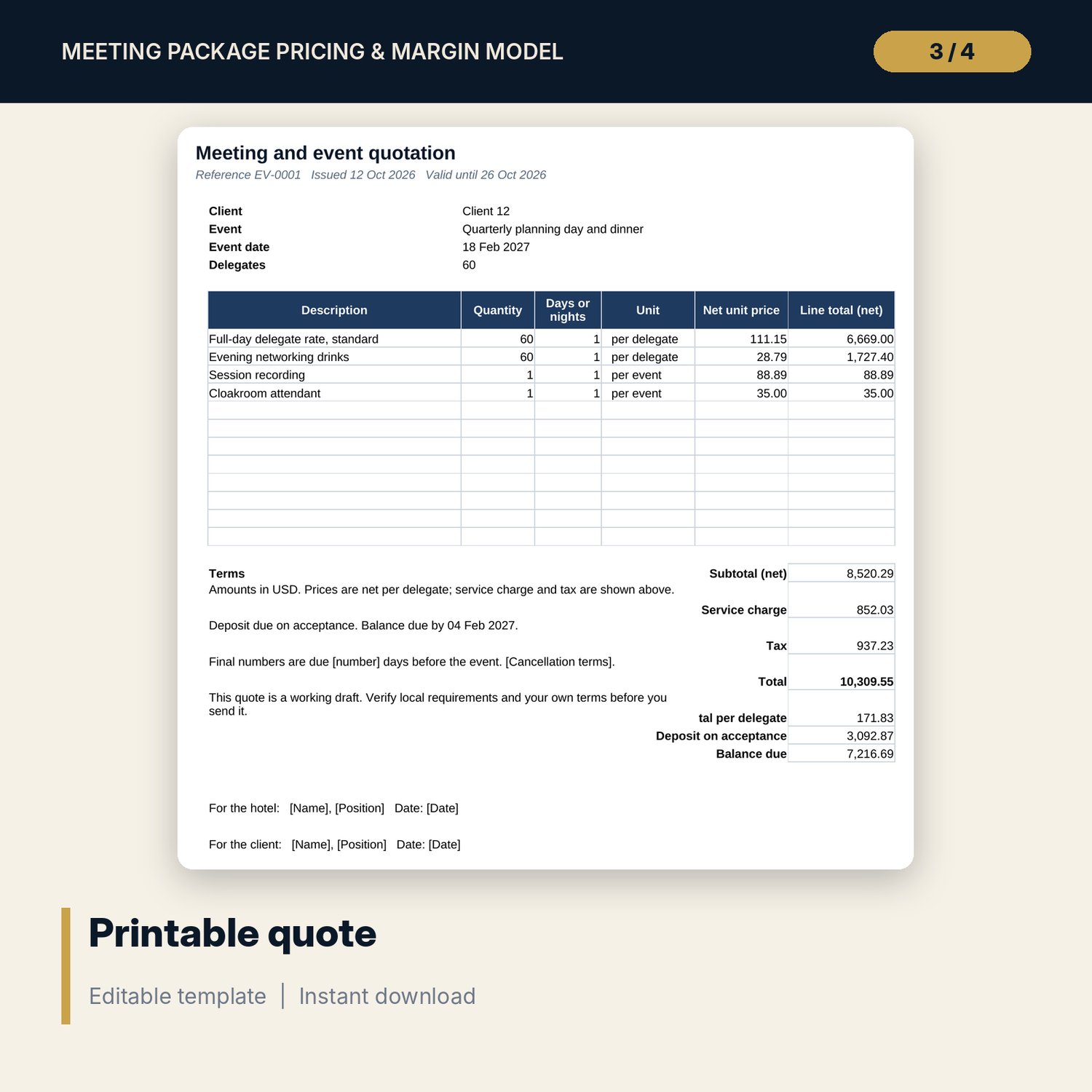
For hotel sales managers, directors of sales, revenue managers and catering managers who set the price of day-delegate and 24-hour residential meeting packages. The model builds each package from 60 component cost lines (coffee breaks, lunch, dinner, breakfast, AV, stationery, Wi-Fi, accommodation, set-up and service), spreads fixed event costs and room hire over the expected delegates, and finds the price at your target margin. It shows margin, break-even delegates and three negotiation floors for each package, prices each package at group sizes of 10, 25, 50, 100 and 200 with volume discounts, and tests margin in Base, Upside and Downside scenarios and across a grid of discount and delegate count. A separate quote builder turns the price list into a printable quote.
What is inside
- Meeting_Package_Pricing_Model.xlsx: 9 tabs, 1,164 formulas, 2 native charts, 22 drop-down and input rules
- Components: 60 sample cost lines plus 10 spare lines, with unit cost, basis, target cost % and quantities for 6 packages
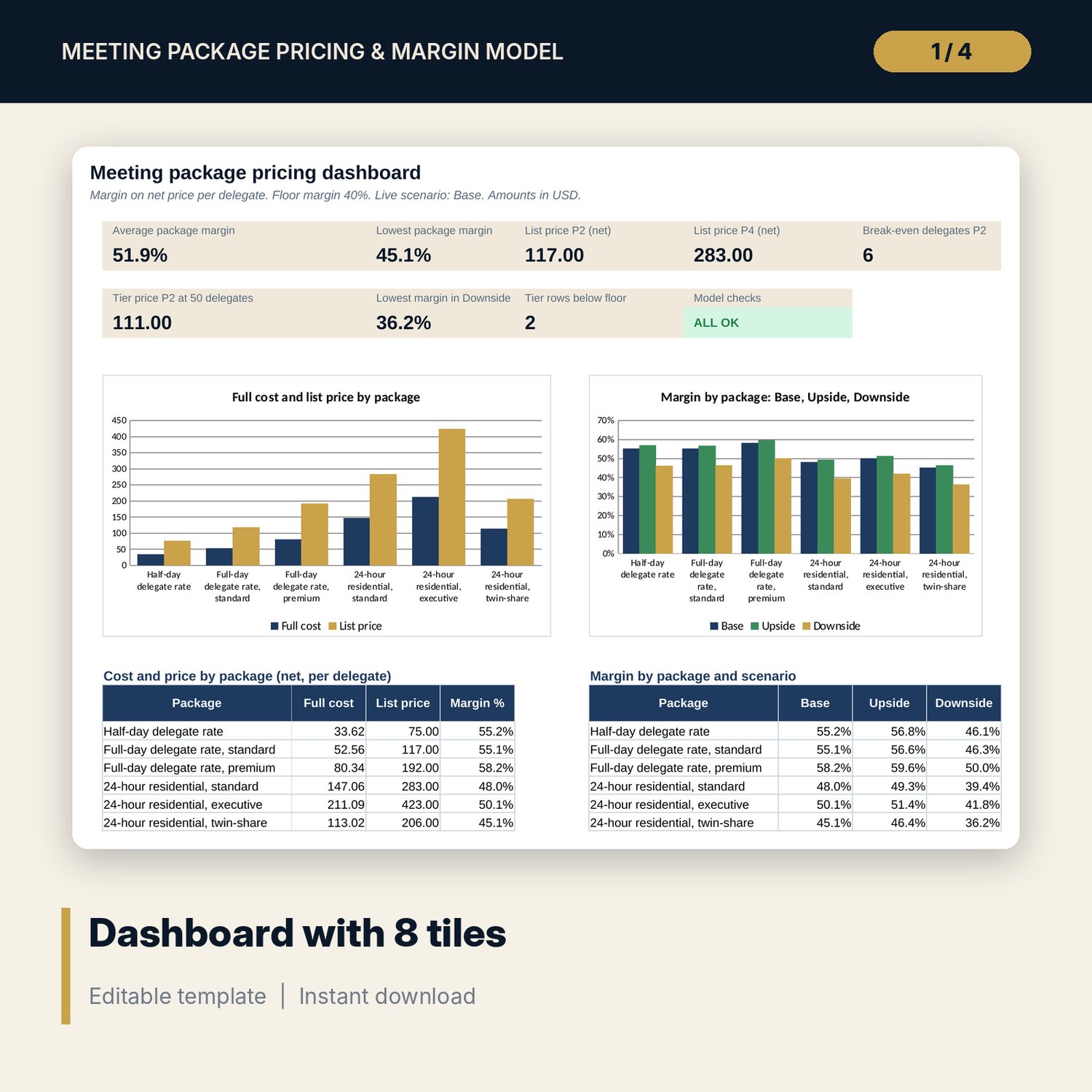
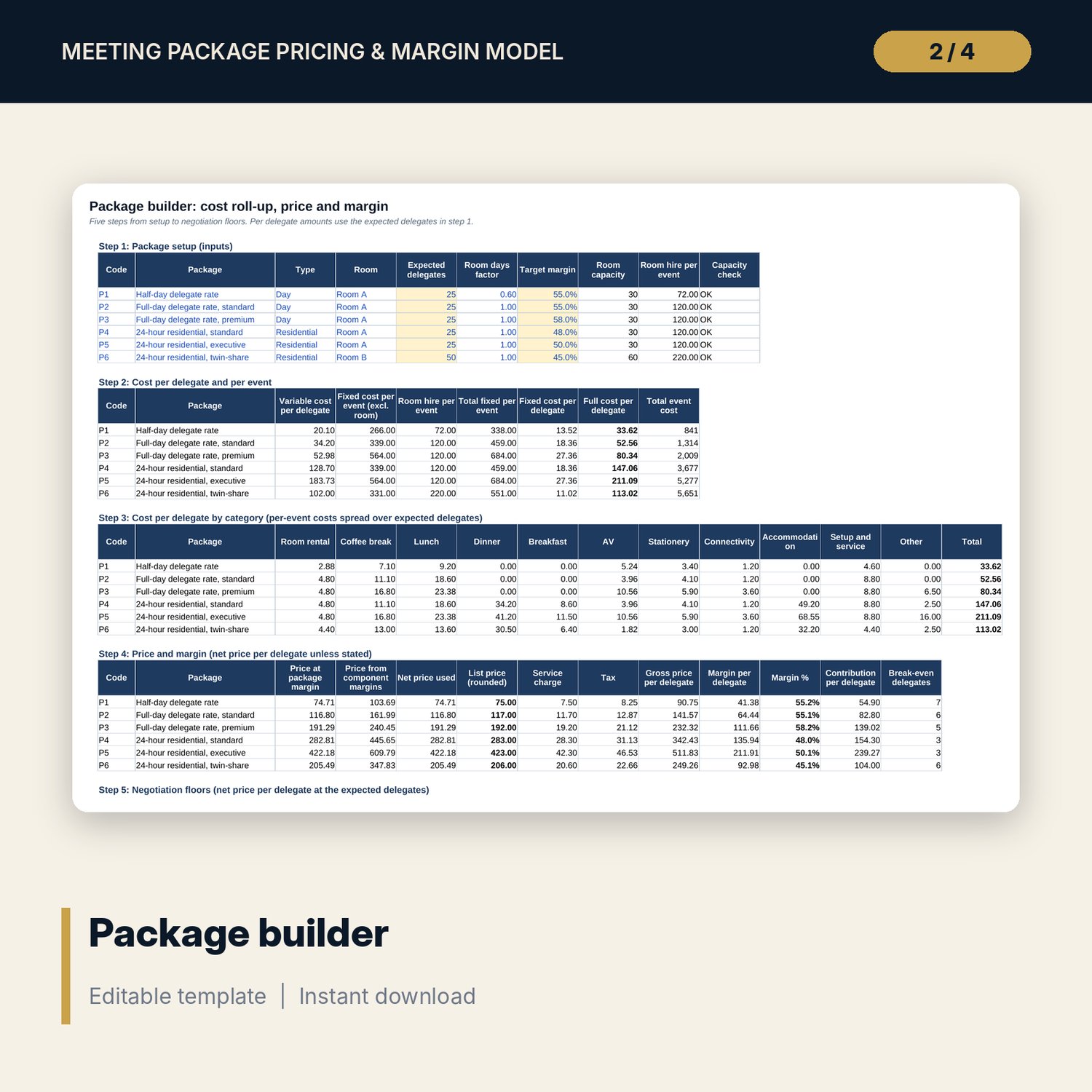
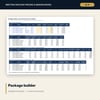
- Package Builder: 6 packages in 5 steps (setup, cost roll-up, cost by category, price and margin, negotiation floors)
- Tier Pricing: 30 rows (6 packages x 5 group sizes) with room, discount, margin and flags
- Scenarios: Base, Upside and Downside drivers, margin by package, and a sensitivity grid of 6 discounts x 9 delegate counts
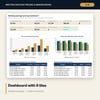
- Dashboard with 8 tiles and a check tile, 2 charts, 8 checks and a Method tab with 12 documented calculations
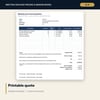
- Meeting_Package_Pricing_Quote_Builder.xlsx: 4 tabs, 305 formulas, 5 checks: event inputs, package pick, quote lines and a printable quote
- Meeting_Package_Pricing_Guide.docx: 10 pages with method, a worked example read from the workbook, tier and scenario tables, negotiation floors, mistakes, a 14-item checklist and a glossary (DOCX and PDF)
- README.txt and LICENSE-and-Terms.txt
How it works
- Enter service charge, tax, floor margin, rooms and group-size tiers on Assumptions.
- Enter your unit costs and the quantity of each line in each package on Components.
- Read the price, margin and break-even delegates on Package Builder, and the tier prices and flags on Tier Pricing.
- Test cost inflation, room hire and discount depth on Scenarios and read the floors in step 5.
- Copy the list prices into the Quote Builder and print the quote.
Details
- Formats: two .xlsx workbooks, one .docx guide and its PDF copy, English
- Software: Excel 2016 or later, or LibreOffice Calc 7 or later; any word processor that opens .docx
- No macros, no external links, no data tables, no array formulas
- 4 files plus README and licence; instant digital download
Good to know
- Sample data is illustrative. Replace it with your own costs and prices.
- Service charge and tax rates are placeholders. Verify local requirements. This is a pricing tool, not financial, tax or legal advice.
- Room hire is a cost allocation that you set. Accommodation lines use a cost basis.
- Single-user license. Do not redistribute.
FAQ
How is the package price calculated?
Full cost per delegate is variable cost plus fixed cost and room hire divided by expected delegates. The price is that cost divided by one minus the target margin, rounded up to your step. You can switch to a component-margin method on Assumptions.
How does tier pricing work?
Each package is priced at five group sizes. The cost is recalculated at each size with the room that group needs, then the volume discount is applied. Rows below your floor margin are flagged. A negative discount is a small-group surcharge.
What are the negotiation floors?
Step 5 of Package Builder shows the floor price at your floor margin, the break-even price at full cost and the variable cost floor, with the largest discount to each.
Can I change the packages and components?
Yes. Components has 10 spare lines. Each package picks lines by quantity. Package names, rooms, expected delegates and target margins are inputs.
Does it need macros or add-ins?
No. Every result is a standard worksheet formula, including the sensitivity grid.